
Compress Image Online for Free
or drop files here
Reduce JPEG, PNG, WebP and SVG file sizes directly in your browser. No upload, no account, nothing leaves your device.
Done in three steps.
Drop your file
Loads into browser memory. Nothing is transmitted to any server at any point.
WebAssembly runs on your CPU
Compression happens locally using the MozJPEG and libwebp WebAssembly encoders. No network request is made for your file.
Save and done
The result saves directly to your device. Close the tab and browser memory clears completely. Nothing is stored or logged.
What is image compression?
A way to shrink file size by discarding redundant pixel data. A smartphone photo starting at 8 MB can compress below 400 KB with no visible difference at screen sizes, cutting load time and bandwidth in one step.
Websites and landing pages
Every extra kilobyte increases page load time. A 3 MB hero image compressed to 200 KB loads 15x faster, and Google notices. Compress every image before uploading to your CMS.
Email attachments
Gmail limits attachments to 25 MB; Outlook.com to 20 MB; many corporate mail servers to 10 MB. Compressing first makes attachments send reliably.
Social media uploads
Instagram, Facebook, and X recompress images on upload, often degrading quality. Uploading a pre-compressed image gives you control over the final output quality.
E-commerce product photos
Shopify, WooCommerce, and Amazon require fast-loading product images. Compressing photos reduces page load time, lowers bounce rate, and improves conversion.
App and game assets
Sprite sheets, backgrounds, and UI textures must be compact to minimise load time and memory usage on mobile devices.
JPEG, PNG, WebP, SVG — which format?
The right format depends on the image type and intended use.
| Format | Best for | Transparency | Typical reduction |
|---|---|---|---|
| JPEG | Photos, gradients, complex imagery | No | 60-80% |
| PNG | Logos, icons, screenshots, transparency | Yes | 40-70% |
| WebP | Web delivery, replaces JPEG and PNG | Yes | 25-35% vs JPEG |
| SVG | Icons, logos, diagrams (vector only) | Yes | 10-50% |
Choosing the right quality setting
| Quality range | Best for | Typical reduction |
|---|---|---|
| 85-100 | Print, archival, source files for future editing | 10-30% |
| 75-85 | Web images, blog posts, social media | 50-75% |
| 60-75 | Email attachments, preview thumbnails | 65-80% |
| Below 60 | Small thumbnails where size is the only priority | 75-90% |
Your files never leave your browser.
Most online tools upload your file to a server, process it remotely, then send it back. This tool is architecturally different. Compression runs via WebAssembly and JavaScript on your CPU. There is no server that receives your image. Not even temporarily.
No file data transmitted over the network at any point
No account, sign-in, or email required to use any feature
Closing the tab clears all data from browser memory completely
Open-source processing: MozJPEG, libwebp and UPNG.js
Questions answered.
How much can I compress without losing quality?
Does compressing an image reduce its pixel dimensions?
What quality setting should I use for web images?
What is the difference between lossy and lossless compression?
Is there a file size limit?
Can I compress multiple images at once?
Is my image uploaded to a server?
Which formats are supported?
Will the compressed image look different when printed?
Can I compare the original and compressed image?
More tools you might need.
Related Guides & Tutorials
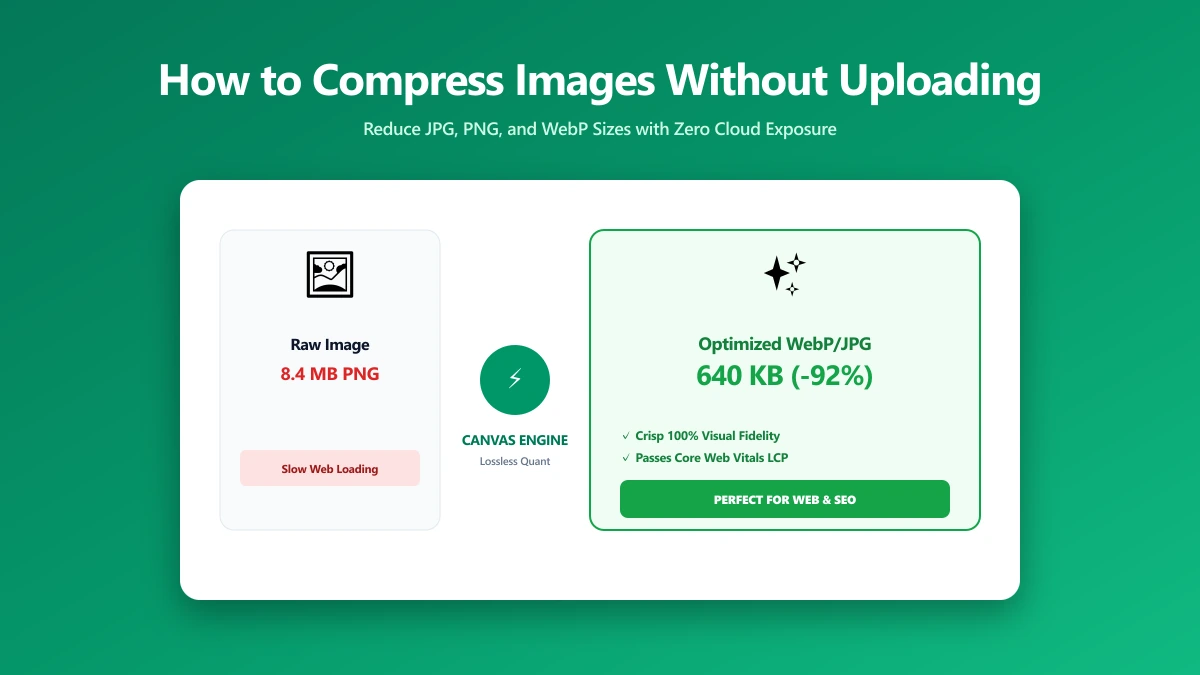
How to Compress an Image Without Uploading It (Step by Step)
Want to compress a photo or image without uploading it to a server? Here is exactly how, using a free browser-based compressor that never sends your file anywhere.
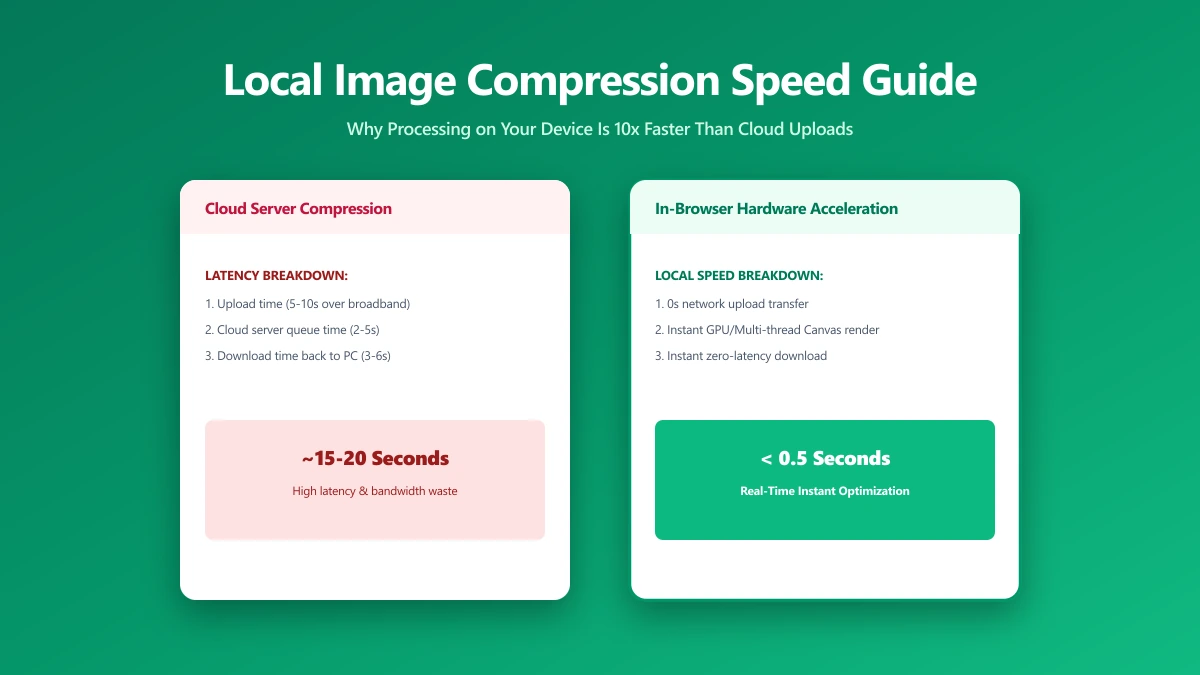
Local Image Compression: Why Processing on Your Device Is Often Faster, Too
Local image compression means your photo is compressed on your own device instead of a server. Here is what that means for quality, speed, and privacy, with a real-world comparison.
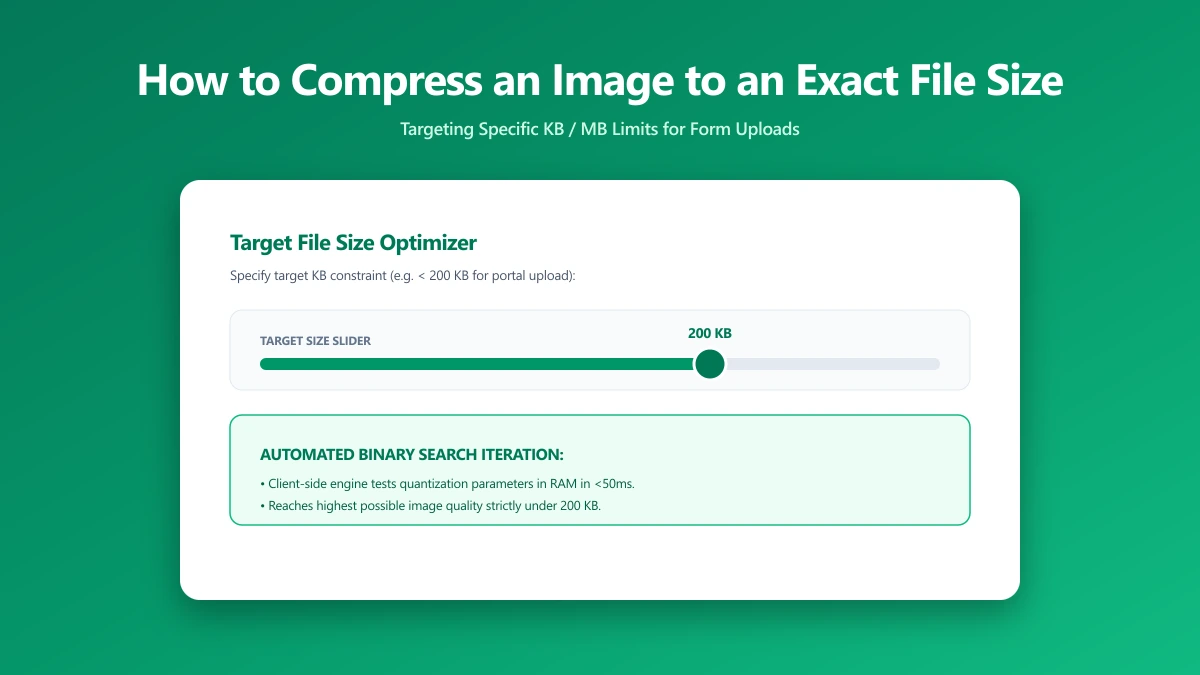
How to Compress an Image to an Exact File Size, And Why It's Harder Than You Think
Need a photo under 200 KB or 1 MB? Learn the binary search method for hitting exact file size targets every time. Free browser tool included.