
Rotate PDF Pages Online for Free
or drop files here
Rotate all pages 90°, 180°, or 270°. A pure metadata change with no re-encoding, instant result, and your file never leaves the browser.
Three steps. Correct orientation.
Upload your PDF
Drop your PDF file onto the upload area or click Browse PDF to select it from your device.
Choose rotation angle
Select 90° clockwise, 90° counter-clockwise, or 180°. All pages rotate by the same angle.
Save the result
Click Rotate PDF. The result is ready instantly in your browser, save it directly to your device.
When a PDF needs a rotation fix.
Scanners, phones, and export tools frequently produce PDFs at the wrong angle. A quick rotation is all it takes to make them readable and shareable.
Fixing scanned documents
Scanners and phone cameras sometimes save pages sideways or upside-down. Rotating corrects orientation before sharing or archiving.
Correcting mobile PDF exports
PDFs exported from mobile apps often appear in portrait mode on desktop when they should be landscape. A single rotation fixes this.
Sideways presentations
Slide decks saved as PDF sometimes appear rotated in viewer apps. Rotating 90° restores the correct widescreen orientation.
Rotated filled forms
Forms filled out while the PDF was rotated retain the wrong orientation on save. Rotate back to make them readable.
Preparing reports for print
Before sending a PDF to print, ensure all pages are in the correct portrait or landscape orientation to avoid wasted paper.
Archiving upright documents
Long-term document archives benefit from consistently oriented files. Rotating before archiving saves time for anyone who reads them later.
How rotation works under the hood.
This tool uses pdf-libto update the rotation flag stored in each page's dictionary. Unlike approaches that render pages to images and rebuild the PDF, this method is a pure metadata change: the original text, vectors, and images are completely untouched.
The result is a file where only the display orientation changes. No content is re-encoded and no quality is lost. The file size barely changes (typically just a few bytes of metadata).
Everything runs locally in your browser tab. Your PDF is never transmitted to a server and is cleared from memory the moment you close the tab.
Questions answered.
Does rotating affect image or text quality?
Can I rotate only specific pages?
Is my file uploaded anywhere?
Is this tool free?
Will the rotated PDF open correctly in all viewers?
What angles can I rotate by?
Can I rotate a password-protected PDF?
Does the file size change after rotation?
More tools you might need.
Related Guides & Tutorials
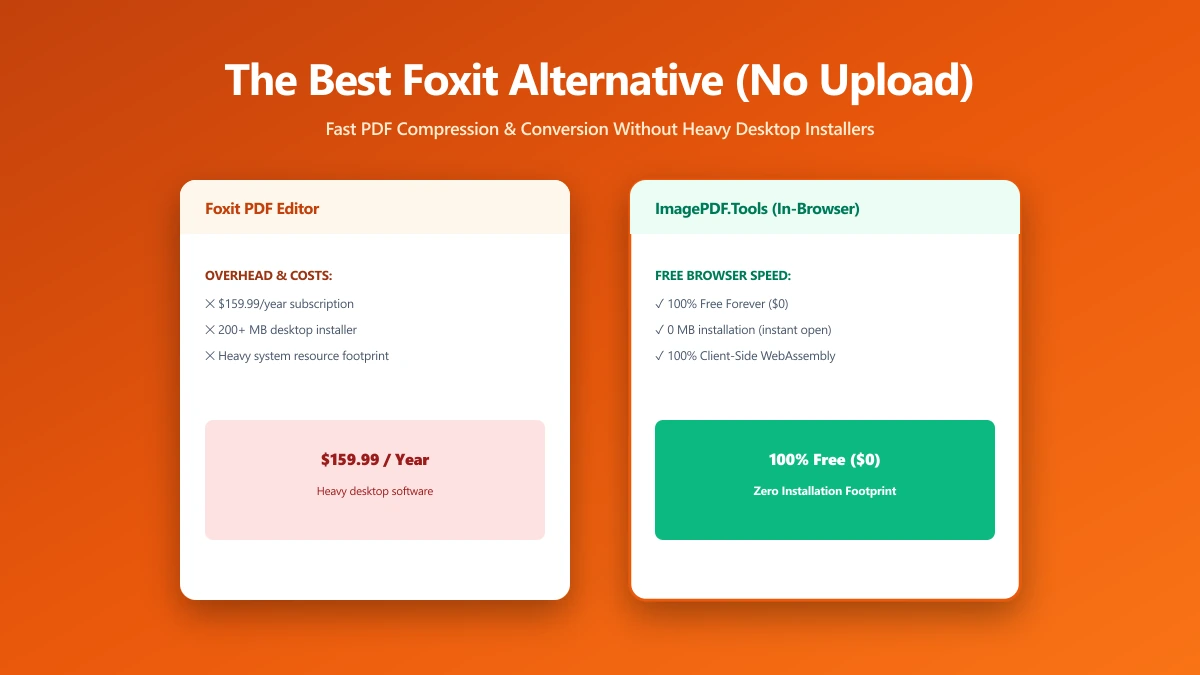
The Best Foxit Alternative for PDF Compression and Conversion Without the Upload (2026)
Foxit merges PDFs in your browser but uploads files to its cloud servers for compression and conversion. ImagePDF.Tools keeps every operation, including those two, entirely on your device.
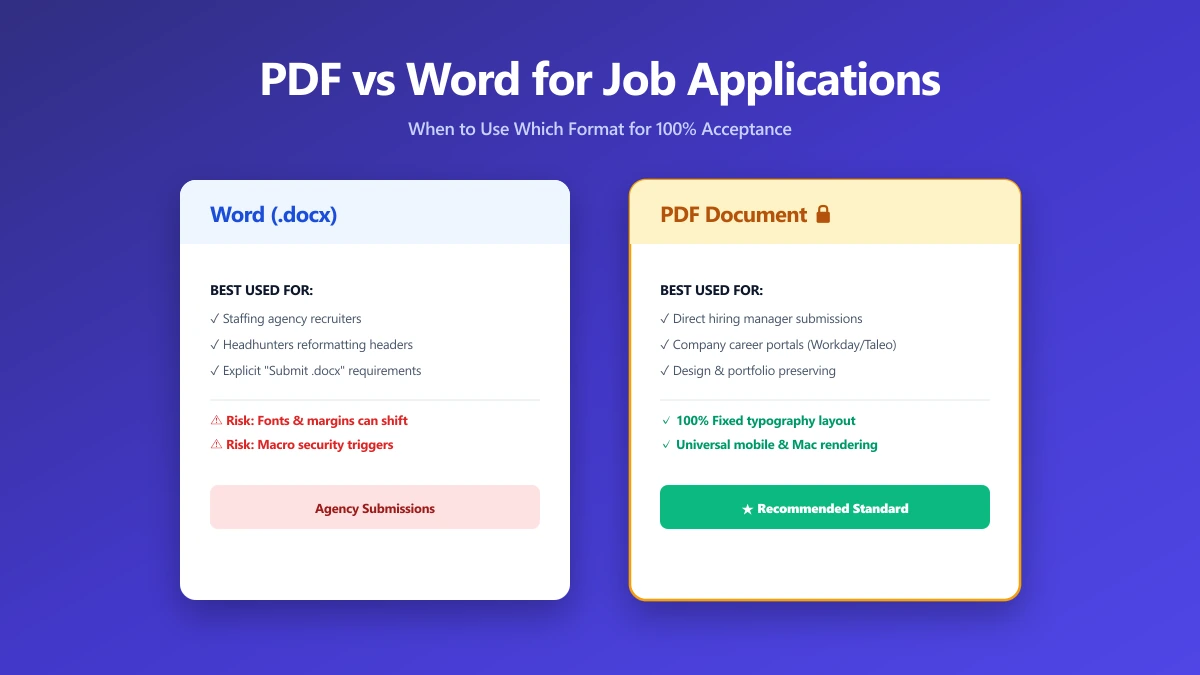
Should I Use PDF or Word for Job Applications?
PDF protects your layout, Word is sometimes required. A decision guide by employer type, plus what to do when the posting does not say either way.
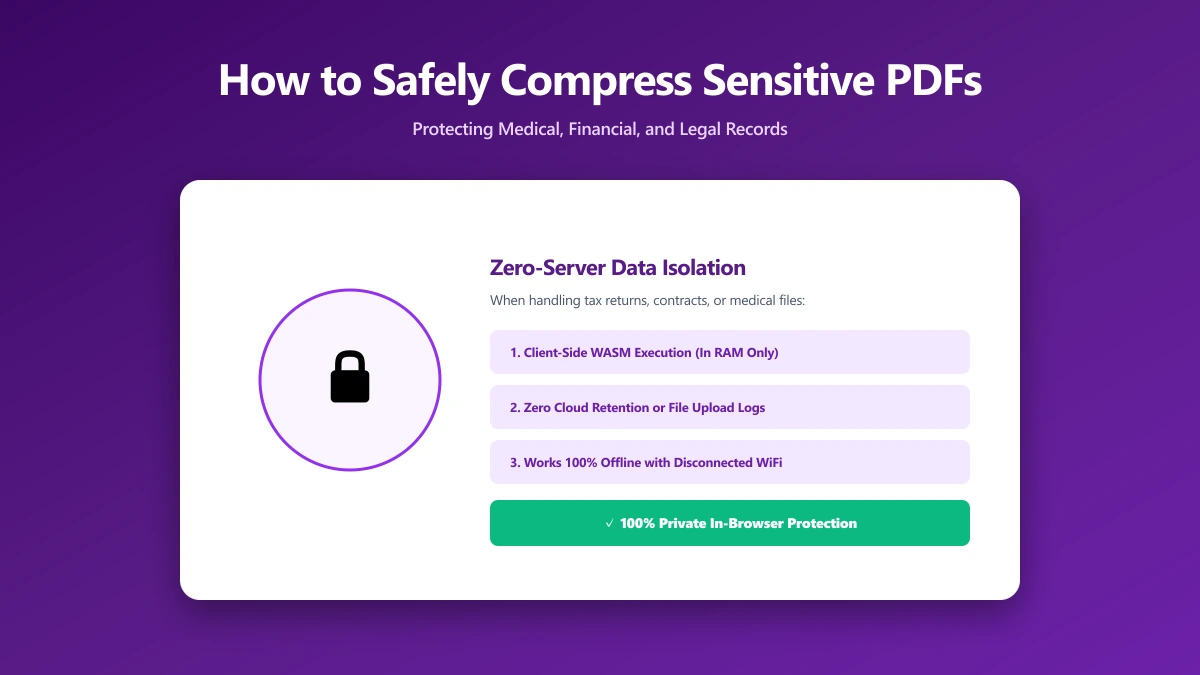
How to Safely Compress Sensitive PDF Documents
Compress sensitive PDFs, bank statements, contracts, medical records, without uploading them. Learn how to shrink them safely, right in your browser.