
Convert WebP to PNG Online for Free
or drop files here
Convert WebP images to PNG, full quality preserved, transparency intact. Works with every image editor and platform. All processing stays in your browser.
Three steps. Full quality PNG.
Drop your WebP
Drag and drop WebP files onto the converter, or click to browse. No batch limit, convert as many files as you need.
Format: PNG (lossless)
The format is set to PNG (lossless) automatically. Transparency is fully preserved, no additional settings needed.
Save your PNG
Your converted PNG file is ready instantly. Save it directly to your device or get the whole batch as a ZIP.
When WebP to PNG makes sense.
WebP is ideal for web delivery, but PNG is the universal format for editing, archiving, and design handoff. Converting to PNG gives you a file that works everywhere, without compromise.
Photoshop, Illustrator, and GIMP
While newer versions support WebP natively, many design teams run older versions that do not. Converting to PNG first ensures the file opens correctly in any version.
Figma and design handoff
PNG is the universally accepted format for design assets. Converting WebP screenshots or assets to PNG ensures compatibility across all design workflows and tools.
Platform upload restrictions
Some government portals, academic submission systems, and older CMS platforms only accept JPEG and PNG. Converting WebP removes upload rejections instantly.
Archival and lossless storage
If you want to store an image long-term with guaranteed lossless quality for printing or future re-editing, PNG is more widely supported than WebP for archival purposes.
Windows legacy compatibility
Older Windows tools like classic Windows Photo Viewer and legacy business applications do not open WebP files. PNG opens in all of them without any issues.
Preserving transparency for compositing
If you have a WebP file with a transparent background and need to composite it into a design, converting to PNG preserves the transparency in a universally editable format.
How it works under the hood.
When you drop a WebP file, the browser decodes it using its native WebP decoder and draws it to an HTML Canvas element. The canvas is then exported as PNG using lossless compression. Since PNG is lossless, no quality is lost in the conversion. The alpha channel (transparency) is fully preserved throughout.
The entire process runs locally in your browser tab. No data is sent to any server. There is no upload, no server-side processing, and no risk of your images being stored or accessed by anyone else.
Questions answered.
Why convert WebP to PNG?
Does converting WebP to PNG lose quality?
Is transparency preserved when converting WebP to PNG?
Will the PNG file be larger than the WebP?
Can I batch convert WebP files to PNG?
Can I use the converted PNG for printing?
What is the difference between WebP to PNG and WebP to JPG?
Is my image uploaded to a server?
More tools you might need.
Related Guides & Tutorials
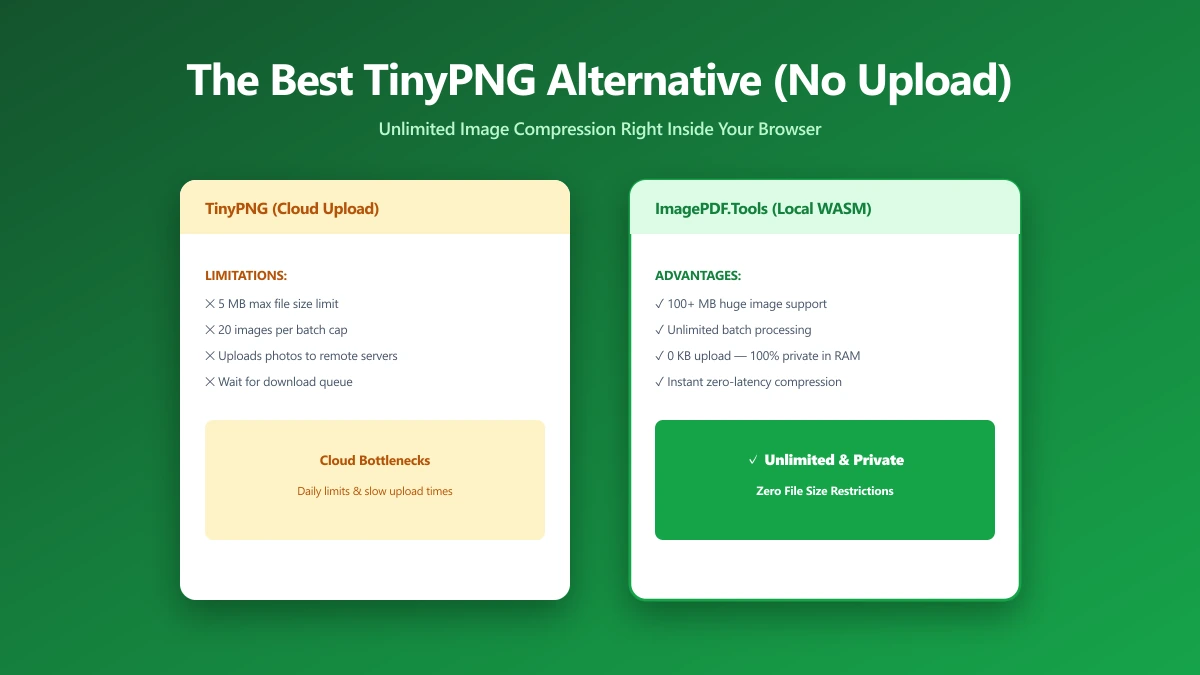
The Best TinyPNG Alternative That Never Uploads Your Images (2026)
Looking for a TinyPNG alternative? ImagePDF.Tools compresses PNG and JPEG in your browser, no upload, no batch cap, no account. Here is how it compares and how to verify it.
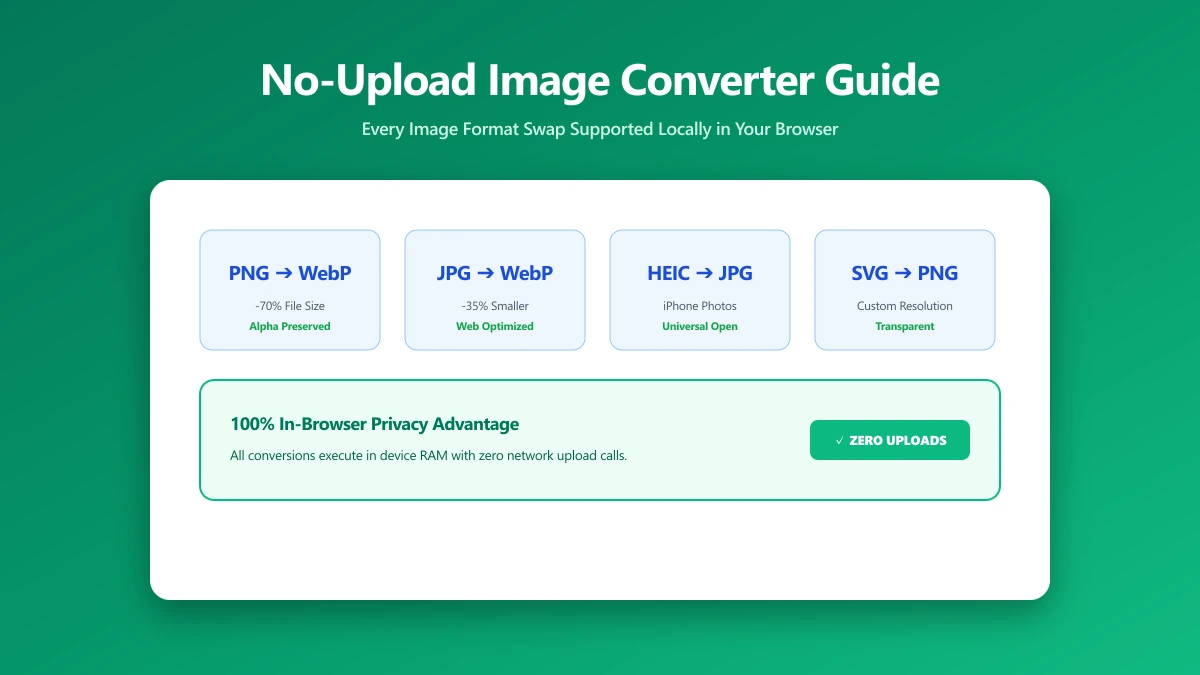
No-Upload Image Converter: Every Format Swap You Can Do Locally
Looking for a no-upload image converter? Here is exactly which image format conversions, JPG, PNG, WebP, SVG, and more, ImagePDF.Tools handles entirely in your browser.
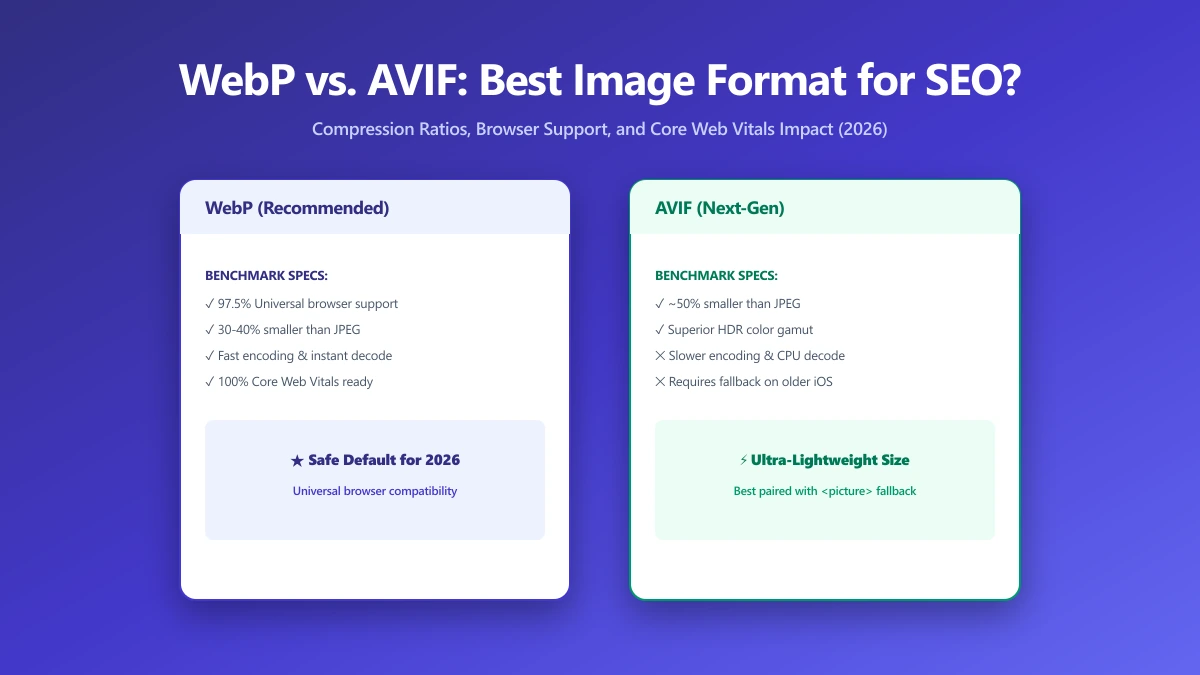
WebP vs. AVIF: Which Image Format Is Best for SEO in 2026?
AVIF compresses smaller than WebP but encodes 10× slower. Find out which format wins for LCP, CDN support, and real-world SEO in this 2026 comparison.