
Compress JPEG Images Online for Free
or drop files here
Fine-grained quality control via the MozJPEG encoder, directly in your browser. Nothing uploaded, nothing stored.
Three steps. Done in seconds.
Drop your JPEG
Drag a JPEG or JPG file onto the zone or click to browse. No file size limit, all processing stays local.
Set your quality level
Lower values produce smaller files. Quality 75-85 is the standard for web and email. The MozJPEG encoder runs locally on your CPU.
Save the result
Compare sizes with the before/after slider, then save your compressed JPEG. No data is sent over the network at any point.
Where JPEG compression makes the biggest difference.
A phone camera JPEG can hit 6-10 MB. For most uses, 300-600 KB is more than enough at identical visible quality.
Websites and landing pages
Hero images account for most page weight. A 6 MB JPEG compressed to 350 KB loads 17x faster, directly improving Core Web Vitals LCP scores and Google rankings.
Email attachments
Gmail caps attachments at 25 MB, Outlook.com at 20 MB, and many corporate servers at 10 MB. Compressing first ensures photos send reliably without bouncing.
Social media uploads
Instagram, Facebook, and X recompress every image on upload. Pre-compressing at your chosen quality gives you control over the final result instead of letting the platform decide.
E-commerce product photos
Product pages with fast-loading images have lower bounce rates and higher conversion. Shopify and WooCommerce both recommend keeping product images under 1 MB.
Platform upload limits
Real estate portals, job boards, school submission systems, and government forms routinely cap image uploads at 1-5 MB. Compressing first prevents rejected uploads.
Messaging and mobile sharing
WhatsApp, Telegram, and iMessage all compress images again on send. Sharing a pre-compressed JPEG uses less mobile data and preserves more detail than letting the app crush it.
How JPEG compression works under the hood.
Unlike most online tools that upload your file to a remote server, this compressor runs entirely in your browser tab. Your JPEG is decoded into raw pixels and re-encoded with MozJPEG, Mozilla's optimised JPEG encoder compiled to WebAssembly, at your chosen quality level. The quality parameter directly controls how aggressively the JPEG DCT coefficients are quantised.
Your file never leaves your device. There is no upload, no server, and no risk of your photos being stored or accessed by anyone else. Closing the tab immediately clears all image data from browser memory.
Questions answered.
What JPEG quality setting should I use?
Does JPEG compression permanently reduce quality?
What is the difference between this and converting to WebP?
Is my JPEG uploaded to a server?
Can I compress multiple JPEG files at once?
Does compressing a JPEG change its pixel dimensions?
What is the maximum file size this tool handles?
Why does my JPEG look the same at quality 80 and quality 95?
More tools you might need.
Related Guides & Tutorials
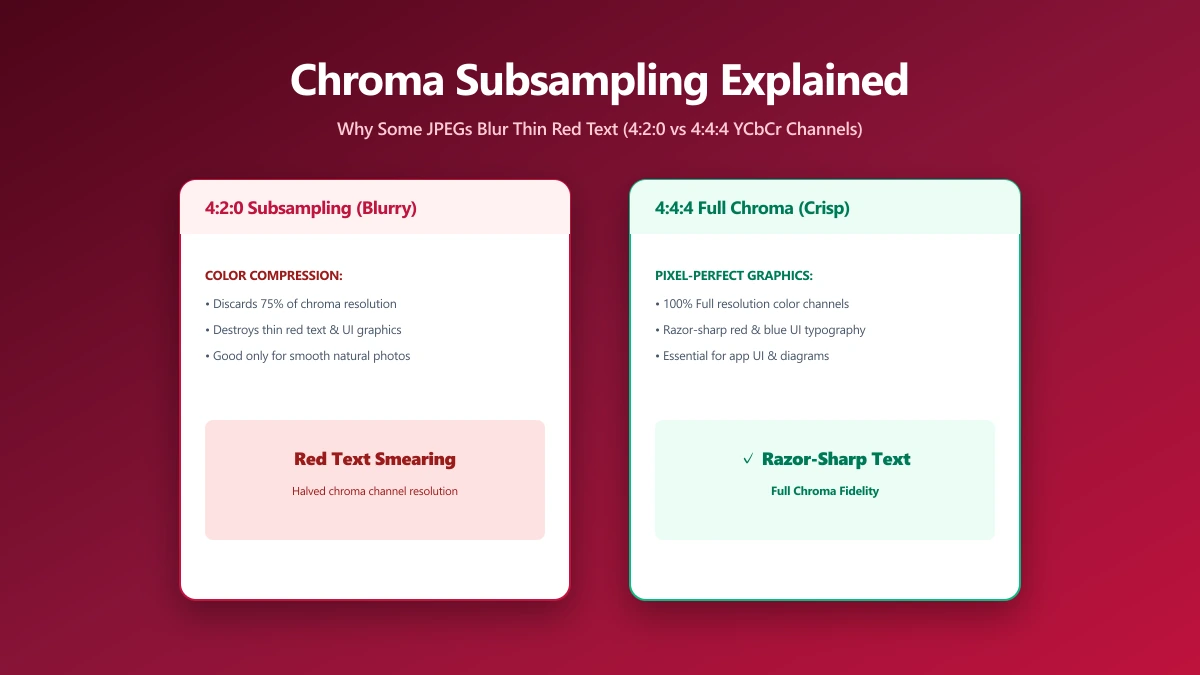
Chroma Subsampling Explained: Why Some JPEGs Blur Thin Red Text and Fine Lines
Notice blurred colored text in a sharp JPEG? That's chroma subsampling, a hidden compression trick most quality sliders never mention or expose to you.
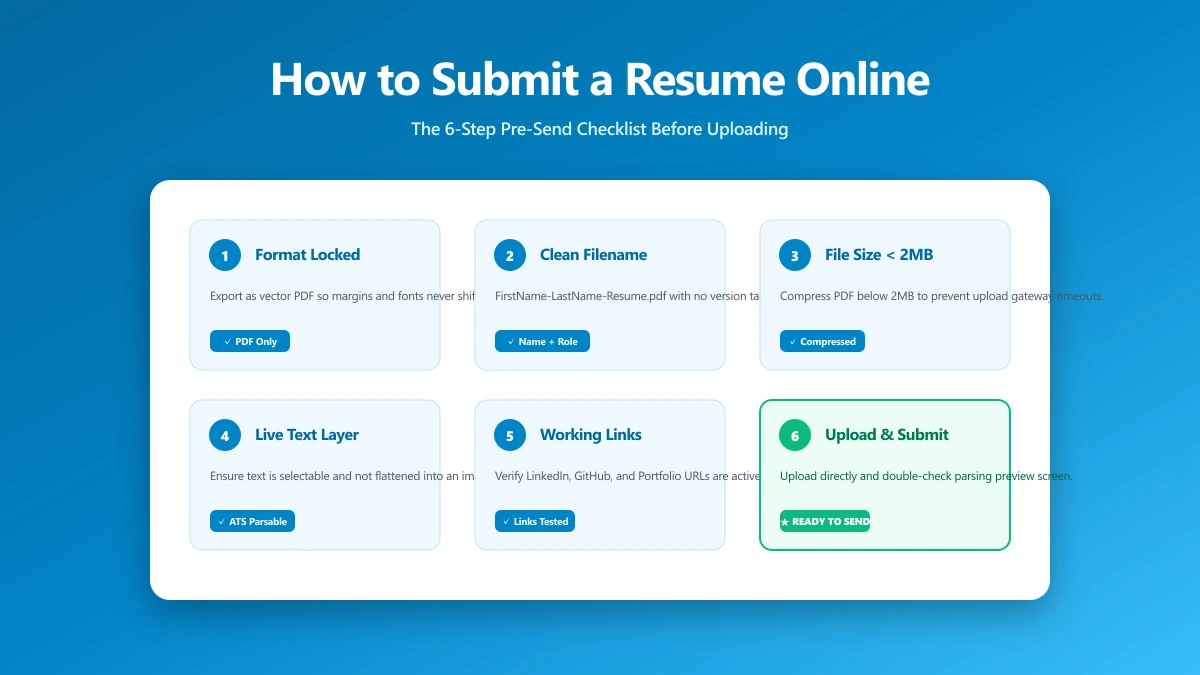
How to Submit a Resume Online: The 6-Step Pre-Send Check
A 6-step check to run before you upload: format, filename, file size, portal rules, hidden metadata, and a test send. Takes about a minute.
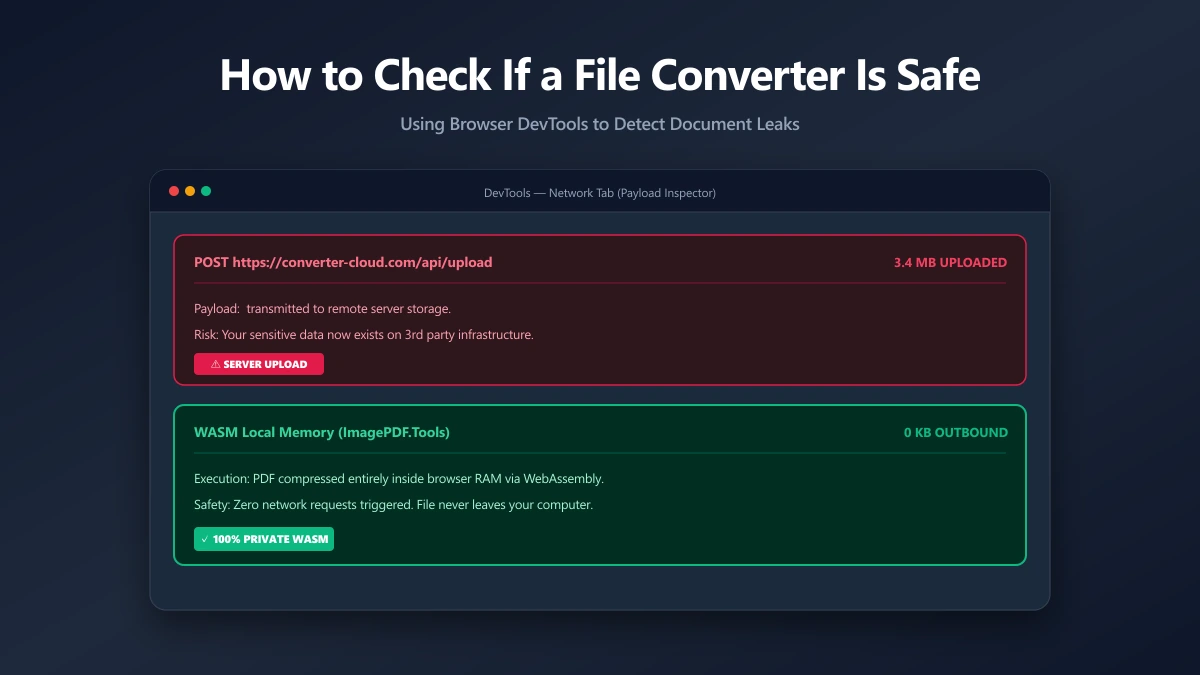
How to Check If an Online File Converter Is Safe
Are online file converters safe? Many upload your files to a server. Learn to spot the risk, verify in-browser processing, and pick a private tool.