
Remove Exif Metadata from Images Online for Free
or drop files here
Remove GPS coordinates, camera info, timestamps, and all hidden EXIF data from JPEG, PNG, and WebP files. One click, no upload.
Three steps. Privacy restored.
Drop your image
Upload a JPEG, PNG, or WebP file by clicking or dragging it onto the tool below.
Metadata is stripped
All EXIF fields, GPS coordinates, camera info, timestamps, and author data are removed from the file header instantly.
Save the clean file
Save the privacy-safe image. Nothing is re-encoded, so every pixel is preserved exactly.
Real situations where metadata exposes you.
Most people are unaware this data exists. When you share an image online, you may be sharing far more information than you intend.
Selling items online
A photo taken at home and uploaded to a marketplace listing may contain the GPS coordinates of your home address. Anyone who saves the image can pinpoint where you live.
Dating app profile photos
Profile pictures taken at home or near regular locations can reveal your neighbourhood or usual spots if EXIF data is preserved in the upload.
Journalists and activists
Photographers in sensitive environments may inadvertently embed the GPS location of a source or protest site. Stripping metadata is standard practice in responsible journalism.
Children's photos shared online
Photos shared on parenting forums or public social profiles can include the GPS location of your home, school, or daycare in the EXIF data.
Real estate photography
Listing photos reveal the GPS location of the address in EXIF data. If the listing is removed but images circulate, the address remains discoverable through the image file.
Legal documents and whistleblowers
A photo taken as evidence may embed the location and device of the photographer. Removing EXIF data before sharing protects the source.
How it works under the hood.
The tool reads your image entirely within the browser using the File API, then walks the raw byte stream itself. In a JPEG it drops every APP0 to APP15 marker segment and every comment segment. In a PNG it drops the tEXt, zTXt, iTXt, eXIf and tIME chunks. In a WebP it drops the EXIF and XMP chunks and clears the matching flags in the VP8X header.
The remaining bytes are reassembled into a file of the same format. Nothing is decoded and re-encoded, so the output is pixel-identical to the original. GPS coordinates, camera serial numbers, timestamps, and author fields are permanently gone.
No data is ever sent to a server. The tool never has access to anything beyond the image you provide in your tab.
Questions answered.
What types of metadata are removed?
Does removing metadata affect image quality?
Do social media platforms remove metadata automatically?
Can someone recover the metadata after I remove it?
Is my image uploaded to a server?
Does the stripped image look different from the original?
What file format is the output image?
Does this work on screenshots and graphics, not just photos?
More tools you might need.
Related Guides & Tutorials
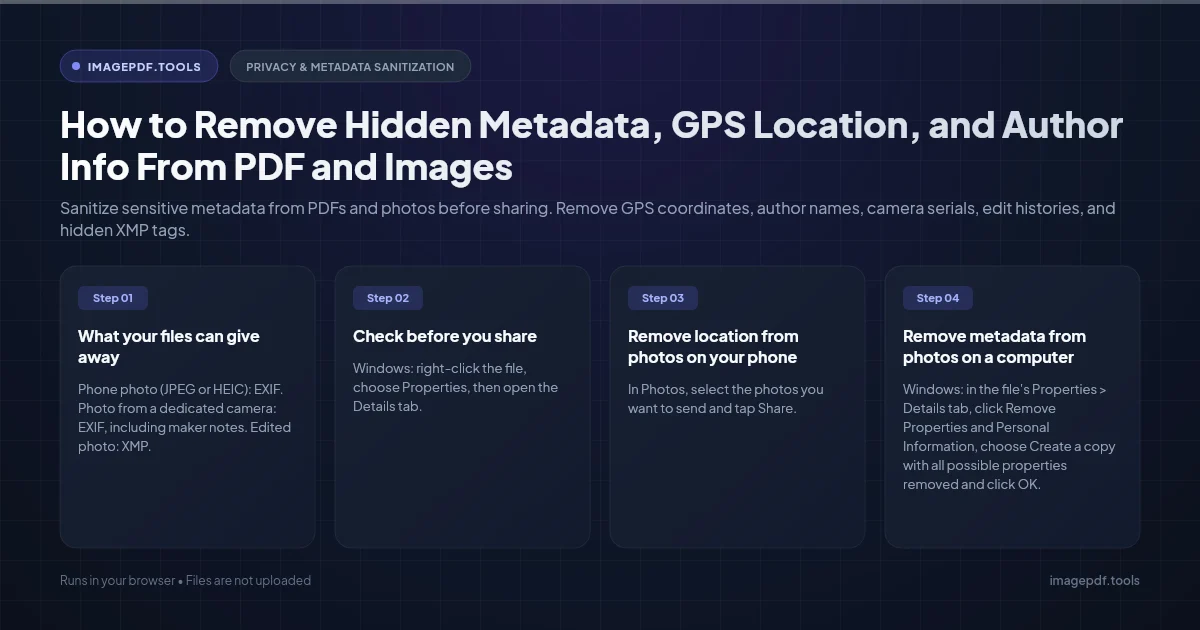
How to Remove Hidden Metadata, GPS Location, and Author Info From PDF and Images
Sanitize sensitive metadata from PDFs and photos before sharing. Remove GPS coordinates, author names, camera serials, edit histories, and hidden XMP tags.
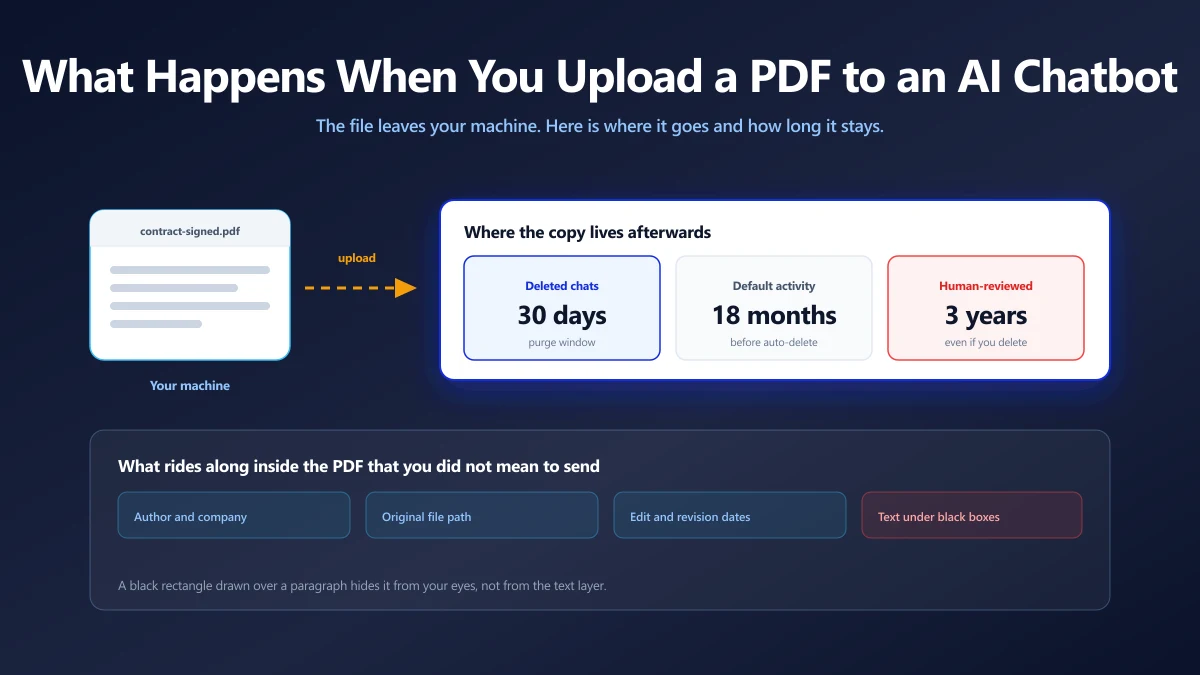
Is It Safe to Upload a PDF to ChatGPT, Claude or Gemini?
What happens to a document you paste into an AI chatbot, what the main providers say about training on it, and when to keep a file off them.
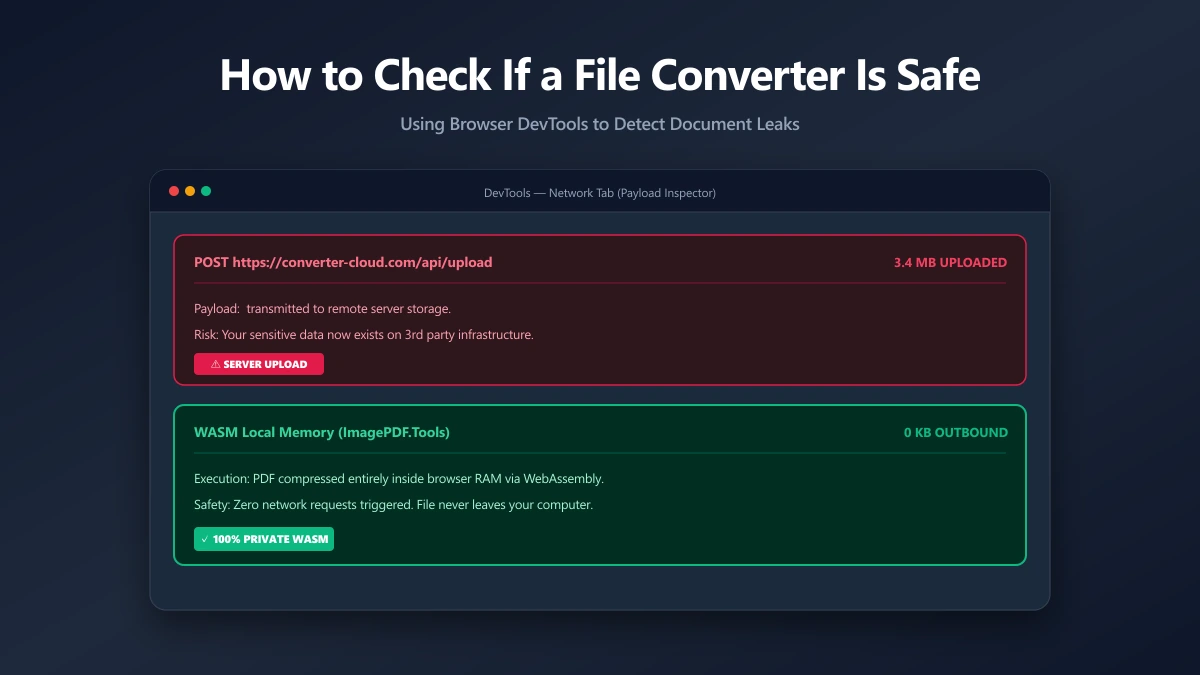
How to Check If an Online File Converter Is Safe
Are online file converters safe? Many upload your files to a server. Learn to spot the risk, verify in-browser processing, and pick a private tool.