
What Makes an Image Converter Actually Secure (It Is Not Just About Uploads)
Summary
A secure image converter is about more than whether it uploads your file. What else to check, and how to verify the claim rather than trust it.
Most conversations about "secure" image tools stop at one question: does it upload your file? That matters, but it is not the whole picture. Image files themselves can carry real security risks, independent of who processes them, and understanding those risks changes what "secure" actually means for a converter.
Risk One: SVG Files Can Contain Scripts
Unlike a JPEG or PNG, an SVG is a text-based XML format, and it can legally include a <script> tag or event-handler attributes like onload. If a converter or viewer renders that SVG as raw markup rather than a flattened image, the embedded script can execute, a well-documented class of attack known as SVG-based XSS. Converting an SVG to a raster format like PNG neutralizes this entirely, since the output has no code to execute, only pixels.
Risk Two: Decompression and Pixel-Flood Bombs
An image file's header can claim a much larger decoded size than the file itself suggests, a tiny file that expands to an enormous number of pixels when decoded. Opened by a naive parser, this can exhaust available memory, a denial-of-service technique sometimes called a decompression or pixel-flood bomb. This class of vulnerability has shown up in various image-processing libraries over the years.
Risk Three: Malformed Metadata
EXIF and other embedded metadata fields are parsed by dedicated code, and malformed or deliberately crafted metadata has been used to target vulnerabilities in specific parsing libraries in the past. It is a narrower risk than the other two, but it is part of why stripping metadata you do not need, rather than assuming it is inert, is good practice.
None of this means image files are broadly dangerous, billions are opened safely every day. It means "secure" is a property of how a file is parsed and rendered, not just whether it was uploaded.
Why Where the File Is Processed Still Matters
Upload a file to a server-side converter and a malicious payload targets that server's parsing library, potentially affecting the service or other users, not just you. Process it in your browser instead, and it is your browser's own image-decoding engine handling the file, code that is among the most heavily security-audited and fuzz-tested software in existence, given how much of the web depends on parsing images safely. Browsers are not immune to every possible flaw, but they are an exceptionally hardened target compared to a smaller, less scrutinized server-side library.
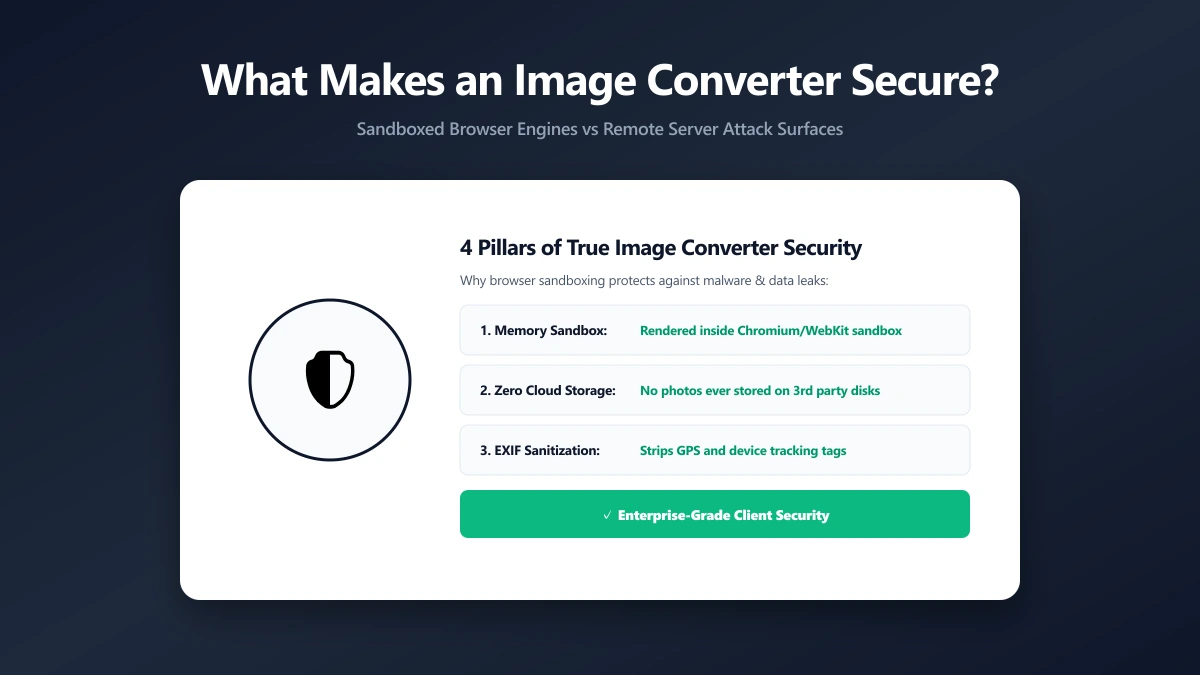
What Makes ImagePDF.Tools' Converter Secure
ImagePDF.Tools converts images entirely inside your browser using the Canvas API and WebAssembly. SVG-to-raster conversions flatten the file to pixels, removing any embedded script entirely. Nothing is uploaded, so there is no separate server-side parser to target in the first place. If you also want to inspect or strip metadata specifically, the metadata remover handles that directly.
The Bottom Line
A secure image converter is not just one that skips the upload, though that removes an entire category of exposure. It is also about how the file is parsed once it is opened. ImagePDF.Tools addresses both: no upload, and processing through your browser's own hardened rendering engine.
Try it now: compress an image or strip its metadata, entirely in your browser.
Frequently asked questions
What makes an image converter secure, beyond not uploading files?
Can an SVG file actually contain malicious code?
Does converting an SVG to PNG or JPG remove the security risk?
Is browser-based image processing safer than server-side processing for security, not just privacy?
Should I strip metadata from images even if I trust the tool?
Sources & references
This article was researched and written by Nikola, drawing on the following primary sources and documentation:
Ready to try it?
All tools run entirely in your browser, no uploads, no account required.
Remove MetadataMore in Technical

How to Repair and Recover Corrupted PDF Files That Won't Open (Recovery Guide)

How to Convert CMYK PDF to sRGB for Web and Social Media Sharing (True Color Guide)

Why Is My Printer Printing PDF Pages in Landscape Instead of Portrait? (Orientation Fix)