
View & Edit Image Exif Metadata Online for Free
or drop files here
View every EXIF field in your image, GPS, camera, timestamps, author info, then selectively remove only the groups you want gone.
See everything. Remove only what you choose.
Drop your image
Upload a JPEG, PNG, or WebP file. The tool immediately reads and displays all embedded metadata groups.
Review all metadata
See GPS coordinates, camera settings, timestamps, author info, and software: everything your image carries, laid out clearly.
Remove selected groups
Toggle off the metadata groups you want gone, then save the cleaned image. Keep what you need, discard the rest.
What each group contains.
EXIF data is split into groups. Understanding what each group holds helps you decide what to keep and what to strip before sharing.
GPS and Location
Latitude, longitude, altitude, direction, and speed at the time of capture. This is the most sensitive group: it can pinpoint exactly where a photo was taken.
Camera and Device
Make and model of the camera or phone, lens model, serial number, and unique device identifiers. This data can identify exactly which device took the photo.
Capture Settings
Shutter speed, aperture (f-number), ISO sensitivity, focal length, flash mode, and white balance. Useful for photographers reviewing technical settings in a portfolio.
Timestamps
Date and time the photo was taken, date it was edited, and the time zone offset. Timestamps can reveal your schedule and whereabouts across a collection of photos.
Author and Copyright
Photographer name, artist, author, copyright notice, and usage rights. Valuable for intellectual property but a privacy concern when sharing images anonymously.
Software
The editing software used to process the image: Lightroom, Photoshop, iPhone Camera, Snapseed, and similar tools. Reveals your workflow but rarely a privacy risk.
How it works under the hood.
When you drop an image, the tool reads the file using the browser's File API and parses the EXIF, TIFF, GPS and IPTC metadata blocks with exifr, a pure-JavaScript parser. Every field is decoded and displayed grouped by category, with no network request needed.
When you toggle groups off and save a JPEG, the tool strips the metadata segments out of the byte stream and writes back only the groups you chose to keep using piexifjs, preserving the original pixel data byte-for-byte. This is different from a full canvas re-encode: pixel quality is not altered at all. PNG and WebP are stripped completely rather than selectively.
All of this happens locally in your browser. Your image never leaves your device, and nothing is stored once you close the tab.
Questions answered.
What is EXIF metadata and what does it contain?
Can I remove only specific metadata fields?
Does editing metadata change the image quality?
Which image formats support EXIF metadata?
Is my image uploaded to a server?
What is the difference between this tool and the Remove Metadata tool?
Can I see the metadata before I save the modified image?
Is a photographer name or copyright notice useful to keep?
More tools you might need.
Related Guides & Tutorials
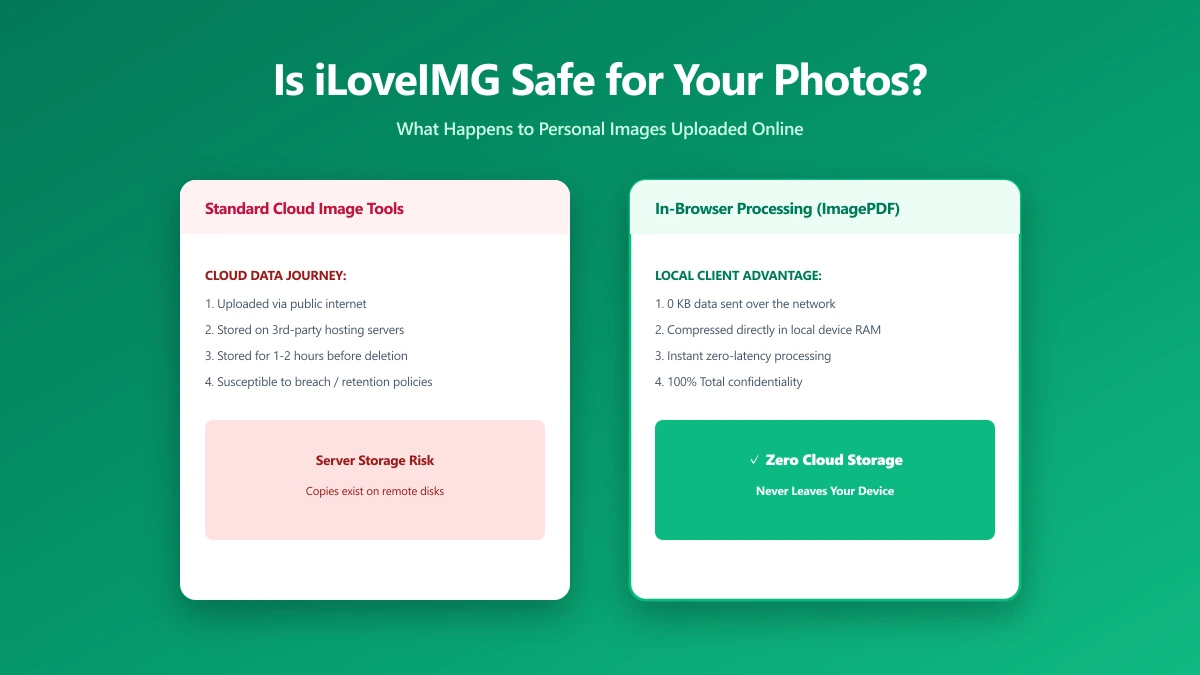
Is iLoveIMG Safe? What Actually Happens to Your Photos When You Upload Them
Is iLoveIMG safe to use? Here is exactly what happens when you upload a photo, what travels with it, and how to check any image tool yourself in 30 seconds.
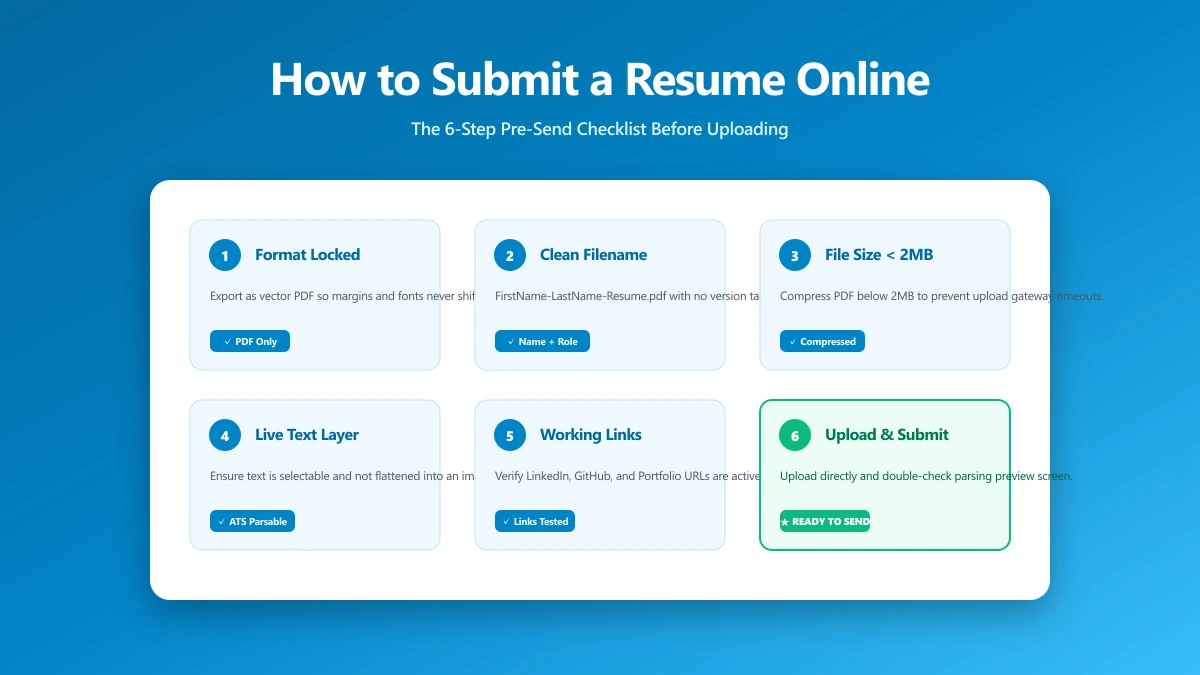
How to Submit a Resume Online: The 6-Step Pre-Send Check
A 6-step check to run before you upload: format, filename, file size, portal rules, hidden metadata, and a test send. Takes about a minute.
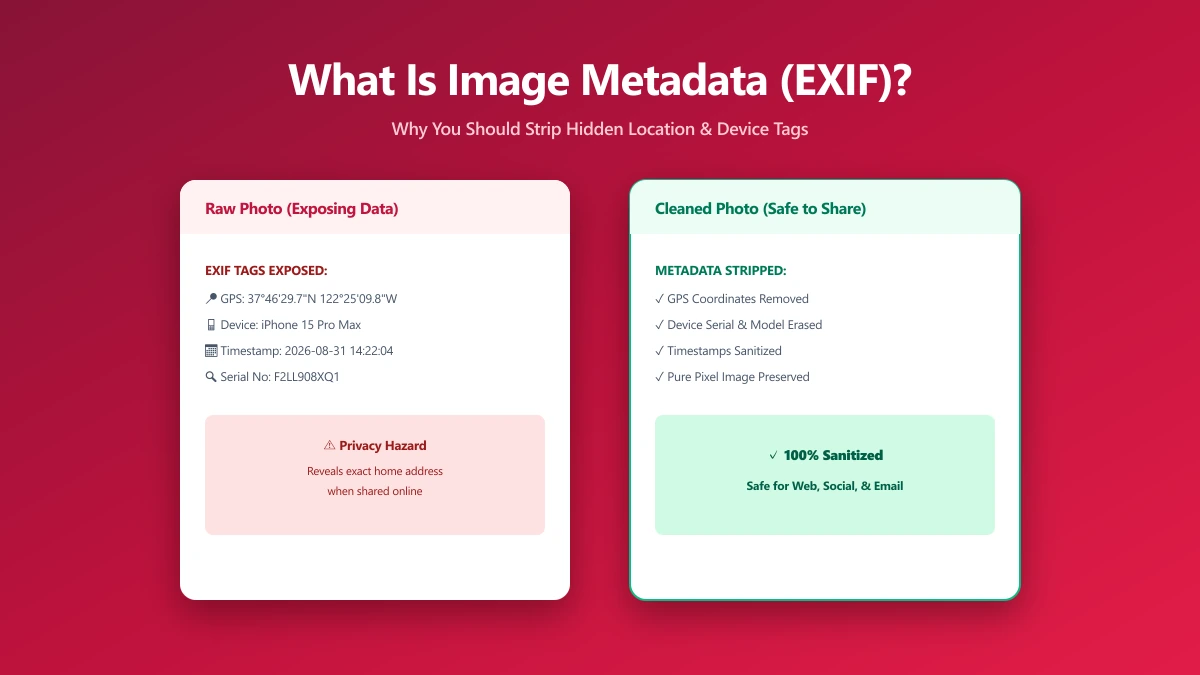
What Is Image Metadata? (And Why You Should Remove It Before Sharing)
Every JPEG you share embeds hidden EXIF data, GPS location, device model, timestamp. Learn what image metadata reveals and how to strip it in seconds.