
Convert Images to PDF Online for Free
or drop files here
Bundle JPEG, PNG, and WebP images into a single PDF. Choose your page size, reorder by dragging, and save instantly, all inside your browser.
Three steps. One polished document.
Add your images
Drop JPEG, PNG, or WebP images onto the tool. Add as many as you need, each becomes one page in the PDF.
Choose size and order
Select A4, Letter, or Fit to Image. Drag images into the order you want before generating.
Save your PDF
Click Generate PDF. Your multi-page document is built in the browser and saves instantly to your device.
When converting to PDF is the right call.
PDF is the universal standard for sharing documents that need to look identical on every device. These are the situations where images need to become PDFs.
Sending multiple photos as one attachment
Attaching 10 separate JPEG files to an email is messy. Converting them to a single PDF means one attachment, one save, and a clear page-by-page presentation.
Portfolio submissions
Job applications, design briefs, photography portfolios, and art school applications often require work samples as a single PDF.
Document submissions
Many official portals, visa applications, university enrolment, and insurance claims accept only PDF. Photos of documents convert easily.
Scanning physical documents
If you photograph documents page by page with your phone, combining the images into a single PDF creates a proper document ready to share.
Invoices and expense reports
Finance workflows often require receipts as PDF. Taking a photo of a paper receipt and converting it to PDF is the fastest way to prepare it for reimbursement.
Real estate and insurance documentation
Property condition reports, damage assessments, and inventory records are often submitted as PDFs with embedded photos.
How it works under the hood.
When you add images, each one is read into browser memory and embedded straight into a new PDF document by pdf-lib. JPEG and PNG files go in byte for byte with no re-encoding, and other formats are converted to PNG first. Each image becomes one page, centred and scaled to fit your chosen page size at the full pixel resolution of the original.
Everything runs locally. No image data is ever transmitted to a server. The resulting PDF is assembled as a Blob in your browser memory and offered via a save dialog directly from your tab.
Questions answered.
Can I convert multiple images into one PDF?
What page sizes are supported?
What image formats are accepted?
Is there a limit on the number of images?
Is my image uploaded to a server?
Can I change the order of images before generating the PDF?
Will the image quality be maintained in the PDF?
Can I compress the PDF after creating it?
Related Guides & Tutorials
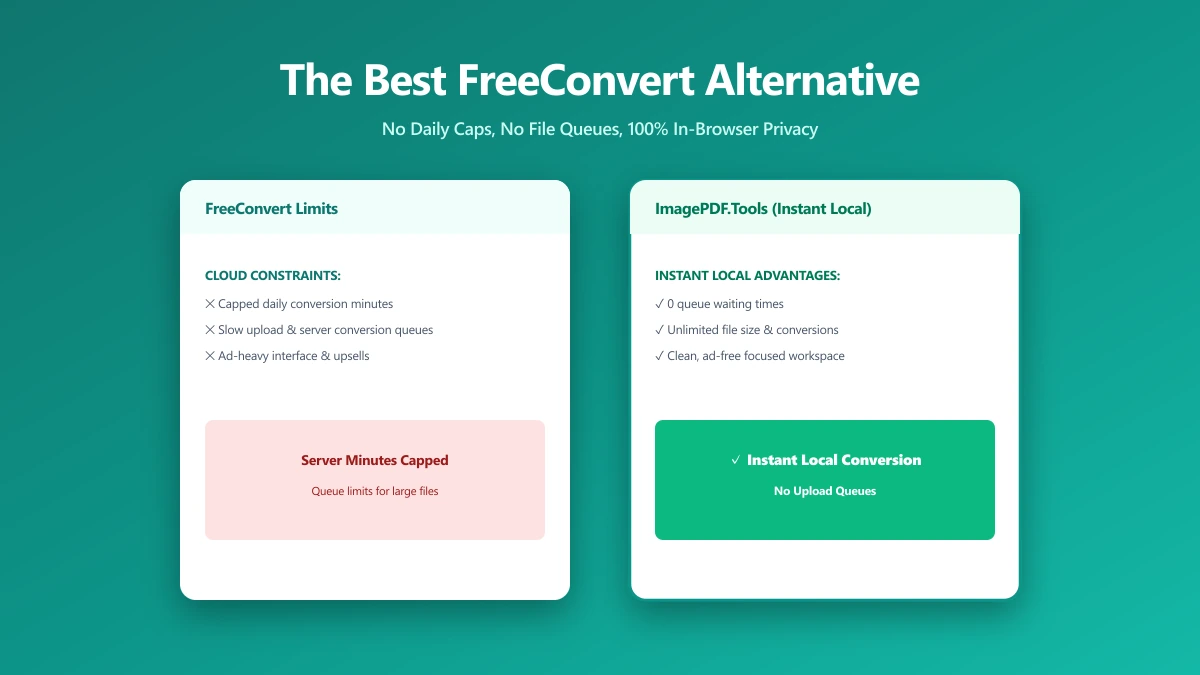
The Best FreeConvert Alternative for PDFs and Images (No Upload, No Daily Cap) (2026)
FreeConvert advertises 20 free minutes a day, but independent testing found the real-world cap is closer to 10 conversions, all uploaded to AWS servers. ImagePDF.Tools converts PDFs and images unlimited, locally.
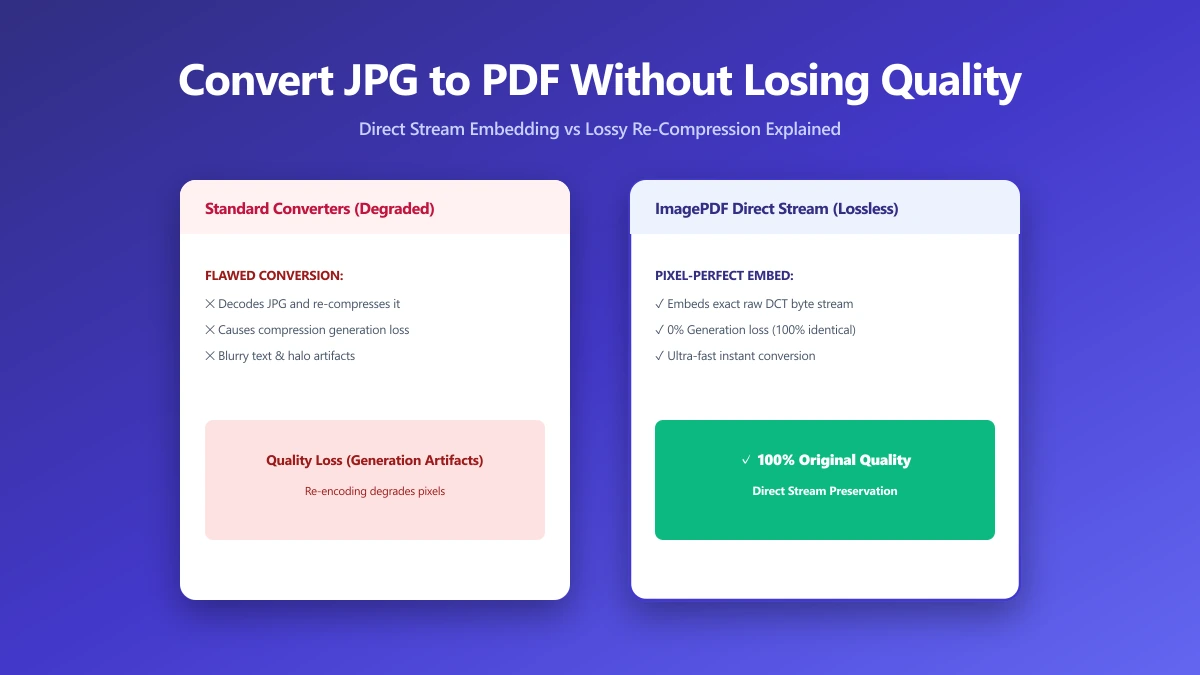
How to Convert JPG to PDF Without Losing Quality
Most JPG-to-PDF tools silently recompress your image, destroying quality. Learn the correct method that embeds JPEG data without re-encoding, zero quality loss.
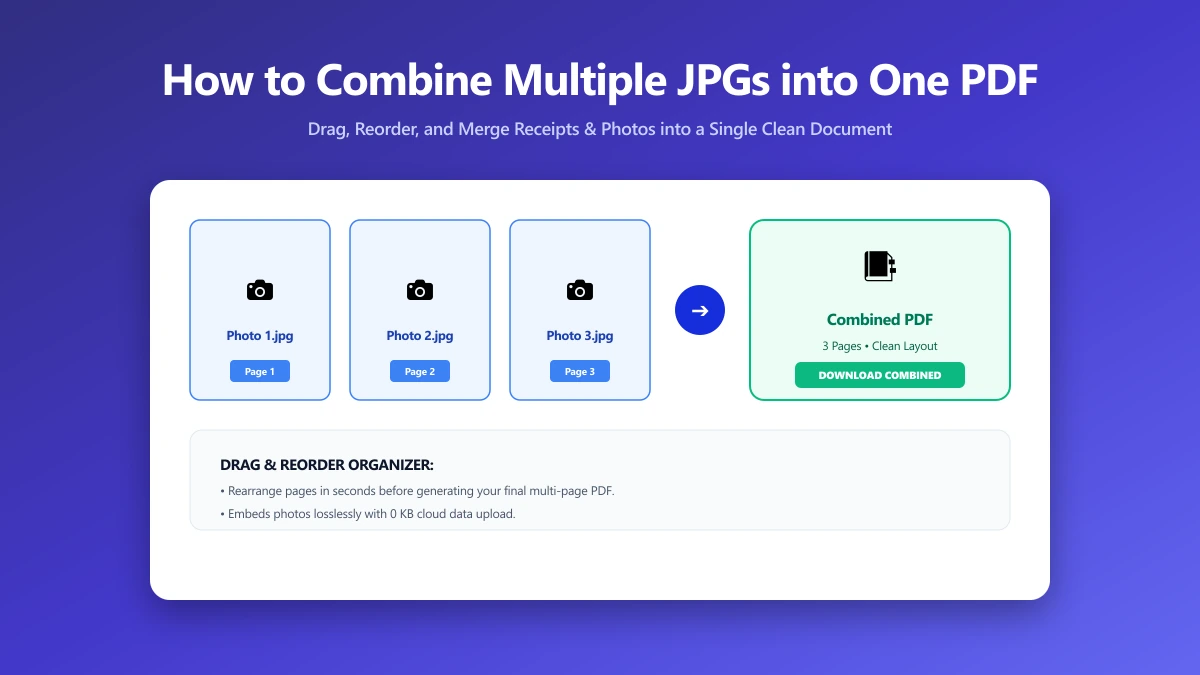
How to Combine Multiple JPGs into One PDF (Free, No Sign-Up)
Need to combine several JPG photos into one ordered PDF with no sign-up required? Here is exactly how, entirely inside your browser, in just a few seconds.