
Convert JPG to PNG Online for Free
or drop files here
Convert JPEG images to lossless PNG: perfect for graphics that need transparency or exact colour reproduction. Nothing uploaded.
Three steps. Instant results.
Drop your JPEG
Drag and drop JPEG or JPG files onto the converter, or click to browse. No batch limit, convert as many files as you need.
Output format: PNG
The format is set to PNG automatically. PNG is lossless: no quality settings needed. Your image is exported exactly as-is.
Save your PNG
Your converted PNG saves directly to your device. Close the tab and browser memory clears completely. Nothing is stored or logged.
When you need PNG quality.
PNG offers two things JPEG cannot: lossless quality and full transparency support. If either of those matters for your project, converting from JPG to PNG is the right move.
Logos with transparent backgrounds
If you have a logo as a JPEG and need to remove the white background for design work, converting to PNG first is the required step. PNG is the only format that supports true transparency.
Watermarks and overlays
Adding a semi-transparent watermark to photos requires a PNG source file. The converter gives you a PNG you can then use in Photoshop, Figma, or any design tool.
Design composites in Figma
Designers need PNG assets to layer correctly in design tools. Converting a JPEG to PNG ensures it can be positioned over other elements without a hard white background box.
Preserving quality through edits
JPEG re-encodes the image every time you save, introducing progressive artefacts. Working in PNG means subsequent saves do not degrade the image further.
Screenshots and UI assets
Screenshots captured as JPEG suffer from blocky compression artefacts around text. Converting to PNG gives you crisp text and sharp UI edges for documentation or presentations.
Icons and app graphics
App icons, favicons, and UI elements must be PNG to support transparency and render cleanly on any background colour. Convert your JPEG source files in one step.
Lossless output: what that means for your files.
When your JPEG is converted to PNG, the browser decodes it to raw pixels using the Canvas API, then re-encodes those pixels as a lossless PNG. No quality is lost in the conversion step itself. The result is a PNG that faithfully represents every pixel of the original JPEG, and will continue to do so no matter how many times you re-save it.
Because everything happens on your own CPU, your image never leaves your device. There is no upload endpoint, no server-side processing, and no risk of your files being stored or accessed by anyone else.
Questions answered.
Why would I convert a JPG to PNG?
Will converting JPG to PNG improve quality?
Is JPG to PNG conversion truly lossless?
Will the PNG file be larger than the JPG?
Can I add a transparent background after converting to PNG?
Why do designers prefer PNG over JPEG for UI work?
Is my image uploaded to a server?
Can I convert multiple JPGs to PNG at once?
More tools you might need.
Related Guides & Tutorials
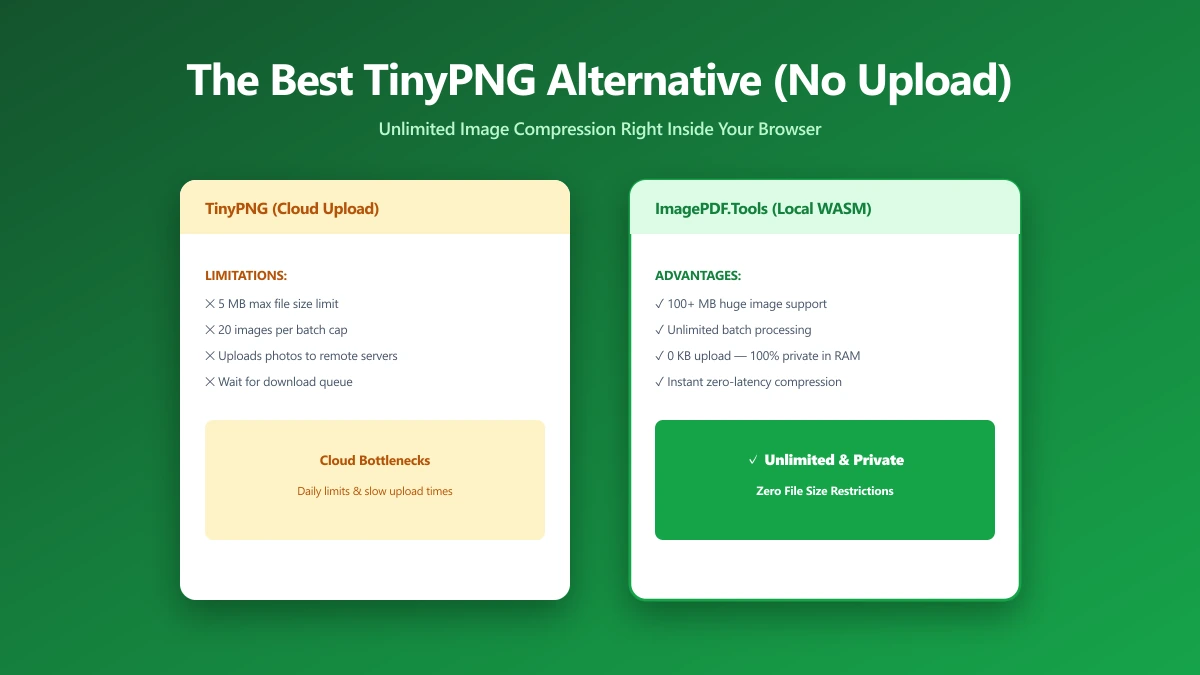
The Best TinyPNG Alternative That Never Uploads Your Images (2026)
Looking for a TinyPNG alternative? ImagePDF.Tools compresses PNG and JPEG in your browser, no upload, no batch cap, no account. Here is how it compares and how to verify it.
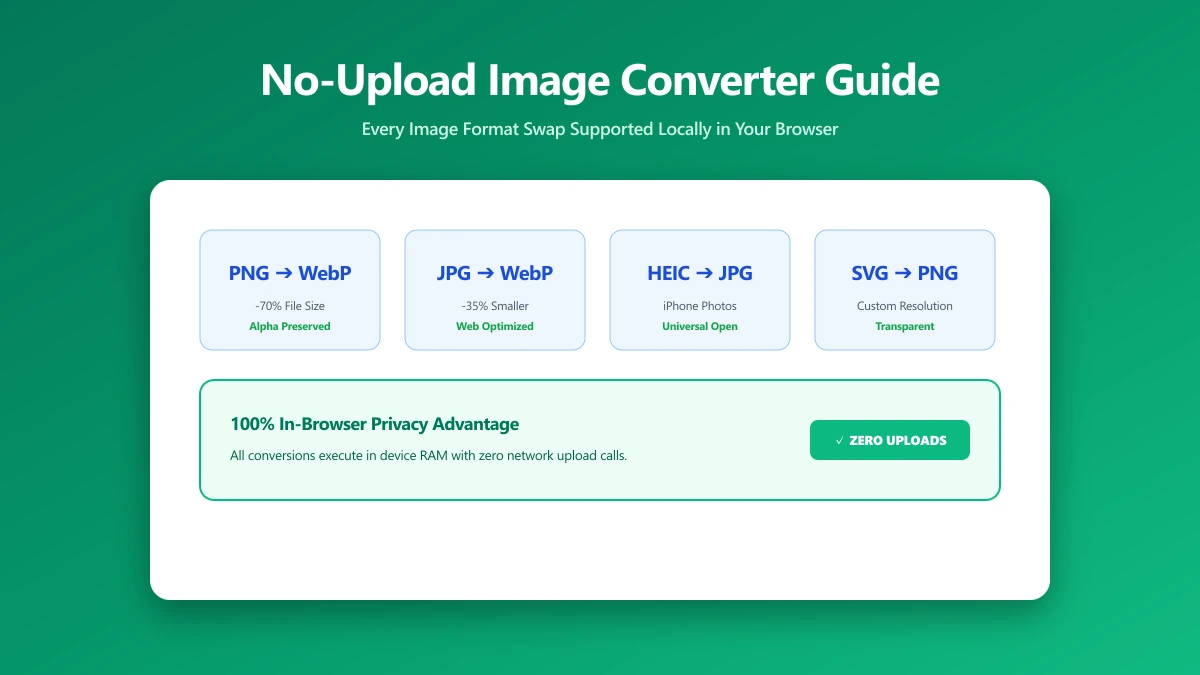
No-Upload Image Converter: Every Format Swap You Can Do Locally
Looking for a no-upload image converter? Here is exactly which image format conversions, JPG, PNG, WebP, SVG, and more, ImagePDF.Tools handles entirely in your browser.
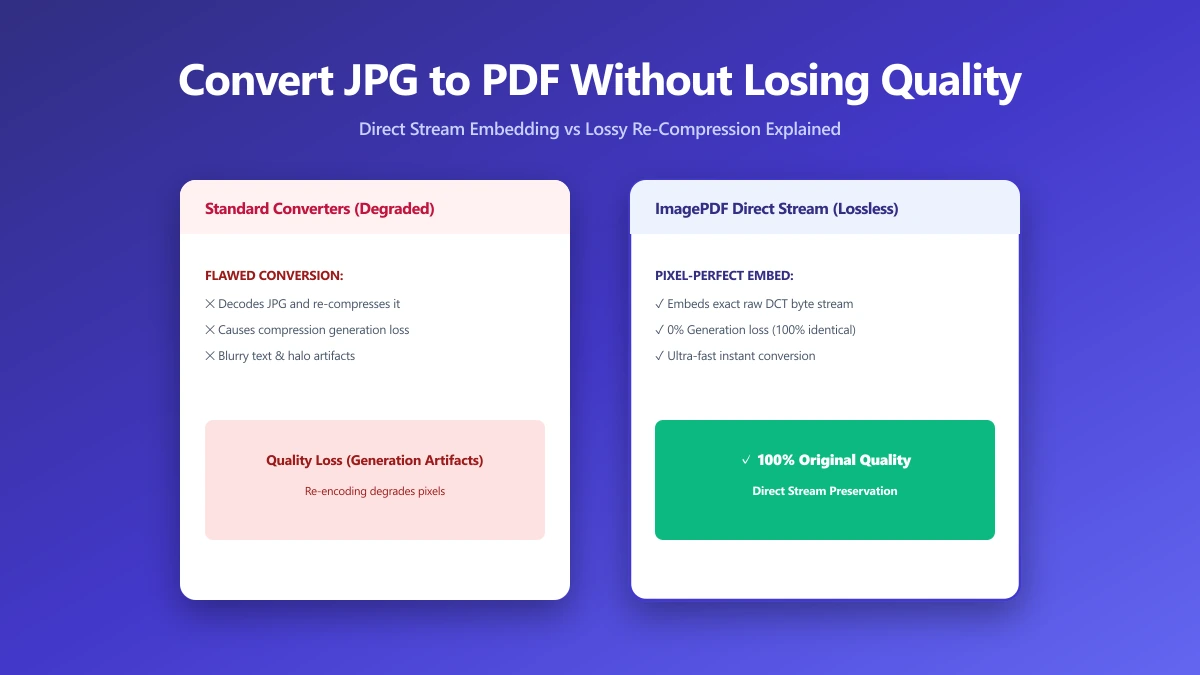
How to Convert JPG to PDF Without Losing Quality
Most JPG-to-PDF tools silently recompress your image, destroying quality. Learn the correct method that embeds JPEG data without re-encoding, zero quality loss.