
Add Watermark to PDF Online for Free
or drop files here
Add a diagonal text watermark to every page. CONFIDENTIAL, DRAFT, SAMPLE, or any custom text. Fully in your browser.
Three steps. Every page watermarked.
Upload your PDF
Drop your PDF onto the upload area or click Browse PDF to select it from your device.
Configure the watermark
Choose a preset (CONFIDENTIAL, DRAFT, SAMPLE) or type custom text. Adjust colour, opacity (5 to 60%), and size.
Save your watermarked PDF
Click Add Watermark. Text is drawn diagonally across every page in your browser. Save the result instantly.
When should you watermark a PDF?
Watermarks communicate status, protect intellectual property, and control how documents are shared and used.
Confidential business documents
Mark sensitive contracts, financial projections, and strategy documents with CONFIDENTIAL to control distribution.
Draft documents under review
Stamp DRAFT across working copies so recipients know the document is not the final version and may still change.
Sample and preview documents
Share product catalogues, portfolios, or reports with a SAMPLE mark to prevent unauthorised use before purchase.
Approved documents and sign-off
Add an APPROVED stamp to a final document so the reviewer status is permanently visible on every page.
Brand protection for creative work
Overlay your studio name or company on design proofs, photography, and creative deliverables before sharing with clients.
Internal distribution control
Mark internal-only PDFs so the classification is clear if a document is accidentally forwarded outside the organisation.
How the watermark is applied under the hood.
pdf-lib loads your PDF in the browser, then draws your watermark text diagonally across the centre of each page. The text is rendered in Helvetica Bold at your chosen colour and opacity.
Because it is drawn at the PDF content level, the watermark is visible in all standard PDF viewers without any plugins. Nothing is uploaded to a server at any point.
Questions answered.
Can someone remove my watermark?
Will the watermark appear on all pages?
Is my file uploaded to a server?
What opacity should I use?
Can I add an image watermark instead of text?
Can I watermark only specific pages?
What colours can I use for the watermark?
Does the watermark remain if the PDF is printed?
More tools you might need.
Related Guides & Tutorials
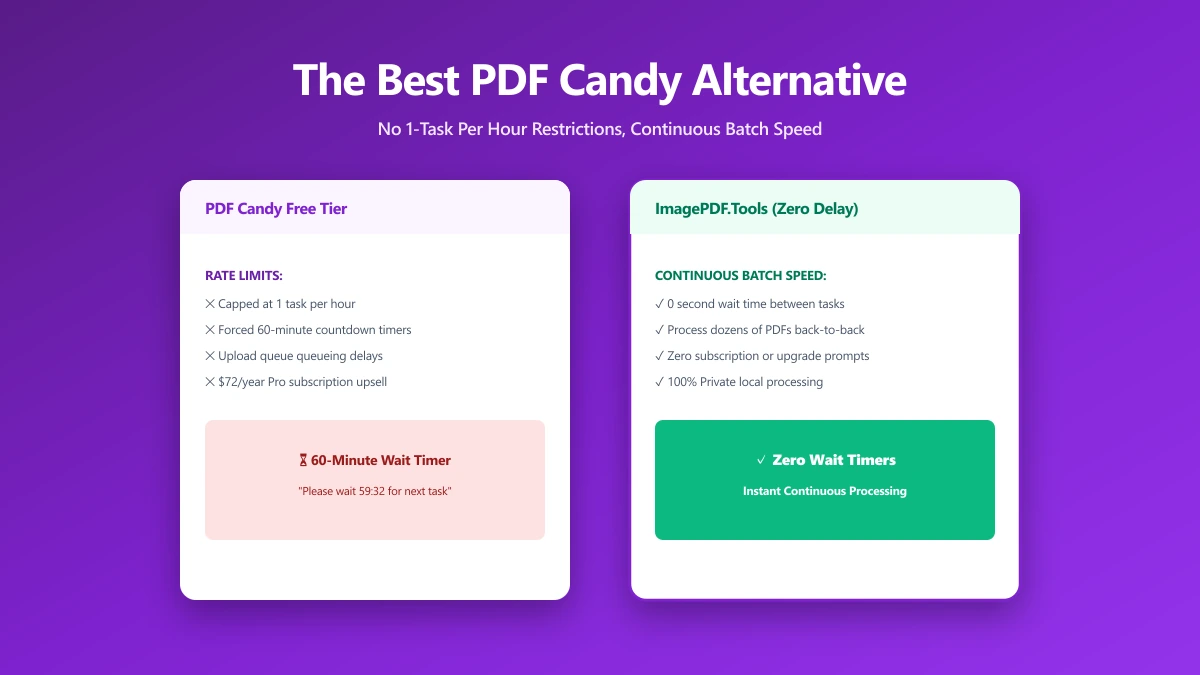
The Best PDF Candy Alternative If One Task an Hour Is Not Enough (2026)
PDF Candy's free plan allows one task per hour and holds files on its servers for up to two hours. ImagePDF.Tools compresses, merges, and edits PDFs unlimited, free, and entirely in your browser.
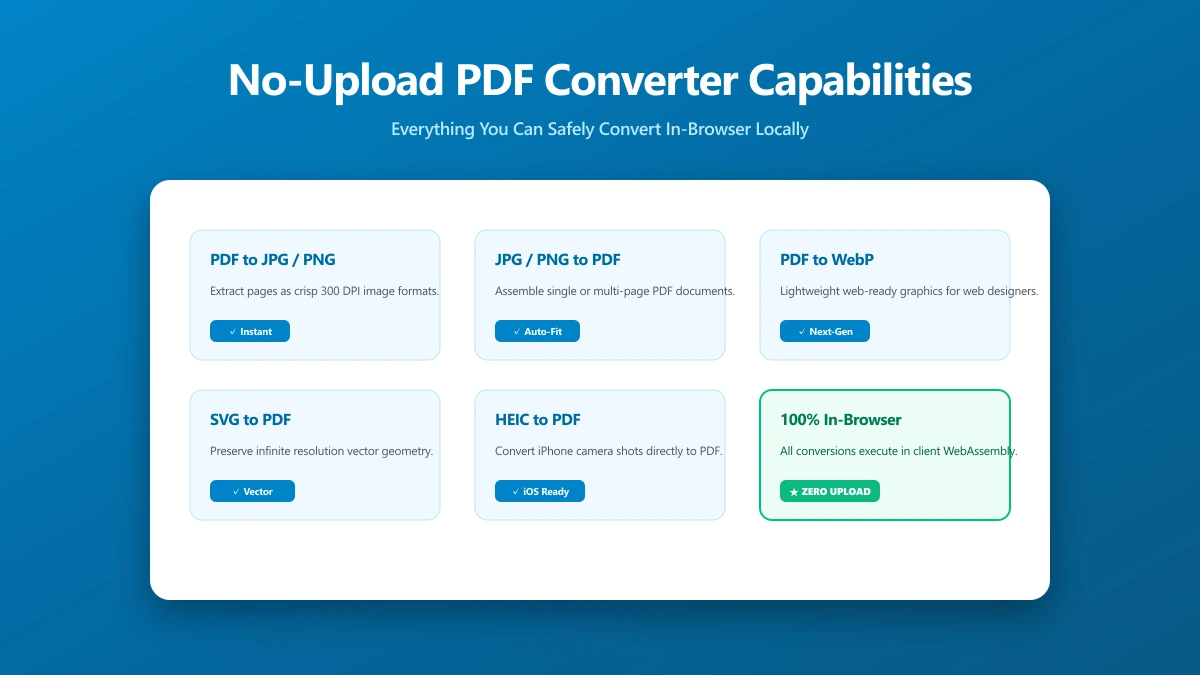
No-Upload PDF Converter: A Capability Checklist for What You Can Do Locally
Looking for a no-upload PDF converter? Here is a capability checklist, exactly which PDF tasks ImagePDF.Tools handles entirely in your browser, with nothing ever sent to a server.
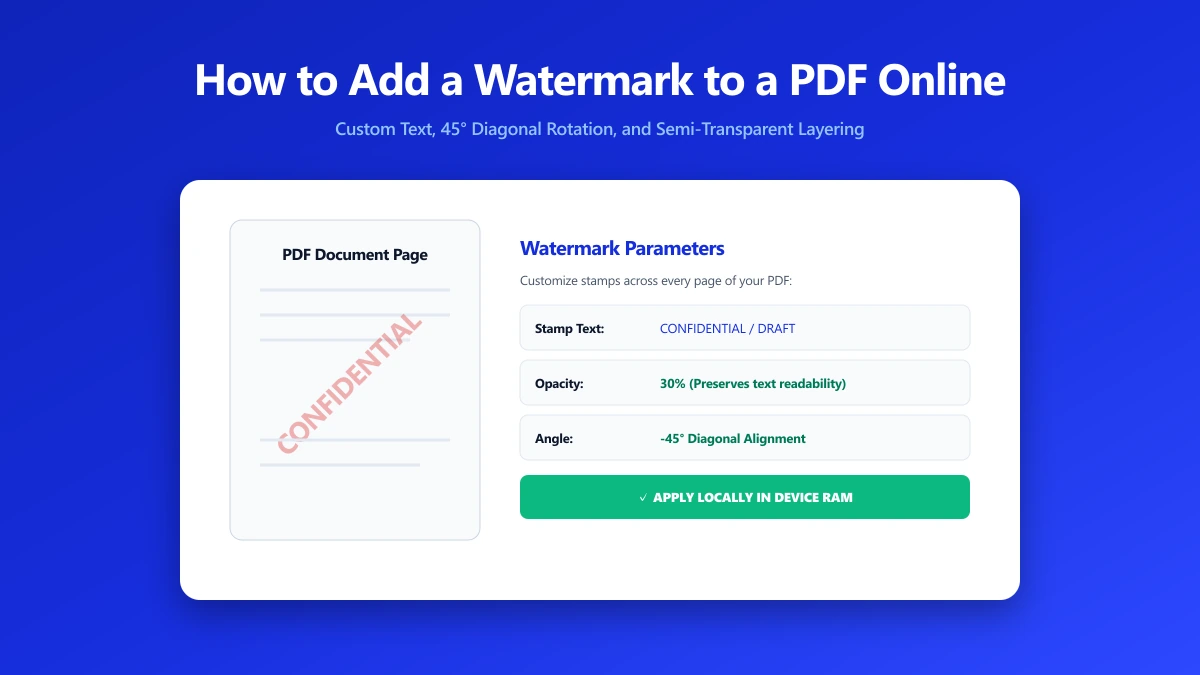
How to Add a Watermark to a PDF Online
A watermark marks status and establishes ownership on every PDF page. Add CONFIDENTIAL, DRAFT, or your company name in seconds, nothing leaves your browser.