The Best PDF Candy Alternative If One Task an Hour Is Not Enough (2026)
Summary
PDF Candy's free plan allows one task per hour and holds files on its servers for up to two hours. ImagePDF.Tools compresses, merges, and edits PDFs unlimited, free, and entirely in your browser.
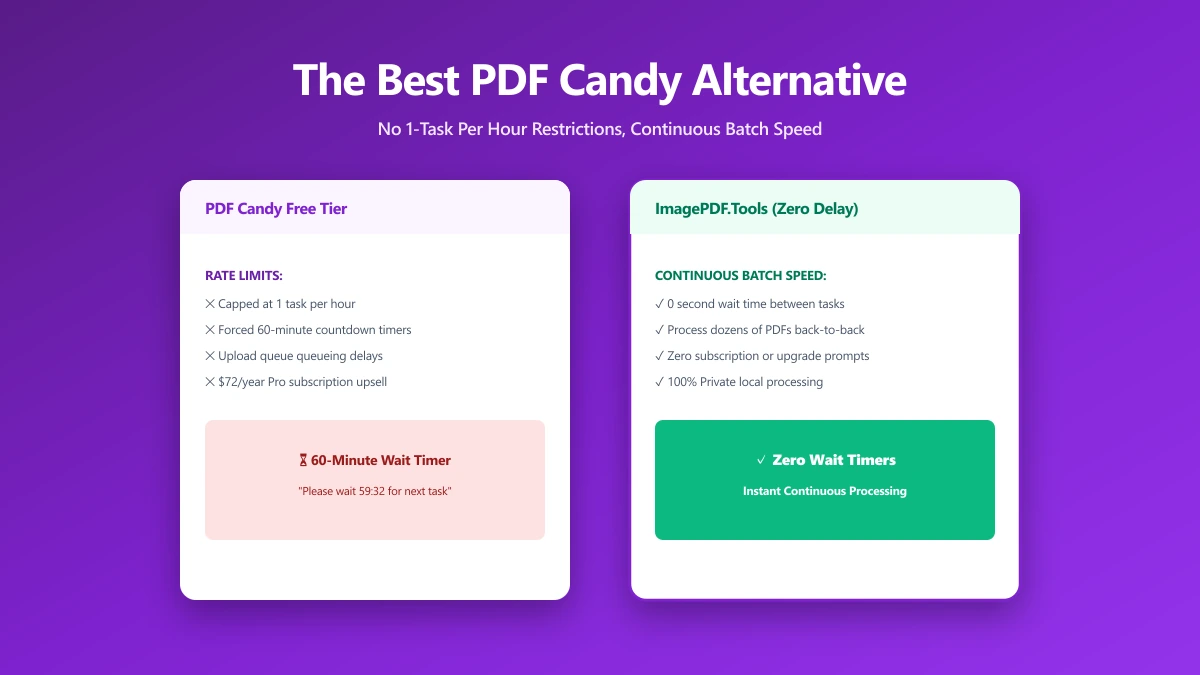
PDF Candy's catalog is genuinely wide, more than 90 tools covering nearly every PDF and file-conversion task you could ask for. The free plan's catch is narrow but sharp: one task per hour. Compress a file, then need to merge it, and you are either waiting fifty-odd minutes or reaching for your card.
ImagePDF.Tools handles the core PDF jobs, compress, merge, split, convert, entirely in your browser, with no hourly wait and no upload at all. Here is the full comparison.
What PDF Candy Does Well
Breadth is PDF Candy's real strength, 90-plus tools spanning conversions most competitors do not bother offering. Its own security page states files are encrypted with 256-bit AES both in transit and at rest, over HTTPS with current TLS, and it operates under GDPR compliance. As upload-based tools go, its security posture is solid.
The One-Task-an-Hour Wall
The free plan's limit is exactly one task every sixty minutes, and it applies regardless of which tool you use. PDF Candy's own security page confirms uploaded and generated files stay on its servers for up to two hours before automatic deletion, so even within that single hourly task, your file is uploaded and held, not processed and instantly forgotten. Removing the hourly cap requires a paid plan: Web Monthly at $6, a Web Yearly plan working out to roughly $4 a month, or a one-time $99 lifetime license covering both desktop and web.
Do the math on a normal editing session: compress, then merge, then convert, is three separate tasks. On PDF Candy's free plan, that is not a five-minute job, it is spread across at least two hours of waiting, or a subscription.
PDF Candy vs ImagePDF.Tools
| Factor | PDF Candy (free) | ImagePDF.Tools |
|---|---|---|
| Task limit | 1 per hour | Unlimited, always |
| Where your file goes | Uploaded, held up to 2 hours | Never leaves your device |
| Account required | No, for basic use | Never |
| Starting paid price | $6/month | Free, permanently |
| Tool catalog breadth | 90+ tools | Core PDF and image toolkit |
The honest read: if you need one of PDF Candy's more obscure format conversions, it may be your only option. For the everyday jobs, compressing, merging, splitting, converting, the hourly wall is exactly the kind of friction a browser-based tool removes.
When to Switch
- ●Anyone doing more than one PDF task in an hour, which covers most real editing sessions.
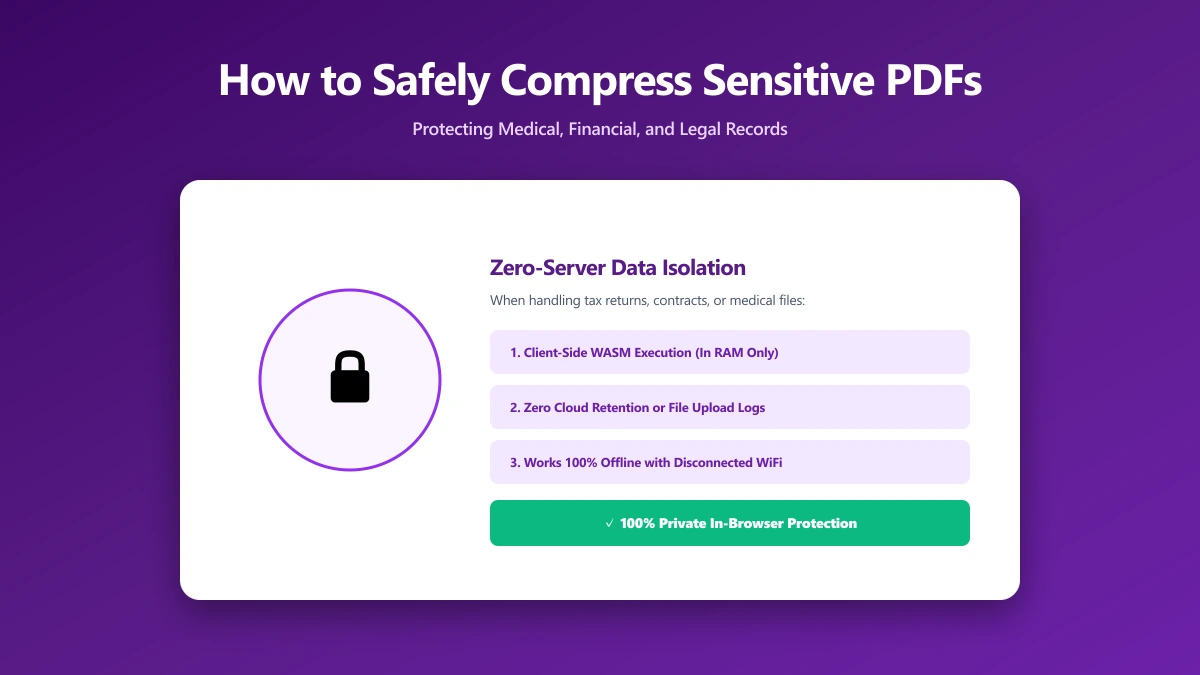
- ●Sensitive documents, where a two-hour server retention window is more exposure than necessary.
- ●Avoiding a $6+/month subscription just to remove an hourly counter on tasks that take seconds locally.
- ●Frequent, everyday use, where browser-based processing simply has no rate limit to hit.
Verify It Yourself in 30 Seconds
Do not take either tool's privacy claims on faith:
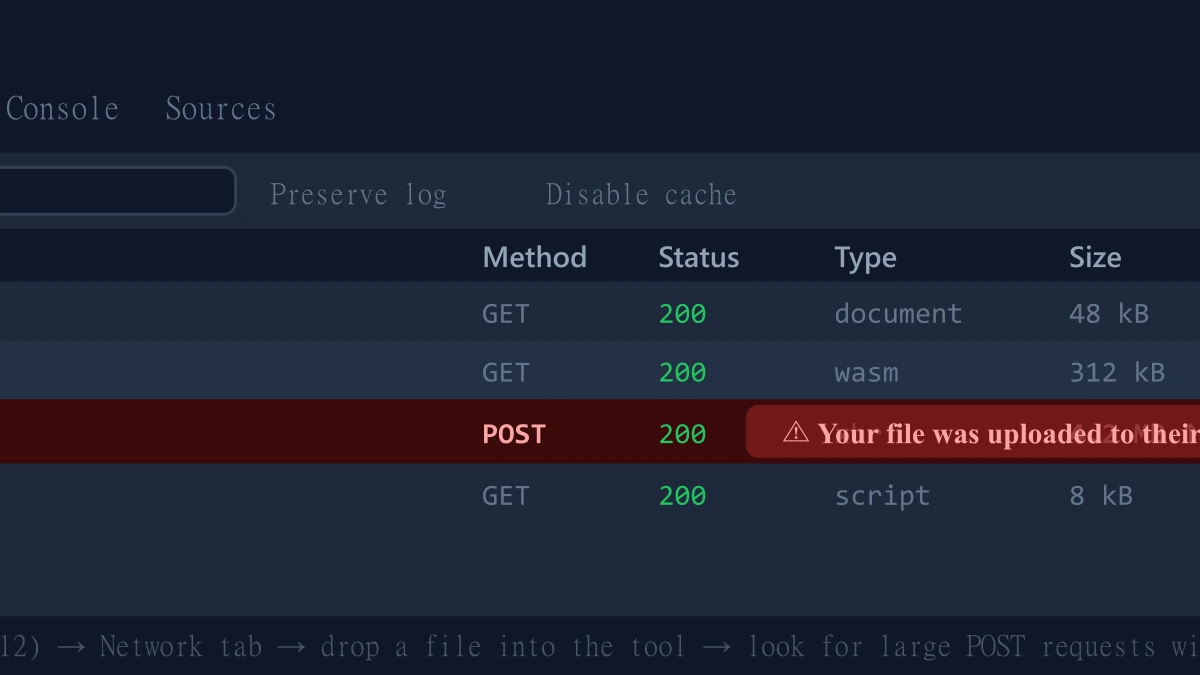
- 1.Open the tool, press F12, and click the Network tab in DevTools.
- 2.Tick "Preserve log" so nothing clears between steps.
- 3.Run a compression or merge on a test PDF.
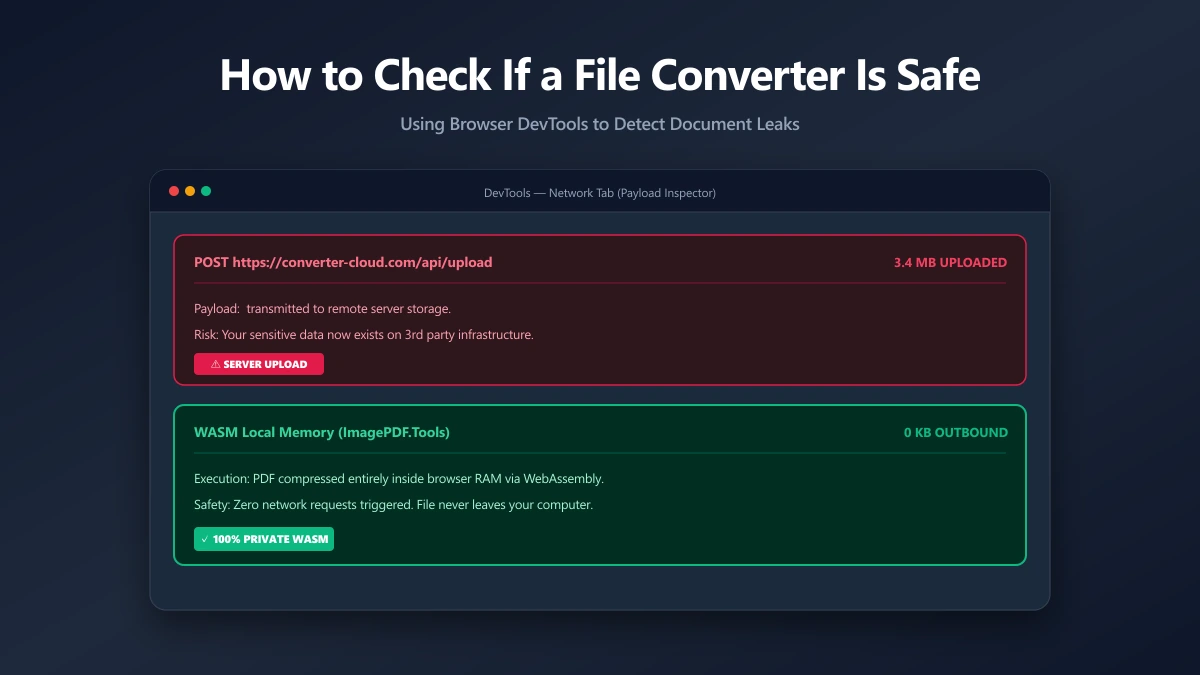
- 4.Watch for a large outbound
POSTrequest the size of your file, that is an upload. On ImagePDF.Tools there is no such request.
For a deeper look at file-safety habits, see our guide on how to check if an online file converter is safe.
The Bottom Line
PDF Candy's tool catalog is impressively broad, but its free plan's one-task-per-hour limit turns any real editing session into a waiting game. ImagePDF.Tools handles the everyday jobs, compress, merge, split, convert, with no hourly cap, no upload, and no cost, ever.
Try it now: compress a PDF or merge one, then check DevTools and confirm nothing was uploaded.
Frequently asked questions
How many free tasks does PDF Candy allow per hour?
What is the best PDF Candy alternative with no hourly limit?
Does PDF Candy upload my files to its servers?
Is PDF Candy safe to use?
Is ImagePDF.Tools free for unlimited use, unlike PDF Candy's hourly cap?
Sources & references
This article was researched and written by Nikola, drawing on the following primary sources and documentation:
Ready to try it?
All tools run entirely in your browser, no uploads, no account required.
Watermark PDF