
Add Page Numbers to PDF Online for Free
or drop files here
Stamp page numbers onto every page of your PDF. Pick position, format, and start number. No upload needed.
Three steps. Numbered pages.
Upload your PDF
Drop your PDF onto the upload area or click Browse PDF to select it from your device.
Set position and format
Drag the number anywhere on the page preview, then set the format (1, Page N, or N of Total), the starting number, and the page range.
Save the numbered PDF
Click Add Page Numbers. Numbers are stamped onto the pages you chose in your browser, save the result immediately.
When do you need page numbers?
From legal submissions to print-ready reports, page numbers are a professional requirement across many document types.
Legal filings and court documents
Courts and legal proceedings often require sequentially numbered pages. Add numbers in seconds, ready for submission.
Academic papers and theses
Universities require page numbers on dissertations and research papers. Set a custom start to skip the title page.
Business reports and proposals
Professional reports look polished with page numbers in the footer. Clients can reference specific pages during review.
Multi-section manuals
Start numbering at any number, perfect when chapters are combined after being authored separately.
Print-ready documents
Printers and binding services often require page numbers before they will process a document. Add them here without reprinting.
Contracts and agreements
Numbered pages make it easy to confirm all parties are reviewing the same version and no pages have been omitted.
How page numbering works under the hood.
The tool uses pdf-lib to load your PDF entirely in browser memory and draw text onto each page at the position you select. Numbers are rendered in Helvetica, a universally supported PDF font, so the result looks clean in every viewer.
The original page content is completely untouched. Numbers are simply drawn on top. Nothing is uploaded to a server at any point.
Questions answered.
Does this affect existing text in the PDF?
Can I choose where numbers appear?
What formats are available?
Can I add numbers starting from a page other than 1?
Will numbers appear on every page?
Can I change the font size of the numbers?
Can I remove page numbers later?
Is my file uploaded to a server?
More tools you might need.
Related Guides & Tutorials
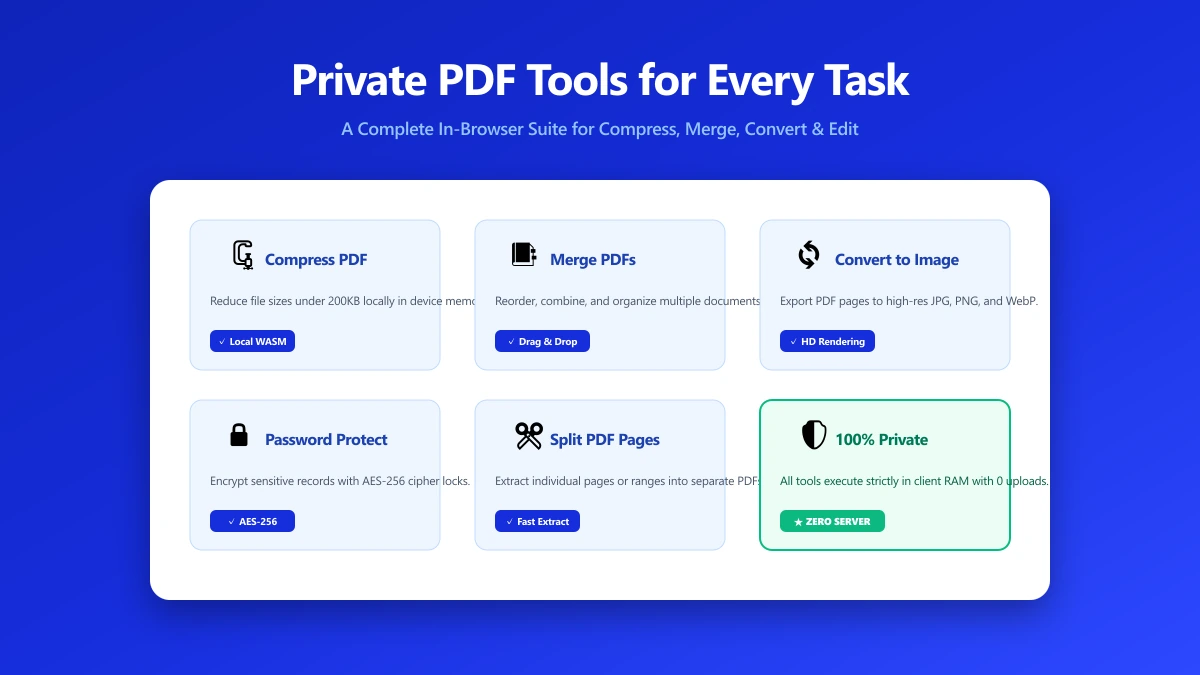
Private PDF Tools: A Practical Toolkit for Every Common Task
Looking for private PDF tools that never upload your file? Here is a practical, task-by-task list, merge, split, compress, edit, protect, and more, all running entirely in your browser.
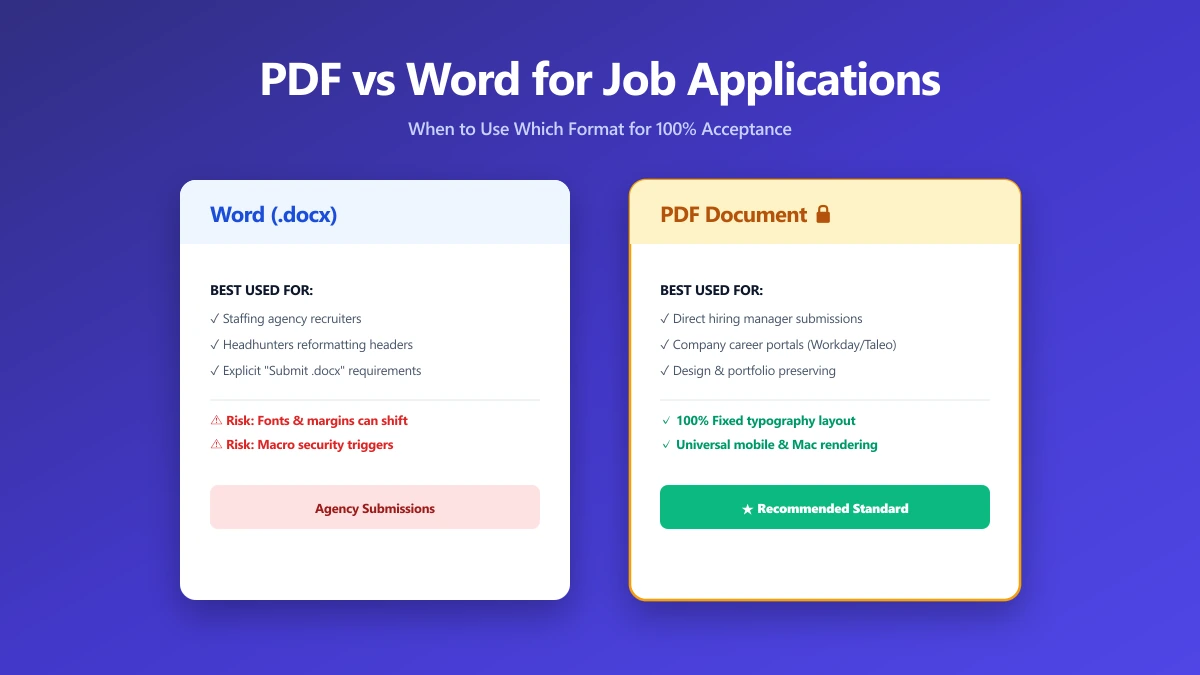
Should I Use PDF or Word for Job Applications?
PDF protects your layout, Word is sometimes required. A decision guide by employer type, plus what to do when the posting does not say either way.
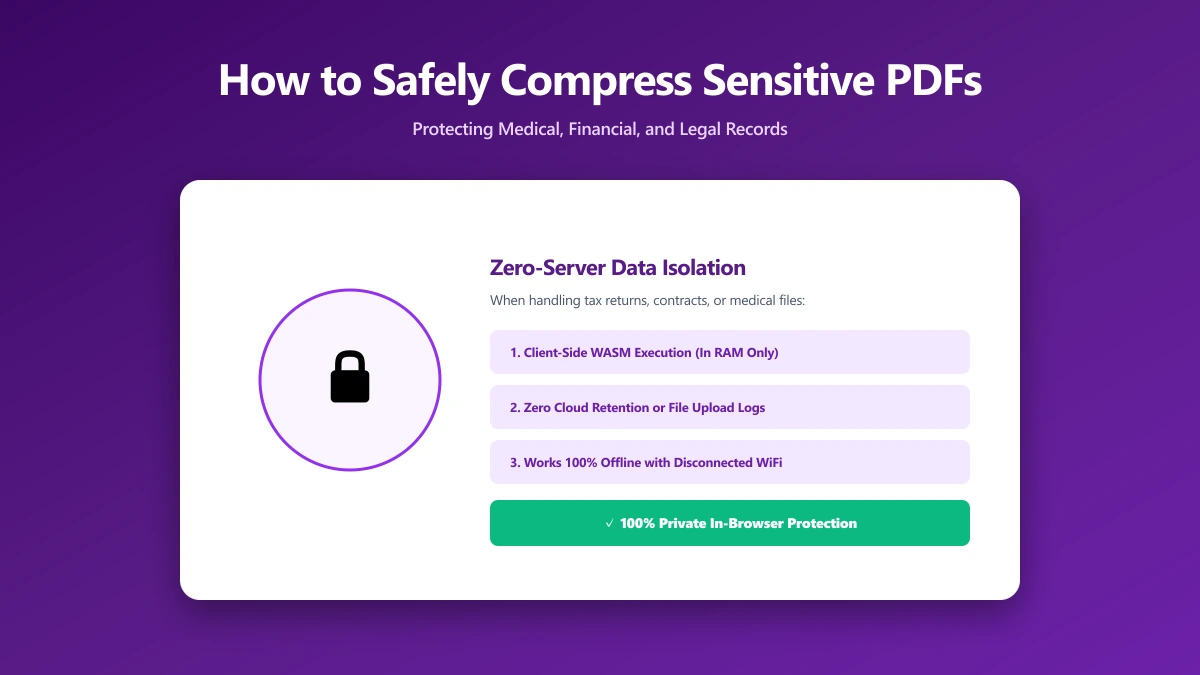
How to Safely Compress Sensitive PDF Documents
Compress sensitive PDFs, bank statements, contracts, medical records, without uploading them. Learn how to shrink them safely, right in your browser.