
Compress PNG Images Online for Free
or drop files here
Lossy colour quantisation trims a PNG down to a 256-colour palette. Up to 80% smaller. Nothing uploaded.
Three steps. Done in your browser.
Drop your PNG
Drag a PNG file onto the zone or click to browse. No file size limit. Transparency is preserved throughout.
Set the quality level
UPNG.js runs in your browser as plain JavaScript. Higher quality preserves more colour depth with a larger file.
Save your smaller PNG
Typically 40-80% smaller than the original. Transparency preserved. Nothing sent to any server at any point.
Where a smaller PNG makes the biggest impact.
PNG files are losslessly compressed by default, meaning they preserve every pixel exactly. That makes them large. Lossy palette quantisation fixes that without changing the format or losing transparency.
Website performance
Large PNGs are one of the most common causes of poor Lighthouse scores. Compressing logos, icons, and screenshots before uploading to a CMS reduces page weight and improves load times.
App and game assets
Sprite sheets, UI textures, and icon atlases must be compact to minimise bundle size and reduce memory usage on mobile devices. Compressed PNGs load faster and use less RAM.
Logos and branding assets
Brand logos sent over email or embedded in documents are often oversized PNGs. A compressed logo under 100 KB looks identical but loads instantly and reduces document file size.
Screenshots and documentation
Screenshots saved as PNG are often several megabytes. Compressing before embedding into presentations, wikis, or PDFs significantly reduces the final document size.
Email signatures and templates
Large embedded PNGs cause emails to load slowly or get flagged by spam filters. A compressed PNG logo under 50 KB renders instantly in every email client.
Cloud storage and backups
Archiving large volumes of screenshots or design exports? Compression can cut storage footprint by 50-80% with no visible quality loss on screen.
How PNG compression works under the hood.
Unlike most online tools that upload your file to a remote server, this compressor runs entirely in your browser tab. It loads UPNG.js, an open-source JavaScript PNG encoder. UPNG.js builds a K-d tree over the pixels to find a palette of at most 256 colours for each image, then re-deflates the indexed data, minimising visible quality loss while dramatically reducing file size.
Alpha-channel transparency is fully preserved throughout the process. Your file never leaves your device. There is no server, no upload, and closing the tab immediately clears all image data from browser memory.
Questions answered.
How does PNG compression work?
Will lossy compression ruin my PNG?
Should I compress PNG or convert to JPEG?
Is my PNG uploaded to a server?
Can I compress multiple PNGs at once?
Does compressing a PNG preserve transparency?
How much file size reduction should I expect?
What is the difference between compressing PNG and converting to WebP?
More tools you might need.
Related Guides & Tutorials
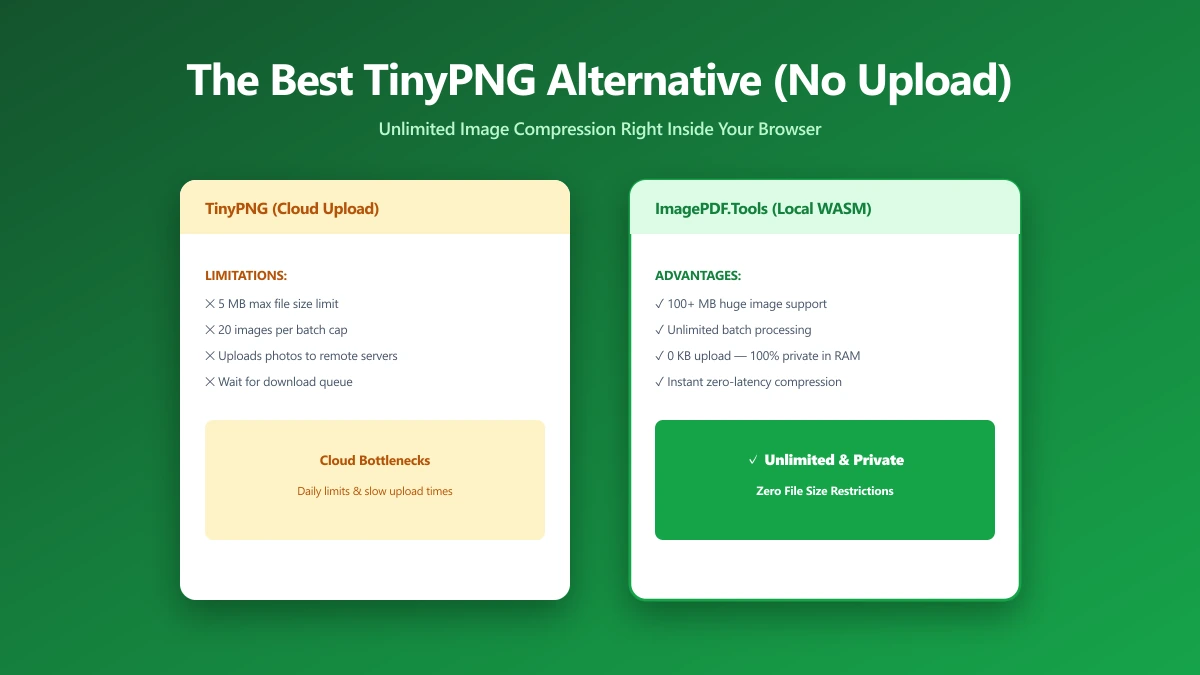
The Best TinyPNG Alternative That Never Uploads Your Images (2026)
Looking for a TinyPNG alternative? ImagePDF.Tools compresses PNG and JPEG in your browser, no upload, no batch cap, no account. Here is how it compares and how to verify it.
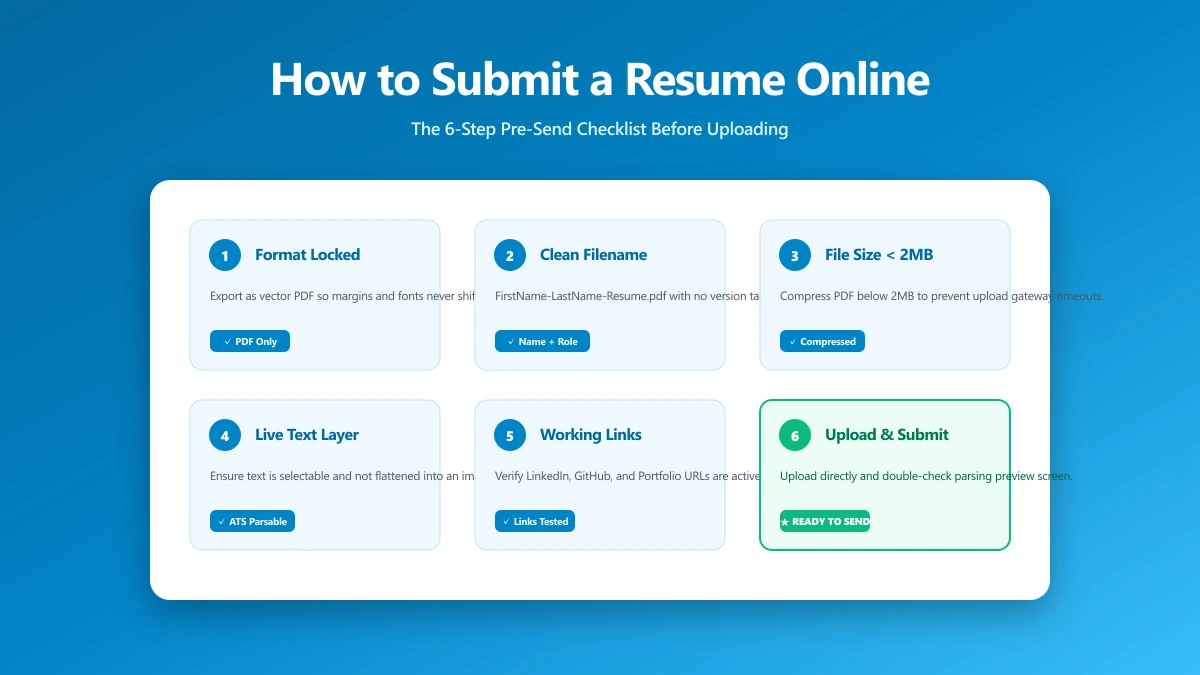
How to Submit a Resume Online: The 6-Step Pre-Send Check
A 6-step check to run before you upload: format, filename, file size, portal rules, hidden metadata, and a test send. Takes about a minute.
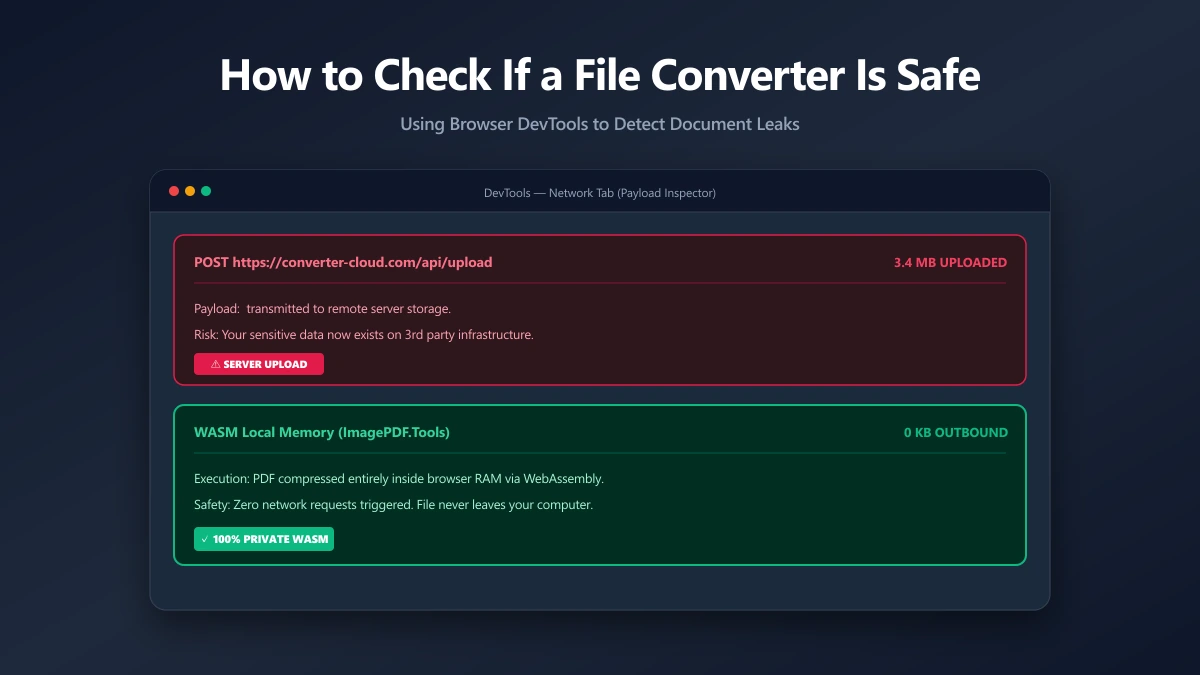
How to Check If an Online File Converter Is Safe
Are online file converters safe? Many upload your files to a server. Learn to spot the risk, verify in-browser processing, and pick a private tool.