
Organize PDF Pages Online for Free
or drop files here
Drag and drop to reorder pages, remove unwanted ones, and save a clean PDF, all in your browser.
Three steps. Your pages, your order.
Upload your PDF
Drop your PDF onto the upload area. All pages render as thumbnails automatically in your browser.
Drag to reorder
Drag page thumbnails into your preferred order. Hover any thumbnail and click × to delete that page.
Save PDF
Click Save PDF to rebuild the file with your new page order, then download the reorganized document.
How reordering works
Your PDF is rendered page-by-page into thumbnail images using pdfjs-dist, giving you a visual preview to work with. When you drag to reorder or delete pages, the UI updates instantly. When you save, pdf-lib copies the original pages in your chosen order into a new PDF document, no re-encoding, full quality preserved. The result is created as a Blob in your browser and offered via a Save dialog.
Privacy by architecture
Your PDF never leaves your browser.
Frequently asked questions
Does reordering pages affect quality?
Can I delete pages?
Can I undo a deleted page?
Is there a page limit?
Can I also add pages from another PDF?
Does this work on mobile?
Is my file uploaded to a server?
More tools you might need.
Related Guides & Tutorials
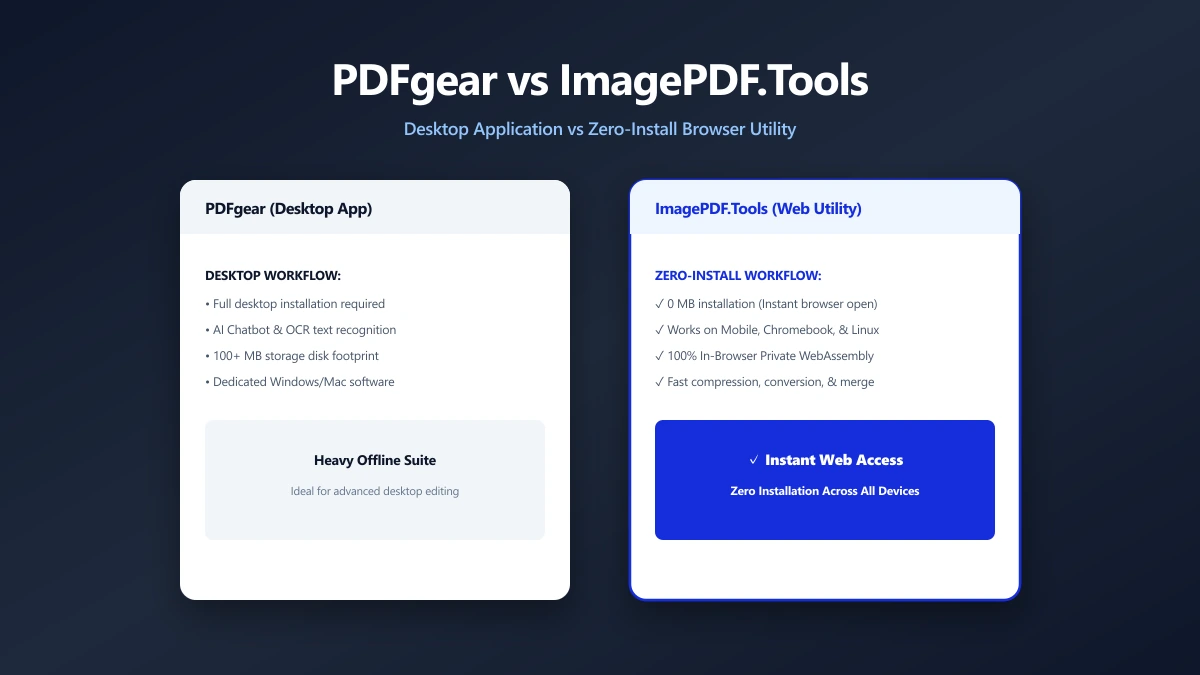
PDFgear vs ImagePDF.Tools: Two Browser-Based PDF Tools, Different Trade-Offs (2026)
PDFgear also processes several PDF tasks in your browser, but pushes a desktop app install and sits inside a growing multi-product AI suite. ImagePDF.Tools stays a single, install-free toolkit.
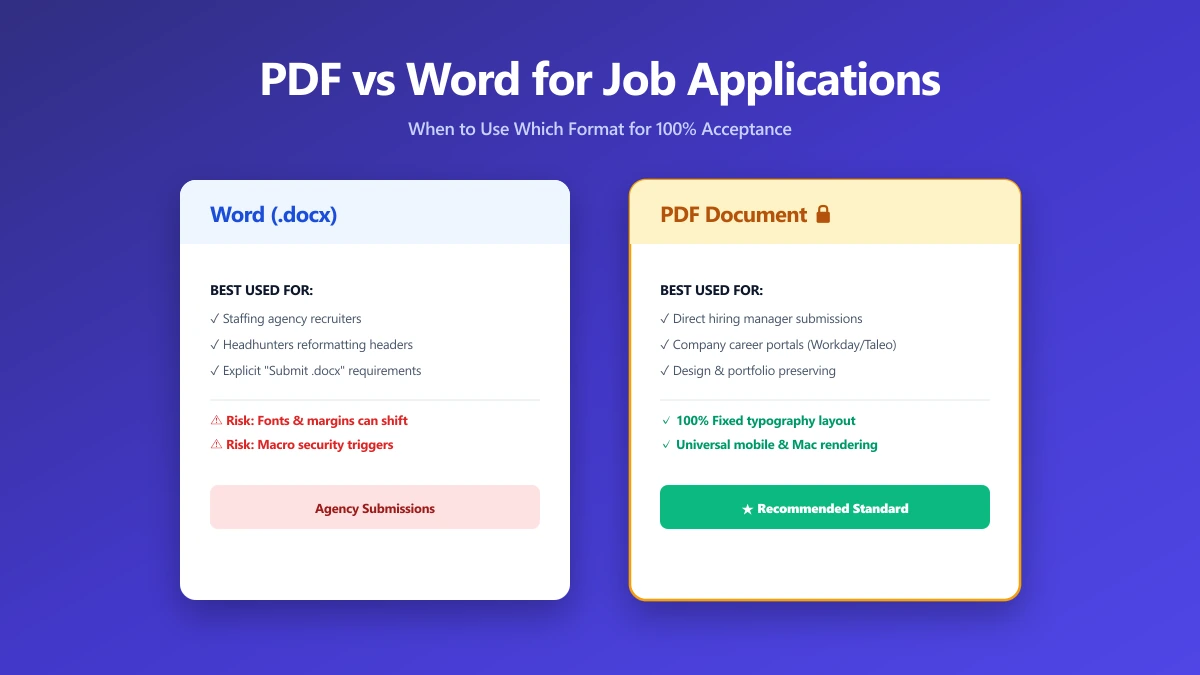
Should I Use PDF or Word for Job Applications?
PDF protects your layout, Word is sometimes required. A decision guide by employer type, plus what to do when the posting does not say either way.
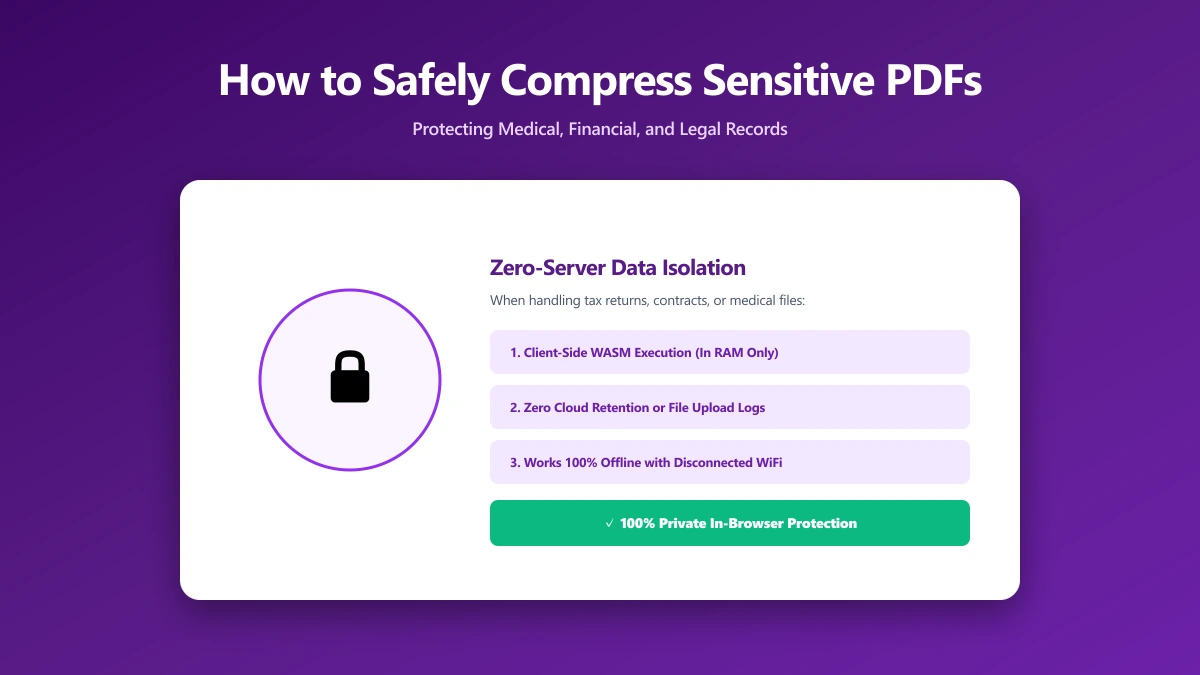
How to Safely Compress Sensitive PDF Documents
Compress sensitive PDFs, bank statements, contracts, medical records, without uploading them. Learn how to shrink them safely, right in your browser.