
Convert Image to WebP Online for Free
or drop files here
Convert any JPEG or PNG to modern WebP: same visual quality, smaller file size. Browser-native encoding, nothing uploaded.
Three steps. Done in your browser.
Drop your image
Drag a JPEG or PNG file onto the zone or click to browse. No file size limit, all processing is local.
Output format: WebP
The browser's libwebp encoder compiled to WebAssembly handles conversion. Adjust quality with the slider to control file size.
Save your WebP file
Your browser converts locally and the WebP file saves directly to your device. Nothing is stored or logged.
Who needs WebP images?
WebP delivers 25-35% smaller file sizes than JPEG at equivalent quality. Any project that relies on fast-loading images benefits immediately from switching.
Website performance
Replacing JPEG hero images with WebP equivalents shaves hundreds of kilobytes per page load, directly improving Google PageSpeed scores and Core Web Vitals.
E-commerce product images
Product photos as WebP load faster on Shopify, WooCommerce, and Amazon stores, reducing bounce rate and improving conversion from mobile shoppers.
WordPress image libraries
WordPress 5.8 and above serves WebP natively. Converting your existing image library is the fastest way to speed up a WordPress site without changing themes or plugins.
Logos with transparency
WebP supports full alpha channel transparency, just like PNG. Convert PNG logos to WebP and get the same crisp edges at a fraction of the file size.
Blog and editorial images
Blog posts with multiple images benefit enormously from WebP. Readers on mobile data connections see faster load times without any perceptible difference in quality.
Design handoffs and assets
Including WebP exports in design handoffs helps developers meet performance budgets without extra optimisation work on their end. Smaller assets ship faster.
How WebP conversion works under the hood.
When you drop an image, the browser decodes it to a raw pixel buffer using the Canvas API, then re-encodes that buffer using the libwebp encoder compiled to WebAssembly. This is the same encoder Chrome uses internally, so the quality and file-size guarantees are identical to server-side tools.
Because everything happens on your own CPU, your image never leaves your device. There is no upload endpoint, no server, and no risk of your files being stored or accessed by anyone else.
Questions answered.
Is WebP better than JPEG?
Does every browser support WebP?
Will converting to WebP make my website faster?
Does WebP support transparency?
Is my image uploaded to a server?
Can I convert multiple images to WebP at once?
What quality setting should I use for WebP?
More tools you might need.
Related Guides & Tutorials
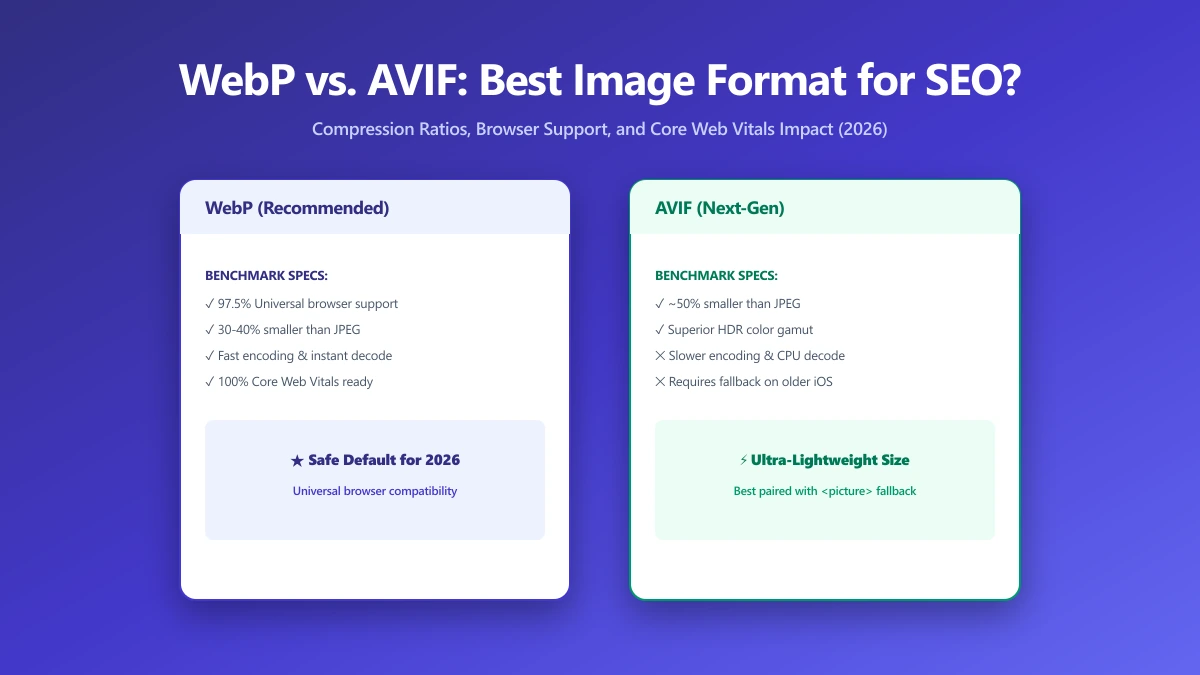
WebP vs. AVIF: Which Image Format Is Best for SEO in 2026?
AVIF compresses smaller than WebP but encodes 10× slower. Find out which format wins for LCP, CDN support, and real-world SEO in this 2026 comparison.
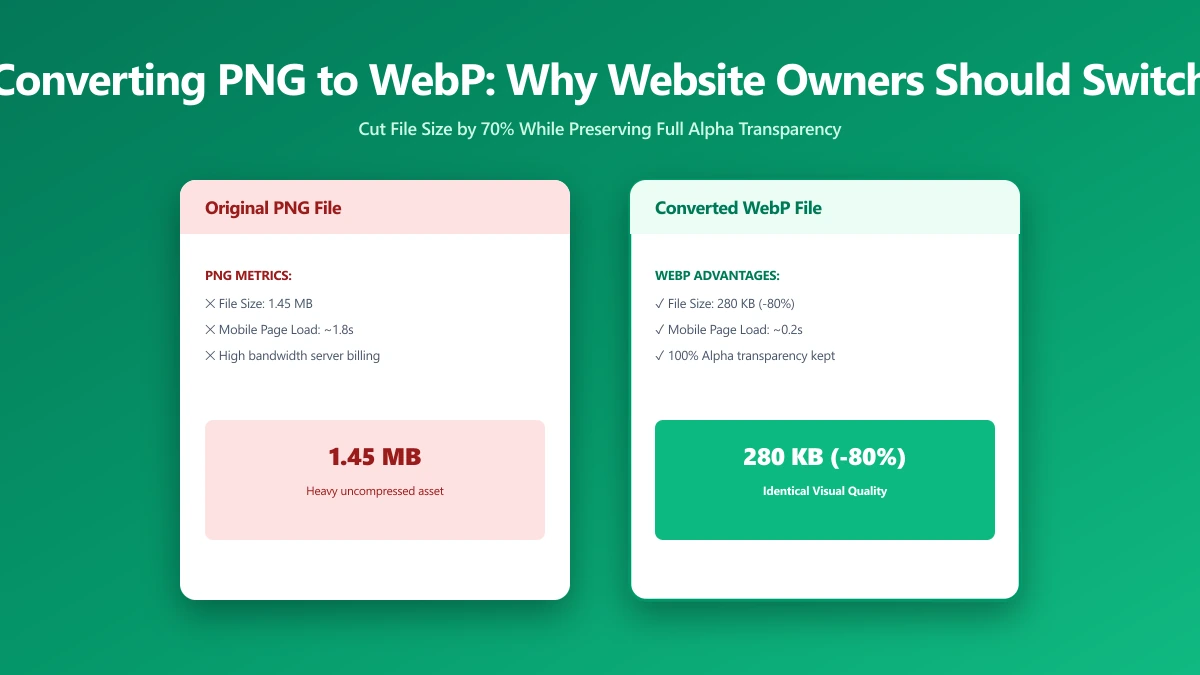
Converting PNG to WebP: Why Every Website Owner Should Do It
PNG files are 2–5× larger than WebP at equivalent quality. Learn when to switch, when to keep PNG, and how to migrate your entire image library in minutes.
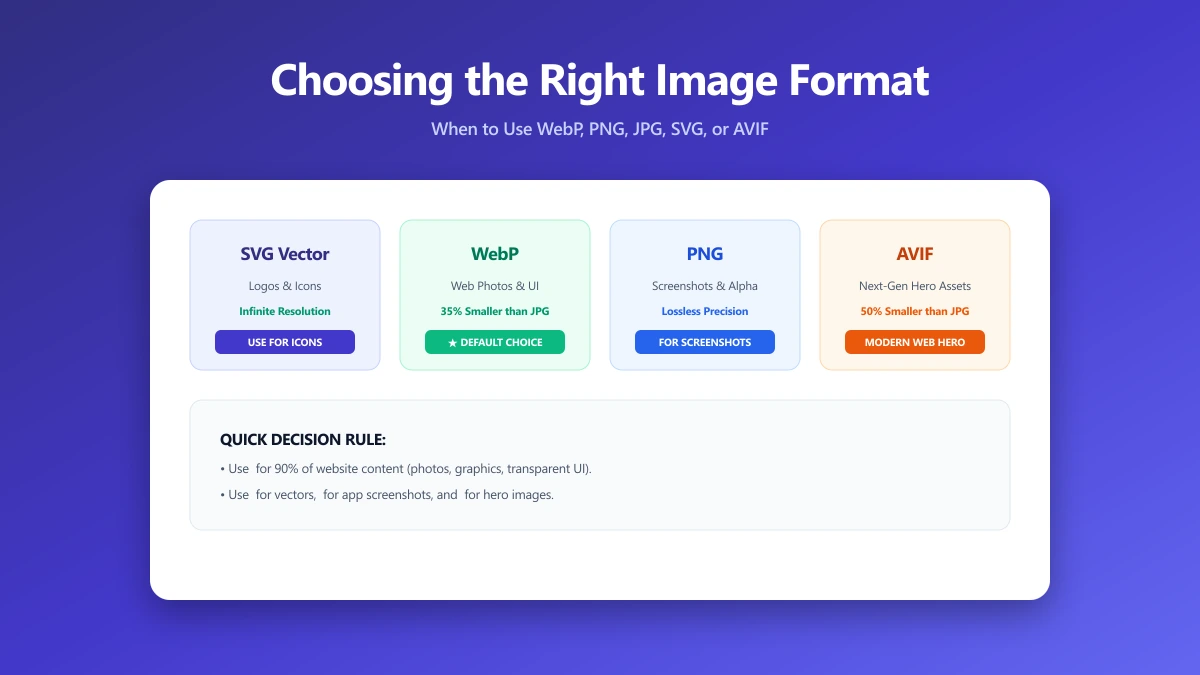
Choosing the Right Image Format: A Practical Guide From the Compression Side
JPEG, PNG, WebP, or AVIF? This practical guide explains every format's compression model so you pick the right one every time. Free converter included.