
Resize Image Online for Free
or drop files here
Set exact pixel dimensions, lock aspect ratio, or pick HD and 4K presets. Everything runs in your browser, no upload ever.
Three steps. Done in your browser.
Drop your image
Drag any JPEG, PNG, or WebP onto the resize zone, or click to browse. All processing is local.
Set dimensions
Enter target width and height in pixels, pick a preset like HD or 4K, or scale by percentage. Lock aspect ratio to avoid distortion.
Save the resized image
Click Resize and your image is ready instantly at the exact dimensions you specified, no upload, no wait.
When to resize an image.
Modern cameras and phones produce far more pixels than most use cases need. Resizing brings images down to exactly what the platform requires.
Social media post images
Each platform has its own optimal image dimensions. Resizing to the exact spec before uploading ensures sharp display without automatic cropping or compression artefacts.
Email attachments
A raw camera photo at 50 MP can be 20 MB or more. Resizing to 1200 px wide reduces file size dramatically and ensures the image loads inline in the recipient's email client.
Website performance
Serving a 6000 px wide image in a 600 px container wastes bandwidth and slows page load. Resizing to the display size cuts file weight by 90 percent or more.
Print preparation
Print services require images at specific pixel dimensions for the target paper size and DPI. Resizing to 2480 x 3508 px ensures crisp A4 output at 300 DPI without rasterisation artefacts.
App and icon assets
App stores, favicons, and UI kits require images at very specific sizes: 1024 x 1024 px for iOS, 512 x 512 px for Android, 16 x 16 px for favicons. Resize to each spec in seconds.
Batch processing for CMS upload
When uploading dozens of product photos to a CMS, consistent dimensions prevent layout shifts and broken grids. Resize all images to a single standard before bulk-uploading.
How resizing works under the hood.
When you enter target dimensions and click Resize, the tool draws the original image onto a new Canvaselement at the specified width and height. The browser's built-in bilinear scaling algorithm handles the interpolation, producing smooth results for both upscaling and downscaling.
Aspect ratio locking is enforced in JavaScript before the canvas draw call: the constrained dimension is recalculated automatically so no stretching ever occurs. The result is exported as a Blob URL and saved directly to your device.
Questions answered.
What is the difference between resizing and cropping?
Will resizing reduce image quality?
Can I resize by percentage instead of pixel dimensions?
What format will my resized image be saved in?
Can I resize to a specific file size rather than pixel dimensions?
Will resizing affect the image DPI for printing?
What is the maximum size I can resize to?
Is my image uploaded to a server?
More tools you might need.
Related Guides & Tutorials
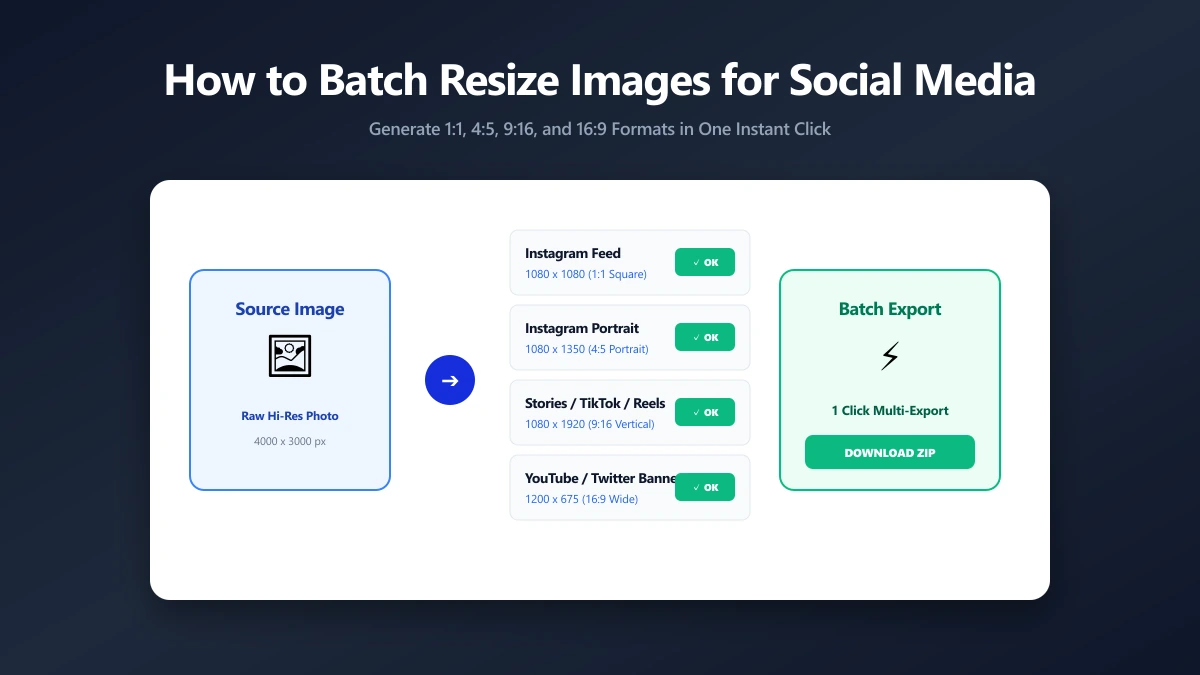
How to Batch Resize Images for Social Media Quickly
The complete 2026 guide to image dimensions for Instagram, X, LinkedIn, TikTok, YouTube, and more, plus batch resizing methods without quality loss.
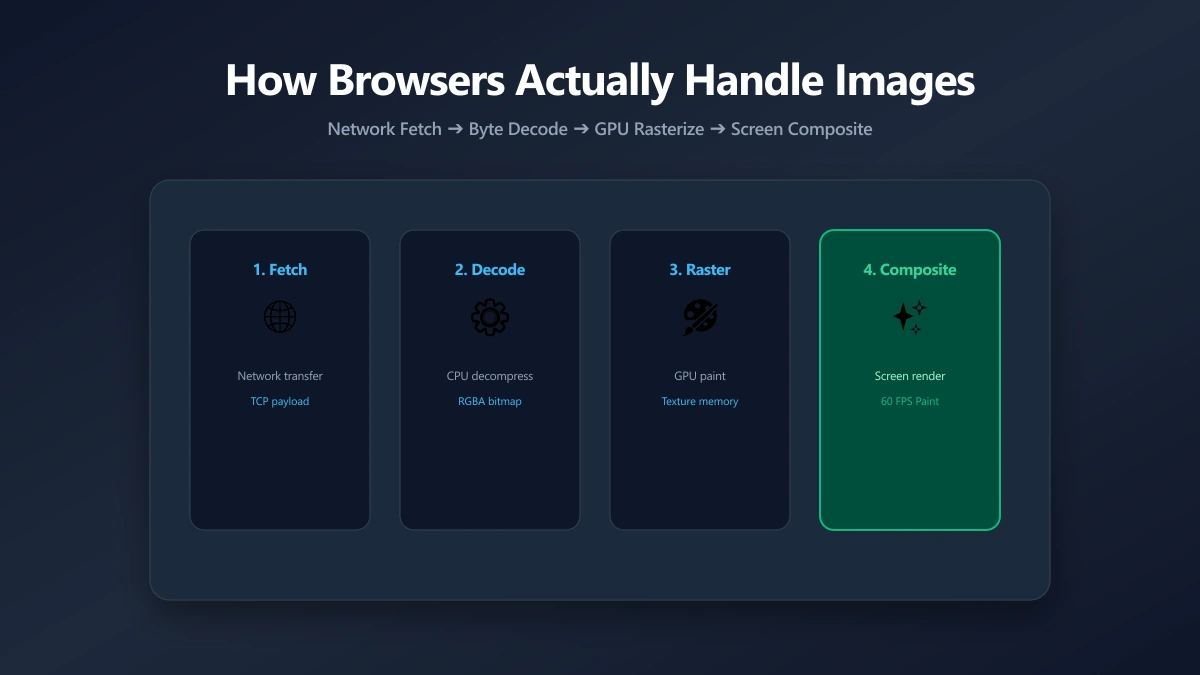
How Browsers Actually Handle Your Images
File size is half the story. After bytes arrive, browsers decode and composite images in ways that affect memory and rendering. Here's what actually happens.
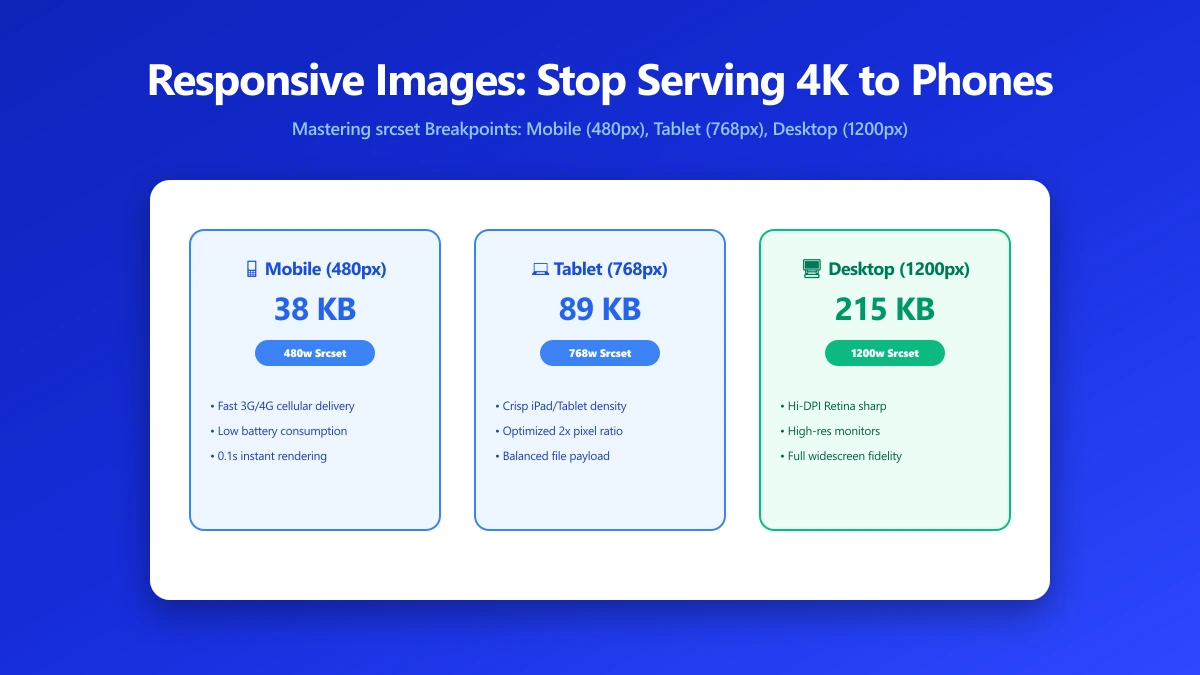
Responsive Images: Stop Serving Desktop Photos to Phone Screens
Serving a 2 MB desktop photo to every mobile screen wastes 95% of bandwidth. Add srcset, sizes, and picture in minutes to cut mobile load time in half.