
Convert JPG to WebP Online for Free
or drop files here
Convert JPEG images to modern WebP format. Same visual quality, significantly smaller files. All processing happens in your browser.
Three steps. Smaller WebP, instantly.
Drop your JPEG
Drag and drop JPEG files onto the converter, or click to browse. No batch limit, convert as many files as you need.
Format: WebP
Output is pre-set to WebP. Adjust the quality slider. Quality 80 is the optimal starting point for web use.
Save your WebP
Your converted WebP file is ready instantly. Save it directly to your device or get the whole batch as a ZIP.
Why switch from JPEG to WebP?
JPEG has been the standard photo format since the 1990s and remains excellent. WebP, released by Google in 2010, offers meaningfully better compression. For websites, that reduction directly improves Core Web Vitals.
Google PageSpeed score
PageSpeed Insights actively flags JPEG images as an improvement opportunity and recommends serving WebP instead. Switching is one of the fastest PageSpeed wins available.
Core Web Vitals (LCP)
LCP (Largest Contentful Paint) is heavily influenced by hero image file size. A WebP hero image is typically 30% smaller than its JPEG equivalent, directly reducing LCP time.
Bandwidth and hosting costs
Serving 35% smaller images means your CDN and hosting transfer less data every month. For high-traffic sites, this can reduce bandwidth costs noticeably.
E-commerce product images
Product pages with many images benefit most from WebP. Faster product image loading reduces bounce rates and increases the likelihood of a sale.
WordPress and CMS performance
WordPress 5.8+ supports WebP uploads natively. Replacing JPEG assets with WebP equivalents can shave megabytes off total page weight across your entire site.
Mobile user experience
Mobile users on slower connections benefit the most from smaller images. A 35% reduction in image size can mean the difference between a fast and a frustrating experience on 4G.
How it works under the hood.
When you drop a JPEG, the browser decodes it natively and draws it onto an HTML Canvaselement. The canvas is then exported as WebP using the browser's libwebp encoder compiled to WebAssembly. The quality slider controls the WebP compression level directly.
The entire process runs locally in your browser tab. No data is sent to any server. There is no upload, no server-side processing, and no risk of your images being stored or accessed by anyone else.
Questions answered.
Why convert JPG to WebP?
Does WebP look better than JPEG at the same file size?
Will WebP work on all browsers?
What quality setting should I use?
Is my image uploaded to a server?
Can I convert multiple JPEG files to WebP at once?
Is WebP supported by Google Search?
Can I use WebP images in emails?
More tools you might need.
Related Guides & Tutorials
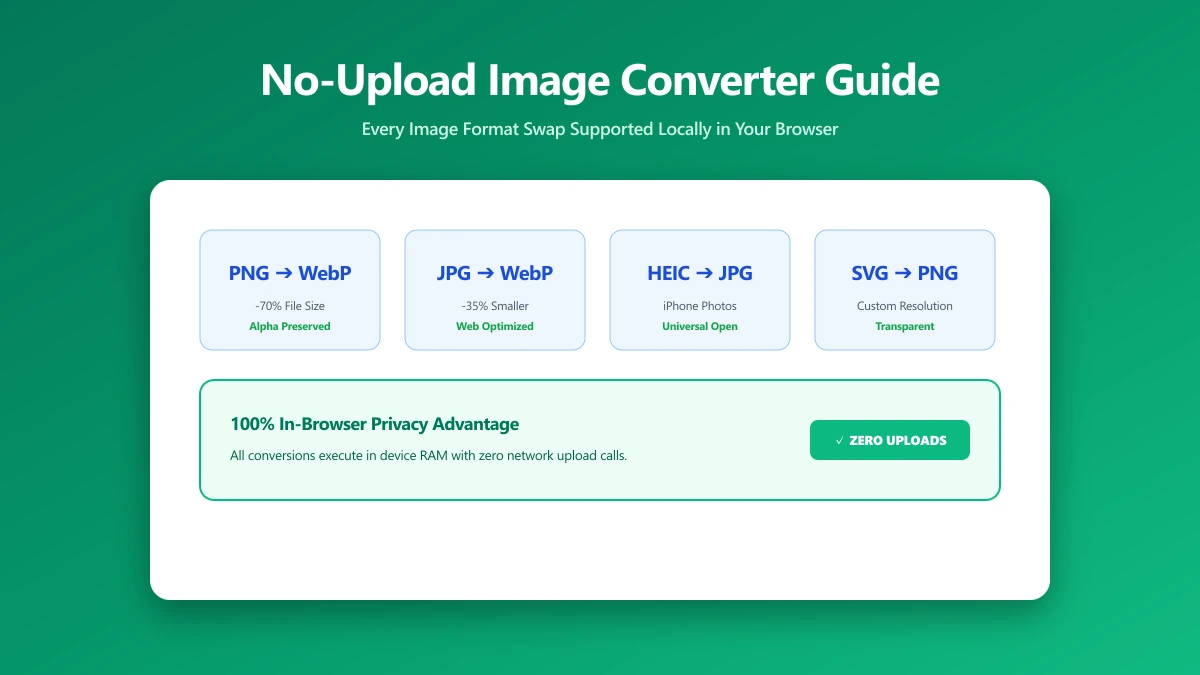
No-Upload Image Converter: Every Format Swap You Can Do Locally
Looking for a no-upload image converter? Here is exactly which image format conversions, JPG, PNG, WebP, SVG, and more, ImagePDF.Tools handles entirely in your browser.
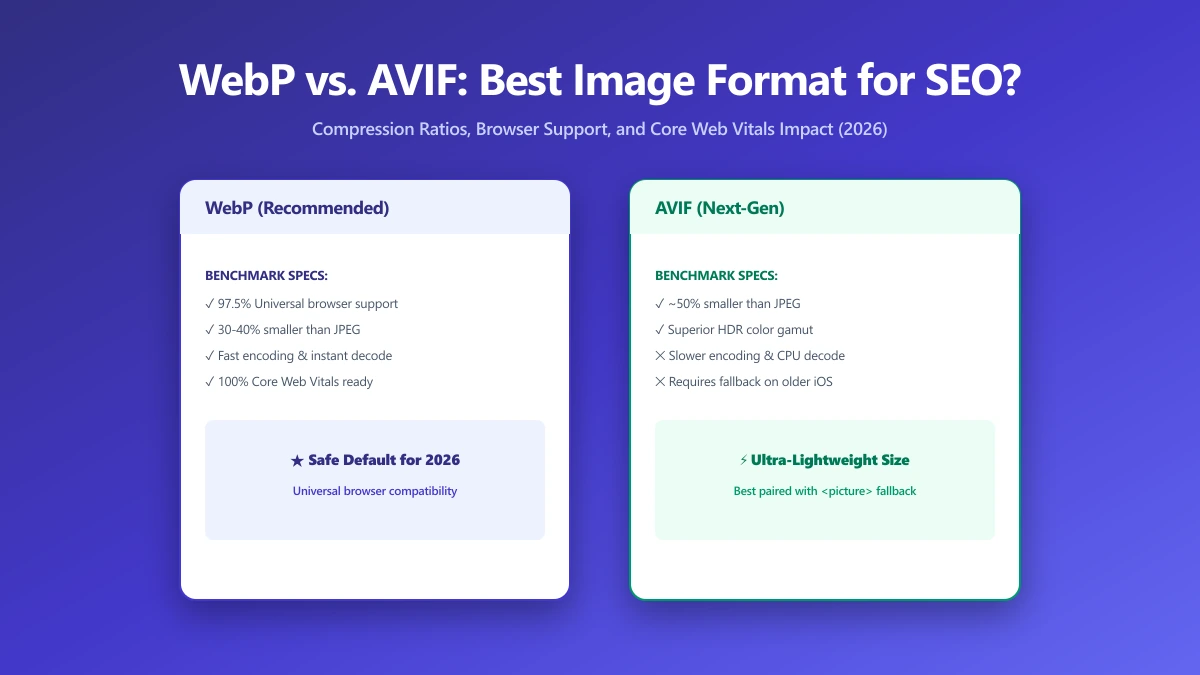
WebP vs. AVIF: Which Image Format Is Best for SEO in 2026?
AVIF compresses smaller than WebP but encodes 10× slower. Find out which format wins for LCP, CDN support, and real-world SEO in this 2026 comparison.
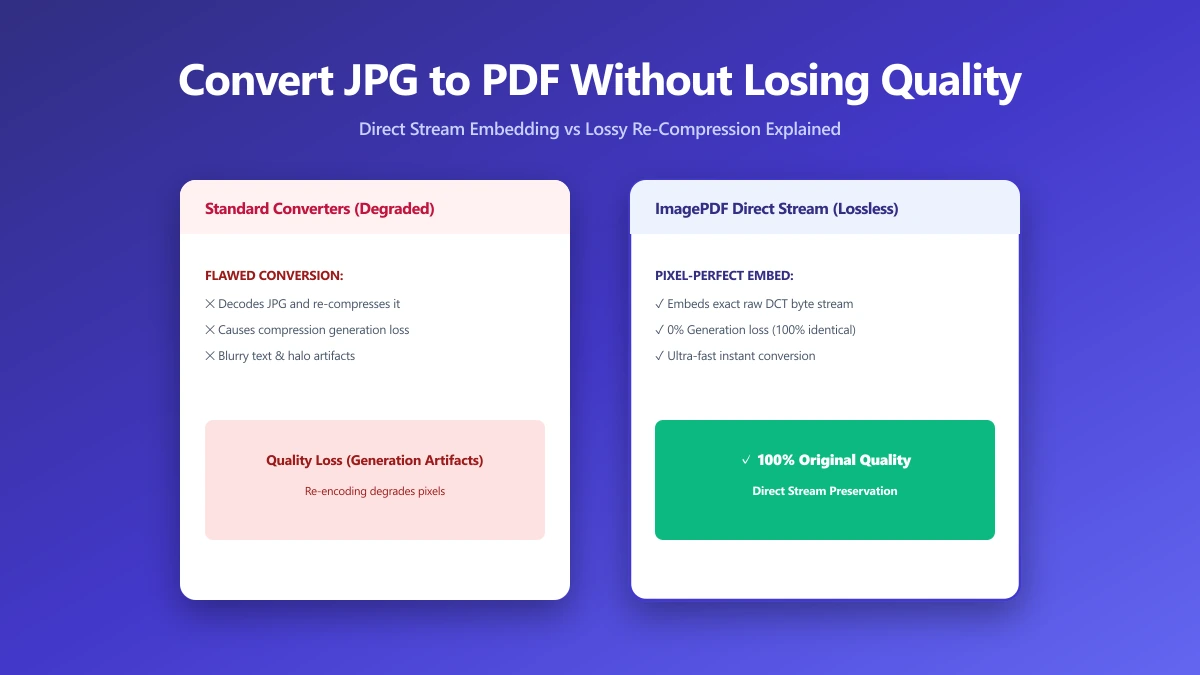
How to Convert JPG to PDF Without Losing Quality
Most JPG-to-PDF tools silently recompress your image, destroying quality. Learn the correct method that embeds JPEG data without re-encoding, zero quality loss.