
Protect PDF with Password Online for Free
or drop files here
Add AES-256 encryption to any PDF in seconds. Your file is processed entirely in your browser and never sent to a server.
Three steps. Secured in your browser.
Drop your PDF
Drag any PDF onto the upload zone or click to browse. No file size limit, everything is local.
Enter a password
Type and confirm the password you want to set. The password never leaves your device.
Save your protected PDF
Click Protect PDF. AES-256 encryption runs in your browser and the secured file is ready to save.
When should you protect a PDF?
Any document containing confidential data benefits from a password. Here are the most common scenarios where encryption matters.
Legal and contract documents
Protect signed contracts, NDAs, and legal filings so only the intended recipient can open them.
Financial reports
Encrypt salary sheets, tax returns, and invoices before sending them over email or messaging apps.
Medical and personal records
Add a password layer to health records, test results, or any document containing sensitive personal data.
Client deliverables
Share proposals, reports, and designs with clients while ensuring only they can access the contents.
Academic submissions
Lock thesis drafts, research papers, and exam materials so early access is controlled before submission.
Internal company policies
Distribute HR documents, employee handbooks, and policy PDFs that should only be read by authorised staff.
How encryption works under the hood.
When you click Protect PDF, the tool loads your file entirely in browser memory and applies AES-256 encryption, the same cipher used by governments and financial institutions. The password you set becomes the key required to open the file in any PDF viewer.
Your PDF and your password never leave your device. There is no upload, no server, and no risk of your confidential documents being intercepted or stored by anyone else.
Everything you need to know about PDF protection.
Is my PDF uploaded to a server?
What type of encryption is used?
Will the protected PDF open in Adobe Acrobat?
Can I set an owner password to restrict editing or printing?
Does encryption change the file content or layout?
What if I forget the password?
Is this different from a digital signature?
How strong is AES-256 protection?
More tools you might need.
Related Guides & Tutorials
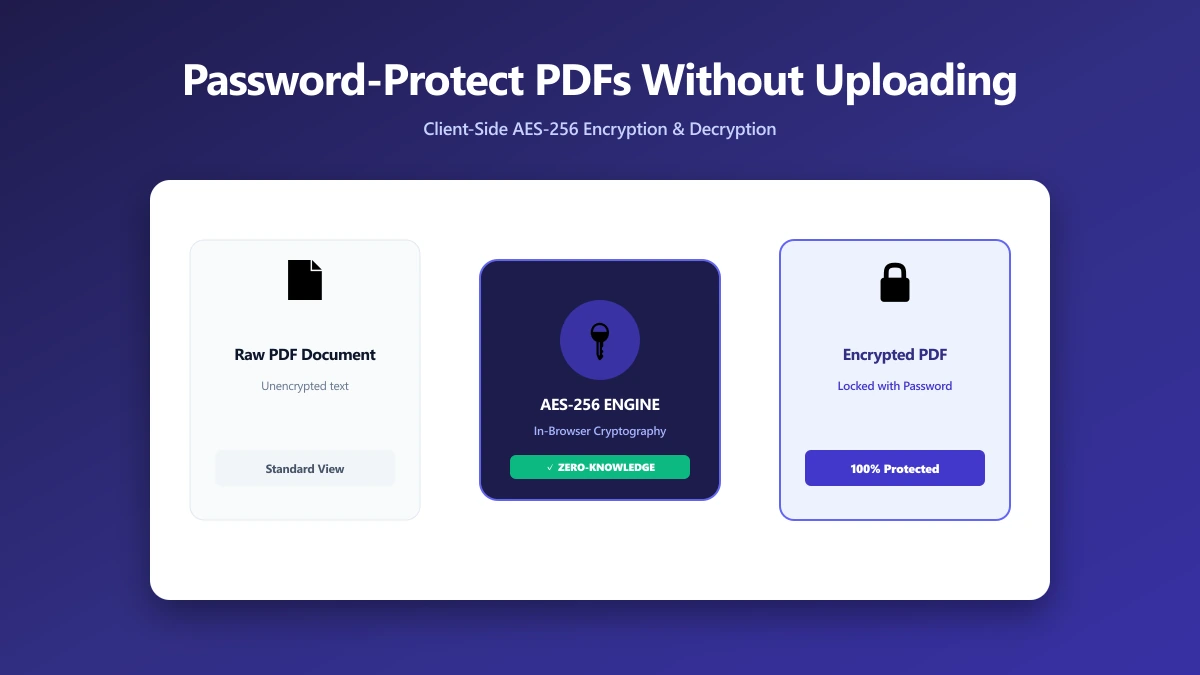
How to Password-Protect (and Unlock) a PDF Without Uploading It Anywhere
Most tools make you upload a sensitive PDF and its password to a server to encrypt it. Here is how to password-protect or unlock a PDF entirely in your browser, with nothing uploaded.
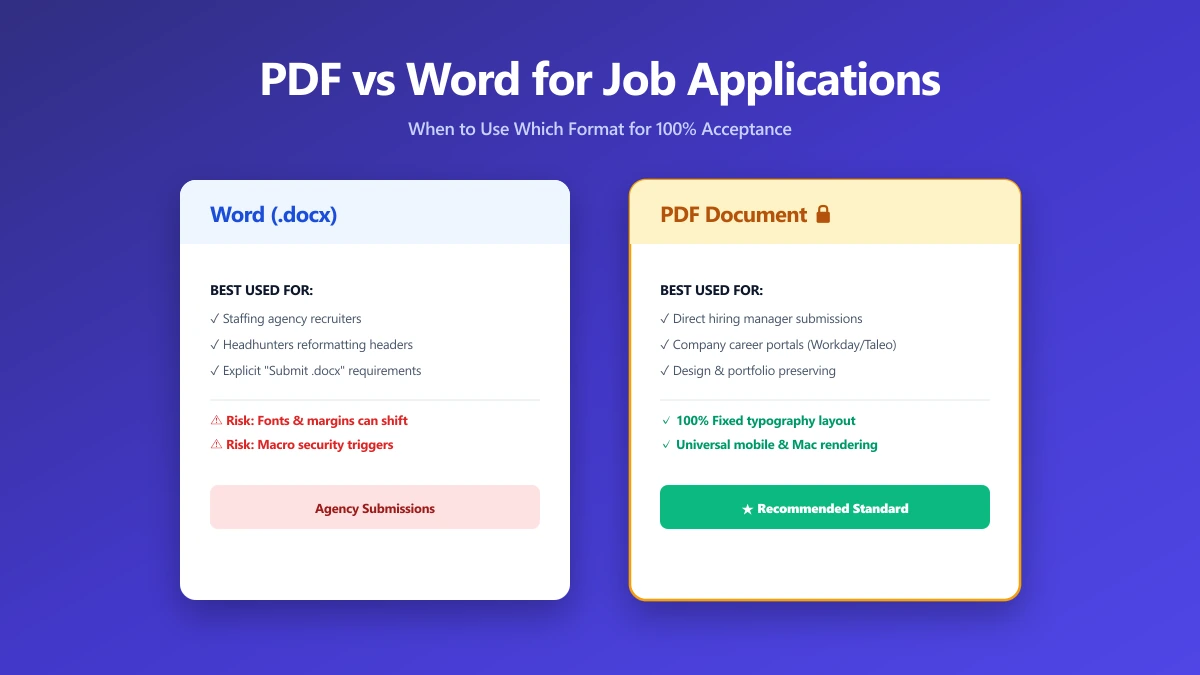
Should I Use PDF or Word for Job Applications?
PDF protects your layout, Word is sometimes required. A decision guide by employer type, plus what to do when the posting does not say either way.
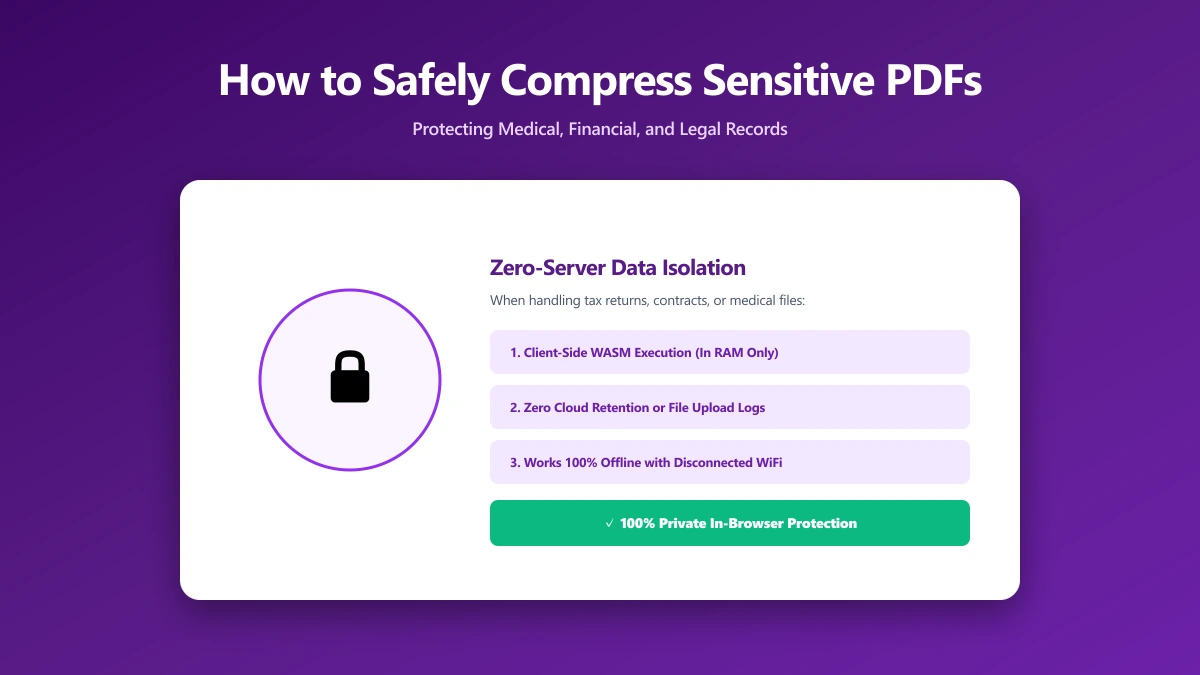
How to Safely Compress Sensitive PDF Documents
Compress sensitive PDFs, bank statements, contracts, medical records, without uploading them. Learn how to shrink them safely, right in your browser.