
Convert PDF to Images Online for Free
or drop files here
Zero upload, conversion runs entirely in your browser
Export PDF pages to JPG, PNG, or WebP, at 72, 144, or 216 DPI. All free, all in your browser, all in seconds.
Three steps. PDF pages as images.
Drop your PDF
Upload any PDF, reports, presentations, scanned documents, or eBooks. Password-protected PDFs are not currently supported.
Choose format and DPI
Select JPG, PNG, or WebP. Choose 1×, 2×, or 3× resolution. All options are free, no paywall on higher DPI.
Download your images
Each page is a separate image. Download them individually by hovering over a page, or click Download All as ZIP.
Why convert a PDF to an image?
Social media posts
Share a PDF report, certificate, or infographic as an image. Instagram, LinkedIn, and X all accept images but not PDFs.
Presentation slides
Import individual PDF pages as image slides into PowerPoint, Keynote, or Google Slides.
Thumbnails and previews
Generate a cover image from the first page of a document for a blog post, download page, or product listing.
Document archiving
Convert scanned PDFs back to individual image files for storage in image management systems.
Email and messaging
Many email clients and messaging apps display images inline, a JPG of a PDF page is easier to read at a glance than an attachment.
Web embedding
Embed PDF content in web pages as images. Images load faster than PDF viewers and work on every browser and device.
JPG, PNG, or WebP, which to choose?
| Format | File size | Quality | Best for |
|---|---|---|---|
| JPG | Smallest | Good, lossy compression | Documents, photos, presentations |
| PNG | Largest | Perfect, lossless | Screenshots, diagrams, text-heavy pages |
| WebP | Small | Good, modern compression | Web use, modern browsers |
Privacy by architecture
Your PDF never leaves your browser.
Frequently asked questions
What image formats can I export to?
What resolution are the output images?
Does this upload my PDF to a server?
Can I convert a multi-page PDF?
What is the difference between JPG and PNG output?
More tools you might need.
Related Guides & Tutorials
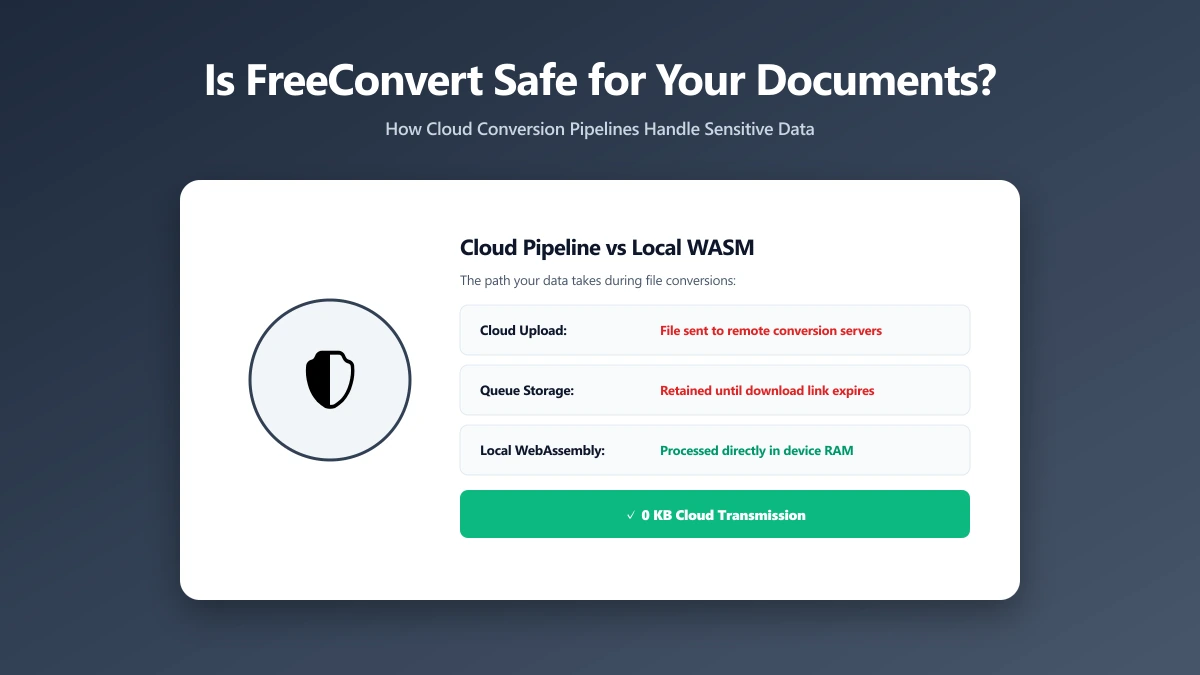
Is FreeConvert Safe? What Actually Happens to Your Files When You Upload Them
Is FreeConvert safe to use? Here is where your file actually goes, how long it is kept, and how ImagePDF.Tools converts PDFs and images without uploading anything at all.
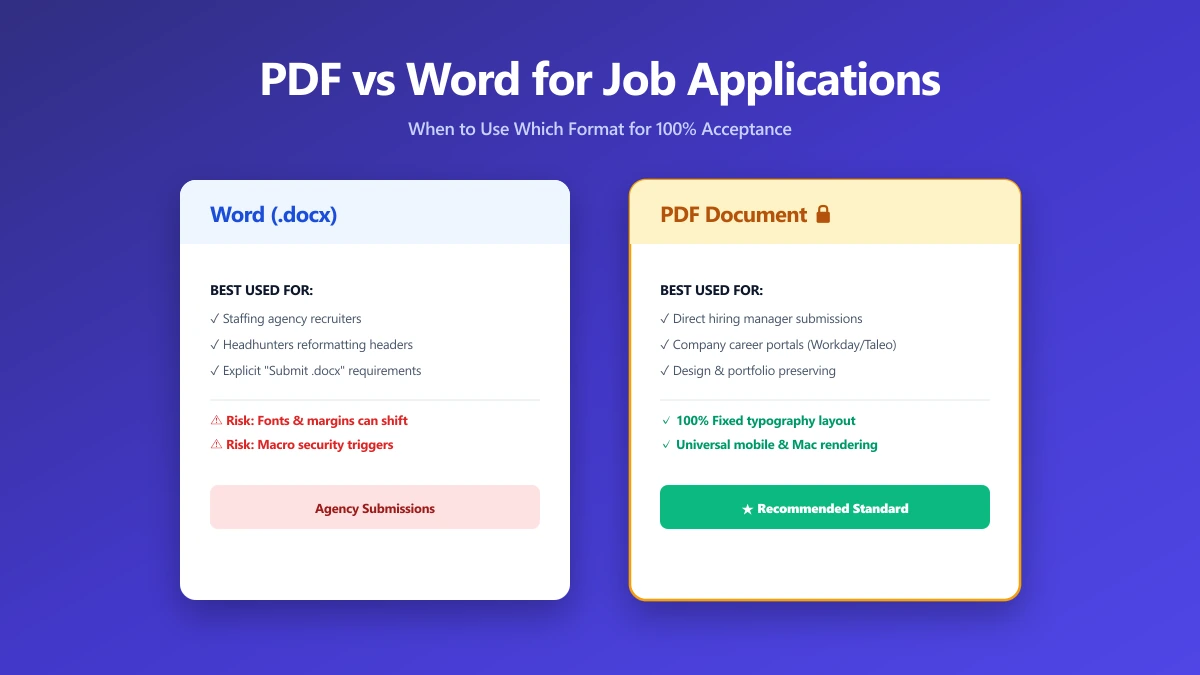
Should I Use PDF or Word for Job Applications?
PDF protects your layout, Word is sometimes required. A decision guide by employer type, plus what to do when the posting does not say either way.
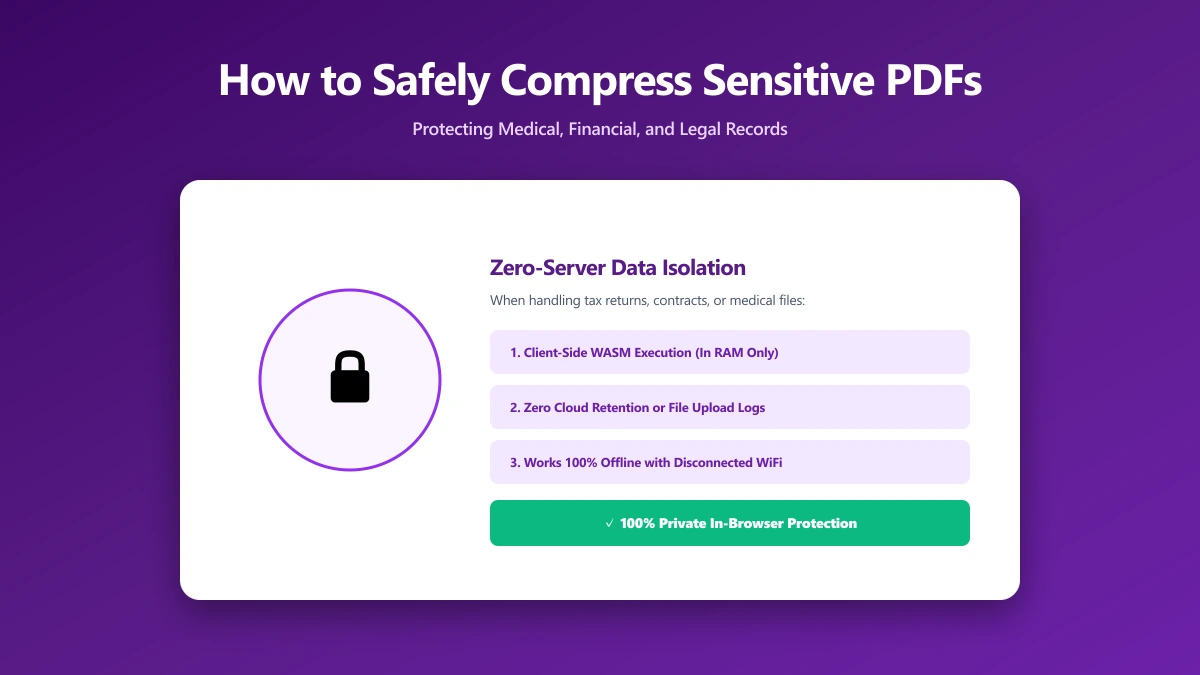
How to Safely Compress Sensitive PDF Documents
Compress sensitive PDFs, bank statements, contracts, medical records, without uploading them. Learn how to shrink them safely, right in your browser.