
Should I Use PDF or Word for Job Applications?
Summary
PDF protects your layout, Word is sometimes required. A decision guide by employer type, plus what to do when the posting does not say either way.
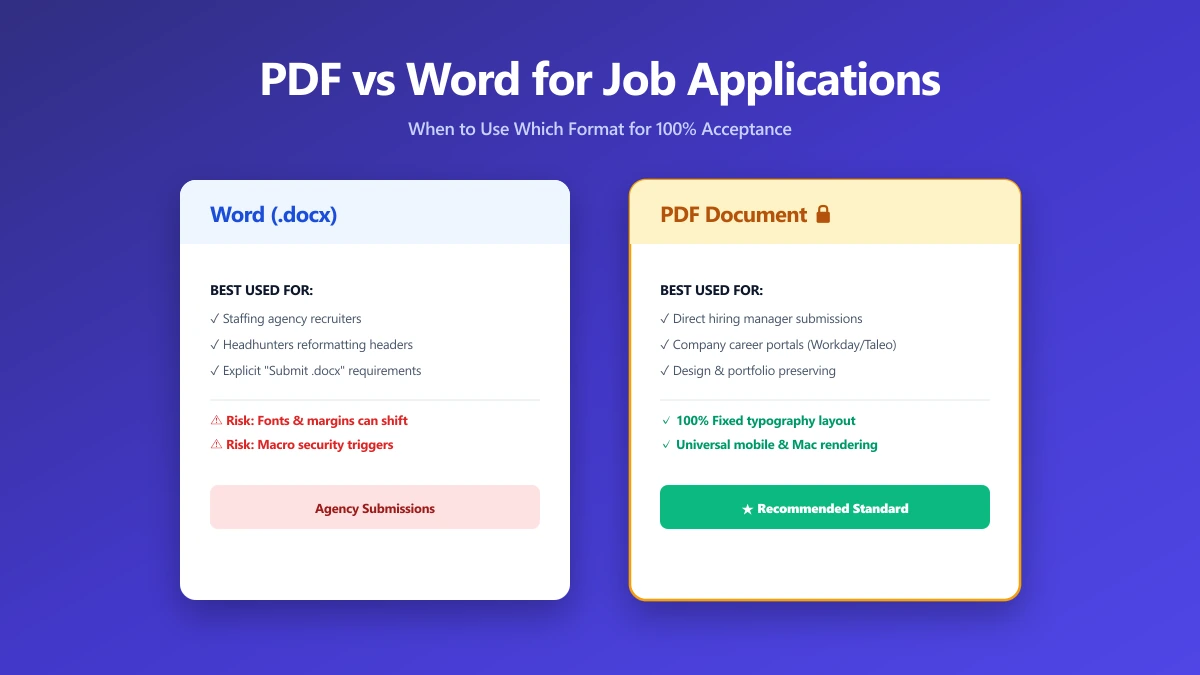
The usual advice is "always send PDF", and it is right often enough to be dangerous. It is wrong precisely when getting it wrong costs you the application.
The real answer depends on who is on the other end: a recruitment agency, a government portal, and a fifteen-person startup want different things.
Here is how to decide in about ten seconds.
The Rule That Beats Every Other Rule
If the posting names a format, use that format. Not the one you prefer, and not the one an article recommended.
Government and enterprise portals in particular publish explicit document requirements, and they enforce them at upload. A rejected upload is not a judgement on your experience, it is simply a file that did not meet a stated rule.
When PDF Is the Right Answer
PDF embeds fonts and freezes layout, so what you exported is what they open. That is the whole argument, and for most applications it is decisive.
- ●Applying directly to a company through its own careers page.
- ●Emailing a hiring manager or a contact you were referred to.
- ●Any resume with a layout you care about: columns, dividers, custom type.
- ●Anywhere you cannot predict the reader's software.
Export to PDF rather than printing to PDF. Exporting keeps the text selectable, which is what lets a parser read it. Printing can flatten the page into an image.
When Word Is Genuinely Better
Word is not a fallback for people who do not know better. In some pipelines it is the correct choice.
- ●Recruitment agencies often reformat your resume onto their own template before sending it to a client, and an editable file saves them retyping.
- ●Some older tracking systems parse .docx more reliably than PDF.
- ●A few postings explicitly forbid PDF, usually for that reason.
| Who you are sending to | Send | Why |
|---|---|---|
| Company careers page | Layout stays exactly as designed | |
| Recruitment agency | Word, unless told otherwise | They usually rebrand it onto their template |
| Government portal | Whatever the portal states | Requirements are published and enforced |
| Direct email to a manager | Opens predictably on any device | |
| Posting names a format | That format | The instruction beats every general rule |
If the Posting Says Nothing
Default to PDF. It fails safe: the worst case is a parser that reads it slightly less cleanly, whereas a Word file can arrive visibly broken.
If you need to convert, our Word to PDF converter runs entirely in your browser, so a resume carrying your address and phone number is never uploaded to a server. There is more on the trade-off in should I send my resume as a PDF or Word doc.
The Bottom Line
Follow the posting. With no instruction, send PDF. Send Word when an agency is going to rework it, and export rather than print either way.
Then check the file itself before uploading, using the six-step pre-send check.
Frequently asked questions
Is PDF or Word better for applicant tracking systems?
Why do some recruiters ask for a Word document?
Can I send both a PDF and a Word version?
Sources & references
This article was researched and written by Nikola, drawing on the following primary sources and documentation:
More in Productivity
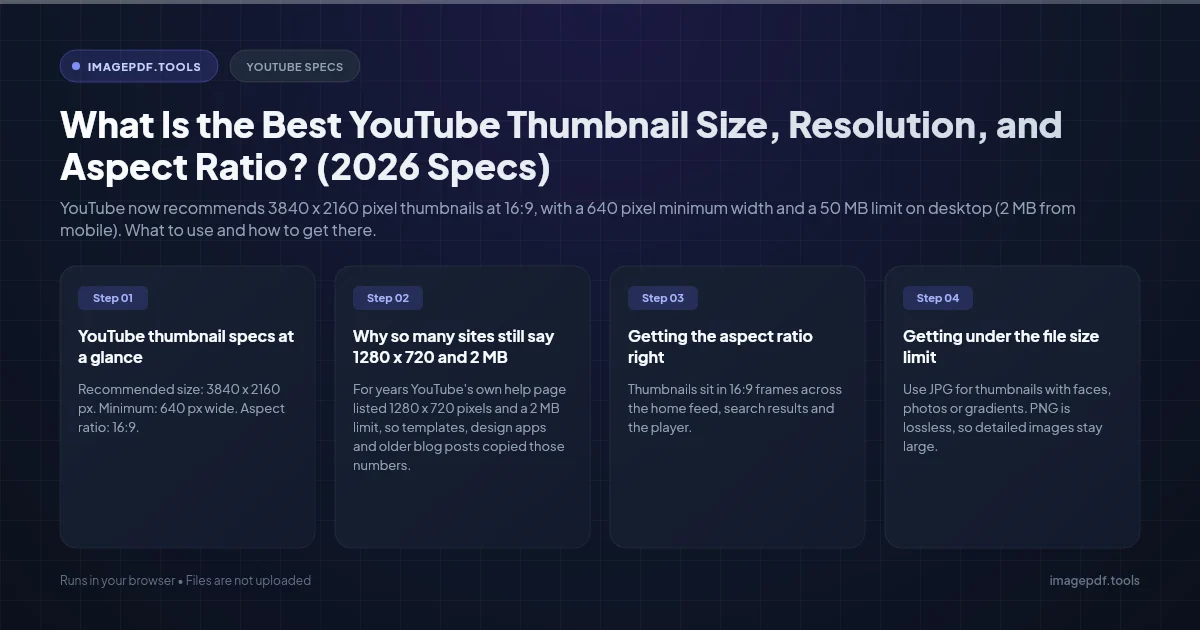
What Is the Best YouTube Thumbnail Size, Resolution, and Aspect Ratio? (2026 Specs)
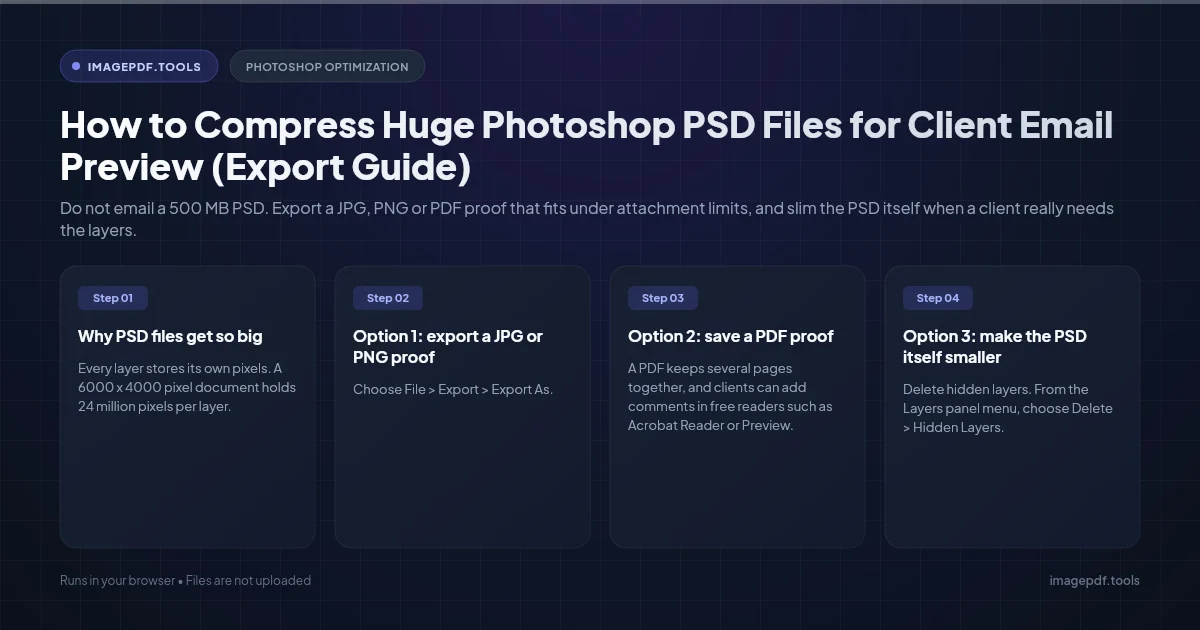
How to Compress Huge Photoshop PSD Files for Client Email Preview (Export Guide)
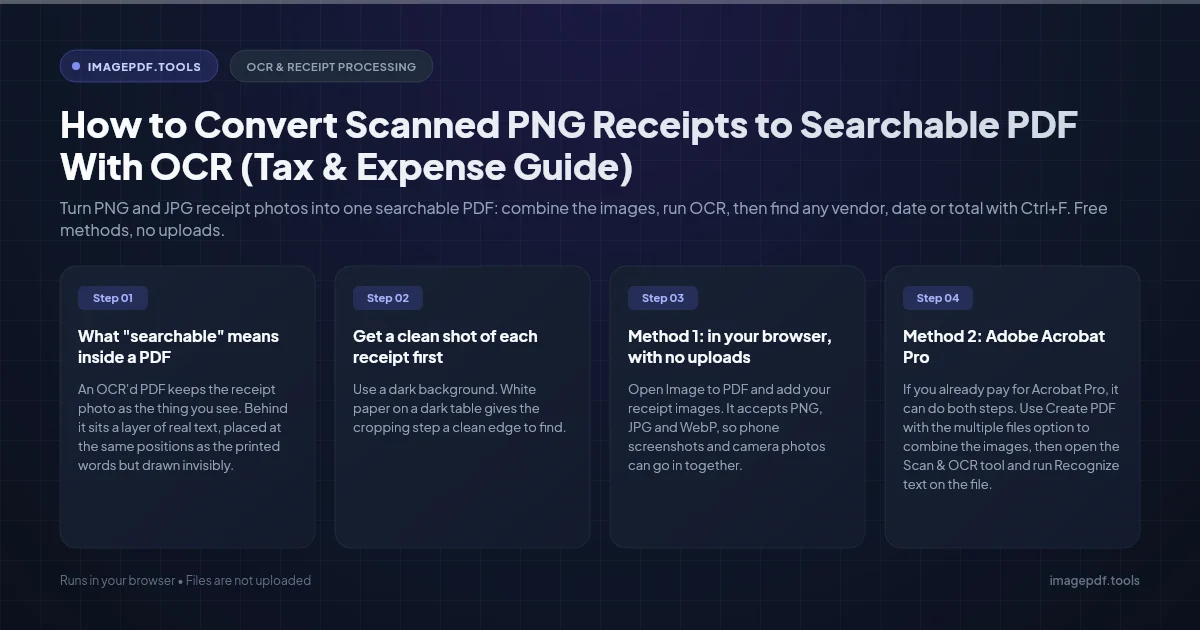
How to Convert Scanned PNG Receipts to Searchable PDF With OCR (Tax & Expense Guide)