
All Articles Center
Engineering guides on image compression, PDF tools, web performance, and zero-upload file privacy.
Productivity: 93 articles
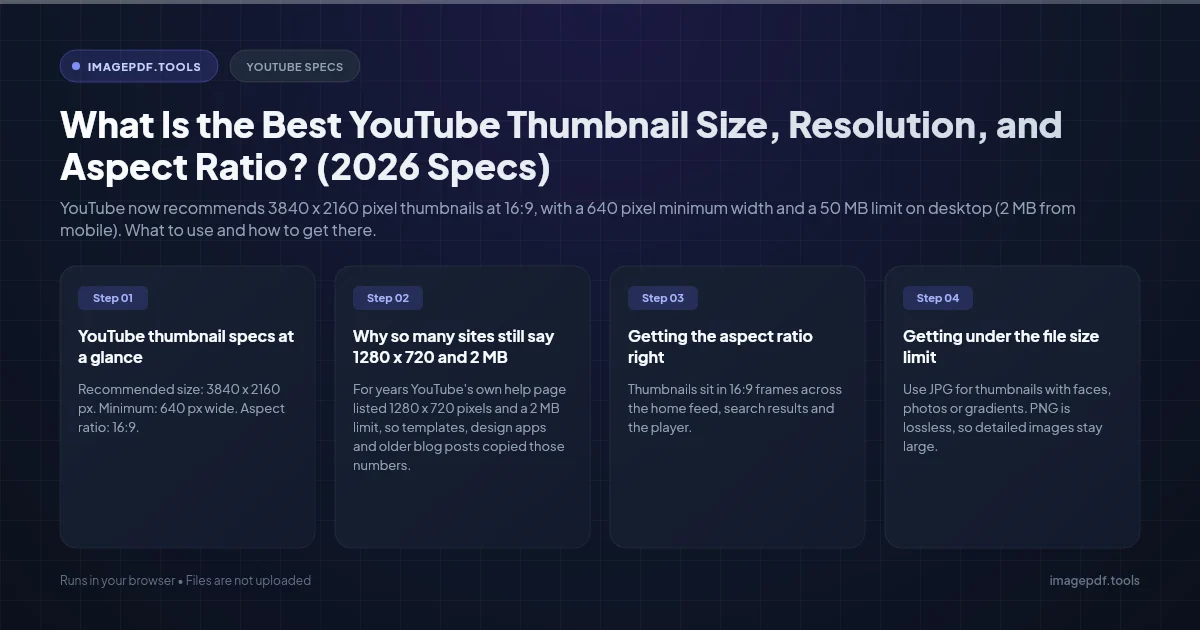
What Is the Best YouTube Thumbnail Size, Resolution, and Aspect Ratio? (2026 Specs)
YouTube now recommends 3840 x 2160 pixel thumbnails at 16:9, with a 640 pixel minimum width and a 50 MB limit on desktop (2 MB from mobile). What to use and how to get there.
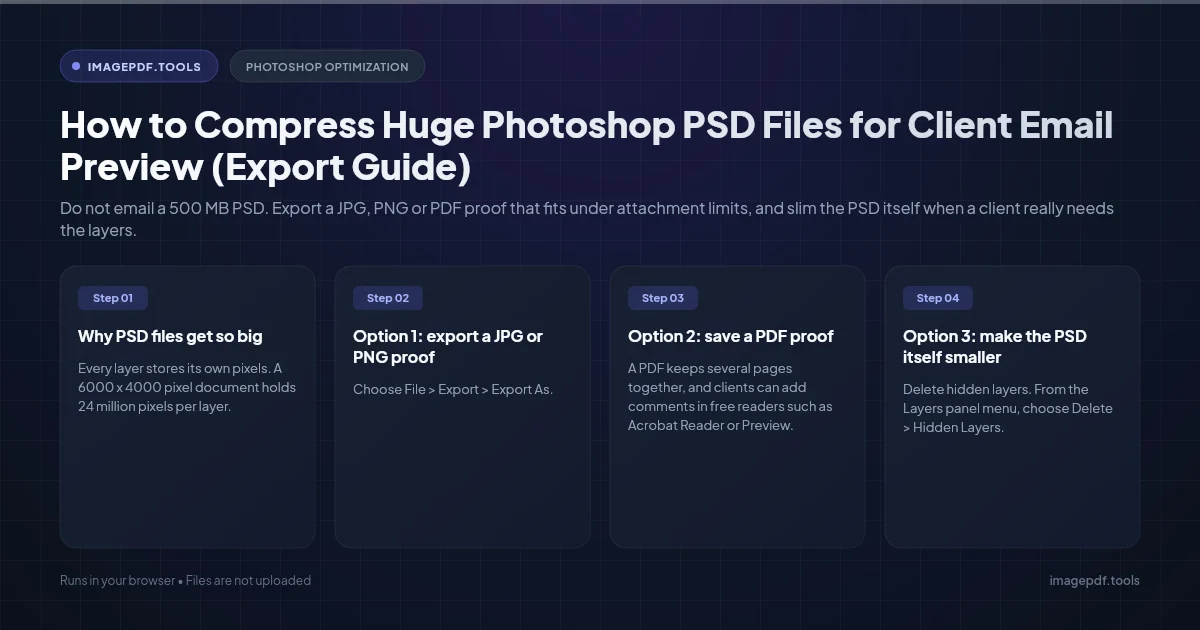
How to Compress Huge Photoshop PSD Files for Client Email Preview (Export Guide)
Do not email a 500 MB PSD. Export a JPG, PNG or PDF proof that fits under attachment limits, and slim the PSD itself when a client really needs the layers.
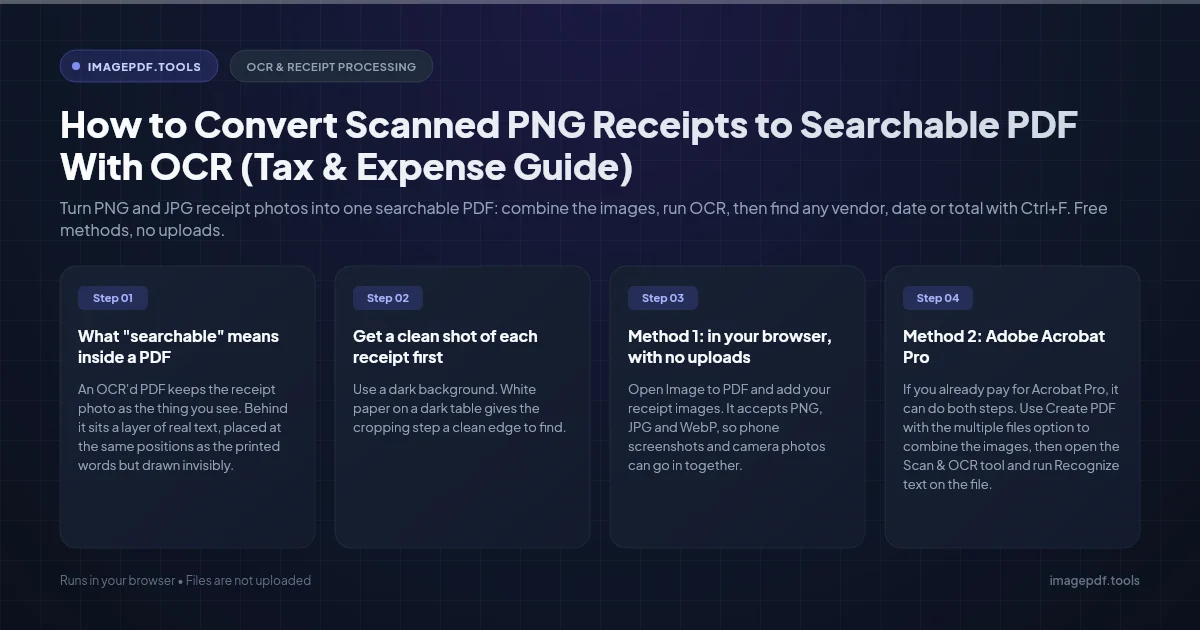
How to Convert Scanned PNG Receipts to Searchable PDF With OCR (Tax & Expense Guide)
Turn PNG and JPG receipt photos into one searchable PDF: combine the images, run OCR, then find any vendor, date or total with Ctrl+F. Free methods, no uploads.
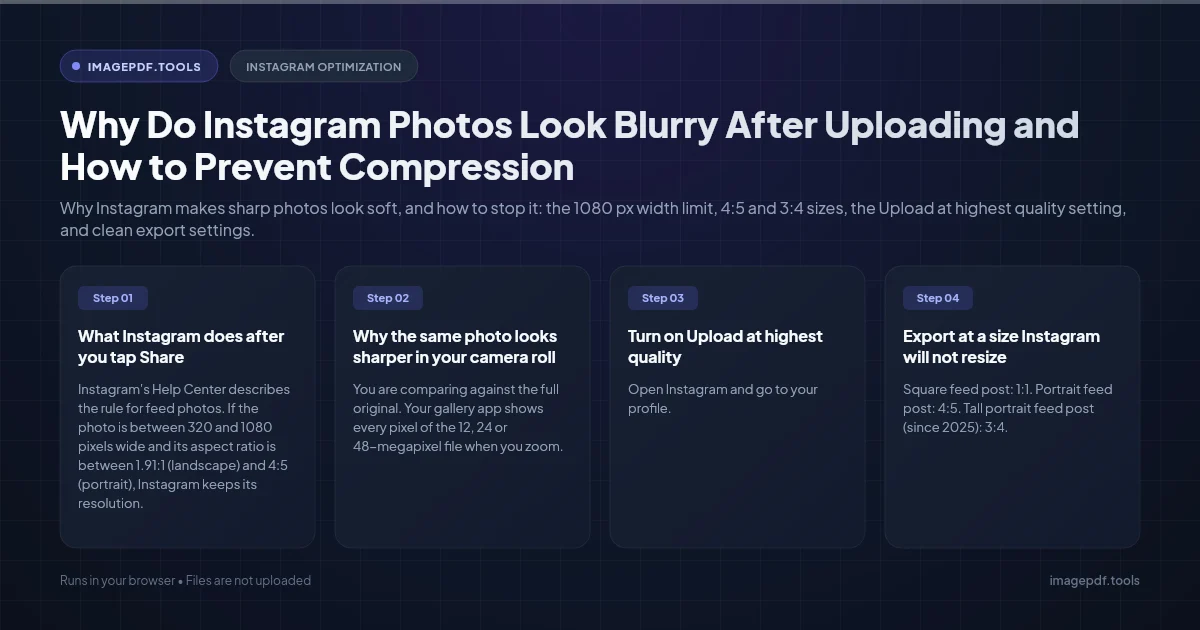
Why Do Instagram Photos Look Blurry After Uploading and How to Prevent Compression
Why Instagram makes sharp photos look soft, and how to stop it: the 1080 px width limit, 4:5 and 3:4 sizes, the Upload at highest quality setting, and clean export settings.
What Is the Best DPI Resolution to Scan Old Printed Photographs? (Archival Guide)
The right DPI for scanning old family photos: when 300 is enough, why 600 suits most prints, when small prints and film need more, and how to save the master scans.
How to Reorder, Rotate, and Delete Pages in a PDF on iPhone and Android (Free Guide)
Fix PDF pages on your phone for free: rotate and delete pages in the iPhone Files app, delete pages on Android with Print to PDF, and reorder pages in your mobile browser.
How to Optimize and Compress Animated GIF Files Without Losing Frames (Web Guide)
Shrink a bloated animated GIF and keep every frame. Frame optimization, smaller palettes, lossy GIF compression with Gifsicle, and when to switch to MP4 or WebP.
How to Combine Portrait and Landscape PDF Pages Without Rotating Wrong
Merge portrait and landscape PDF pages into one document that reads correctly on screen and in print. Fix sideways scans, cut-off spreadsheets and landscape pages that print the wrong way.
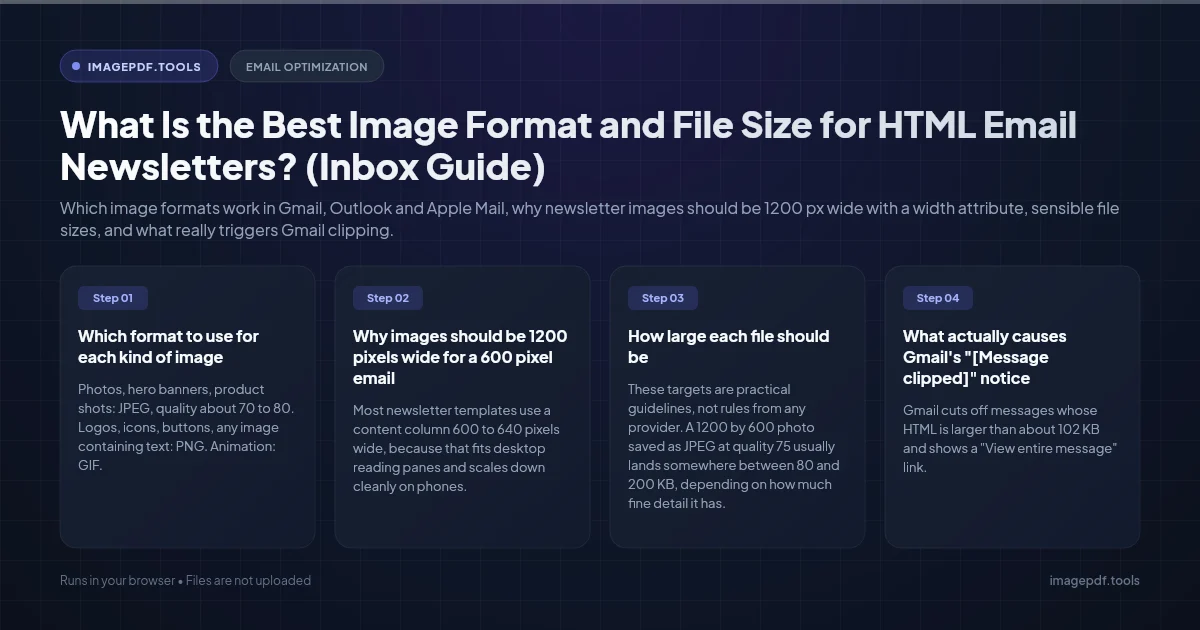
What Is the Best Image Format and File Size for HTML Email Newsletters? (Inbox Guide)
Which image formats work in Gmail, Outlook and Apple Mail, why newsletter images should be 1200 px wide with a width attribute, sensible file sizes, and what really triggers Gmail clipping.
How to Add a Diagonal "DRAFT" Watermark Across All Pages of a PDF (Free Guide)
Add a semi-transparent diagonal DRAFT, CONFIDENTIAL, or sample watermark across every page of a PDF without flattening text or ruining layout.
Why Does Microsoft Word Compress and Ruin My Images on Save? (Fix Guide)
Stop Microsoft Word from downsampling and blurring high-resolution photos. Learn how to disable automatic compression and preserve original image quality.
How to Batch Convert Thousands of Images to PDF Without Crashing (Fast Guide)
Why big image-to-PDF jobs run out of memory, and how to turn thousands of JPG, PNG or TIFF files into PDFs in batches without freezing your computer.
What Are the Exact Pixel Dimensions and DPI for US Passport Photos? (Full Specs)
US passport photo size in inches and pixels: 2 x 2 inches with a 1 to 1 3/8 inch head. Online renewal needs a JPEG of at least 600 x 600 pixels, 54 KB to 10 MB.

Why Images Look Pixelated in a Figma PDF Export, and How to Fix It
Text stays sharp in a Figma PDF while photos go soft. How to find the cause, from import limits to rasterised effects, and which fix suits print.

How to Fix a Blurry Profile Picture on Zoom, Teams and Slack
A sharp headshot turns soft once it becomes an avatar. Why it happens, from small sources to automatic crops, and how to prepare one that stays crisp.

Why Does My PDF Print With Huge Margins? (Letter and A4)
Big white borders on a printed PDF usually come from fit-to-page scaling, a Letter and A4 mismatch, or margins already in the file. How to tell which.
Why Does My Scanned Document Look Grey Instead of White?
White paper scanning as dull grey is a setting problem, not a scanner fault. Which mode to use, how to fix an existing scan, and why it shrinks the file.
Why Is My Scanned Signature Surrounded by a Grey Box?
Your signature looks fine until it lands on a white page, then a faint grey rectangle appears around it. Why paper is never truly white, and three clean fixes.
PDF Page Labels: Making Roman and Arabic Page Numbers Line Up
Type page 45 and land on the wrong page? A PDF's page labels are separate from the numbers printed on it. What labels are, and how to set them properly.
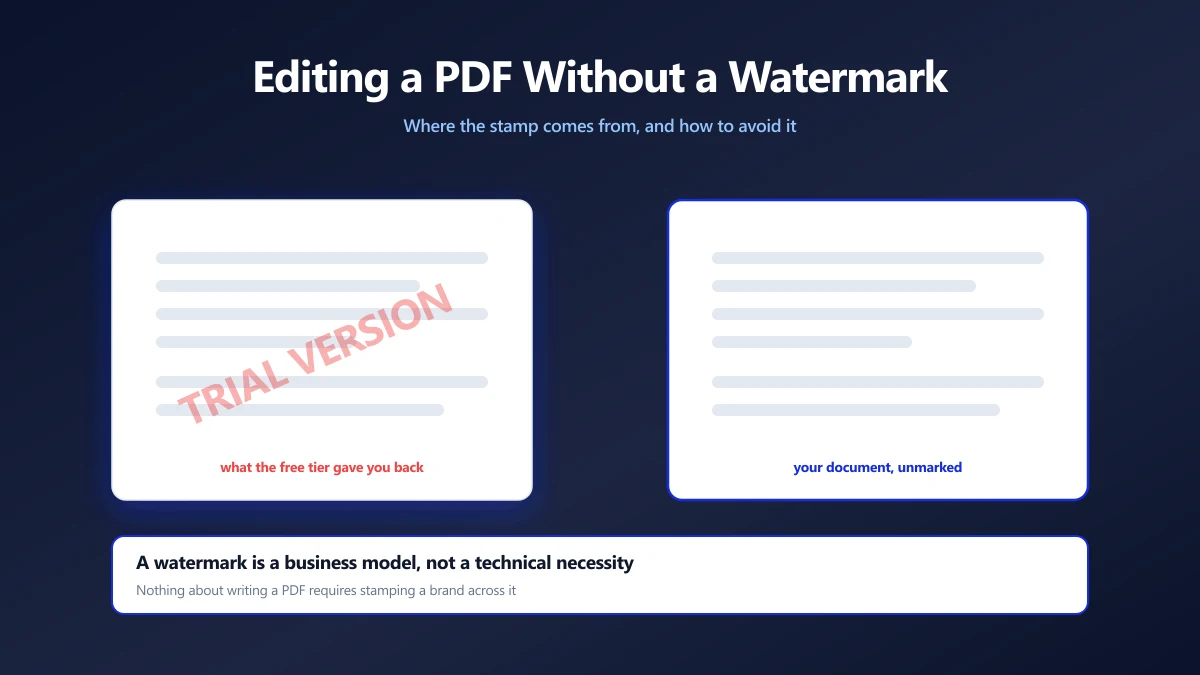
How to Edit a PDF Without a Watermark on the Way Out
Free PDF editors that stamp your document are selling you the removal. Why the watermark exists, how to spot one before you start, and how to avoid it.
Canva PDF Export Failing? How to Get Your File Out
When Canva will not finish a PDF download, the cause is usually size, media in the design or the browser. A sequence of fixes, and a fallback that works.
Why Do Transparent PNGs Turn Black in Google Slides?
A sticker or logo that should float on the slide arrives with a black or white box. How to check whether the file is really transparent, and how to fix it.
How to Split a PDF by Bookmarks or Chapters
Use the PDF's own bookmarks to split it into chapter files. Three routes, from Acrobat to a short script to a free manual method that never uploads the file.
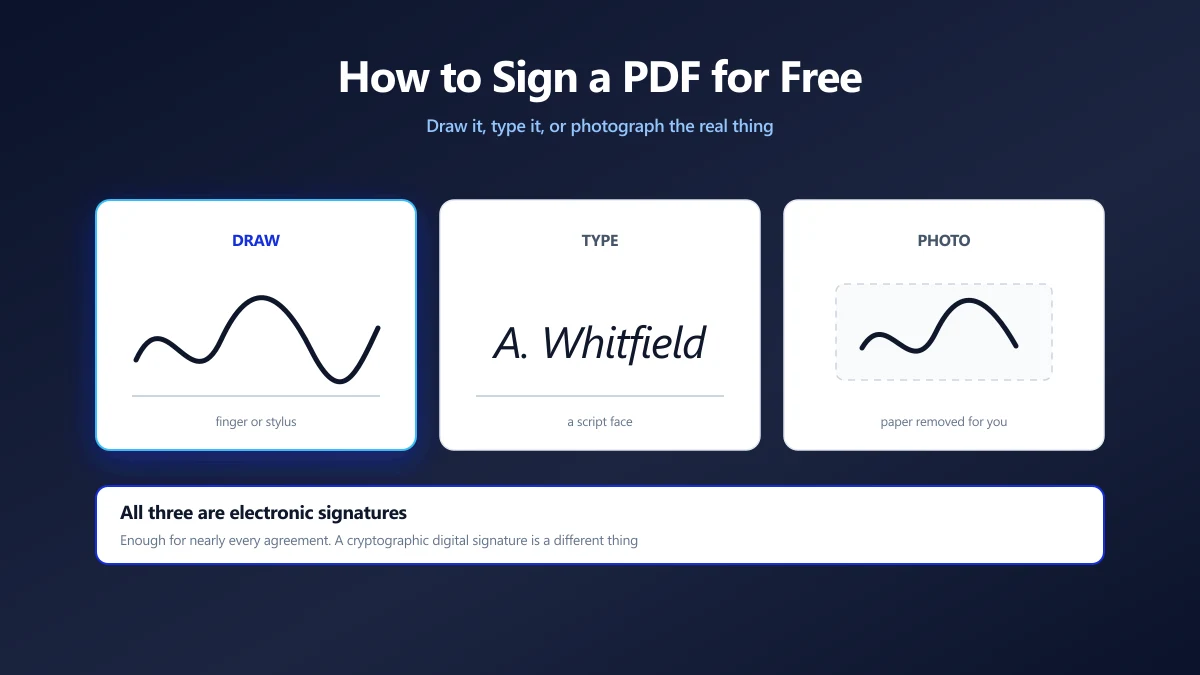
How to Sign a PDF for Free (Without Printing It)
Draw, type or photograph your signature and place it on the page. What counts as a legal e-signature, and what an image of your name is not.
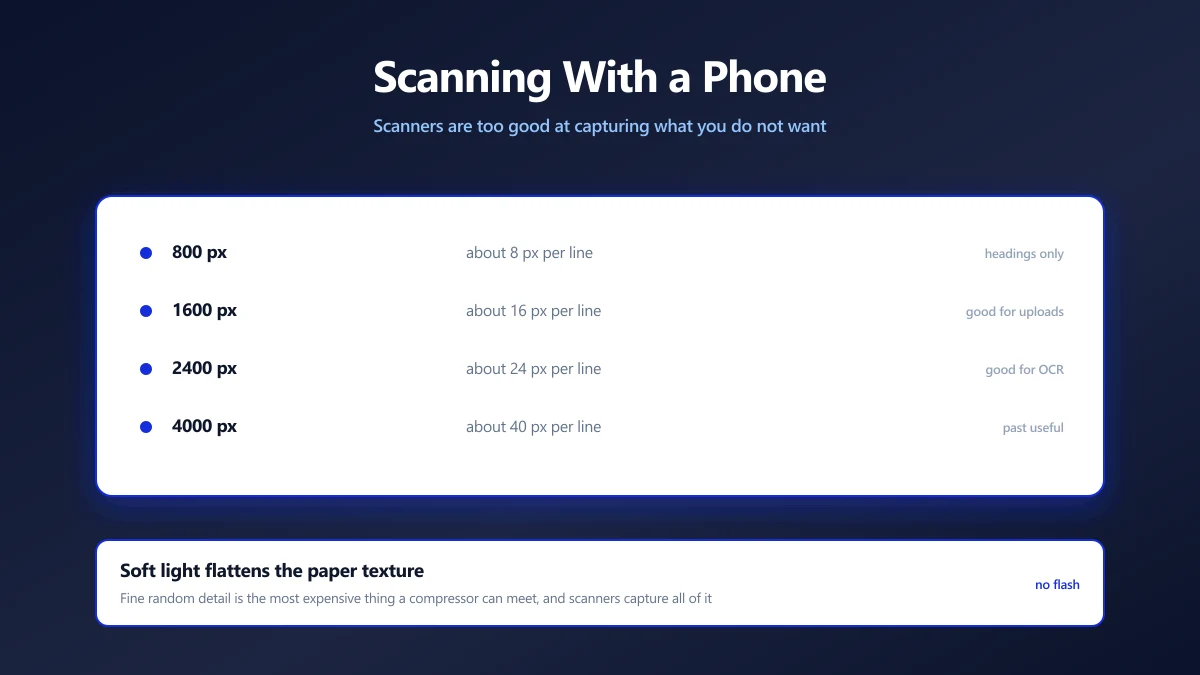
How to Scan a Document With Your Phone (and Get a Small, Clean File)
A phone scan beats a flatbed for file size, if you get the light right. The conditions that matter, and how to turn the result into a small, clean PDF.
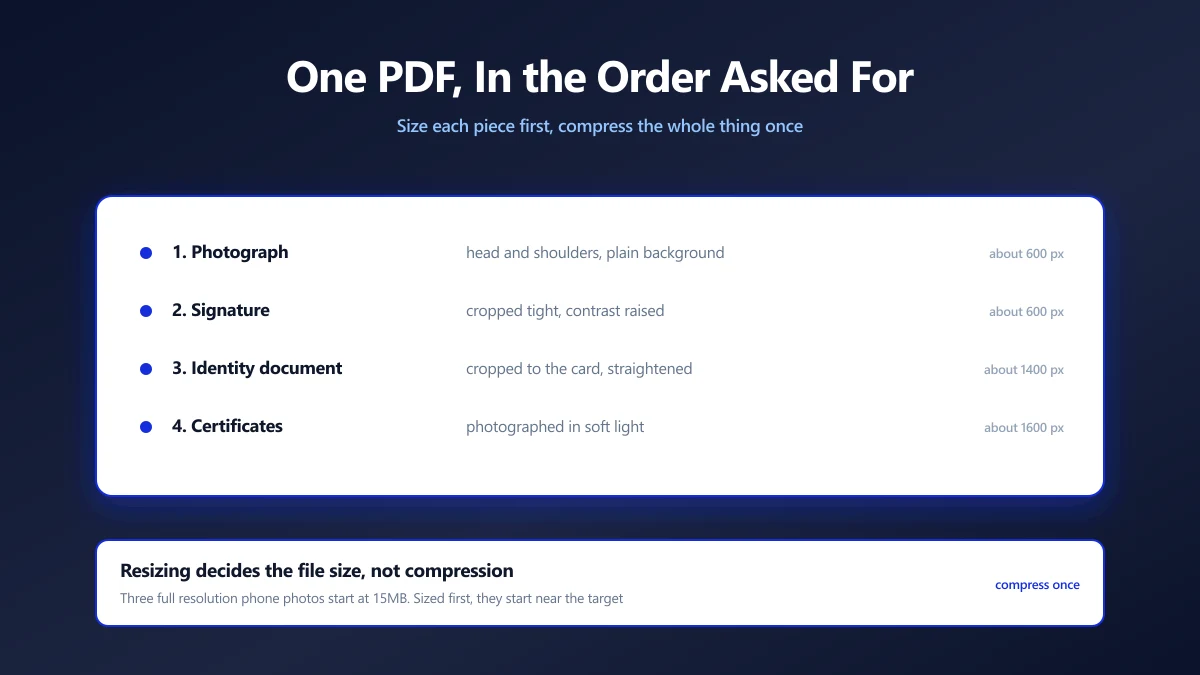
How to Combine a Photo and Signature Into One PDF for a Form
Some portals want your photo, signature and ID as a single PDF under one limit. How to assemble it in the right order and get it under the size cap.
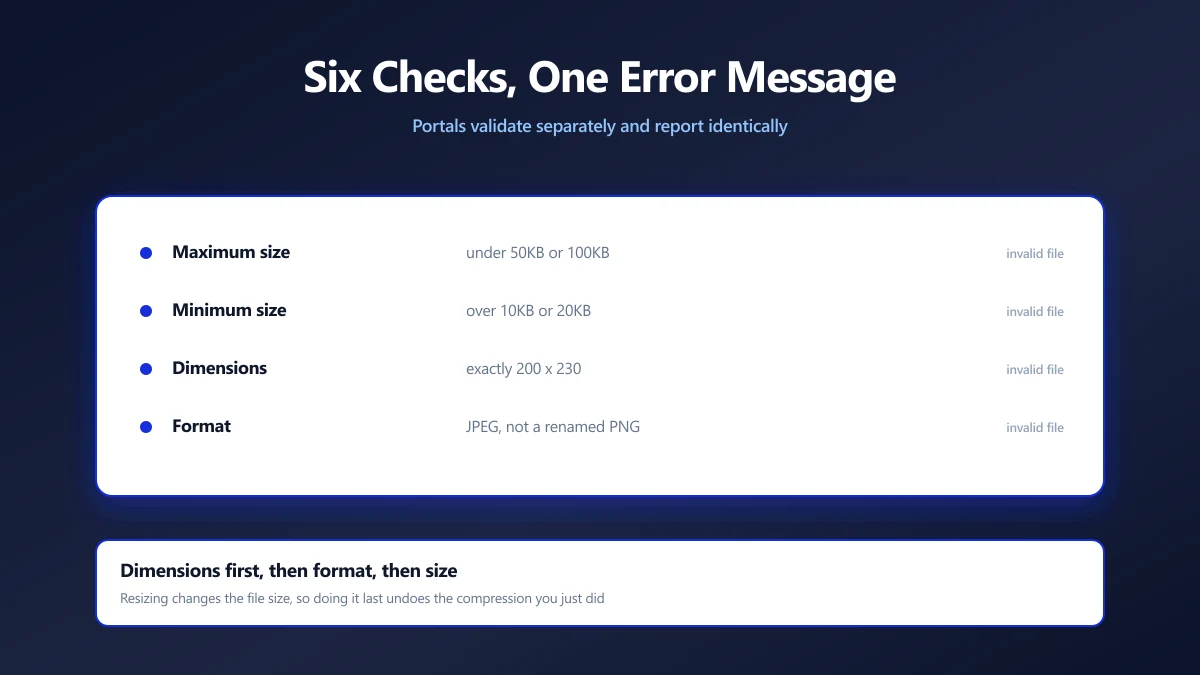
Why Online Forms Reject Your Photo (Six Checks, One Error Message)
Upload portals run several independent checks and report them all the same way. Here is each one, how to test it yourself, and the order to fix them in.
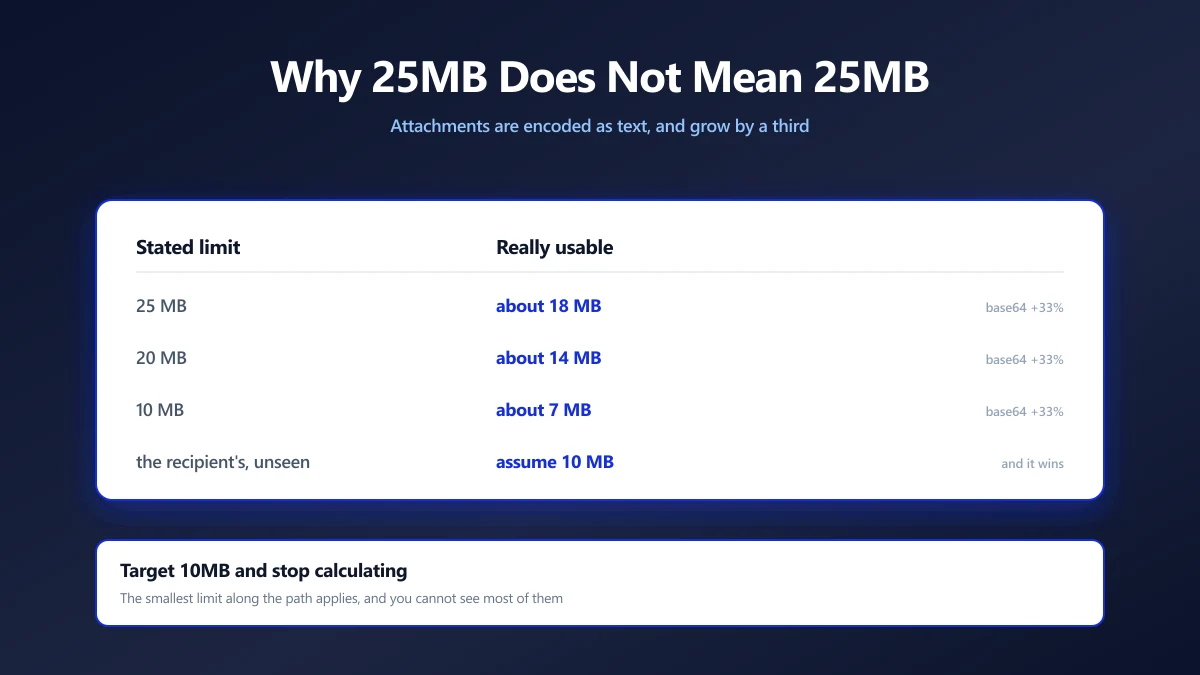
Email Attachment Limits, and How to Get a PDF Under Them
Gmail says 25MB but bounces at about 18MB, and the recipient's server may refuse far less. The real numbers, and how to get under the strictest one.
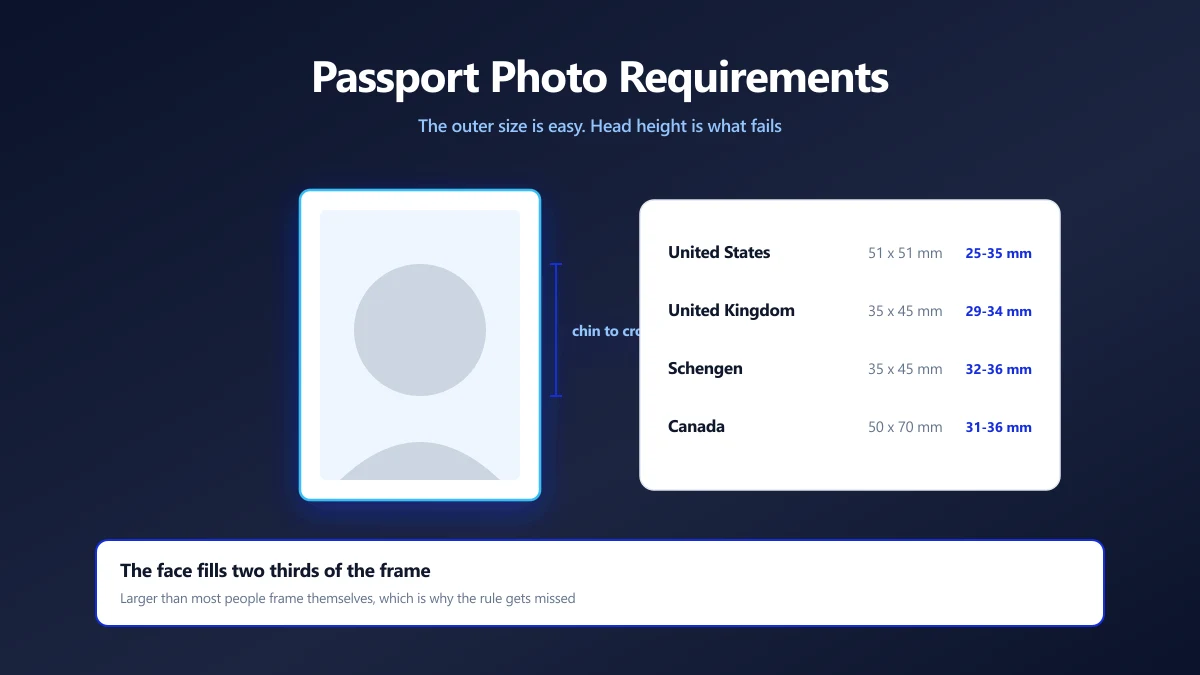
Passport Photo Size Requirements, and How to Prepare One Yourself
The sizes differ by country and the rejection reasons rarely do. The measurements that matter, the head height rule people miss, and how to crop to it.
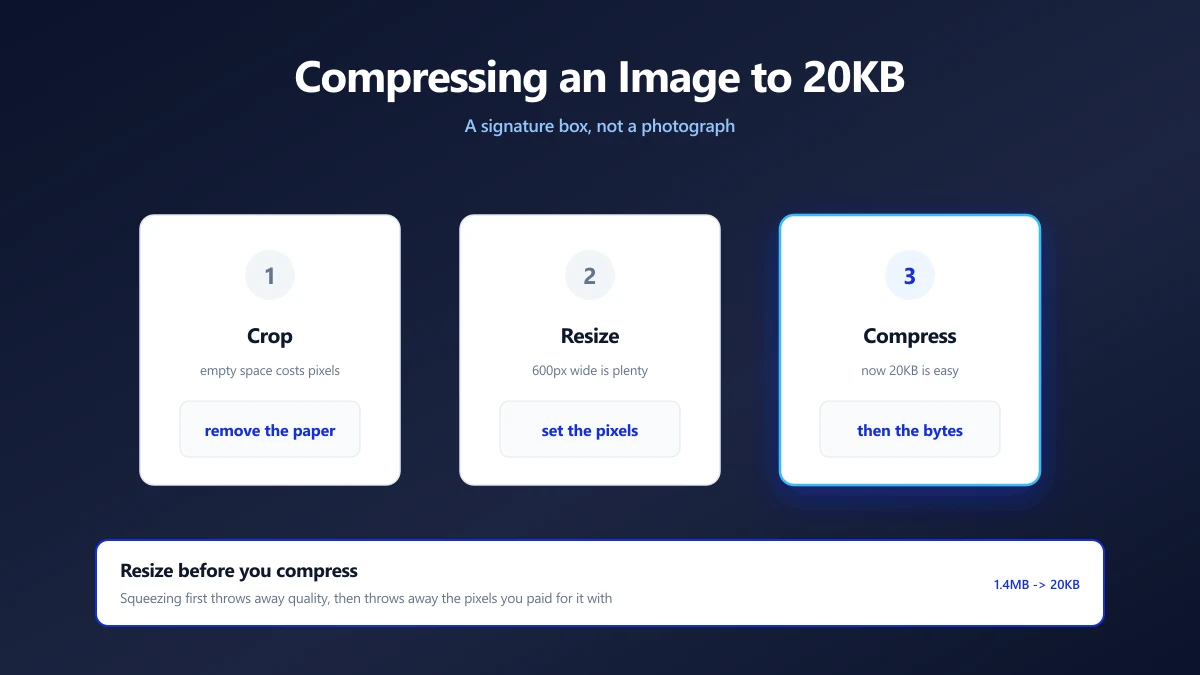
How to Compress an Image to 20KB (Signatures and Thumbnails)
20KB is a signature box, not a photograph. What actually fits, the dimensions that get you there, and why scanning at 600 DPI is working against you.
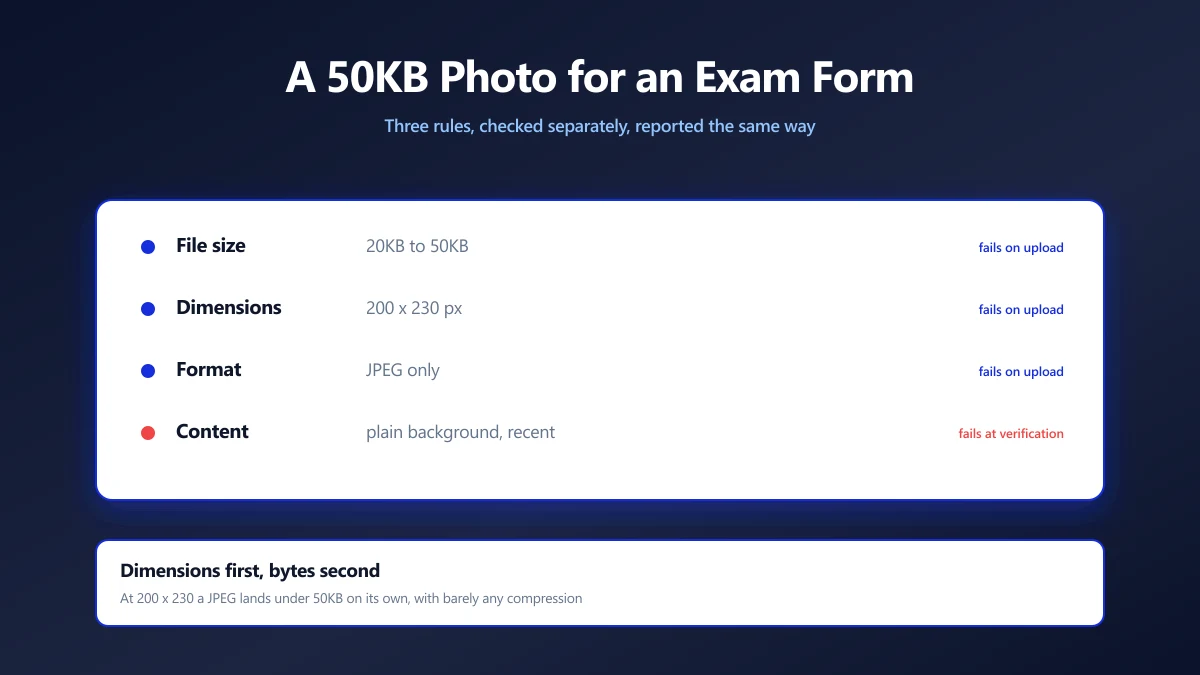
How to Compress a Photo to 50KB for an Exam Form
Exam portals want a photo under 50KB at a fixed pixel size, and reject it for reasons they never explain. Here is how to satisfy both rules at once.
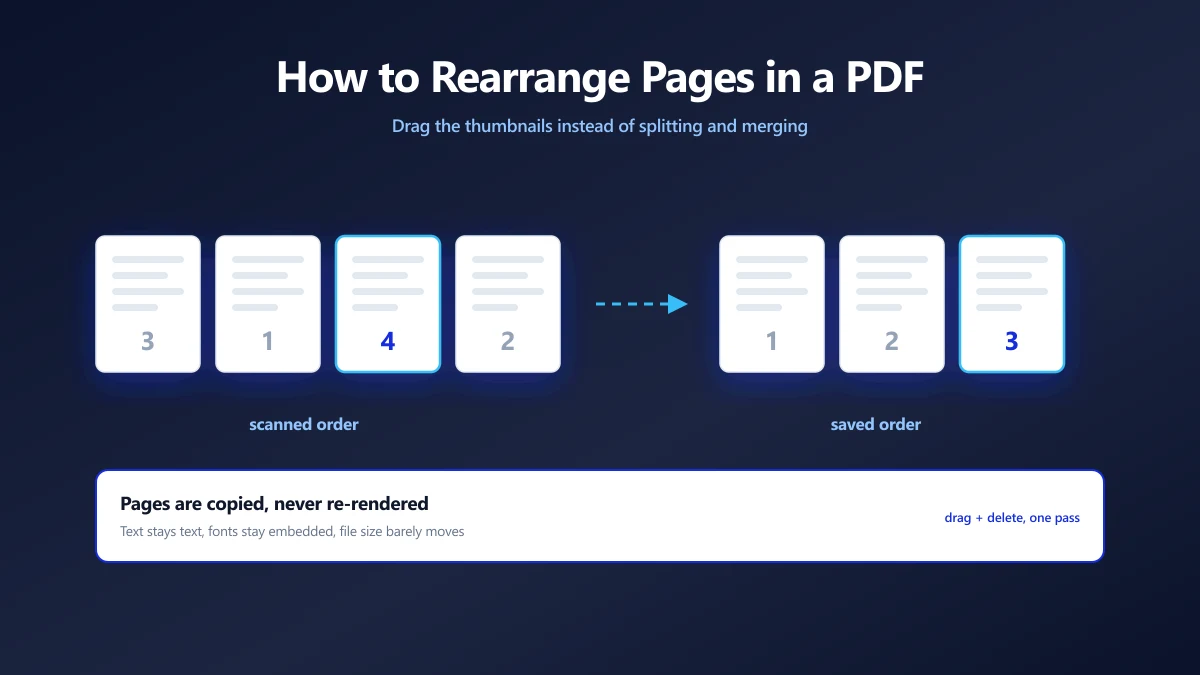
How to Rearrange Pages in a PDF (Free, on Any Device)
Rearrange pages in a PDF for free: drag thumbnails in your browser, or use Preview on Mac and iPhone, or Acrobat. Plus how to combine PDFs and reorder pages.
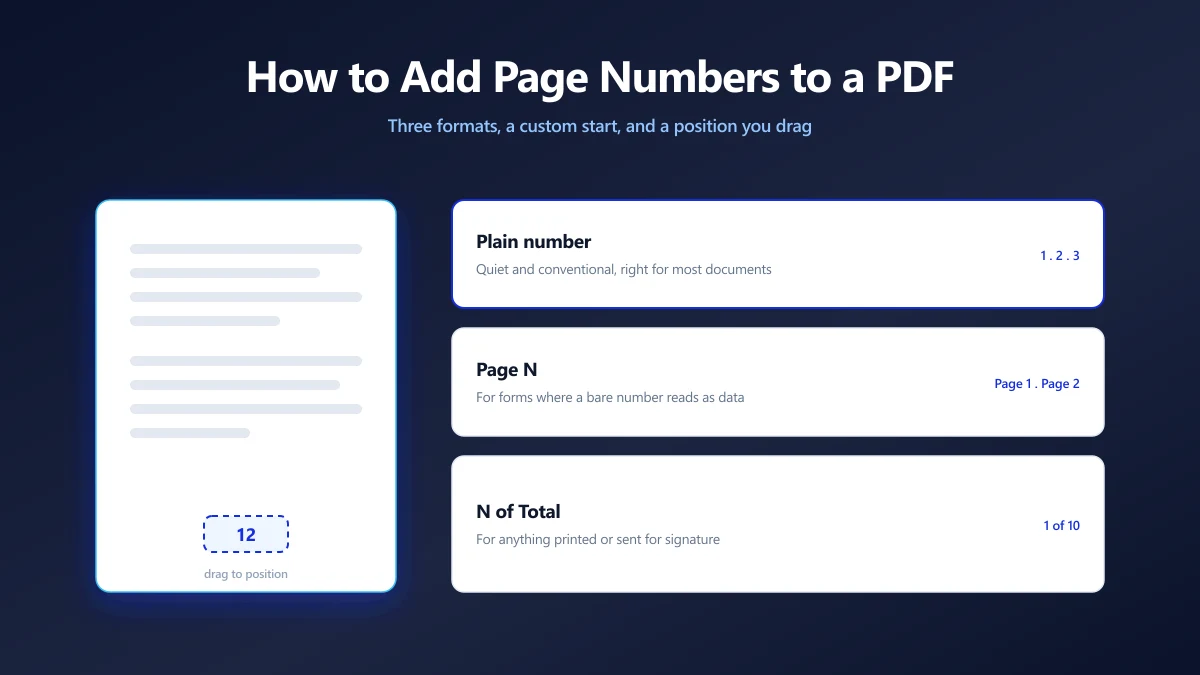
How to Add Page Numbers to a PDF (Free, on Any Device)
Add page numbers to a PDF free in your browser: drag the number into place, pick a format and start page. Plus Acrobat, Mac Preview, Word and phone methods.
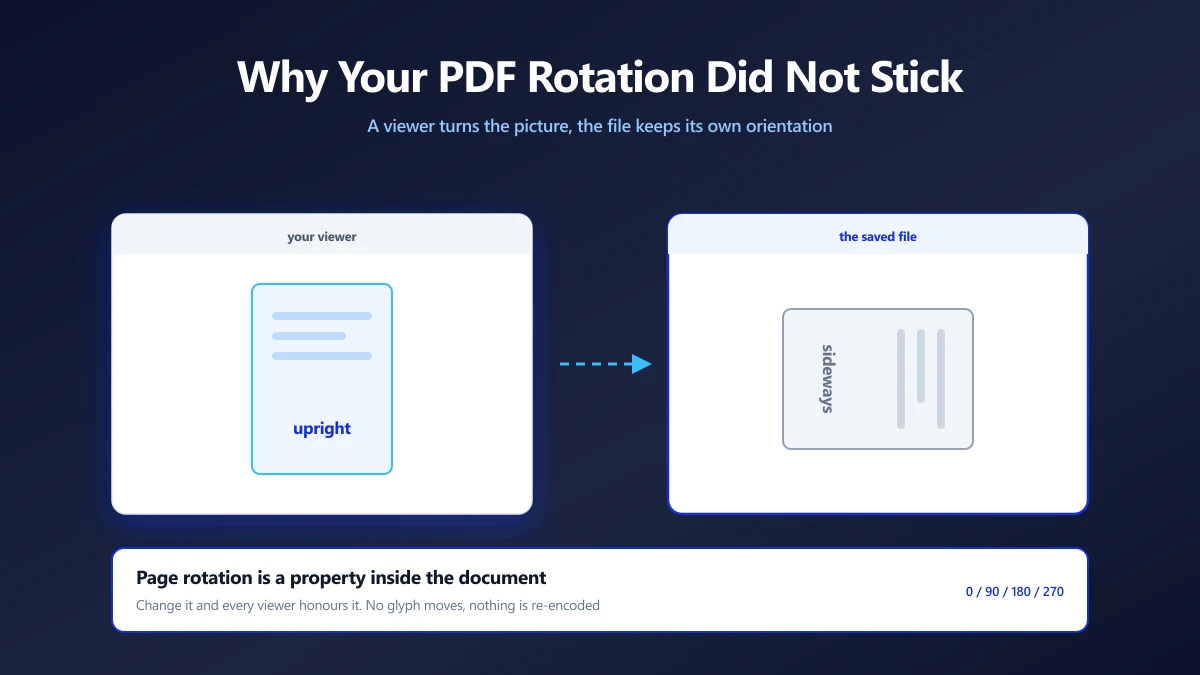
How to Rotate a PDF and Save It So It Stays Rotated
Rotate a PDF and save it so the pages stay turned. Free steps for a browser tool, Adobe Acrobat, Mac Preview, Edge, Chrome and iPhone, plus how to flip a PDF.
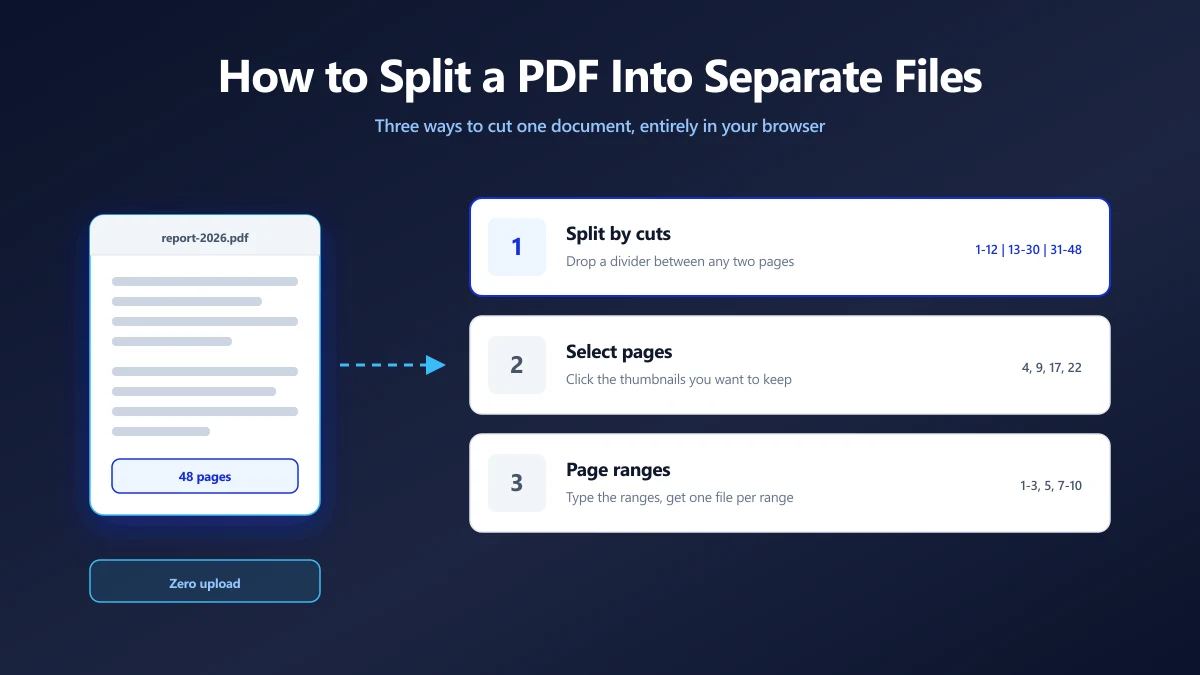
How to Split a PDF Into Separate Files (Without Uploading It)
Split a PDF by cut points, by page ranges, or by picking pages. Which method fits which job, and how to do all three in the browser with no upload.
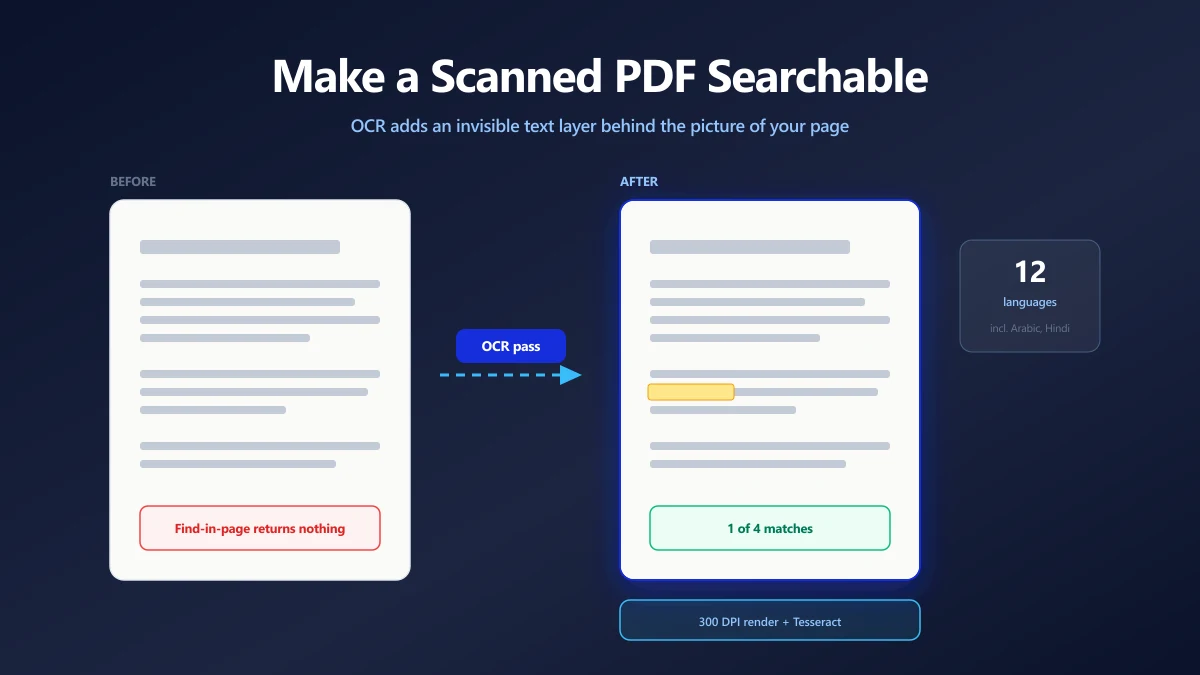
How to Make a Scanned PDF Searchable (Free OCR, No Upload)
A scanned PDF is a picture of a page, so find in page returns nothing. How OCR adds a real text layer, and how to check that it worked.
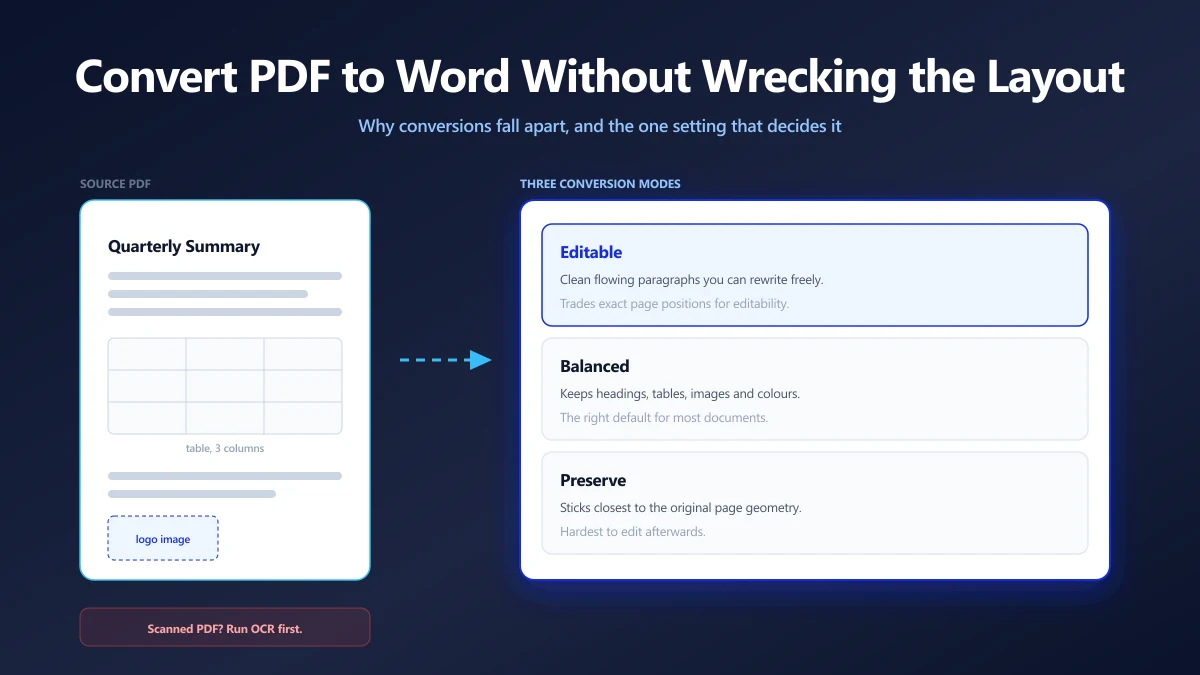
How to Convert a PDF to Word Without Wrecking the Formatting
PDF to Word conversions fall apart for a reason rooted in how PDF stores text. Here is why, which setting decides the outcome, and what to fix afterwards.
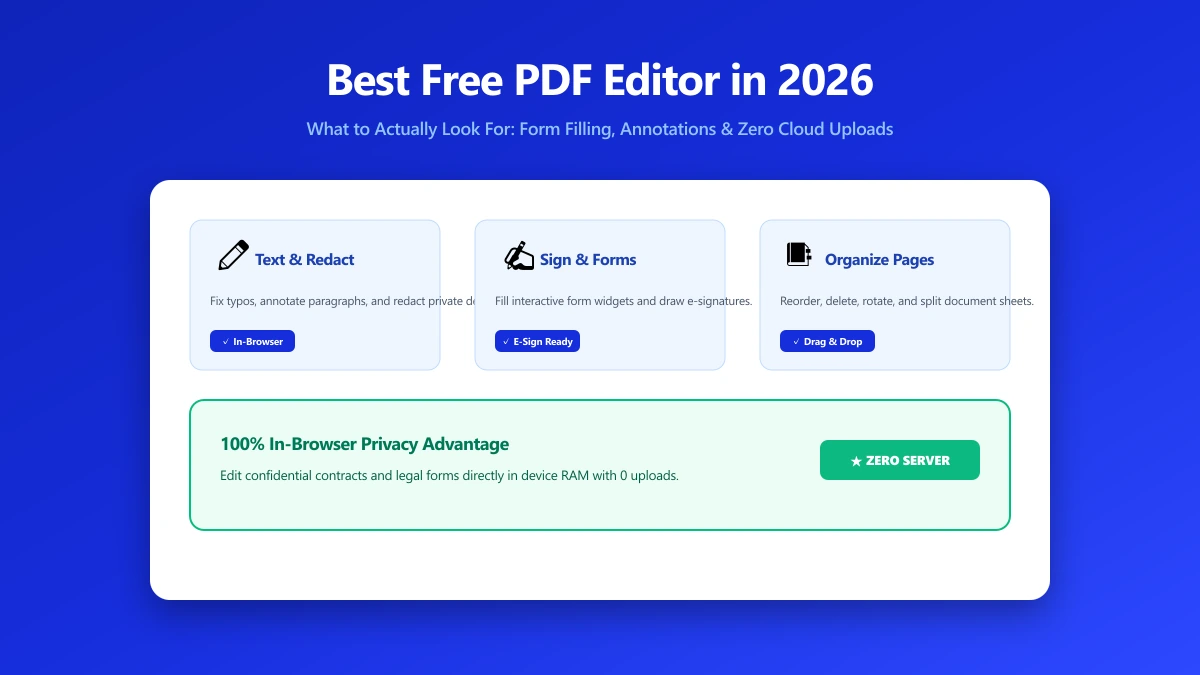
Best Free PDF Editor in 2026: What to Actually Look For
Searching for the best free PDF editor? Compare what real editing needs cover versus what a no-upload browser tool can do, with a practical checklist.
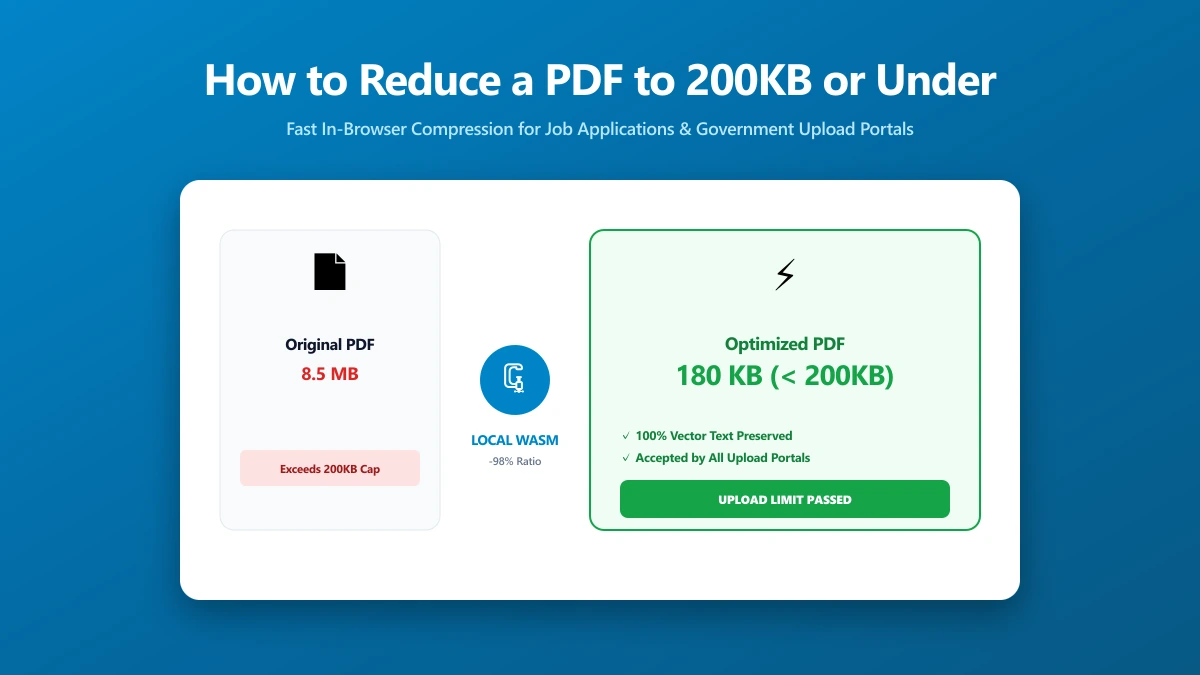
How to Reduce a PDF to 200KB or Under, Fast
Need to reduce a PDF to 200KB or under right now? Here is the fastest method, what actually shrinks file size, and what to do if it still will not fit.
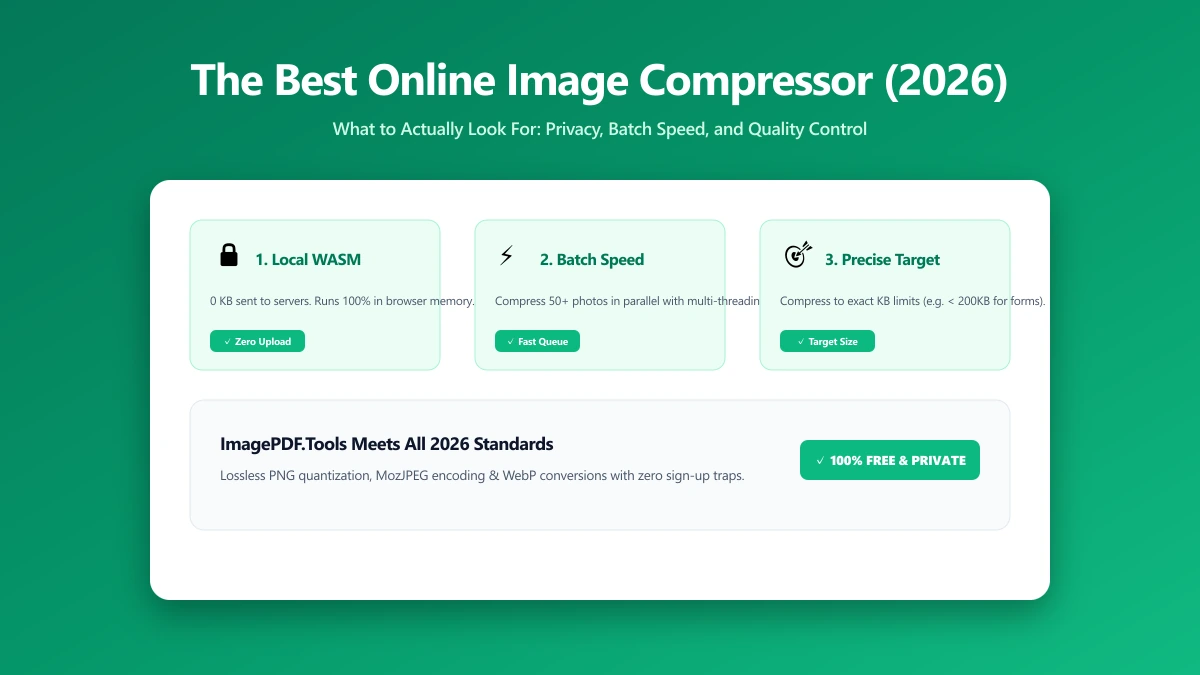
The Best Online Image Compressor in 2026: What to Actually Look For
Looking for the best online image compressor? Here is what actually matters: where processing happens, format support, quality control, and batch limits.
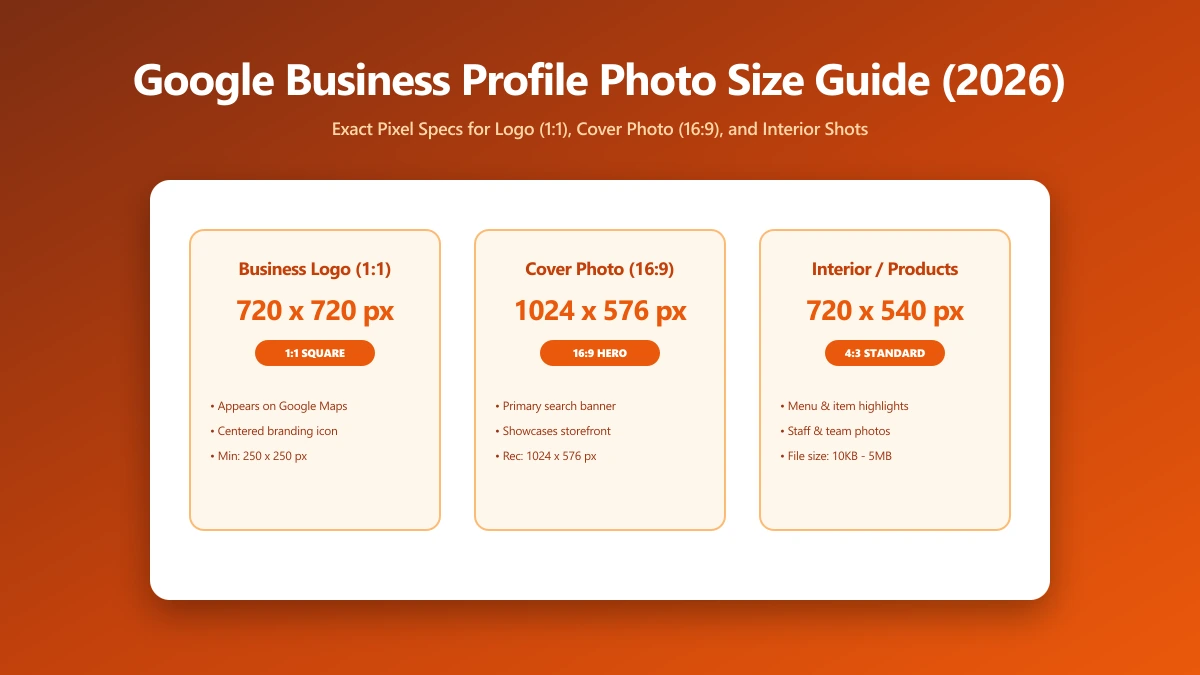
Google Business Profile Photo Size Guide: Logo, Cover, and Interior Photos (2026)
What size should Google Business Profile photos be? Google recommends 720x720px, 10KB to 5MB, JPG or PNG. Here is the exact spec, by photo type, for 2026.
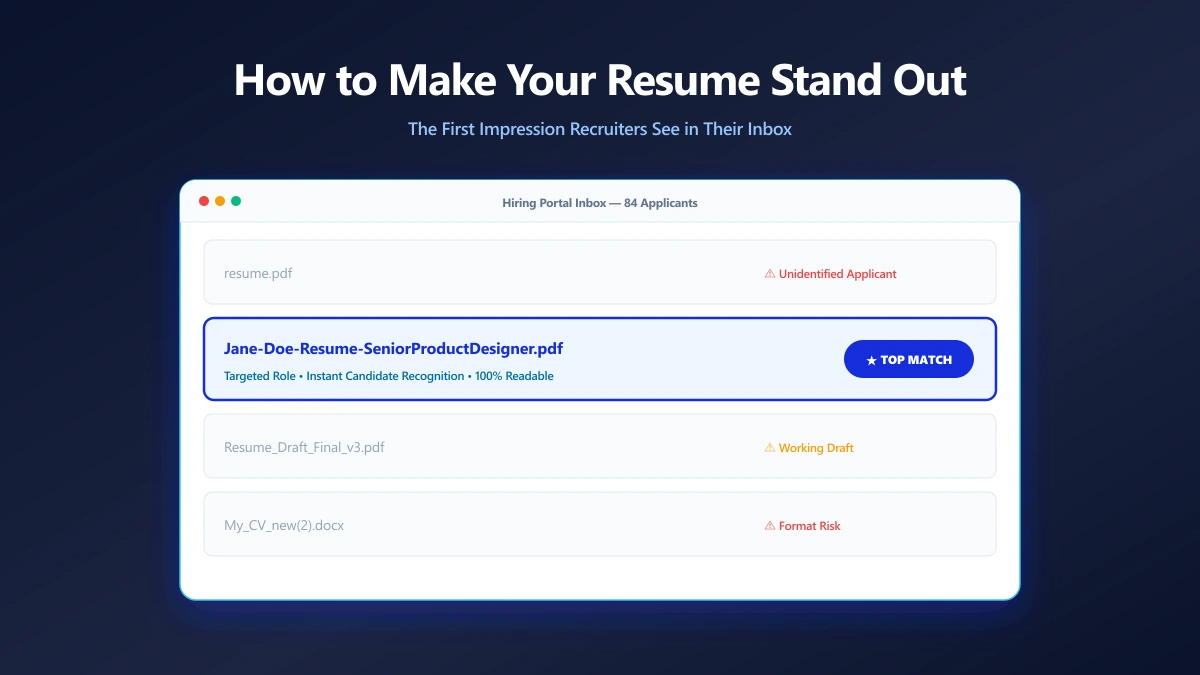
How to Make Your Resume Stand Out Before Anyone Opens It
Your filename is the first thing a recruiter reads. Small presentation choices that make your application look considered before the document opens.
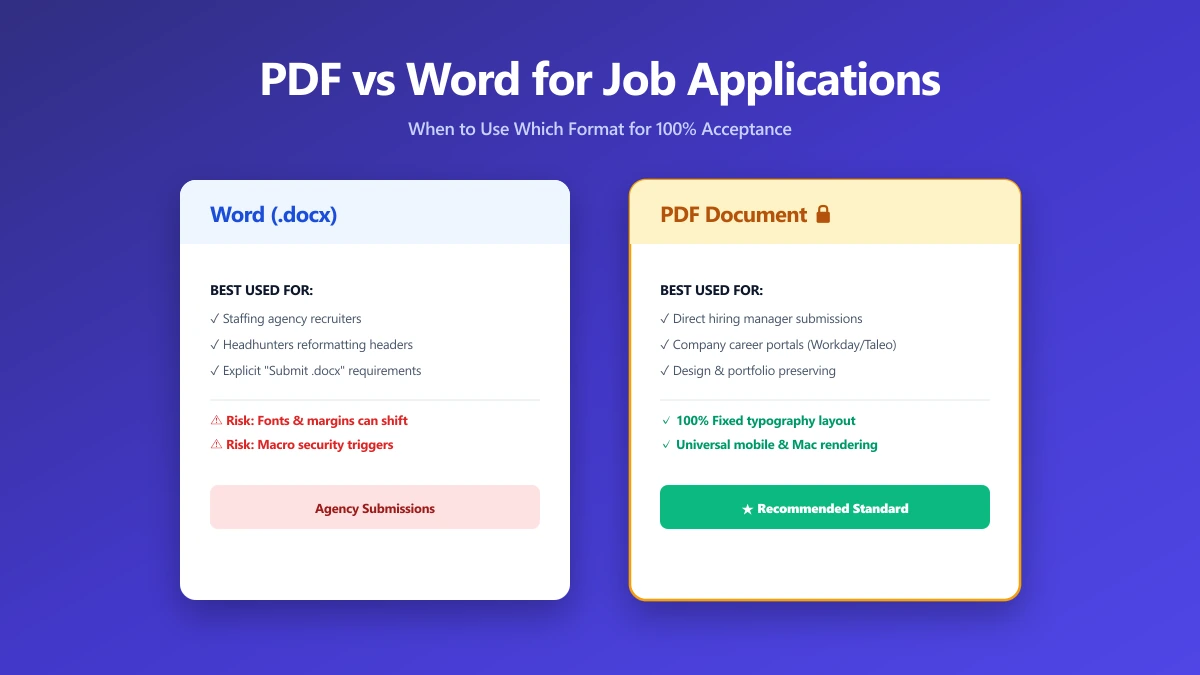
Should I Use PDF or Word for Job Applications?
PDF protects your layout, Word is sometimes required. A decision guide by employer type, plus what to do when the posting does not say either way.
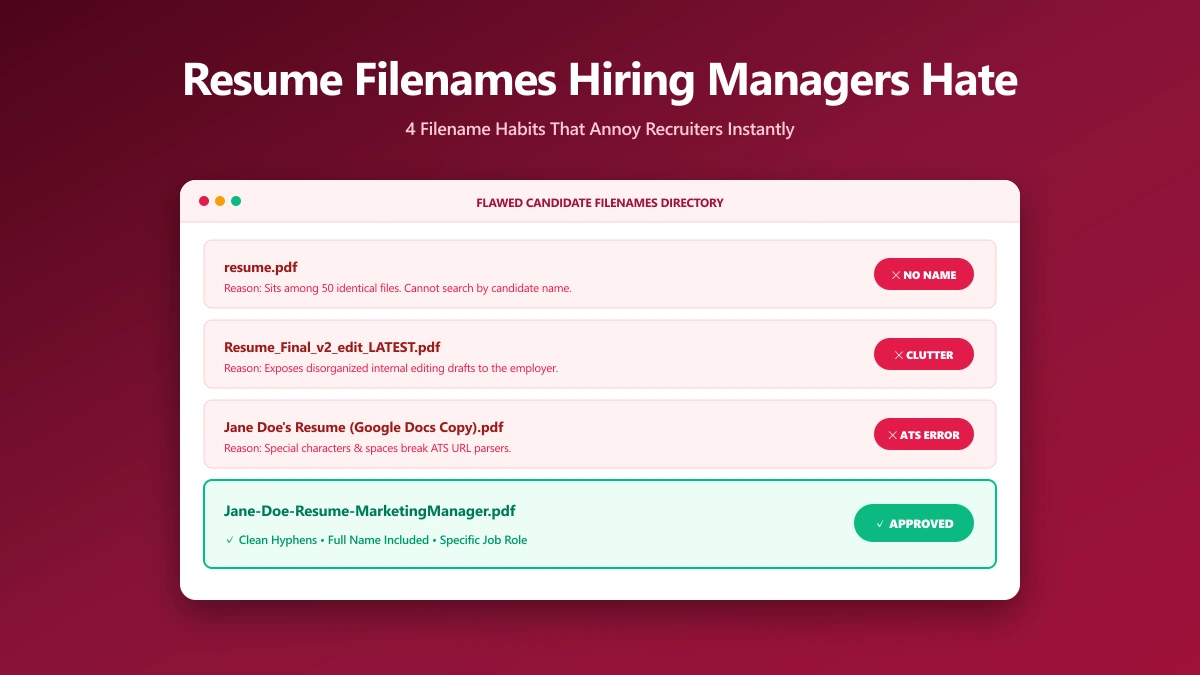
What Resume File Names Do Hiring Managers Hate?
The filename patterns that annoy recruiters, ranked by how often they show up, and what each one accidentally tells the person reading your application.
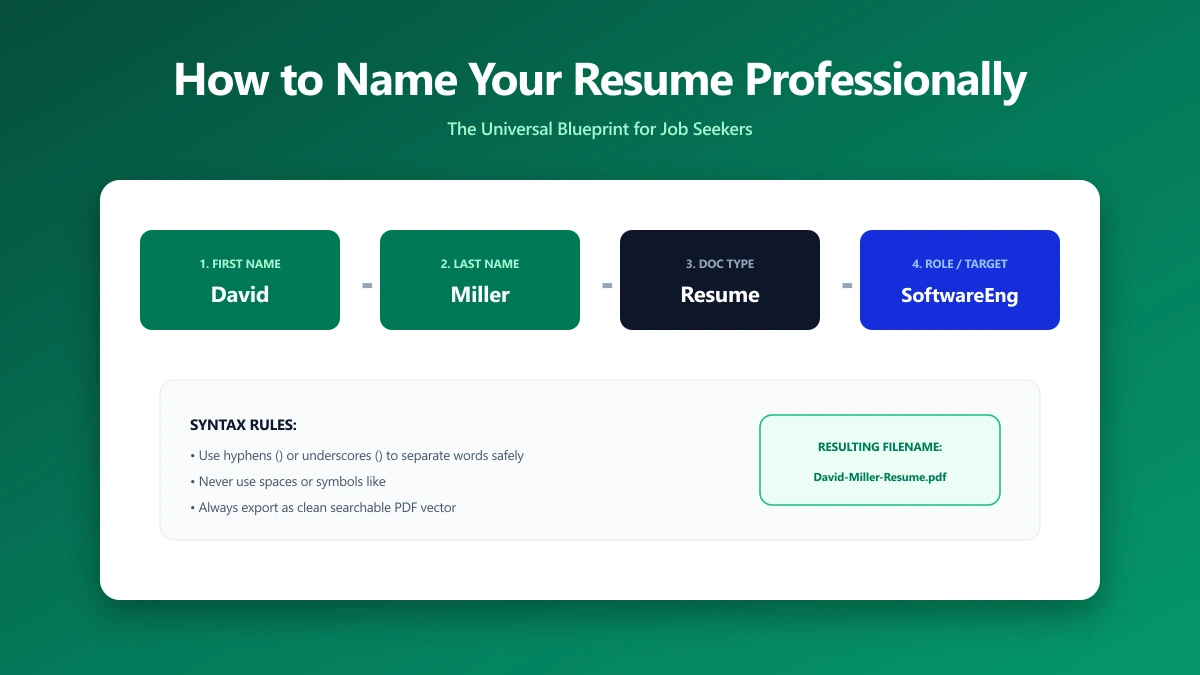
How to Name Your Resume File Professionally
A step-by-step naming convention that works for one application or fifty, including how to handle multiple versions, cover letters, and portal rules.
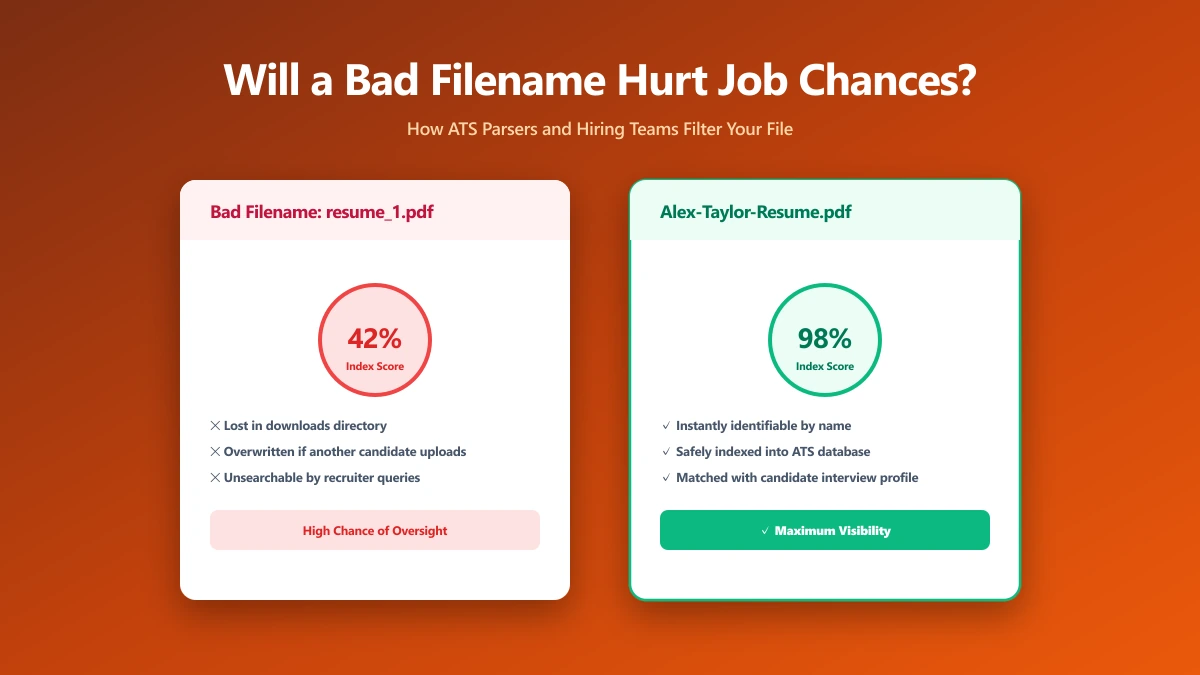
Will a Poorly Named Resume File Hurt My Job Chances?
An honest answer: what a bad filename actually costs you, what it does not, and which file mistakes genuinely end an application before it is read.
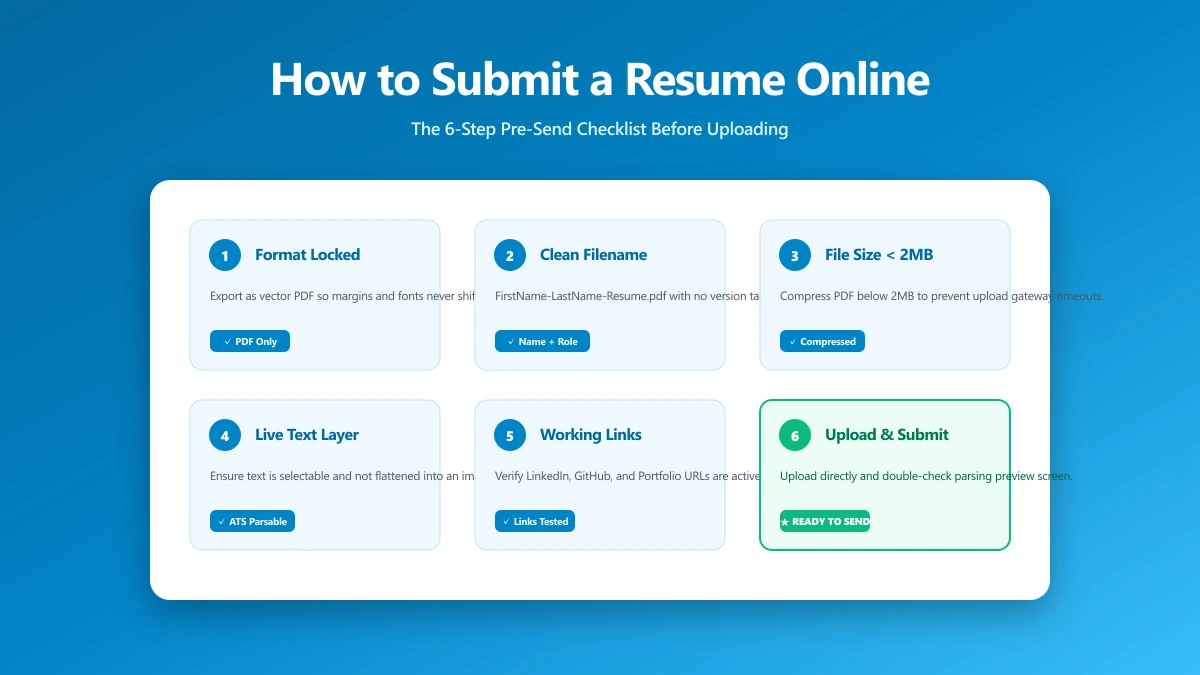
How to Submit a Resume Online: The 6-Step Pre-Send Check
A 6-step check to run before you upload: format, filename, file size, portal rules, hidden metadata, and a test send. Takes about a minute.
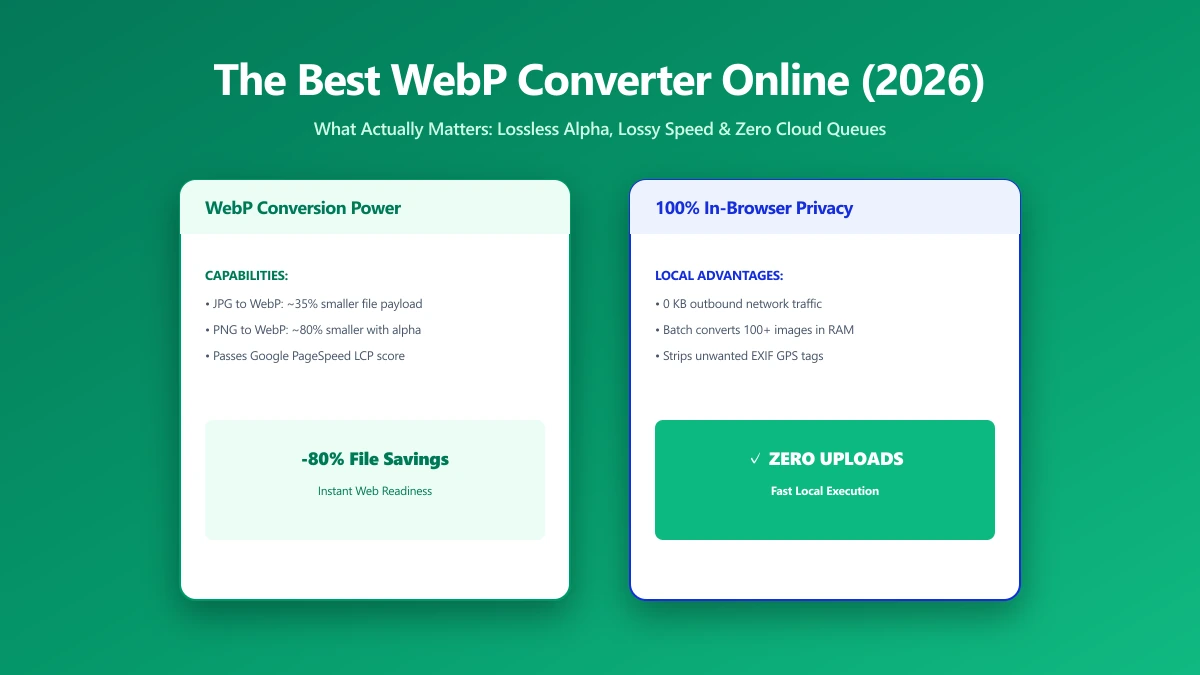
The Best WebP Converter Online: What Actually Matters (2026)
Comparing WebP converters? See what separates the best from the rest: batch limits, quality control, transparency, and whether your files get uploaded.
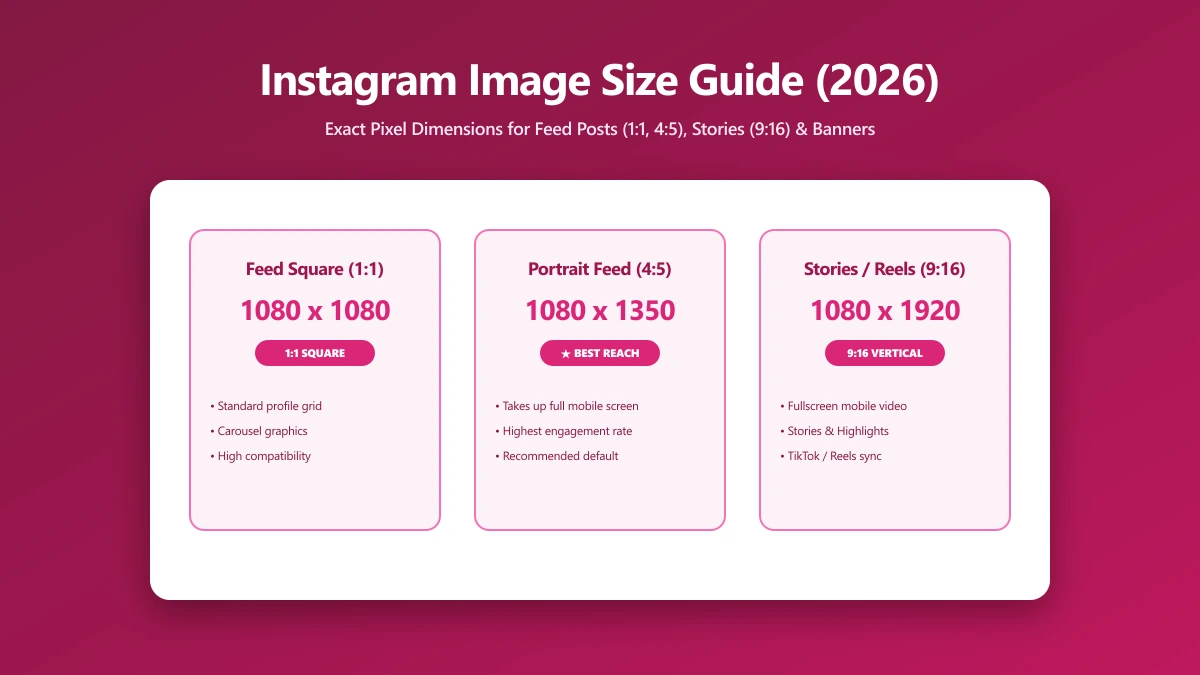
Instagram Image Size Guide 2026: The Exact Dimensions for Every Format
The exact Instagram image sizes for 2026: square posts, portrait posts, Stories, Reels, and profile photos, plus how to resize without losing quality.
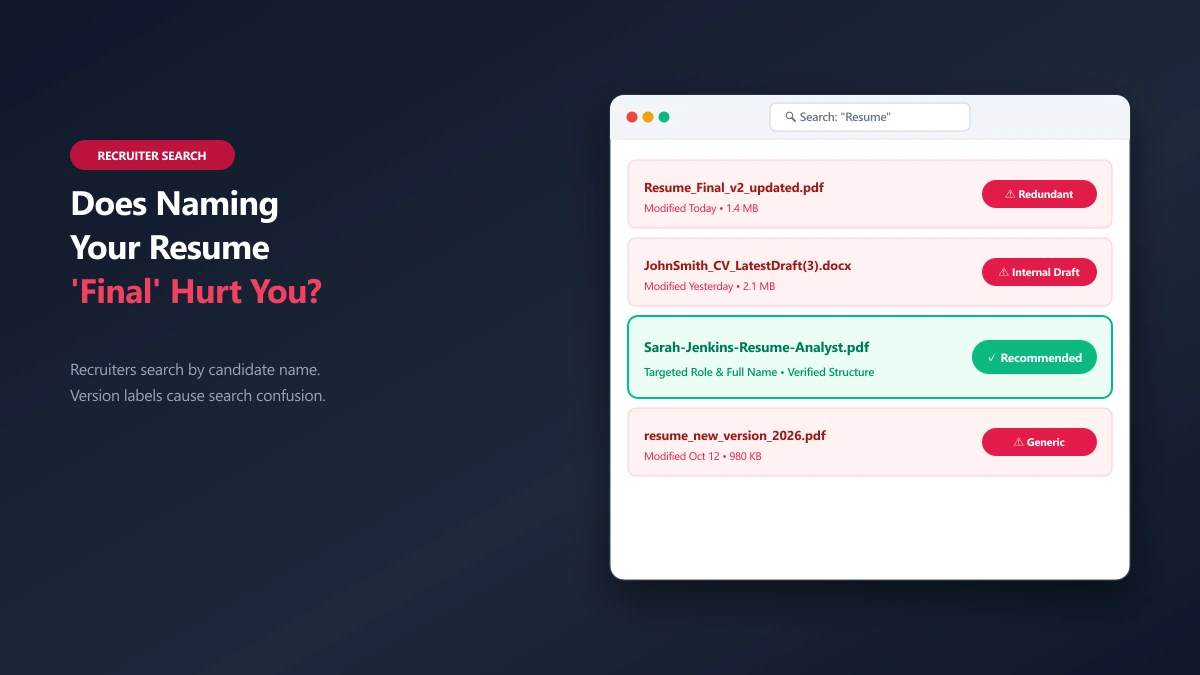
Does Naming Your Resume 'Final' or 'Updated' Hurt Your Chances?
Is naming your resume final or updated a bad idea? Learn how recruiters view file version numbers and what to do instead.
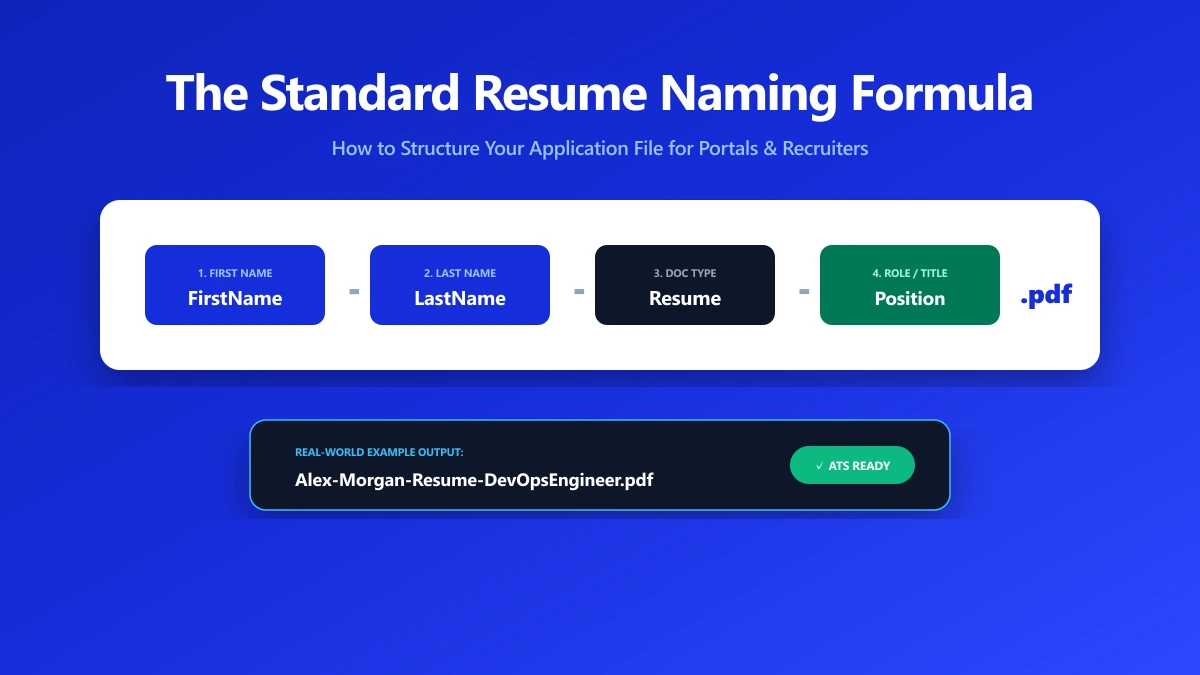
What's the Professional Way to Name Your Resume?
Get clear examples of professional resume filenames. Learn the step-by-step formula to name your PDF or Word document for job portals.
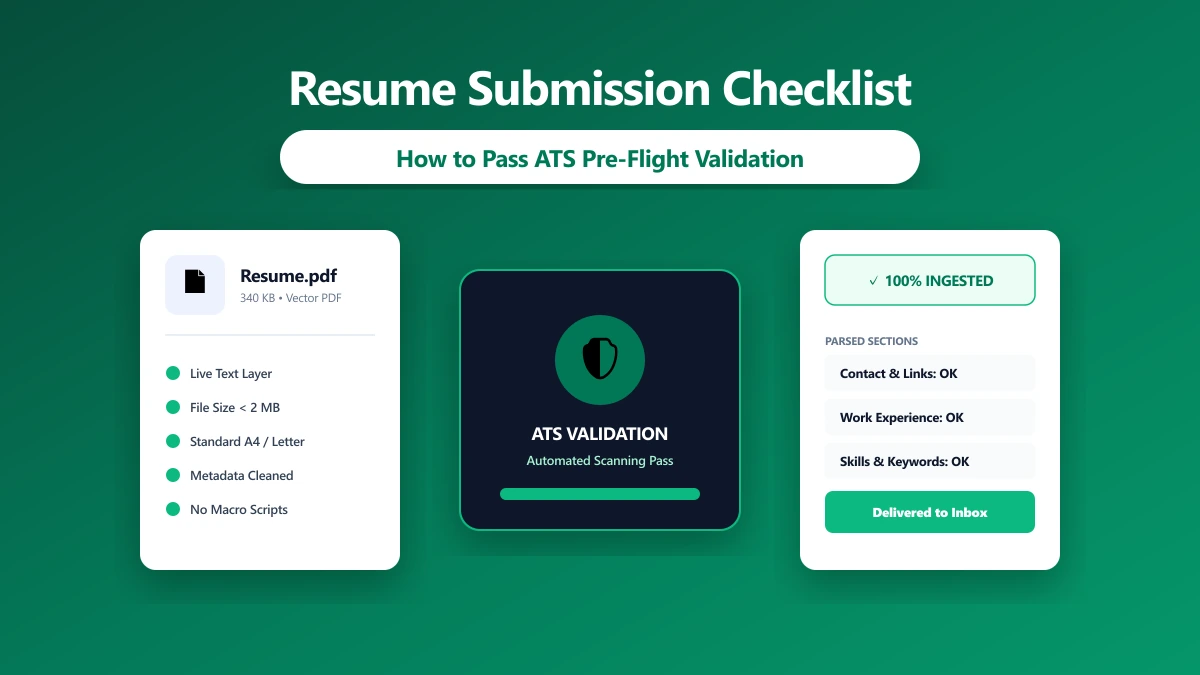
How to Submit a Resume That Hiring Managers Won't Delete
Avoid mechanical failures that get your application deleted. Follow this 6-step check for format, size, and metadata before uploading.
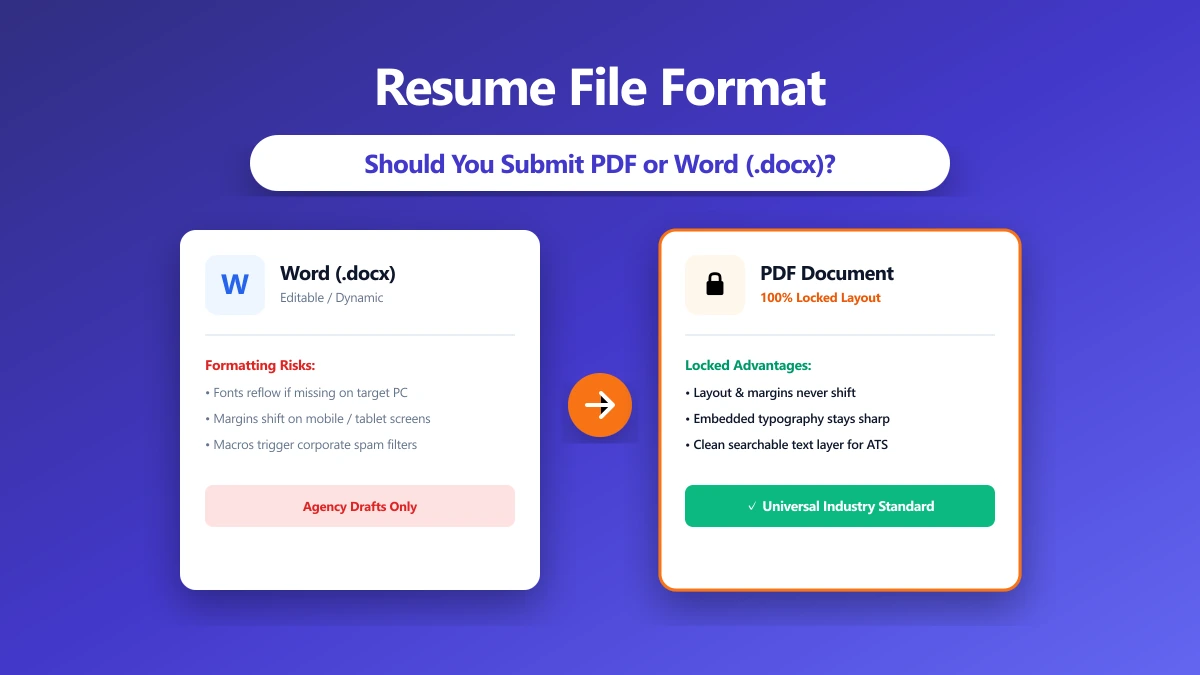
Resume File Format: PDF, Word, or Something Else?
PDF or Word for resume submissions? See how format choices affect applicant tracking systems (ATS) and recruiter views in 2026.
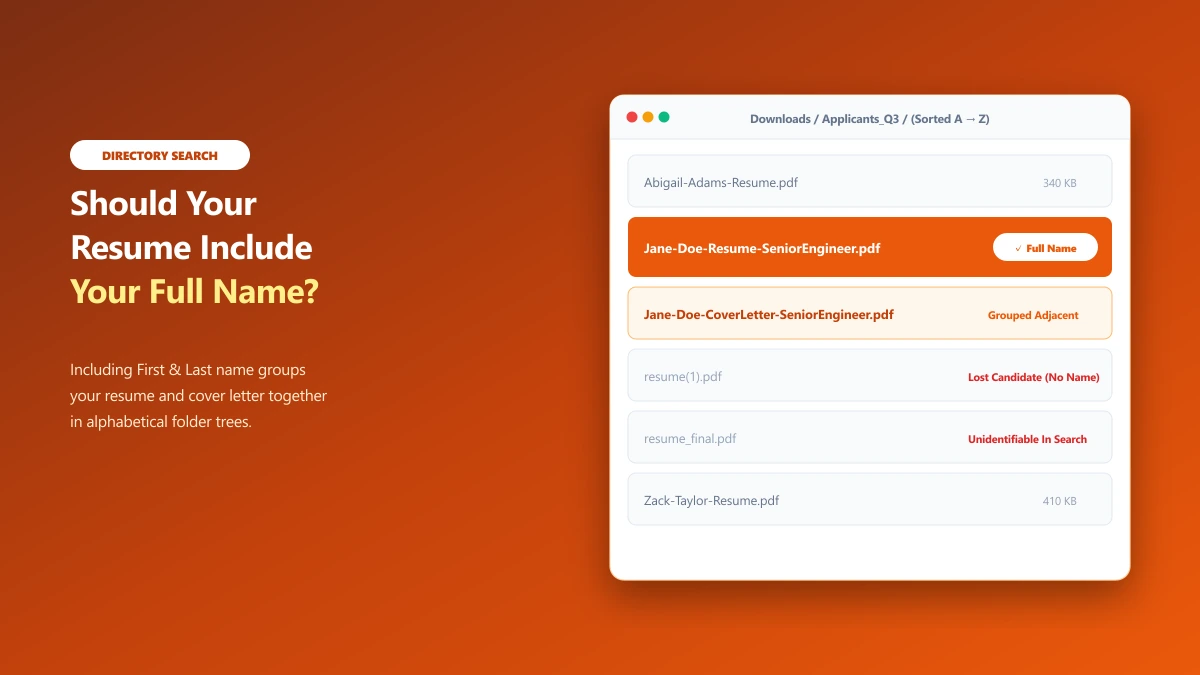
Should Your Resume File Name Include Your Full Name?
Should you put your full name in your resume file name? Learn the optimal naming rules for human recruiters and online portals.
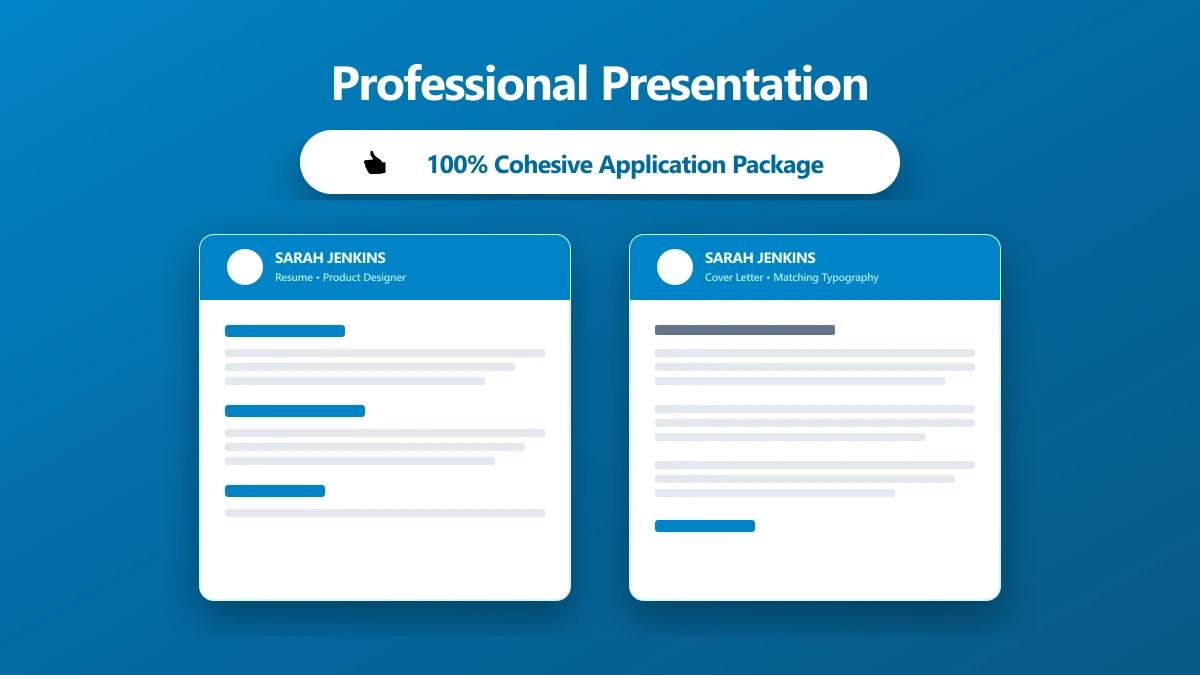
How to Make Your Resume File Look Professional
Make your application look considered before the file is opened. Formatting and presentation tips for resume filenames and attachments.
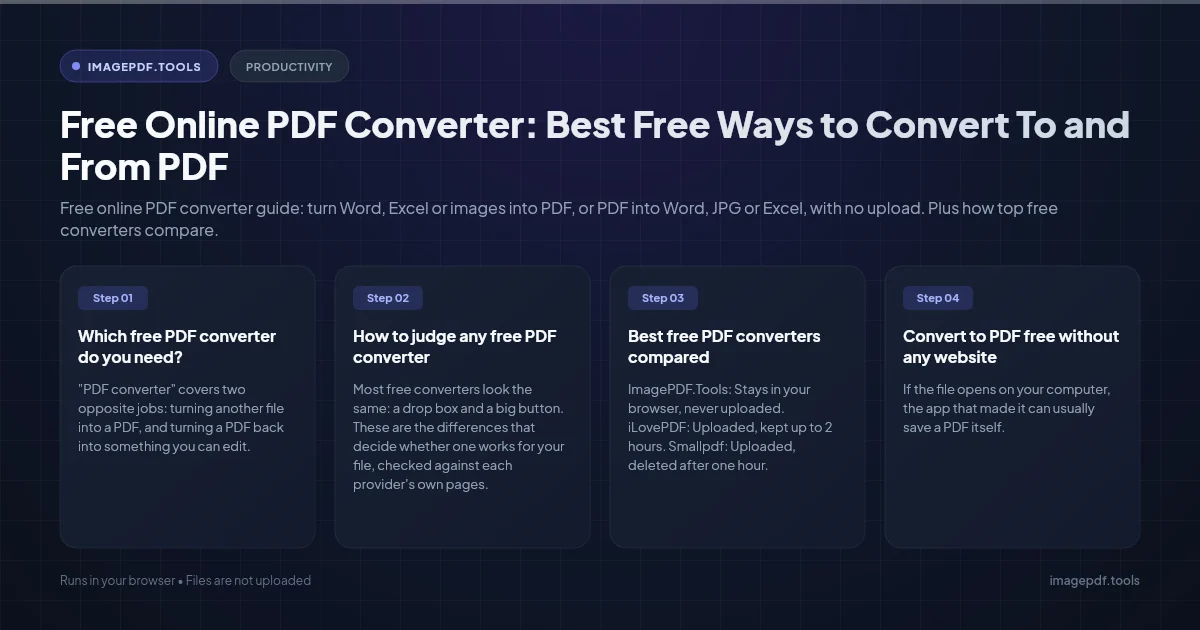
Free Online PDF Converter: Best Free Ways to Convert To and From PDF
Free online PDF converter guide: turn Word, Excel or images into PDF, or PDF into Word, JPG or Excel, with no upload. Plus how top free converters compare.
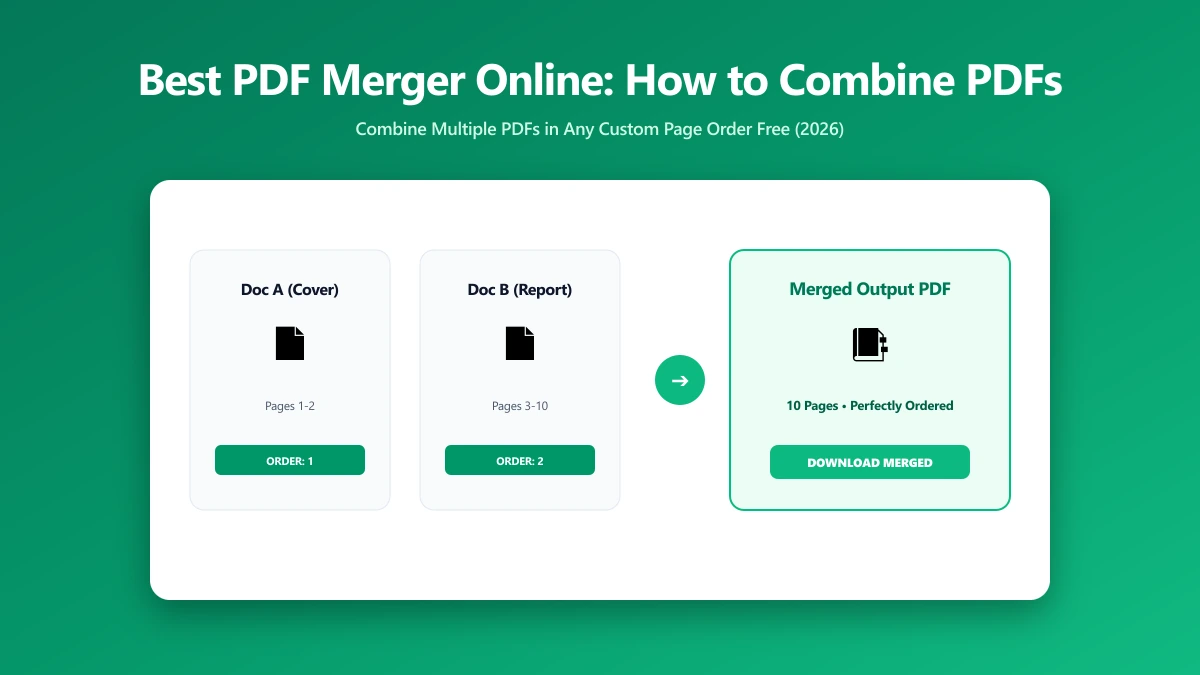
Best PDF Merger Online: How to Combine PDFs for Free in 2026
Looking for the best PDF merger online? See what makes one trustworthy, a step-by-step how-to guide, and a free browser-based option with no page limit.
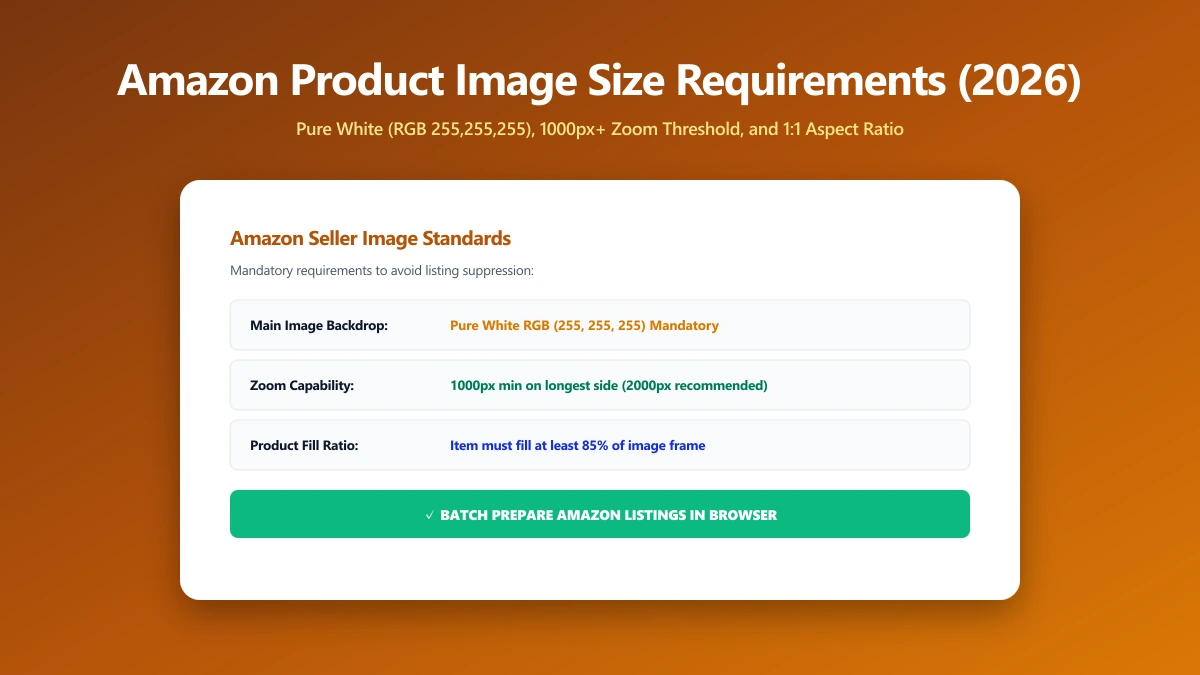
Amazon Product Image Size Requirements 2026: The Exact Dimensions Sellers Need
Amazon requires main images at least 1000px on the longest side on a pure white background. Here are the exact pixel specs sellers need to hit in 2026.
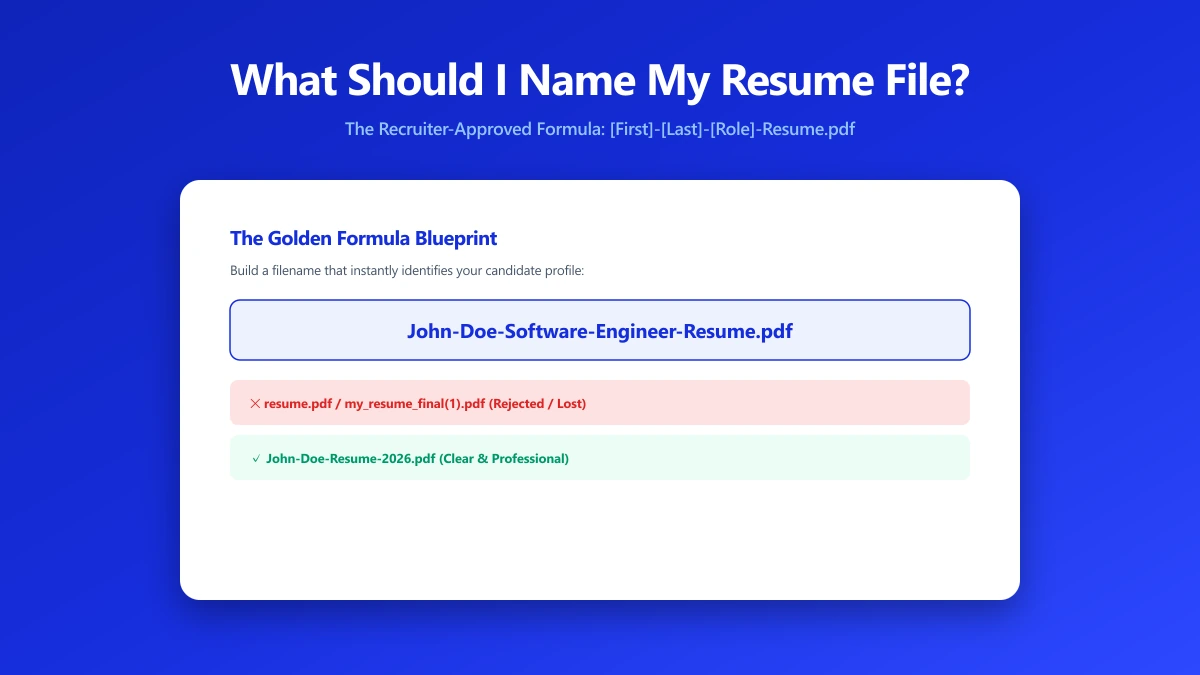
What Should I Name My Resume File? A Naming Formula That Works
Naming a resume file wrong can get it skipped by an ATS or a recruiter. Here is the exact naming formula to use, and the filenames to avoid.
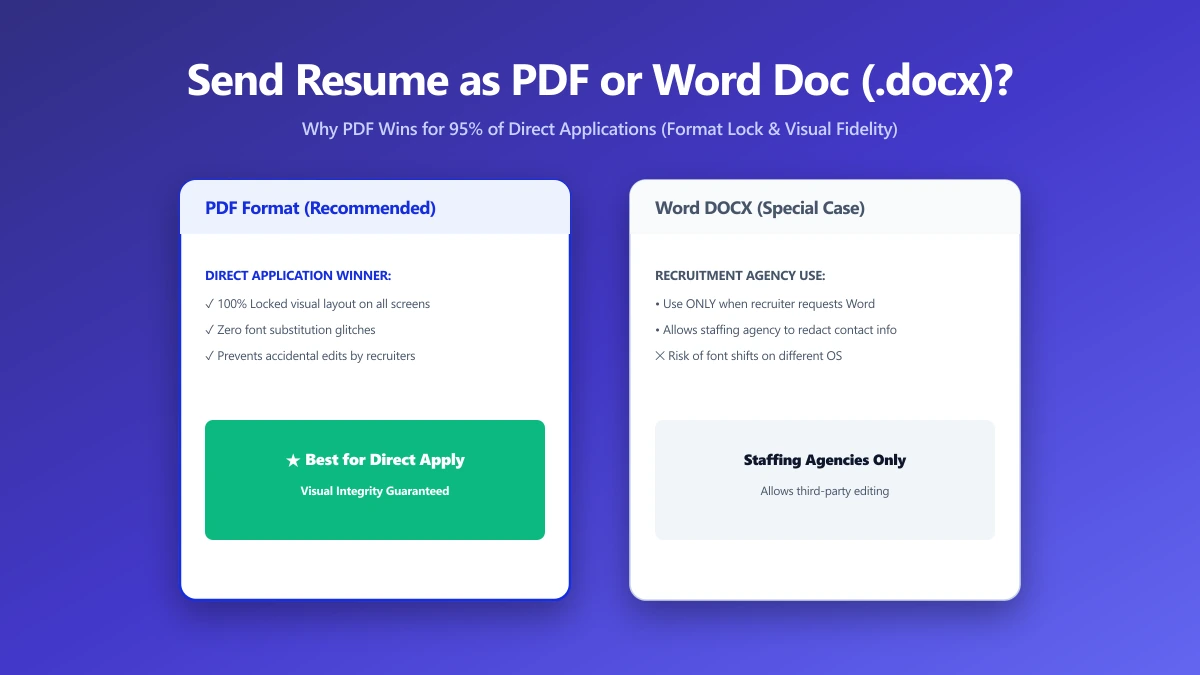
Should I Send My Resume as a PDF or Word Doc?
PDF or Word for your resume? Most recruiters and applicant tracking systems prefer PDF, but a few situations still call for a Word document.
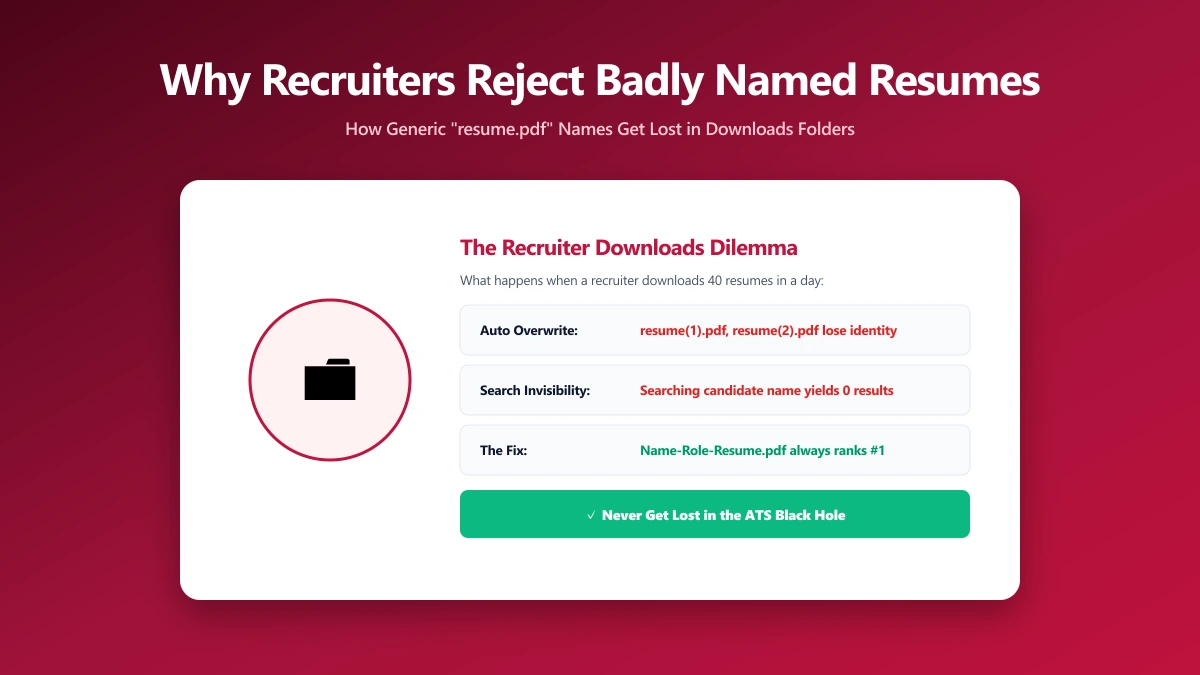
Why Recruiters Reject Poorly Named Resume Files
A poorly named resume file can get lost, mis-sorted, or skipped entirely. Here is exactly why recruiters reject them, and how to fix yours.
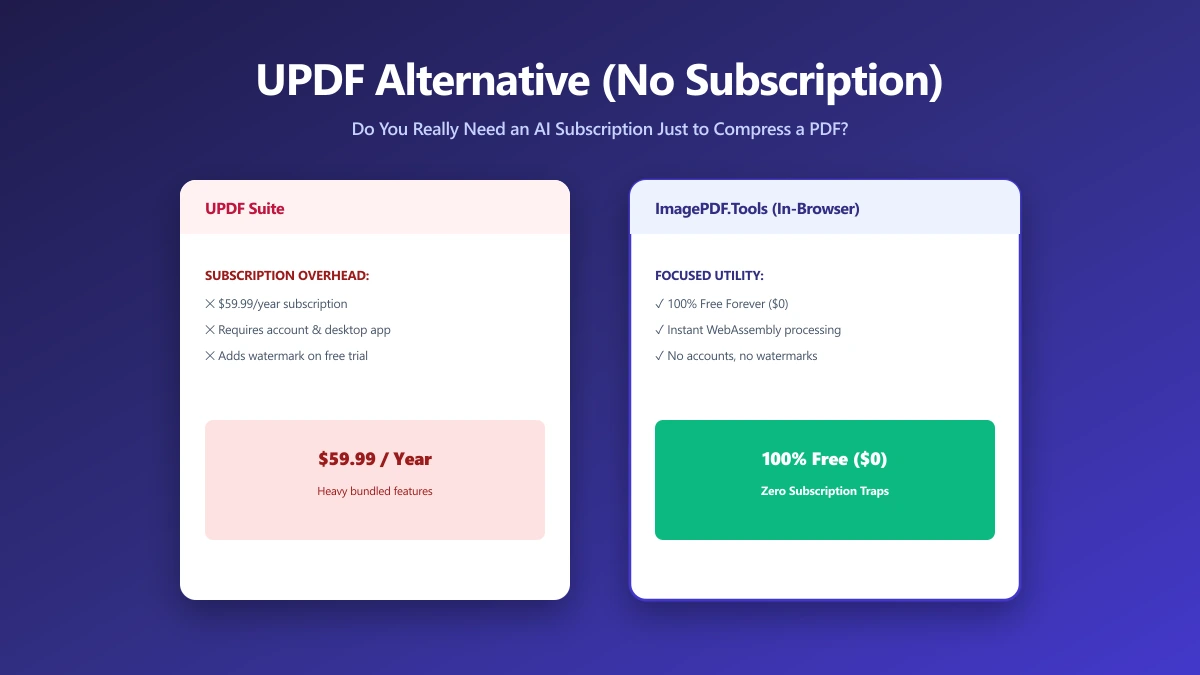
UPDF Alternative: Do You Need an AI PDF App Just to Compress One File?
UPDF bundles AI chat and summarization into a paid subscription. If you need to compress or convert a PDF, here is a free alternative with no AI upsell.
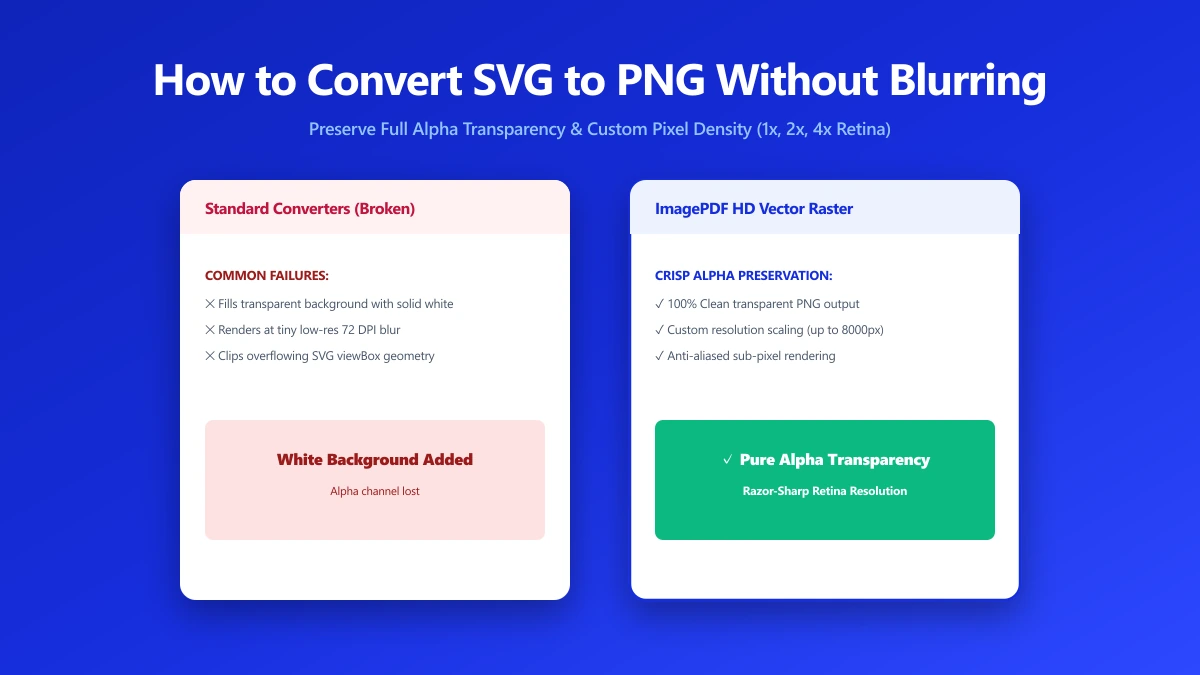
How to Convert SVG to PNG Without Losing Transparency or Going Blurry
Converting SVG to PNG the wrong way can blur your logo or fill transparency with solid white. Here is how to convert it correctly, free, in your browser.
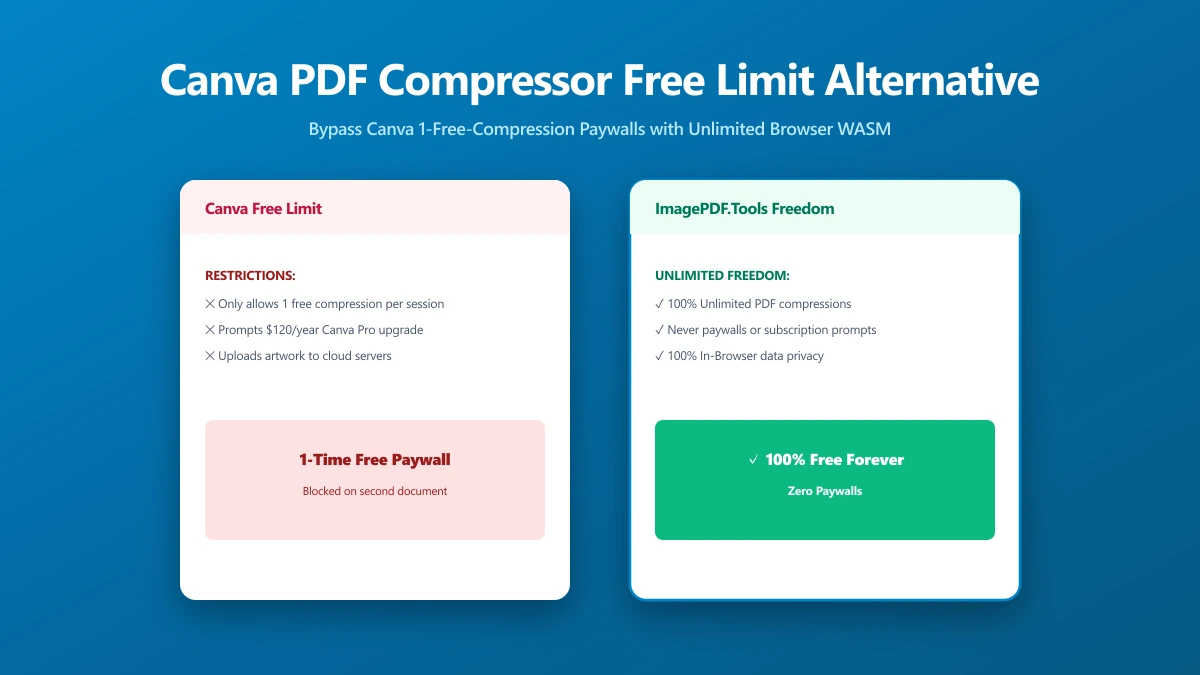
Canva's PDF Compressor Only Works Once for Free, Here's the Unlimited Alternative
Canva's PDF compressor caps free users at one use and requires an account sign-up. Here is an unlimited, browser-based alternative that needs neither.
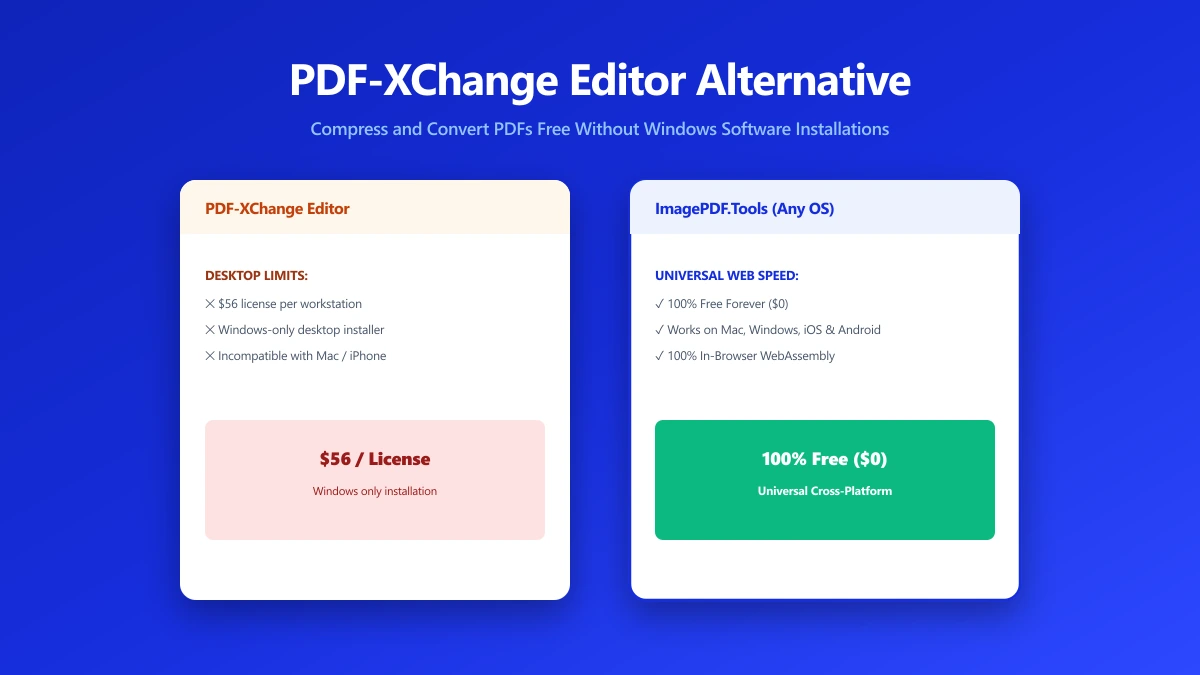
PDF-XChange Editor Alternative: Compress a PDF Without Installing Anything
PDF-XChange Editor is a solid Windows-only editor that requires installing. Try a free browser-based alternative that works on any device, no install.
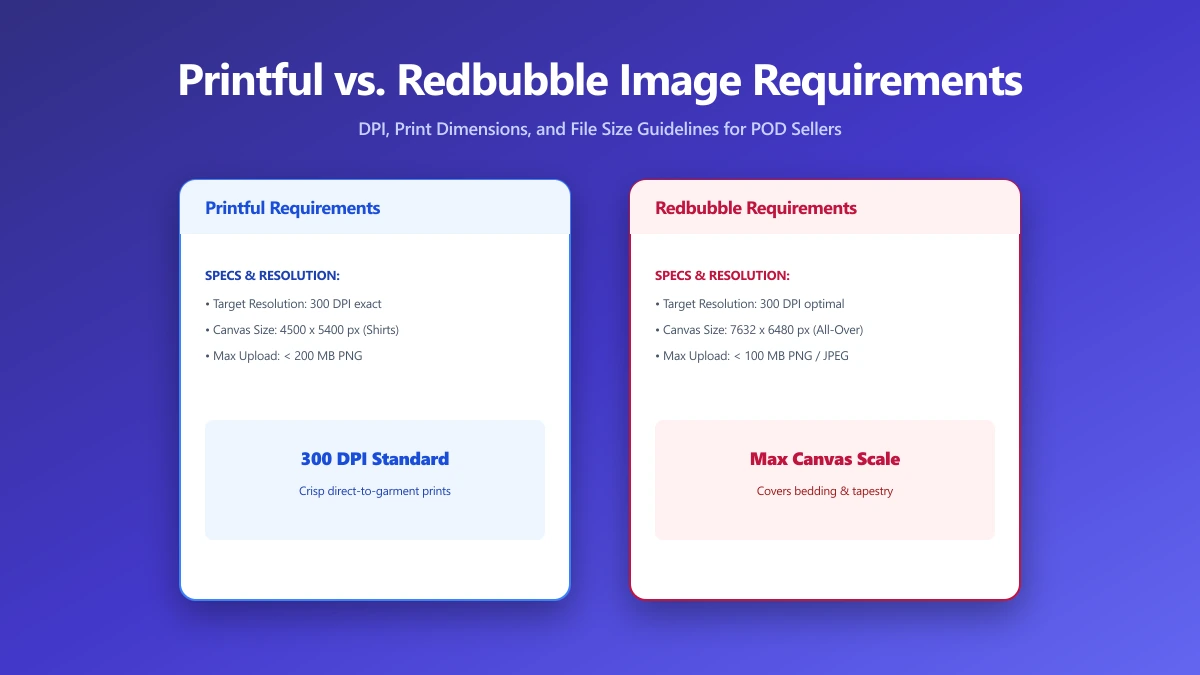
Printful vs. Redbubble Image Requirements: DPI, Resolution, and File Size Compared
Printful and Redbubble use different sizing rules for print-on-demand artwork. Upload the wrong file and risk rejected uploads or blurry prints online.
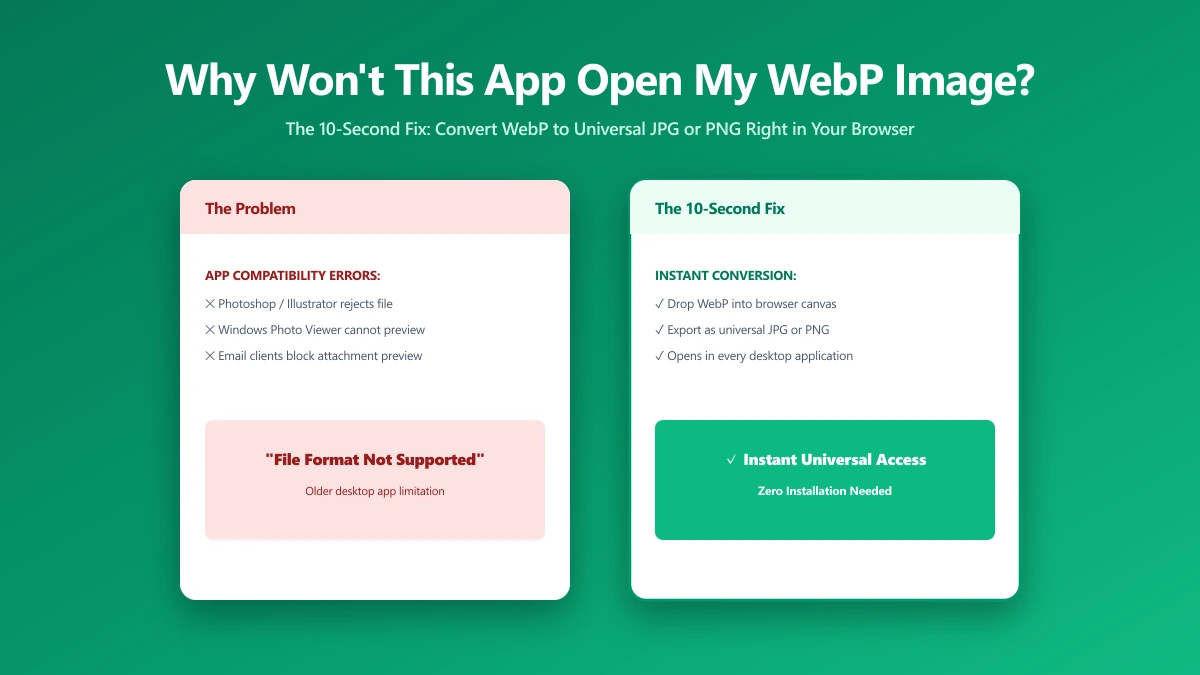
Why Won't This App Open My WebP Image? The 10-Second Fix
Saved an image from your browser and now Word or an older app refuses to open it? It is almost certainly a WebP file. Here is why, and the 10-second fix.
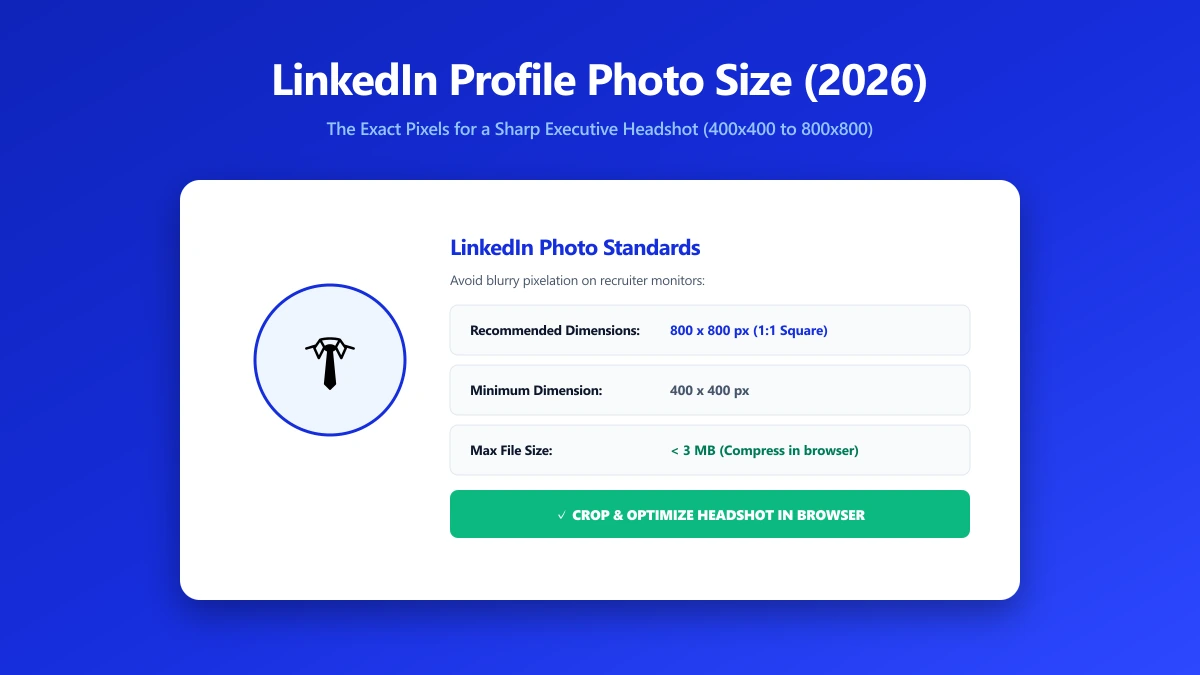
LinkedIn Profile Photo Size in 2026: The Exact Pixels for a Sharp Headshot
LinkedIn recommends 400x400 pixels for a profile photo, but sharper results need larger uploads. Here is the exact pixel spec for a professional headshot.
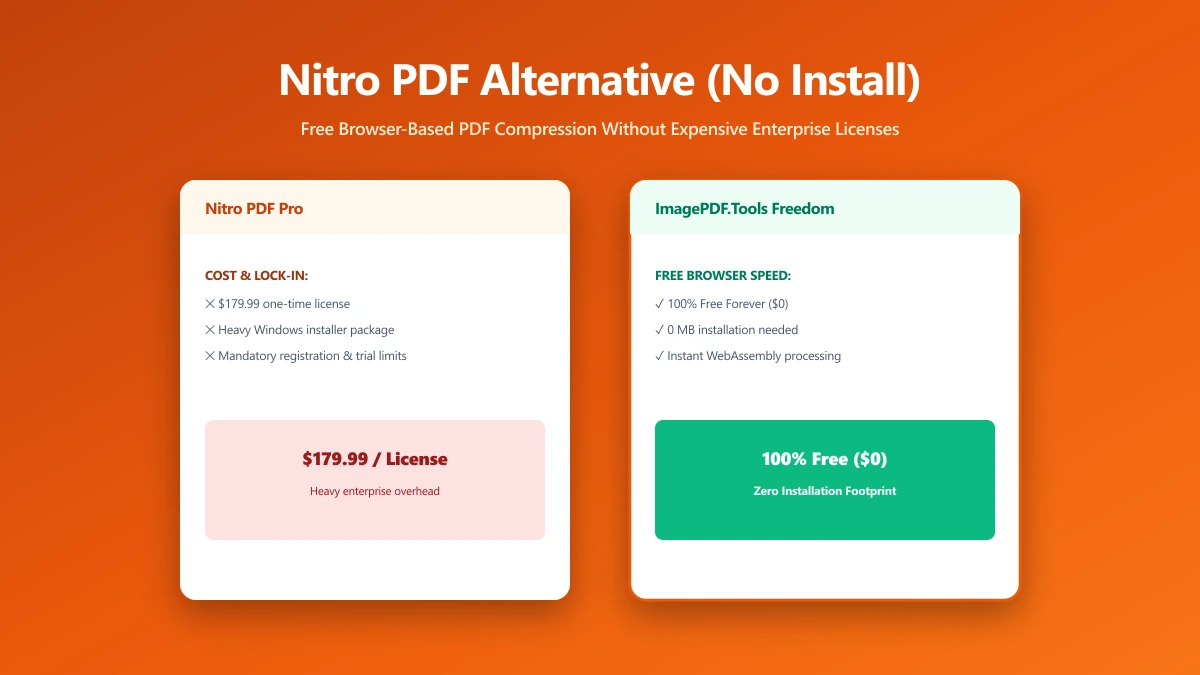
Nitro PDF Alternative: Free Browser-Based Compression Without the Install or Subscription
Nitro is a heavyweight paid suite, overkill for one PDF job. Here is a free, browser-based alternative for everyday tasks, no install, no subscription.
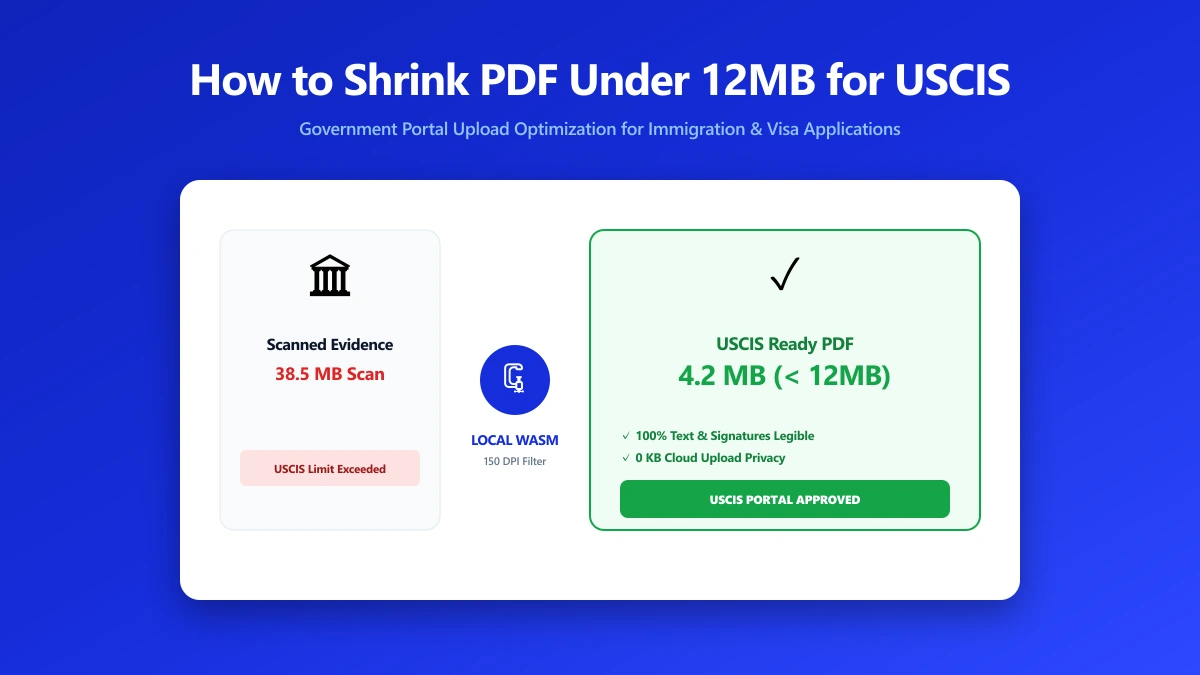
How to Shrink a PDF Under 12MB for USCIS and Other Government Upload Portals
USCIS and other government portals reject oversized or encrypted PDFs. Here is how to shrink your document under the size limit without losing legibility.
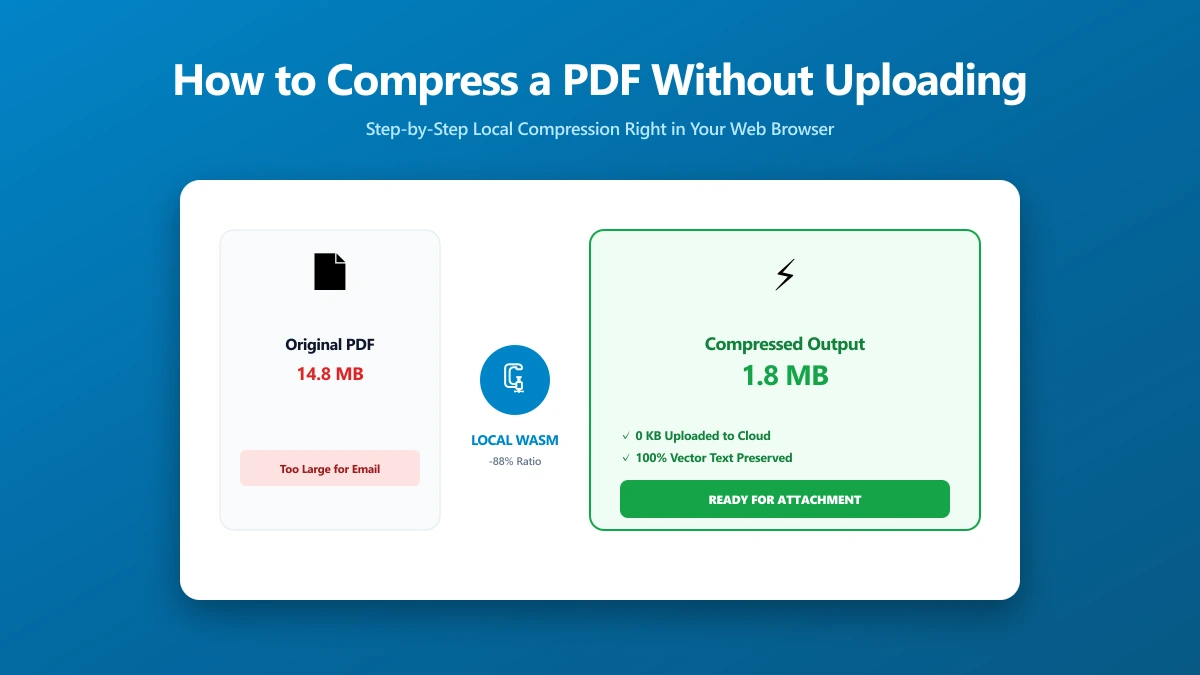
How to Compress a PDF Without Uploading It (Step by Step)
How to compress a PDF without sending it to a server, using a free browser-based tool, plus how to verify for yourself that nothing was uploaded.
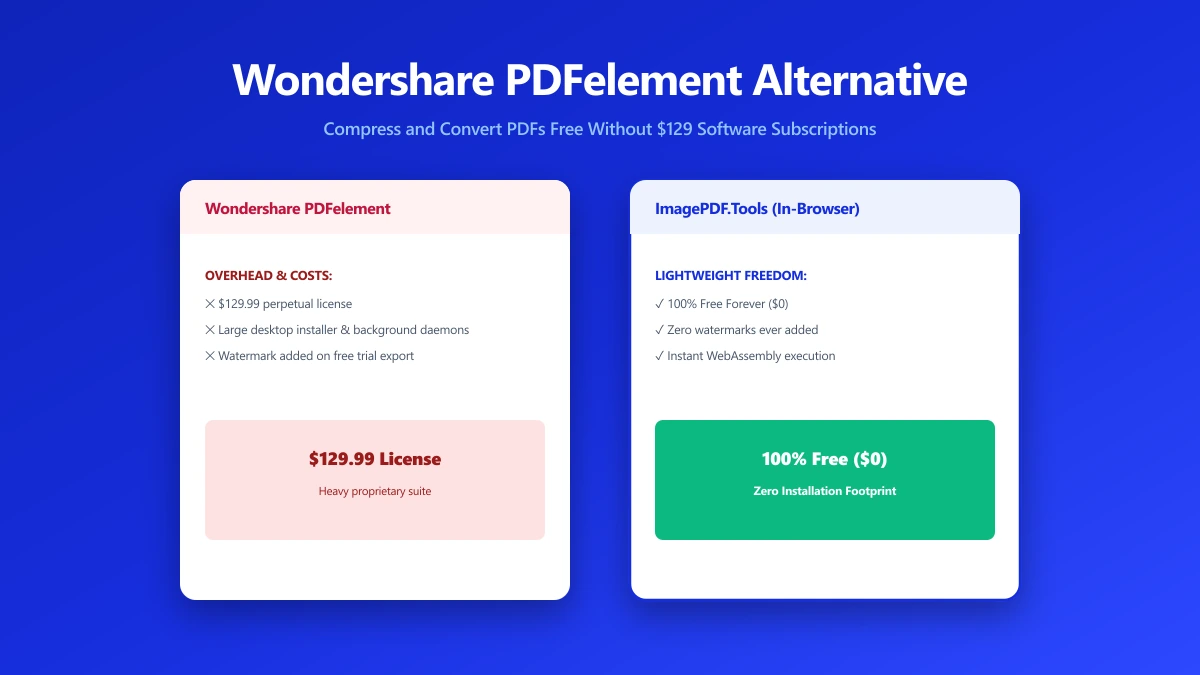
Wondershare PDFelement Alternative: When You Just Need to Shrink a File, Not Buy Software
PDFelement is a full paid PDF suite, often overkill for a single compression job. Here is a free, no-install alternative for everyday PDF tasks instead.
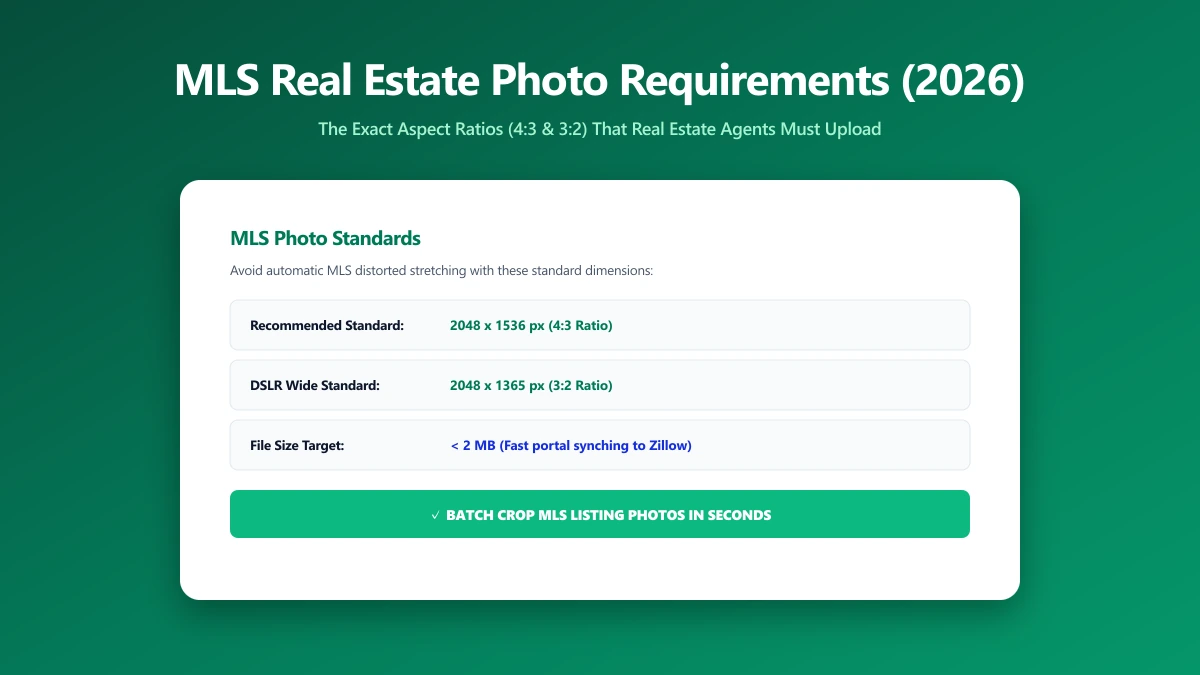
MLS Photo Size Requirements: The Exact Dimensions Agents Should Upload in 2026
Most MLS boards want listing photos near 2048x1365 pixels. Upload raw camera files instead and they often get badly auto-downscaled. Here is the spec.
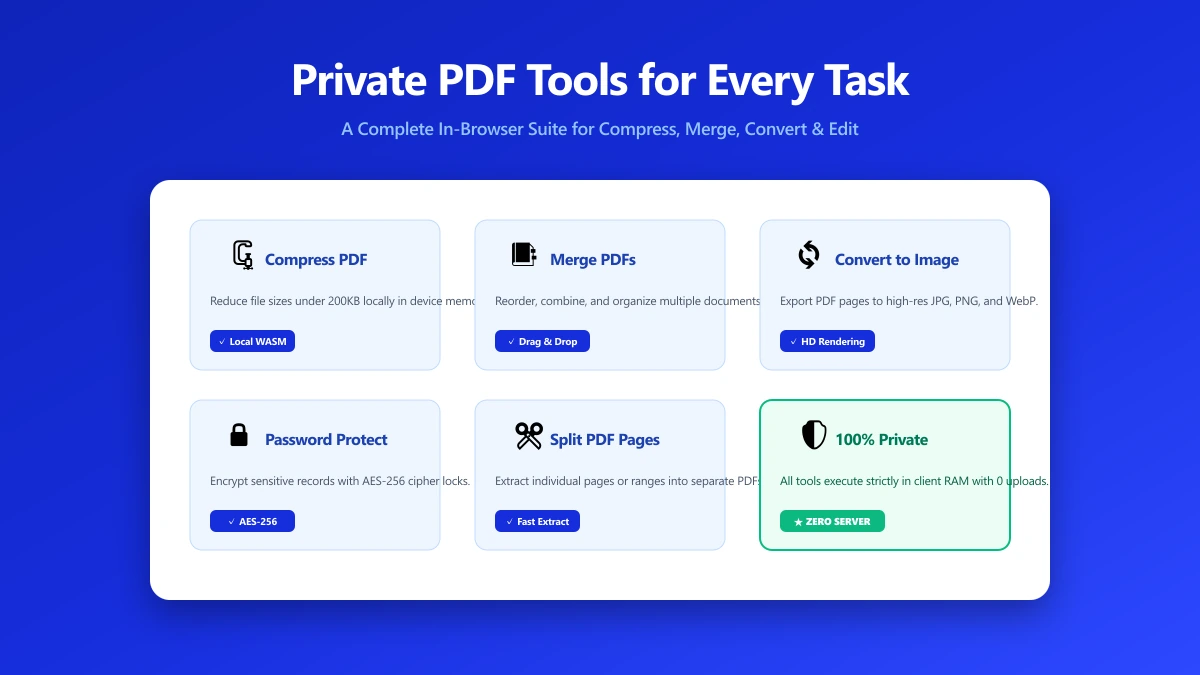
Private PDF Tools: A Practical Toolkit for Every Common Task
Private PDF tools that never upload your file: merge, split, compress, edit and protect, each running entirely inside your own browser.
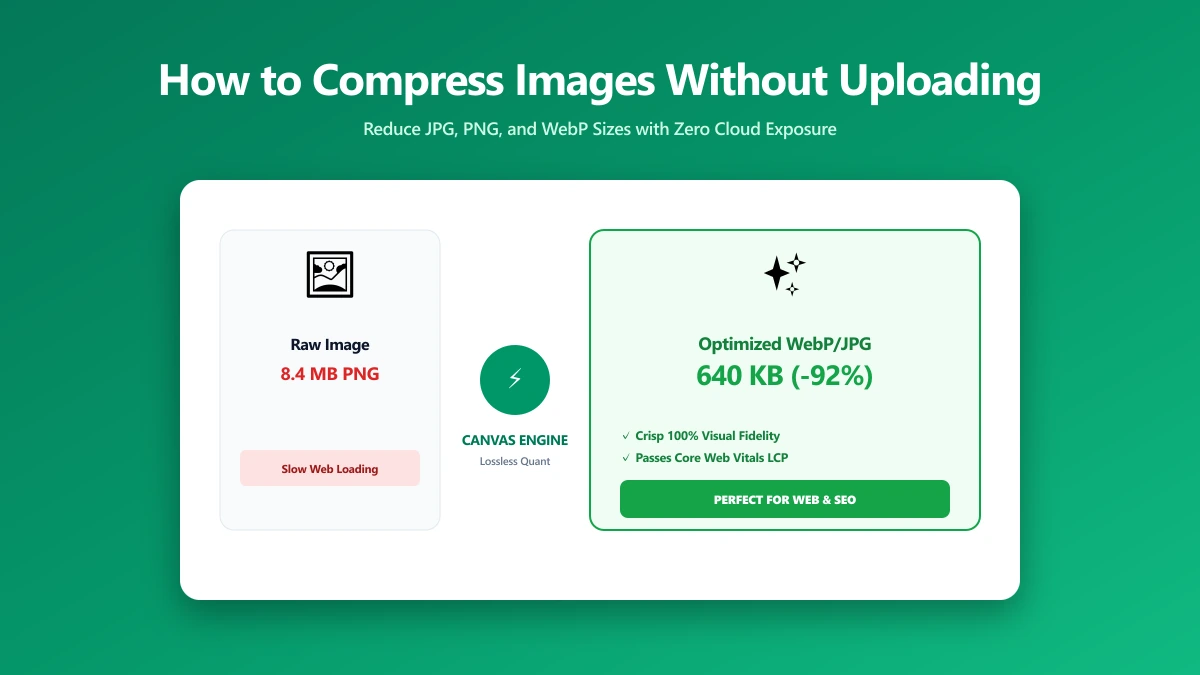
How to Compress an Image Without Uploading It (Step by Step)
How to compress a photo without sending it to a server, using a free browser-based compressor that never transmits your file anywhere.
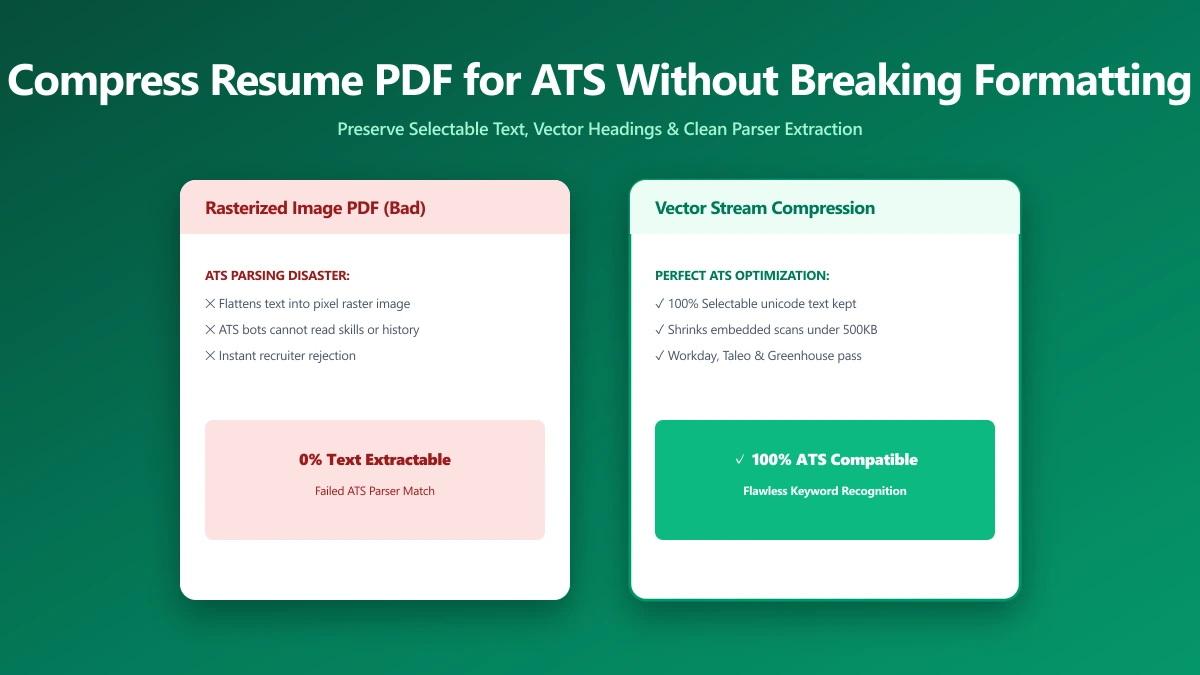
How to Compress a Resume PDF for ATS Without Breaking the Formatting
Most ATS platforms cap resume uploads near 1MB and reject oversized files outright. Here is how to shrink your resume without breaking the formatting.
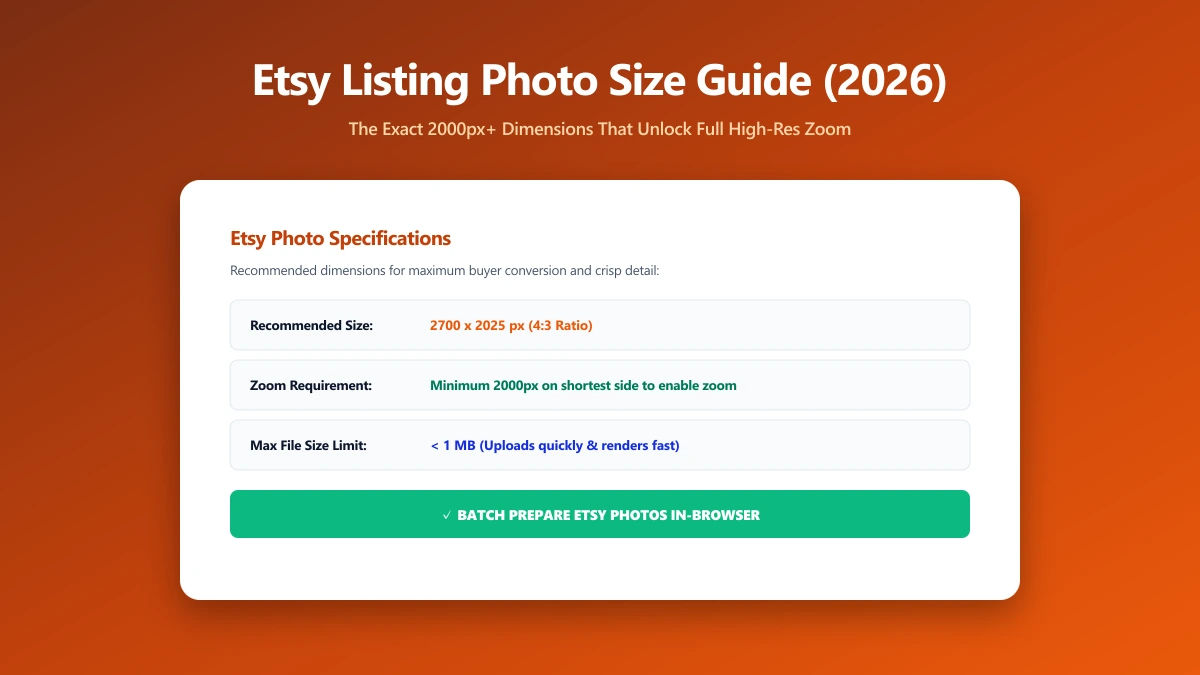
Etsy Listing Photo Size Guide 2026: The Exact Pixel Dimensions That Unlock Zoom
Etsy zoom only activates above a specific pixel size. See the exact dimensions so your listing photos look sharp, not flat and soft on shoppers' screens.
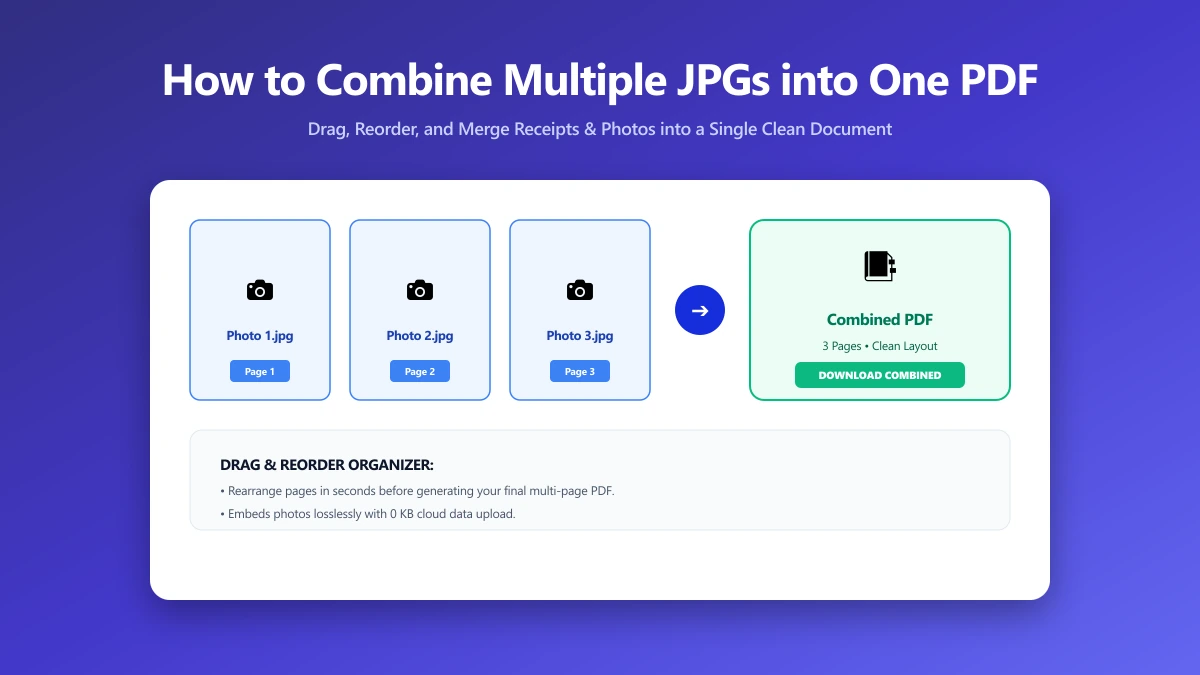
How to Combine Multiple JPGs into One PDF (Free, No Sign-Up)
Need to combine several JPG photos into one ordered PDF with no sign-up required? Here is exactly how, entirely inside your browser, in just a few seconds.
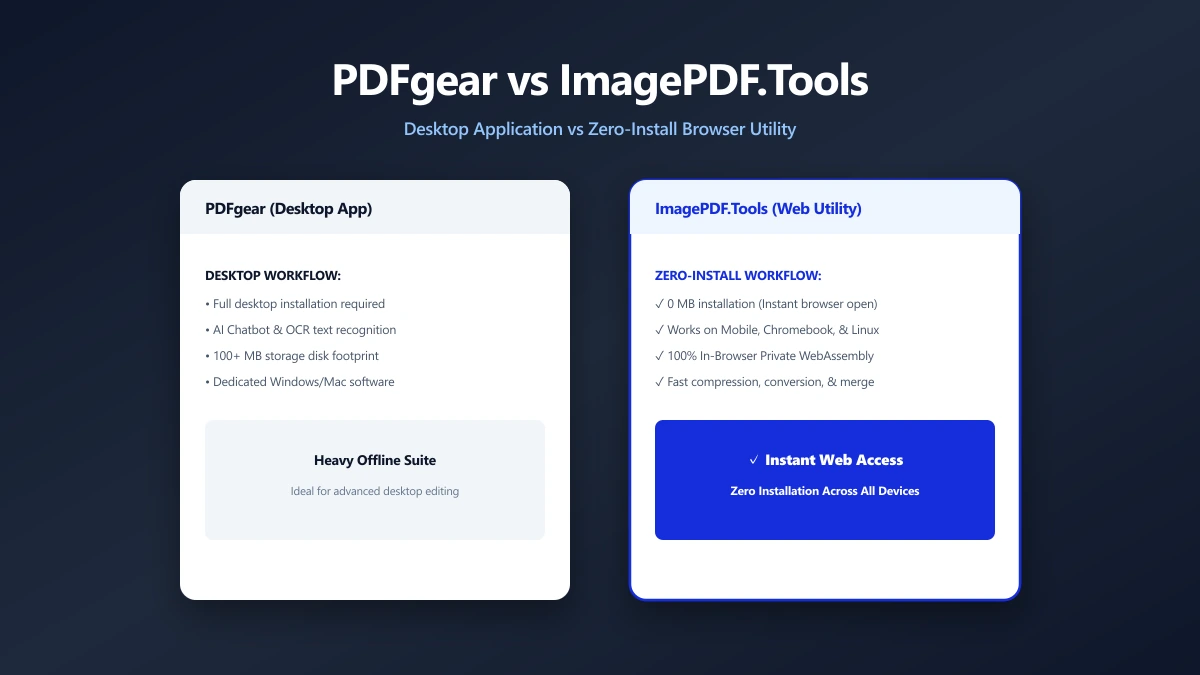
PDFgear vs ImagePDF.Tools: Two Browser-Based PDF Tools, Different Trade-Offs (2026)
PDFgear also processes several PDF tasks in your browser, but pushes a desktop app install and sits inside a growing multi-product AI suite.
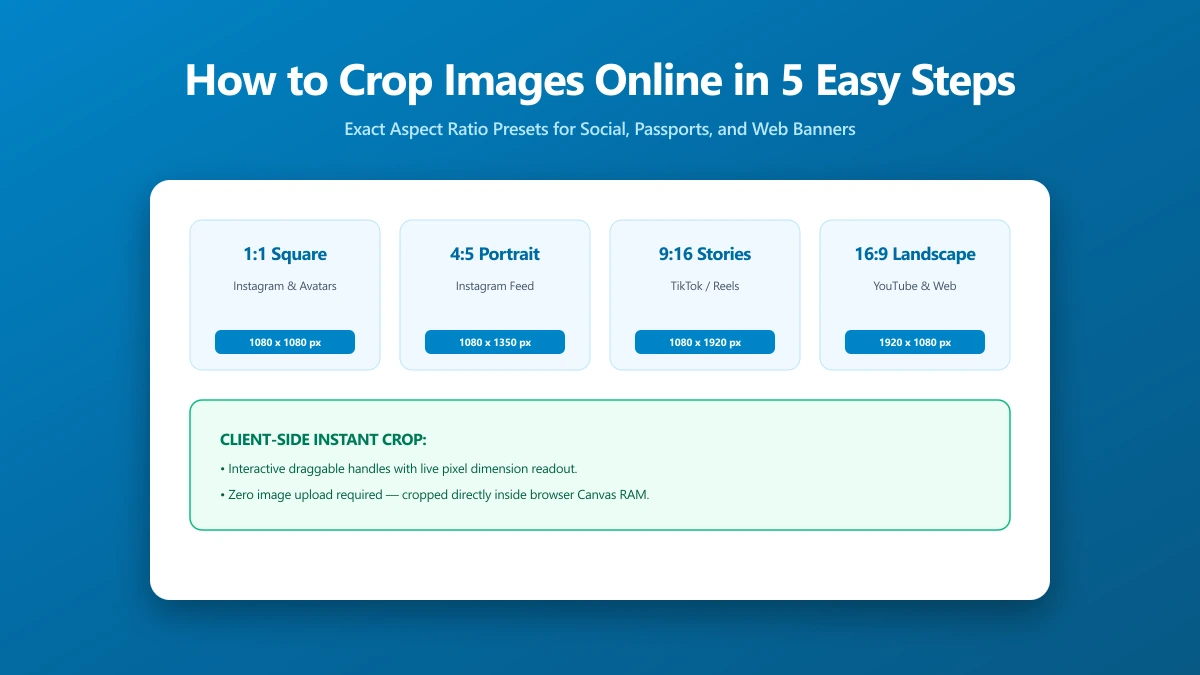
How to Crop Images Online in 5 Easy Steps
Cropping removes distracting edges, tightens composition, and sizes to exact social ratios. All in-browser, no upload, no sign-in, no software to install.
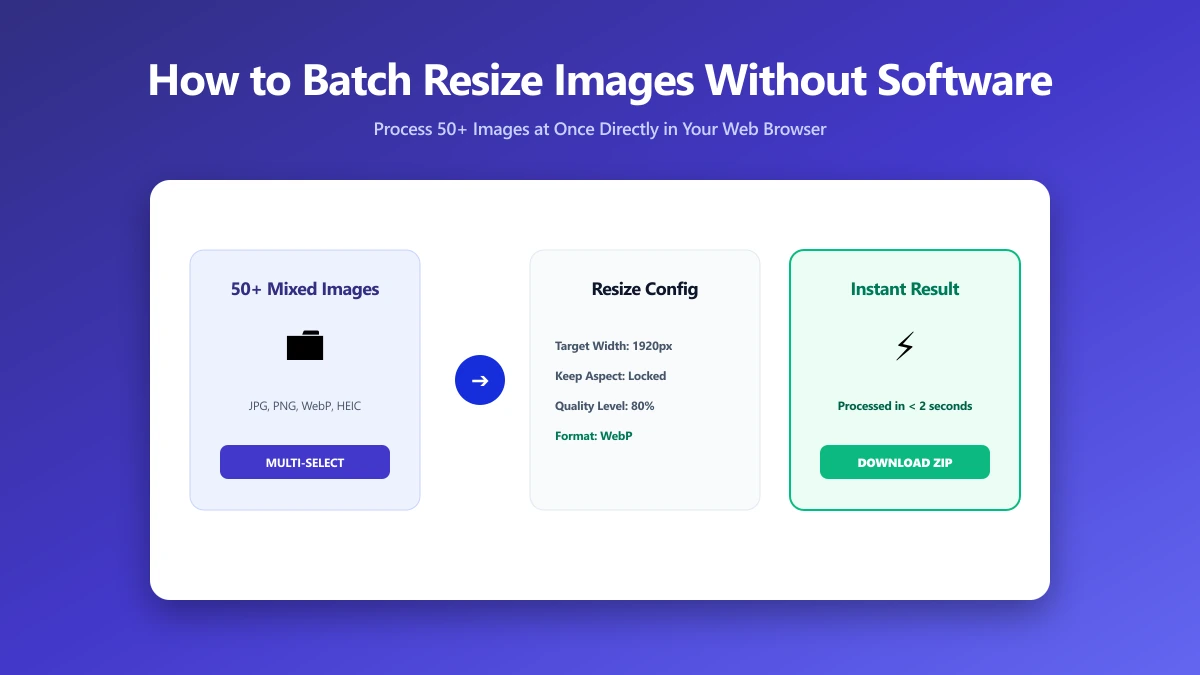
How to Batch Resize Images Without Installing Software
Resizing a folder of images to consistent dimensions fixes broken grids, speeds uploads, and keeps your CMS tidy, all in your browser, no software needed.
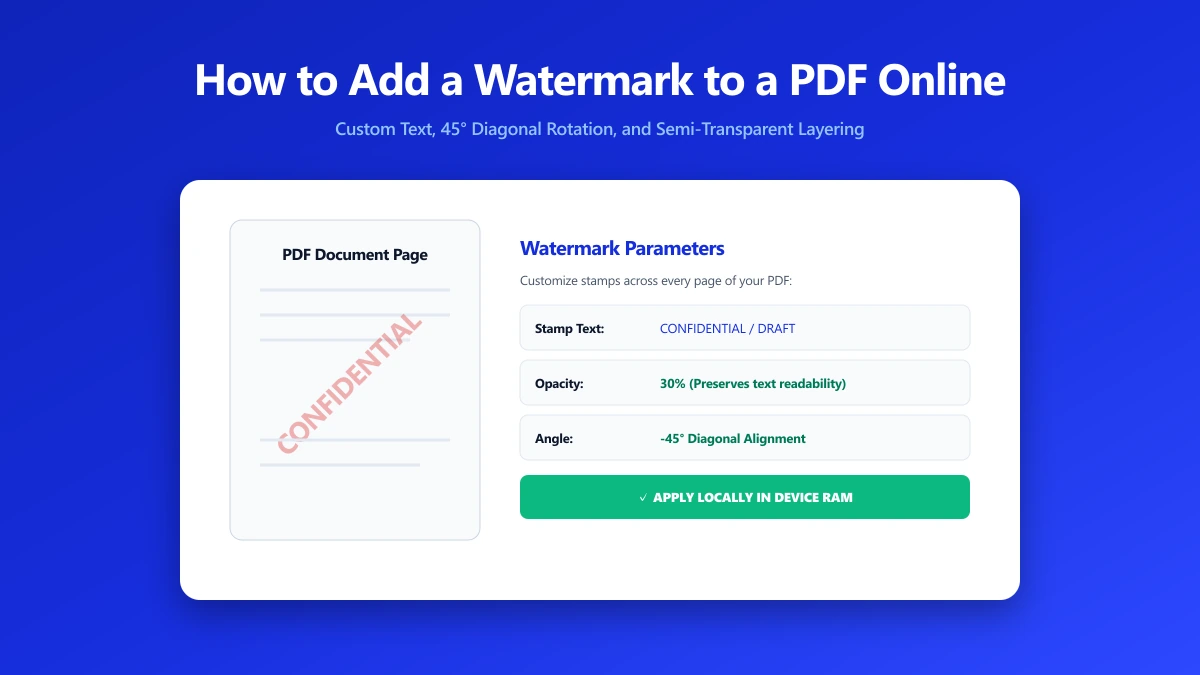
How to Add a Watermark to a PDF Online
A watermark marks status and establishes ownership on every PDF page. Add CONFIDENTIAL, DRAFT, or your company name in seconds, nothing leaves your browser.
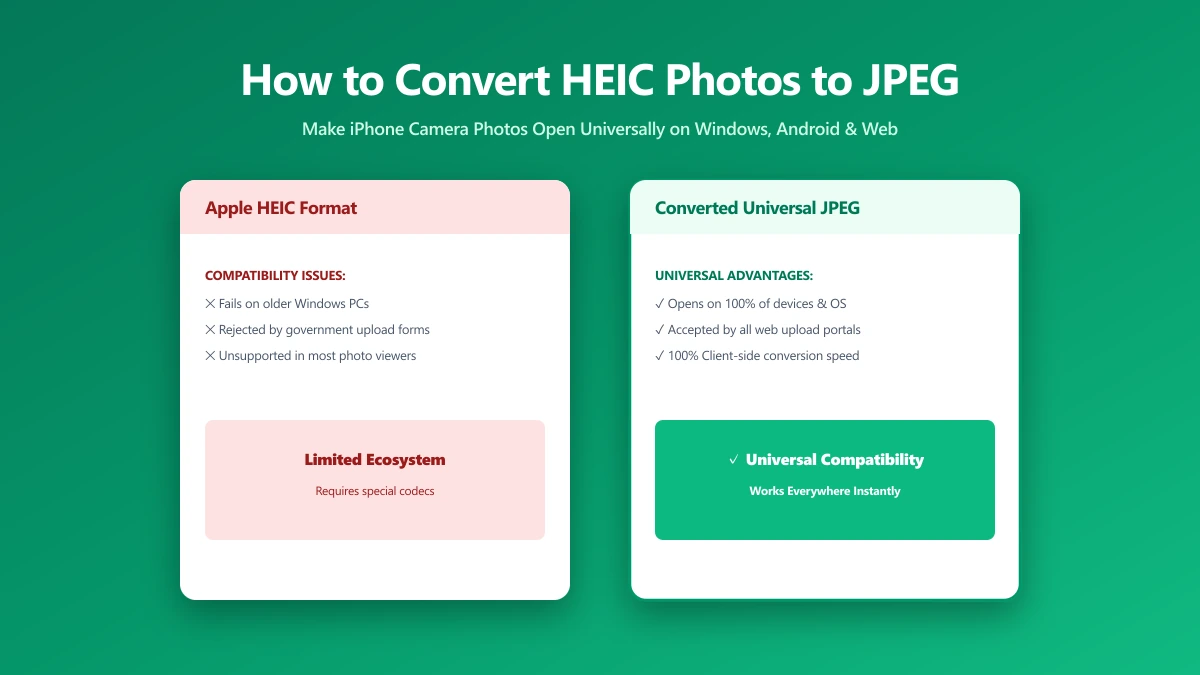
How to Convert HEIC Photos to JPEG (A Simple Guide)
iPhone photos save as HEIC, which many sites refuse. Every way to convert to JPG, what each costs in quality, and which keeps your photos private.
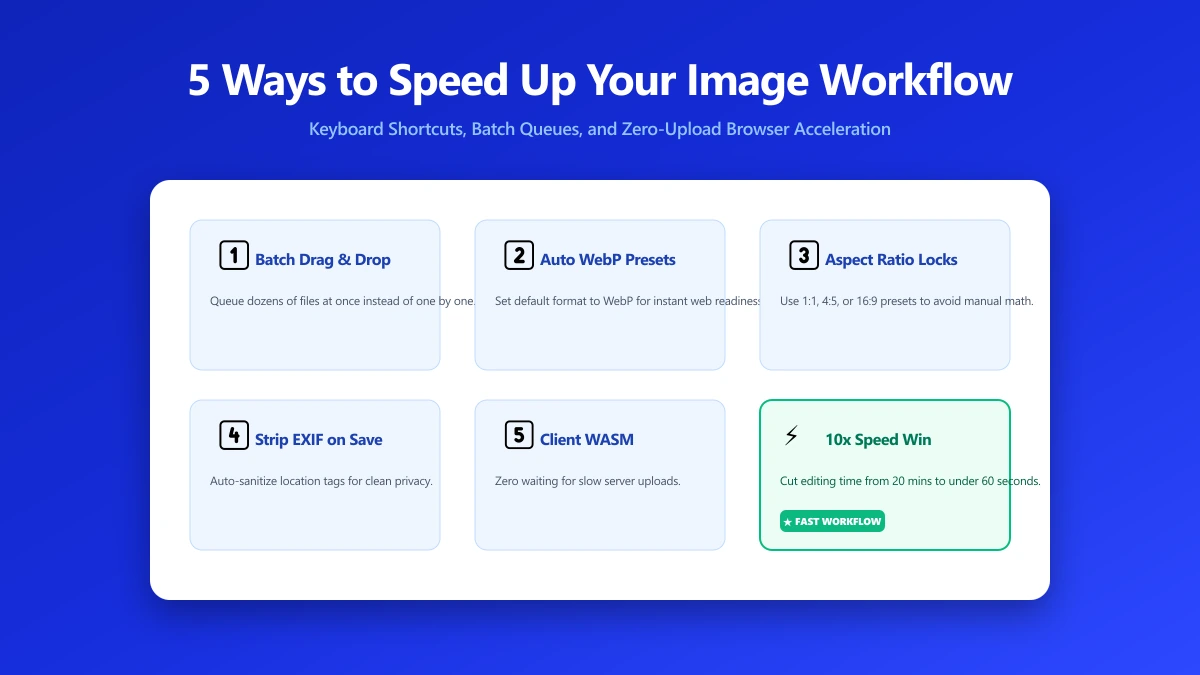
5 Ways to Speed Up Your Image Editing Workflow
Resize, compress, convert, and strip metadata, image prep compounds across a project. Five habits that cut this mechanical work from hours to seconds.
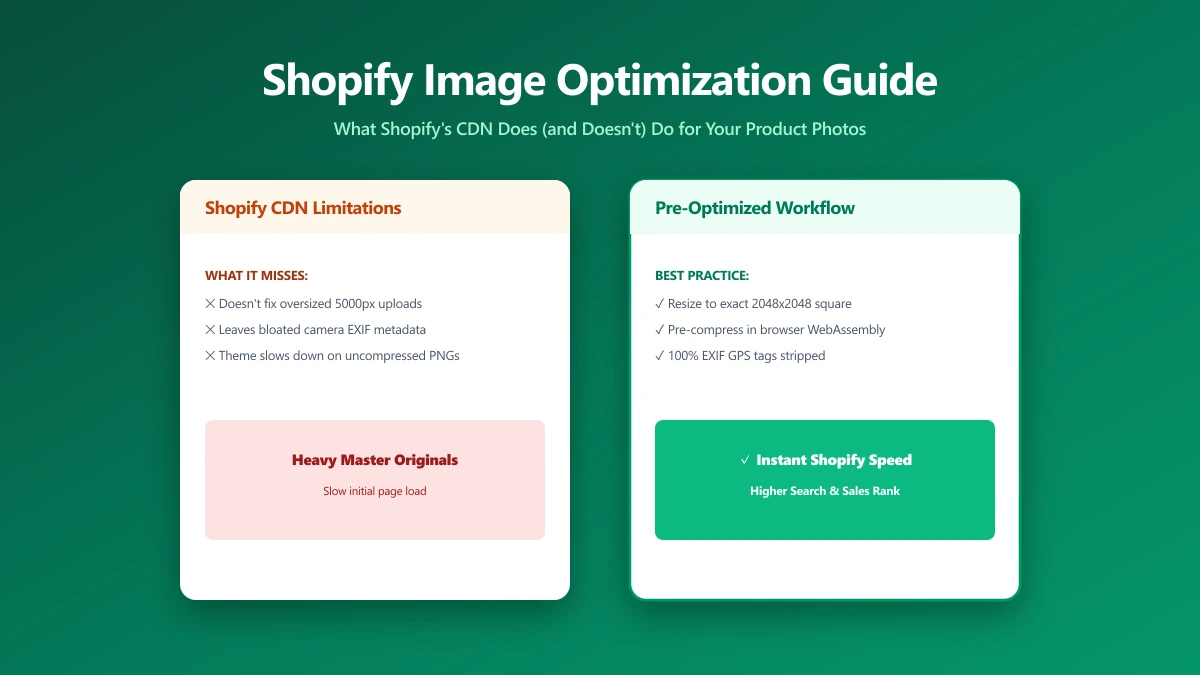
Shopify Image Optimization: What the Platform Does (and Doesn't Do) For You
Shopify serves WebP and has a CDN, but it won't resize a 14 MB banner or fix your LCP. Here's the checklist that actually moves your PageSpeed score.
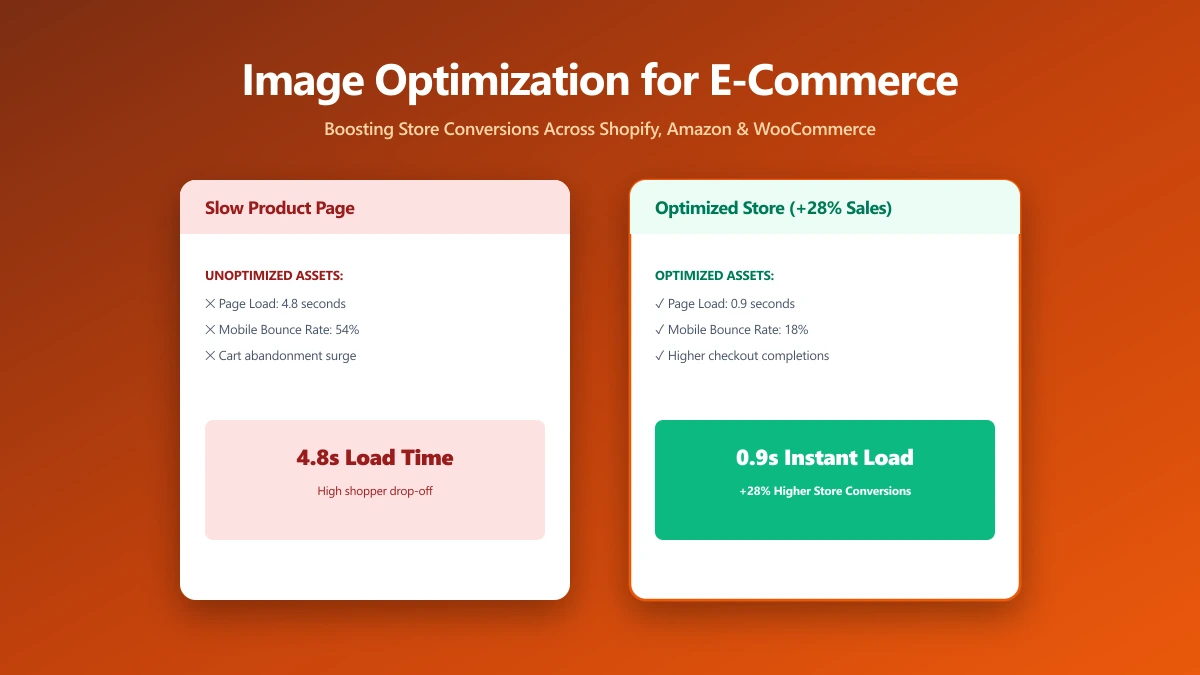
Image Optimization for E-Commerce: The Multi-Platform Reality
Product images on Shopify, WooCommerce, Amazon, and Etsy all have different requirements. Compress once, deploy everywhere without quality loss.
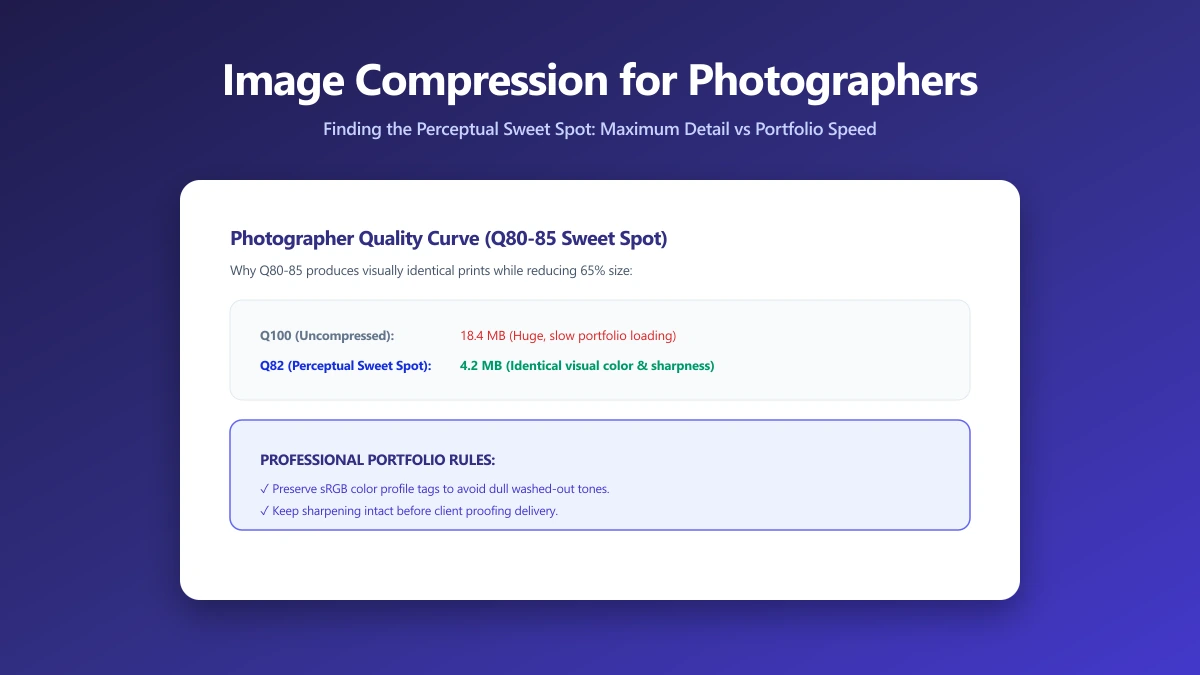
Image Compression for Photographers: A Guide for People Who Actually Care About Quality
JPEG quality, colour profiles, generation loss, WebP for portfolios, the complete export guide for photographers who care about colour accuracy and fine detail.
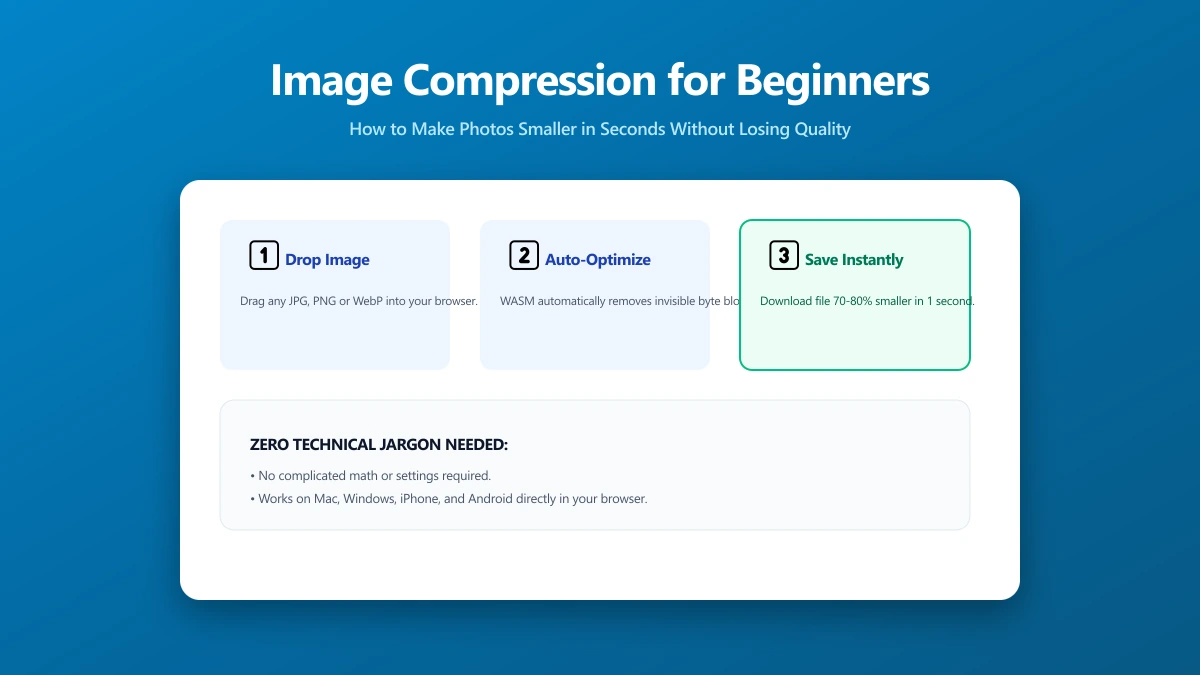
Image Compression for People Who Just Want Smaller Photos
No technical jargon. Make your photos smaller so they send faster, upload without errors, and stop clogging your device. Free browser tool, nothing to install.
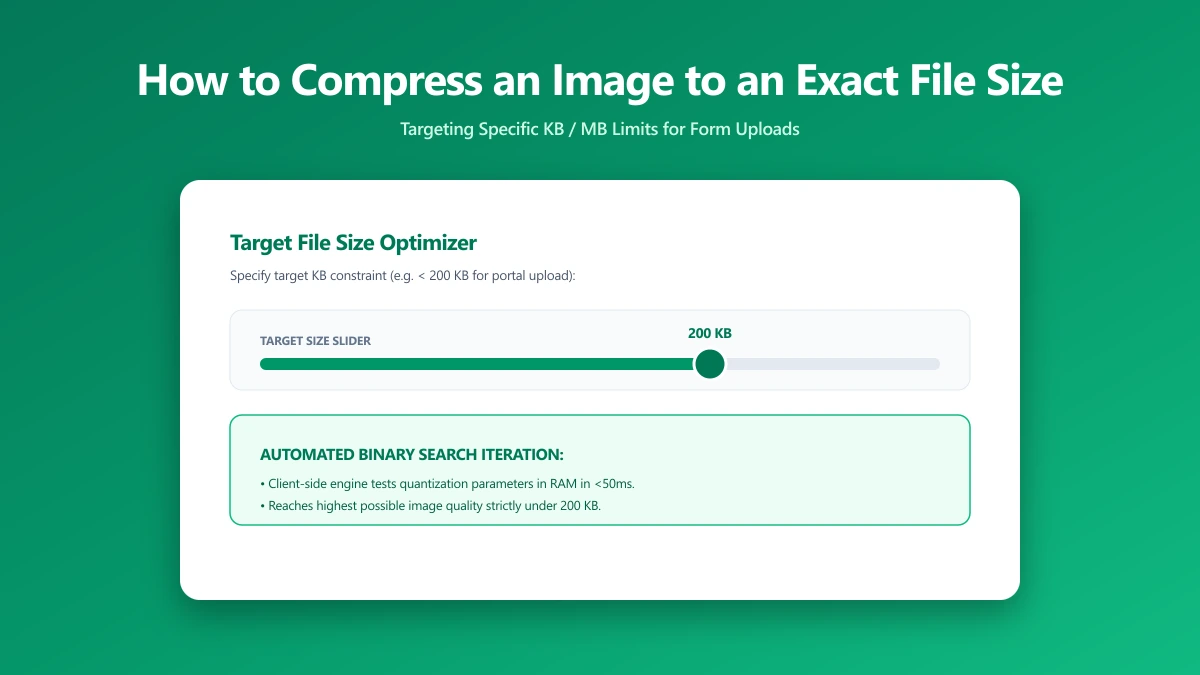
How to Compress an Image to an Exact File Size, And Why It's Harder Than You Think
Need a photo under 200 KB or 1 MB? Learn the binary search method for hitting exact file size targets every time. Free browser tool included.
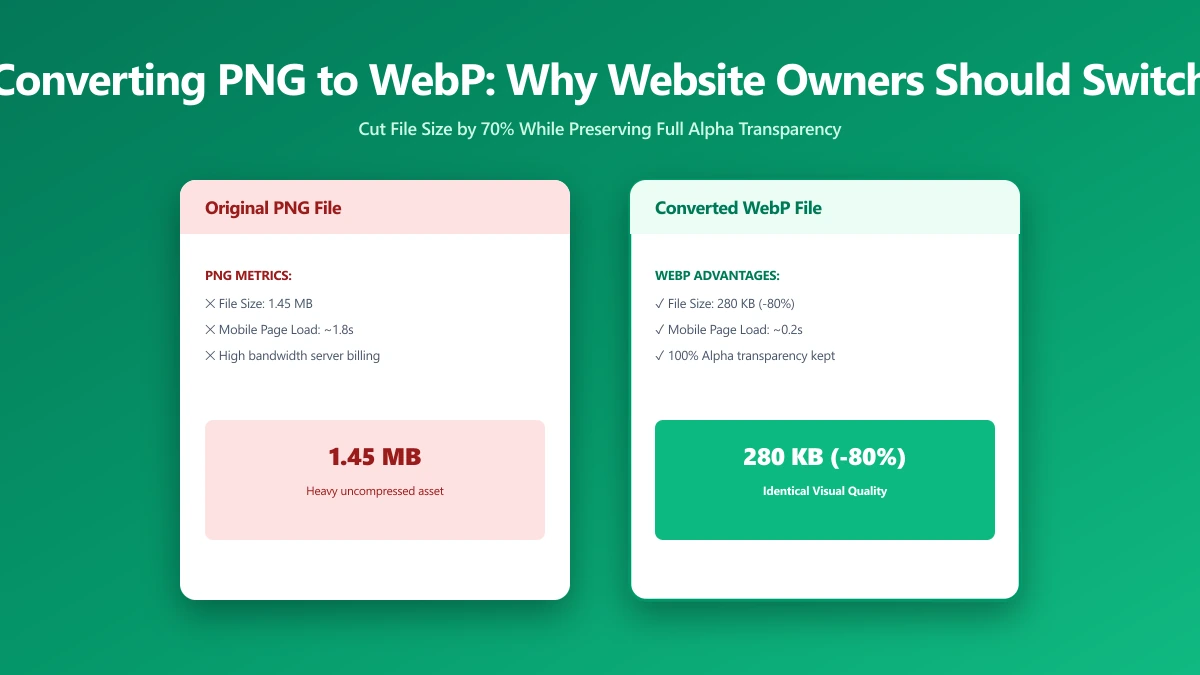
Converting PNG to WebP: Why Every Website Owner Should Do It
PNG files are 2–5× larger than WebP at equivalent quality. Learn when to switch, when to keep PNG, and how to migrate your entire image library in minutes.
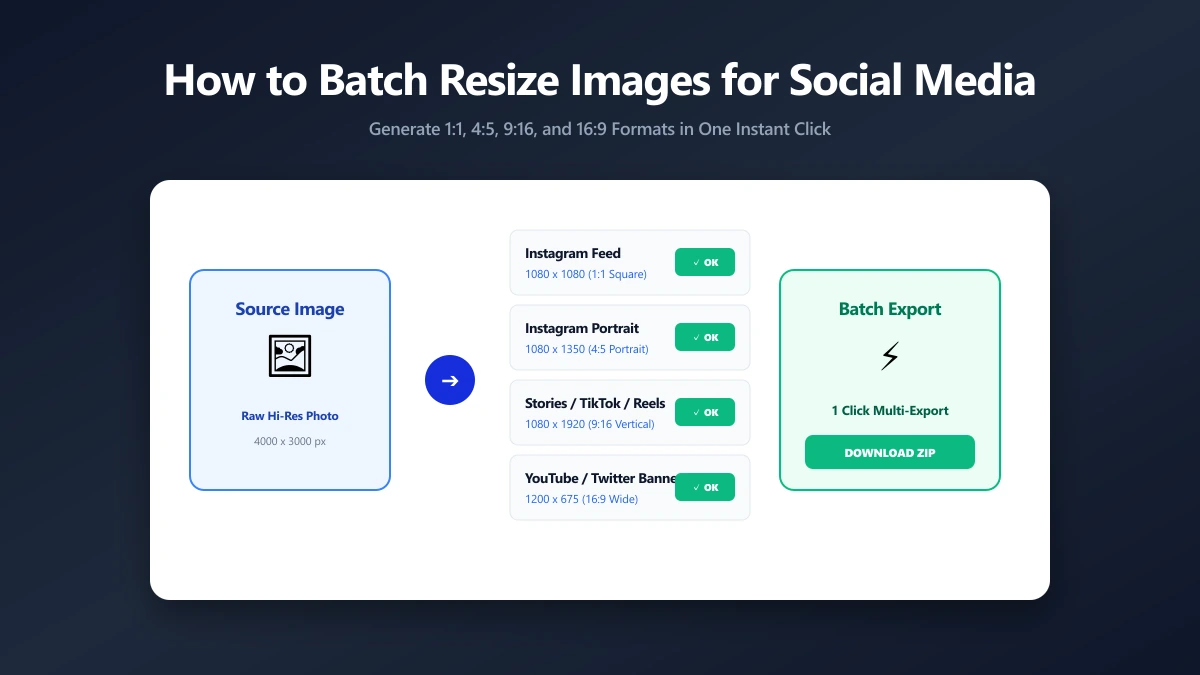
How to Batch Resize Images for Social Media Quickly
The complete 2026 guide to image dimensions for Instagram, X, LinkedIn, TikTok, YouTube, and more, plus batch resizing methods without quality loss.
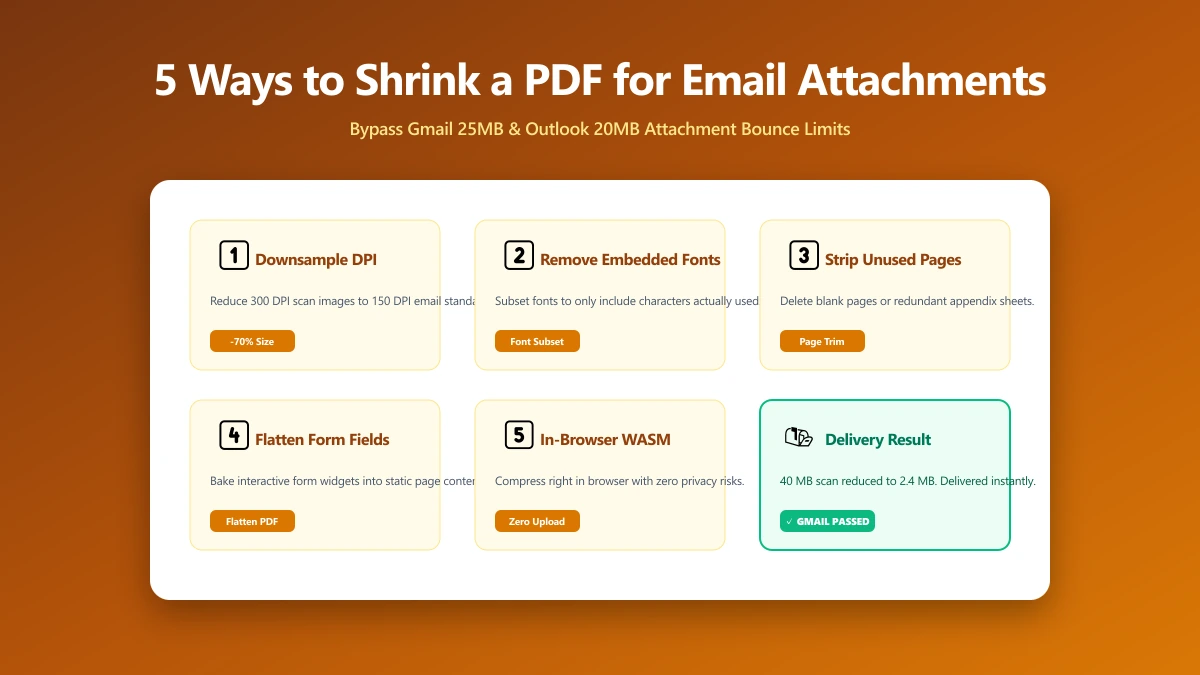
5 Ways to Shrink a PDF for Email Attachments
Gmail caps at 25 MB, Outlook at 20 MB, corporate servers often at 10 MB. Five proven techniques to get any PDF under the limit, from browser tools to CLI.
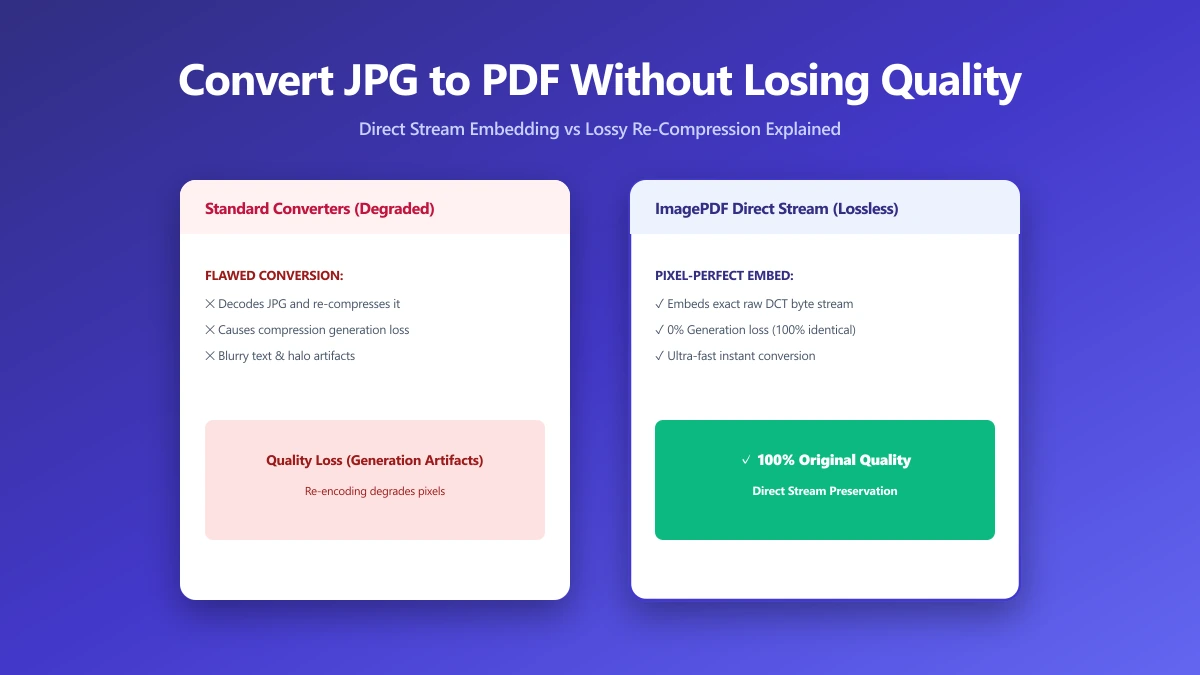
How to Convert JPG to PDF Without Losing Quality
Most JPG-to-PDF tools silently recompress your image, destroying quality. Learn the correct method that embeds JPEG data without re-encoding, zero quality loss.