
PDF-XChange Editor Alternative: Compress a PDF Without Installing Anything
Summary
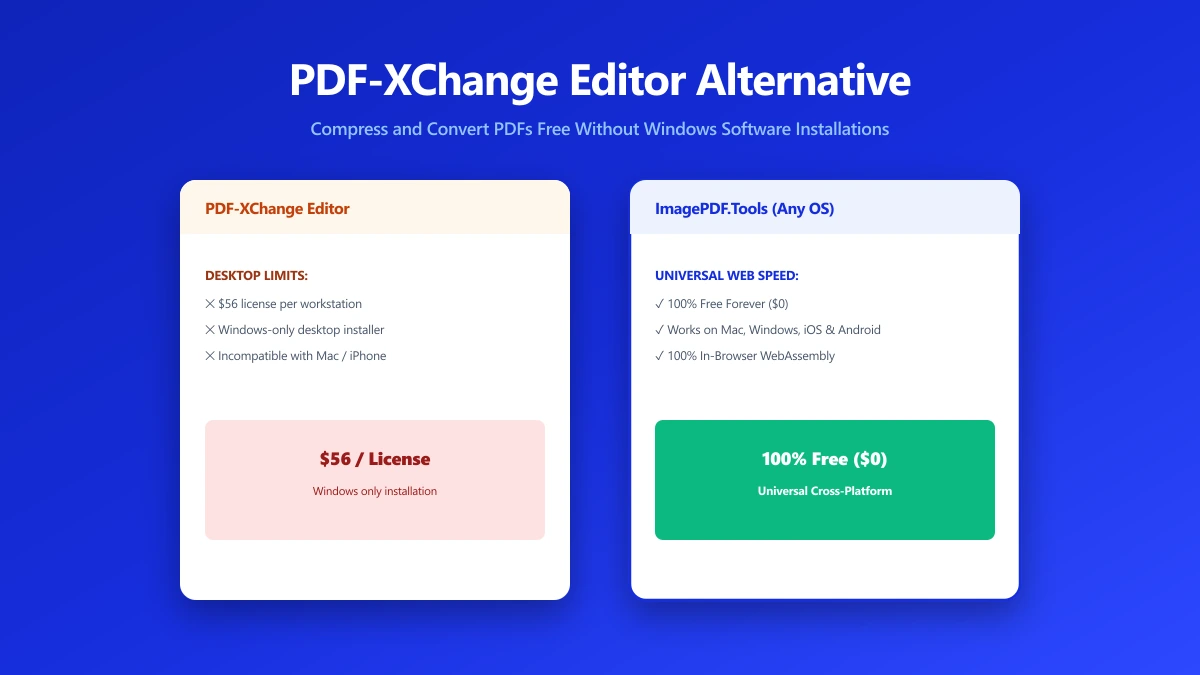
PDF-XChange Editor is a solid Windows-only editor that requires installing. Try a free browser-based alternative that works on any device, no install.
PDF-XChange Editor has a loyal following, particularly among Windows users who want a fast, capable PDF editor without Adobe's subscription pricing. Its one hard limitation is the platform itself, it is Windows-only.
ImagePDF.Tools handles the everyday jobs, compress, merge, convert, on any device with a browser, no install required either way.
What PDF-XChange Editor Does Well
PDF-XChange Editor is fast, lightweight by desktop-application standards, and well-regarded for its OCR and annotation tools. For Windows users doing regular, detailed PDF editing, it is a legitimate, capable choice with a large feature set for a relatively low one-time cost compared to a subscription.
Where It Falls Short
The Windows-only limitation is absolute, there is no Mac, Linux, or Chromebook version. It also requires installation, which is friction for a one-off task, and its free tier stamps some output with a watermark or banner depending on the operation.
PDF-XChange Editor vs ImagePDF.Tools
| Factor | PDF-XChange Editor | ImagePDF.Tools |
|---|---|---|
| Platform support | Windows only | Any device with a modern browser |
| Installation required | Yes | No |
| Free tier watermark | Yes, on some operations | Never |
| Core compress/merge/convert | Included | Free, unlimited |
| Where your file goes | Processed locally once installed | Never leaves your device, no install |
When PDF-XChange Editor Is Still the Right Call
For Windows users doing heavy, detailed PDF editing regularly, PDF-XChange Editor's depth and one-time pricing make it a strong choice. That is a different need than a quick compress or merge, or cross-platform access.
The Bottom Line
PDF-XChange Editor is capable, but Windows-only and requires installation. For everyday tasks on any device, ImagePDF.Tools gets there without either constraint.
Try it now: compress a PDF, free, on any device.
Frequently asked questions
Does PDF-XChange Editor work on Mac or Chromebook?
Is there a free alternative to PDF-XChange Editor?
Does PDF-XChange Editor's free version add a watermark?
Do I need to install anything to use ImagePDF.Tools?
Is ImagePDF.Tools as capable as PDF-XChange Editor for OCR and annotation?
Sources & references
This article was researched and written by Nikola, drawing on the following primary sources and documentation:
Ready to try it?
All tools run entirely in your browser, no uploads, no account required.
Compress PDF

