
All Articles Center
Engineering guides on image compression, PDF tools, web performance, and zero-upload file privacy.
All categories: 198 articles
How to Invert PDF Colors for Dark Mode Night Reading Without Inverting Images
Read PDFs in dark mode at night without turning photos into negatives. Which readers recolor only text and background, which invert everything, and how to set each one up.
How to Prevent Facebook and Messenger From Compressing and Blurring Shared Photos
Facebook and Messenger always recompress photos, but you can keep them sharp. The HD settings to turn on, the size to export at, and how to send an untouched original.
How to Convert Multi-Page TIFF Fax Documents to Searchable PDF With OCR
Turn multi-page TIFF faxes into searchable PDFs: get every page into the PDF, fix squashed fax pages, keep files small, then add an OCR text layer.
Optimal Image Resolution and File Size for Shopify and WooCommerce Stores (Speed & SEO Guide)
The pixel sizes and file sizes to upload for Shopify and WooCommerce product photos, why the two platforms need different approaches, and the settings that keep product pages fast.
How to Add Bates Numbering to Legal PDF Documents for Court Filing
How to Bates number PDFs for a production or court filing: choosing the prefix, digits and position, stamping in Acrobat Pro or a free browser tool, and continuing a series later.
How to Fix "PDF File Locked by Another User or Process" Error in Windows
Fix the Windows "file is open in another program" error when you try to delete, move, rename or save a PDF: find what is holding it, release it, and stop it happening again.
How to Stitch and Merge Two Scanned Halves of a Large Document Into One PDF
Scan an A3, tabloid or ledger document on a letter or A4 flatbed, stitch the pieces into one image with Photoshop, Hugin or GIMP, and turn it into a single-page PDF at the right paper size.
Why Do RAW Photos Look Dull Compared to JPEG Previews in Viewer? (Color Matrix Guide)
Why camera RAW files look flatter in Lightroom or other viewers than on the camera: the embedded JPEG preview, picture styles, dynamic range settings, and how Camera Matching profiles bring the look back.
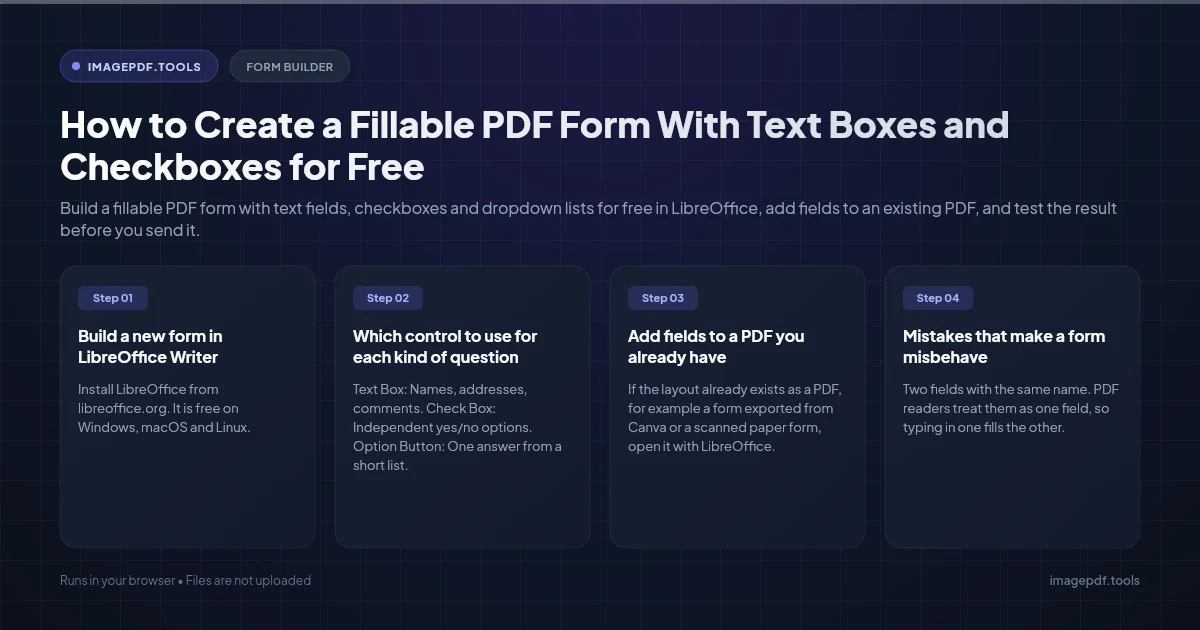
How to Create a Fillable PDF Form With Text Boxes and Checkboxes for Free
Build a fillable PDF form with text fields, checkboxes and dropdown lists for free in LibreOffice, add fields to an existing PDF, and test the result before you send it.
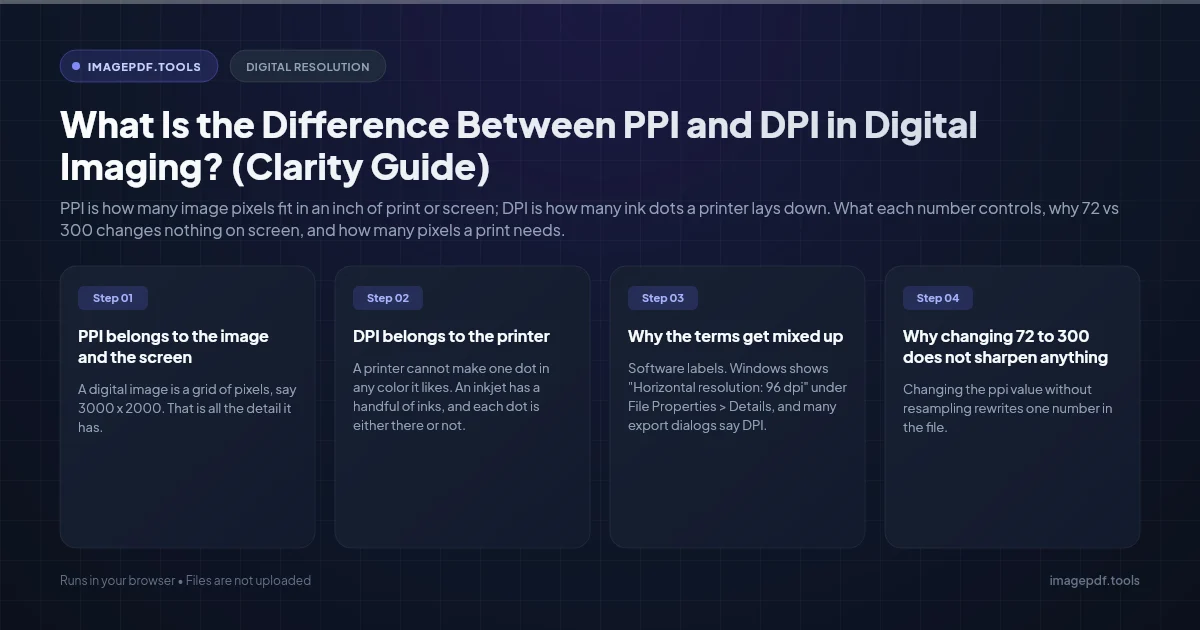
What Is the Difference Between PPI and DPI in Digital Imaging? (Clarity Guide)
PPI is how many image pixels fit in an inch of print or screen; DPI is how many ink dots a printer lays down. What each number controls, why 72 vs 300 changes nothing on screen, and how many pixels a print needs.
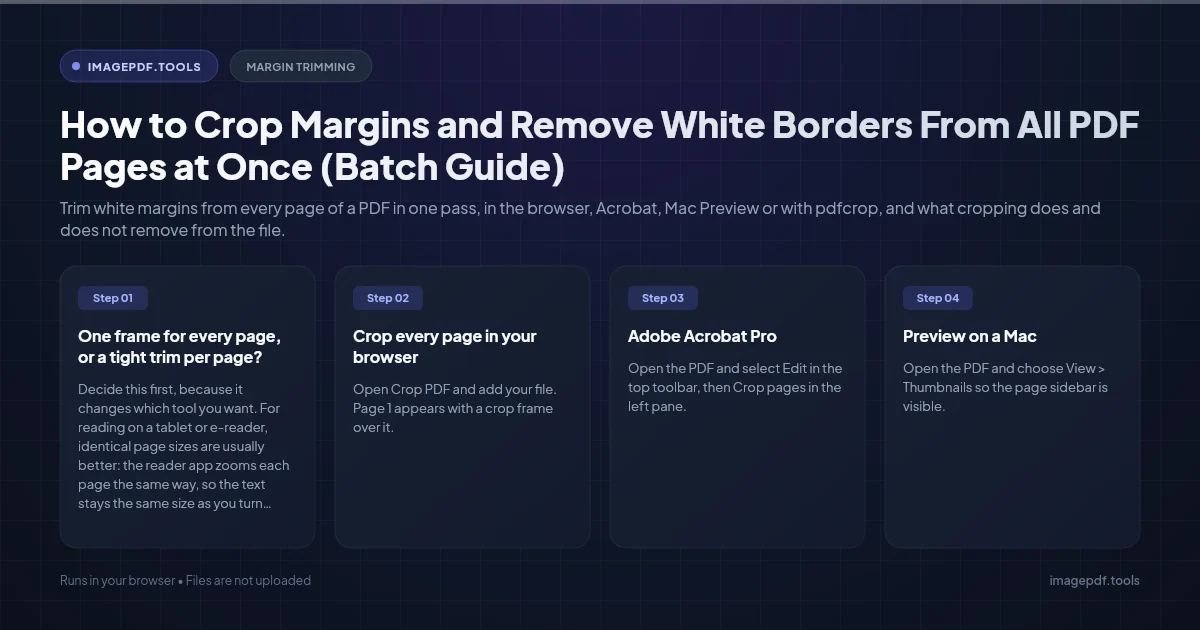
How to Crop Margins and Remove White Borders From All PDF Pages at Once (Batch Guide)
Trim white margins from every page of a PDF in one pass, in the browser, Acrobat, Mac Preview or with pdfcrop, and what cropping does and does not remove from the file.
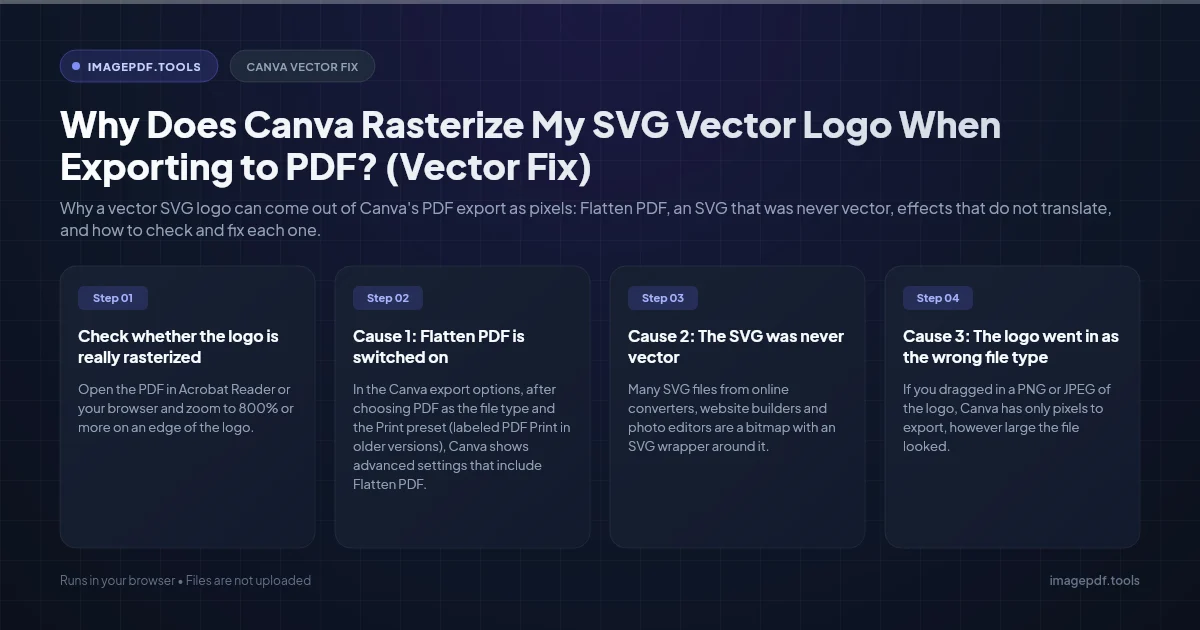
Why Does Canva Rasterize My SVG Vector Logo When Exporting to PDF? (Vector Fix)
Why a vector SVG logo can come out of Canva's PDF export as pixels: Flatten PDF, an SVG that was never vector, effects that do not translate, and how to check and fix each one.

How to Repair and Recover Corrupted PDF Files That Won't Open (Recovery Guide)
Why PDFs get damaged, how to tell whether a broken file can be saved, and how to rebuild a missing cross-reference table or end marker to get the pages back.
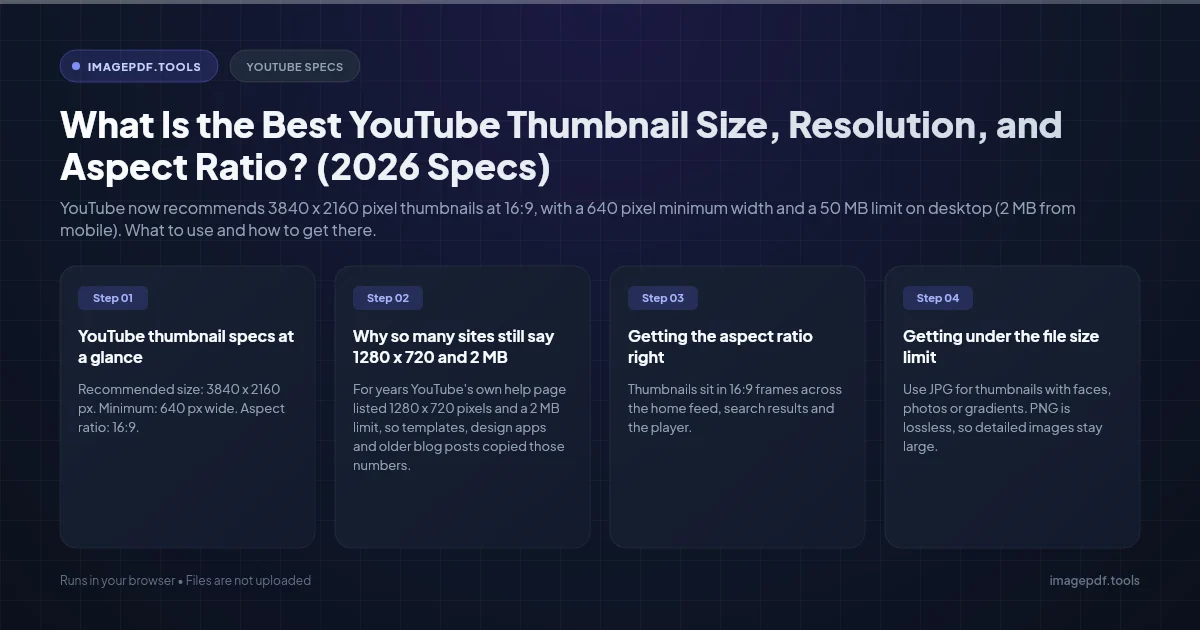
What Is the Best YouTube Thumbnail Size, Resolution, and Aspect Ratio? (2026 Specs)
YouTube now recommends 3840 x 2160 pixel thumbnails at 16:9, with a 640 pixel minimum width and a 50 MB limit on desktop (2 MB from mobile). What to use and how to get there.

How to Convert CMYK PDF to sRGB for Web and Social Media Sharing (True Color Guide)
Why a print-ready CMYK PDF looks off on screens and social media, and how to convert it to sRGB in InDesign, Illustrator, Acrobat Pro or Ghostscript, or export the pages as images.

Why Is My Printer Printing PDF Pages in Landscape Instead of Portrait? (Orientation Fix)
Why portrait PDF pages print sideways: automatic orientation, a landscape driver default, two pages per sheet, or a rotated page in the file. Fixes for Acrobat, Chrome, Preview and Windows.
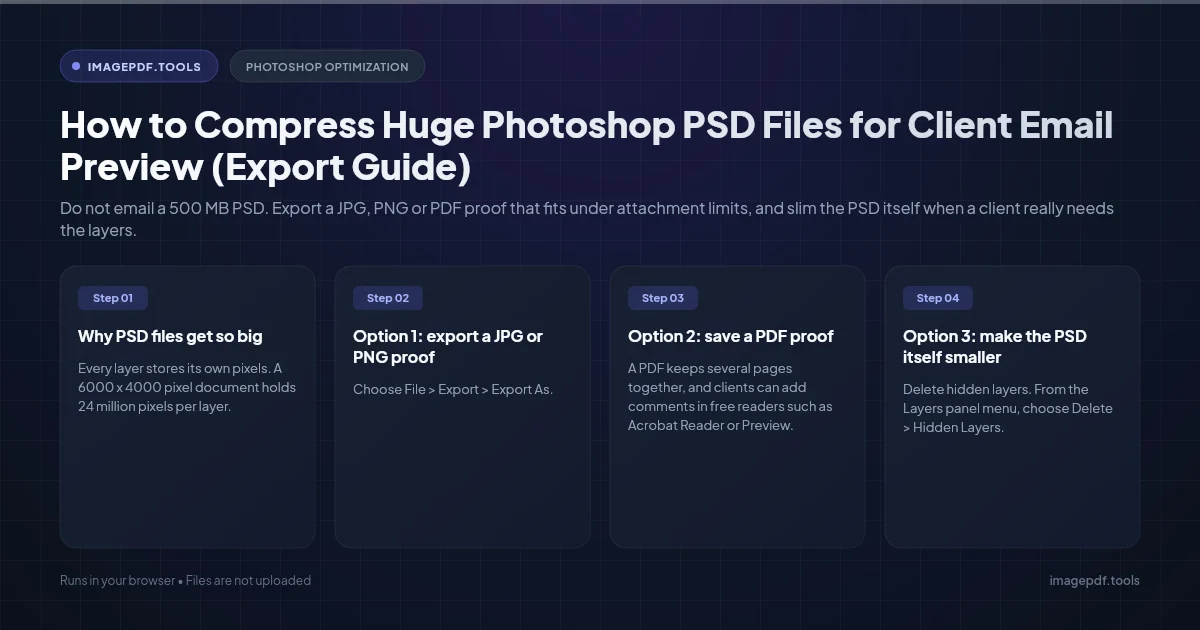
How to Compress Huge Photoshop PSD Files for Client Email Preview (Export Guide)
Do not email a 500 MB PSD. Export a JPG, PNG or PDF proof that fits under attachment limits, and slim the PSD itself when a client really needs the layers.
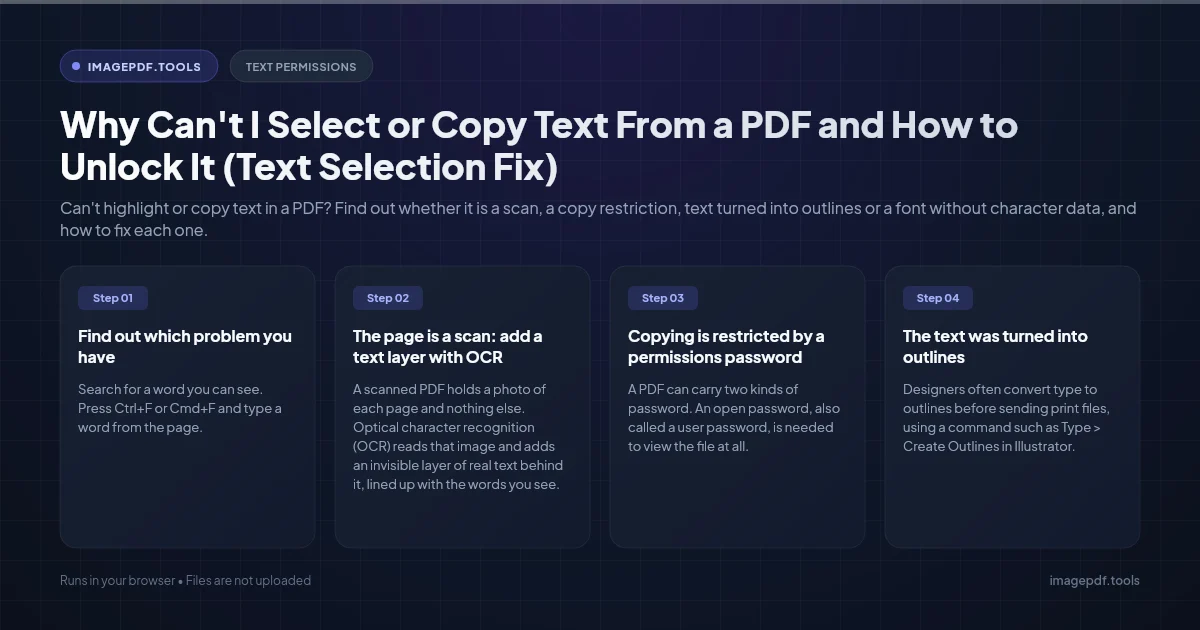
Why Can't I Select or Copy Text From a PDF and How to Unlock It (Text Selection Fix)
Can't highlight or copy text in a PDF? Find out whether it is a scan, a copy restriction, text turned into outlines or a font without character data, and how to fix each one.
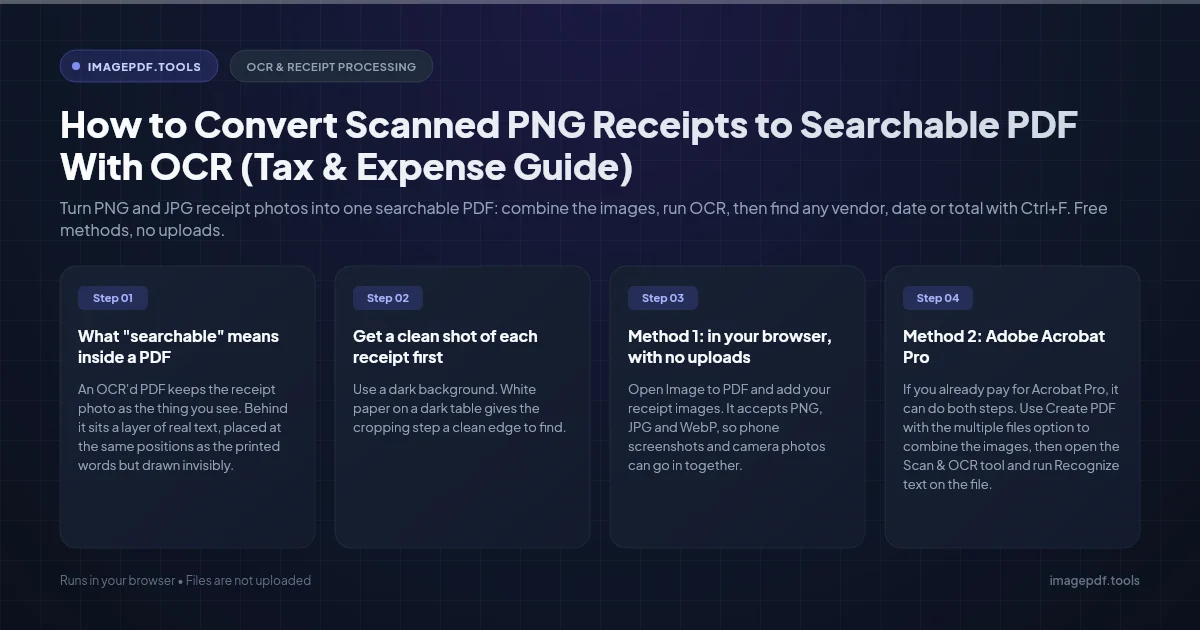
How to Convert Scanned PNG Receipts to Searchable PDF With OCR (Tax & Expense Guide)
Turn PNG and JPG receipt photos into one searchable PDF: combine the images, run OCR, then find any vendor, date or total with Ctrl+F. Free methods, no uploads.
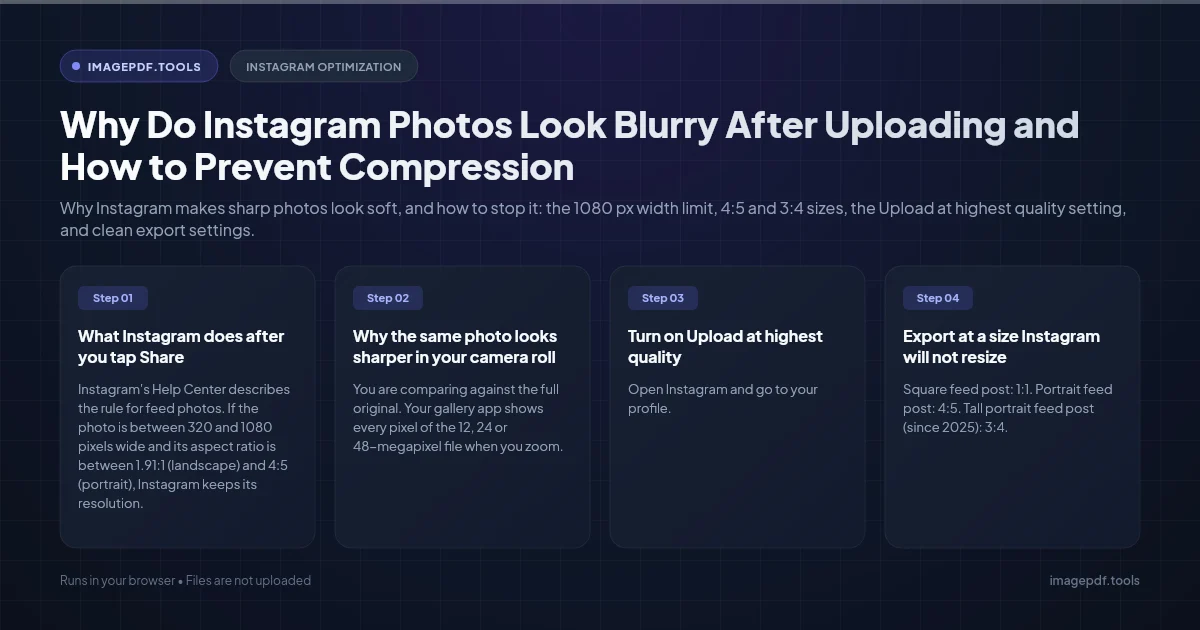
Why Do Instagram Photos Look Blurry After Uploading and How to Prevent Compression
Why Instagram makes sharp photos look soft, and how to stop it: the 1080 px width limit, 4:5 and 3:4 sizes, the Upload at highest quality setting, and clean export settings.
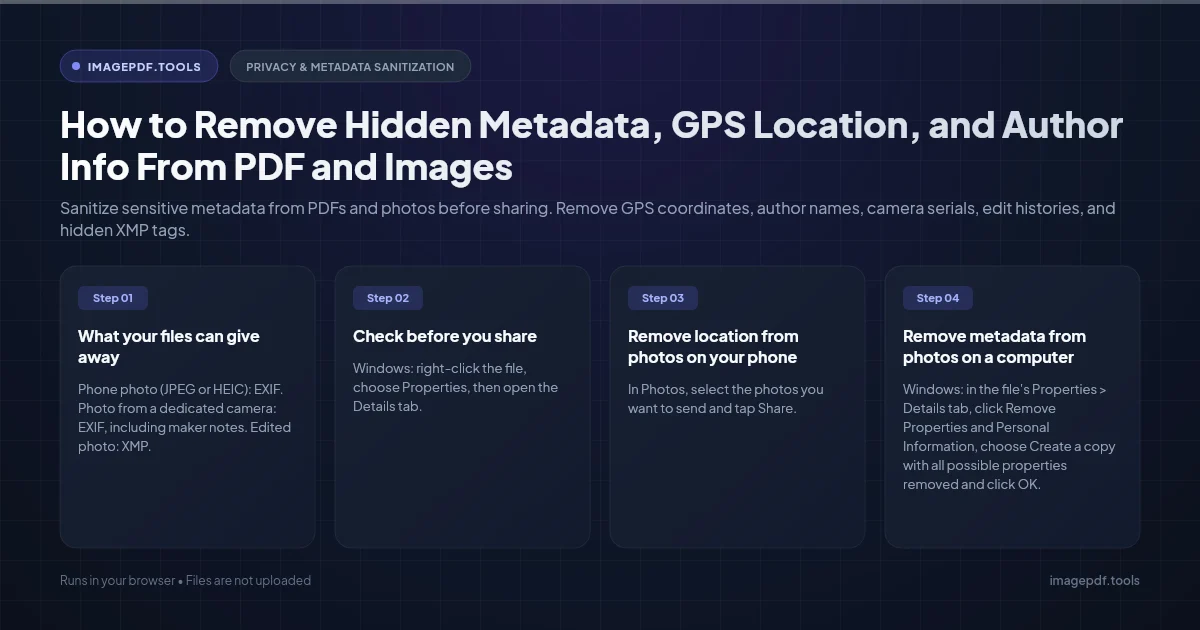
How to Remove Hidden Metadata, GPS Location, and Author Info From PDF and Images
Sanitize sensitive metadata from PDFs and photos before sharing. Remove GPS coordinates, author names, camera serials, edit histories, and hidden XMP tags.
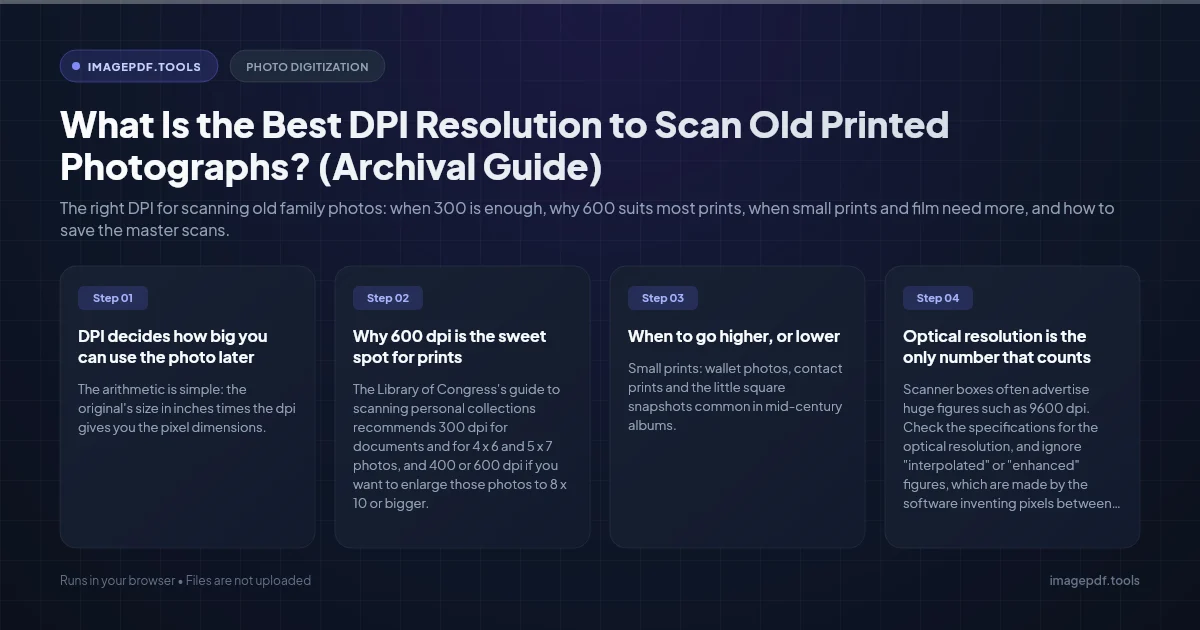
What Is the Best DPI Resolution to Scan Old Printed Photographs? (Archival Guide)
The right DPI for scanning old family photos: when 300 is enough, why 600 suits most prints, when small prints and film need more, and how to save the master scans.
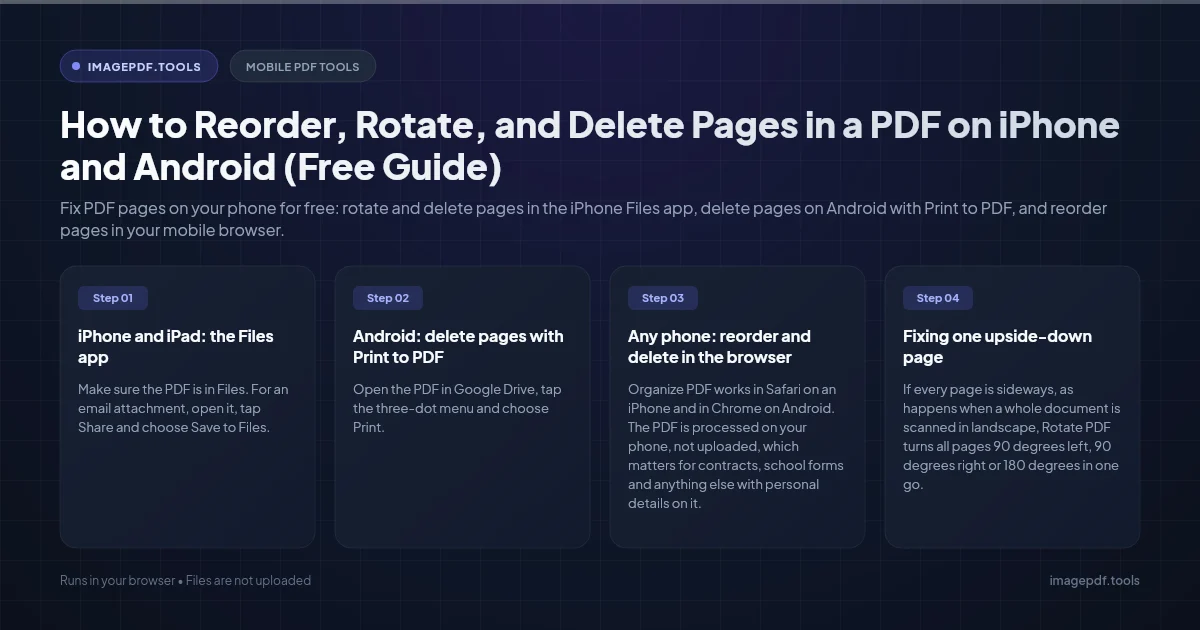
How to Reorder, Rotate, and Delete Pages in a PDF on iPhone and Android (Free Guide)
Fix PDF pages on your phone for free: rotate and delete pages in the iPhone Files app, delete pages on Android with Print to PDF, and reorder pages in your mobile browser.
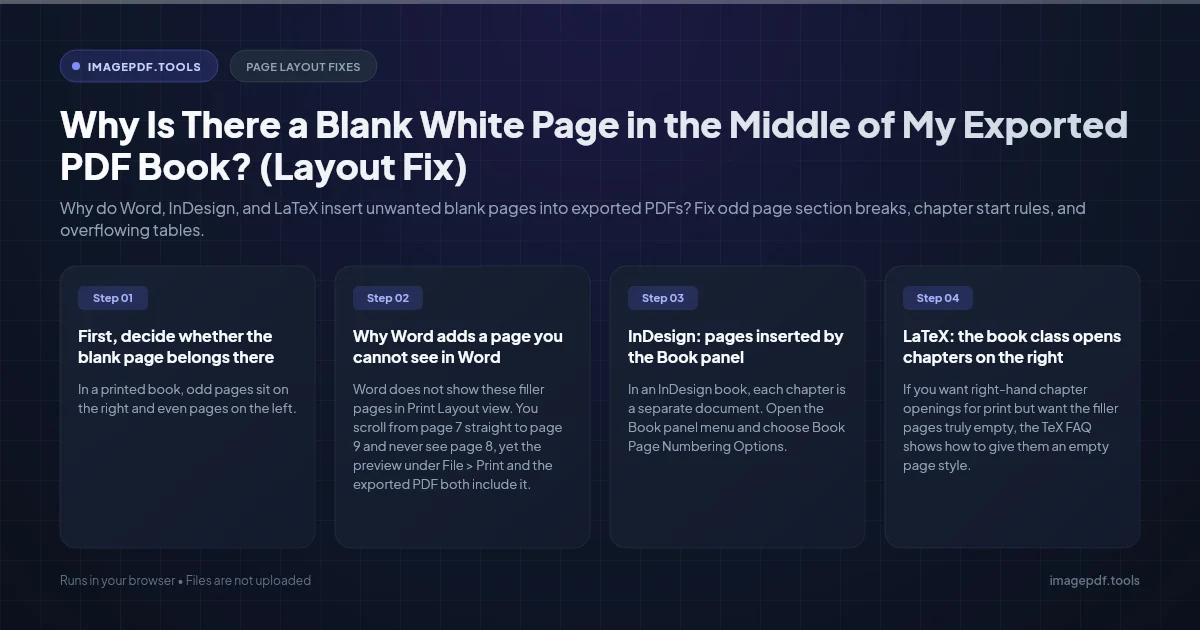
Why Is There a Blank White Page in the Middle of My Exported PDF Book? (Layout Fix)
Why do Word, InDesign, and LaTeX insert unwanted blank pages into exported PDFs? Fix odd page section breaks, chapter start rules, and overflowing tables.
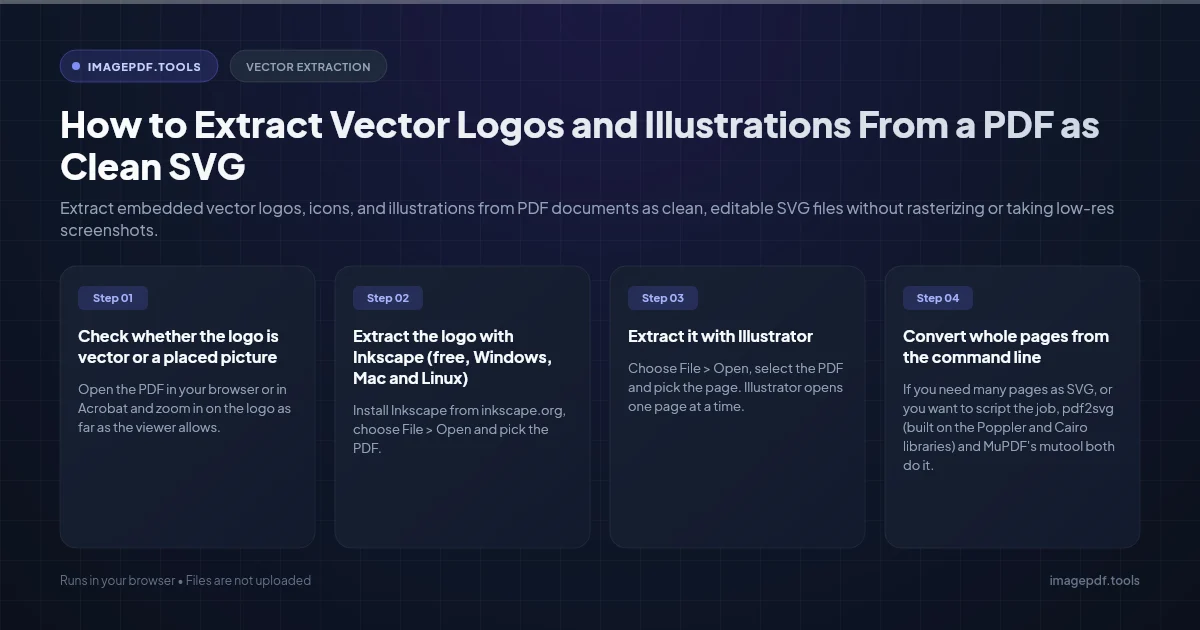
How to Extract Vector Logos and Illustrations From a PDF as Clean SVG
Extract embedded vector logos, icons, and illustrations from PDF documents as clean, editable SVG files without rasterizing or taking low-res screenshots.
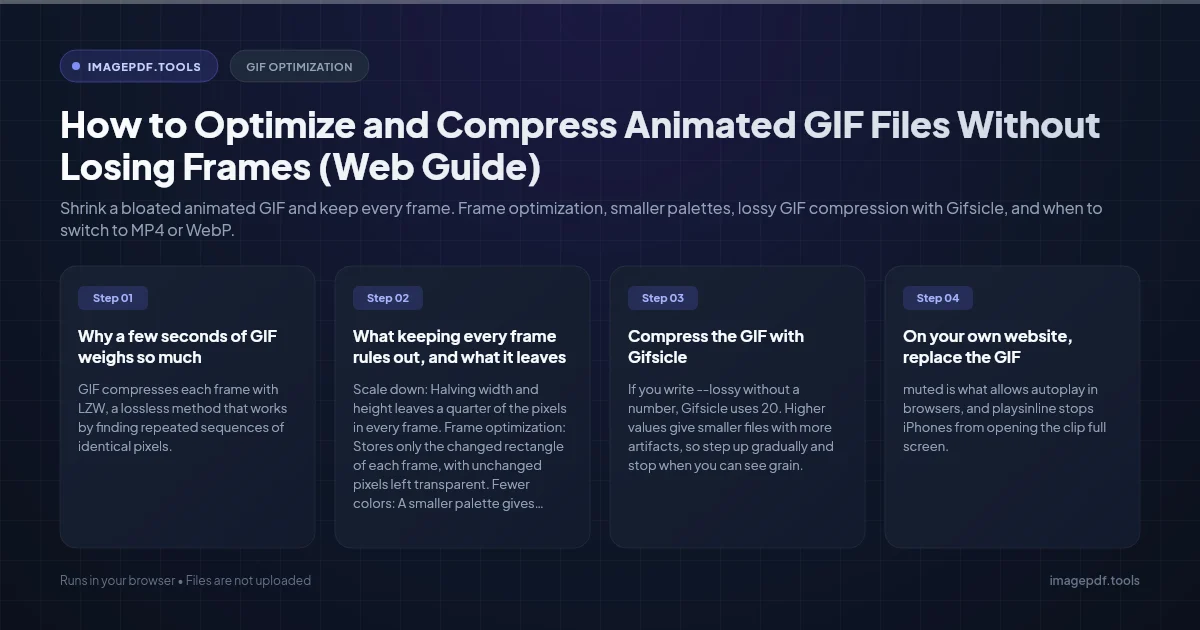
How to Optimize and Compress Animated GIF Files Without Losing Frames (Web Guide)
Shrink a bloated animated GIF and keep every frame. Frame optimization, smaller palettes, lossy GIF compression with Gifsicle, and when to switch to MP4 or WebP.
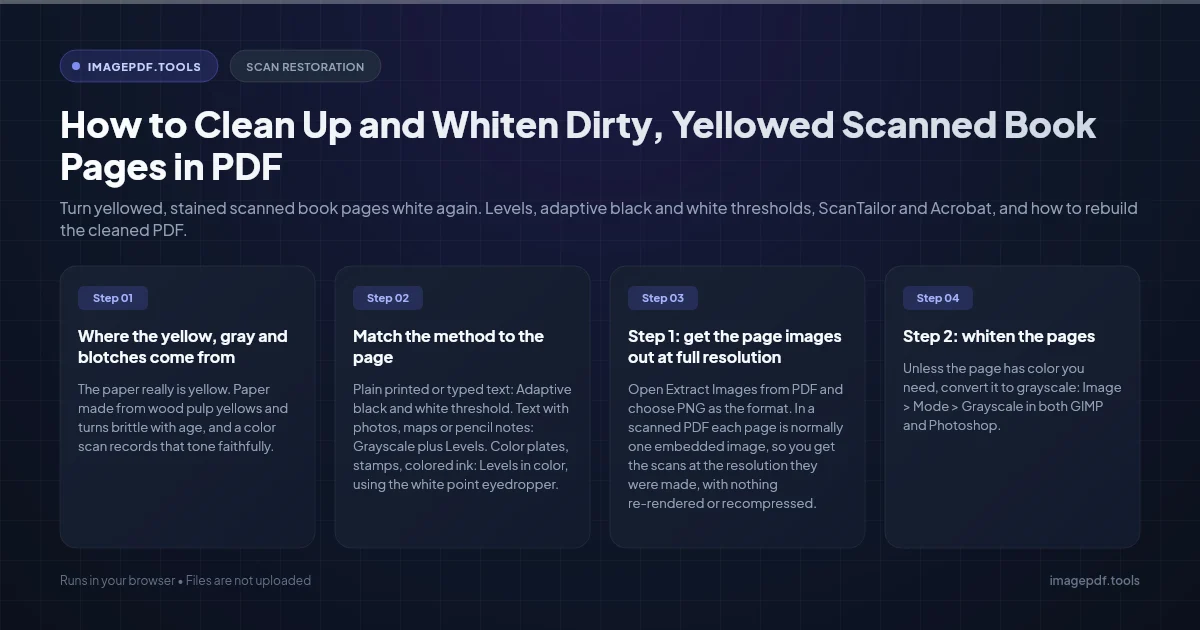
How to Clean Up and Whiten Dirty, Yellowed Scanned Book Pages in PDF
Turn yellowed, stained scanned book pages white again. Levels, adaptive black and white thresholds, ScanTailor and Acrobat, and how to rebuild the cleaned PDF.
What Is the Difference Between Vector and Raster Graphics? (Visual Guide)
Vector (SVG, PDF, EPS) versus raster (PNG, JPG, WebP) explained in plain terms: why one stays sharp at any size, which to use for what, and how to convert.
How to Lock PDF Form Fields Permanently After Signing (Flattening Guide)
Filled PDF forms stay editable until you flatten them. Learn how to lock form fields after signing, and why you should never flatten a PDF that carries a certificate-based digital signature.
Why Does My PDF Reader Freeze and Crash When Opening Large Architectural Blueprints? (CAD Fix)
Why do CAD and architectural PDF drawings freeze Adobe Reader and browser viewers? Find what makes a sheet heavy, change the viewer settings that help, and export lighter PDFs from AutoCAD.
How to Embed Missing Fonts Into an Existing PDF Without the Original Source File
Fix missing font errors and substituted typography in PDFs. Learn how to check which fonts are not embedded and embed them into an existing PDF without the source Word or InDesign file.
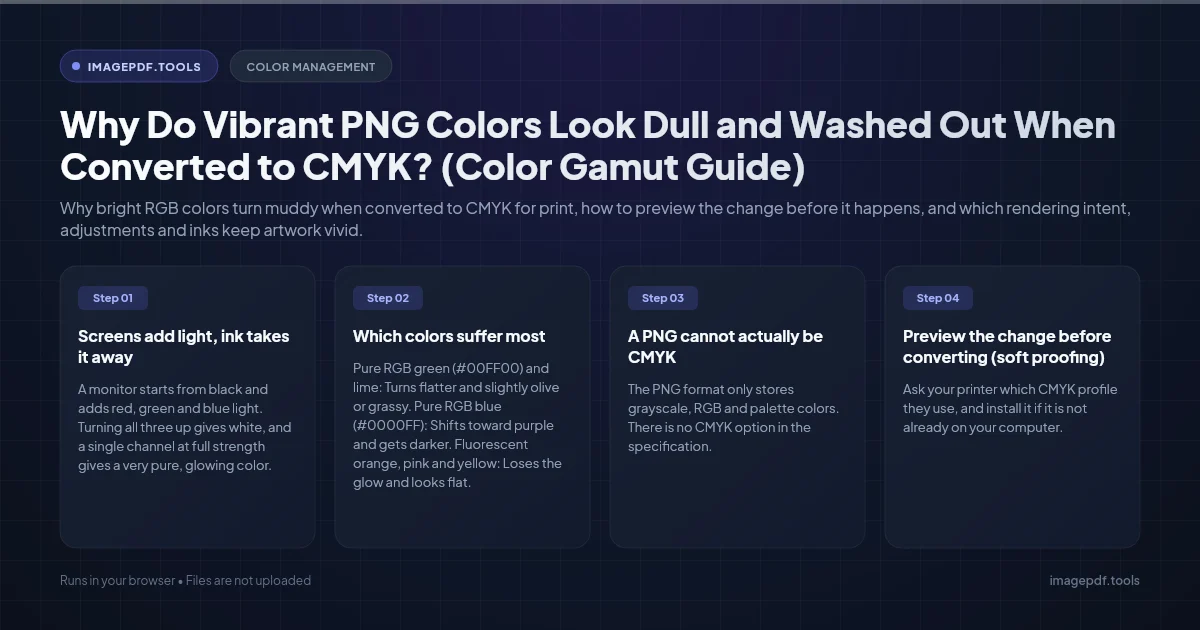
Why Do Vibrant PNG Colors Look Dull and Washed Out When Converted to CMYK? (Color Gamut Guide)
Why bright RGB colors turn muddy when converted to CMYK for print, how to preview the change before it happens, and which rendering intent, adjustments and inks keep artwork vivid.
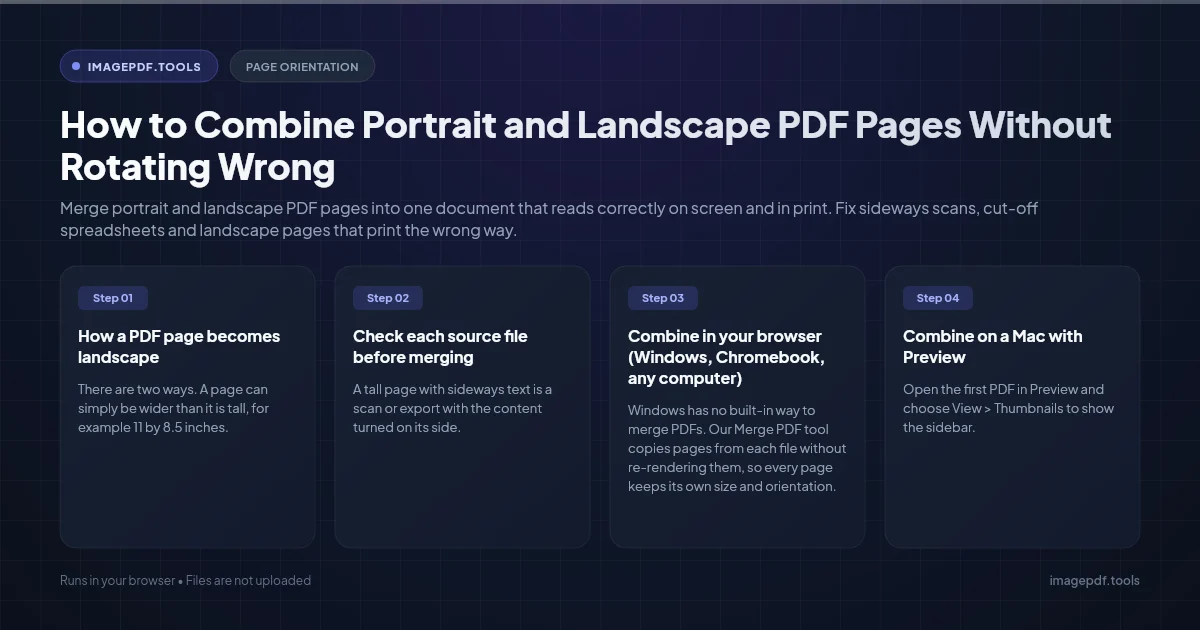
How to Combine Portrait and Landscape PDF Pages Without Rotating Wrong
Merge portrait and landscape PDF pages into one document that reads correctly on screen and in print. Fix sideways scans, cut-off spreadsheets and landscape pages that print the wrong way.
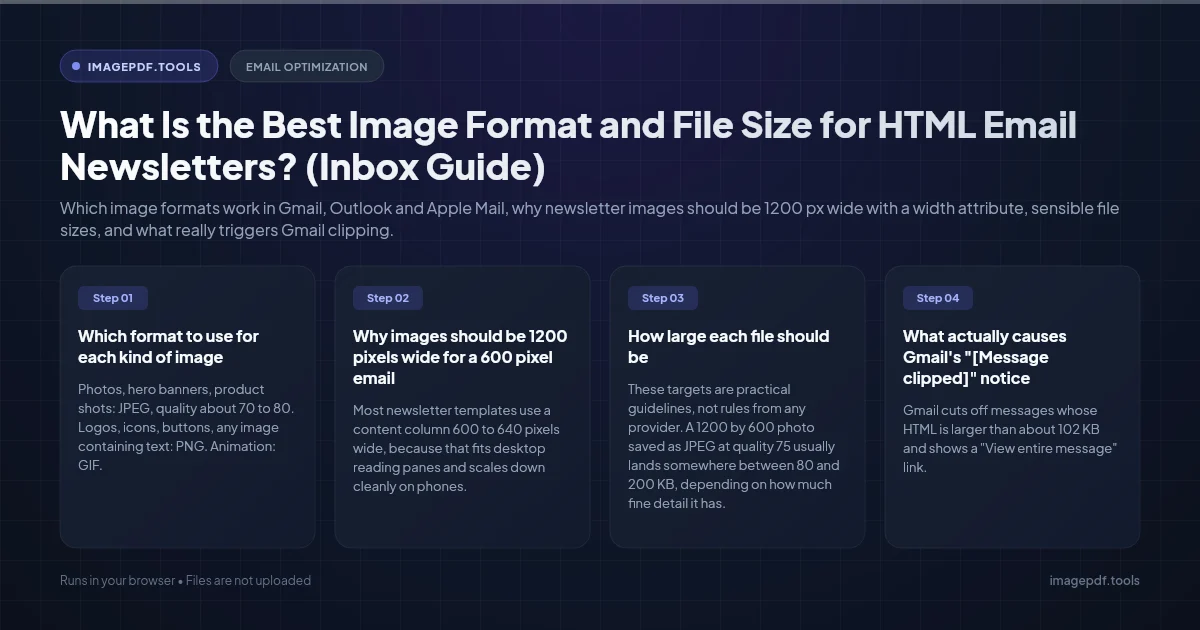
What Is the Best Image Format and File Size for HTML Email Newsletters? (Inbox Guide)
Which image formats work in Gmail, Outlook and Apple Mail, why newsletter images should be 1200 px wide with a width attribute, sensible file sizes, and what really triggers Gmail clipping.
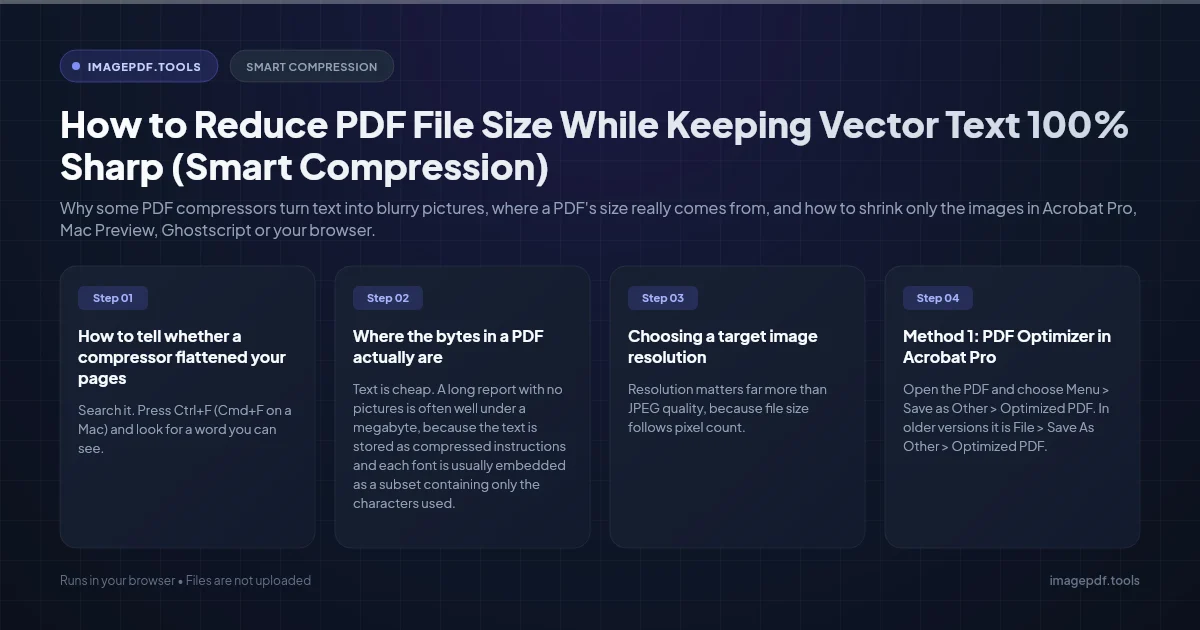
How to Reduce PDF File Size While Keeping Vector Text 100% Sharp (Smart Compression)
Why some PDF compressors turn text into blurry pictures, where a PDF's size really comes from, and how to shrink only the images in Acrobat Pro, Mac Preview, Ghostscript or your browser.
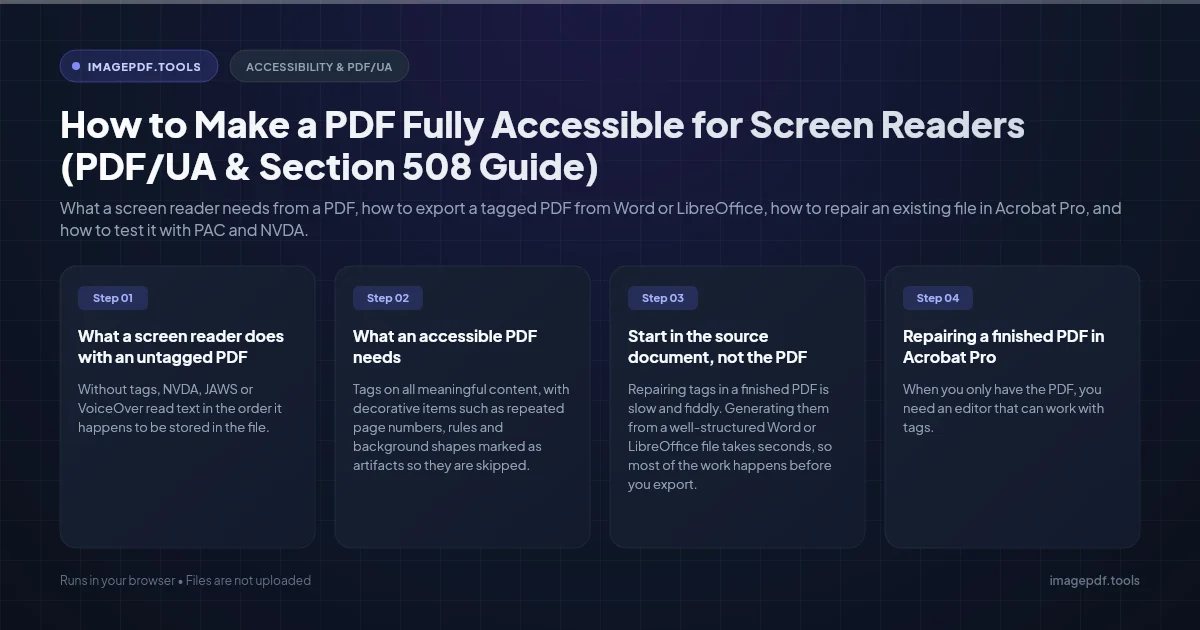
How to Make a PDF Fully Accessible for Screen Readers (PDF/UA & Section 508 Guide)
What a screen reader needs from a PDF, how to export a tagged PDF from Word or LibreOffice, how to repair an existing file in Acrobat Pro, and how to test it with PAC and NVDA.
How to Upscale Low-Res Pixel Art to Crisp Vector SVG Without Blur
Why upscalers and auto-trace blur or round off pixel art, how to enlarge it with nearest neighbor, and how to turn a sprite into an SVG with exact square pixels.
Why Is My Scanned Document PDF Over 50MB for Only 3 Pages? (Fix Guide)
Why scanners turn a few pages into a 50 MB PDF, the resolution and color settings that fix it for future scans, and how to shrink the file you already have.
Why Do My PDF Form Fields Disappear After Saving in Mac Preview? (Fix Guide)
Fix empty or invisible form field data when saving fillable PDFs in Apple Preview. Understand XFA forms, AcroForm appearance streams, and safe PDF filling.
What Is the Difference Between Interlaced PNG and Progressive JPEG? (Speed & UX Guide)
Understand the difference between Interlaced PNG (Adam7) and Progressive JPEG. Learn loading speeds, file size trade-offs, and web performance best practices.
How to Add a Diagonal "DRAFT" Watermark Across All Pages of a PDF (Free Guide)
Add a semi-transparent diagonal DRAFT, CONFIDENTIAL, or sample watermark across every page of a PDF without flattening text or ruining layout.
Why Do Phone Photos Open Sideways on Windows and How to Fix EXIF Orientation
Why do smartphone photos flip sideways or upside down on Windows PC? Understand EXIF orientation tags 6 vs 8, losslessly rotate pixels, and fix permanently.
Why Does Microsoft Word Compress and Ruin My Images on Save? (Fix Guide)
Stop Microsoft Word from downsampling and blurring high-resolution photos. Learn how to disable automatic compression and preserve original image quality.
How to Batch Convert Thousands of Images to PDF Without Crashing (Fast Guide)
Why big image-to-PDF jobs run out of memory, and how to turn thousands of JPG, PNG or TIFF files into PDFs in batches without freezing your computer.
What Is the Difference Between PDF/A-1, PDF/A-2, and PDF/A-3 Archiving? (Standards Guide)
Compare PDF/A-1, PDF/A-2 and PDF/A-3: what each part allows, what the a, b and u levels mean, which one to pick, and how to create and check a PDF/A file.
How to Fix "At Least One Signature Has Problems" Error in Adobe Acrobat
What the yellow "At least one signature has problems" banner in Acrobat really means, how to tell a trust problem from a tampered file, and how to fix each case.
What Are the Exact Pixel Dimensions and DPI for US Passport Photos? (Full Specs)
US passport photo size in inches and pixels: 2 x 2 inches with a 1 to 1 3/8 inch head. Online renewal needs a JPEG of at least 600 x 600 pixels, 54 KB to 10 MB.
Why Does Copying Text From a Scanned PDF Paste Scrambled Words? (Fix Guide)
Copied text from a scanned PDF pastes with no spaces, wrong letters or mixed-up columns? Here is why the hidden OCR layer causes it and how to fix it.

Why Images Look Pixelated in a Figma PDF Export, and How to Fix It
Text stays sharp in a Figma PDF while photos go soft. How to find the cause, from import limits to rasterised effects, and which fix suits print.
Forgot the Owner Password on Your Own PDF? Your Real Options
Locked out of editing a PDF you made yourself? Which password you actually lost, where people usually find it, and the clean way to get an editable copy.
Etsy Digital Download File Size and Format: What Actually Works
Etsy allows five files of up to 20MB per listing. How to fit print-ready art inside that, which format suits which product, and the one-file-per-ratio trick.

How to Fix a Blurry Profile Picture on Zoom, Teams and Slack
A sharp headshot turns soft once it becomes an avatar. Why it happens, from small sources to automatic crops, and how to prepare one that stays crisp.

Why Does My PDF Print With Huge Margins? (Letter and A4)
Big white borders on a printed PDF usually come from fit-to-page scaling, a Letter and A4 mismatch, or margins already in the file. How to tell which.
Converting iPhone Live Photos to JPG, and Keeping the Right Metadata
A Live Photo is a still and a short video. How to get just the still as a JPG, which methods keep the date and camera details, and when to drop the location.
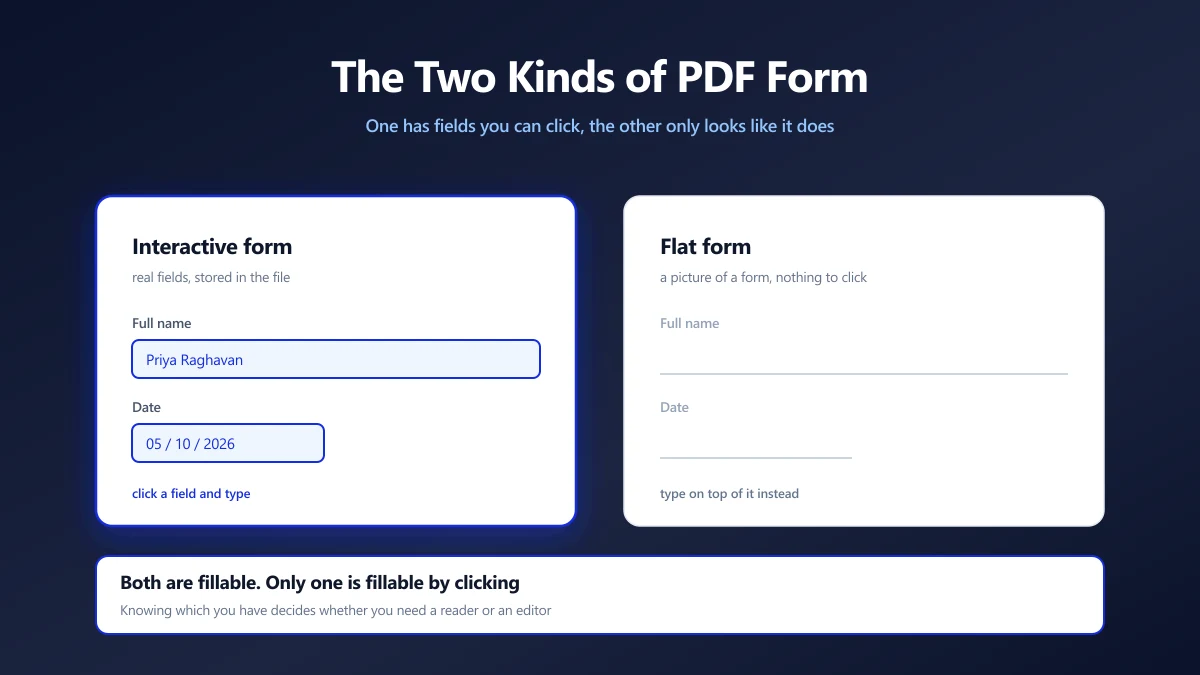
How to Fill Out a PDF Form Securely (Two Kinds of Form)
Half of PDF forms have fields you can click and half only look like they do. How to tell which you have, and how to fill either without uploading it.
Why Does My Scanned Document Look Grey Instead of White?
White paper scanning as dull grey is a setting problem, not a scanner fault. Which mode to use, how to fix an existing scan, and why it shrinks the file.
How to Fix Colour Banding in Gradients When Exporting Images
A smooth gradient turns into visible stripes on export. Why 8-bit colour runs out of steps, how dithering hides it, and why heavy compression undoes the fix.
Why Does My PDF Take Forever to Load in the Browser?
A PDF that freezes a browser tab is usually too heavy, too complex or badly structured for streaming. How to tell which, and what each fix costs.
How to Prepare SVG Illustrations for CMYK Offset Printing
SVG colours are screen colours, and a print shop needs CMYK. Which tools can convert properly, which profile to use, and how to avoid dull or shifted colours.
Why Is My Scanned Signature Surrounded by a Grey Box?
Your signature looks fine until it lands on a white page, then a faint grey rectangle appears around it. Why paper is never truly white, and three clean fixes.
PDF Page Labels: Making Roman and Arabic Page Numbers Line Up
Type page 45 and land on the wrong page? A PDF's page labels are separate from the numbers printed on it. What labels are, and how to set them properly.
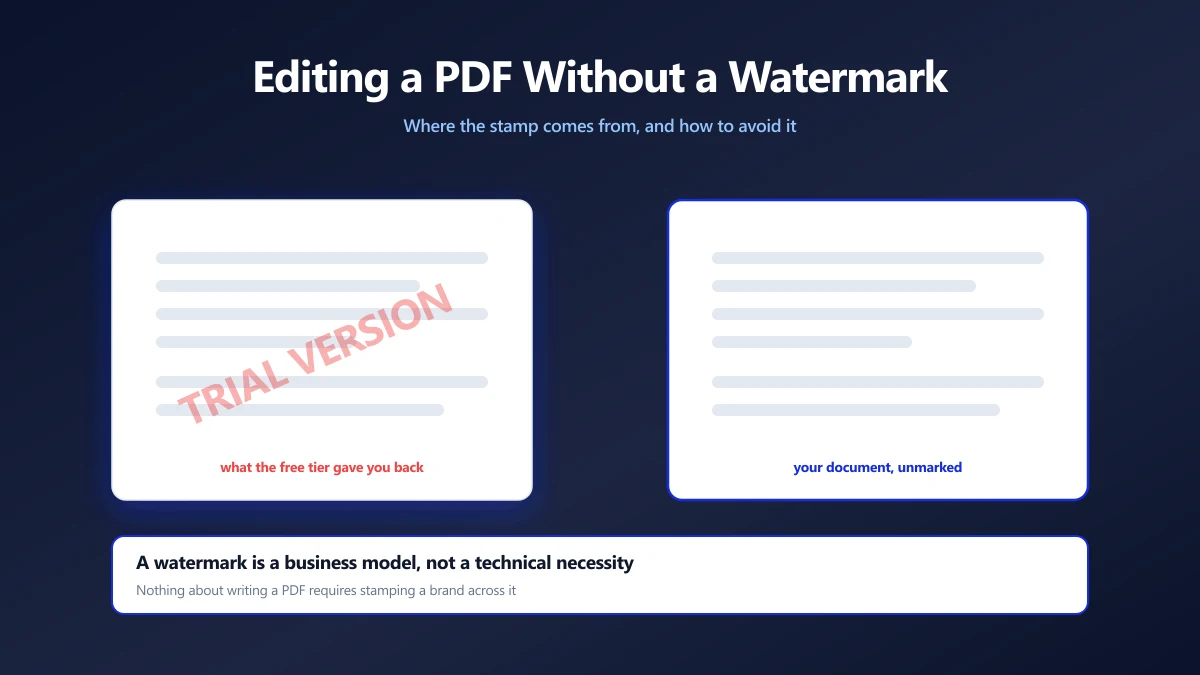
How to Edit a PDF Without a Watermark on the Way Out
Free PDF editors that stamp your document are selling you the removal. Why the watermark exists, how to spot one before you start, and how to avoid it.
Why Does My PDF Print Weird Symbols or Garbage Characters?
Fine on screen, nonsense on paper. Which of three different faults you have, from font handling to the wrong printer language, and the fix for each one.
Canva PDF Export Failing? How to Get Your File Out
When Canva will not finish a PDF download, the cause is usually size, media in the design or the browser. A sequence of fixes, and a fallback that works.
LinkedIn Image Sizes for Posts, Profiles and Ads (2026 Guide)
The best LinkedIn post image size is 1080 x 1350 (4:5). Every other size in one table: link previews, banner, profile photo, Pages, carousels and ads.
How to Shrink a PDF With Embedded Video or Audio
Embedded media makes PDFs huge, and most compressors leave it untouched. Why, how to re-encode the media itself, and why a link often beats embedding at all.
Why Do Transparent PNGs Turn Black in Google Slides?
A sticker or logo that should float on the slide arrives with a black or white box. How to check whether the file is really transparent, and how to fix it.
How to Split a PDF by Bookmarks or Chapters
Use the PDF's own bookmarks to split it into chapter files. Three routes, from Acrobat to a short script to a free manual method that never uploads the file.
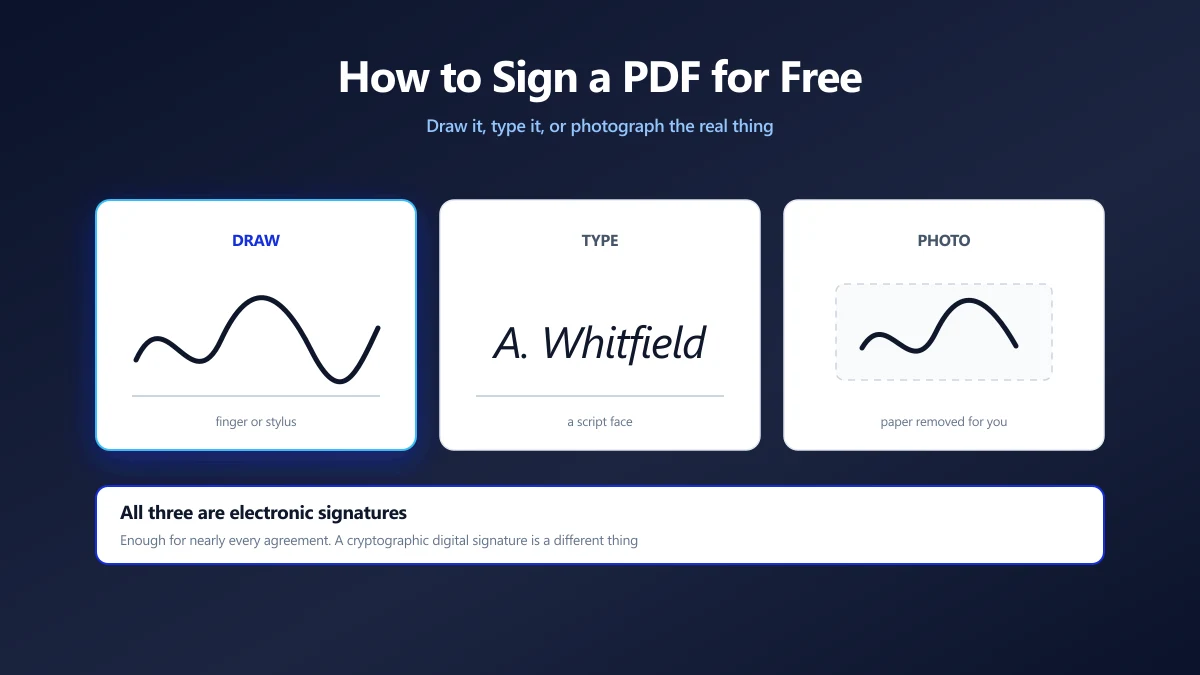
How to Sign a PDF for Free (Without Printing It)
Draw, type or photograph your signature and place it on the page. What counts as a legal e-signature, and what an image of your name is not.
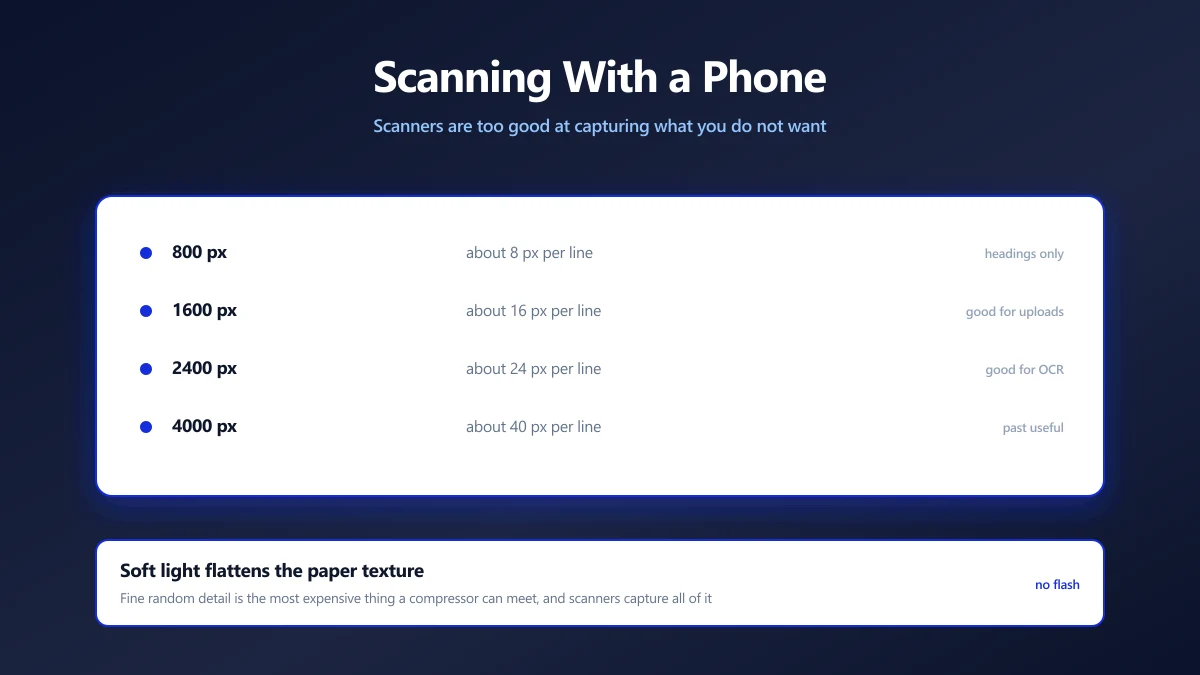
How to Scan a Document With Your Phone (and Get a Small, Clean File)
A phone scan beats a flatbed for file size, if you get the light right. The conditions that matter, and how to turn the result into a small, clean PDF.
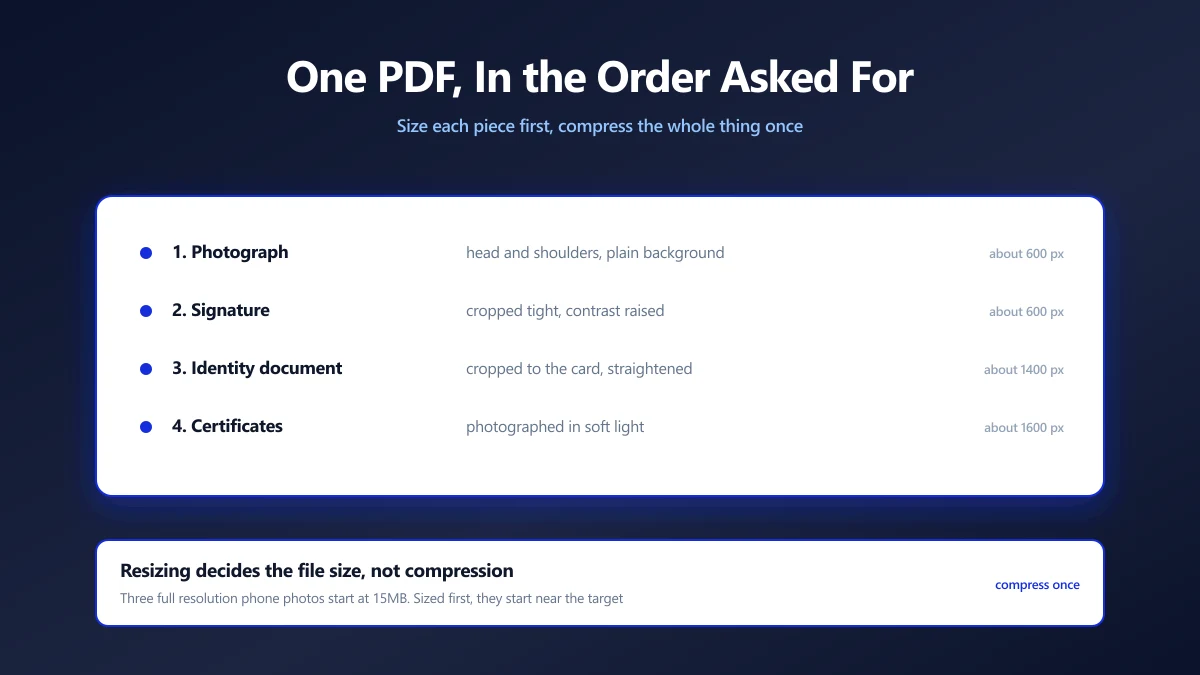
How to Combine a Photo and Signature Into One PDF for a Form
Some portals want your photo, signature and ID as a single PDF under one limit. How to assemble it in the right order and get it under the size cap.
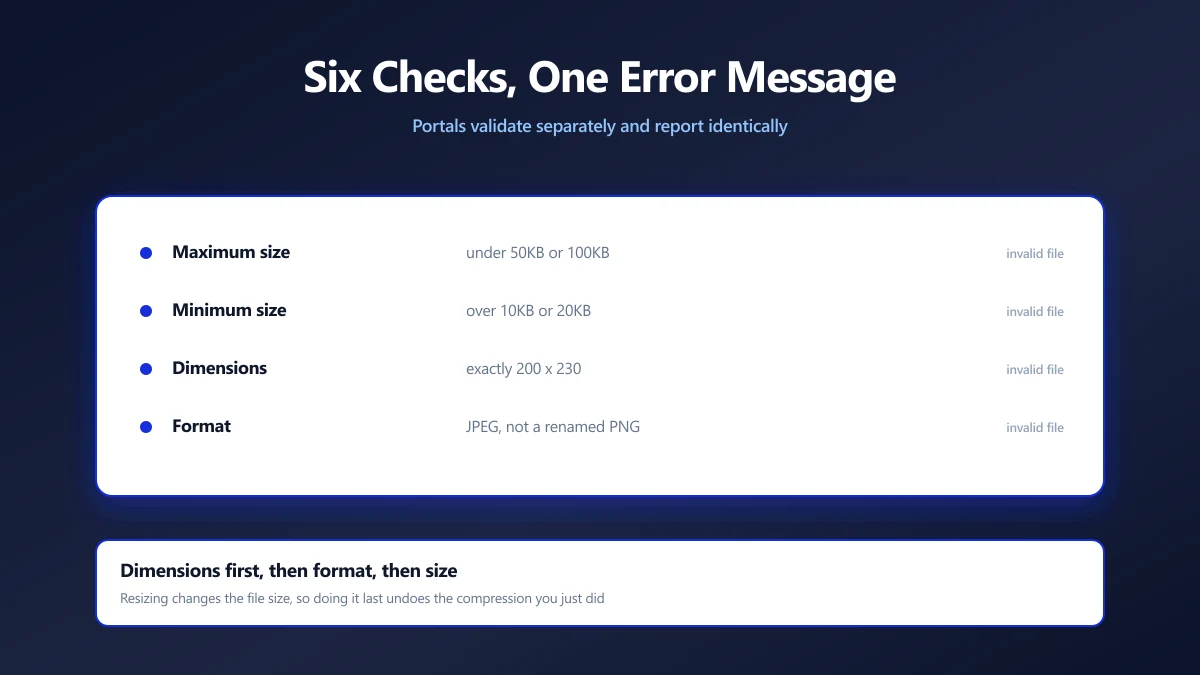
Why Online Forms Reject Your Photo (Six Checks, One Error Message)
Upload portals run several independent checks and report them all the same way. Here is each one, how to test it yourself, and the order to fix them in.
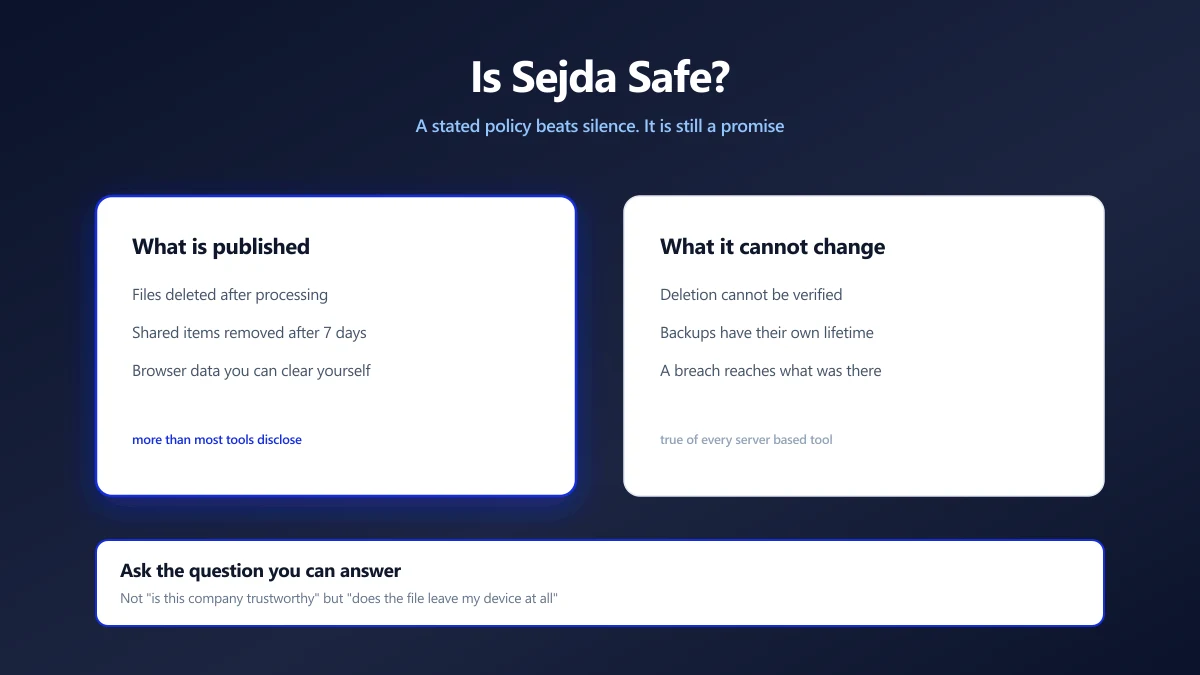
Is Sejda Safe? What Its Privacy Policy Actually Says
Sejda publishes clear retention terms, which puts it ahead of most. Here is what it states, what server processing means regardless, and how to check.
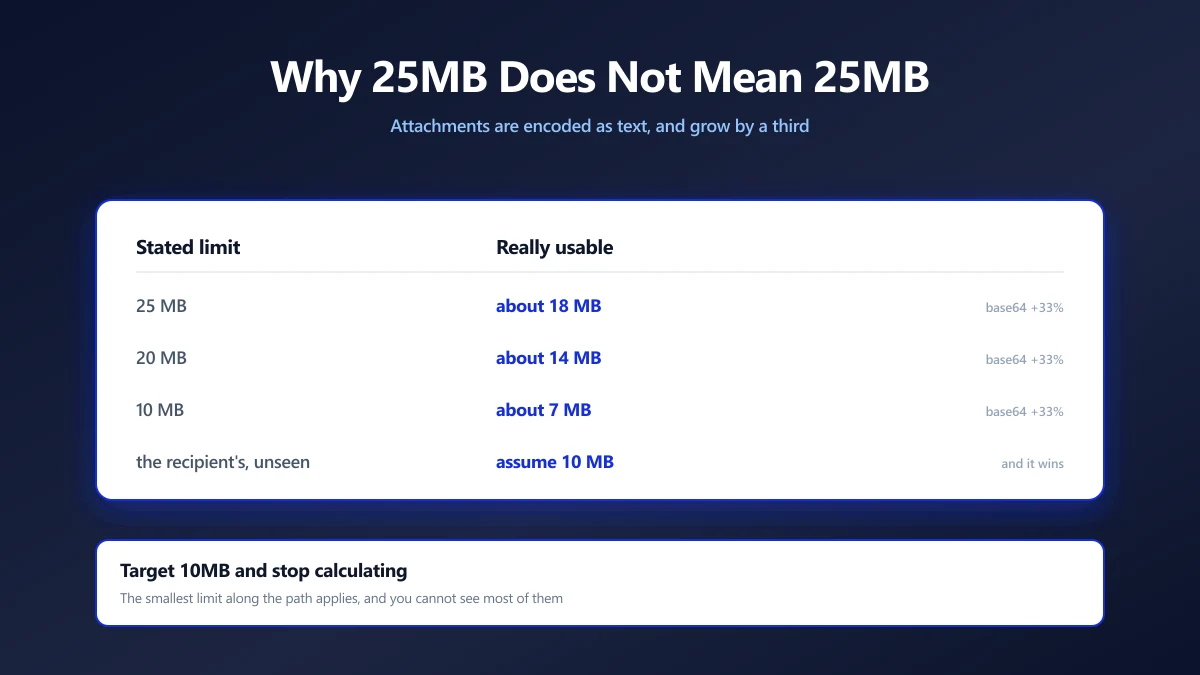
Email Attachment Limits, and How to Get a PDF Under Them
Gmail says 25MB but bounces at about 18MB, and the recipient's server may refuse far less. The real numbers, and how to get under the strictest one.
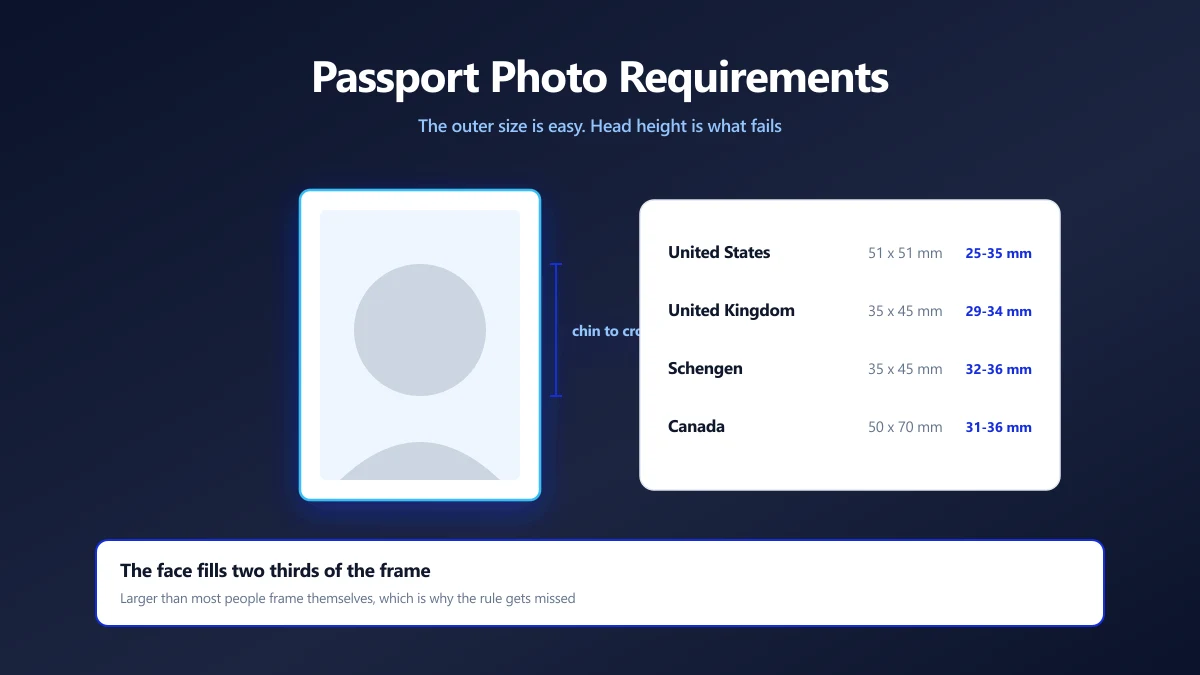
Passport Photo Size Requirements, and How to Prepare One Yourself
The sizes differ by country and the rejection reasons rarely do. The measurements that matter, the head height rule people miss, and how to crop to it.
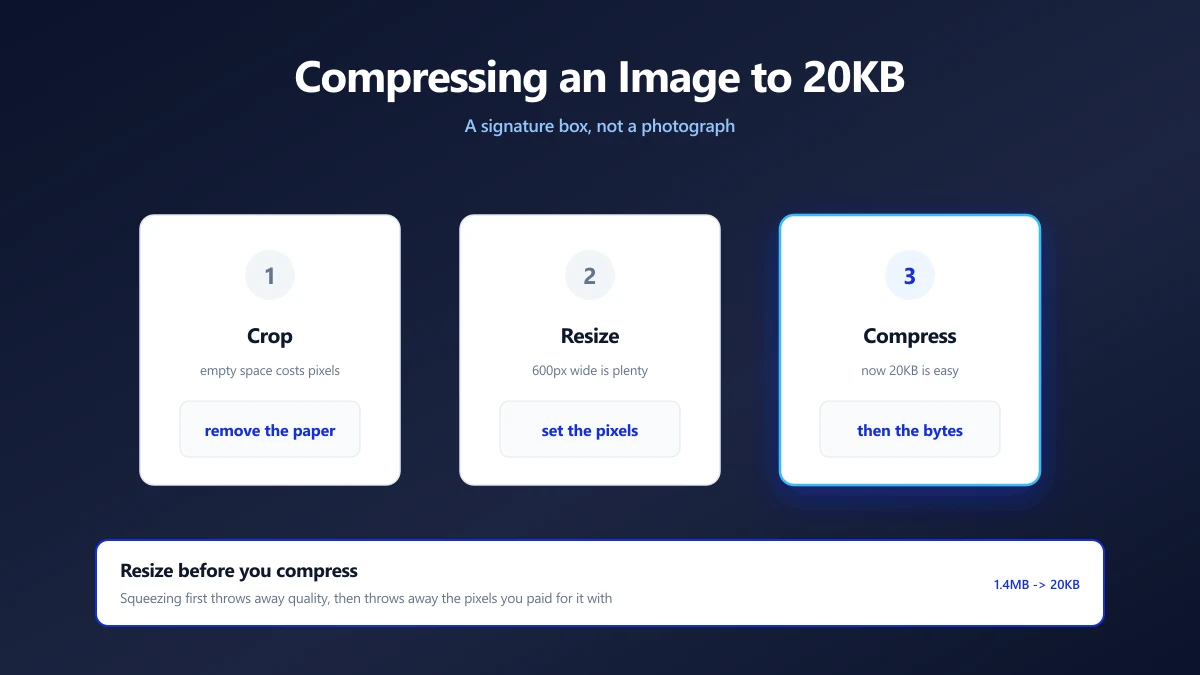
How to Compress an Image to 20KB (Signatures and Thumbnails)
20KB is a signature box, not a photograph. What actually fits, the dimensions that get you there, and why scanning at 600 DPI is working against you.
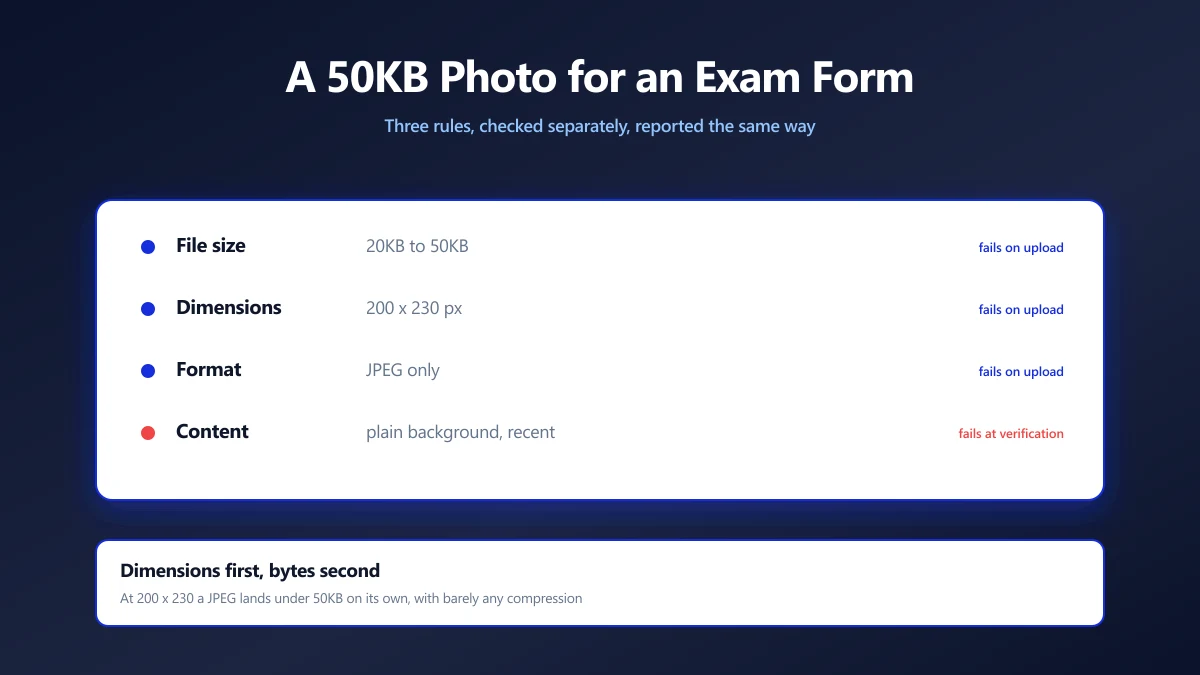
How to Compress a Photo to 50KB for an Exam Form
Exam portals want a photo under 50KB at a fixed pixel size, and reject it for reasons they never explain. Here is how to satisfy both rules at once.
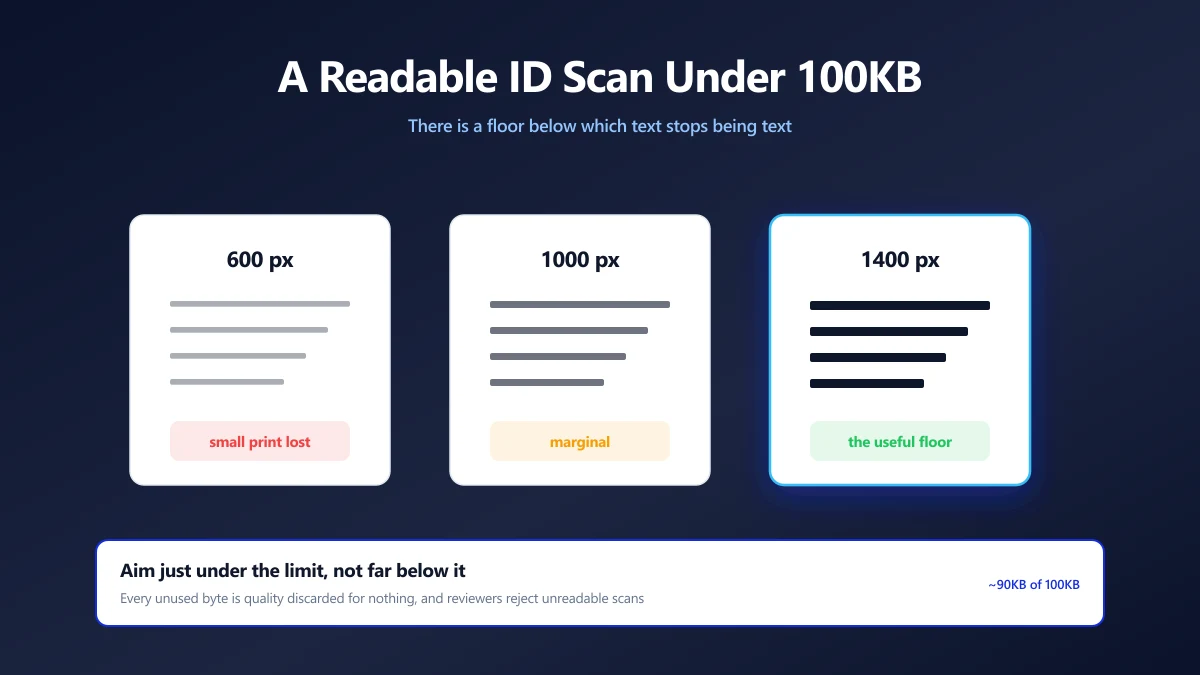
How to Compress an ID Document Scan to 100KB and Keep It Readable
KYC portals want your ID under 100KB, then reject it as unreadable. The resolution floor that keeps text legible, and how to compress down to it.
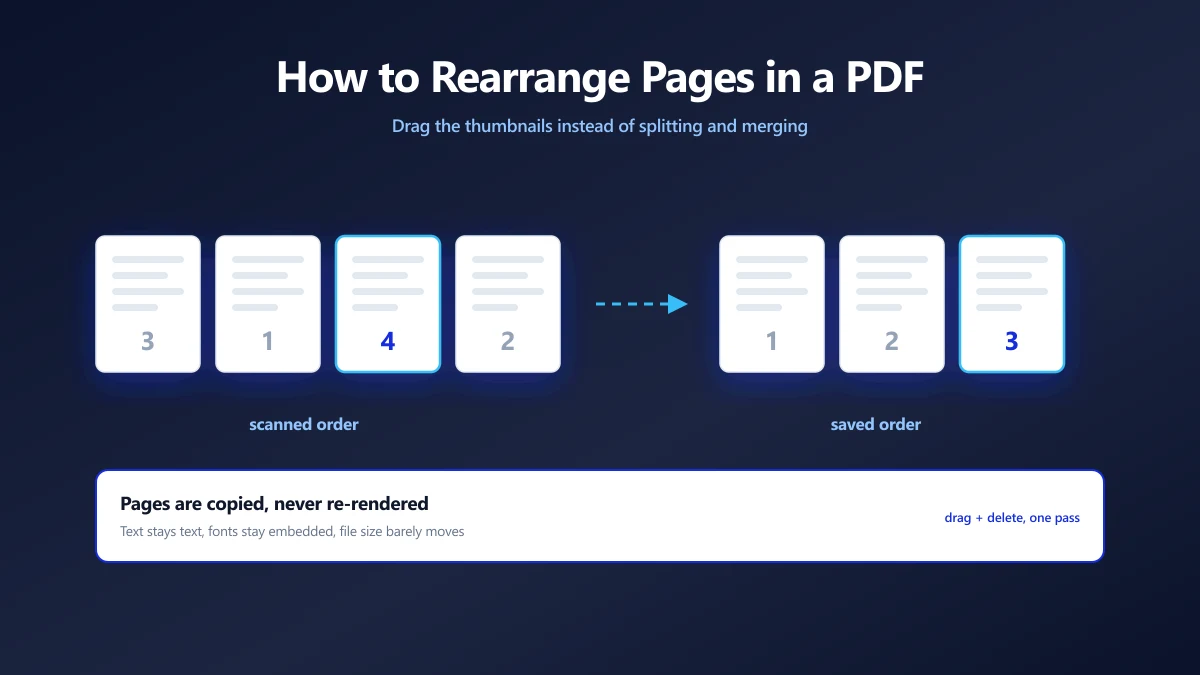
How to Rearrange Pages in a PDF (Free, on Any Device)
Rearrange pages in a PDF for free: drag thumbnails in your browser, or use Preview on Mac and iPhone, or Acrobat. Plus how to combine PDFs and reorder pages.
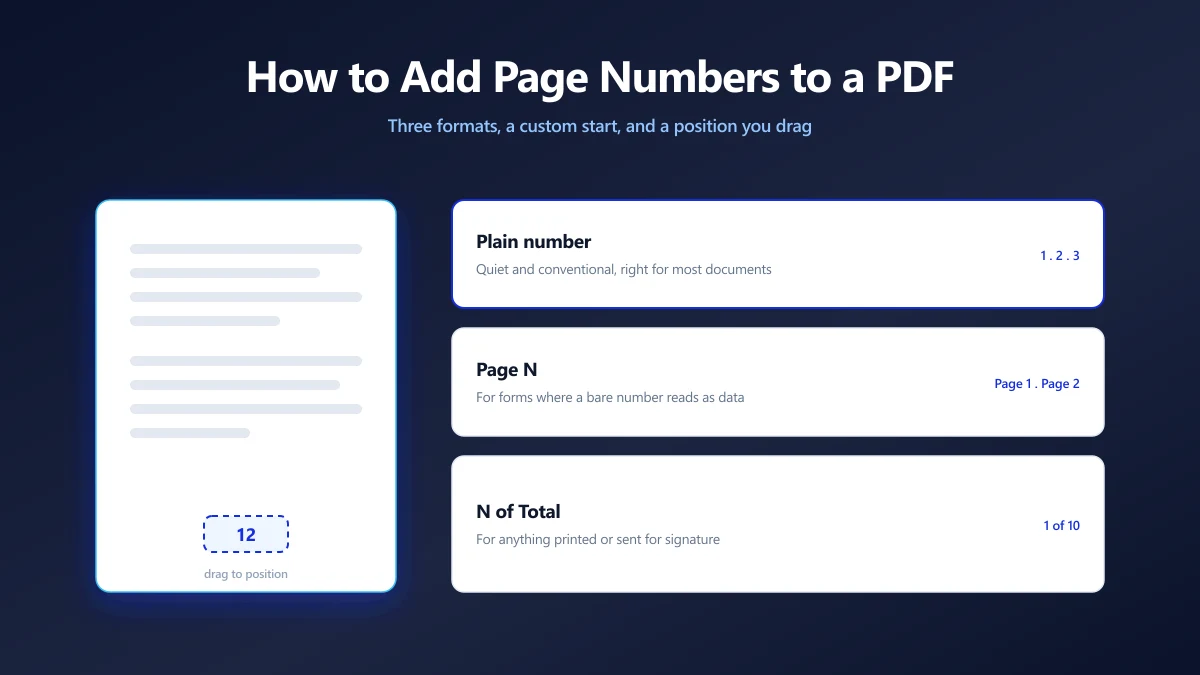
How to Add Page Numbers to a PDF (Free, on Any Device)
Add page numbers to a PDF free in your browser: drag the number into place, pick a format and start page. Plus Acrobat, Mac Preview, Word and phone methods.
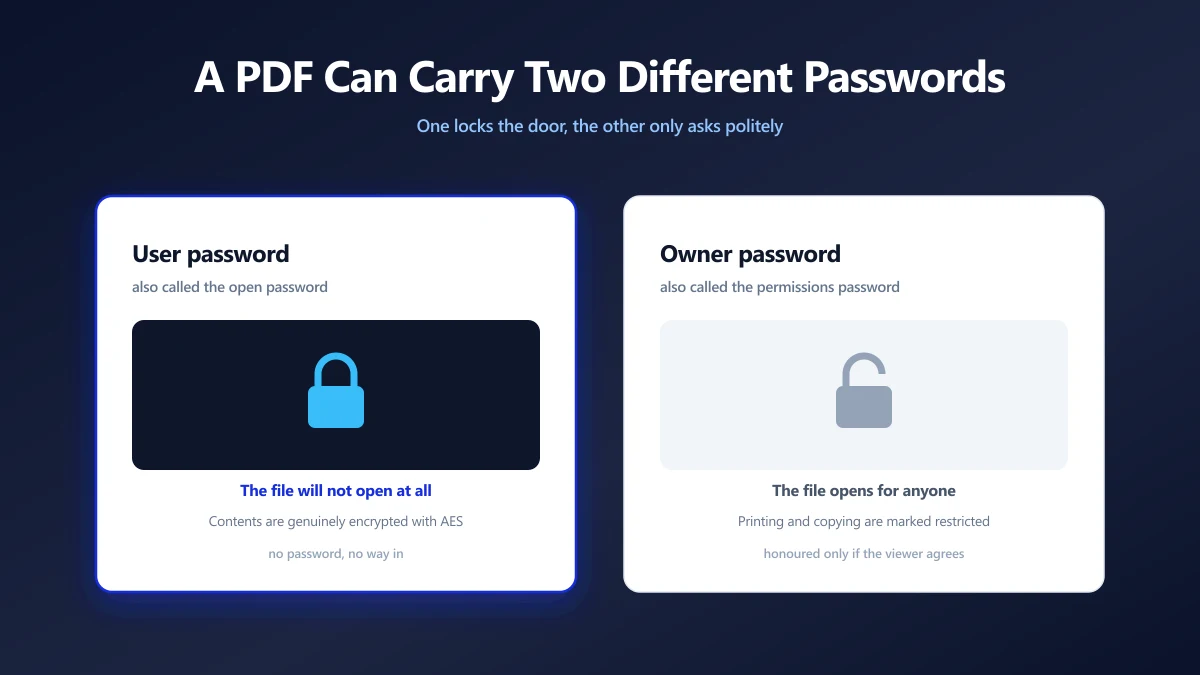
How to Remove a Password From a PDF You Own
A PDF can carry two different passwords, and only one of them is the reason you keep typing. Which is which, how to remove it, and what no tool can do.
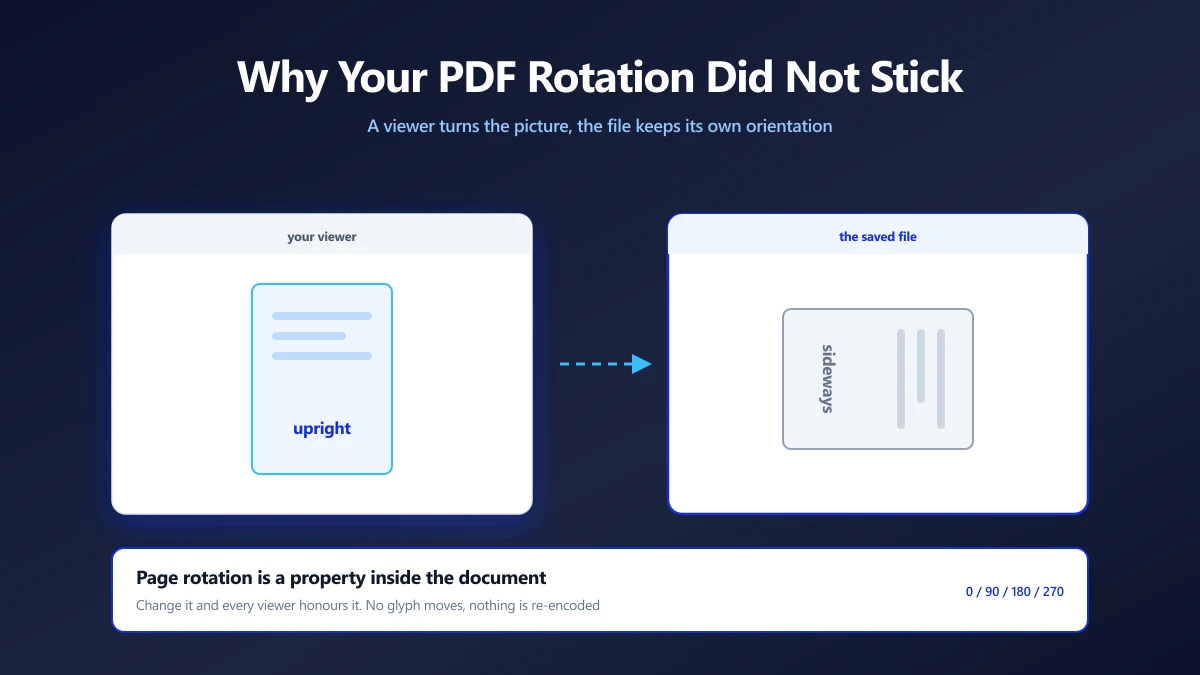
How to Rotate a PDF and Save It So It Stays Rotated
Rotate a PDF and save it so the pages stay turned. Free steps for a browser tool, Adobe Acrobat, Mac Preview, Edge, Chrome and iPhone, plus how to flip a PDF.
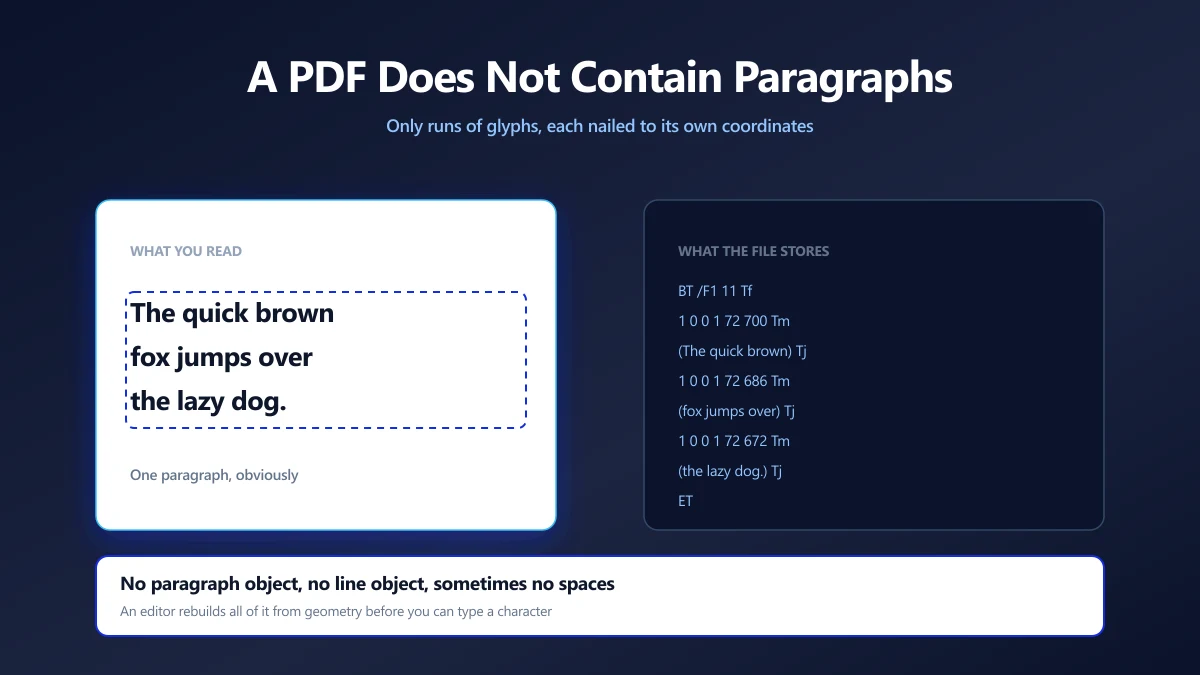
Why Editing Text in a PDF Is Hard, and How Editors Do It Anyway
A PDF has no paragraphs, only glyphs at coordinates. What an editor has to reconstruct, why fonts break edits, and which changes are safe to make.
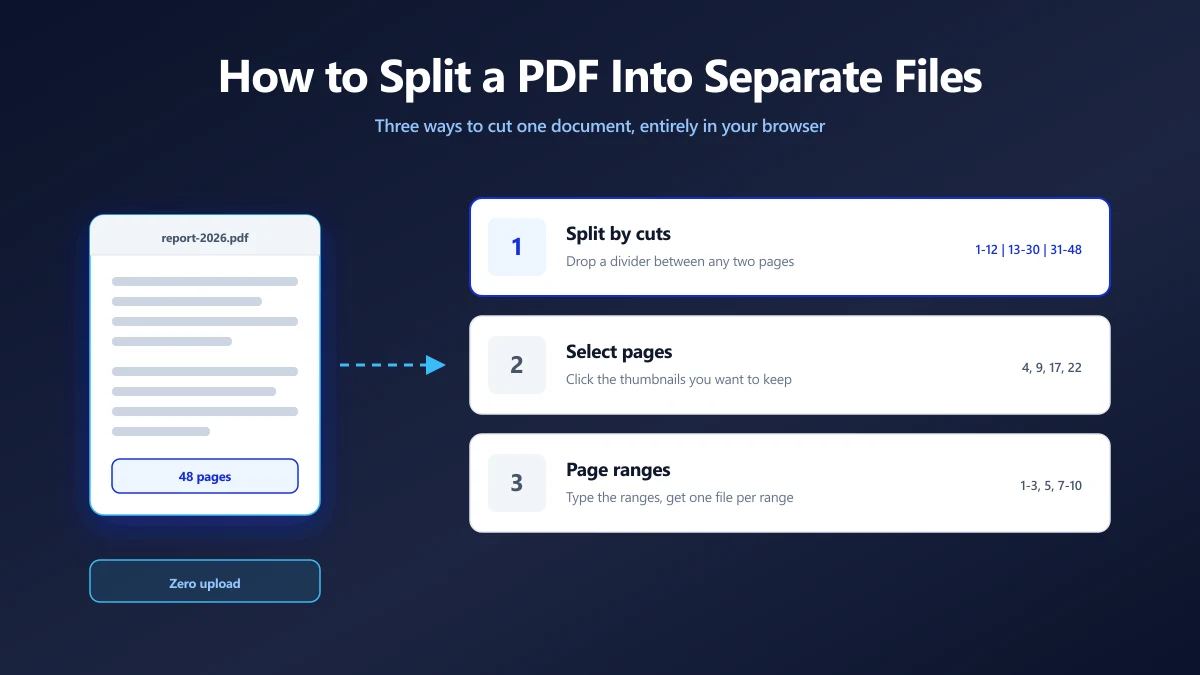
How to Split a PDF Into Separate Files (Without Uploading It)
Split a PDF by cut points, by page ranges, or by picking pages. Which method fits which job, and how to do all three in the browser with no upload.
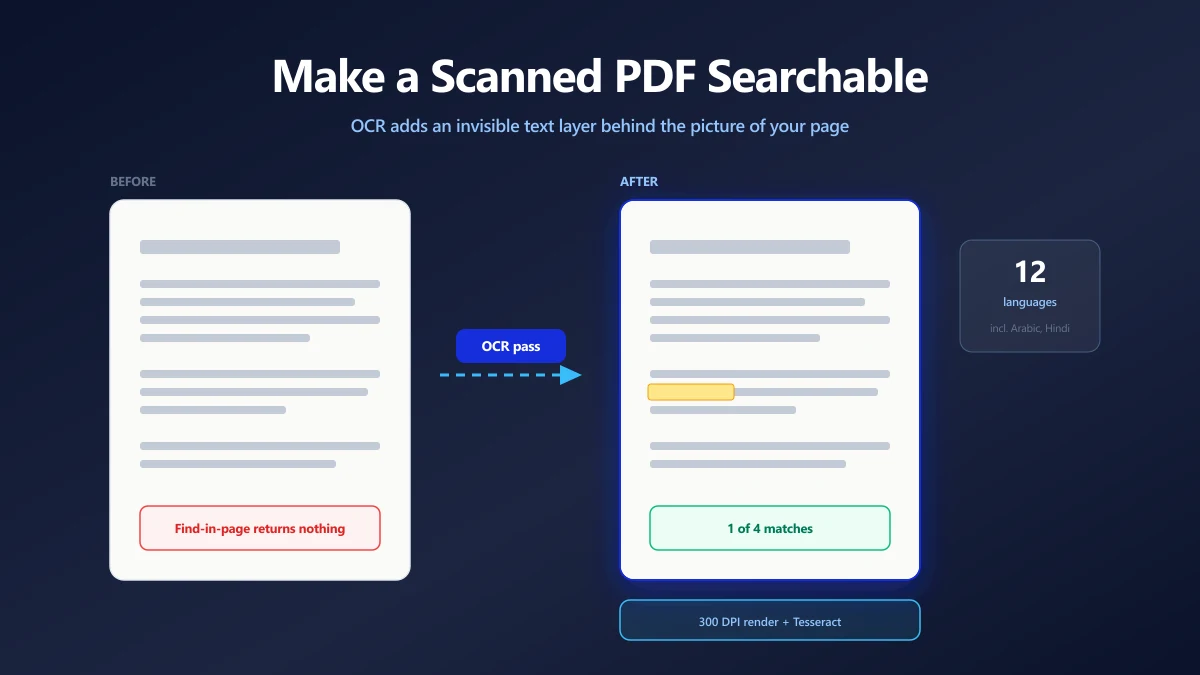
How to Make a Scanned PDF Searchable (Free OCR, No Upload)
A scanned PDF is a picture of a page, so find in page returns nothing. How OCR adds a real text layer, and how to check that it worked.
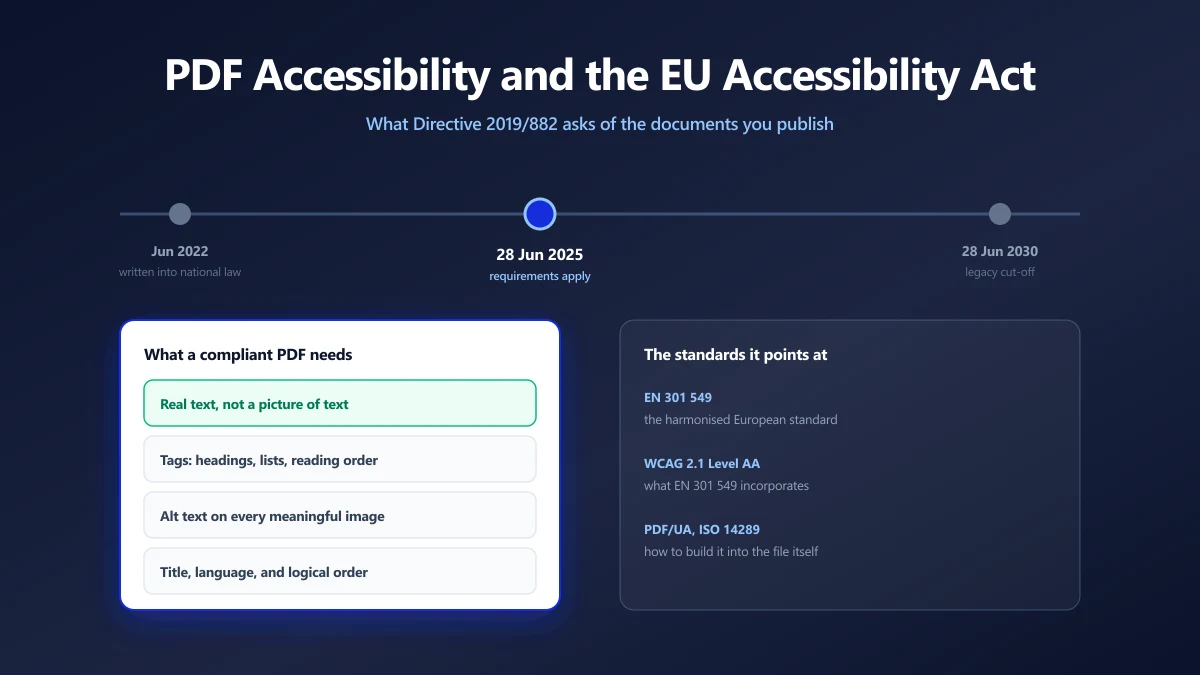
PDF Accessibility and the European Accessibility Act: What Actually Changed
The EU Accessibility Act has applied since 28 June 2025. Here is what it asks of the PDFs you publish, which standards it points at, and how to check a file.
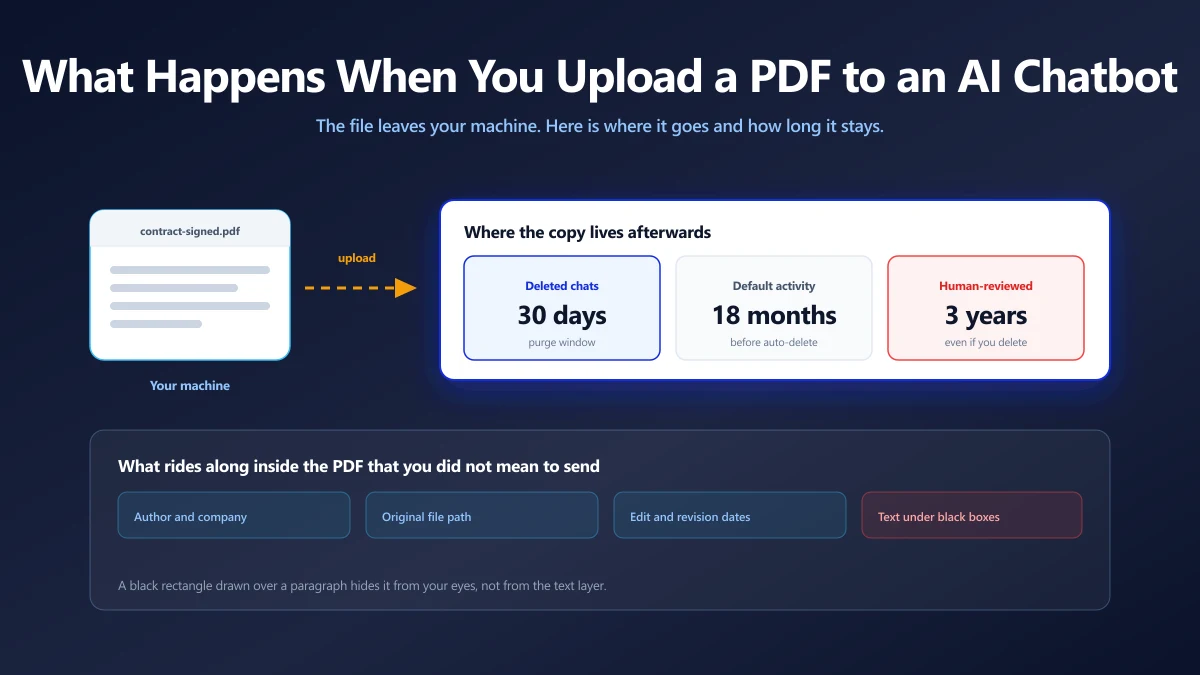
Is It Safe to Upload a PDF to ChatGPT, Claude or Gemini?
What happens to a document you paste into an AI chatbot, what the main providers say about training on it, and when to keep a file off them.
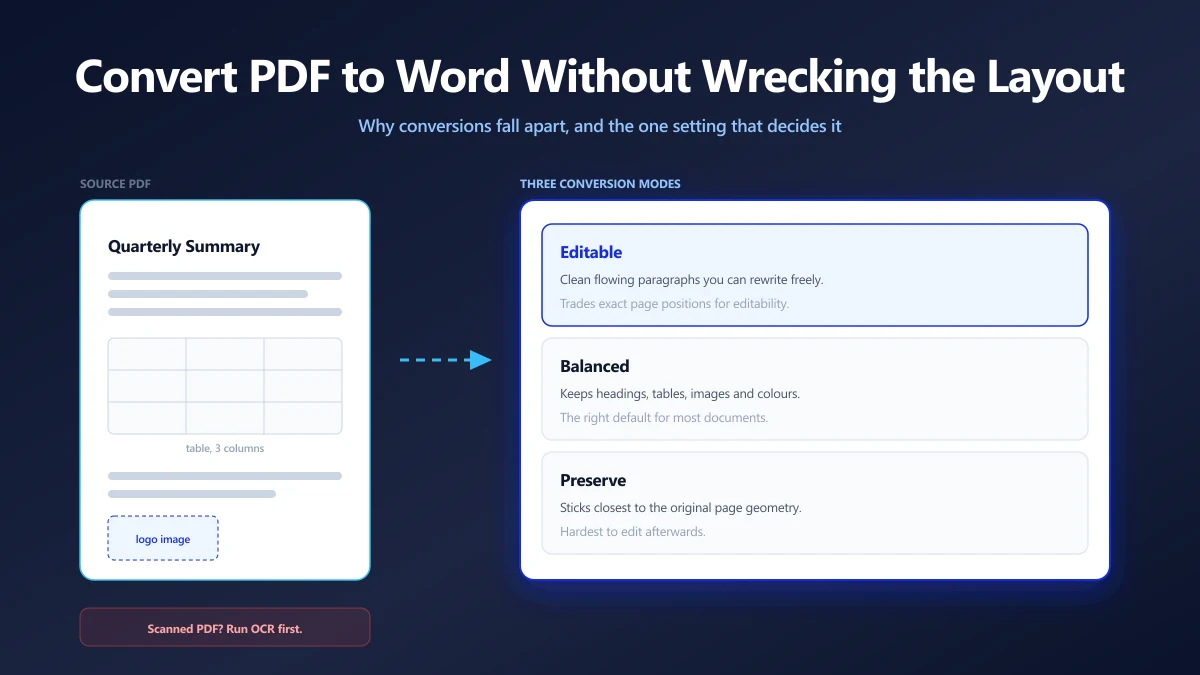
How to Convert a PDF to Word Without Wrecking the Formatting
PDF to Word conversions fall apart for a reason rooted in how PDF stores text. Here is why, which setting decides the outcome, and what to fix afterwards.
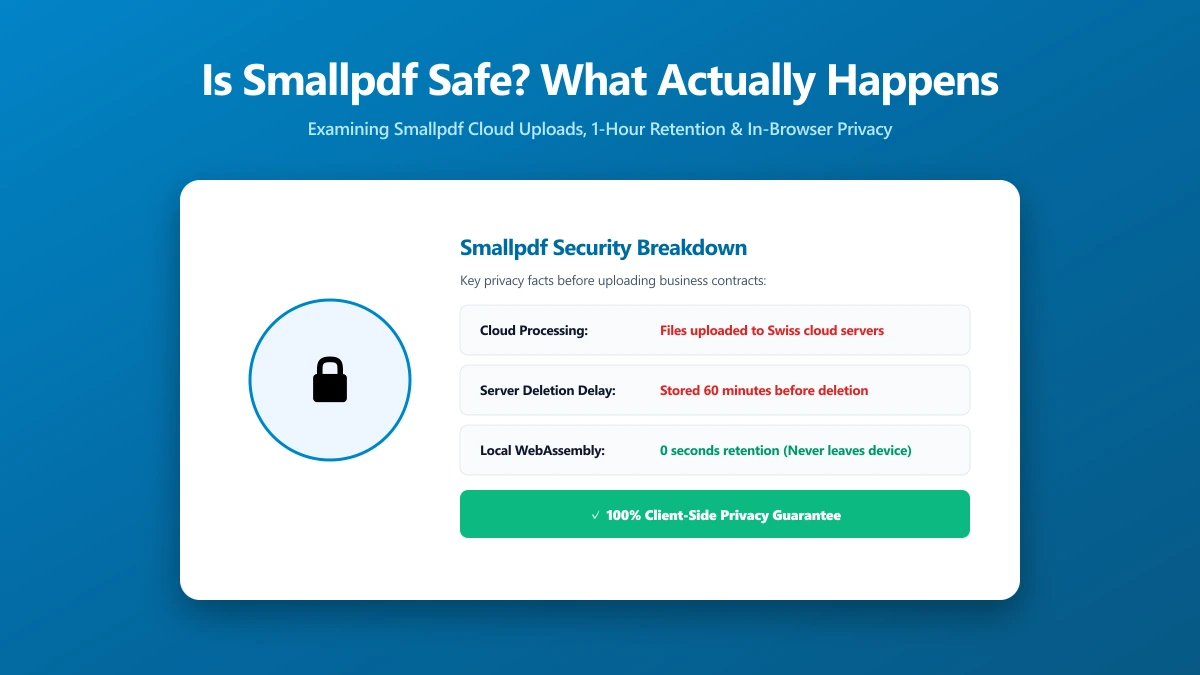
Is Smallpdf Safe? What Happens to Your File When You Upload It
Is Smallpdf safe to use? Here is exactly how it processes your file, what current user reviews say, and a no-upload alternative worth trying right now.
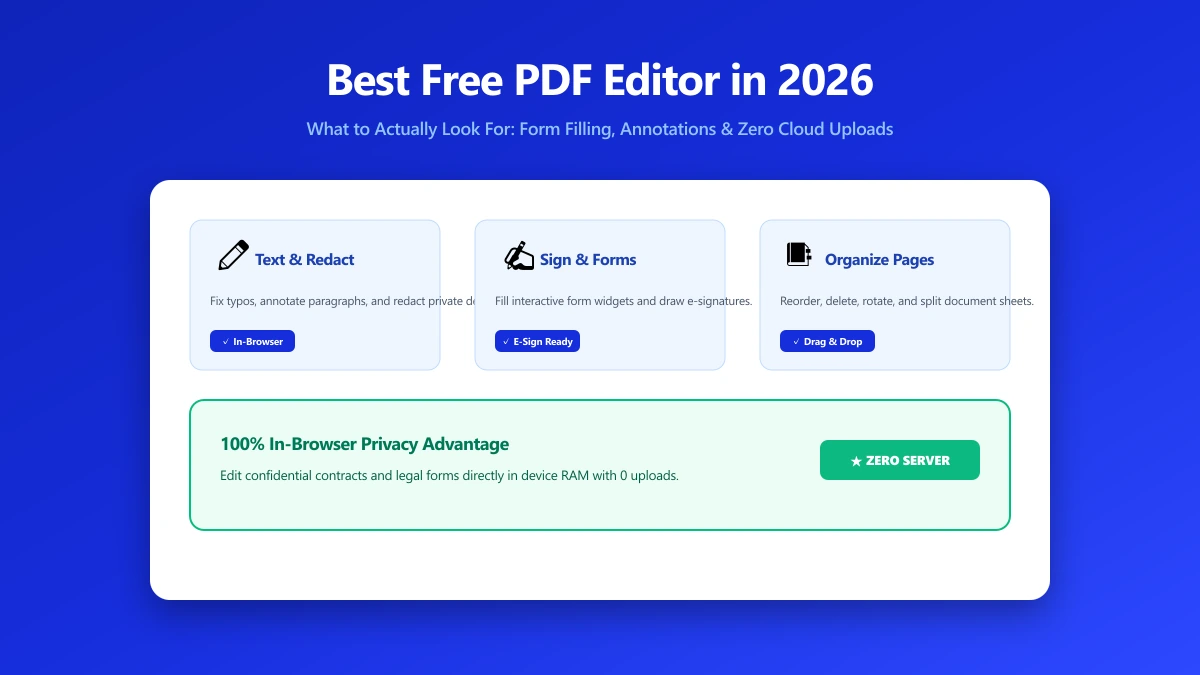
Best Free PDF Editor in 2026: What to Actually Look For
Searching for the best free PDF editor? Compare what real editing needs cover versus what a no-upload browser tool can do, with a practical checklist.
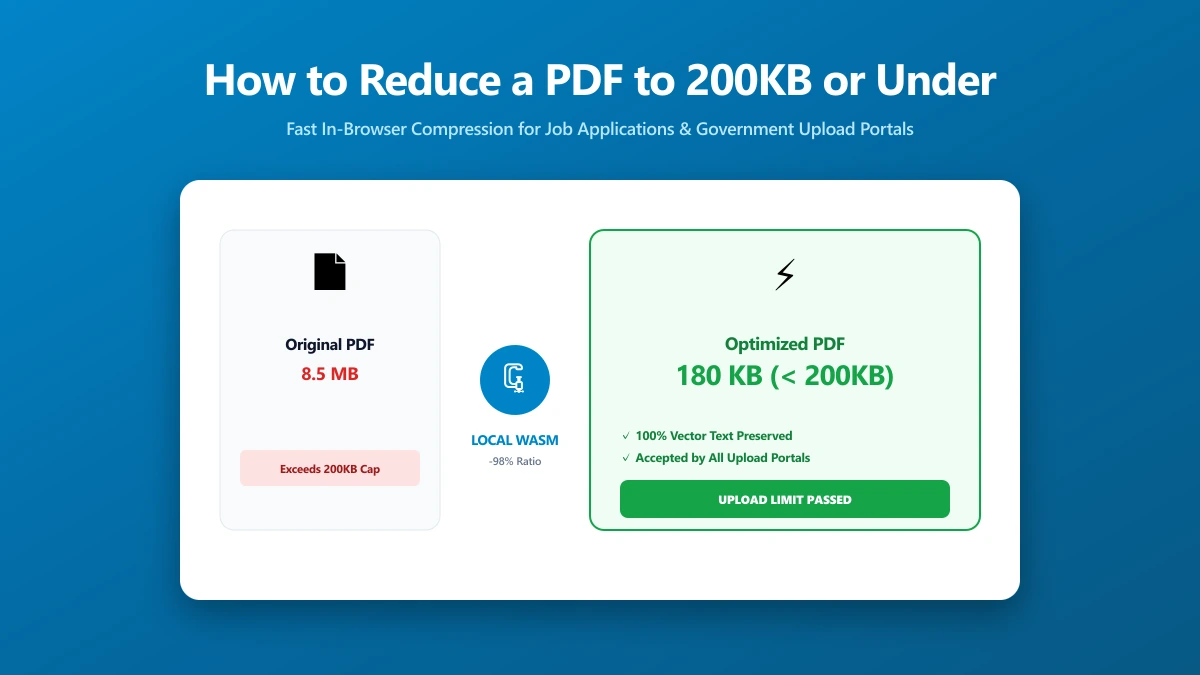
How to Reduce a PDF to 200KB or Under, Fast
Need to reduce a PDF to 200KB or under right now? Here is the fastest method, what actually shrinks file size, and what to do if it still will not fit.
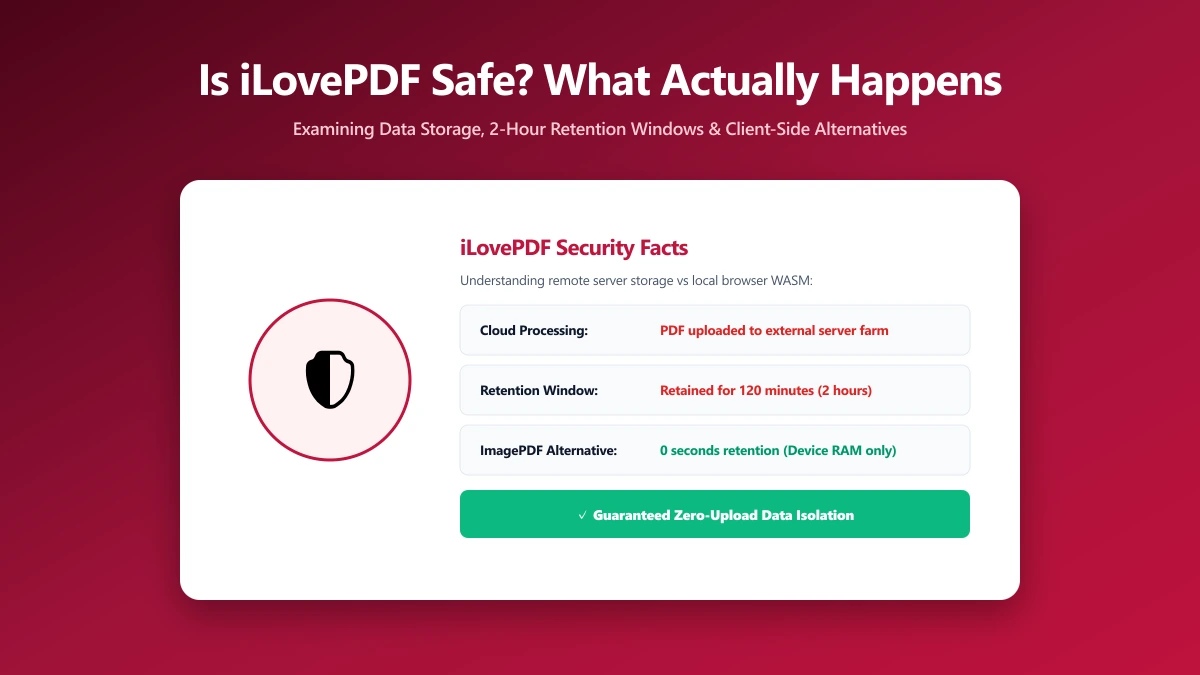
Is iLovePDF Safe? What Actually Happens to Your PDF
Is iLovePDF safe to use? Here is exactly how it processes your PDF, what its 4.9-star Trustpilot rating really tells you, and a private alternative to try.
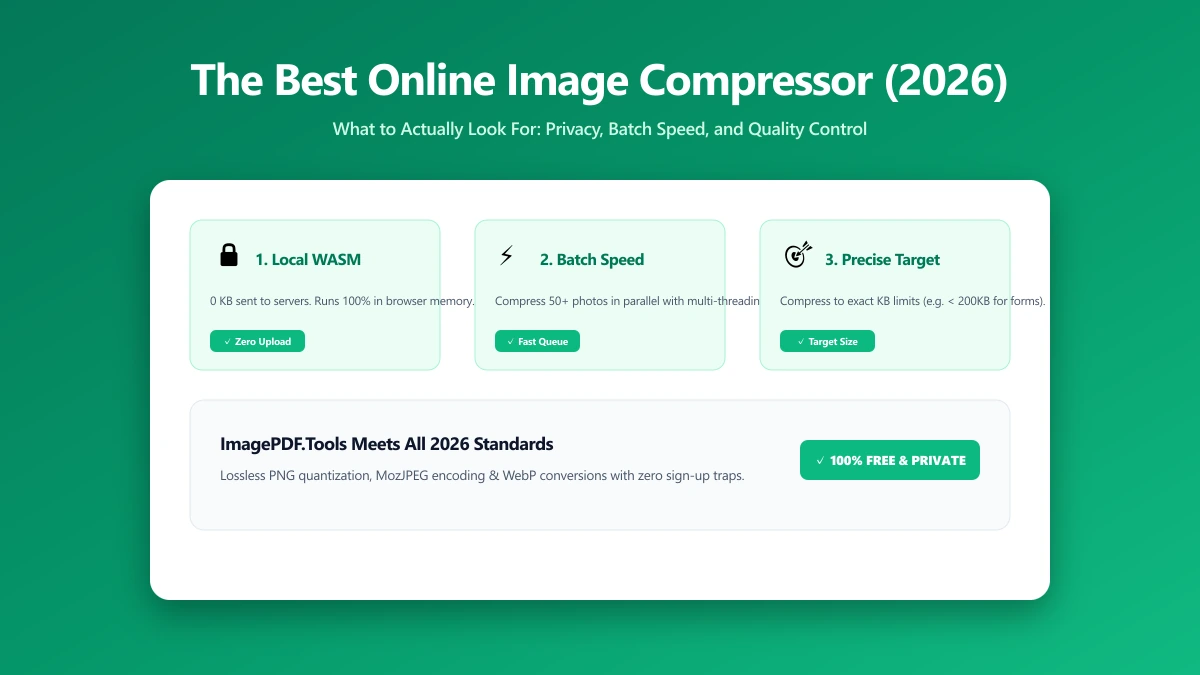
The Best Online Image Compressor in 2026: What to Actually Look For
Looking for the best online image compressor? Here is what actually matters: where processing happens, format support, quality control, and batch limits.
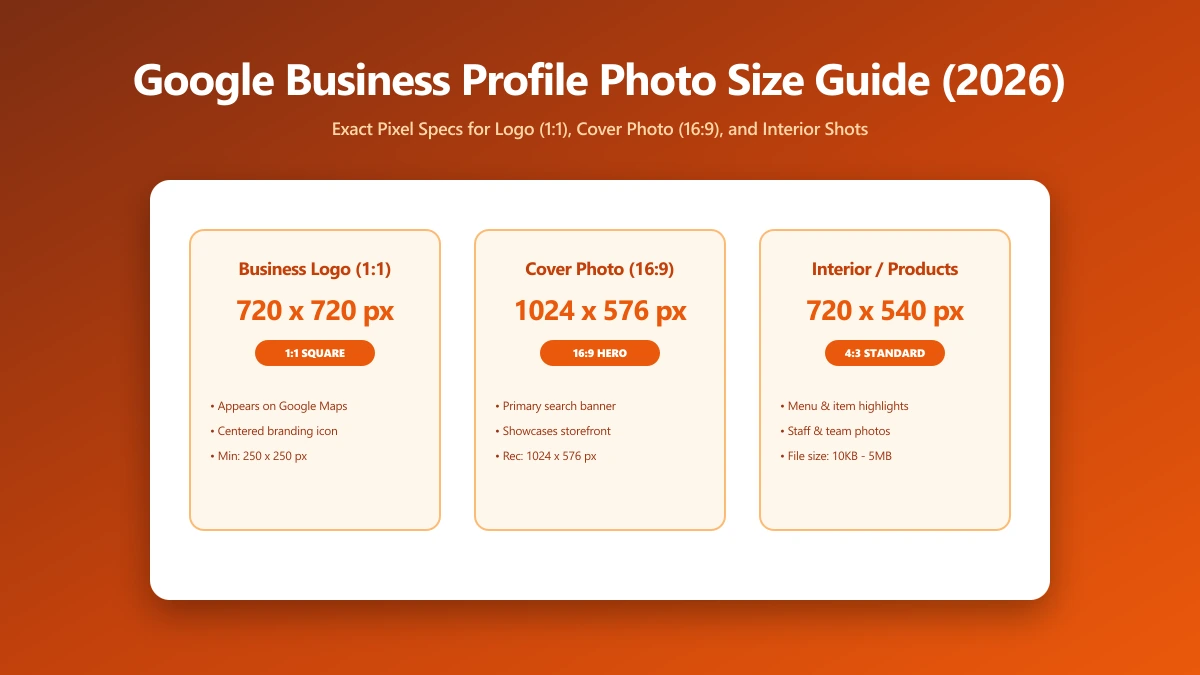
Google Business Profile Photo Size Guide: Logo, Cover, and Interior Photos (2026)
What size should Google Business Profile photos be? Google recommends 720x720px, 10KB to 5MB, JPG or PNG. Here is the exact spec, by photo type, for 2026.
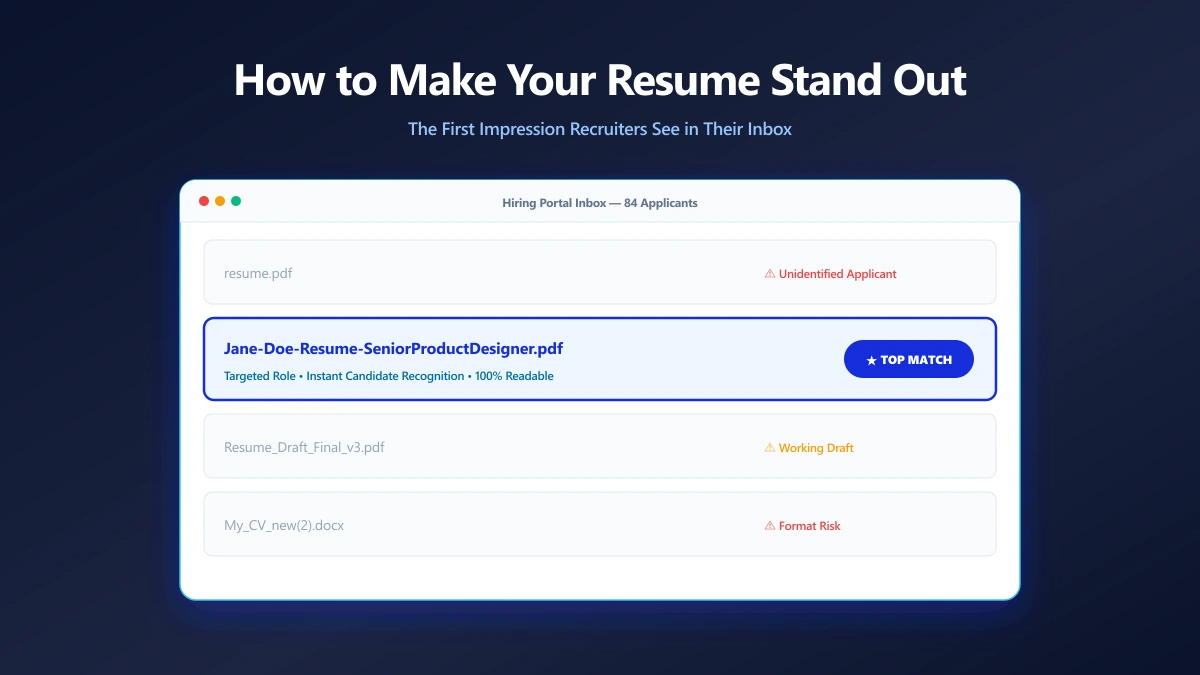
How to Make Your Resume Stand Out Before Anyone Opens It
Your filename is the first thing a recruiter reads. Small presentation choices that make your application look considered before the document opens.
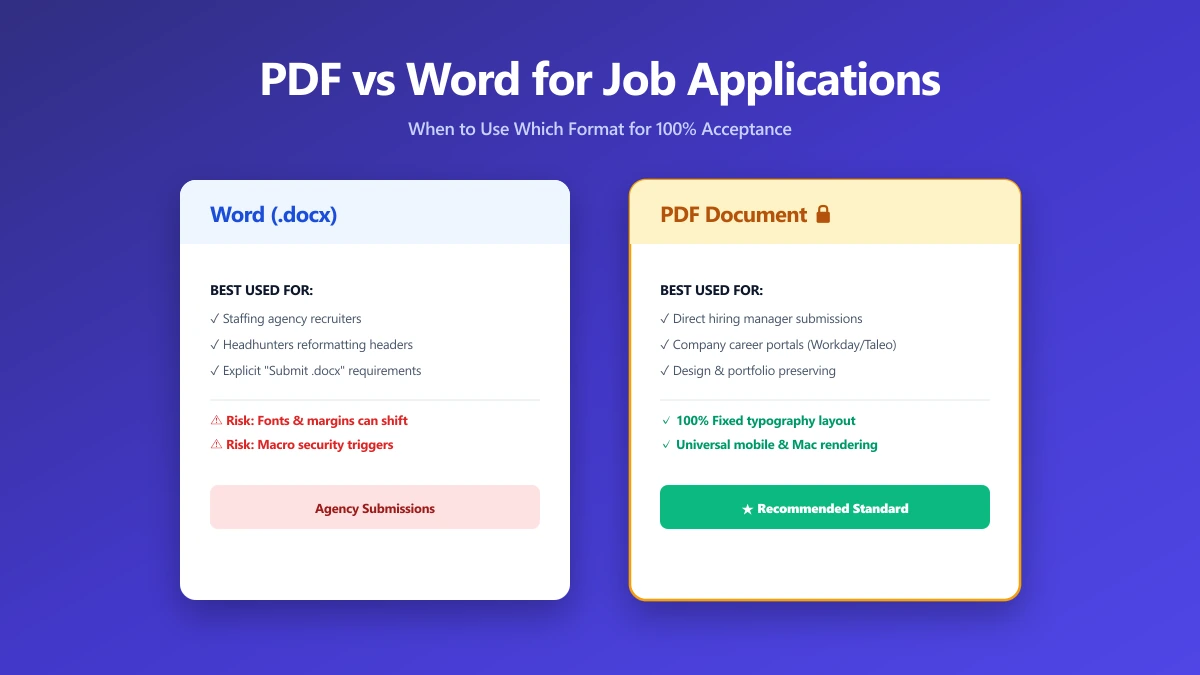
Should I Use PDF or Word for Job Applications?
PDF protects your layout, Word is sometimes required. A decision guide by employer type, plus what to do when the posting does not say either way.
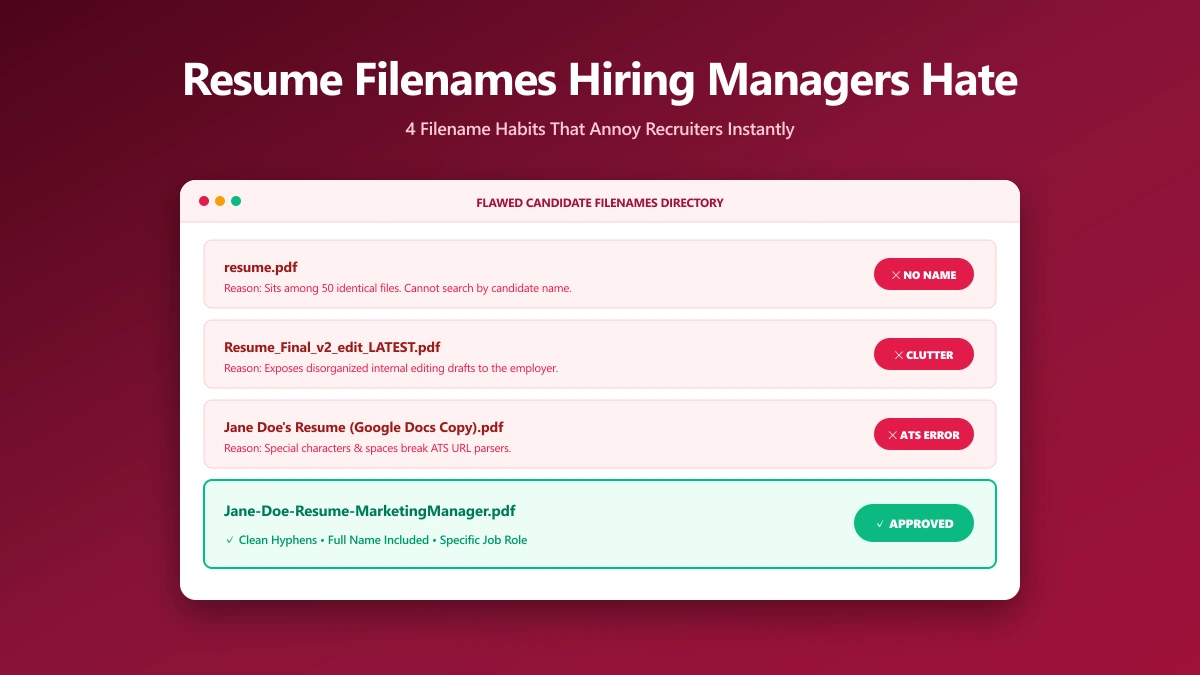
What Resume File Names Do Hiring Managers Hate?
The filename patterns that annoy recruiters, ranked by how often they show up, and what each one accidentally tells the person reading your application.
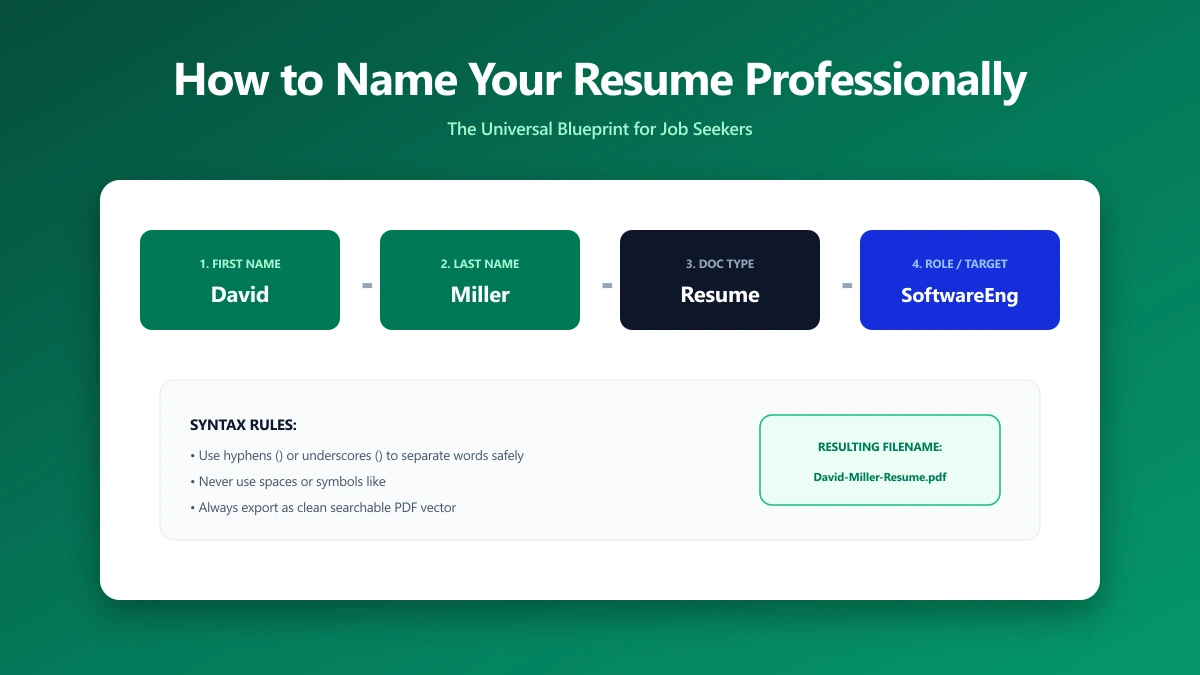
How to Name Your Resume File Professionally
A step-by-step naming convention that works for one application or fifty, including how to handle multiple versions, cover letters, and portal rules.
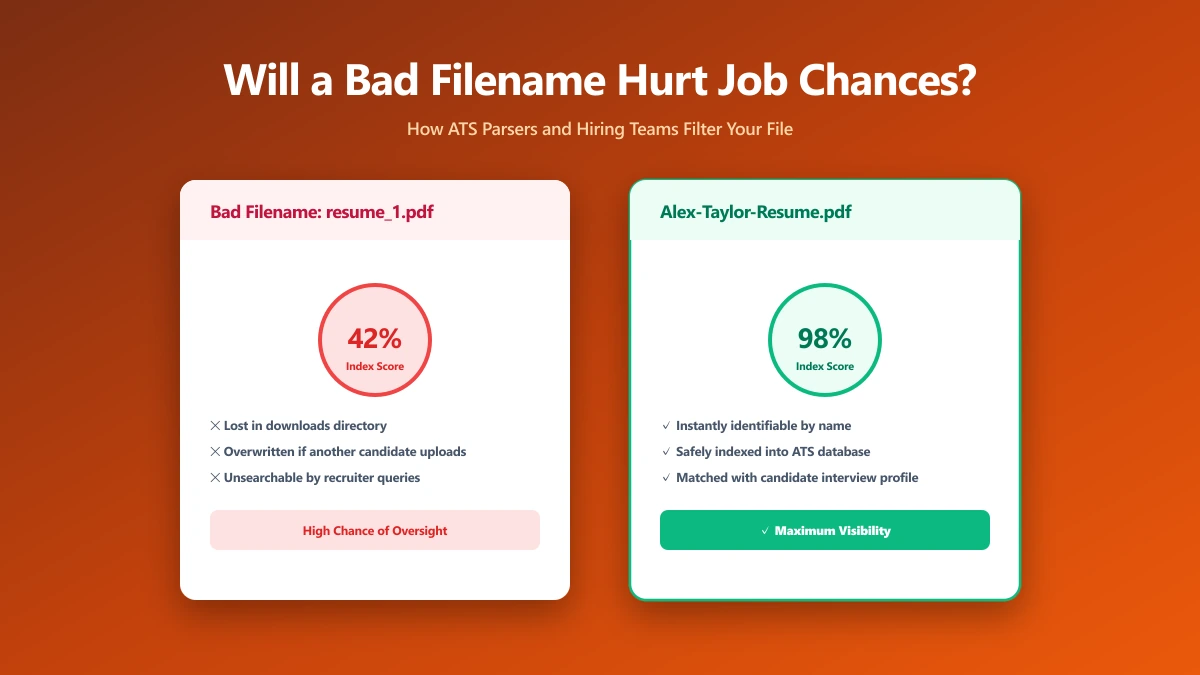
Will a Poorly Named Resume File Hurt My Job Chances?
An honest answer: what a bad filename actually costs you, what it does not, and which file mistakes genuinely end an application before it is read.
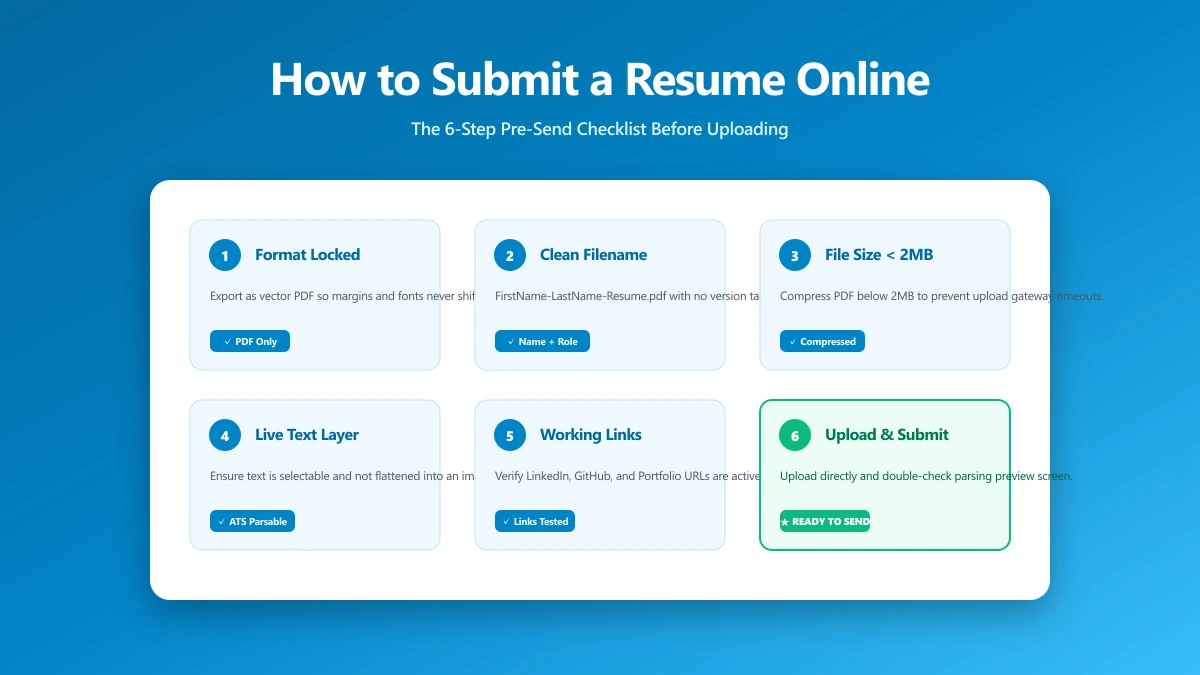
How to Submit a Resume Online: The 6-Step Pre-Send Check
A 6-step check to run before you upload: format, filename, file size, portal rules, hidden metadata, and a test send. Takes about a minute.
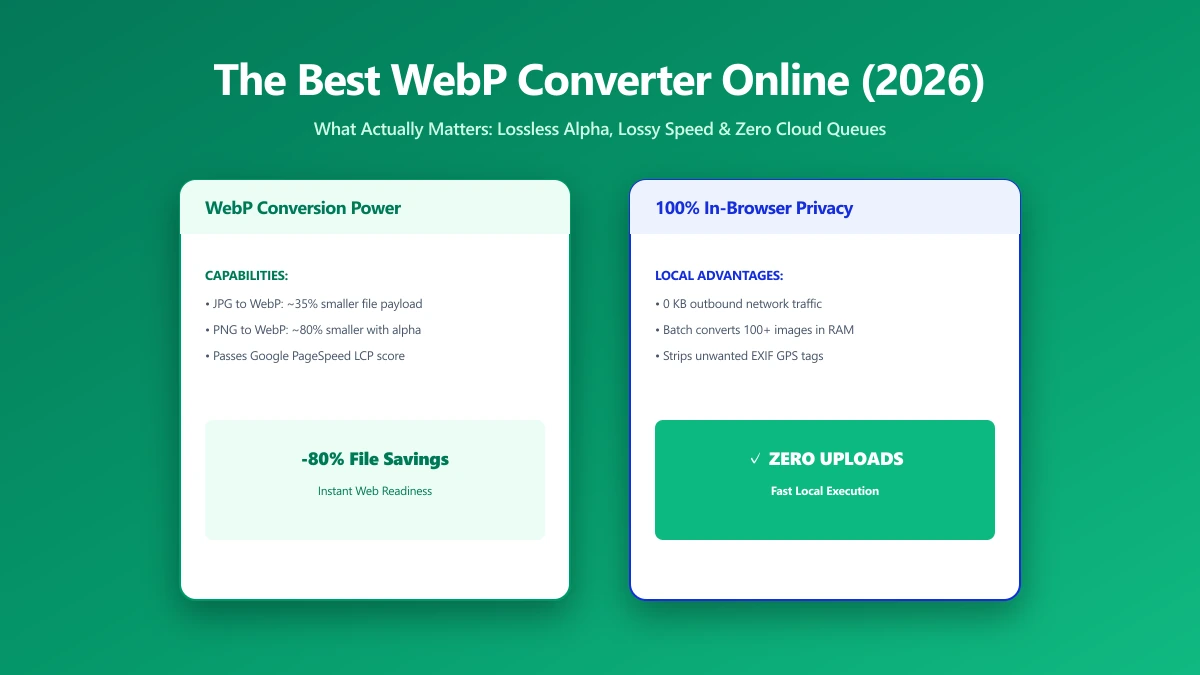
The Best WebP Converter Online: What Actually Matters (2026)
Comparing WebP converters? See what separates the best from the rest: batch limits, quality control, transparency, and whether your files get uploaded.
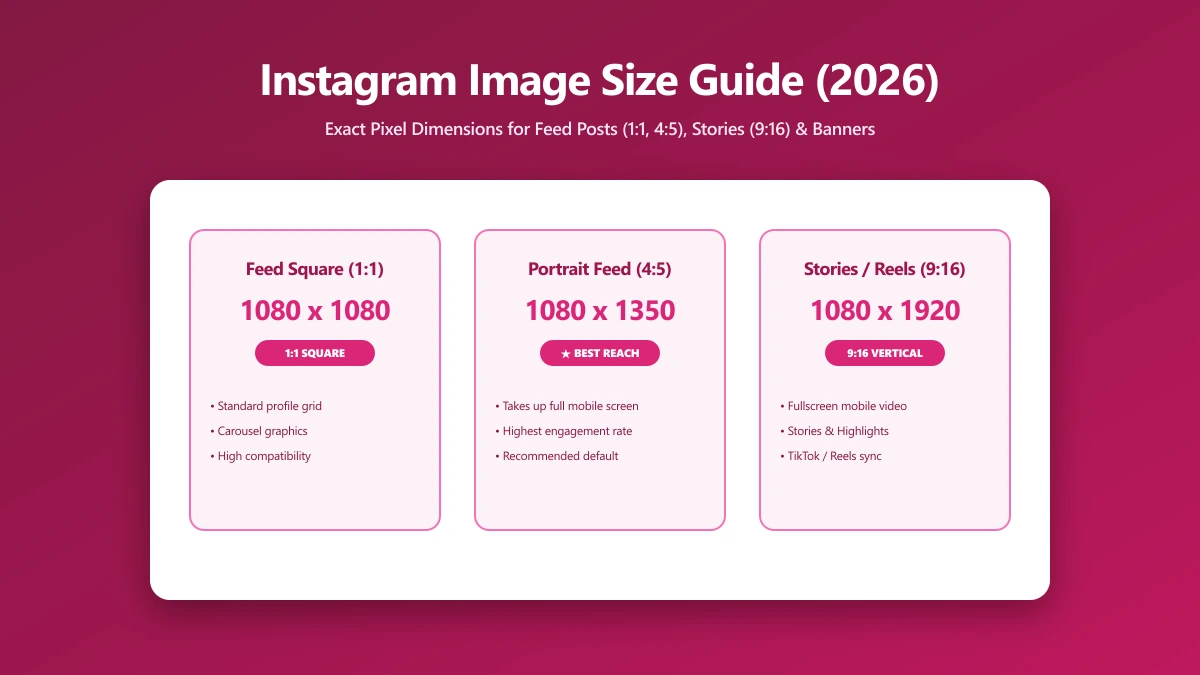
Instagram Image Size Guide 2026: The Exact Dimensions for Every Format
The exact Instagram image sizes for 2026: square posts, portrait posts, Stories, Reels, and profile photos, plus how to resize without losing quality.
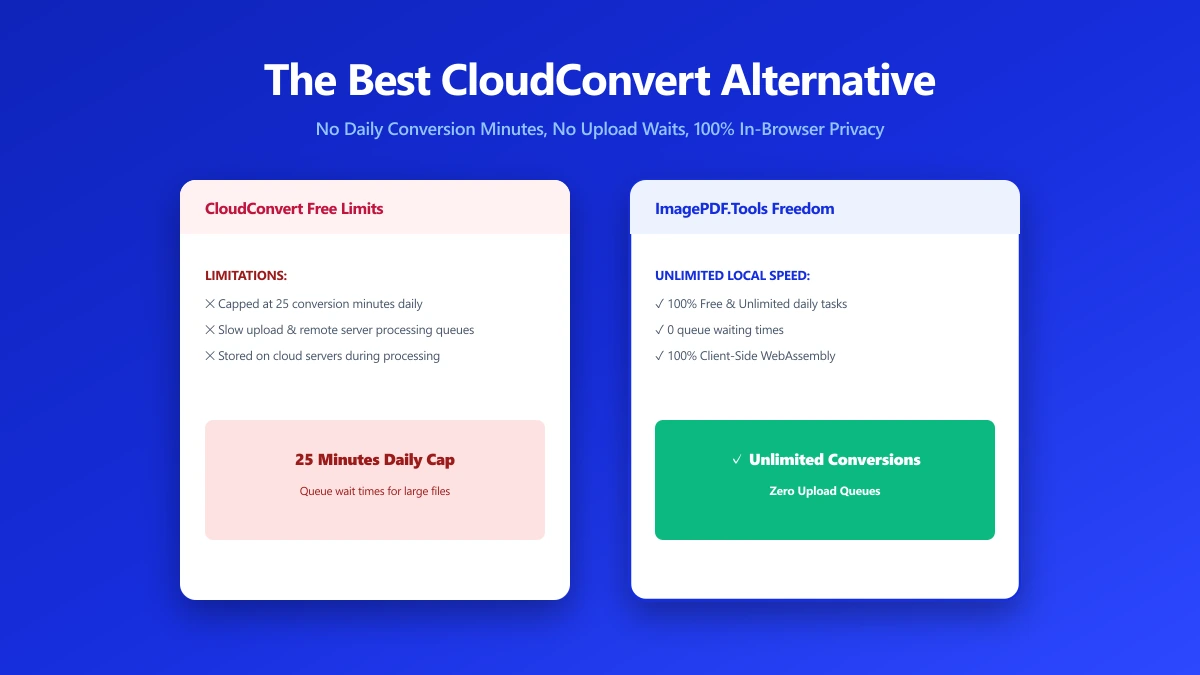
The Best CloudConvert Alternative for PDFs and Images (No Upload) (2026)
CloudConvert supports 200+ formats but every file still passes through its servers for up to 24 hours. ImagePDF.Tools converts PDFs and images locally.
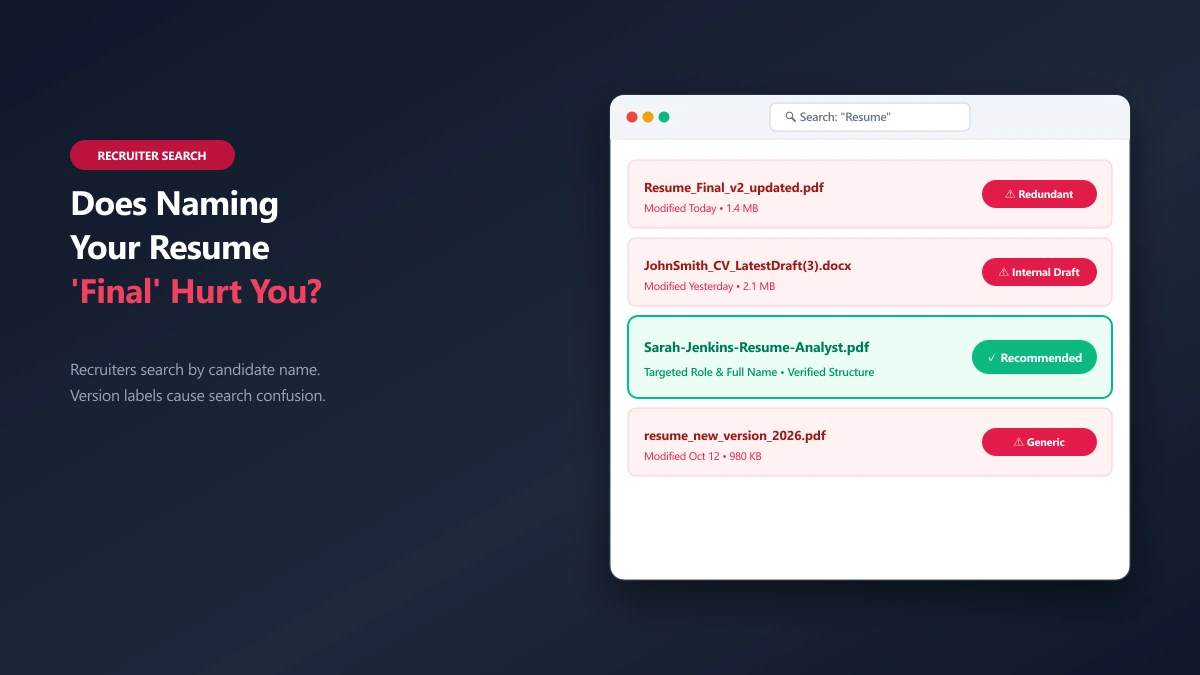
Does Naming Your Resume 'Final' or 'Updated' Hurt Your Chances?
Is naming your resume final or updated a bad idea? Learn how recruiters view file version numbers and what to do instead.
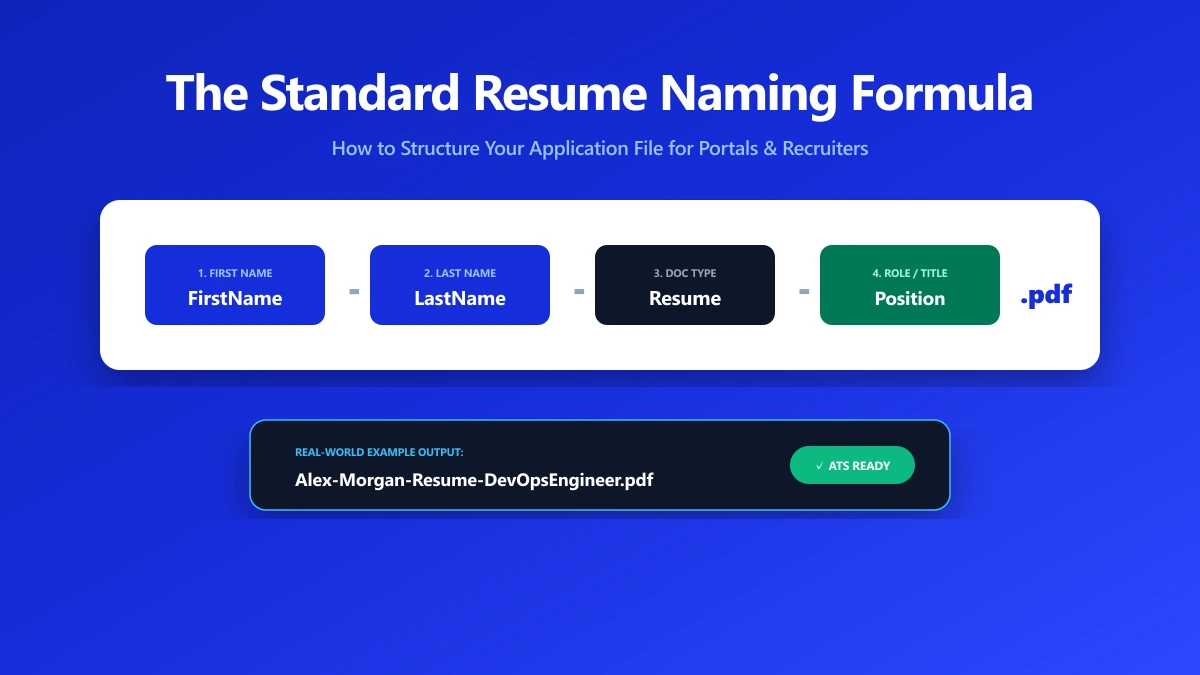
What's the Professional Way to Name Your Resume?
Get clear examples of professional resume filenames. Learn the step-by-step formula to name your PDF or Word document for job portals.
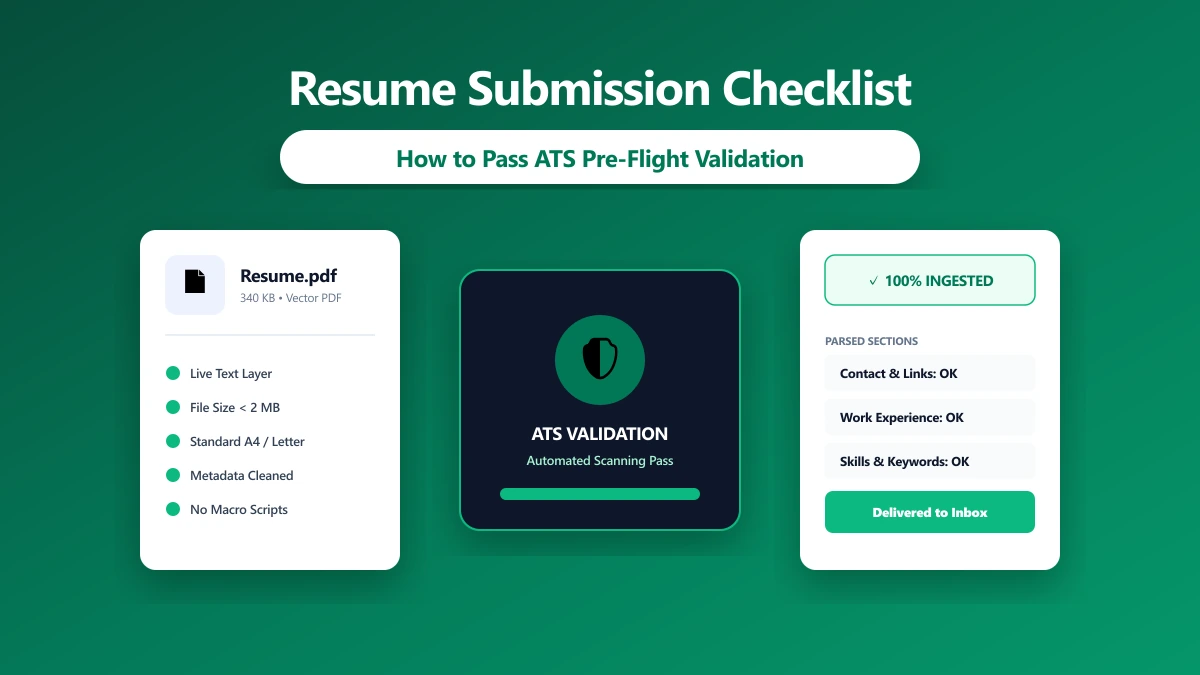
How to Submit a Resume That Hiring Managers Won't Delete
Avoid mechanical failures that get your application deleted. Follow this 6-step check for format, size, and metadata before uploading.
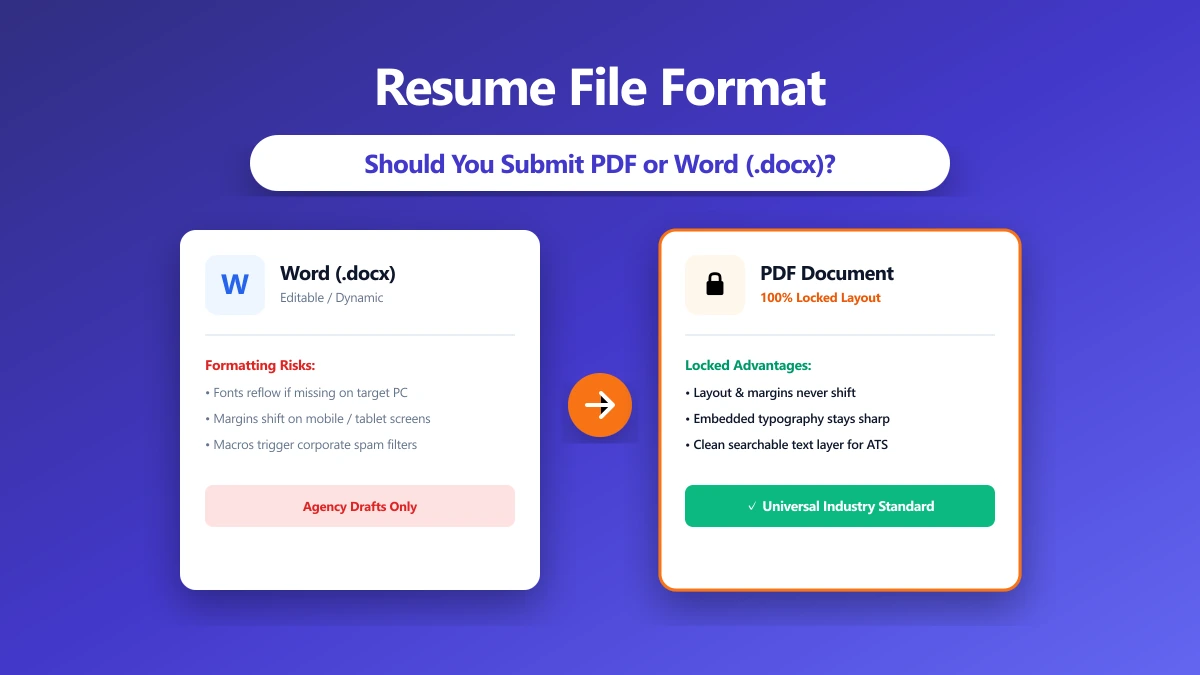
Resume File Format: PDF, Word, or Something Else?
PDF or Word for resume submissions? See how format choices affect applicant tracking systems (ATS) and recruiter views in 2026.
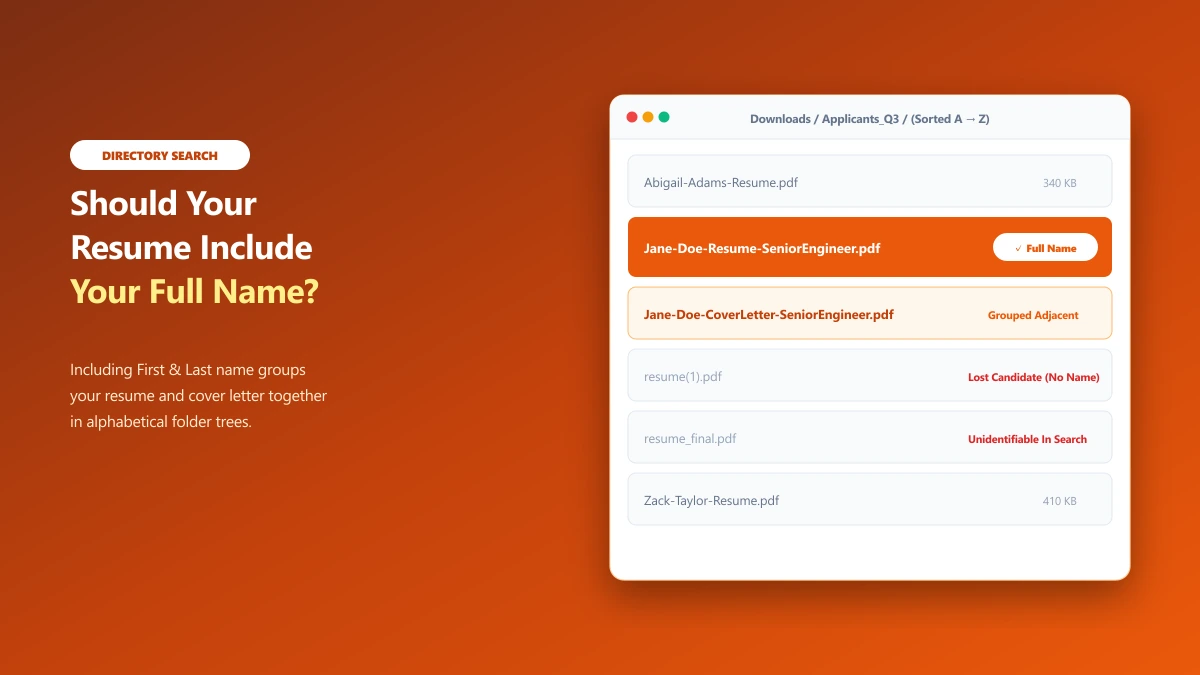
Should Your Resume File Name Include Your Full Name?
Should you put your full name in your resume file name? Learn the optimal naming rules for human recruiters and online portals.
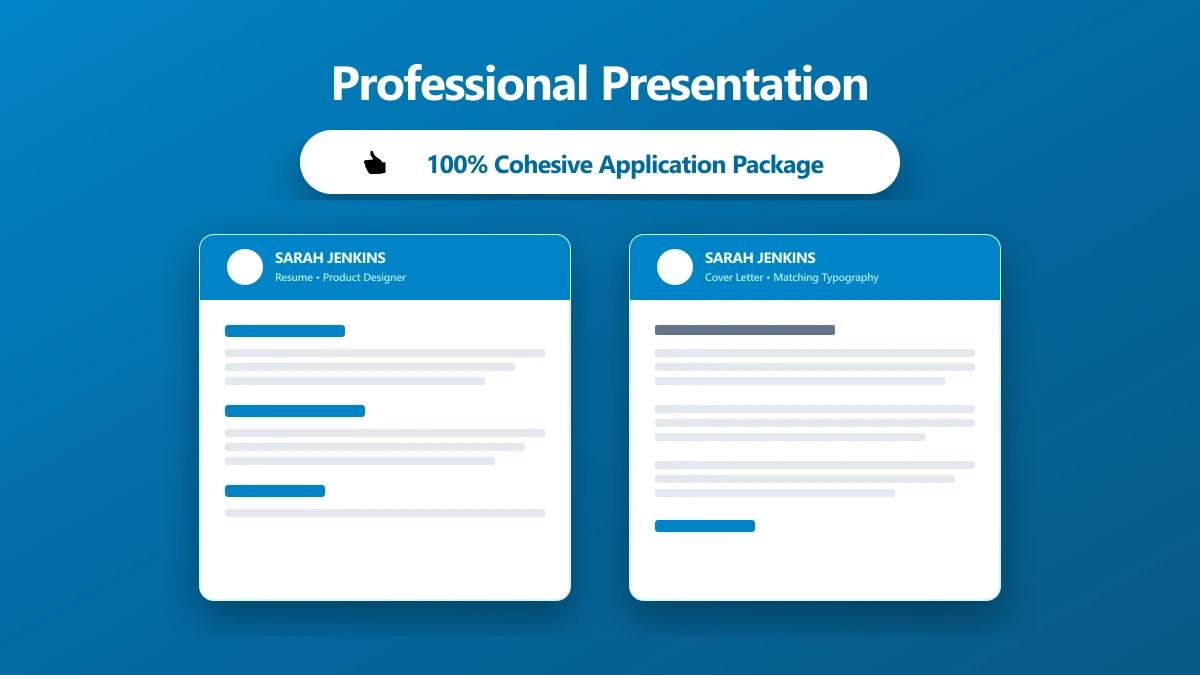
How to Make Your Resume File Look Professional
Make your application look considered before the file is opened. Formatting and presentation tips for resume filenames and attachments.
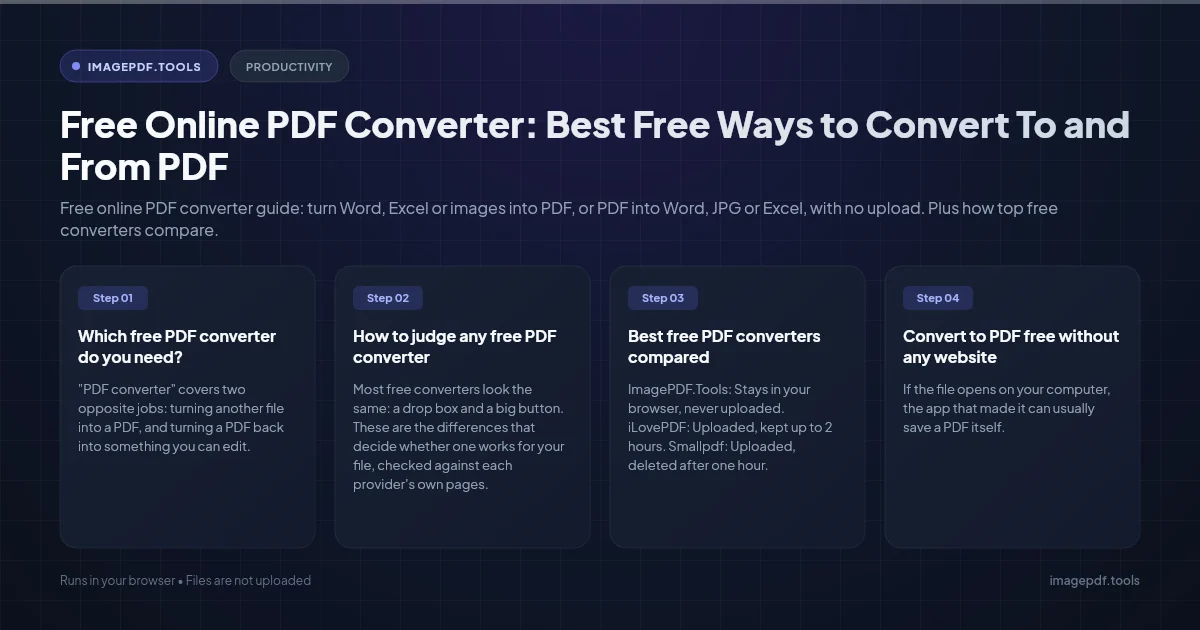
Free Online PDF Converter: Best Free Ways to Convert To and From PDF
Free online PDF converter guide: turn Word, Excel or images into PDF, or PDF into Word, JPG or Excel, with no upload. Plus how top free converters compare.
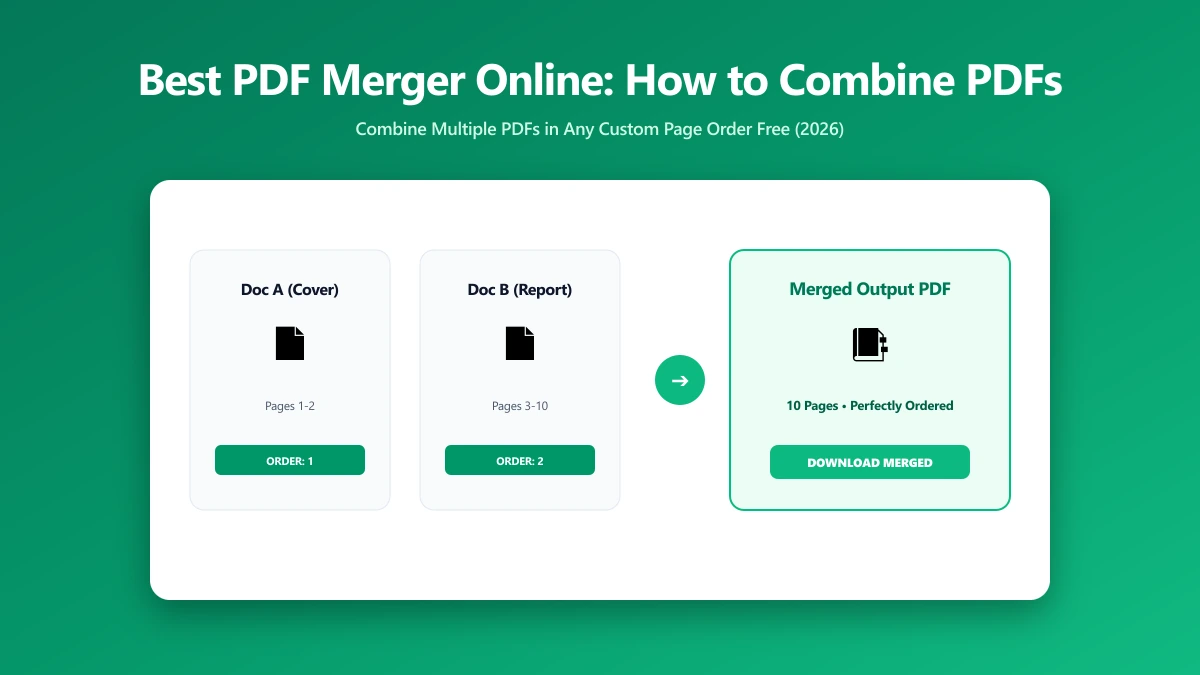
Best PDF Merger Online: How to Combine PDFs for Free in 2026
Looking for the best PDF merger online? See what makes one trustworthy, a step-by-step how-to guide, and a free browser-based option with no page limit.
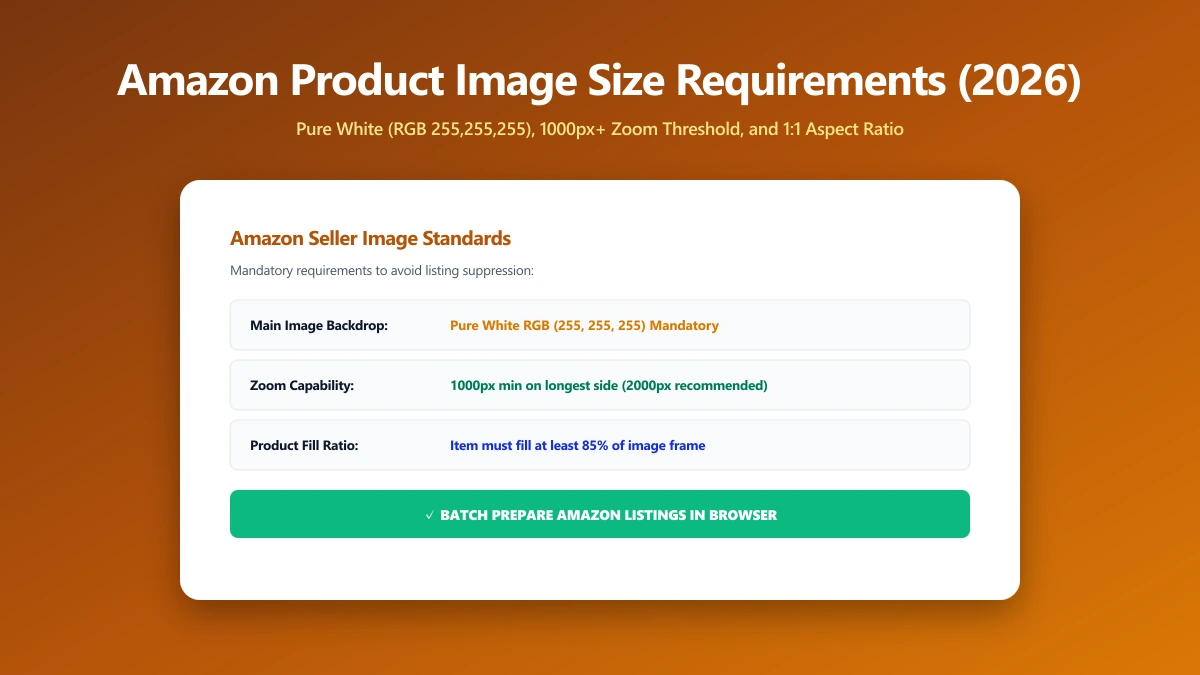
Amazon Product Image Size Requirements 2026: The Exact Dimensions Sellers Need
Amazon requires main images at least 1000px on the longest side on a pure white background. Here are the exact pixel specs sellers need to hit in 2026.
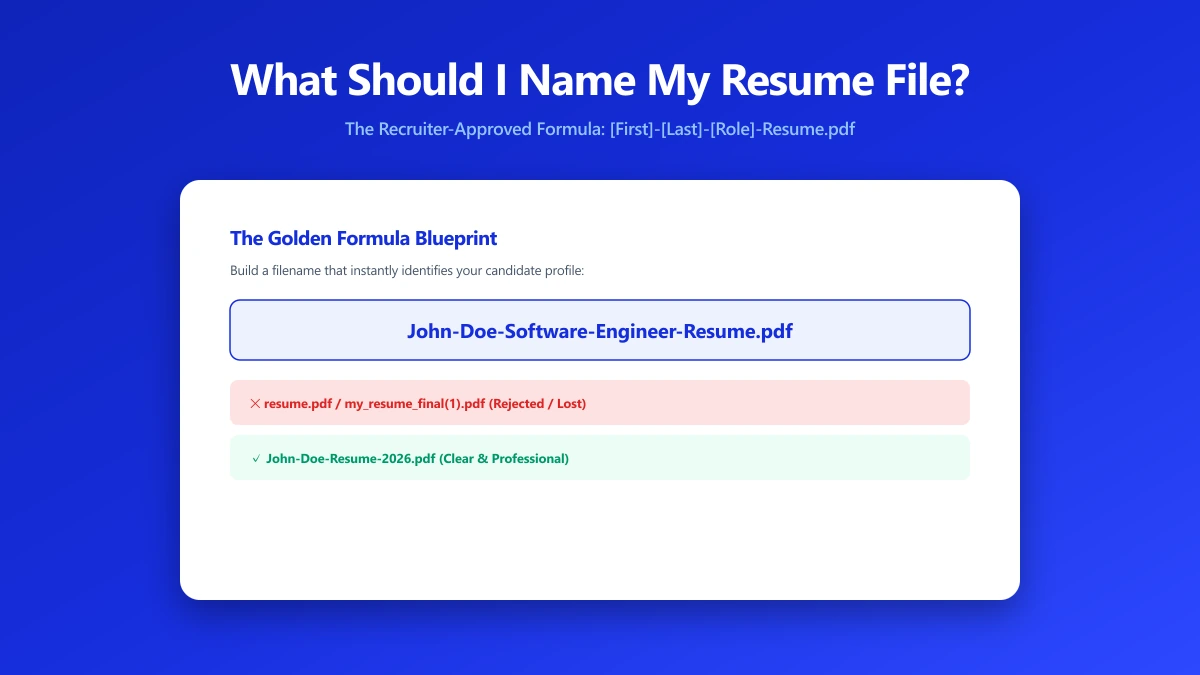
What Should I Name My Resume File? A Naming Formula That Works
Naming a resume file wrong can get it skipped by an ATS or a recruiter. Here is the exact naming formula to use, and the filenames to avoid.
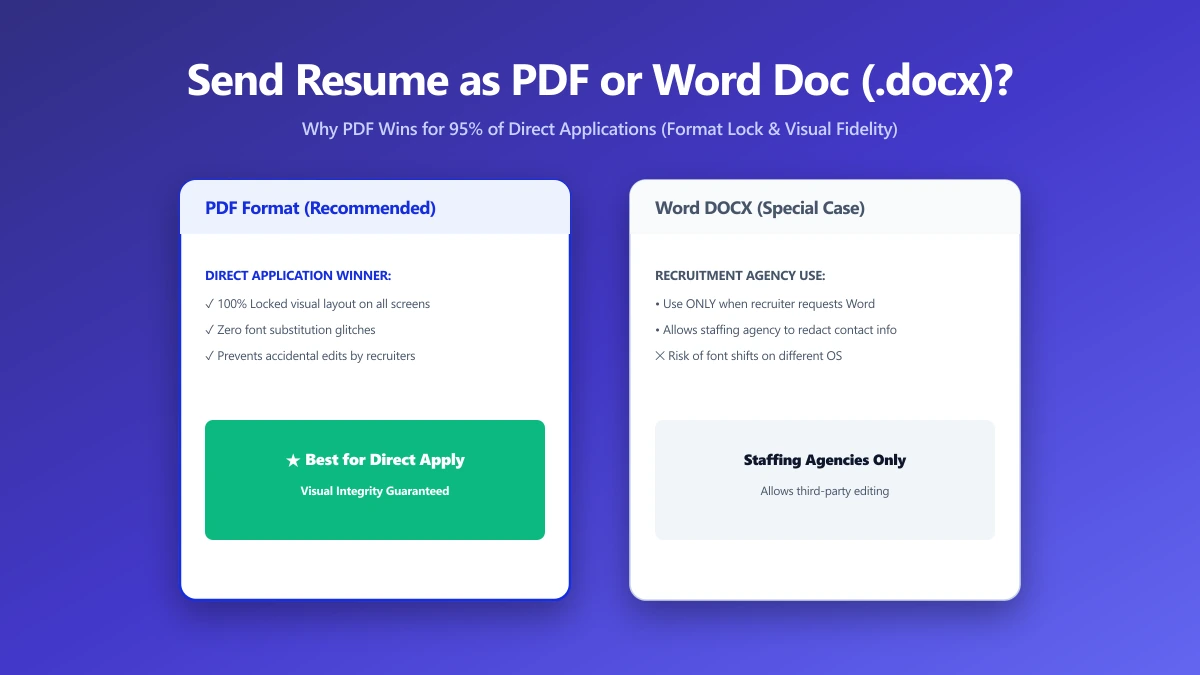
Should I Send My Resume as a PDF or Word Doc?
PDF or Word for your resume? Most recruiters and applicant tracking systems prefer PDF, but a few situations still call for a Word document.
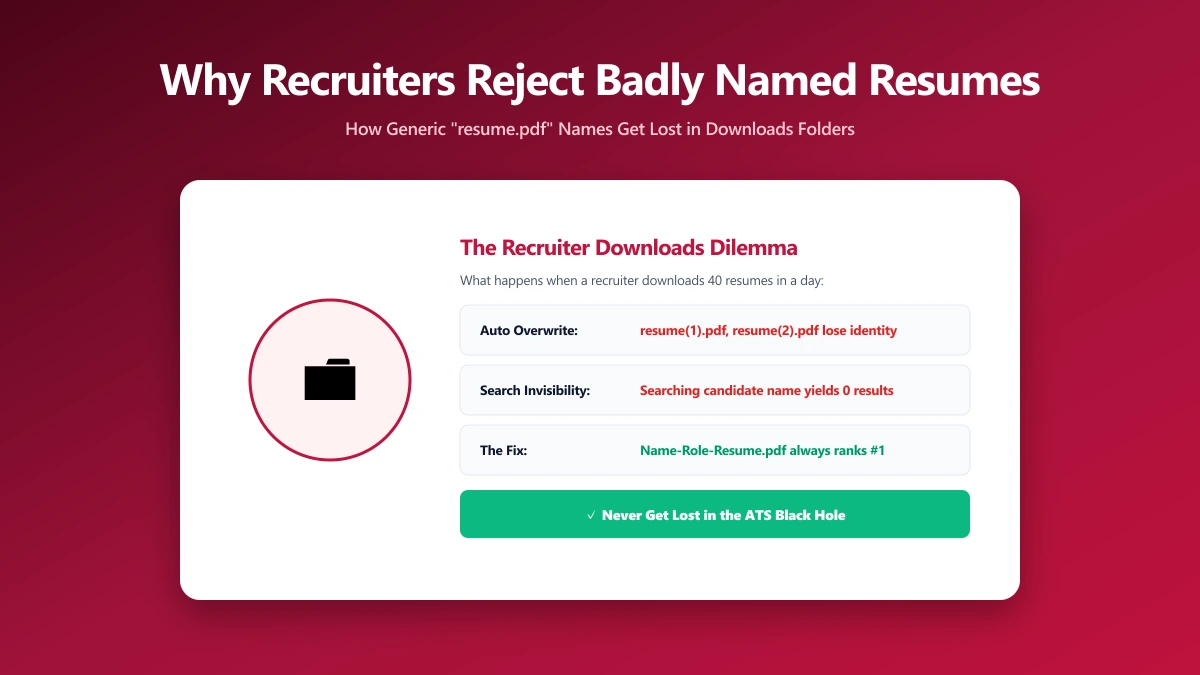
Why Recruiters Reject Poorly Named Resume Files
A poorly named resume file can get lost, mis-sorted, or skipped entirely. Here is exactly why recruiters reject them, and how to fix yours.
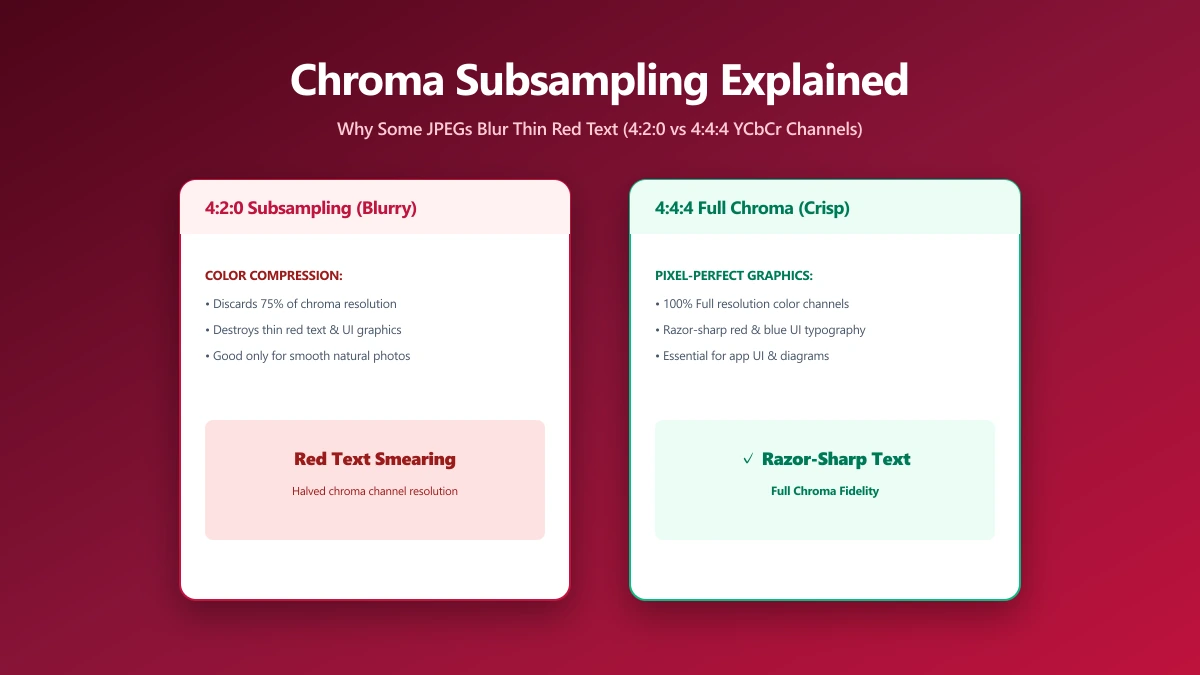
Chroma Subsampling Explained: Why Some JPEGs Blur Thin Red Text and Fine Lines
Notice blurred colored text in a sharp JPEG? That's chroma subsampling, a hidden compression trick most quality sliders never mention or expose to you.
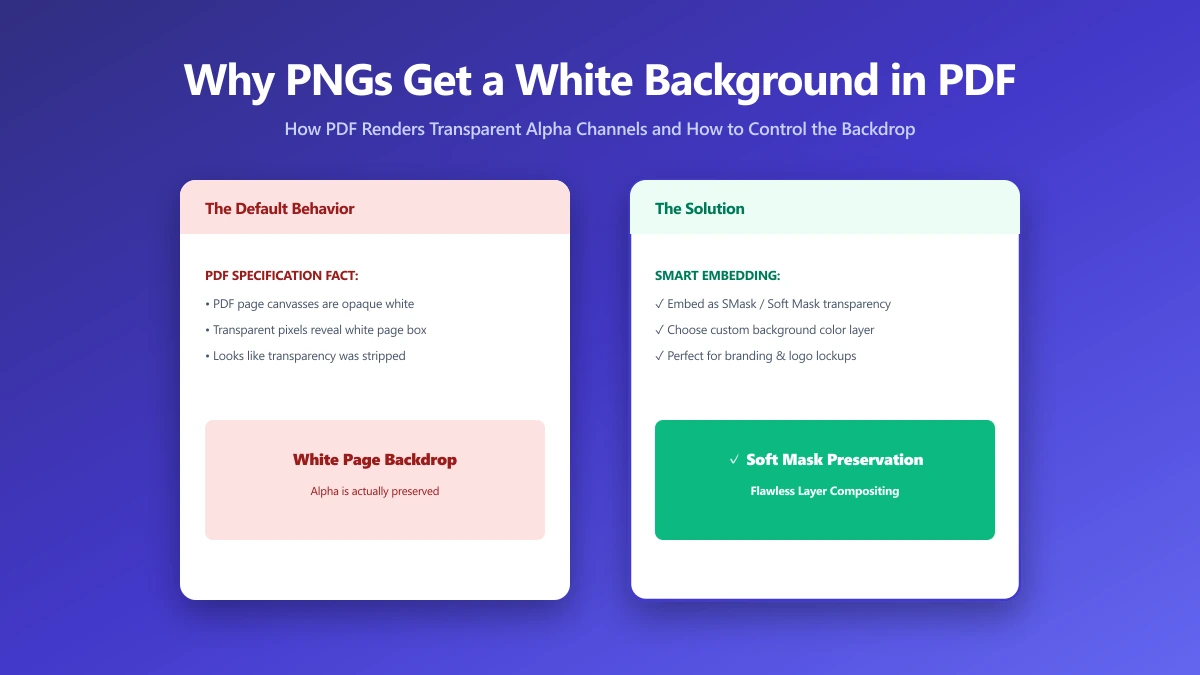
Why Your PNG Gets a White Background When You Convert It to PDF (and How to Fix It)
Convert a transparent PNG to PDF and get a solid white box instead? PDF has no native alpha channel like PNG. Here's why it happens and how to fix it.
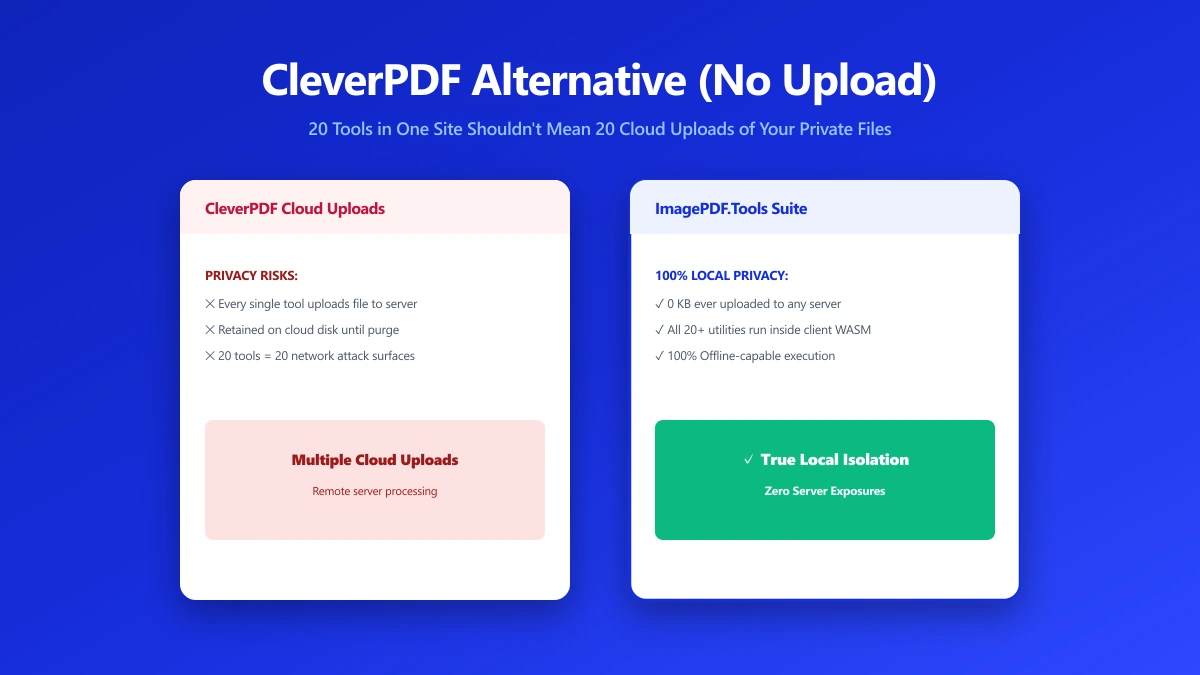
CleverPDF Alternative: 20 Tools in One Site Also Means 20 Uploads of Your Files
CleverPDF bundles about 20 tools into one site, but each one still uploads your file to a server. Here's a browser-based alternative for core PDF tasks.
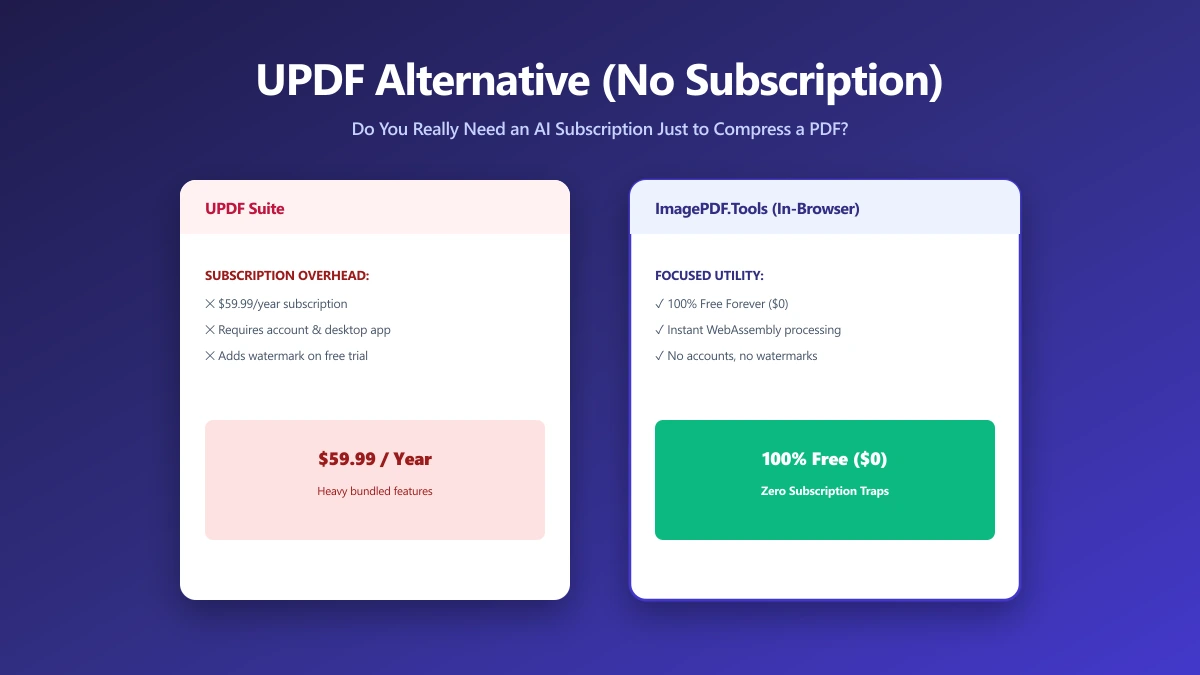
UPDF Alternative: Do You Need an AI PDF App Just to Compress One File?
UPDF bundles AI chat and summarization into a paid subscription. If you need to compress or convert a PDF, here is a free alternative with no AI upsell.
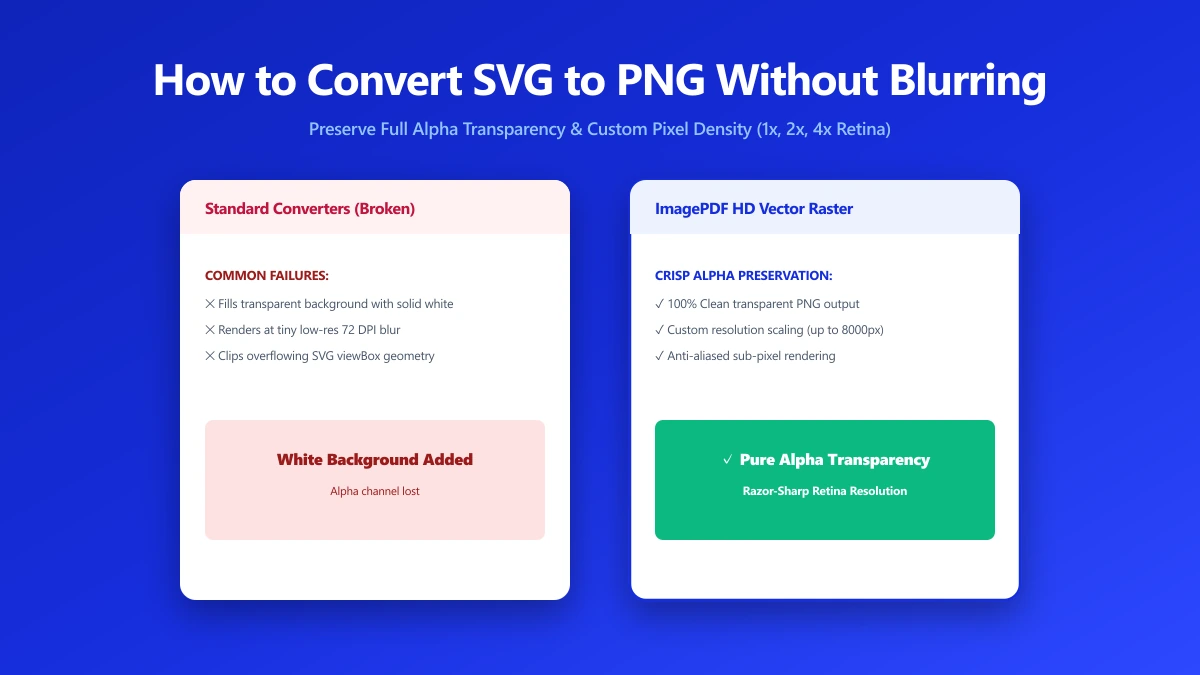
How to Convert SVG to PNG Without Losing Transparency or Going Blurry
Converting SVG to PNG the wrong way can blur your logo or fill transparency with solid white. Here is how to convert it correctly, free, in your browser.
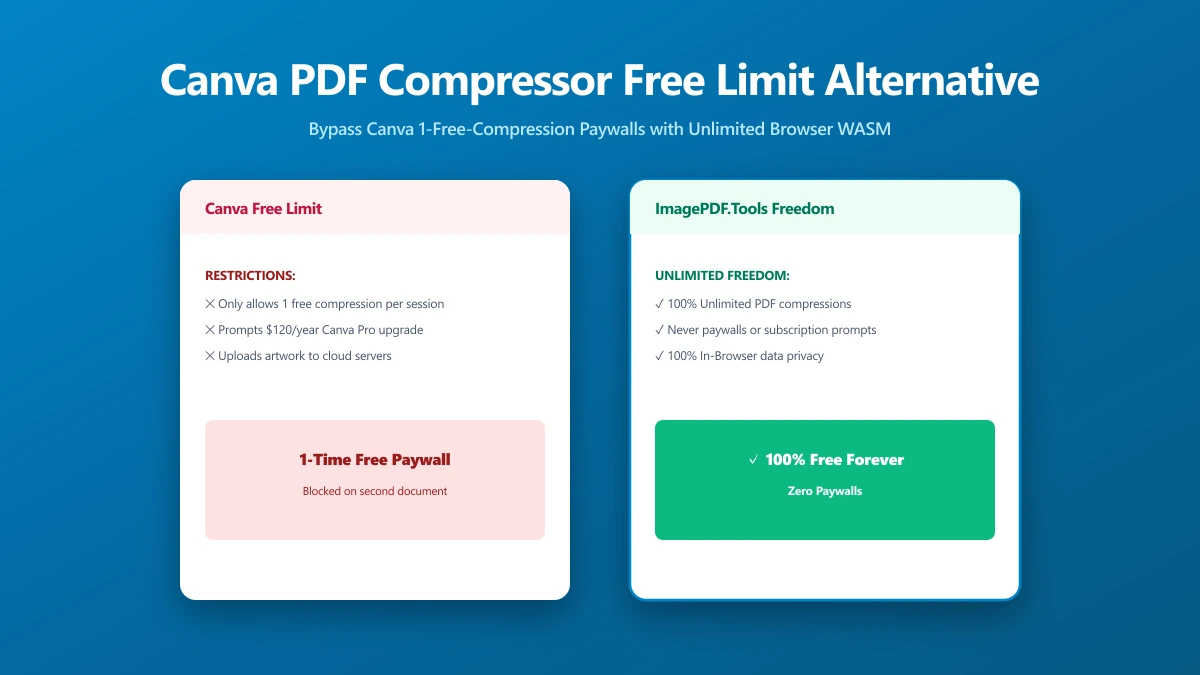
Canva's PDF Compressor Only Works Once for Free, Here's the Unlimited Alternative
Canva's PDF compressor caps free users at one use and requires an account sign-up. Here is an unlimited, browser-based alternative that needs neither.
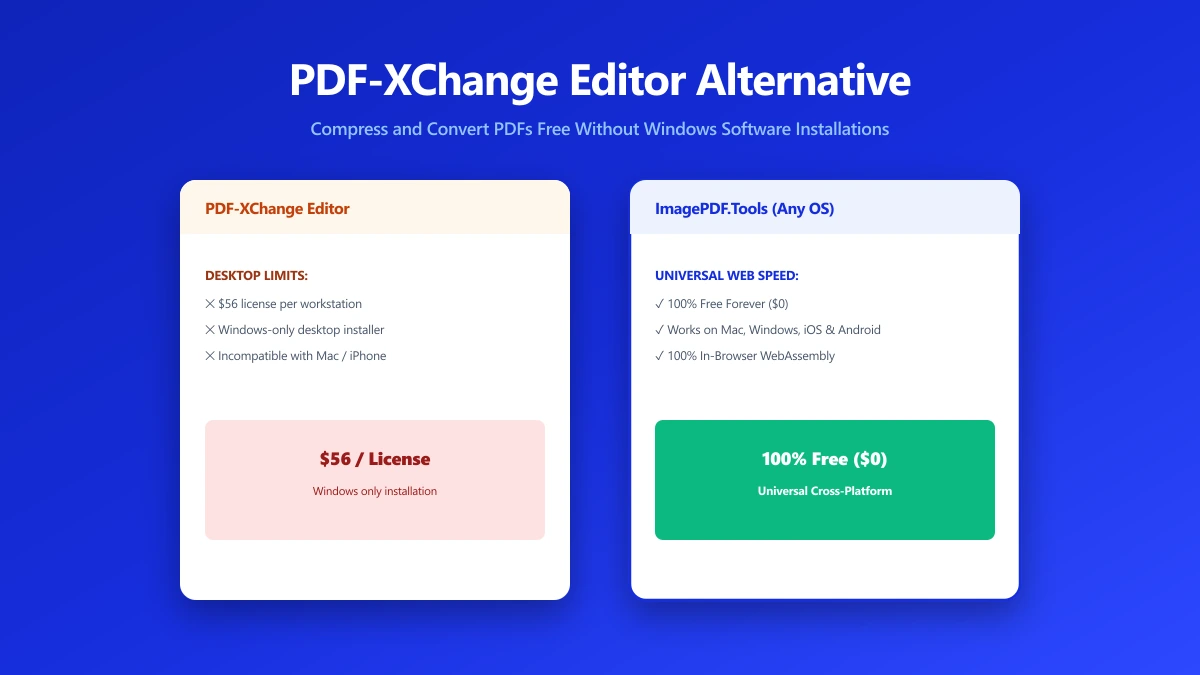
PDF-XChange Editor Alternative: Compress a PDF Without Installing Anything
PDF-XChange Editor is a solid Windows-only editor that requires installing. Try a free browser-based alternative that works on any device, no install.
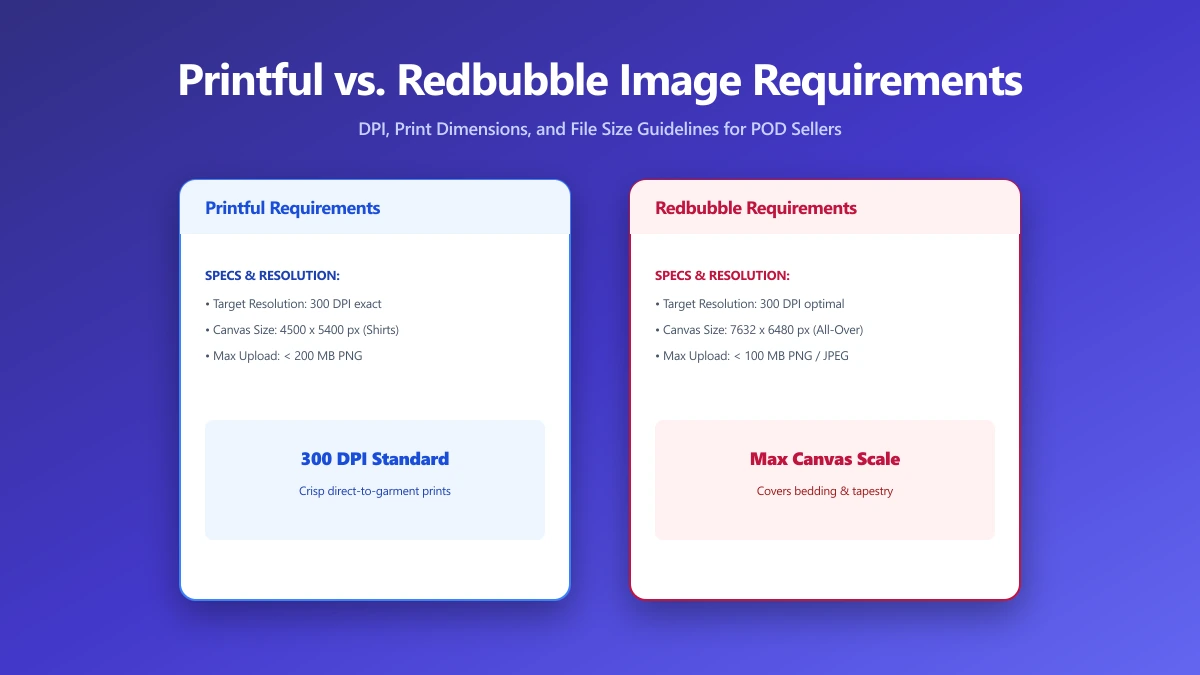
Printful vs. Redbubble Image Requirements: DPI, Resolution, and File Size Compared
Printful and Redbubble use different sizing rules for print-on-demand artwork. Upload the wrong file and risk rejected uploads or blurry prints online.
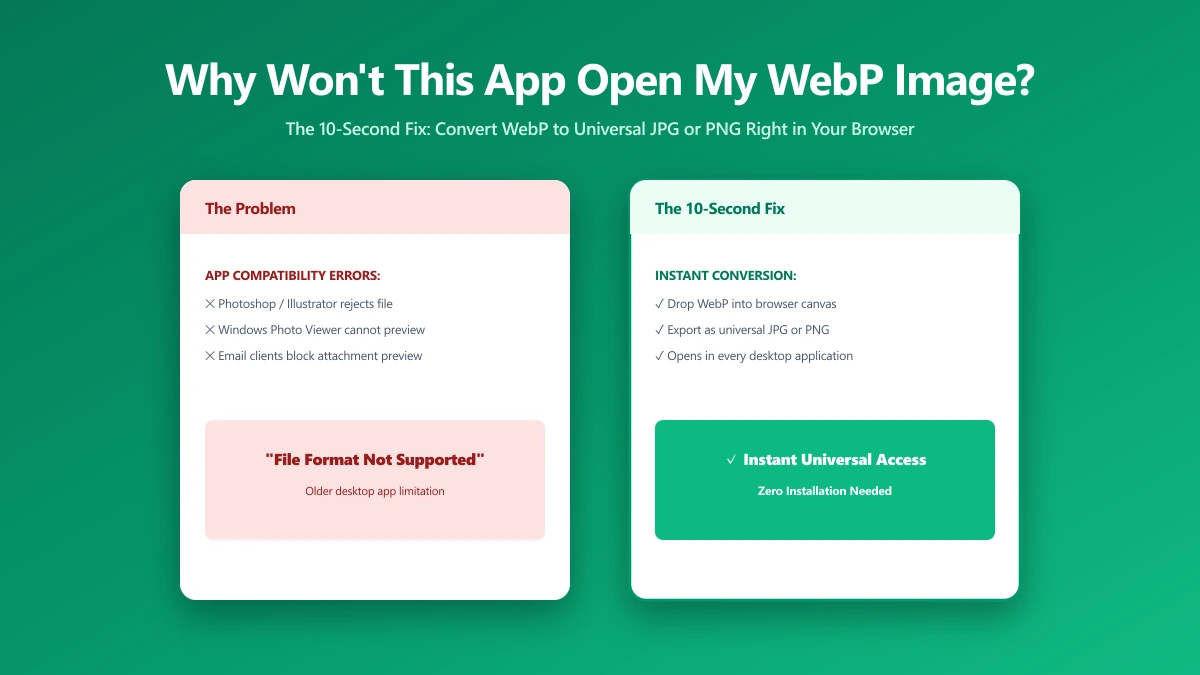
Why Won't This App Open My WebP Image? The 10-Second Fix
Saved an image from your browser and now Word or an older app refuses to open it? It is almost certainly a WebP file. Here is why, and the 10-second fix.
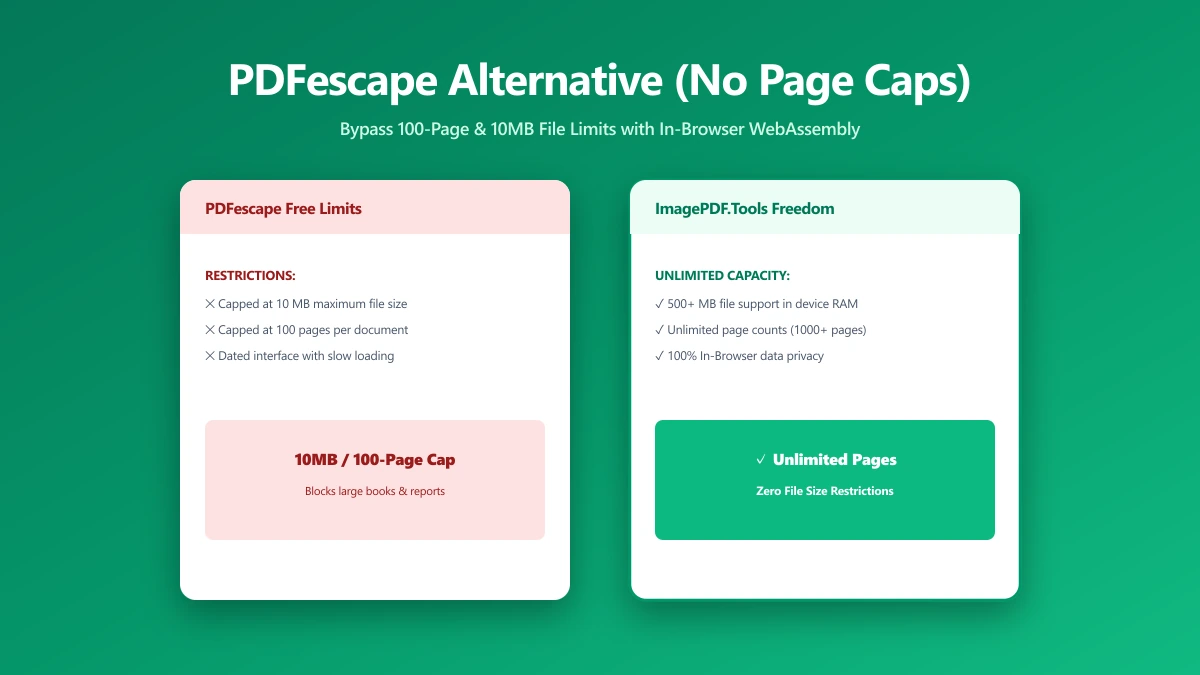
PDFescape Alternative: Compress PDFs Without the Page-Count or File-Size Caps
PDFescape's free tier caps page count, file size, and monthly documents, plus ads. Here's a browser-based alternative with no caps and nothing uploaded.
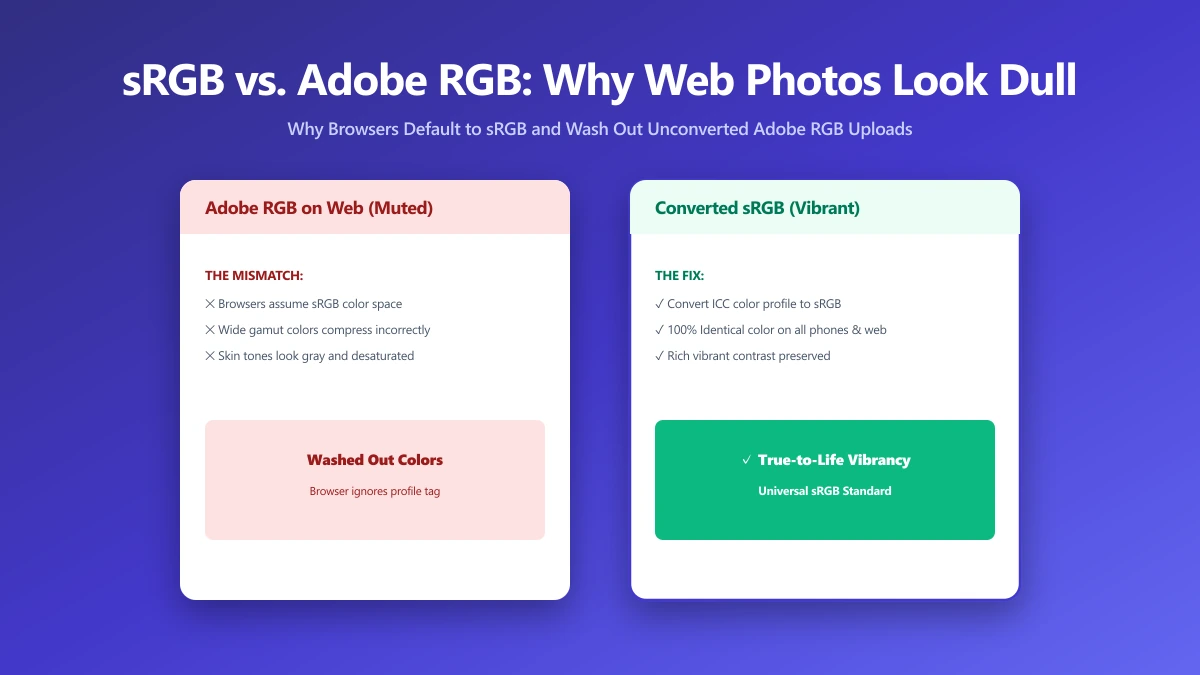
sRGB vs Adobe RGB: Why Your Photos Look Dull the Moment You Upload Them
Edit in Adobe RGB and your photos can look dull the moment they're uploaded, since the web assumes sRGB. Here is the one export setting that fixes it.
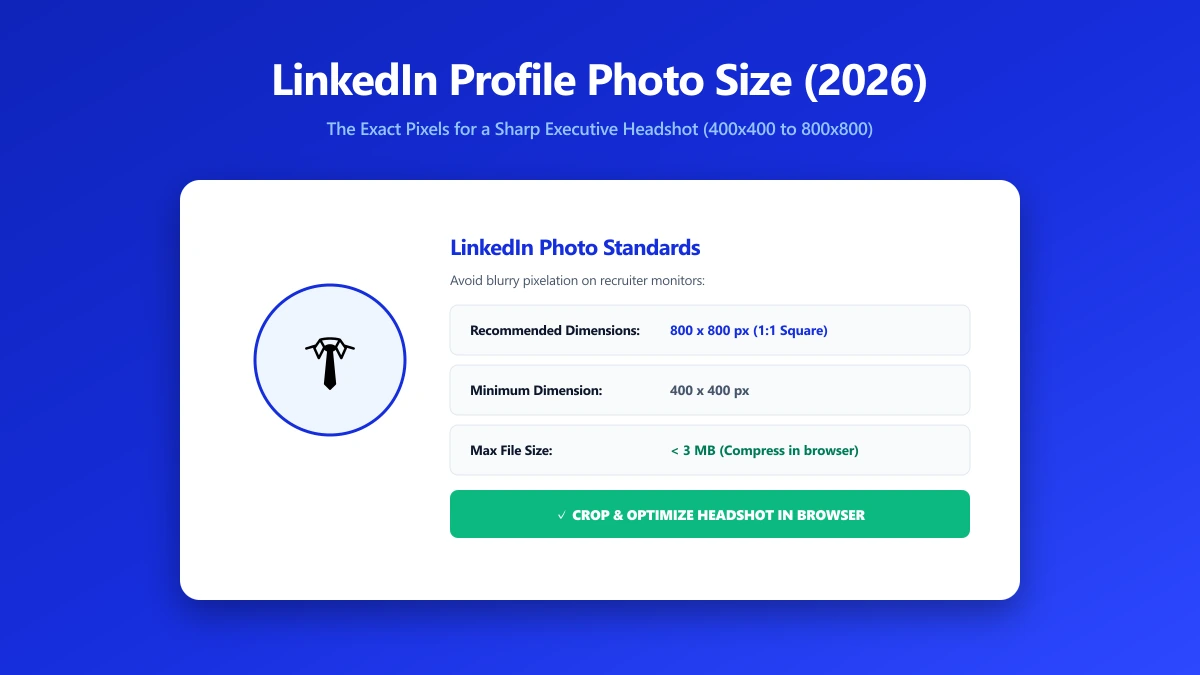
LinkedIn Profile Photo Size in 2026: The Exact Pixels for a Sharp Headshot
LinkedIn recommends 400x400 pixels for a profile photo, but sharper results need larger uploads. Here is the exact pixel spec for a professional headshot.
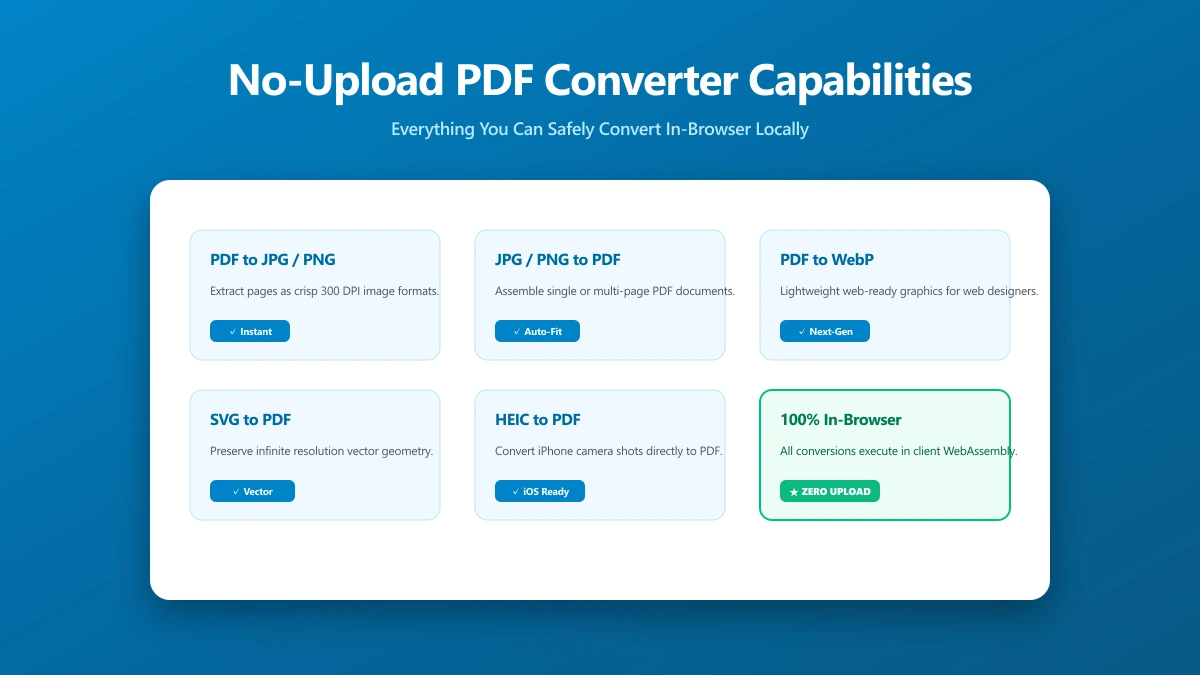
No-Upload PDF Converter: A Capability Checklist for What You Can Do Locally
A capability checklist for no-upload PDF conversion: exactly which tasks run entirely in your browser, and which still need something else.
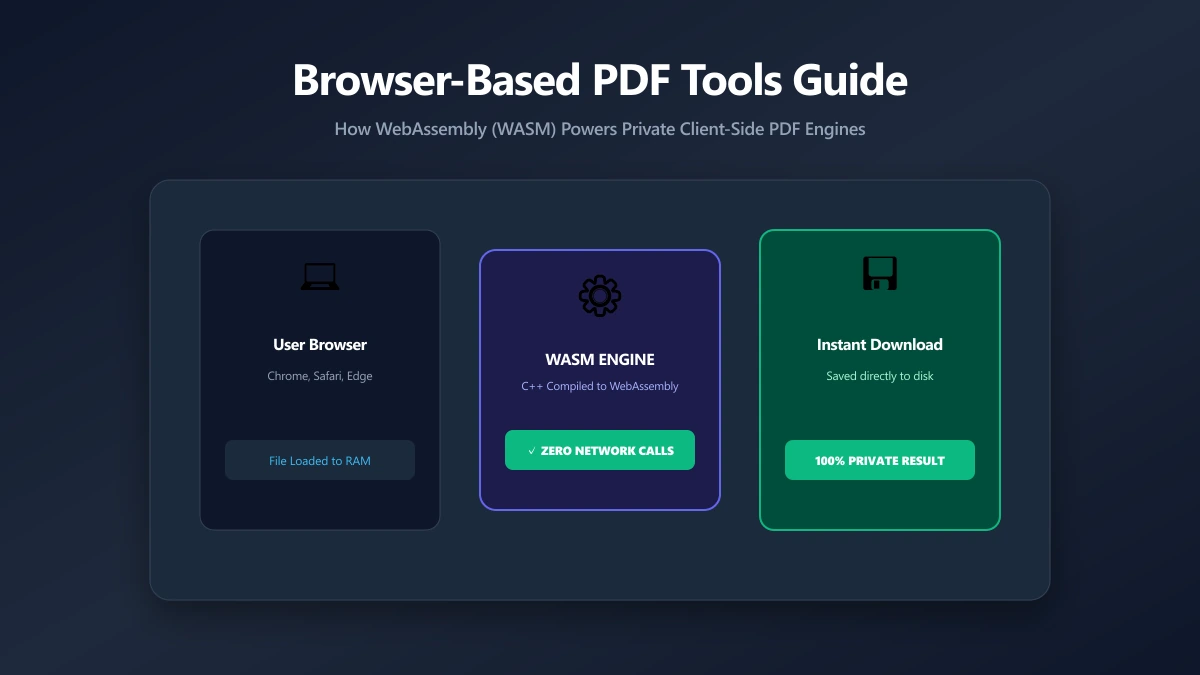
Browser-Based PDF Tools: What They Are and Why They Work Differently
How browser-based PDF tools differ from the upload-based converters most people use, how the architecture works, and where the limits are.
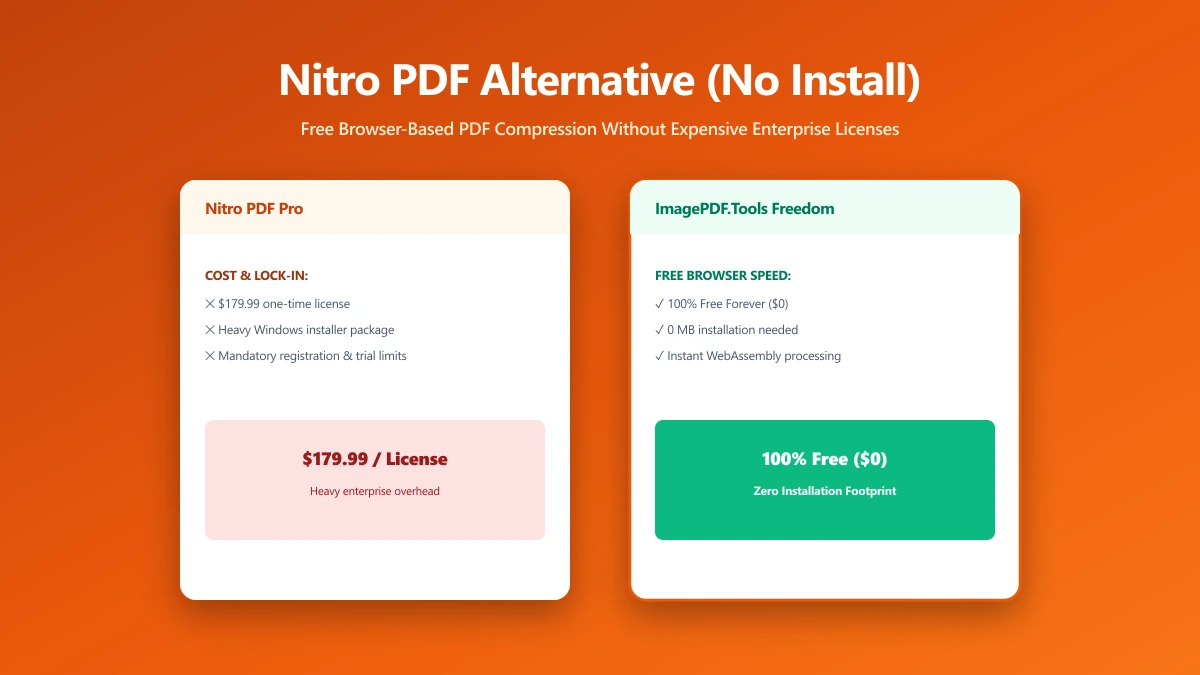
Nitro PDF Alternative: Free Browser-Based Compression Without the Install or Subscription
Nitro is a heavyweight paid suite, overkill for one PDF job. Here is a free, browser-based alternative for everyday tasks, no install, no subscription.
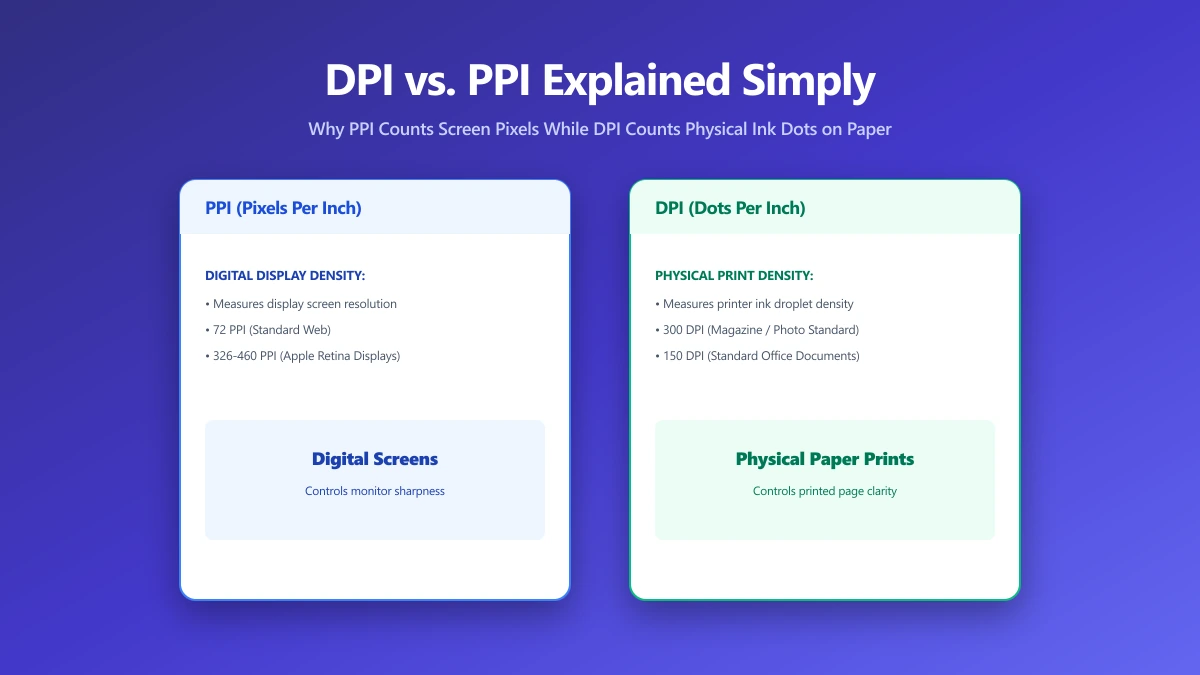
DPI vs PPI Explained: Why a "300 DPI" Image Looks Fine Online but Blurry When Printed
DPI and PPI measure different things, and mixing them up is why sharp on-screen images print blurry. Here is the actual difference, explained clearly.
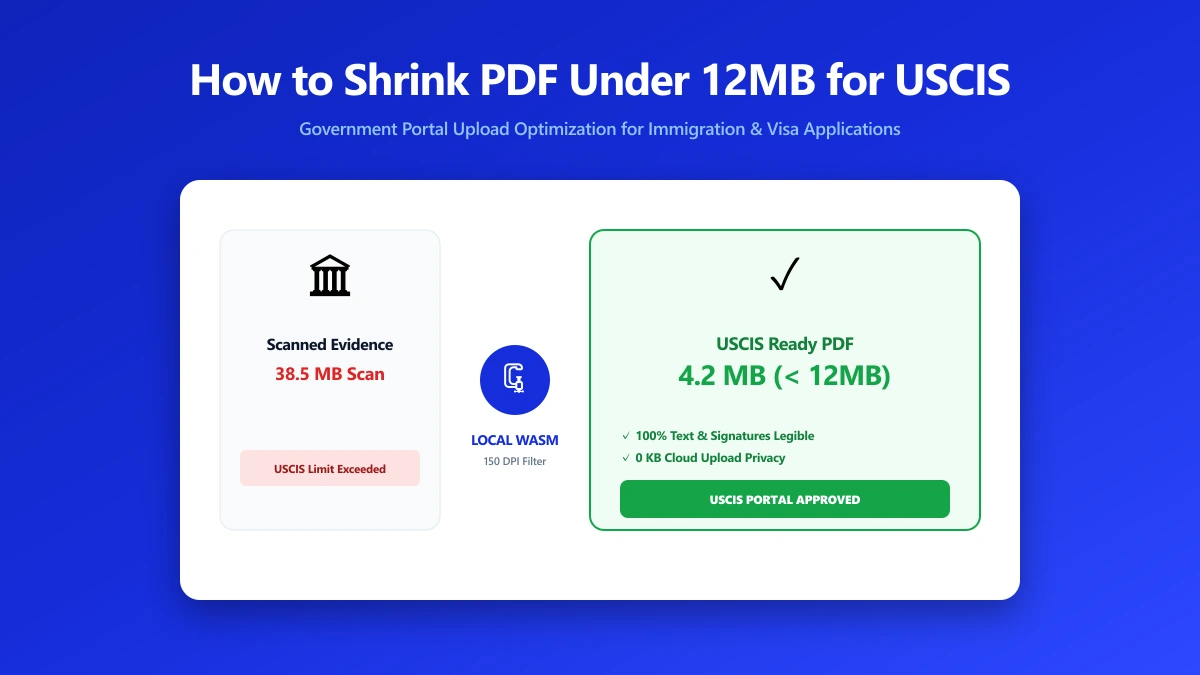
How to Shrink a PDF Under 12MB for USCIS and Other Government Upload Portals
USCIS and other government portals reject oversized or encrypted PDFs. Here is how to shrink your document under the size limit without losing legibility.
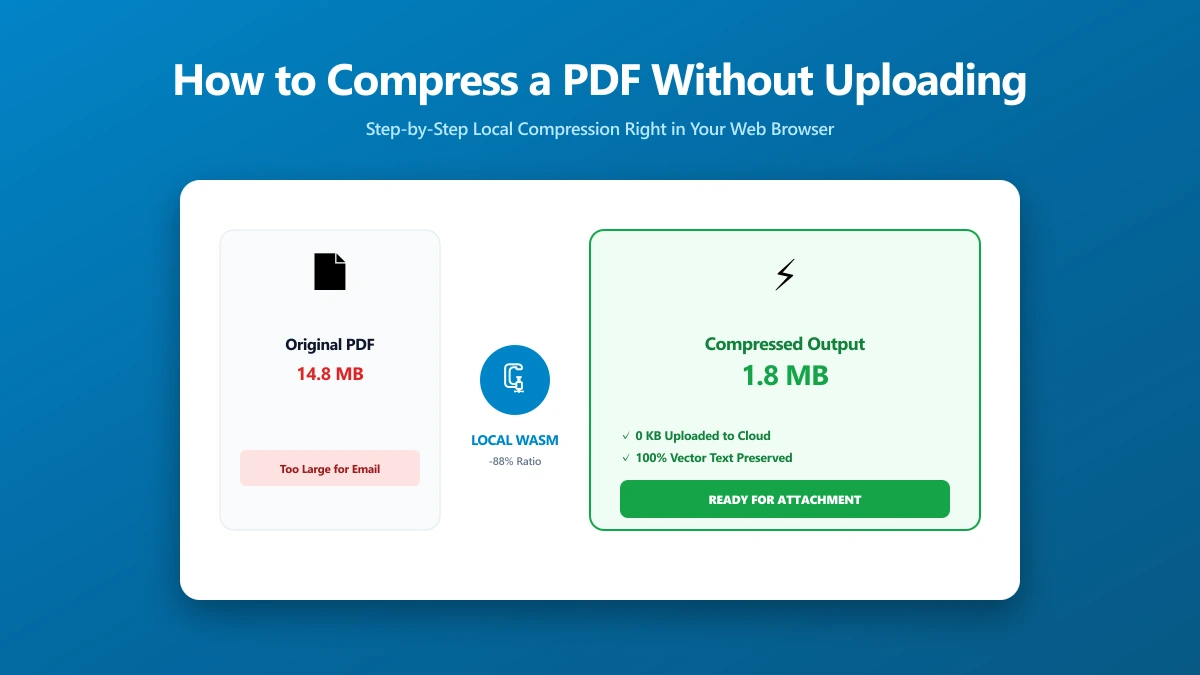
How to Compress a PDF Without Uploading It (Step by Step)
How to compress a PDF without sending it to a server, using a free browser-based tool, plus how to verify for yourself that nothing was uploaded.
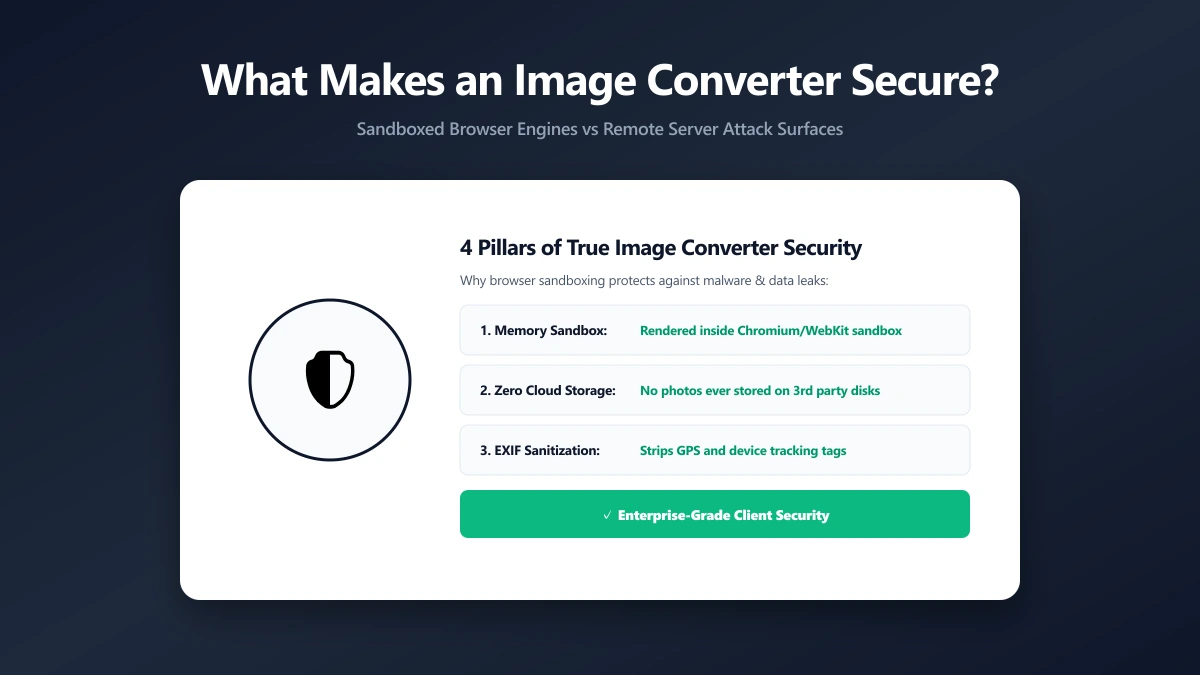
What Makes an Image Converter Actually Secure (It Is Not Just About Uploads)
A secure image converter is about more than whether it uploads your file. What else to check, and how to verify the claim rather than trust it.
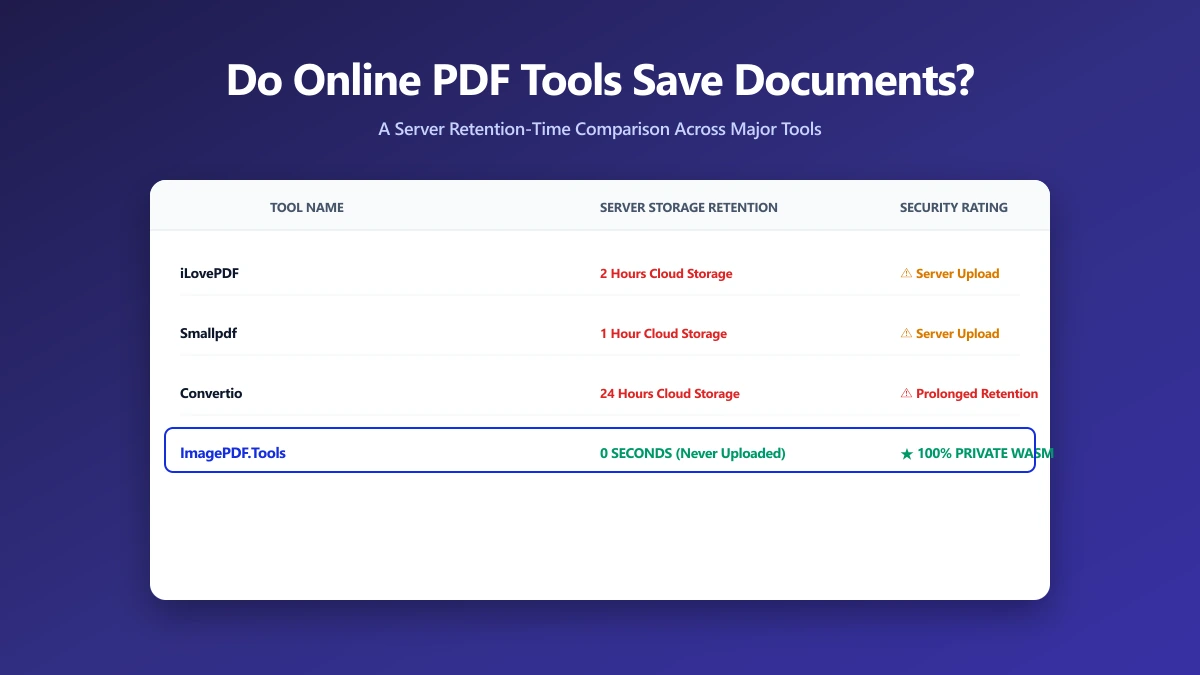
Do Online PDF Tools Save Your Documents? A Retention-Time Comparison
Do online PDF tools keep your documents? Almost all do, from 1 to 24 hours. A sourced comparison of the major tools, and the one keeping nothing.
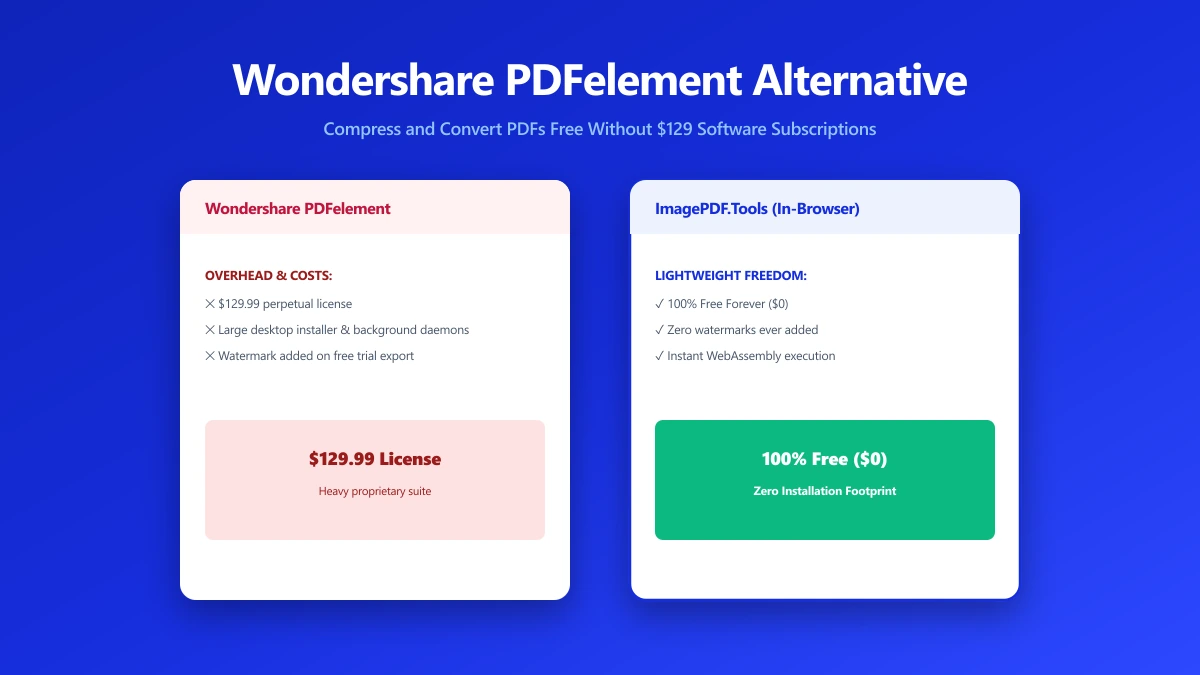
Wondershare PDFelement Alternative: When You Just Need to Shrink a File, Not Buy Software
PDFelement is a full paid PDF suite, often overkill for a single compression job. Here is a free, no-install alternative for everyday PDF tasks instead.
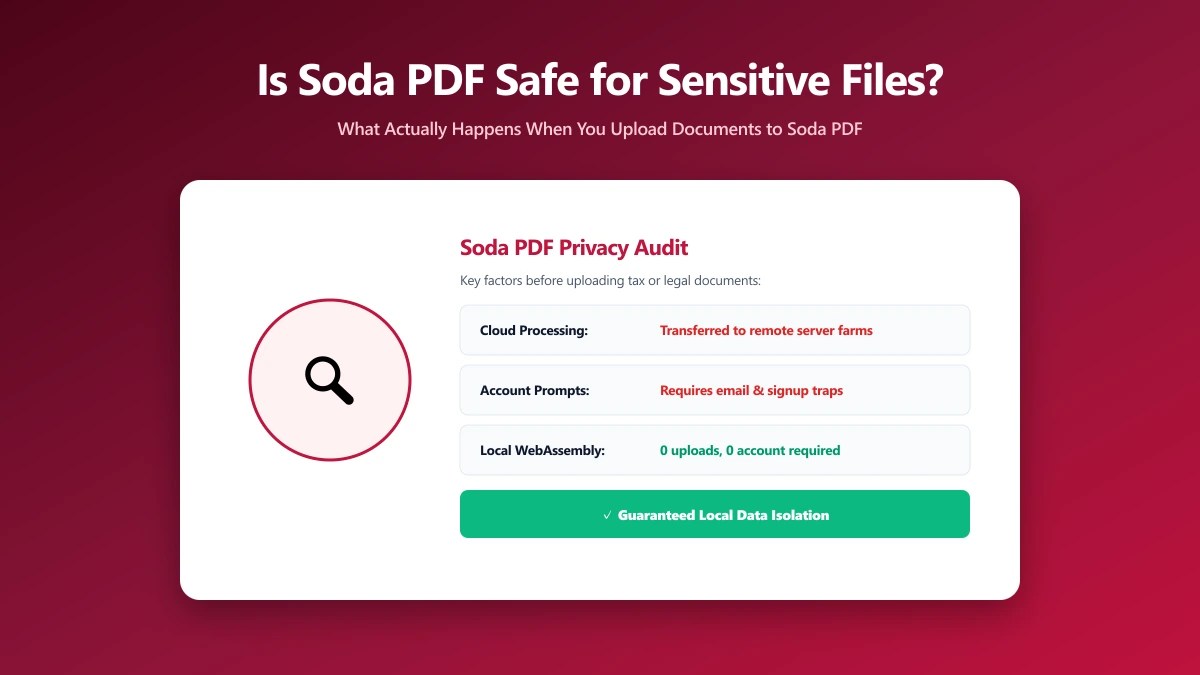
Is Soda PDF Safe? What Happens to Your File When You Upload It
Is Soda PDF safe to use? Here is exactly how it processes your file, what real user reviews say about the experience, and an alternative worth trying.
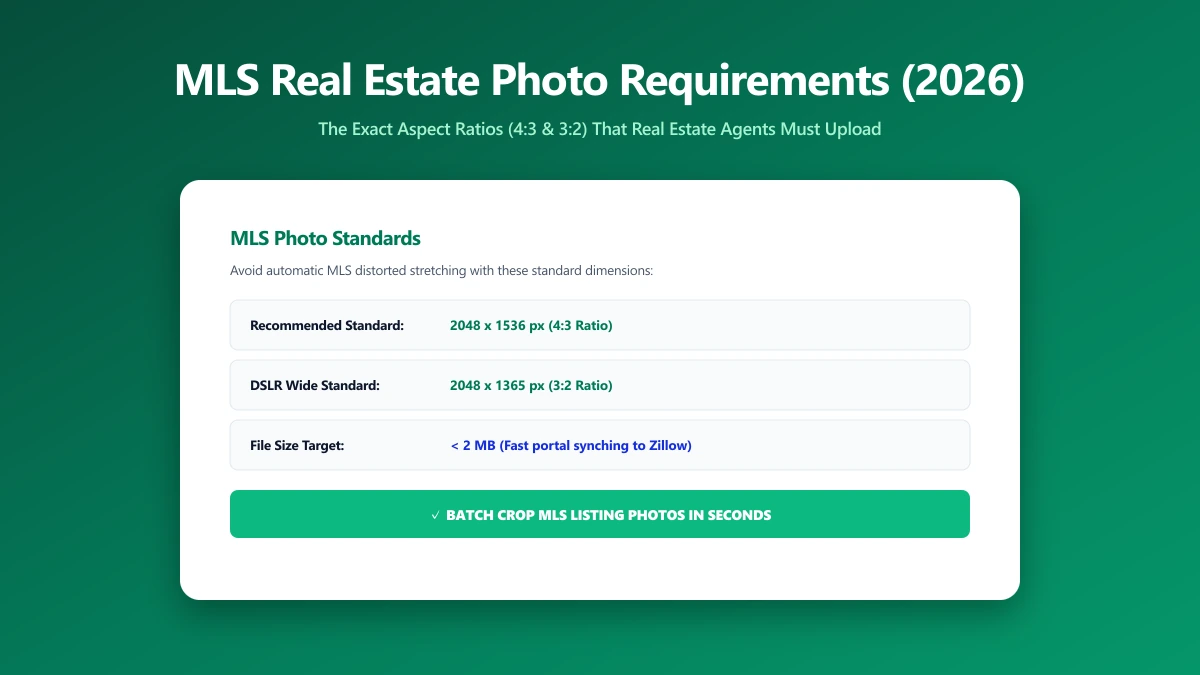
MLS Photo Size Requirements: The Exact Dimensions Agents Should Upload in 2026
Most MLS boards want listing photos near 2048x1365 pixels. Upload raw camera files instead and they often get badly auto-downscaled. Here is the spec.
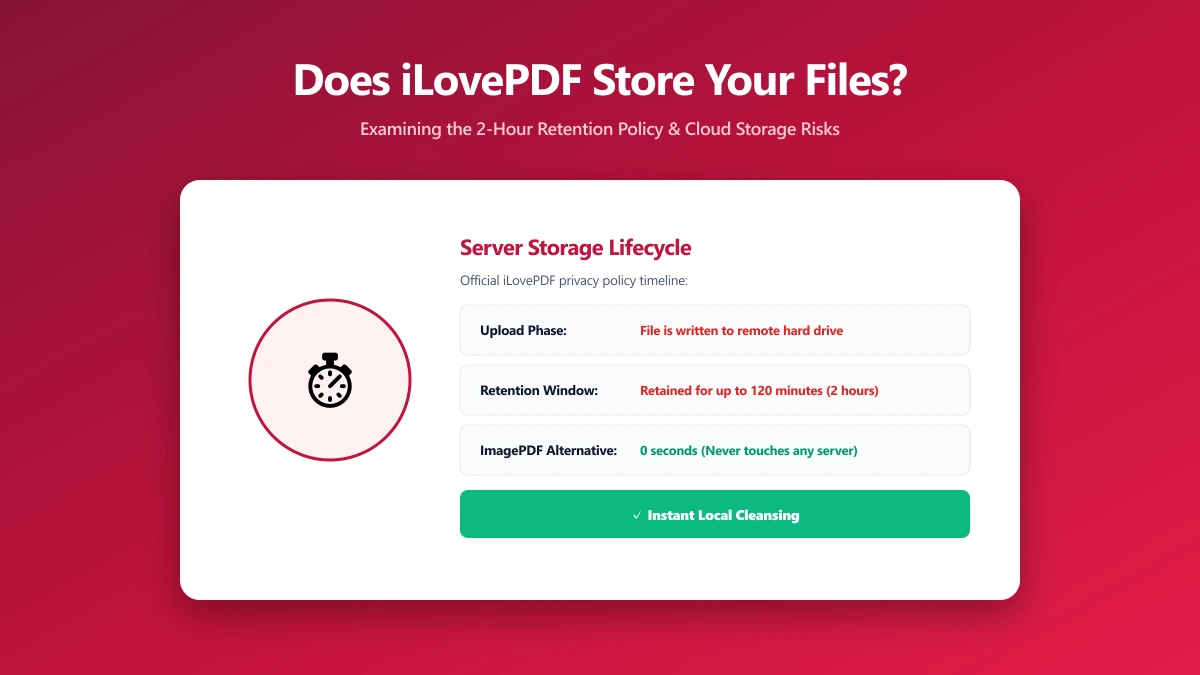
Does iLovePDF Store Your Files? Here Is Exactly How Long
Does iLovePDF store your files? Standard tools keep them up to 2 hours, e-signed documents for 5 years. What that means, and how to check.
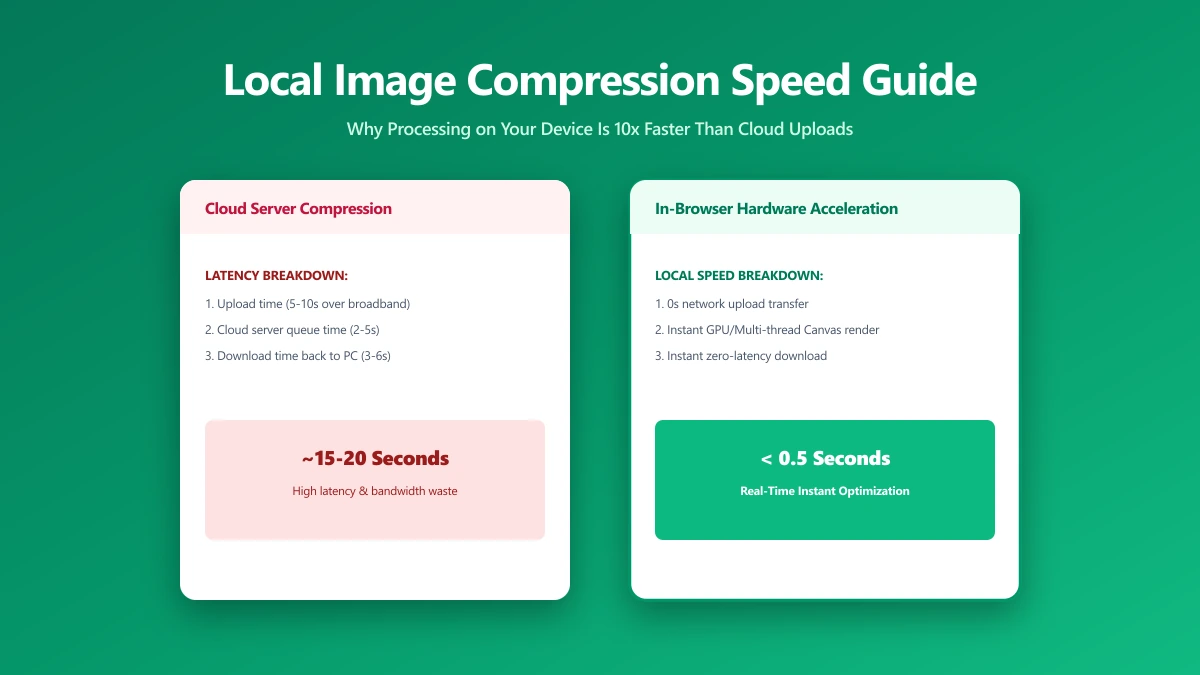
Local Image Compression: Why Processing on Your Device Is Often Faster, Too
Local image compression runs on your own device instead of a server. Why that is usually faster, what it changes for privacy, and how to verify it.
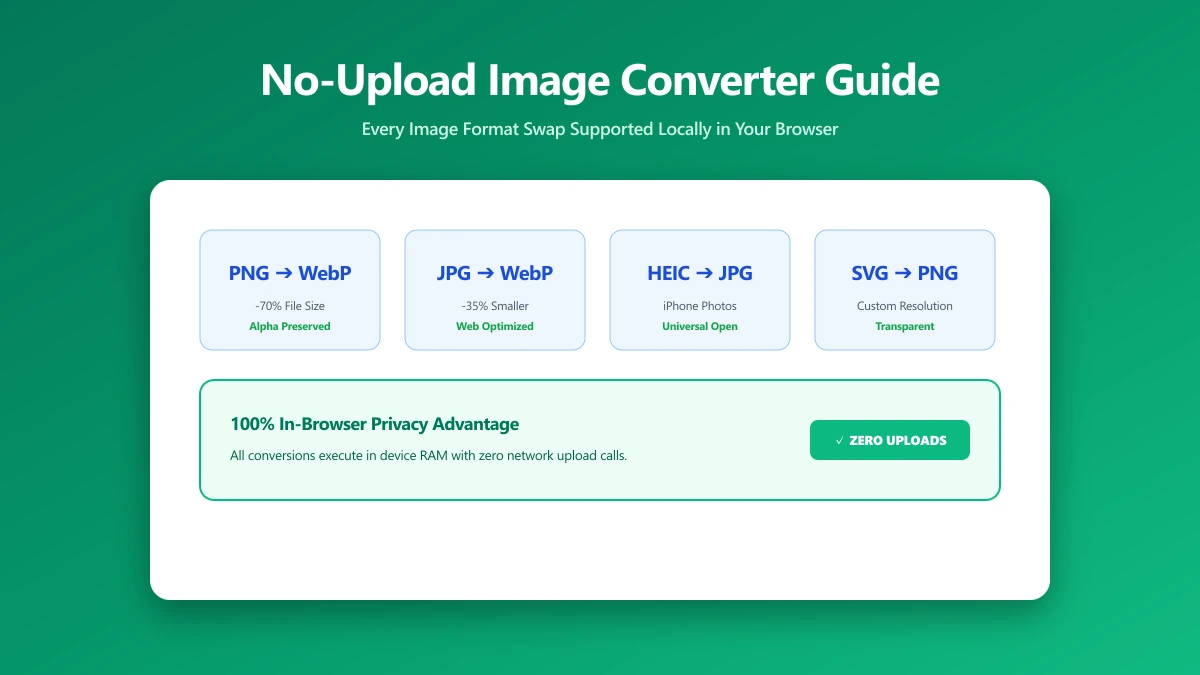
No-Upload Image Converter: Every Format Swap You Can Do Locally
Which image conversions run entirely in your browser, covering JPG, PNG, WebP and SVG, with nothing uploaded and no account needed.
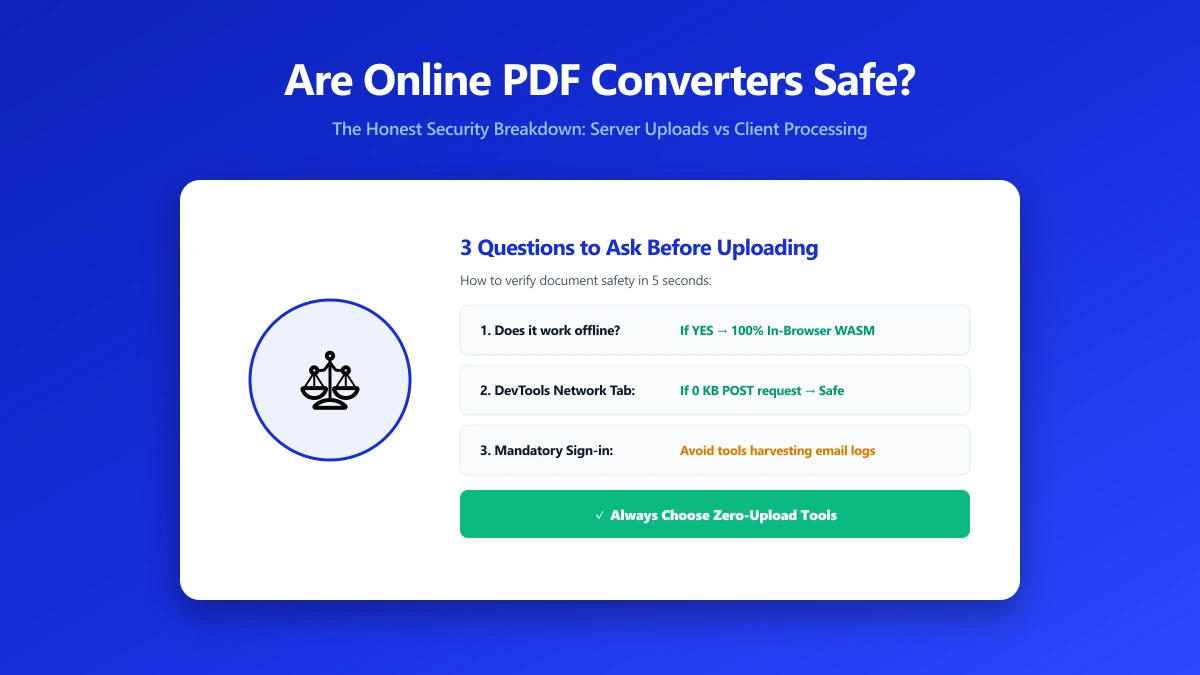
Are Online PDF Converters Safe? The Honest Answer
Are online PDF converters safe? Most are reasonably secure and will not steal your file, but nearly all of them upload it to a server first.
Looking for an Offline PDF Editor? Here Is One You Do Not Have to Install
You do not have to install anything to edit a PDF offline. How browser-based editing works, what it handles well, and where it stops short.
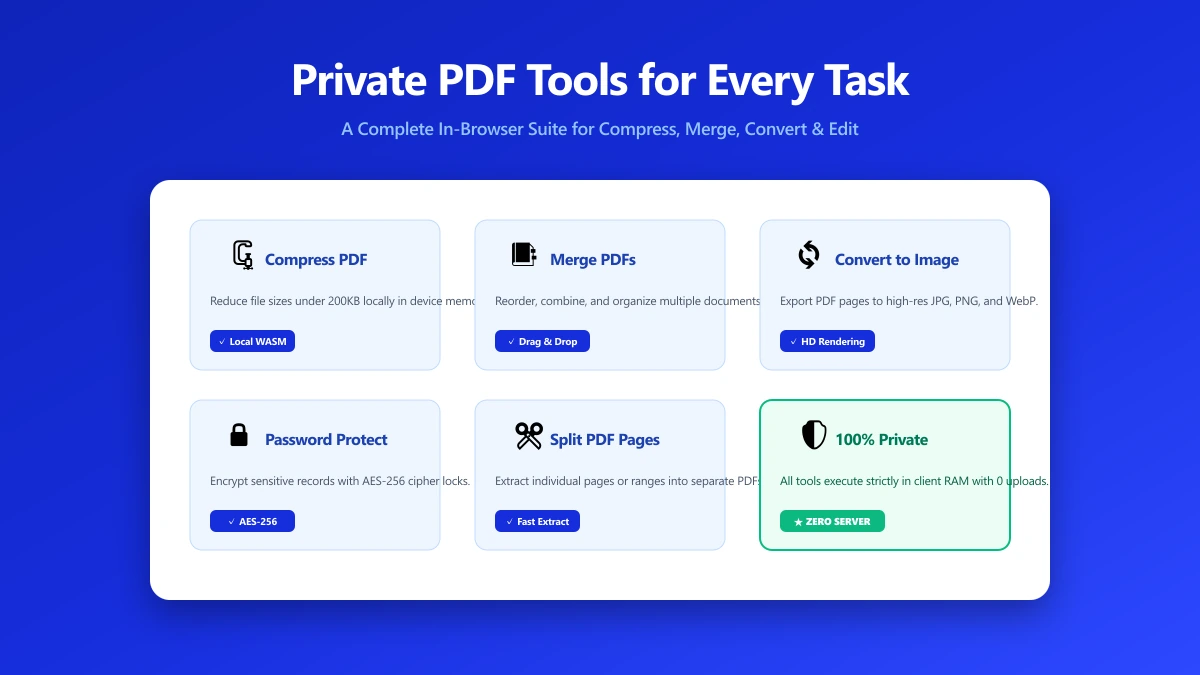
Private PDF Tools: A Practical Toolkit for Every Common Task
Private PDF tools that never upload your file: merge, split, compress, edit and protect, each running entirely inside your own browser.
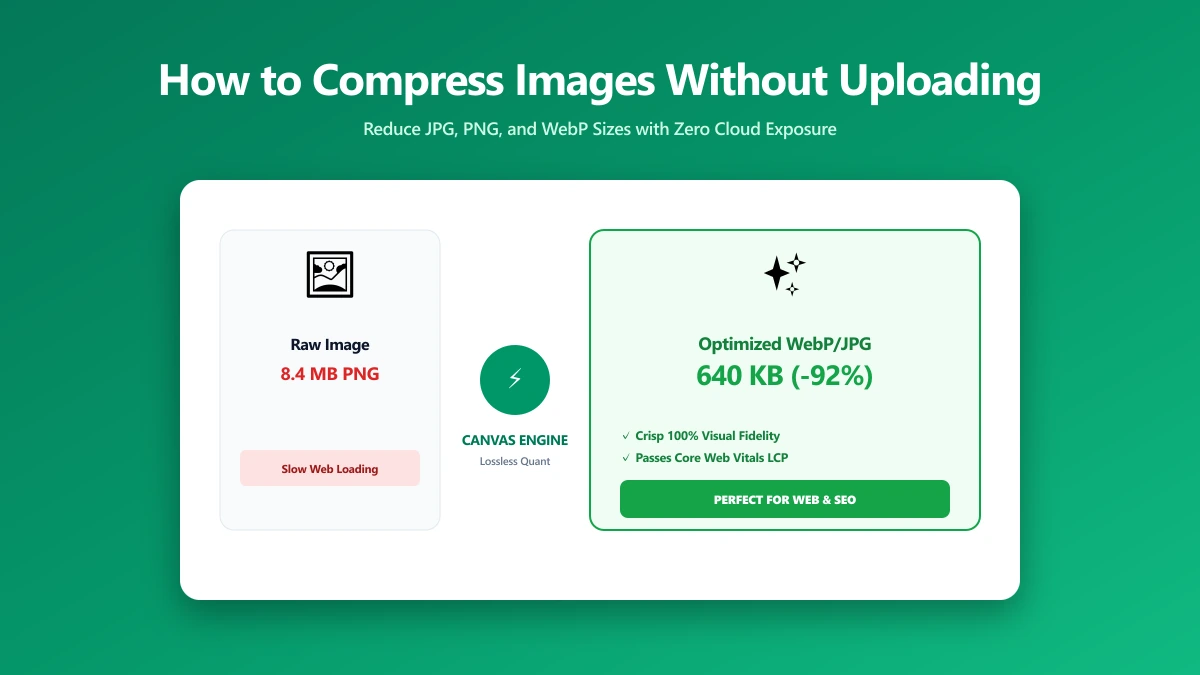
How to Compress an Image Without Uploading It (Step by Step)
How to compress a photo without sending it to a server, using a free browser-based compressor that never transmits your file anywhere.
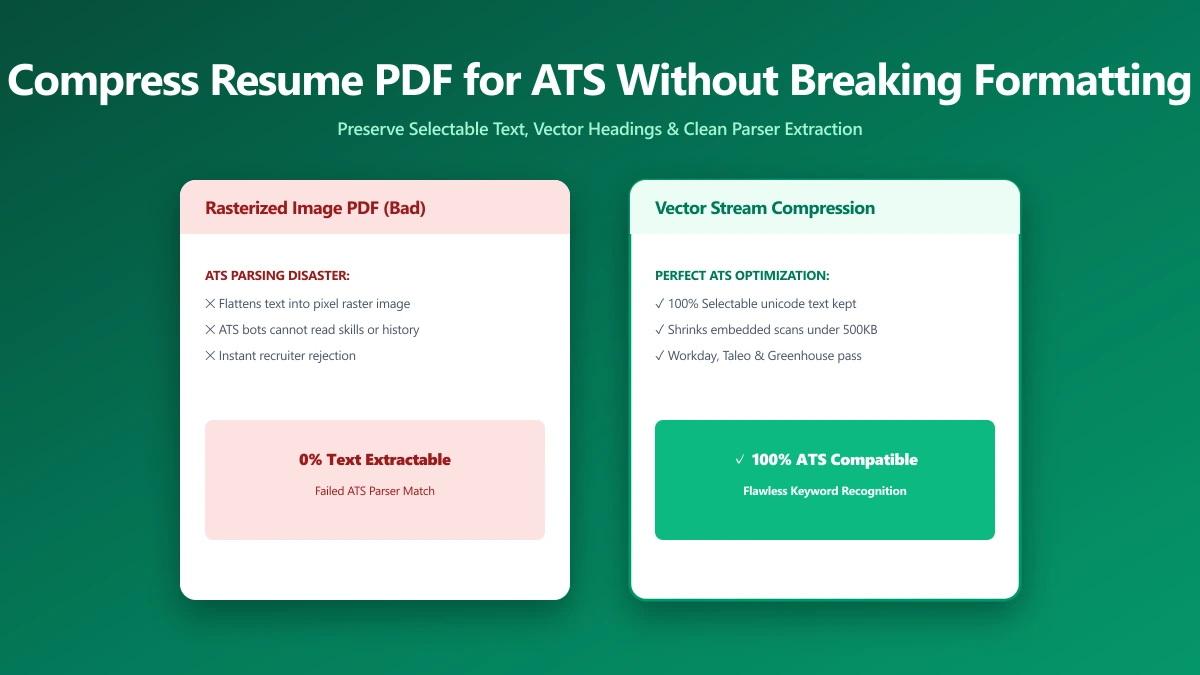
How to Compress a Resume PDF for ATS Without Breaking the Formatting
Most ATS platforms cap resume uploads near 1MB and reject oversized files outright. Here is how to shrink your resume without breaking the formatting.
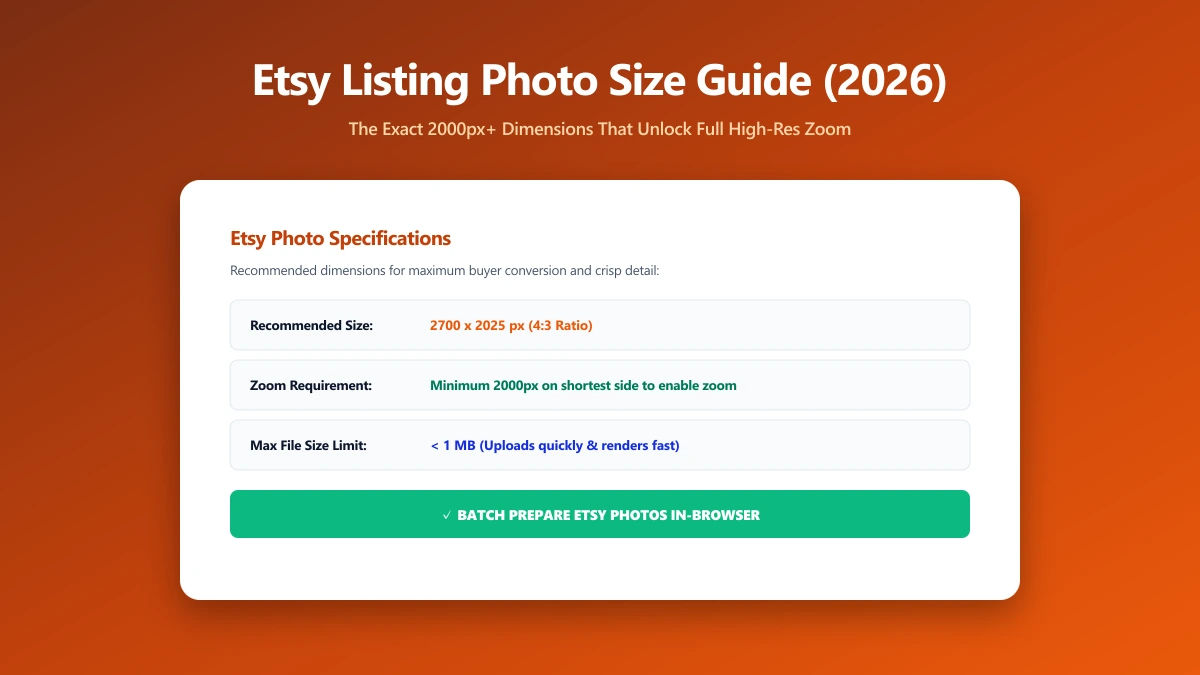
Etsy Listing Photo Size Guide 2026: The Exact Pixel Dimensions That Unlock Zoom
Etsy zoom only activates above a specific pixel size. See the exact dimensions so your listing photos look sharp, not flat and soft on shoppers' screens.
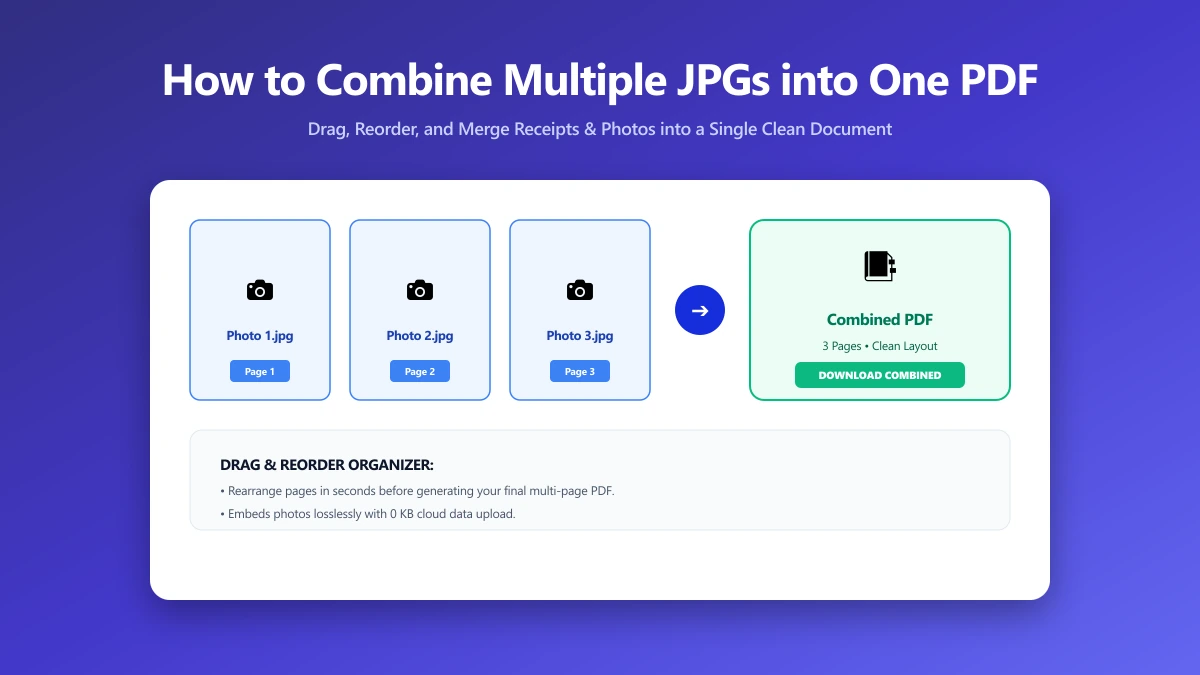
How to Combine Multiple JPGs into One PDF (Free, No Sign-Up)
Need to combine several JPG photos into one ordered PDF with no sign-up required? Here is exactly how, entirely inside your browser, in just a few seconds.
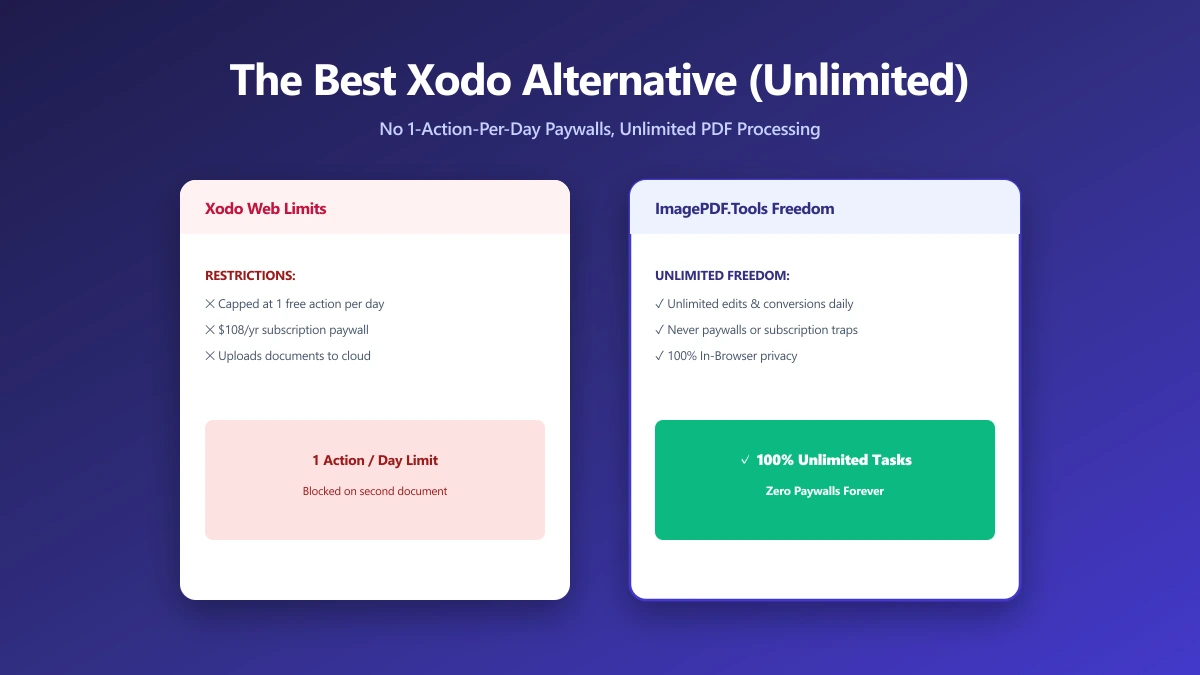
The Best Xodo Alternative If One Edit a Day Is Not Enough (2026)
Xodo is capable but cloud-backed. A browser-based alternative that merges, splits and compresses locally, with nothing uploaded and no sign-in.
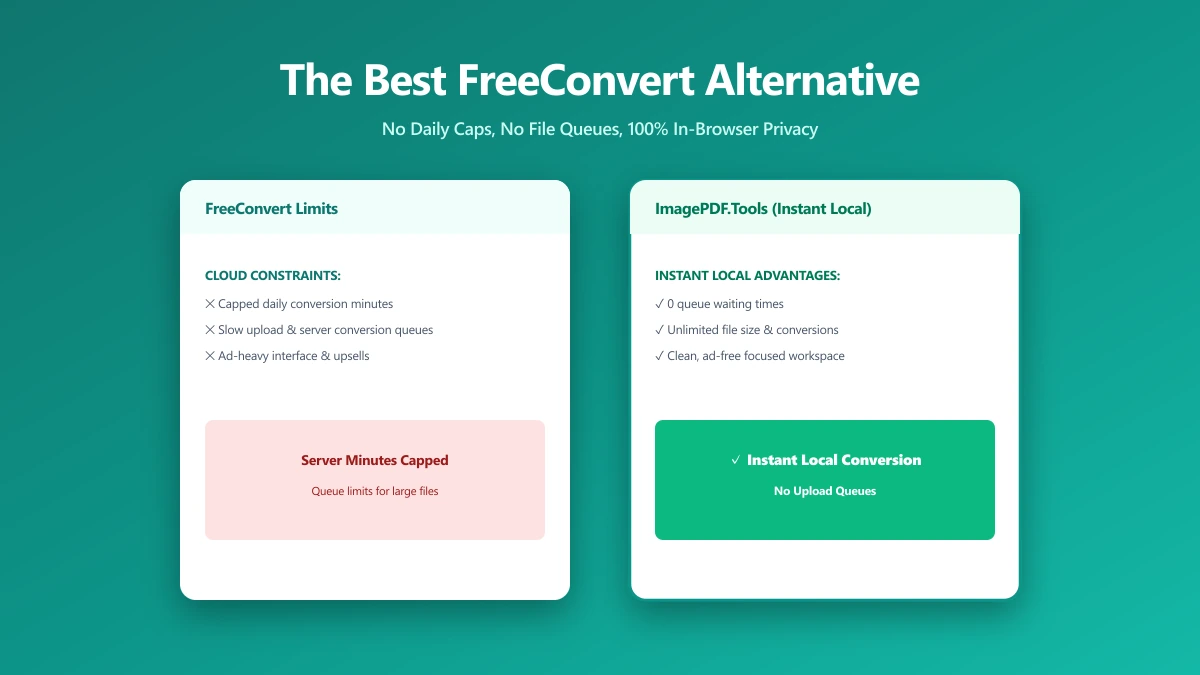
The Best FreeConvert Alternative for PDFs and Images (No Upload, No Daily Cap) (2026)
FreeConvert caps free use and uploads every file to its servers. A browser-based alternative that converts locally, with no cap and no account.
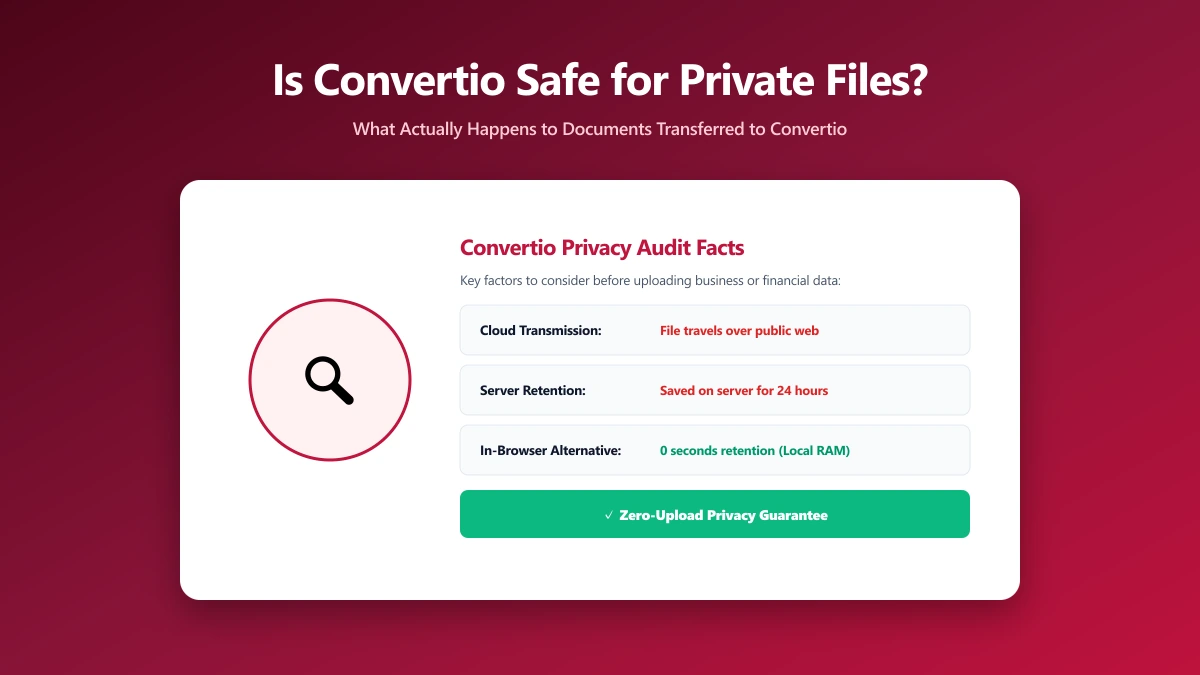
Is Convertio Safe? What Actually Happens to Your Files When You Convert Them
Is Convertio safe? What happens to a file once uploaded, where it goes, how long it is kept, and how to do the same jobs without uploading at all.
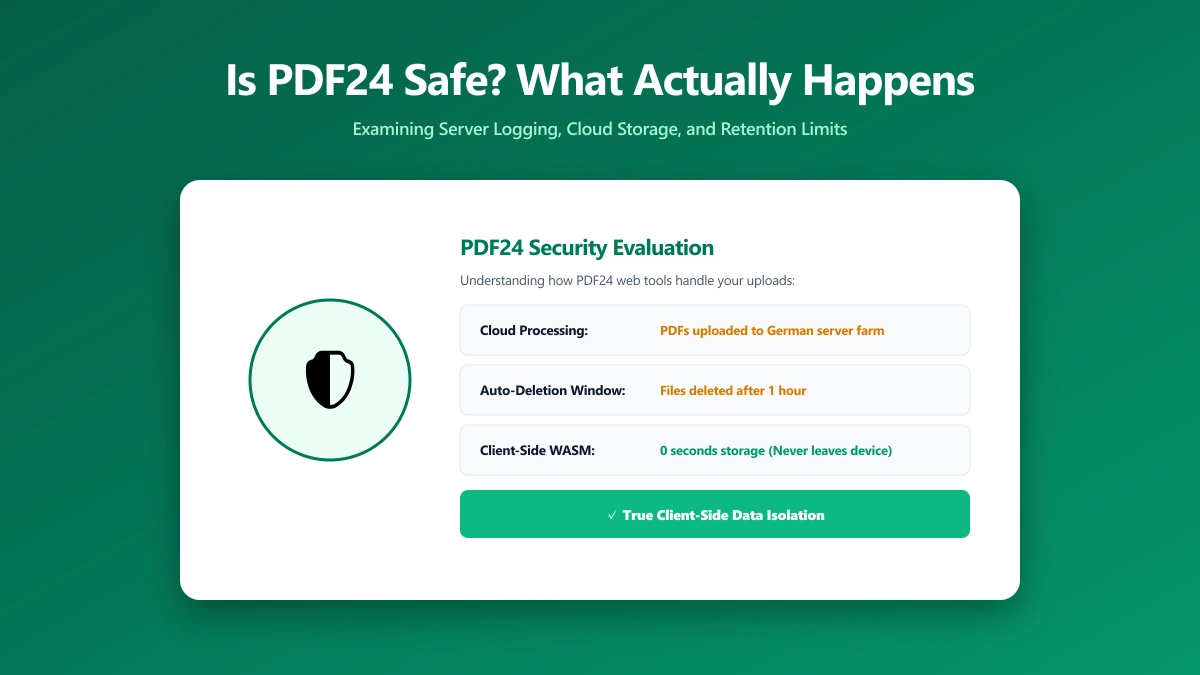
Is PDF24 Safe? What Actually Happens to Your PDFs When You Use It
Is PDF24 safe? What its own FAQ says happens to your file and how long it is kept, plus how to do the same jobs without uploading anything.
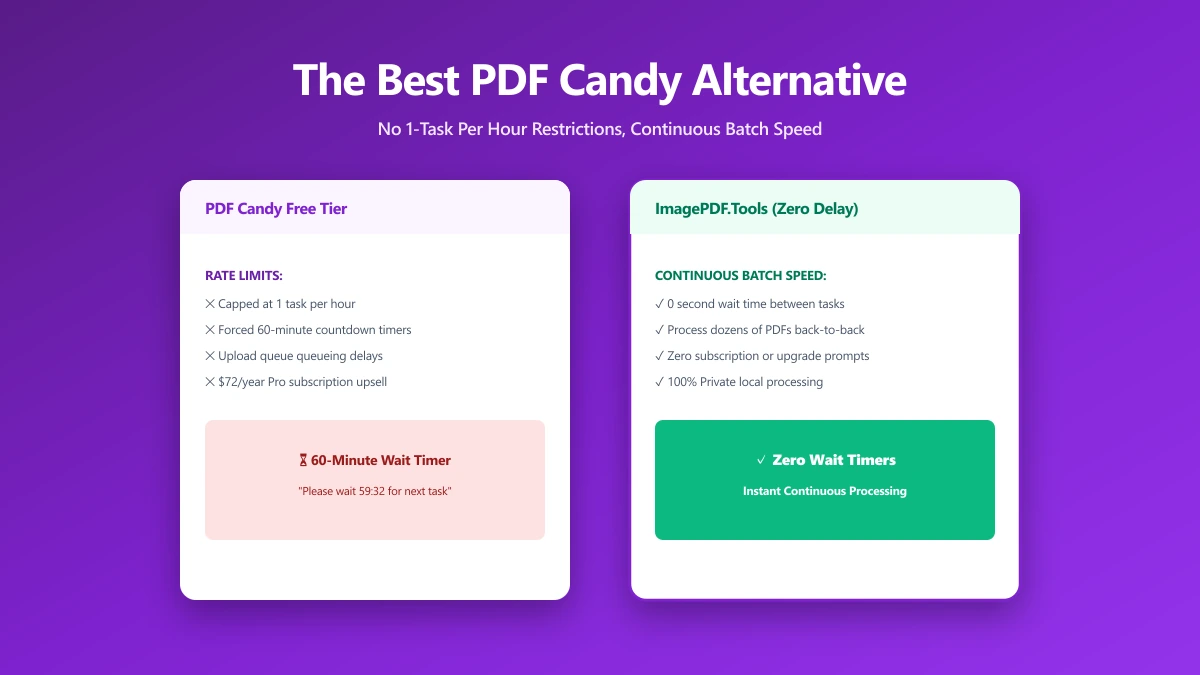
The Best PDF Candy Alternative If One Task an Hour Is Not Enough (2026)
PDF Candy caps free use by the hour and processes on its servers. An alternative with no cap that never uploads your document in the first place.
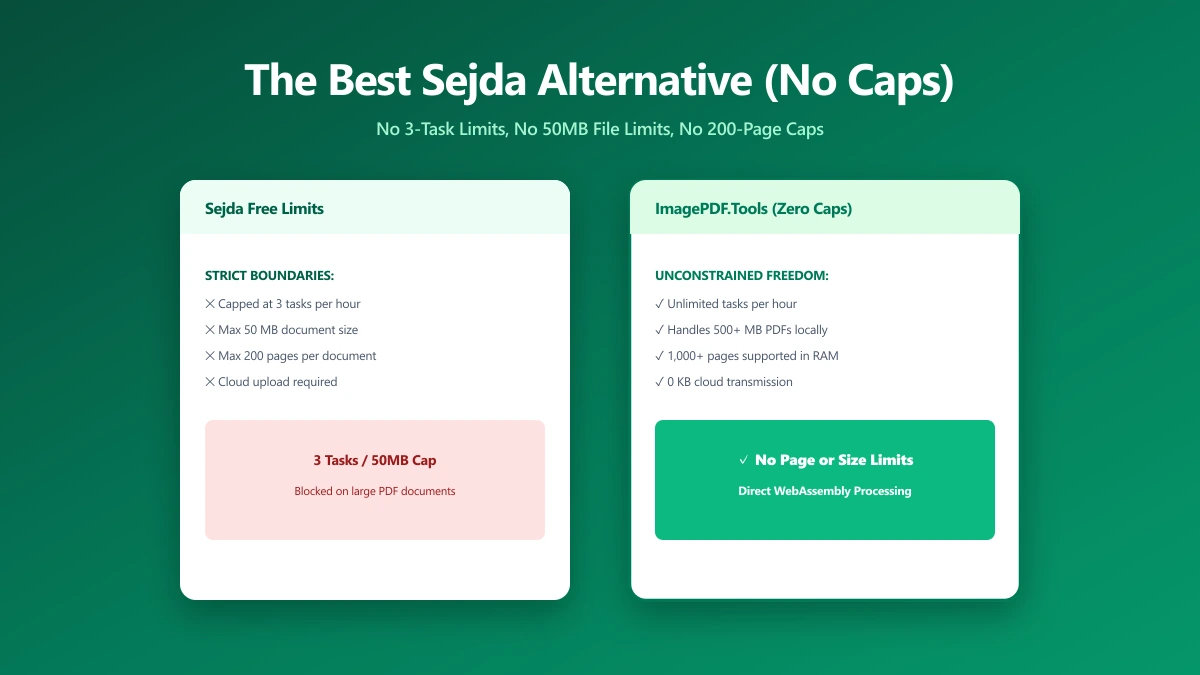
The Best Sejda Alternative If Three Tasks an Hour Is Not Enough (2026)
Sejda's free web plan caps you at 3 tasks an hour, 50 MB, and 200 pages, with files held on its servers for up to two hours.
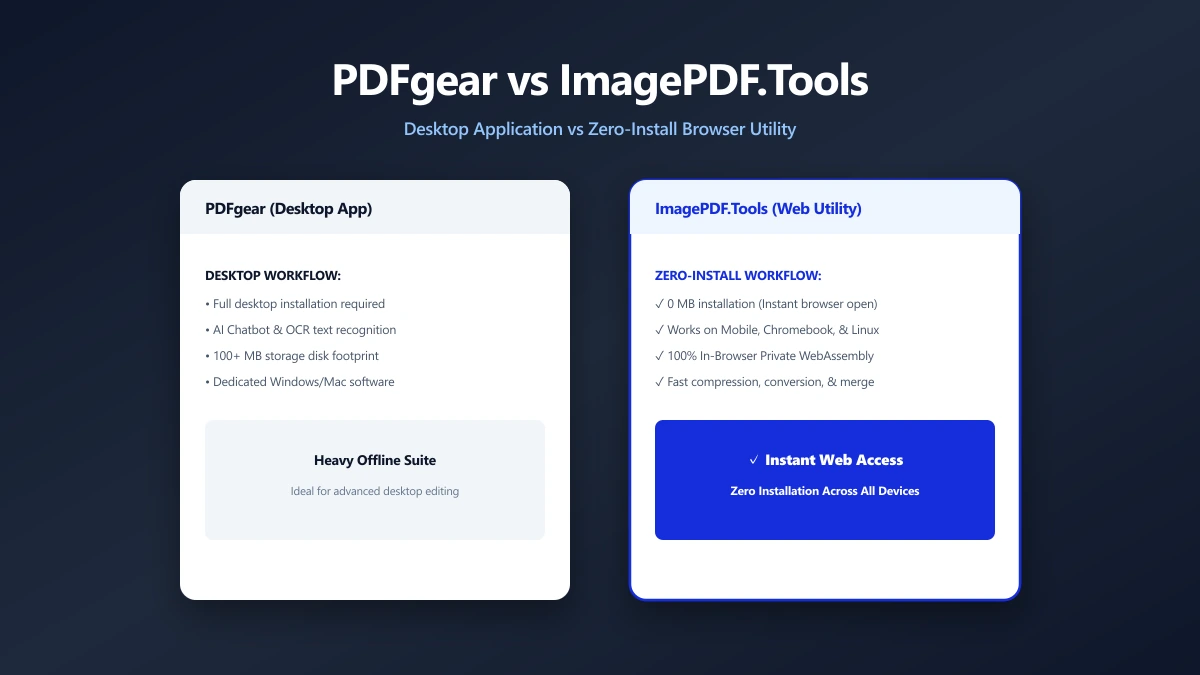
PDFgear vs ImagePDF.Tools: Two Browser-Based PDF Tools, Different Trade-Offs (2026)
PDFgear also processes several PDF tasks in your browser, but pushes a desktop app install and sits inside a growing multi-product AI suite.
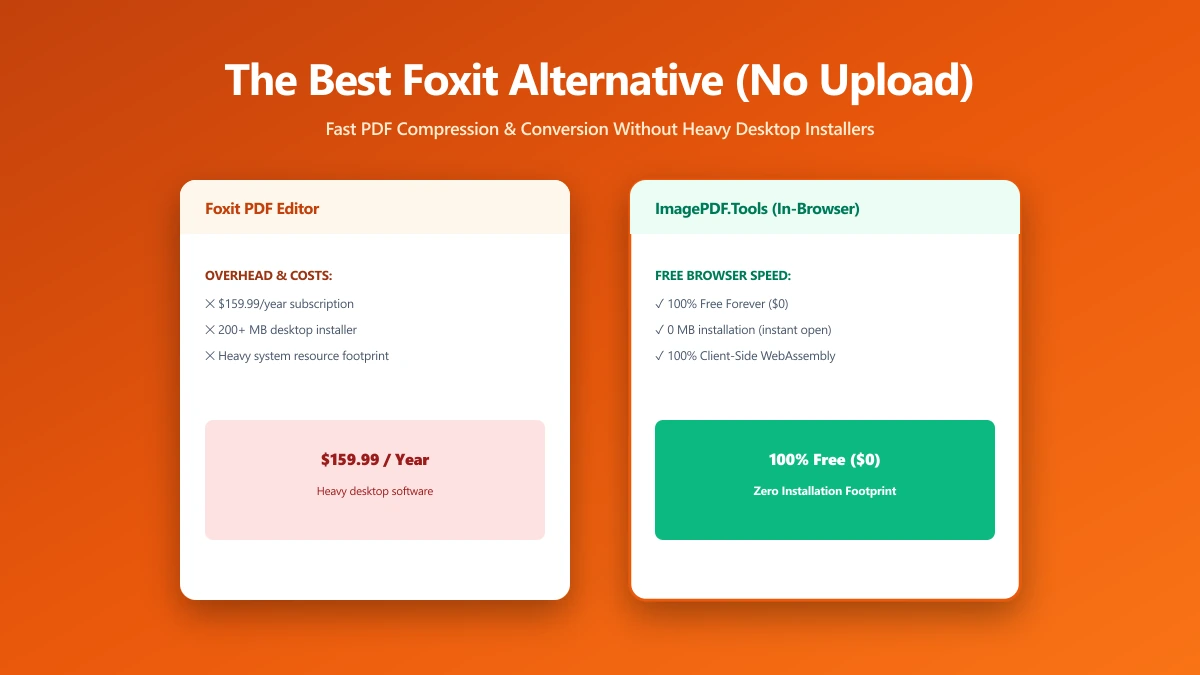
The Best Foxit Alternative for PDF Compression and Conversion Without the Upload (2026)
Foxit merges in your browser but uploads files to its cloud for compression and conversion. An alternative that keeps every job on your device.
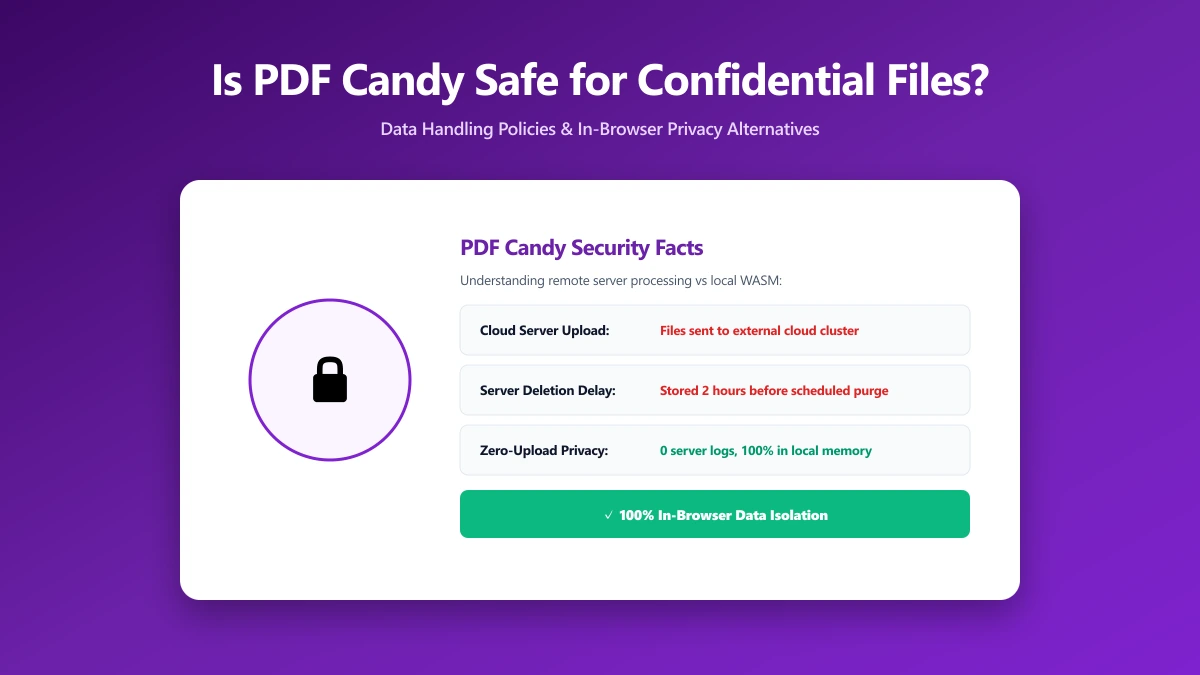
Is PDF Candy Safe? What Actually Happens to Your Files When You Convert Them
Is PDF Candy safe? What its security page says about encryption and file retention, and how to do the same PDF jobs without uploading at all.
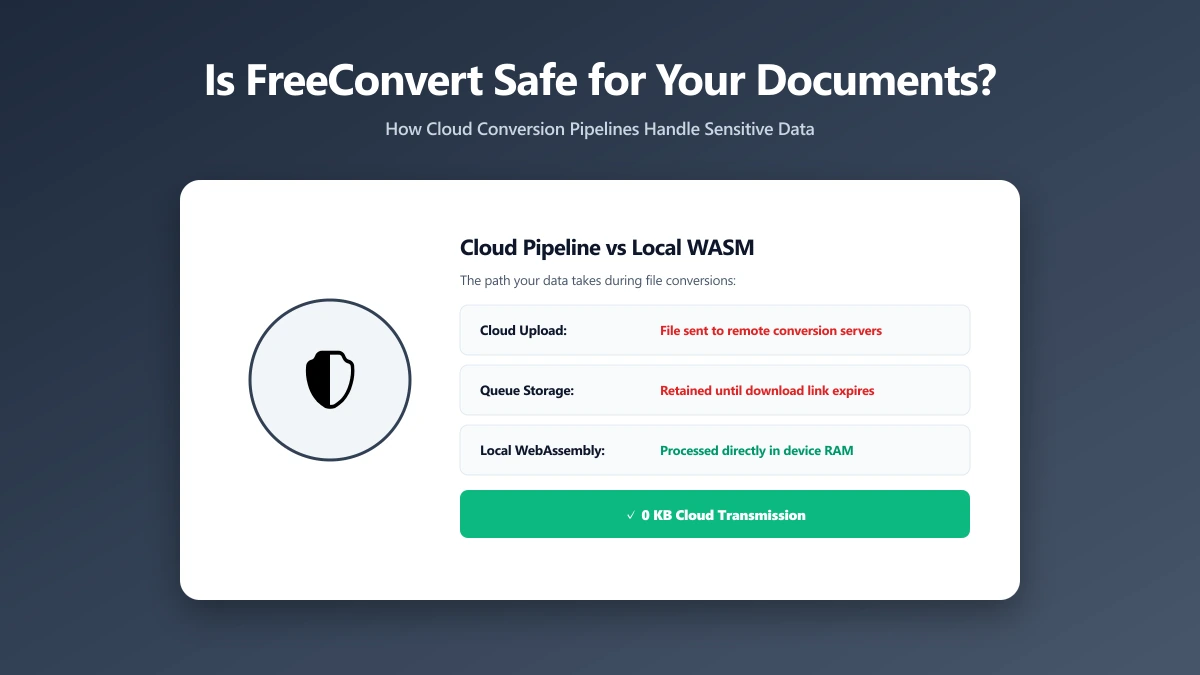
Is FreeConvert Safe? What Actually Happens to Your Files When You Upload Them
Is FreeConvert safe? Where your file actually goes, how long it is kept, and how to convert PDFs and images without uploading them anywhere.
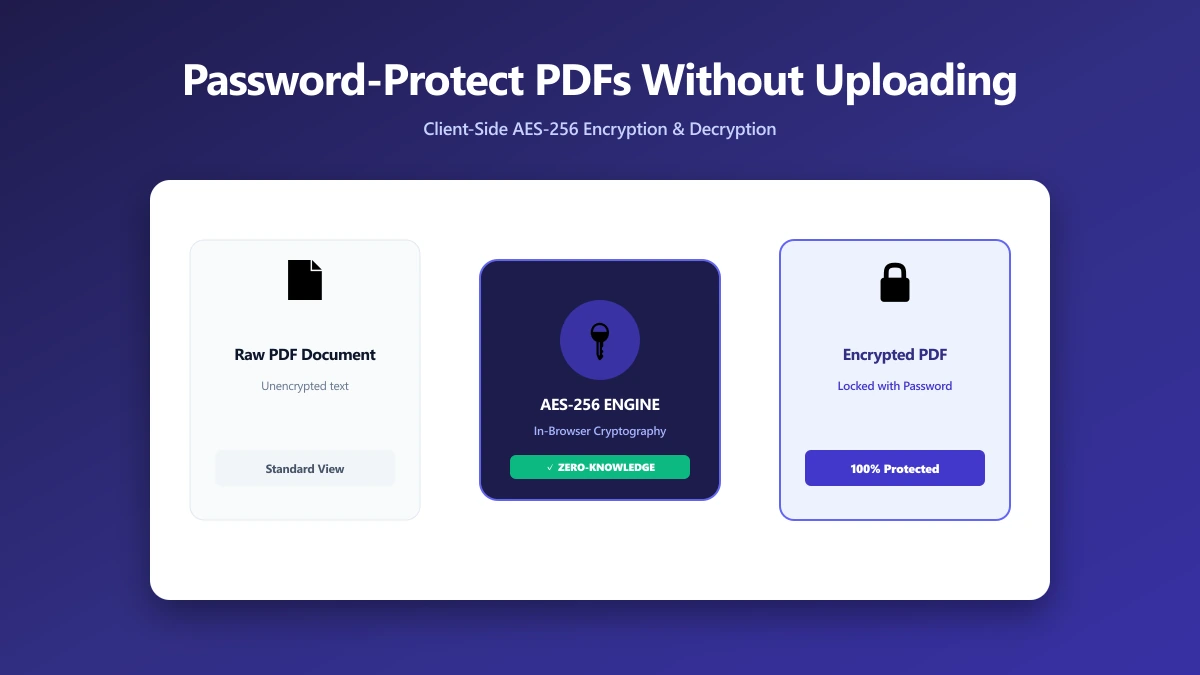
How to Password-Protect (and Unlock) a PDF Without Uploading It Anywhere
Most tools want a sensitive PDF and its password sent to a server. How to protect or unlock one in your browser, so neither ever leaves your device.
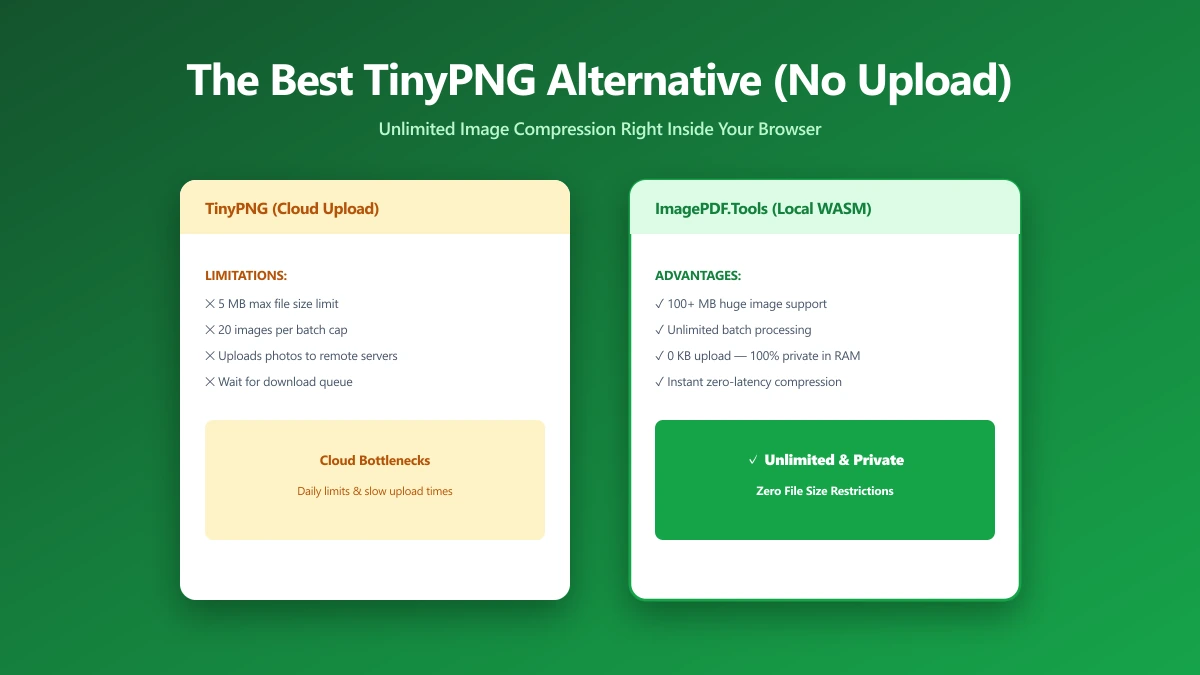
The Best TinyPNG Alternative That Never Uploads Your Images (2026)
Looking for a TinyPNG alternative? ImagePDF.Tools compresses PNG and JPEG in your browser, no upload, no batch cap, no account.
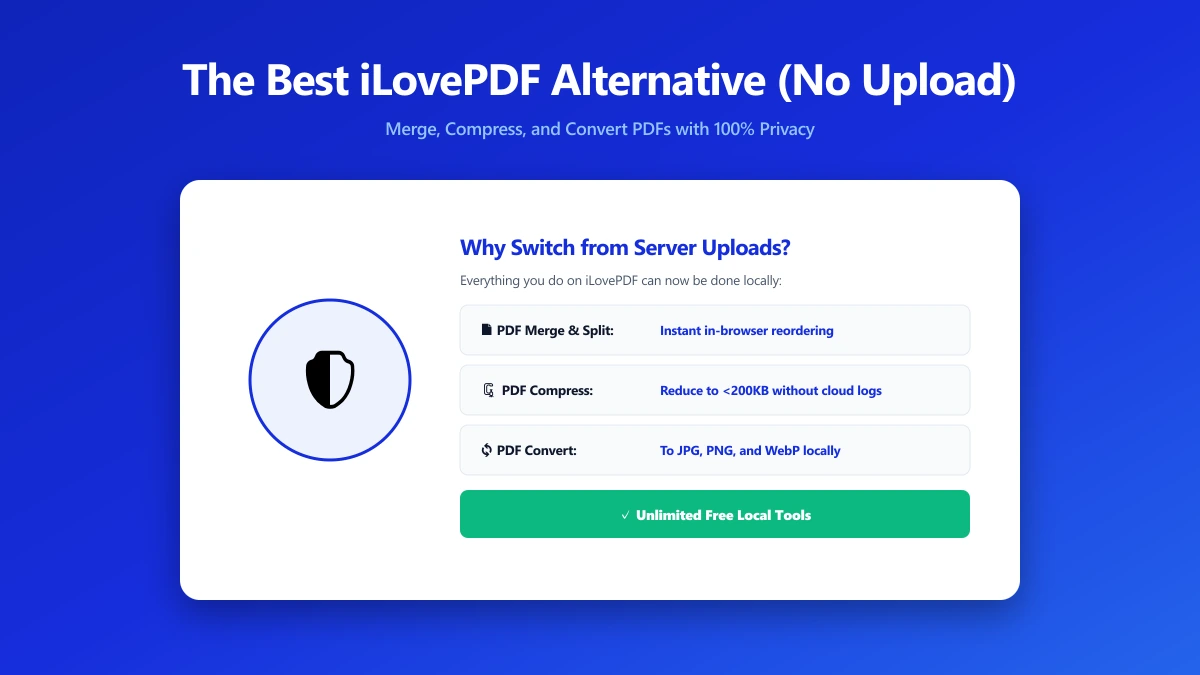
The Best iLovePDF Alternative for Anyone Who Would Rather Not Upload Their PDF (2026)
Looking for an iLovePDF alternative? ImagePDF.Tools merges, splits, compresses and edits PDFs in your browser, with no upload and no daily limit.
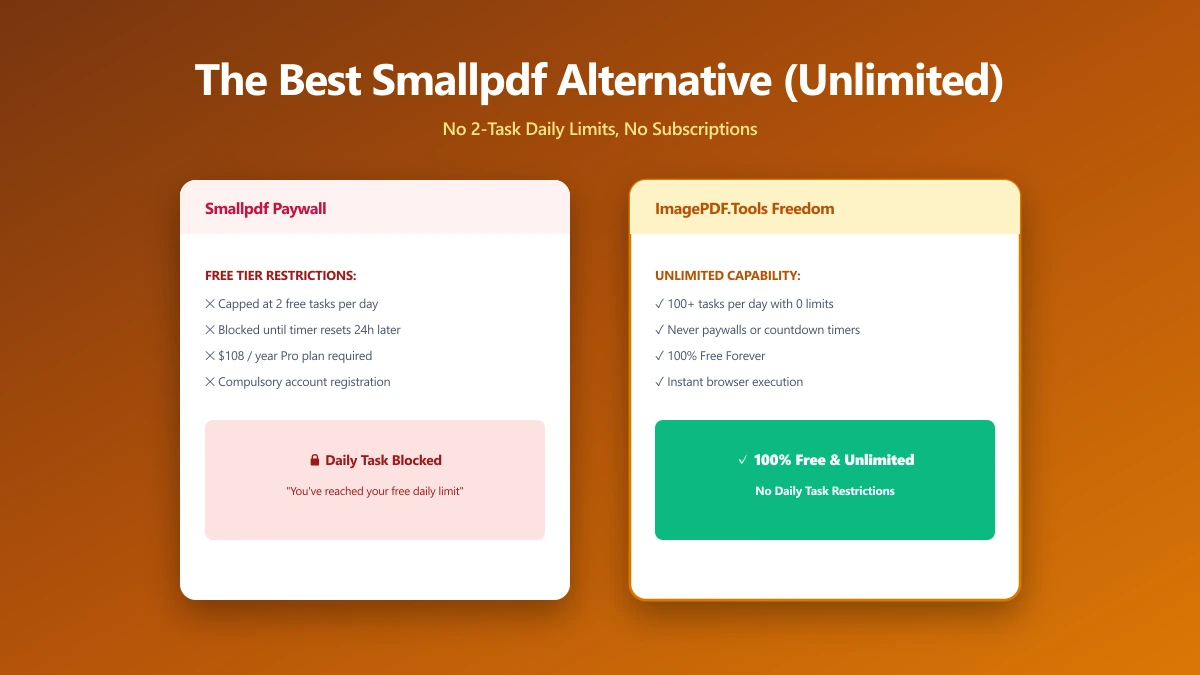
The Best Smallpdf Alternative If Two Free Tasks a Day Is Not Enough (2026)
Smallpdf caps free use at 2 tasks a day and watermarks some conversions. A browser-based alternative with no cap, no watermark and no upload.
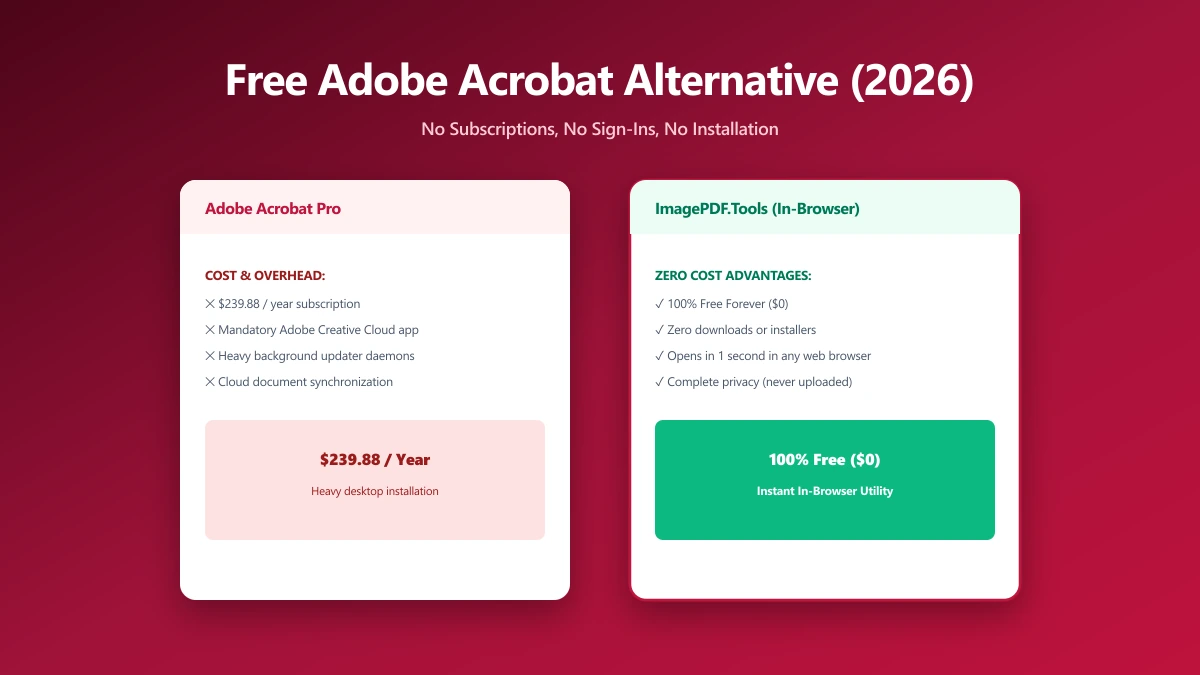
The Best Free Adobe Acrobat Alternative (No Sign-In, No Subscription) in 2026
Adobe allows one free web transaction before sign-in, then one every 30 days. A browser alternative that compresses, merges and edits unlimited.
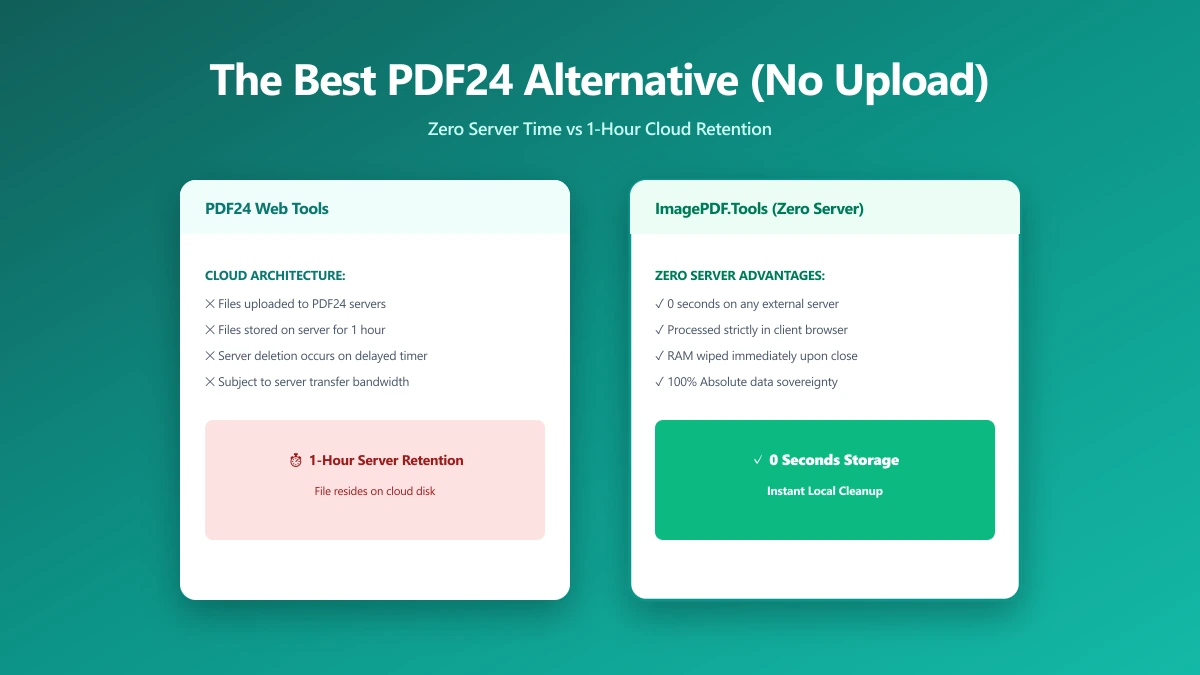
The Best PDF24 Alternative If You Want Zero Server Time, Not Just One Hour (2026)
PDF24 is unlimited and free, rare among PDF tools, but its own FAQ confirms files are uploaded and held on its servers for up to an hour.
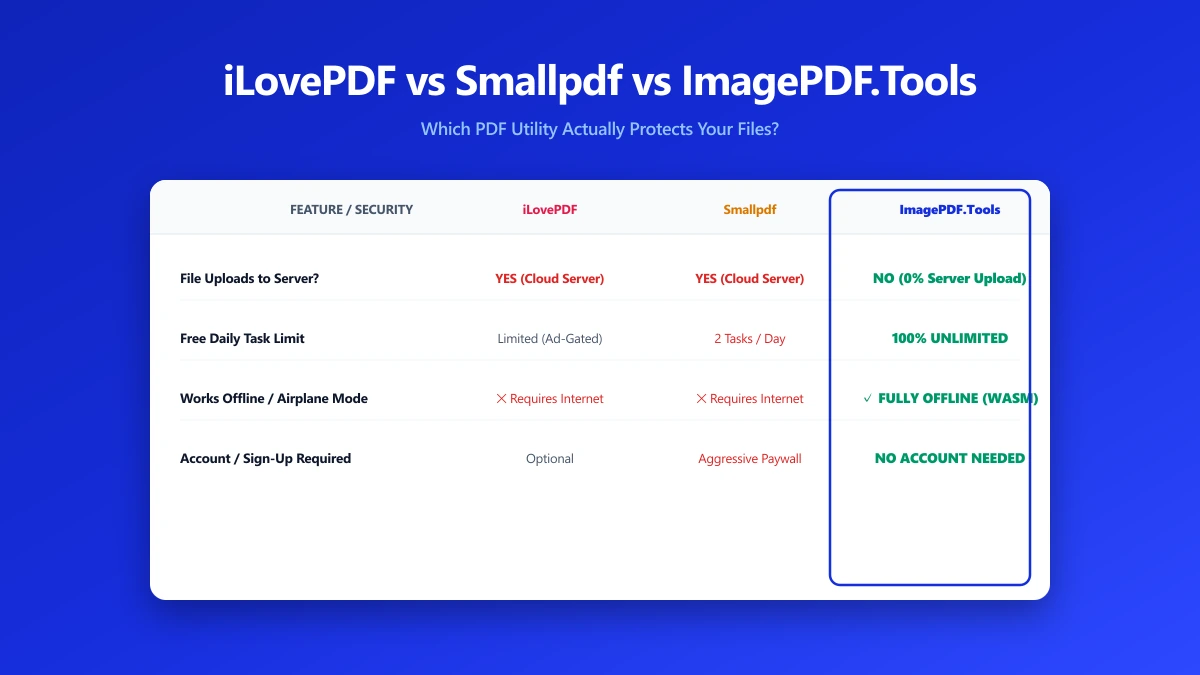
iLovePDF vs Smallpdf vs ImagePDF.Tools: Which One Actually Protects Your Files?
iLovePDF, Smallpdf and ImagePDF.Tools compared on price, daily caps, watermarks and what each one does with your file after you upload it.
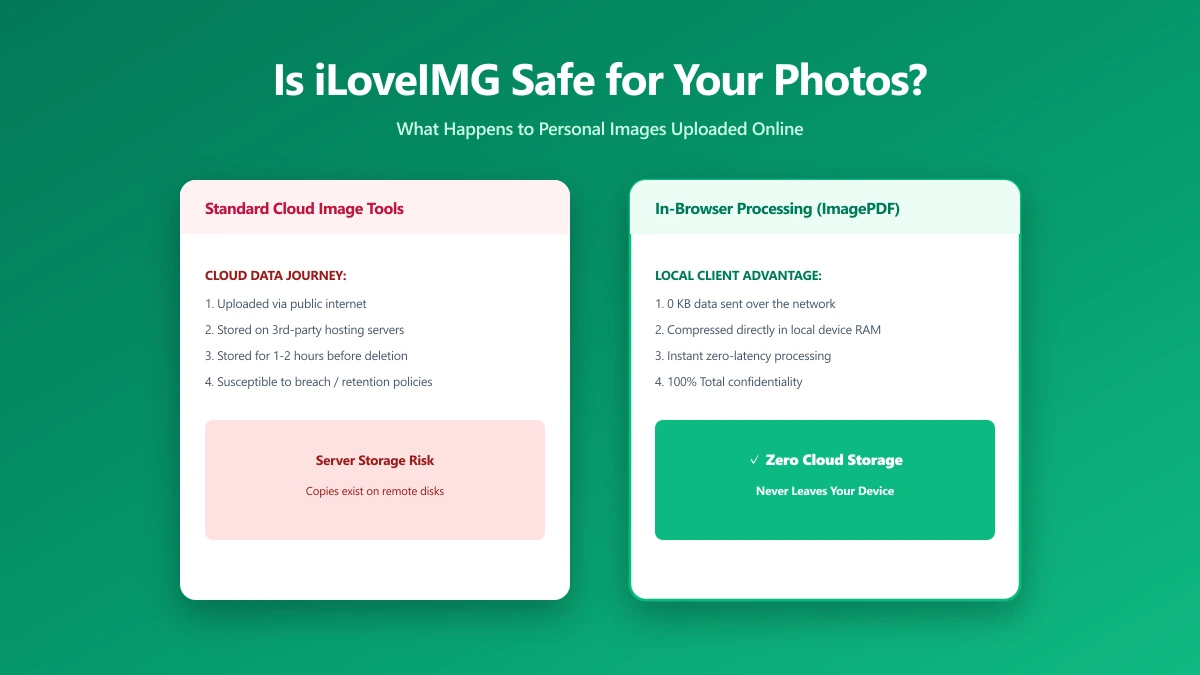
Is iLoveIMG Safe? What Actually Happens to Your Photos When You Upload Them
Is iLoveIMG safe to use? Here is exactly what happens when you upload a photo, what travels with it, and how to check any image tool yourself in 30 seconds.
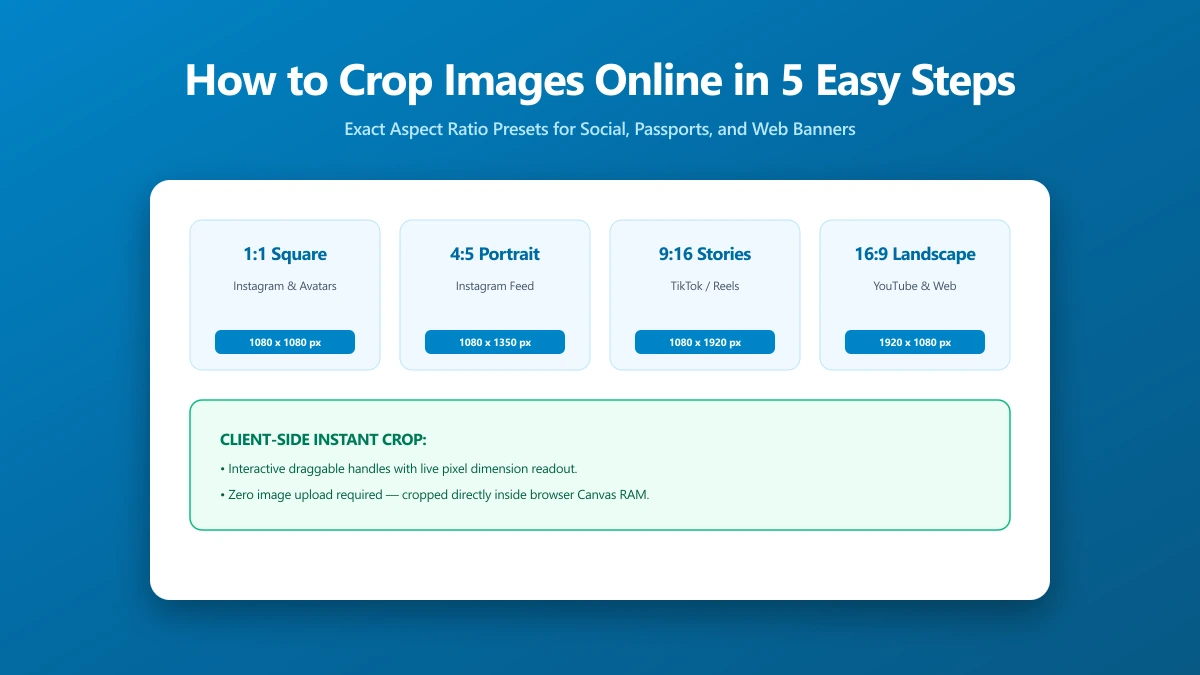
How to Crop Images Online in 5 Easy Steps
Cropping removes distracting edges, tightens composition, and sizes to exact social ratios. All in-browser, no upload, no sign-in, no software to install.
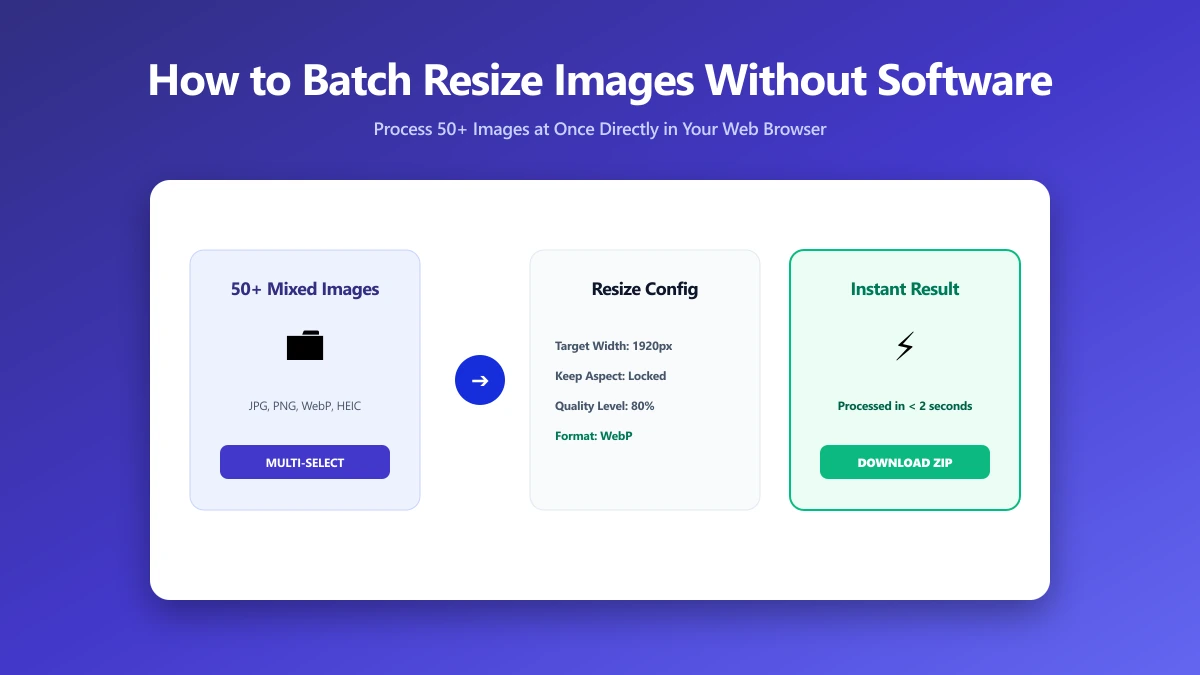
How to Batch Resize Images Without Installing Software
Resizing a folder of images to consistent dimensions fixes broken grids, speeds uploads, and keeps your CMS tidy, all in your browser, no software needed.
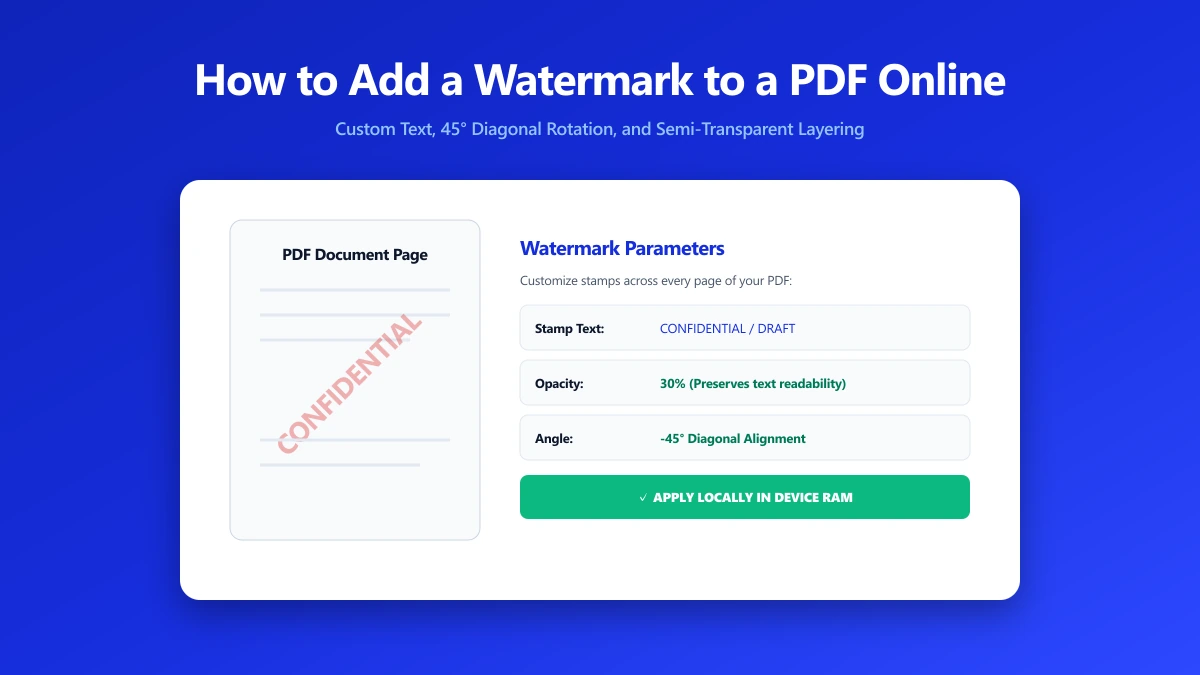
How to Add a Watermark to a PDF Online
A watermark marks status and establishes ownership on every PDF page. Add CONFIDENTIAL, DRAFT, or your company name in seconds, nothing leaves your browser.
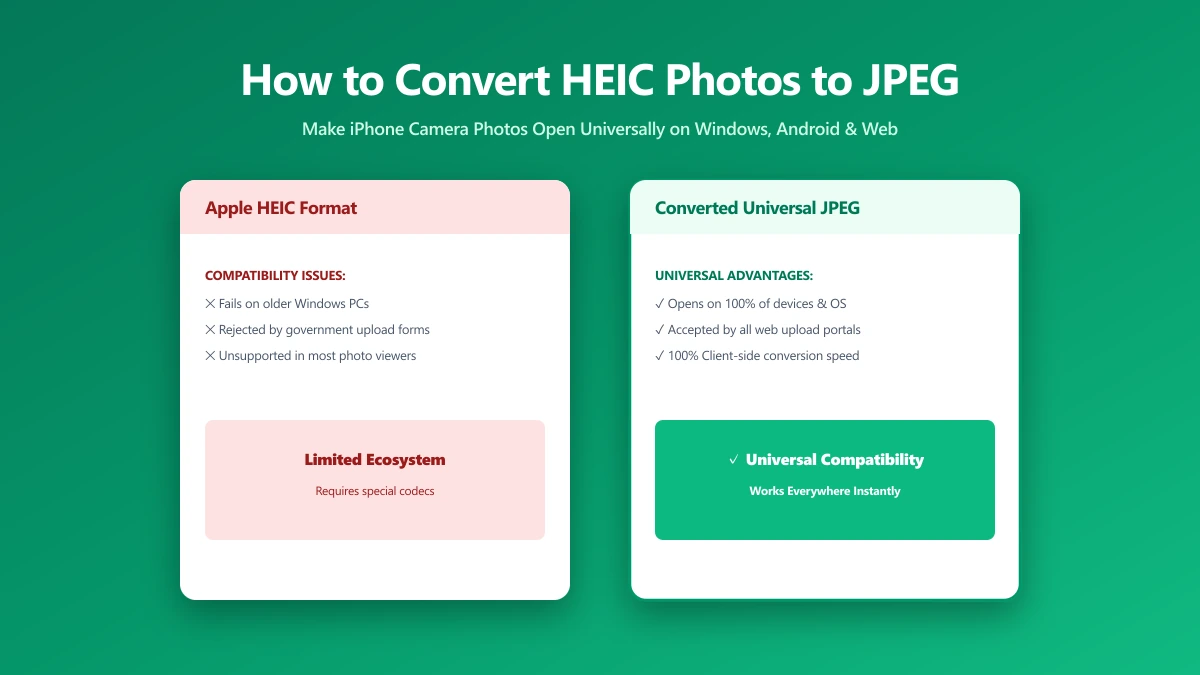
How to Convert HEIC Photos to JPEG (A Simple Guide)
iPhone photos save as HEIC, which many sites refuse. Every way to convert to JPG, what each costs in quality, and which keeps your photos private.
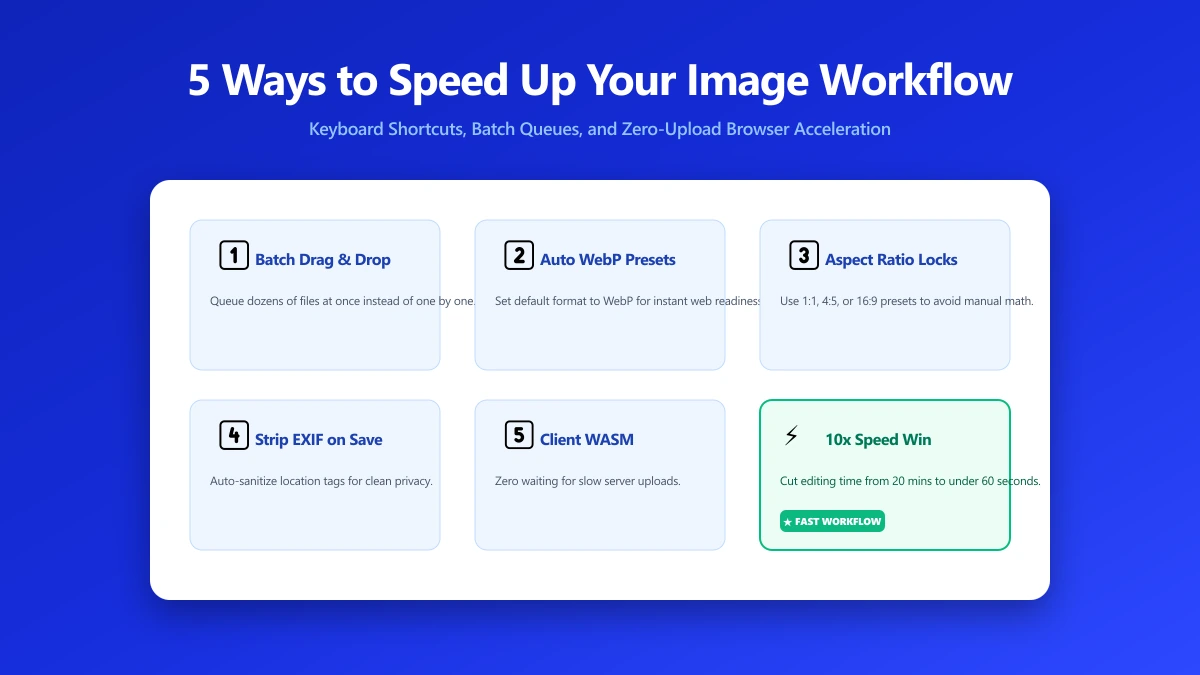
5 Ways to Speed Up Your Image Editing Workflow
Resize, compress, convert, and strip metadata, image prep compounds across a project. Five habits that cut this mechanical work from hours to seconds.
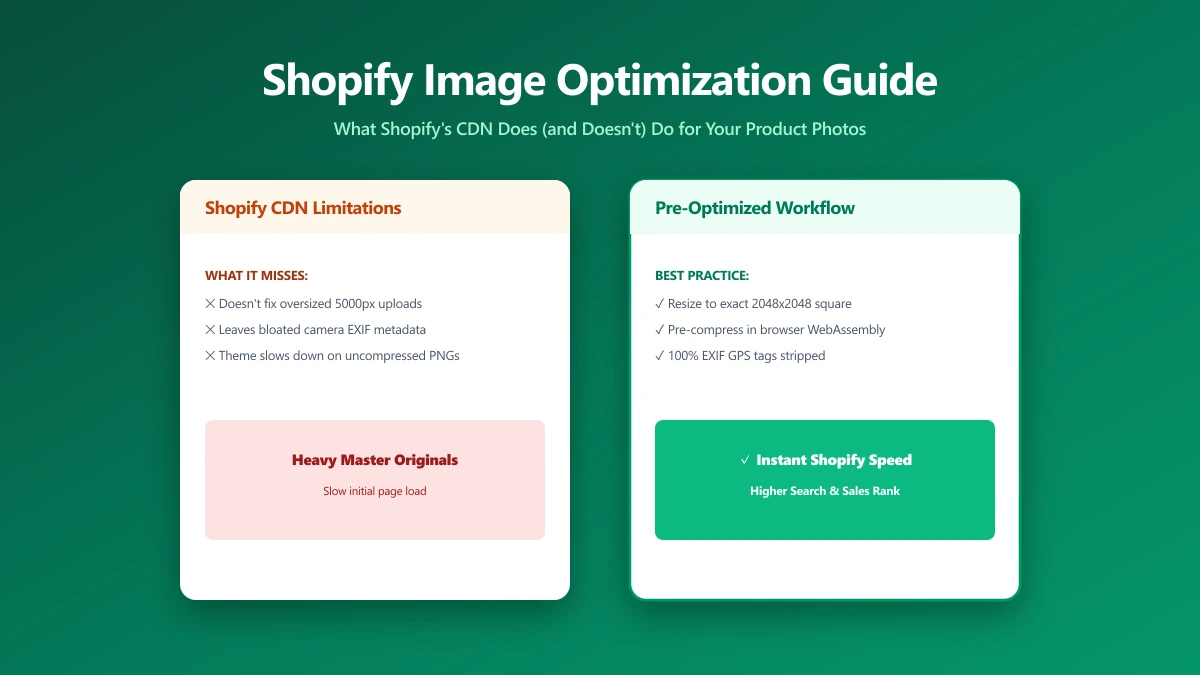
Shopify Image Optimization: What the Platform Does (and Doesn't Do) For You
Shopify serves WebP and has a CDN, but it won't resize a 14 MB banner or fix your LCP. Here's the checklist that actually moves your PageSpeed score.
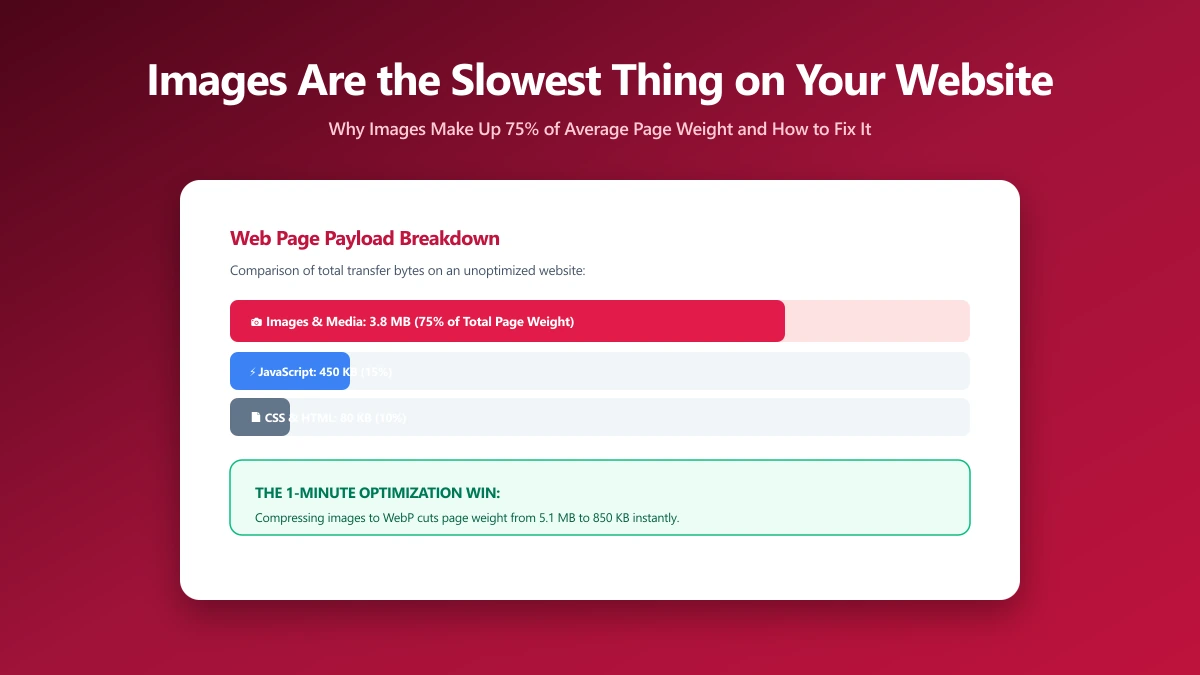
Your Images Are Probably the Slowest Thing on Your Website
Developers check JS first when pages are slow. Images are almost always the real bottleneck. Five DevTools steps identify exactly which images to fix.
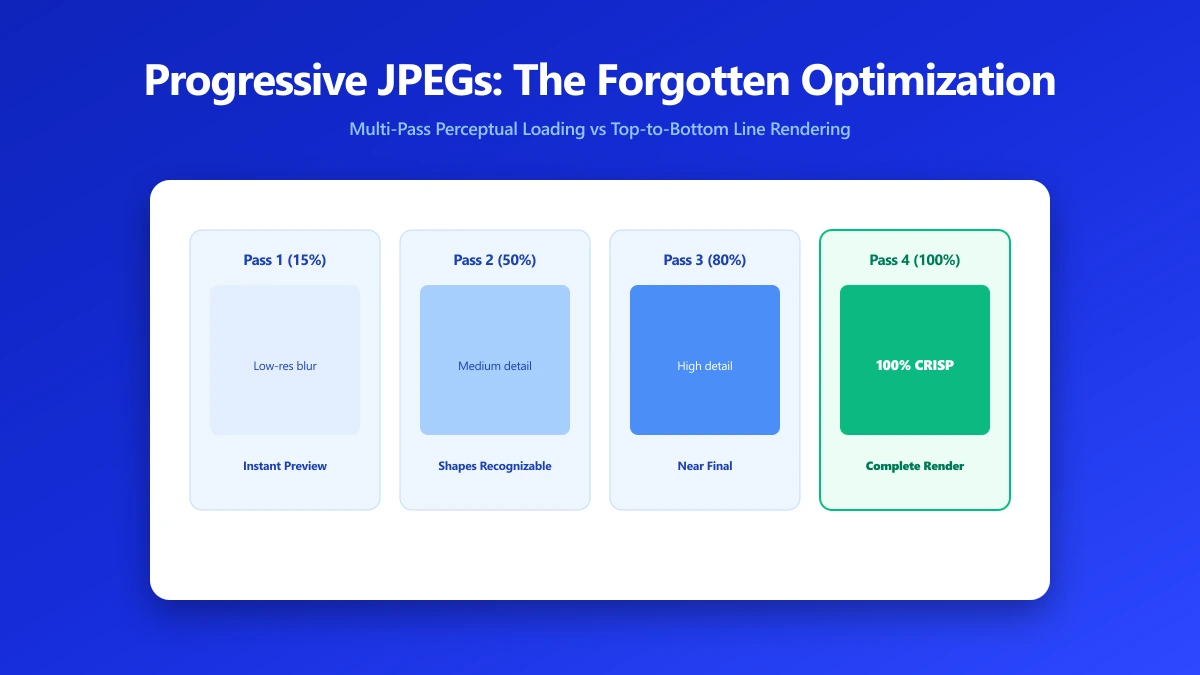
Progressive JPEGs: The Forgotten Optimization That Still Matters
Progressive JPEGs show a full-image blurry preview instantly, then sharpen. They're 2–8% smaller than baseline and make images feel faster.
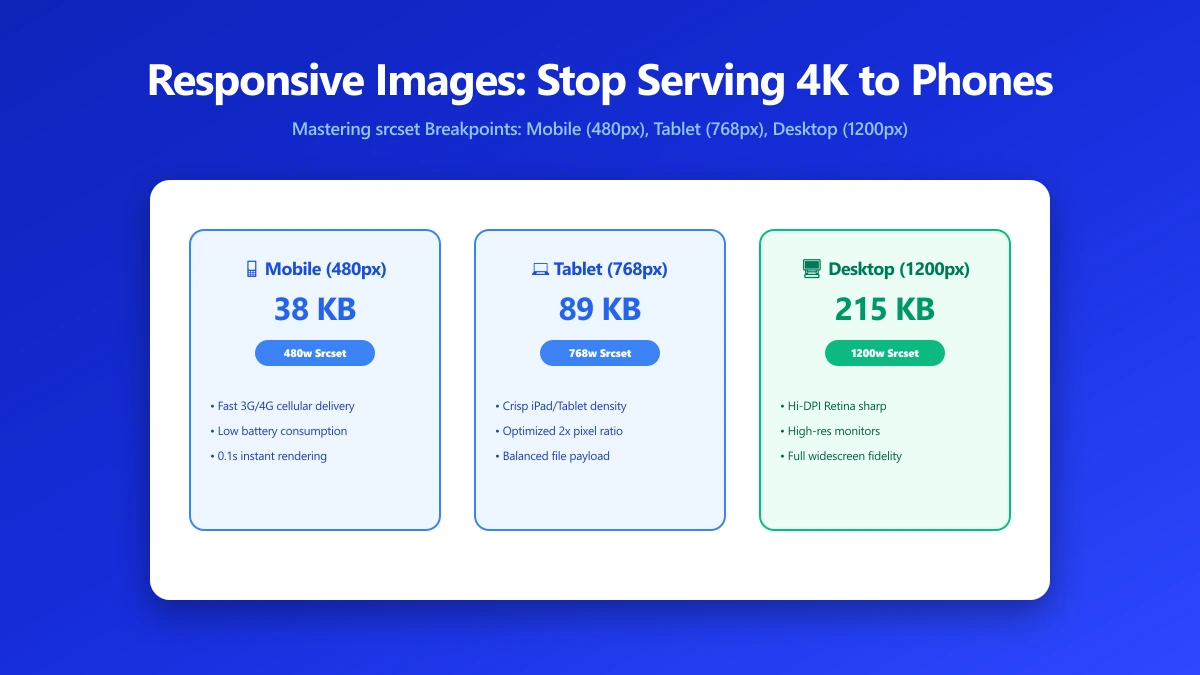
Responsive Images: Stop Serving Desktop Photos to Phone Screens
Serving a 2 MB desktop photo to every mobile screen wastes 95% of bandwidth. Add srcset, sizes, and picture in minutes to cut mobile load time in half.
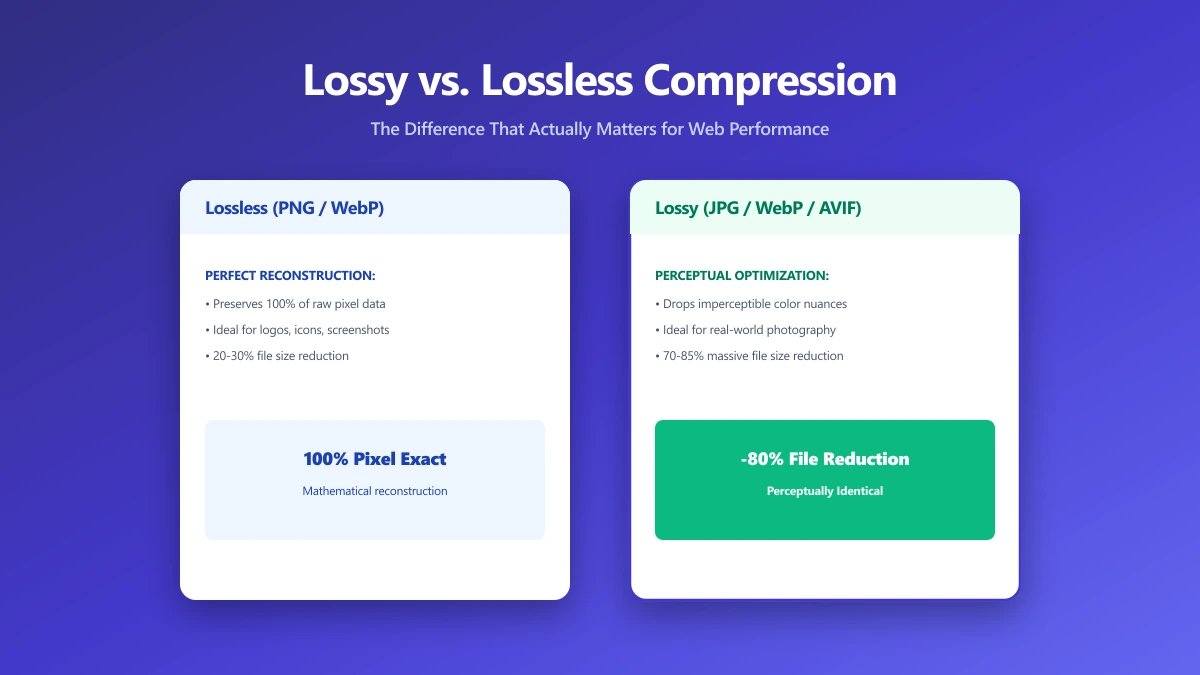
Lossy vs. Lossless Compression: The Difference That Actually Matters
Lossy trades quality for size; lossless trades size for perfect fidelity. Pick the wrong one and you're wasting bandwidth or permanently degrading your assets.
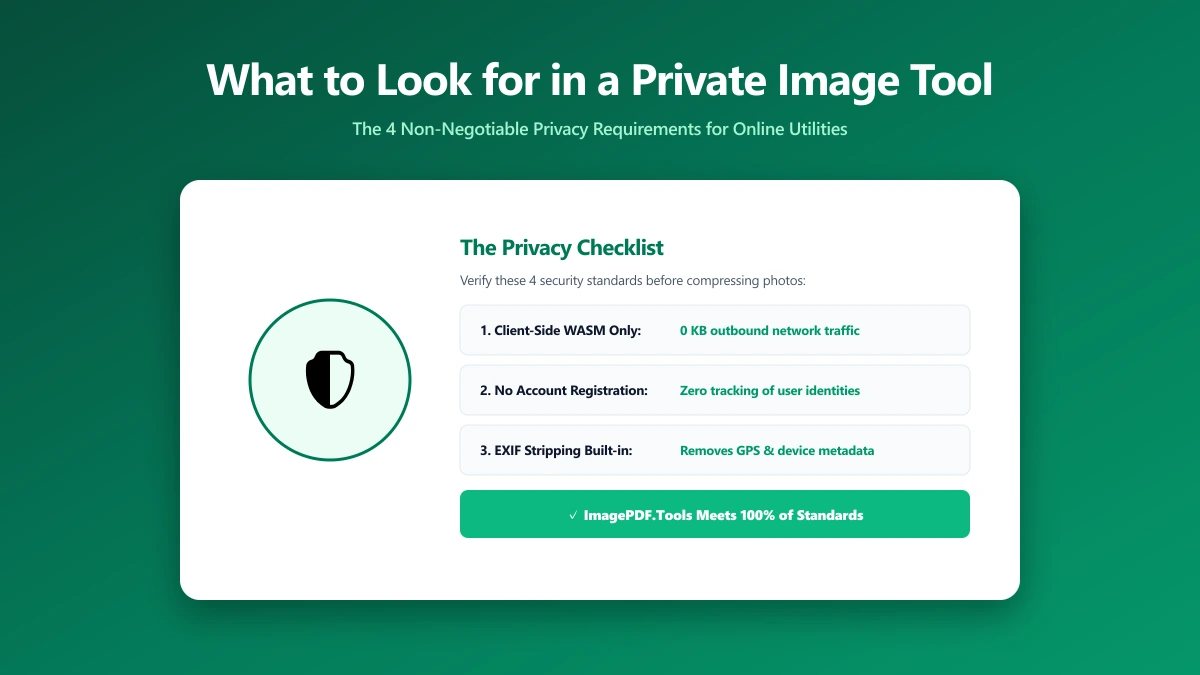
What to Look for in a Private Image Compression Tool
Most "free" online image tools upload your files to their servers. Here's how to verify in 30 seconds whether a tool is genuinely private and client-side.
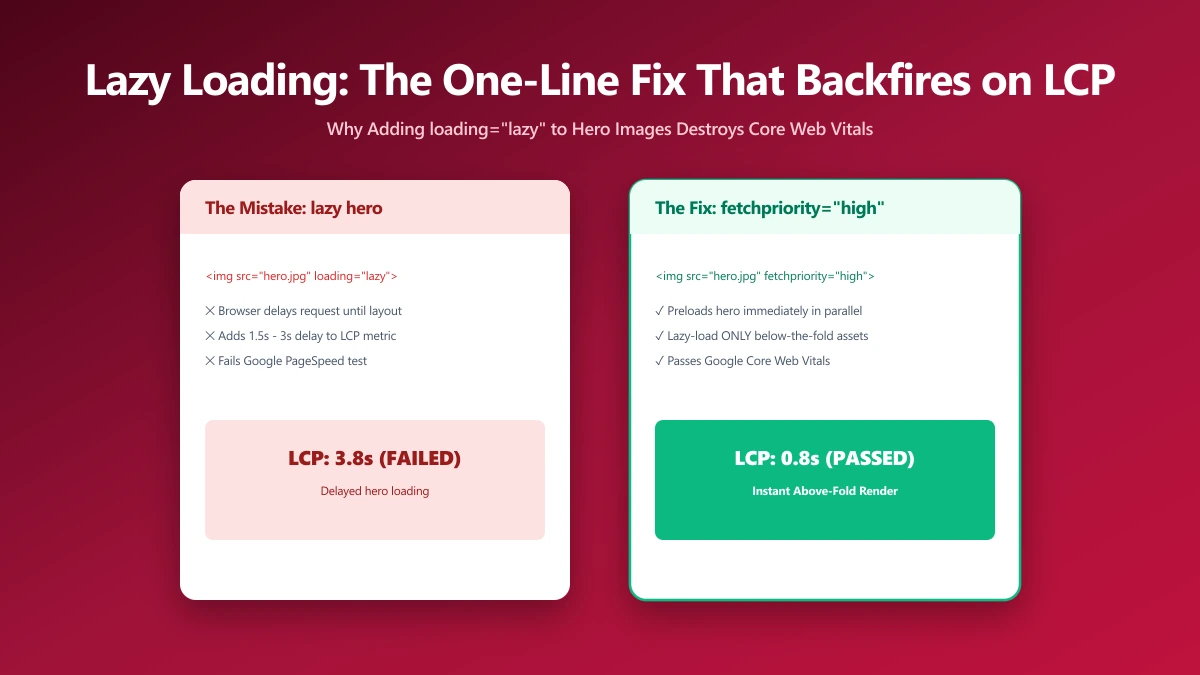
Lazy Loading Images: The One-Line Fix That Backfires on LCP
loading="lazy" on your hero image is one of the most common LCP killers. Here's exactly why it happens, how to find it, and how to fix the damage.
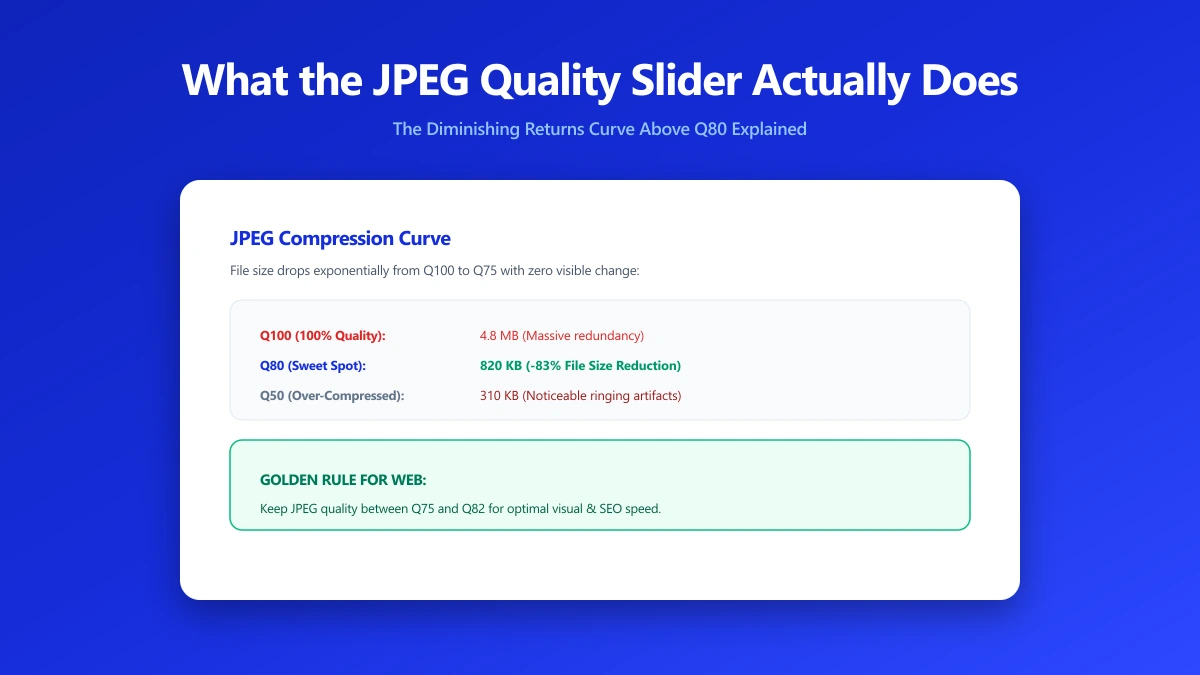
What the JPEG Quality Slider Actually Does (It's Not What You Think)
Quality 80 is not "80% of the original". It's a quantisation table scalar. Here's how the DCT-based encoding actually works and what settings to use.
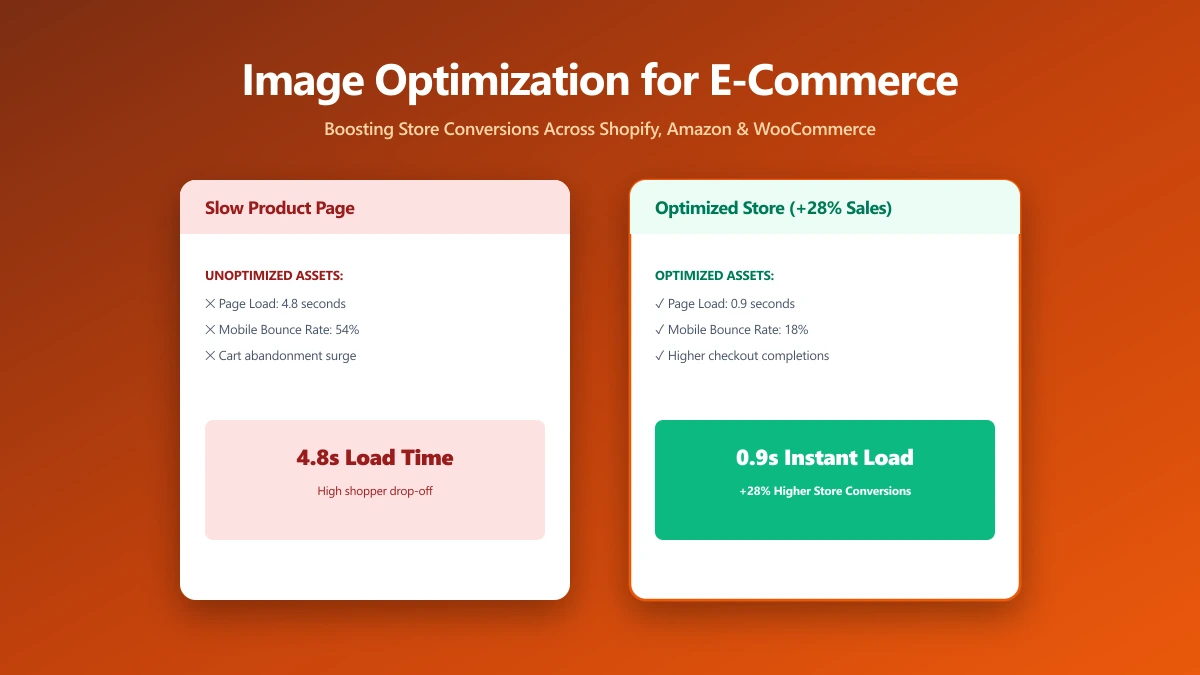
Image Optimization for E-Commerce: The Multi-Platform Reality
Product images on Shopify, WooCommerce, Amazon, and Etsy all have different requirements. Compress once, deploy everywhere without quality loss.
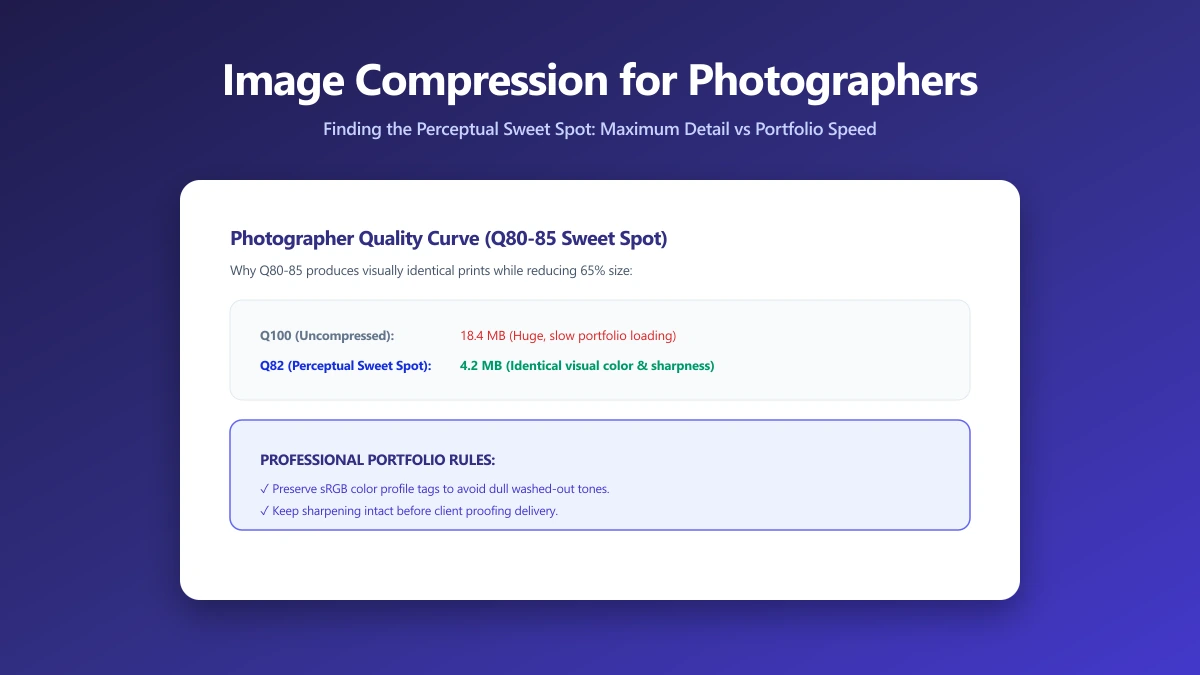
Image Compression for Photographers: A Guide for People Who Actually Care About Quality
JPEG quality, colour profiles, generation loss, WebP for portfolios, the complete export guide for photographers who care about colour accuracy and fine detail.
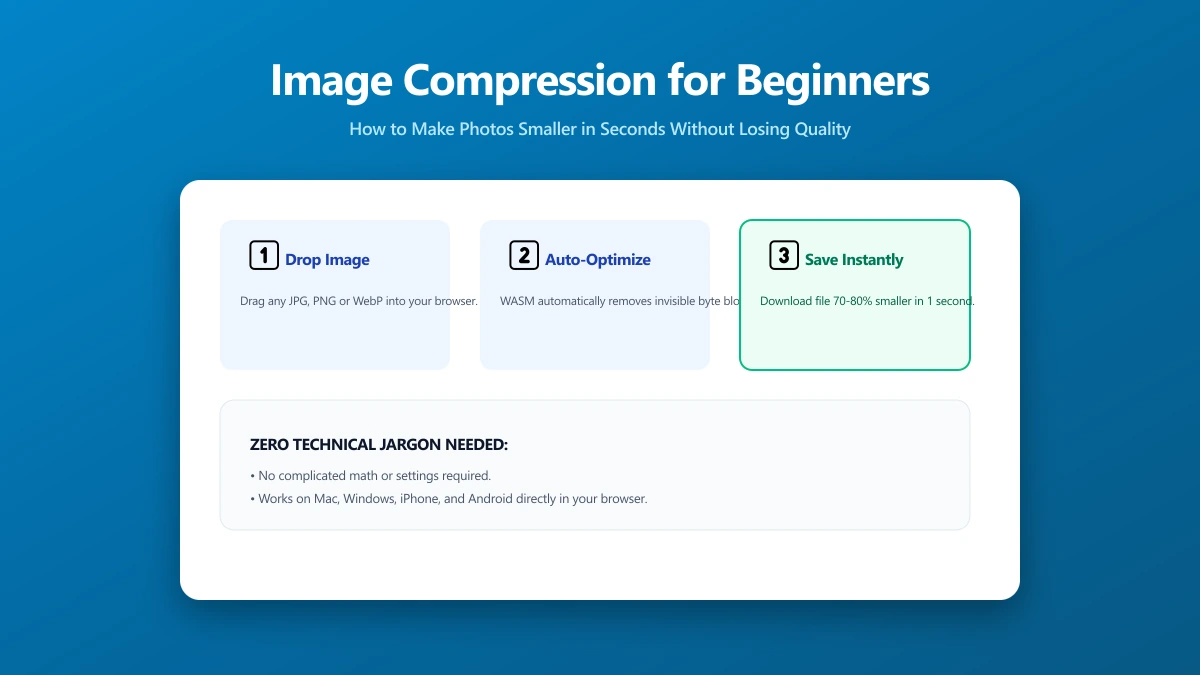
Image Compression for People Who Just Want Smaller Photos
No technical jargon. Make your photos smaller so they send faster, upload without errors, and stop clogging your device. Free browser tool, nothing to install.
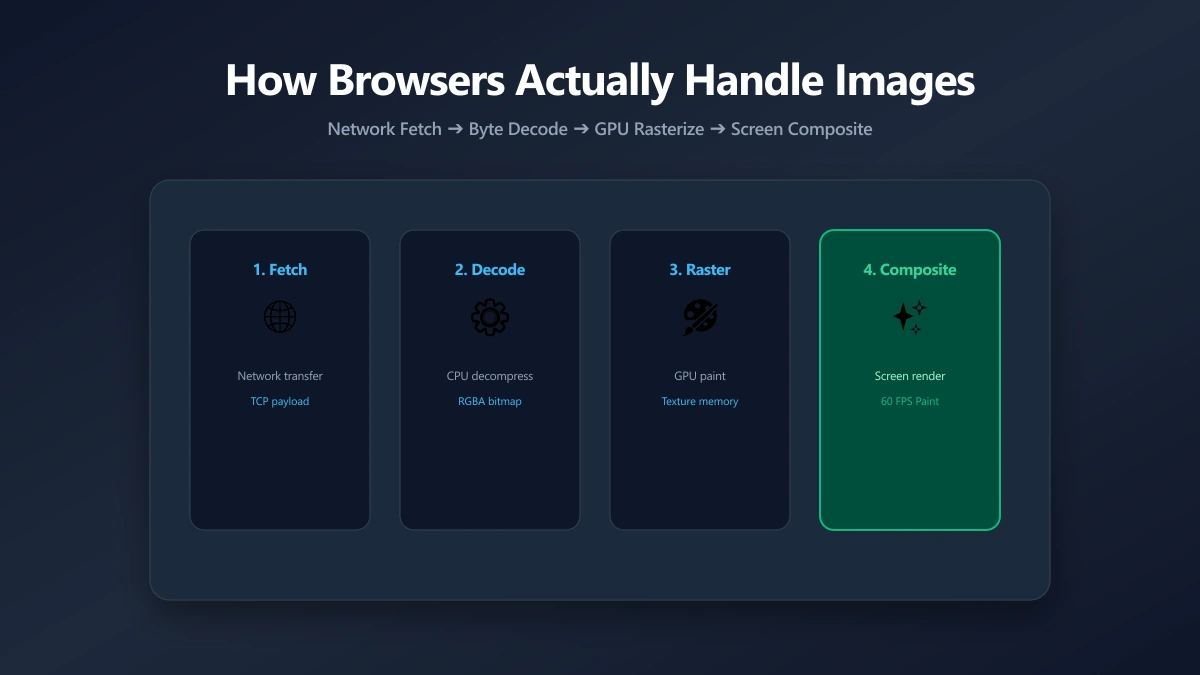
How Browsers Actually Handle Your Images
File size is half the story. After bytes arrive, browsers decode and composite images in ways that affect memory and rendering. Here's what actually happens.
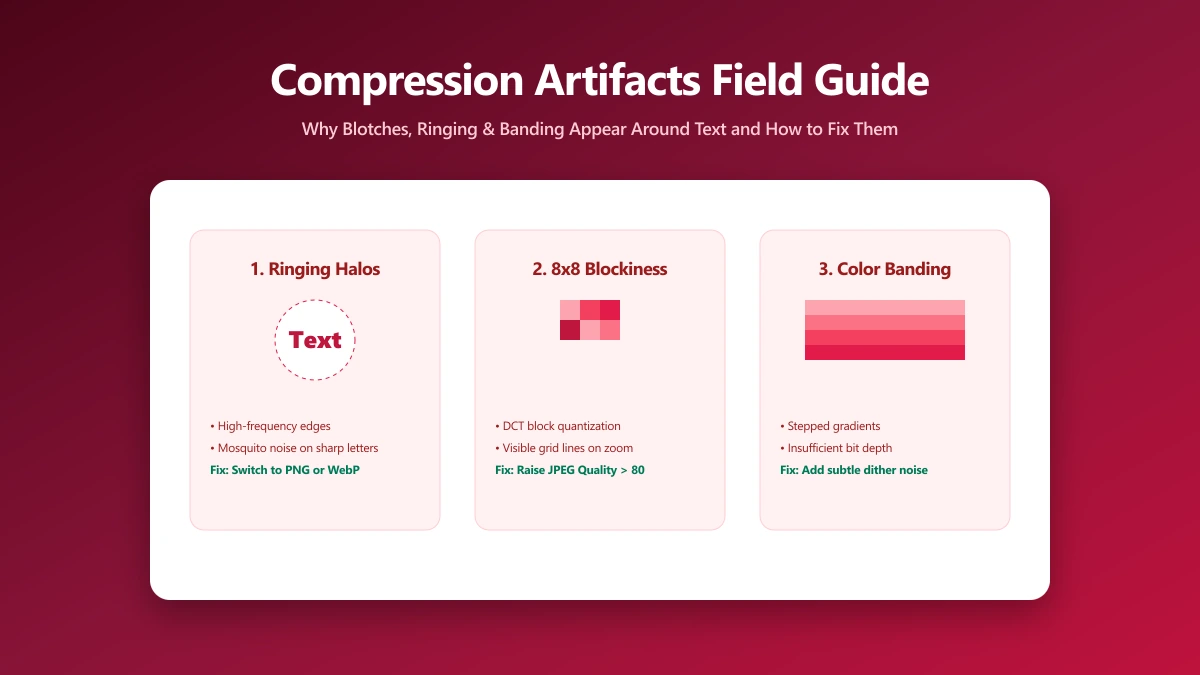
Those Weird Blotches Around Text: A Field Guide to Compression Artifacts
Blotchy gradients, halos around text and pixelated blocks each have a name and a cause. How to recognise them, and which setting produced them.
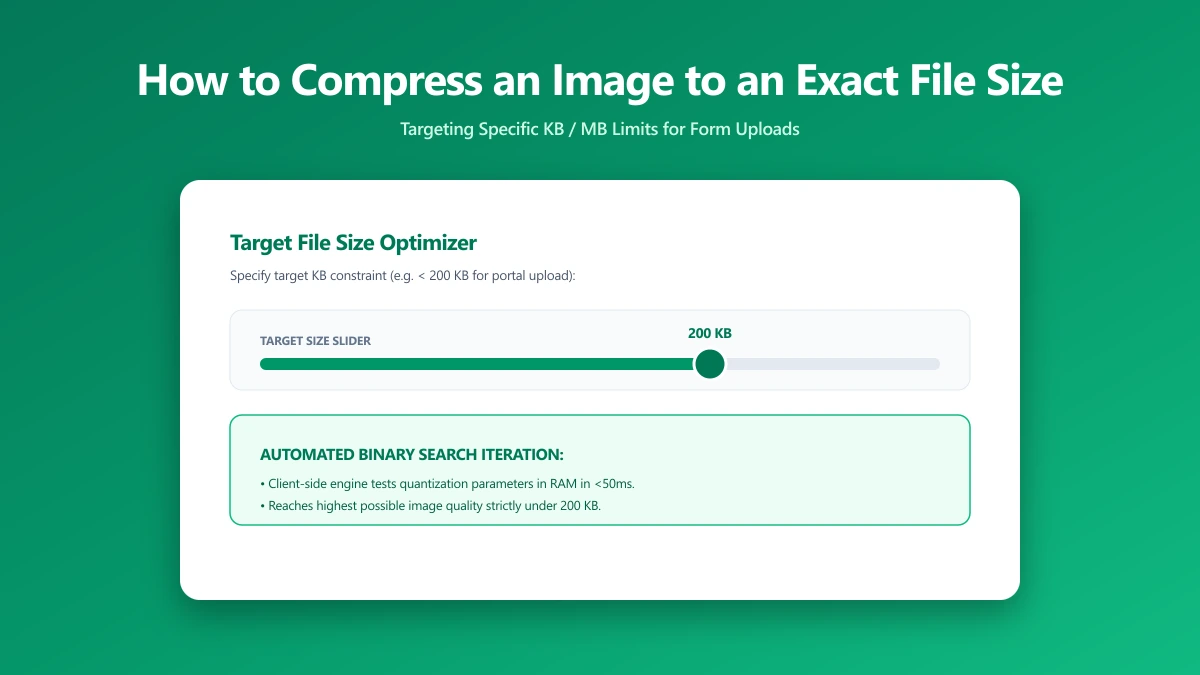
How to Compress an Image to an Exact File Size, And Why It's Harder Than You Think
Need a photo under 200 KB or 1 MB? Learn the binary search method for hitting exact file size targets every time. Free browser tool included.
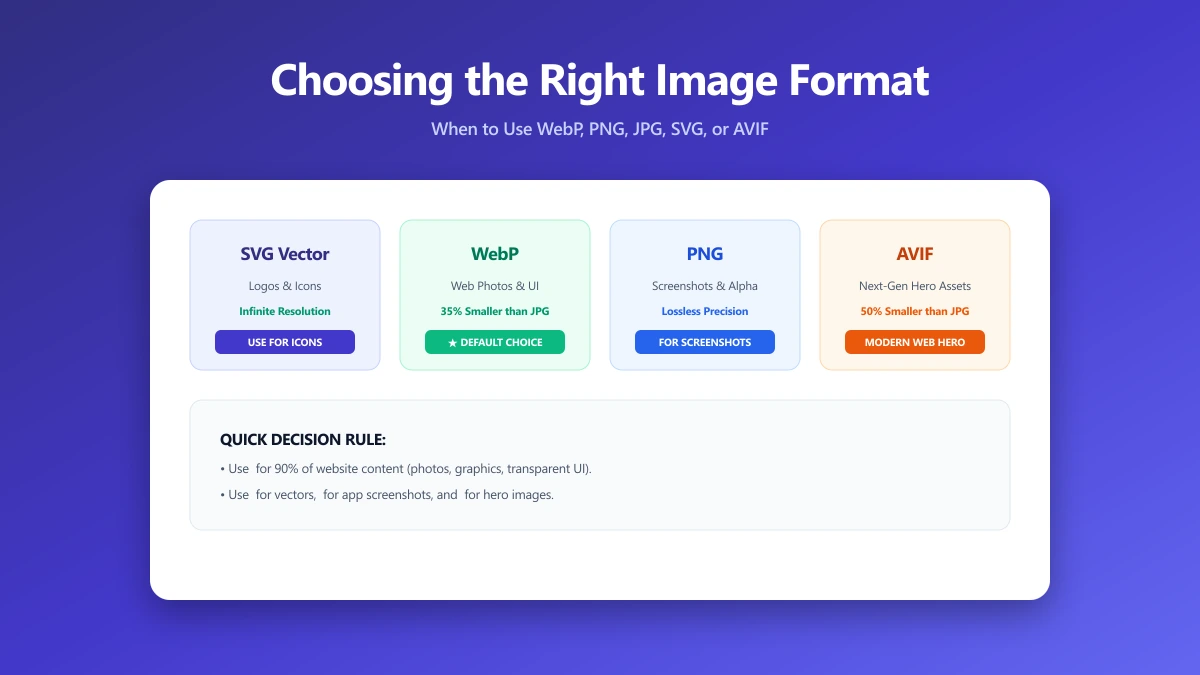
Choosing the Right Image Format: A Practical Guide From the Compression Side
JPEG, PNG, WebP, or AVIF? This practical guide explains every format's compression model so you pick the right one every time. Free converter included.
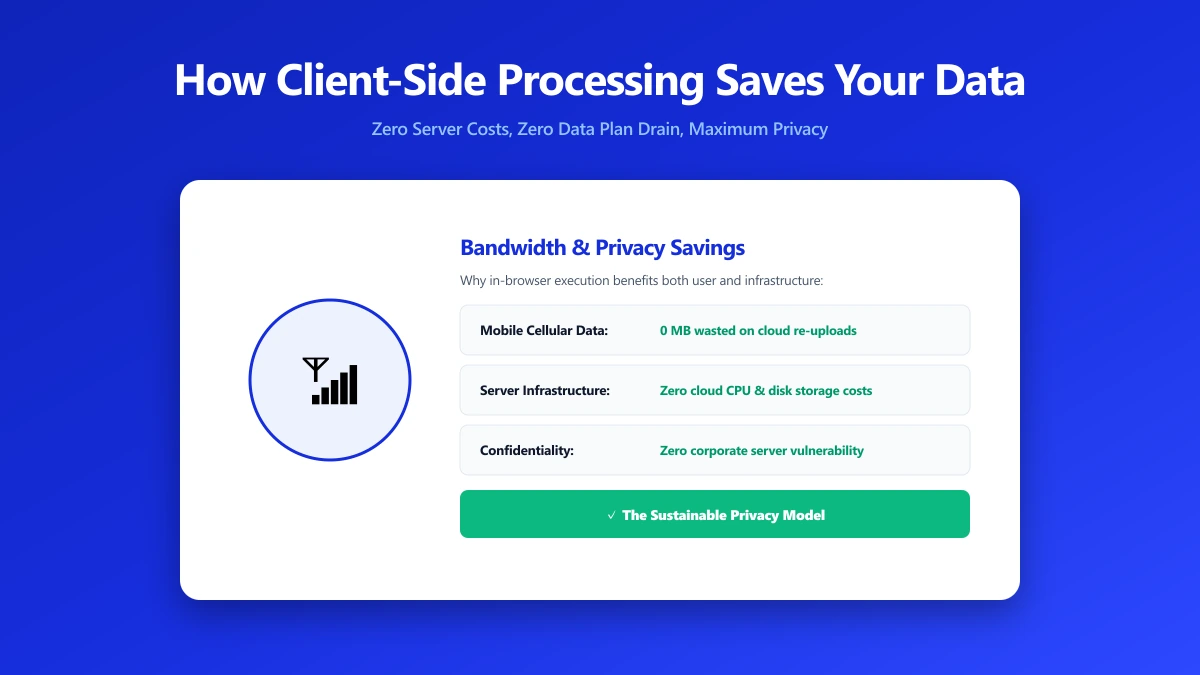
How Client-Side Processing Saves Your Data (And Our Server Costs)
When a browser tool processes files locally, your data never leaves your device. What that changes, and how to tell which tools actually do it.
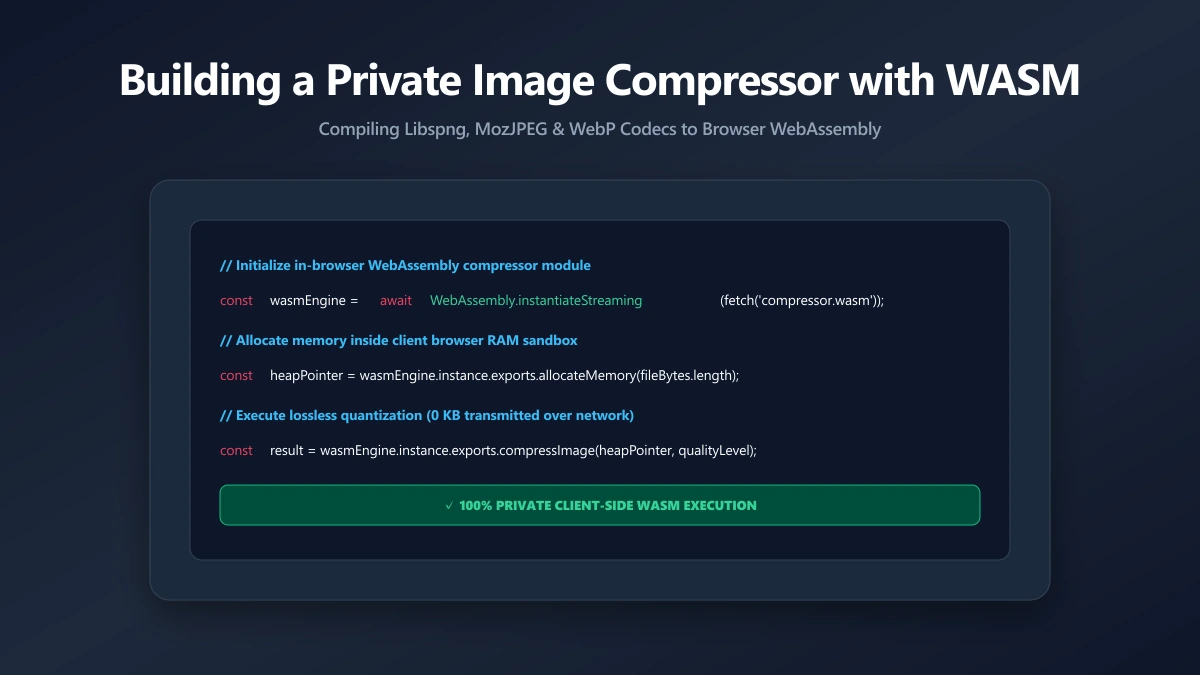
Building a Private Image Compressor with WebAssembly
How a browser compresses images with WebAssembly, why it is fast enough to replace a server, and what that changes about your privacy.
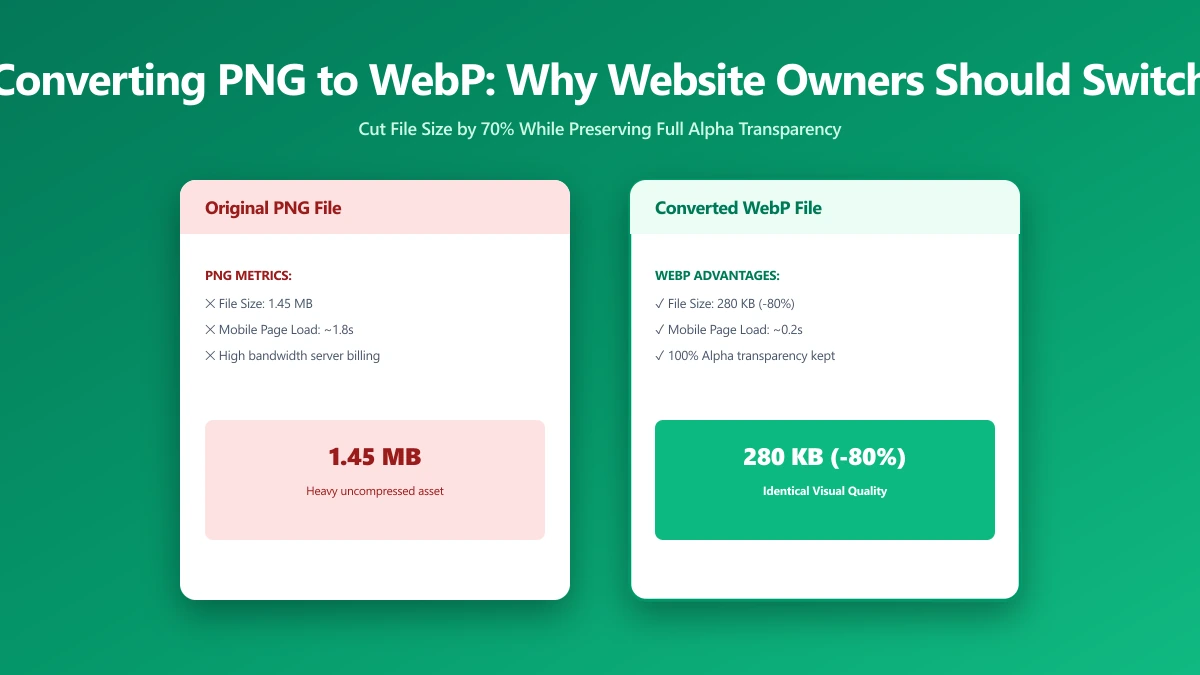
Converting PNG to WebP: Why Every Website Owner Should Do It
PNG files are 2–5× larger than WebP at equivalent quality. Learn when to switch, when to keep PNG, and how to migrate your entire image library in minutes.
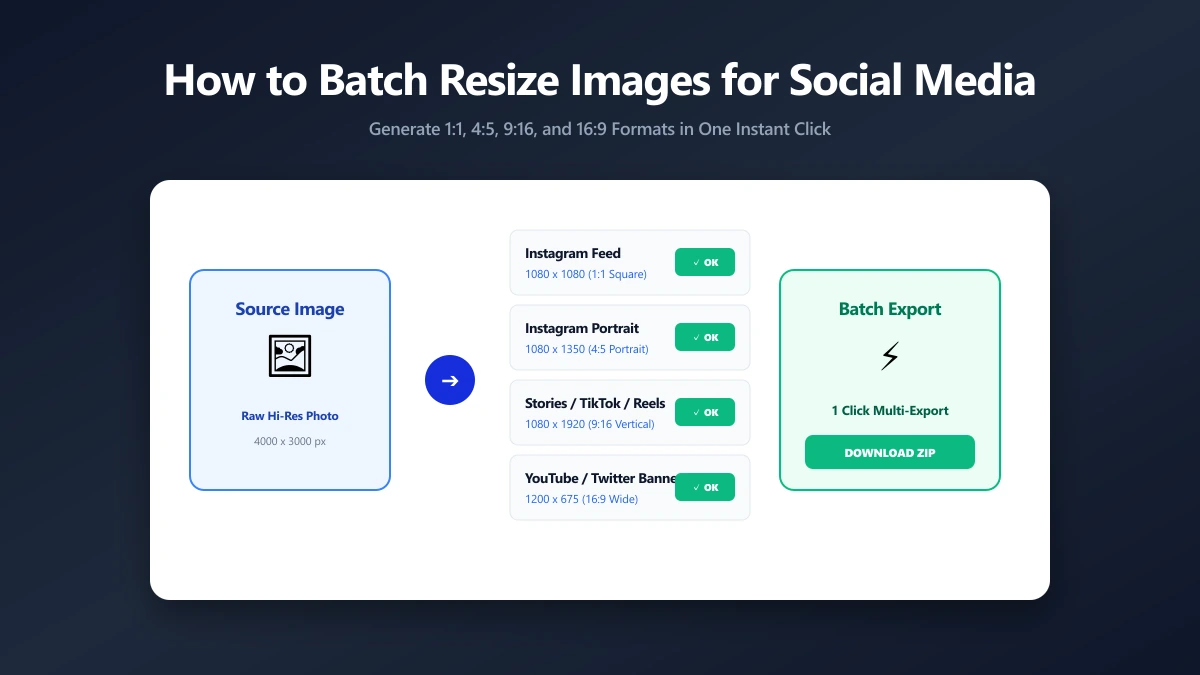
How to Batch Resize Images for Social Media Quickly
The complete 2026 guide to image dimensions for Instagram, X, LinkedIn, TikTok, YouTube, and more, plus batch resizing methods without quality loss.
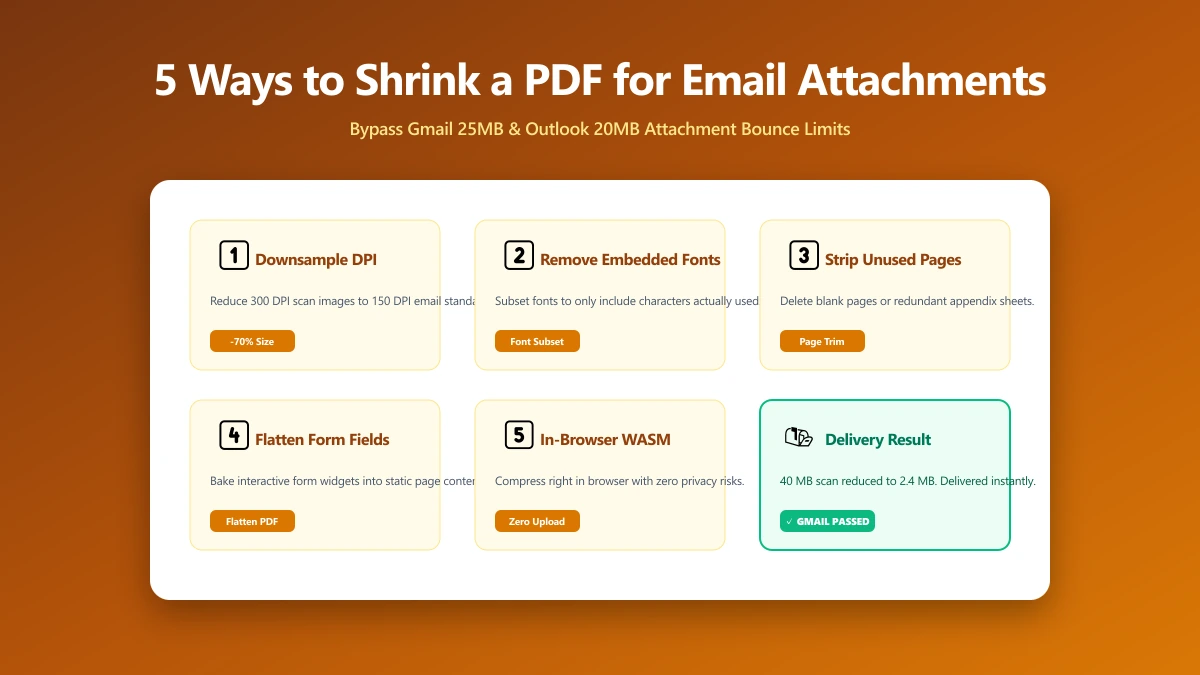
5 Ways to Shrink a PDF for Email Attachments
Gmail caps at 25 MB, Outlook at 20 MB, corporate servers often at 10 MB. Five proven techniques to get any PDF under the limit, from browser tools to CLI.
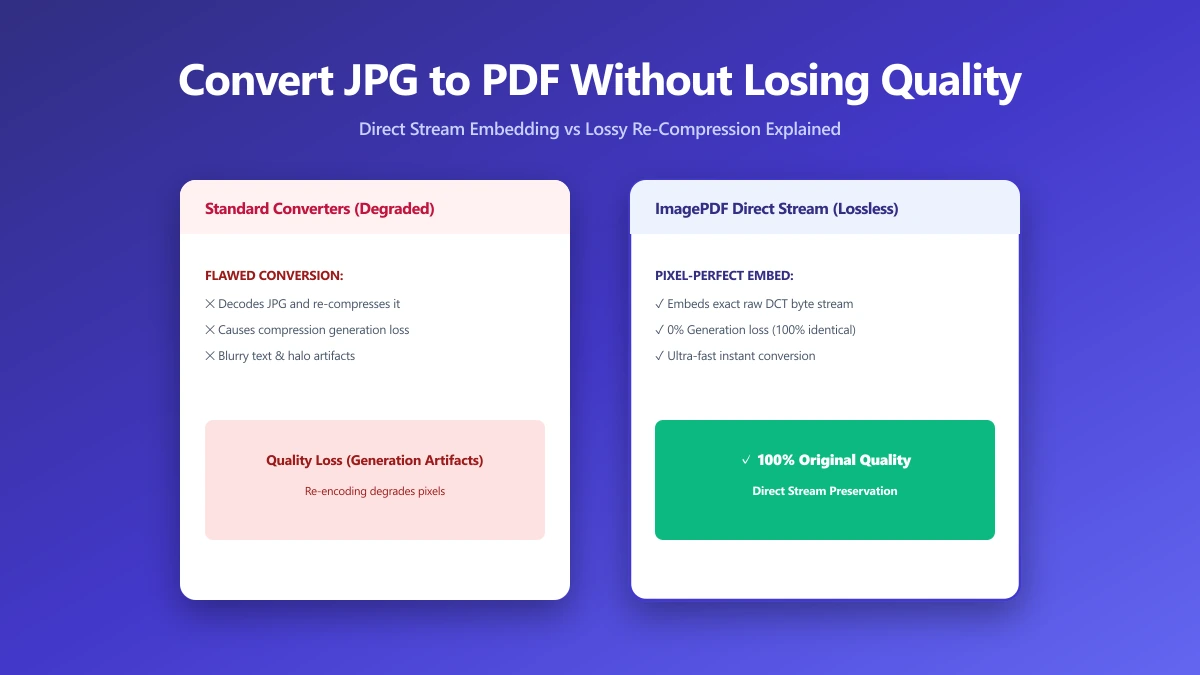
How to Convert JPG to PDF Without Losing Quality
Most JPG-to-PDF tools silently recompress your image, destroying quality. Learn the correct method that embeds JPEG data without re-encoding, zero quality loss.
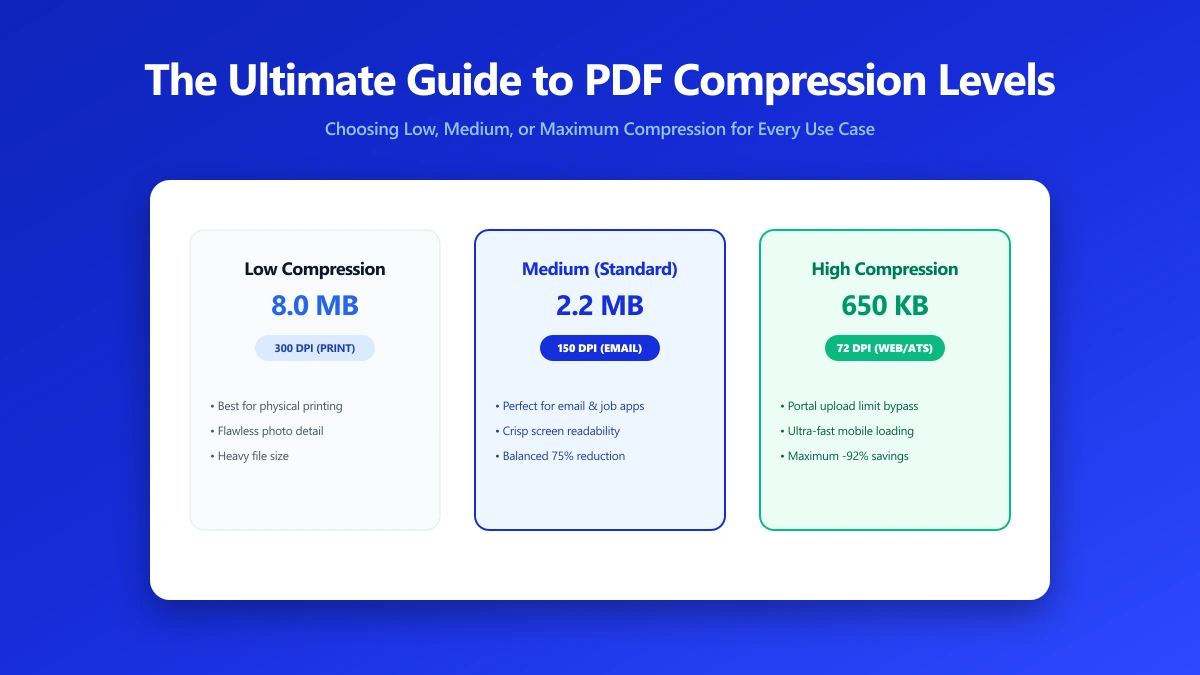
The Ultimate Guide to PDF Compression Levels
Screen, eBook, Printer and Prepress: what each PDF compression preset actually does, which to use for email against print, and what each costs.
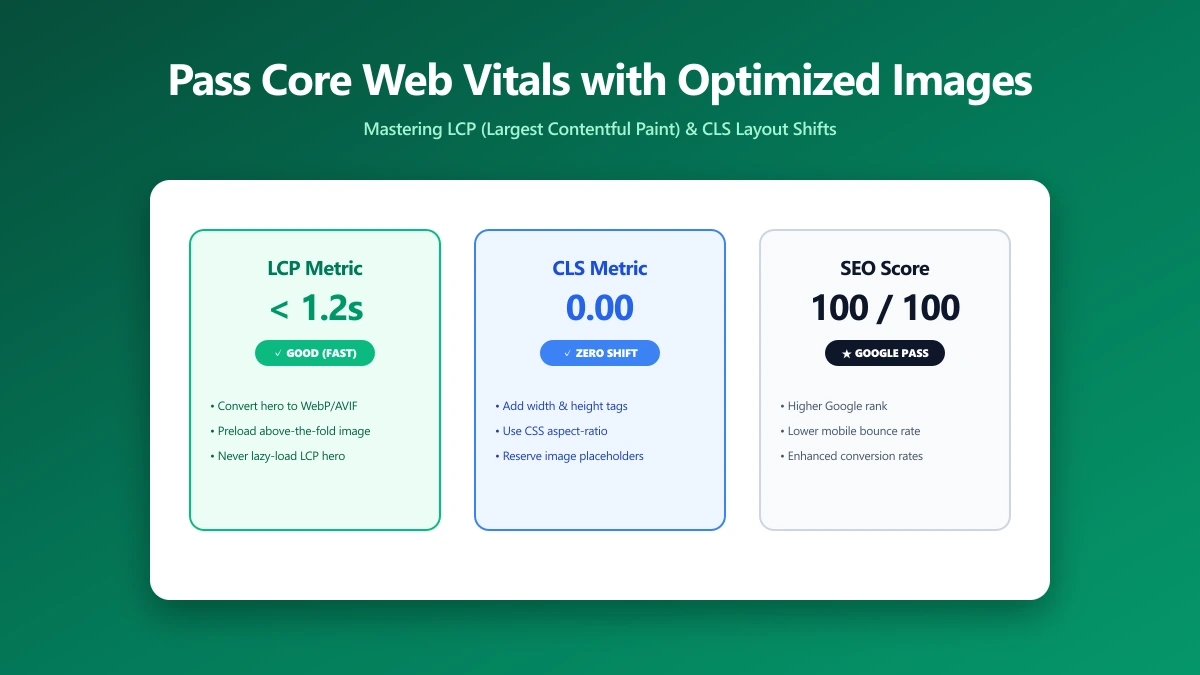
How to Pass Core Web Vitals with Optimized Images
Images cause 70% of LCP failures. This step-by-step guide diagnoses and fixes image-related Core Web Vitals issues to improve your Google ranking.
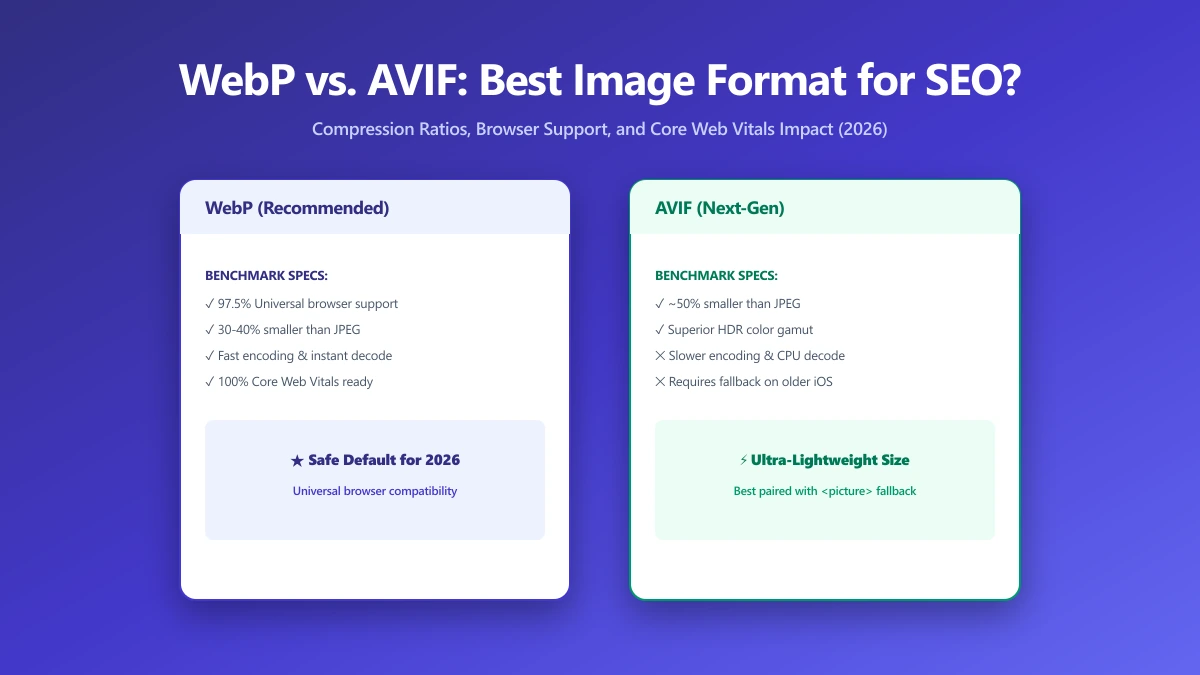
WebP vs. AVIF: Which Image Format Is Best for SEO in 2026?
AVIF compresses smaller than WebP but encodes 10× slower. Find out which format wins for LCP, CDN support, and real-world SEO in this 2026 comparison.
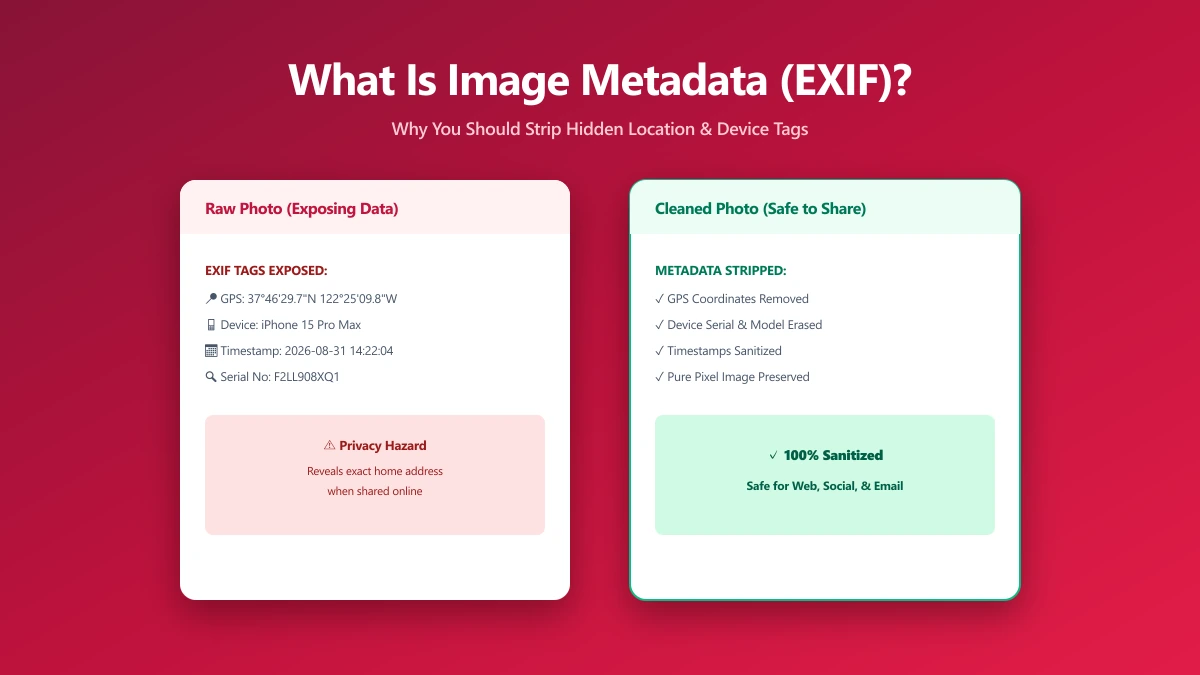
What Is Image Metadata? (And Why You Should Remove It Before Sharing)
Every JPEG you share embeds hidden EXIF data, GPS location, device model, timestamp. Learn what image metadata reveals and how to strip it in seconds.
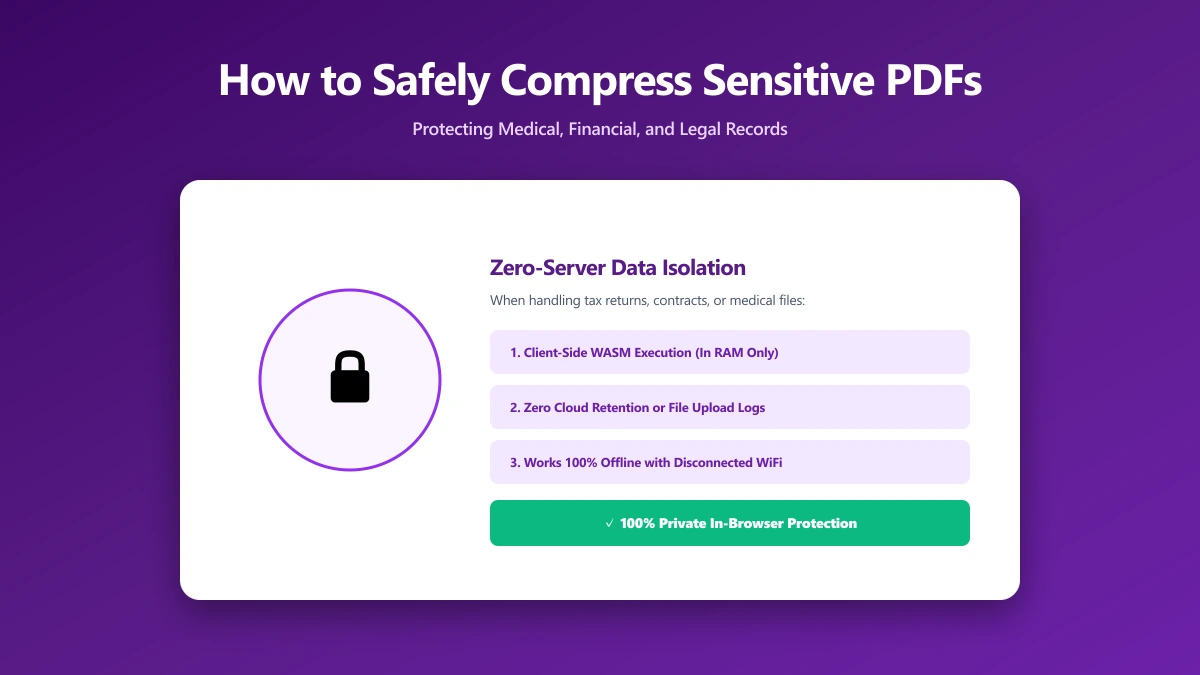
How to Safely Compress Sensitive PDF Documents
Compress sensitive PDFs, bank statements, contracts, medical records, without uploading them. Learn how to shrink them safely, right in your browser.
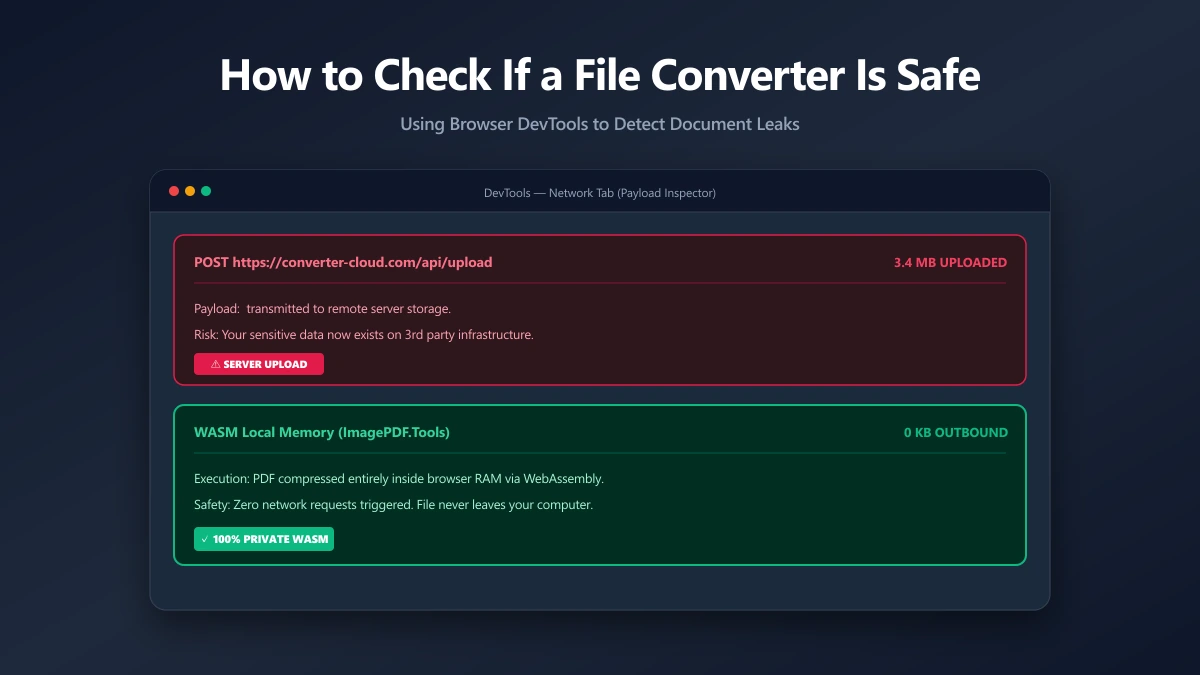
How to Check If an Online File Converter Is Safe
Are online file converters safe? Many upload your files to a server. Learn to spot the risk, verify in-browser processing, and pick a private tool.