Is Soda PDF Safe? What Happens to Your File When You Upload It
Summary
Is Soda PDF safe to use? Here is exactly how it processes your file, what real user reviews say about the experience, and an alternative worth trying.
Soda PDF is a widely used online and desktop PDF editor, and like most tools in this category, using it means uploading your file to a cloud service.
ImagePDF.Tools does the same everyday PDF jobs without that upload at all, and here is exactly what happens when you use Soda PDF instead.
How Soda PDF Processes Your Files
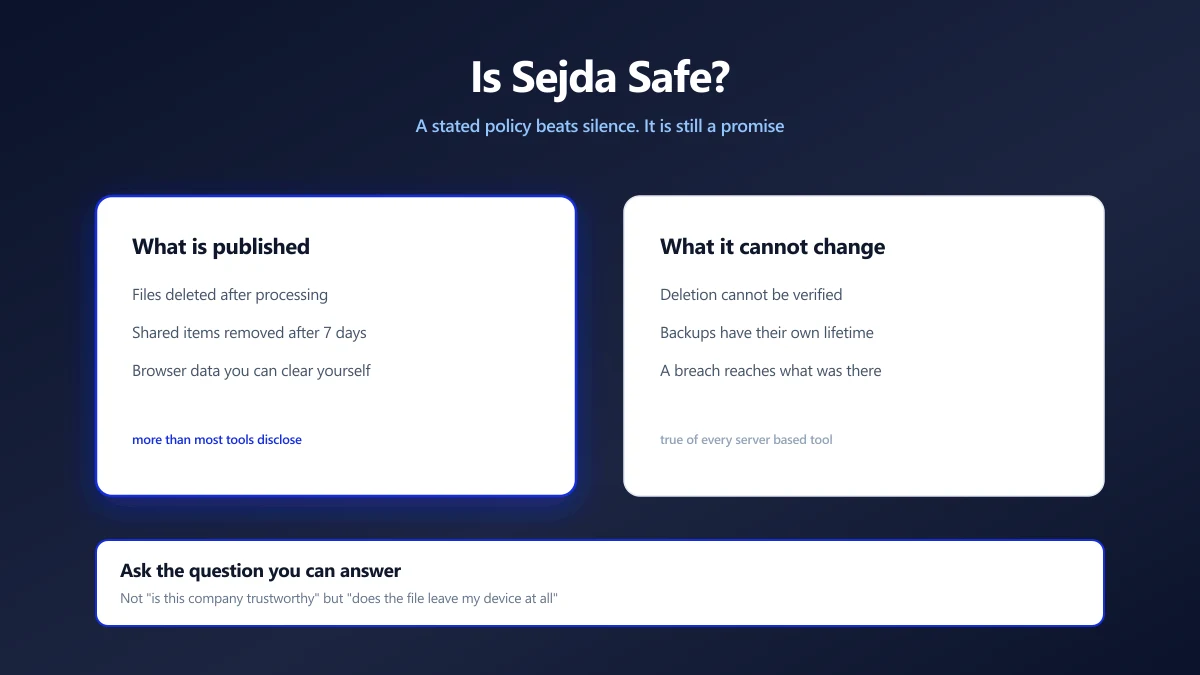
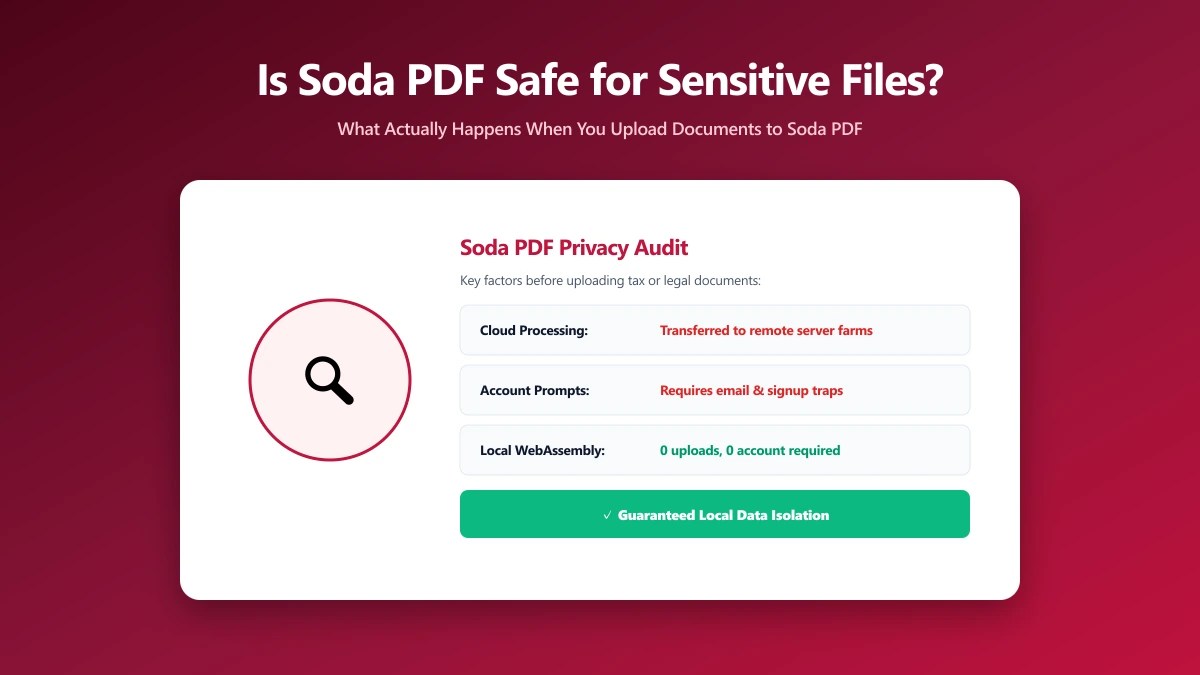
Soda PDF's cloud-based tools are server-side: your document is uploaded, processed on Soda PDF's infrastructure, and returned to you. This is standard architecture for a cloud PDF editor, and it means your file exists on a third party's servers for some period during processing.
What User Reviews Actually Say
Soda PDF holds a "Average" rating on Trustpilot (around 3.7 out of 5 as of 2026), with reviews mentioning issues ranging from account and billing friction to inconsistent tool performance.
None of this points to malicious handling of files, but it is worth weighing against tools with a stronger track record before uploading something sensitive.
An average review score is not the same as an unsafe tool. It is a signal that the day-to-day experience is inconsistent, which is different from, but related to, the question of whether you want to hand it a private document.
Is Soda PDF Actually Unsafe?
No public evidence suggests Soda PDF mishandles user files. The more useful question, as with any cloud PDF tool, is structural: does the task actually require uploading the file at all?
For compressing, merging, or converting a PDF, it does not, a browser can do the entire job locally, which is exactly how ImagePDF.Tools works.
Soda PDF vs ImagePDF.Tools
| Factor | Soda PDF | ImagePDF.Tools |
|---|---|---|
| Where your file goes | Uploaded to Soda PDF's cloud | Never leaves your device |
| Account required | Yes, for most cloud tools | Never |
| User review sentiment | Average (~3.7/5 Trustpilot) | N/A, no upload to review |
| Price | Free tier, then paid plans | Free, permanently |
Verify It Yourself in 30 Seconds
- 1.Open the tool, press F12, and click the Network tab in DevTools.
- 2.Tick "Preserve log" so nothing clears between steps.
- 3.Run a compression or conversion on a test PDF, never a sensitive one.
- 4.Watch for a large outbound
POSTrequest the size of your file, that is an upload.
The Bottom Line
Soda PDF is a standard cloud PDF editor with no evidence of misuse, but a mixed track record on day-to-day reliability. ImagePDF.Tools removes the upload question entirely for everyday PDF work, your file never leaves your device.
Try it free: compress a PDF, then confirm in DevTools that nothing was ever uploaded.
Frequently asked questions
Is Soda PDF safe to use?
Does Soda PDF upload my files to a server?
What is Soda PDF's Trustpilot rating?
What is the best Soda PDF alternative that never uploads files?
Is ImagePDF.Tools free, unlike Soda PDF's paid plans?
Sources & references
This article was researched and written by Nikola, drawing on the following primary sources and documentation:
Ready to try it?
All tools run entirely in your browser, no uploads, no account required.
Compress PDF