
All Articles Center
Engineering guides on image compression, PDF tools, web performance, and zero-upload file privacy.
Privacy & Security: 42 articles
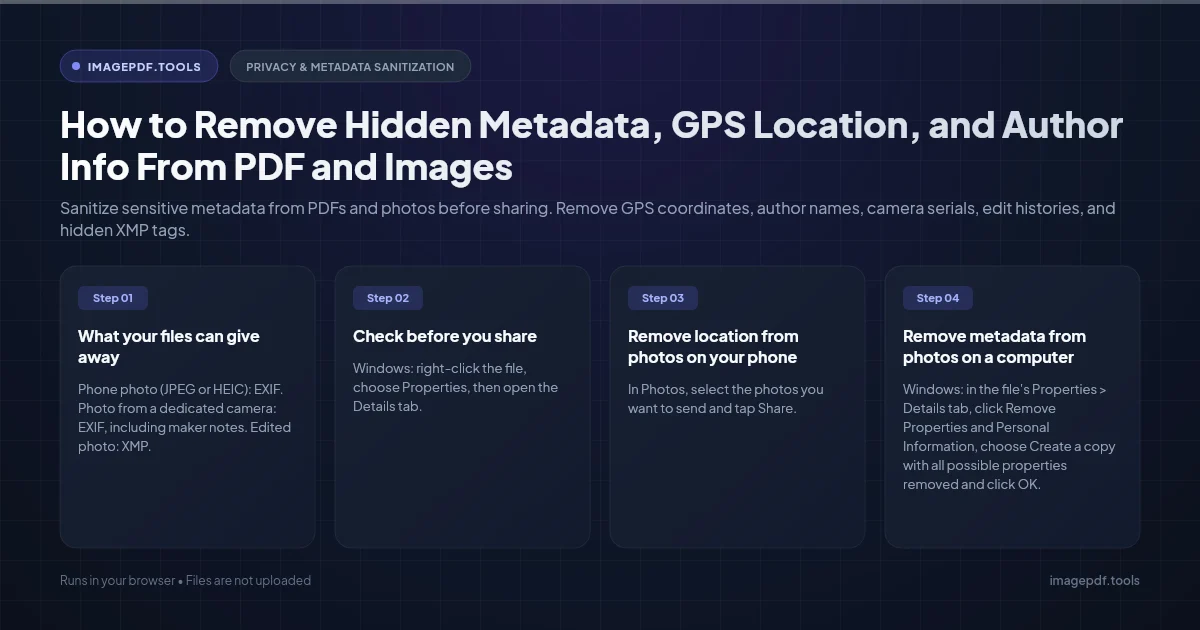
How to Remove Hidden Metadata, GPS Location, and Author Info From PDF and Images
Sanitize sensitive metadata from PDFs and photos before sharing. Remove GPS coordinates, author names, camera serials, edit histories, and hidden XMP tags.
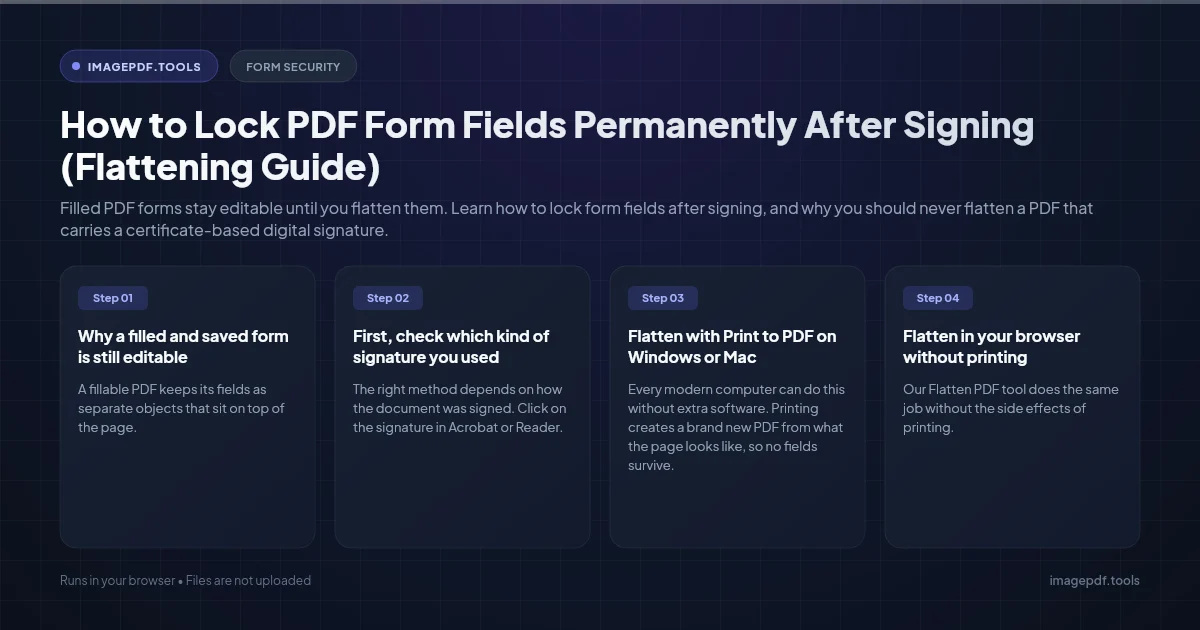
How to Lock PDF Form Fields Permanently After Signing (Flattening Guide)
Filled PDF forms stay editable until you flatten them. Learn how to lock form fields after signing, and why you should never flatten a PDF that carries a certificate-based digital signature.
How to Fix "At Least One Signature Has Problems" Error in Adobe Acrobat
What the yellow "At least one signature has problems" banner in Acrobat really means, how to tell a trust problem from a tampered file, and how to fix each case.
Forgot the Owner Password on Your Own PDF? Your Real Options
Locked out of editing a PDF you made yourself? Which password you actually lost, where people usually find it, and the clean way to get an editable copy.
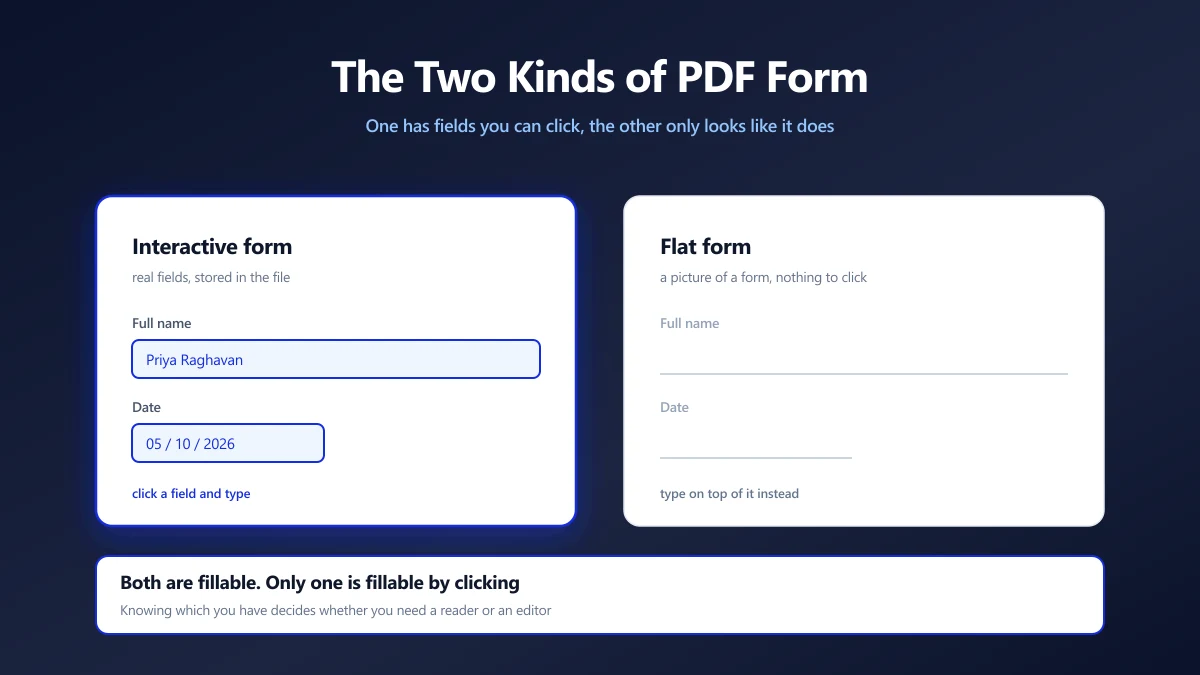
How to Fill Out a PDF Form Securely (Two Kinds of Form)
Half of PDF forms have fields you can click and half only look like they do. How to tell which you have, and how to fill either without uploading it.
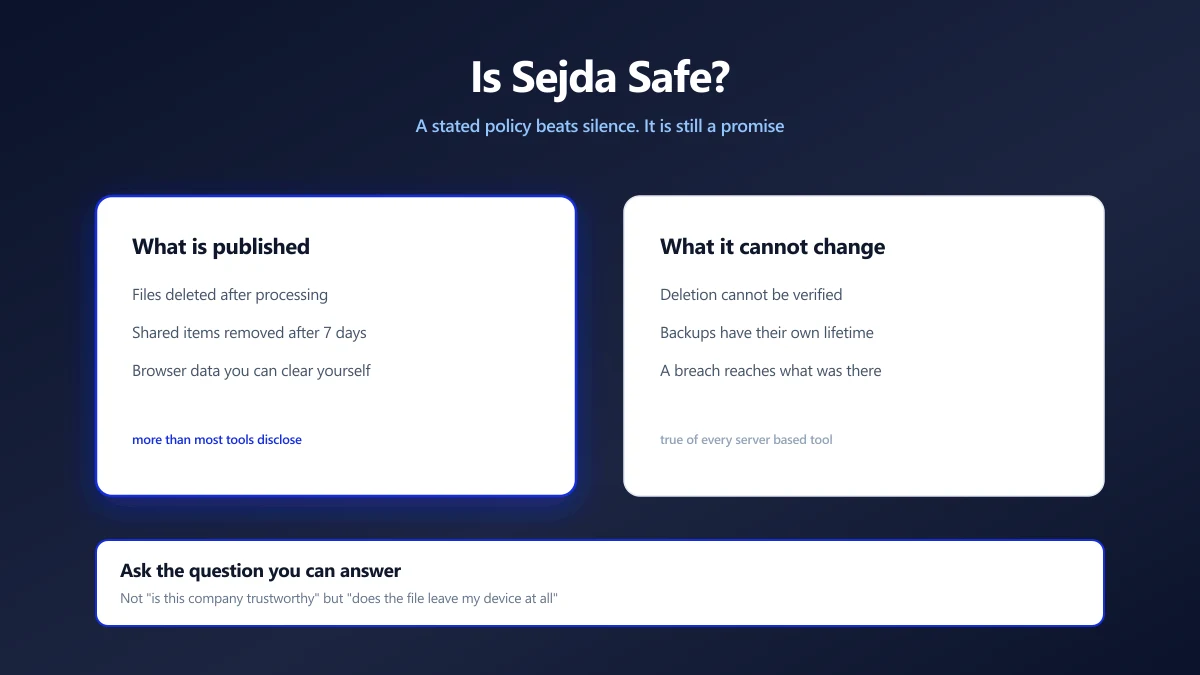
Is Sejda Safe? What Its Privacy Policy Actually Says
Sejda publishes clear retention terms, which puts it ahead of most. Here is what it states, what server processing means regardless, and how to check.
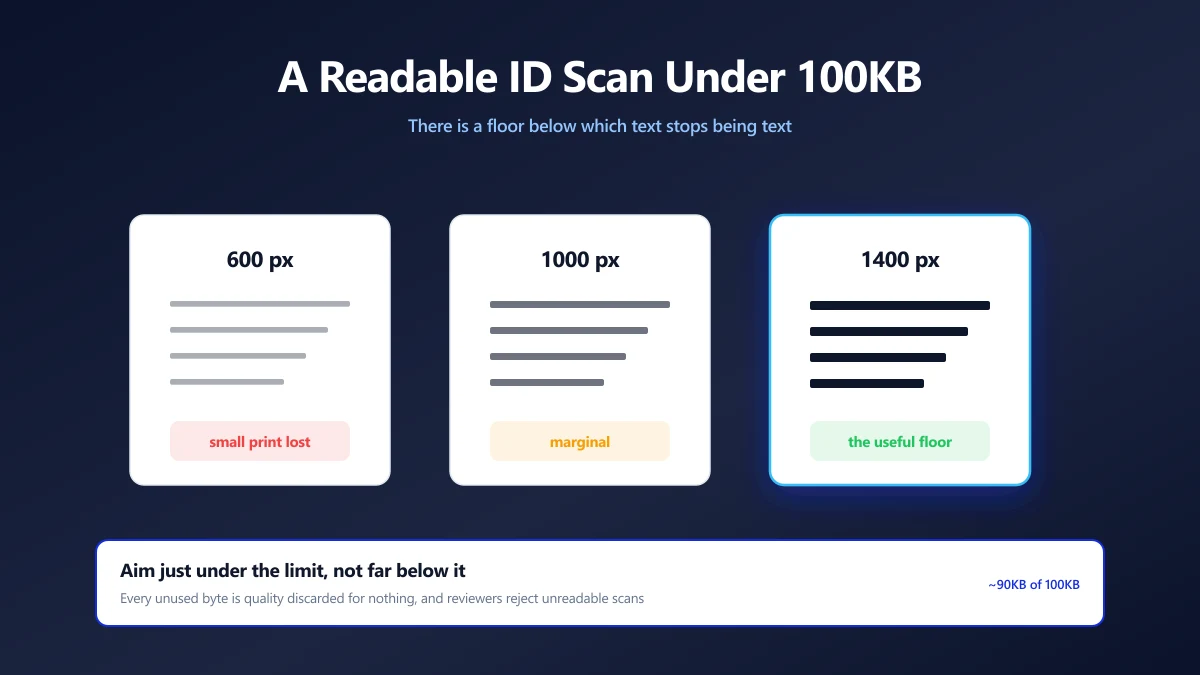
How to Compress an ID Document Scan to 100KB and Keep It Readable
KYC portals want your ID under 100KB, then reject it as unreadable. The resolution floor that keeps text legible, and how to compress down to it.
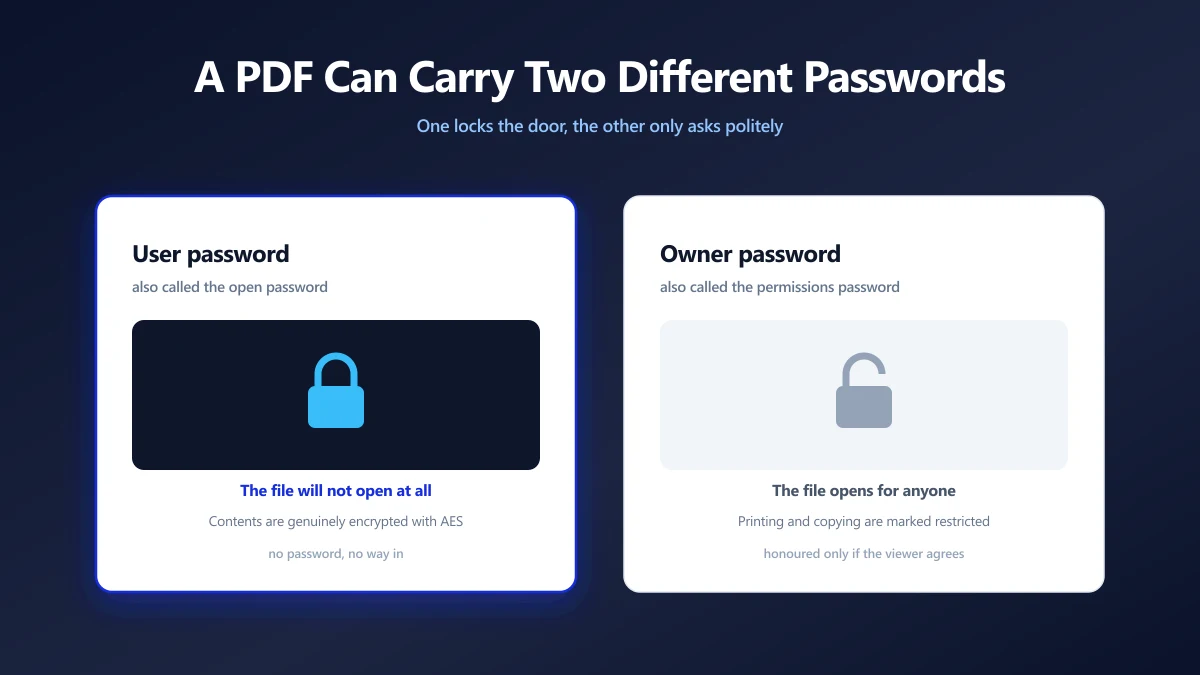
How to Remove a Password From a PDF You Own
A PDF can carry two different passwords, and only one of them is the reason you keep typing. Which is which, how to remove it, and what no tool can do.
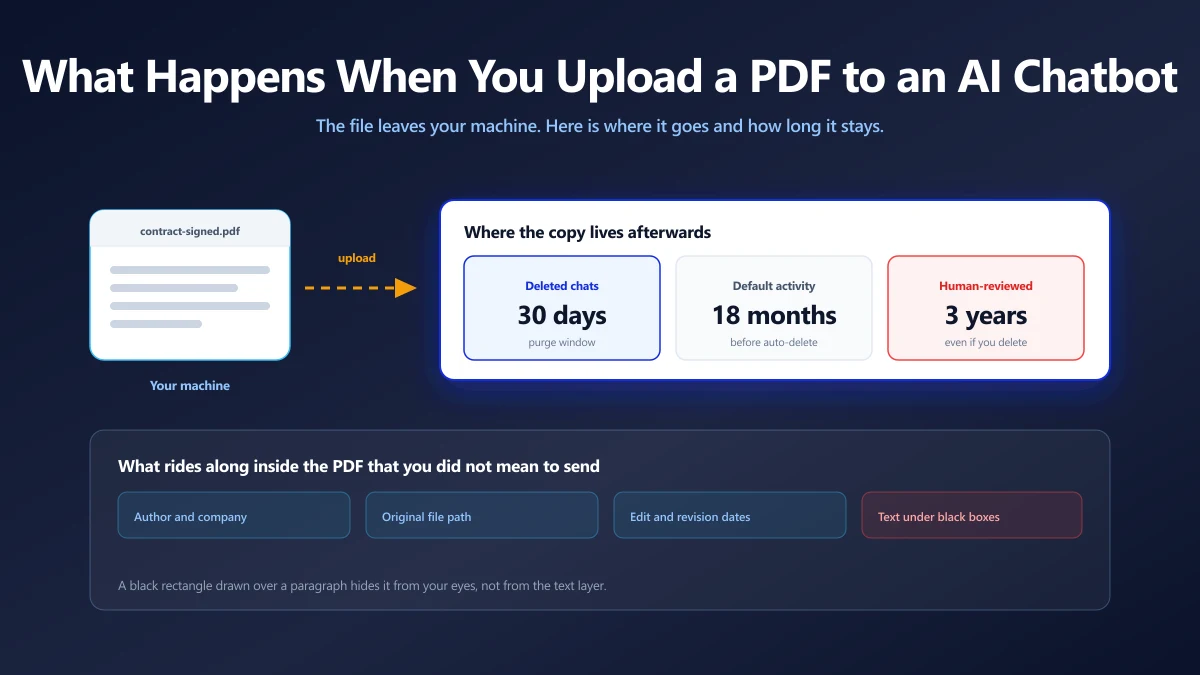
Is It Safe to Upload a PDF to ChatGPT, Claude or Gemini?
What happens to a document you paste into an AI chatbot, what the main providers say about training on it, and when to keep a file off them.
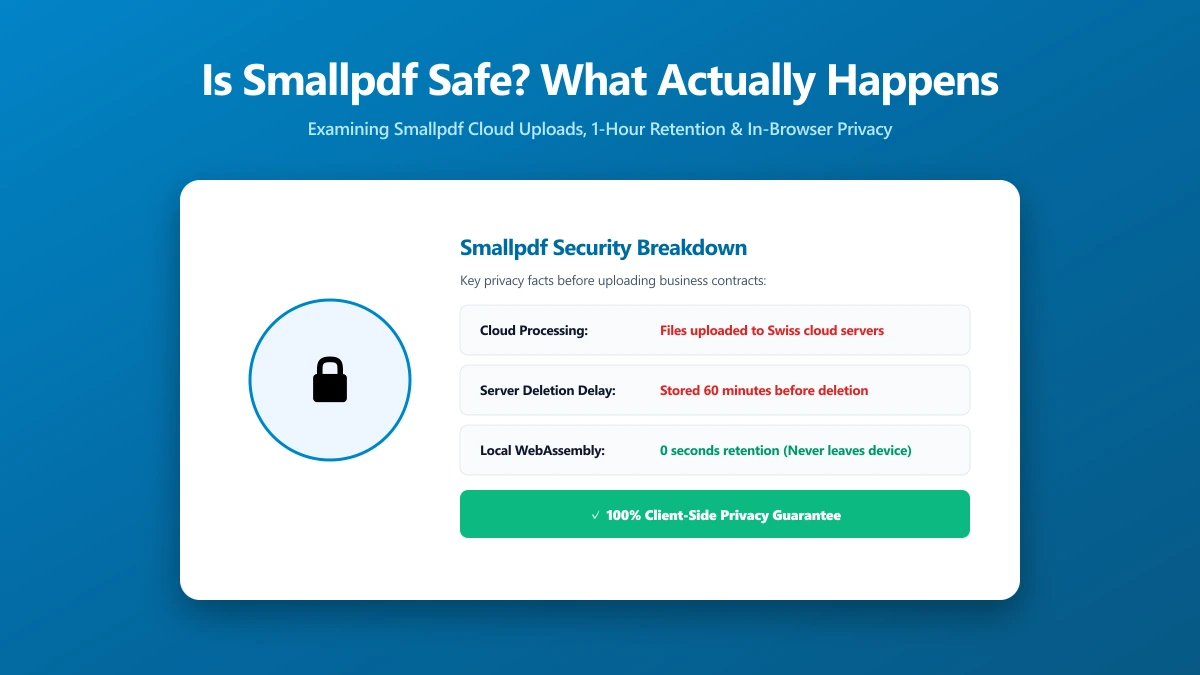
Is Smallpdf Safe? What Happens to Your File When You Upload It
Is Smallpdf safe to use? Here is exactly how it processes your file, what current user reviews say, and a no-upload alternative worth trying right now.
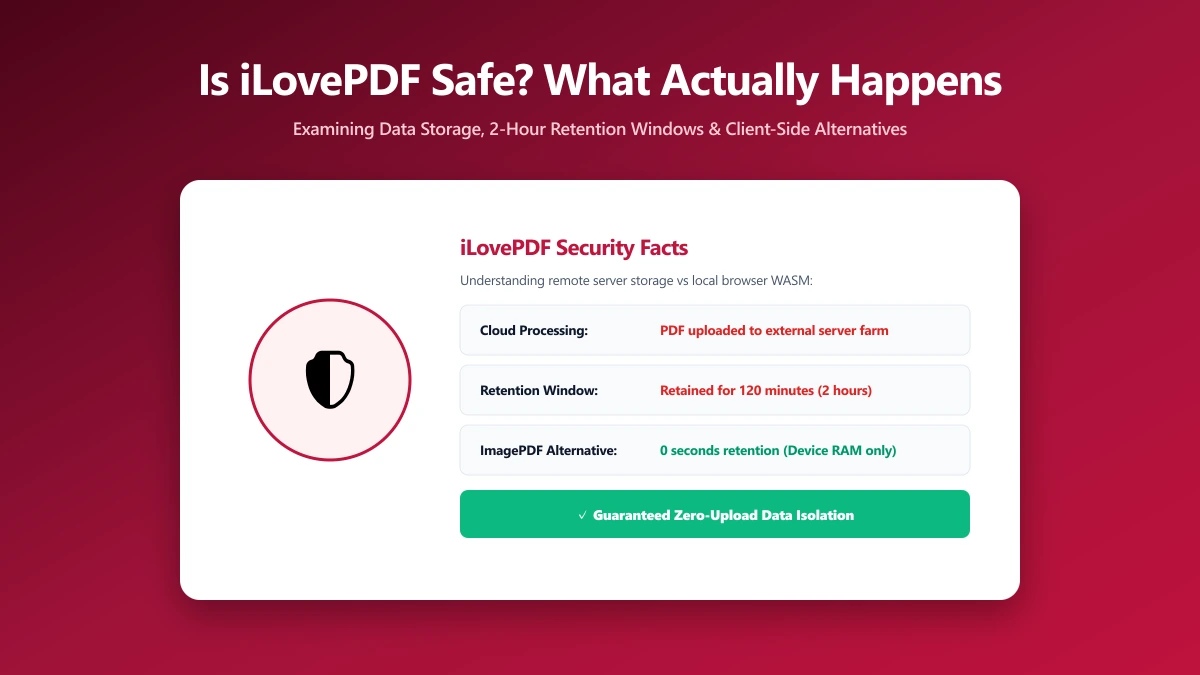
Is iLovePDF Safe? What Actually Happens to Your PDF
Is iLovePDF safe to use? Here is exactly how it processes your PDF, what its 4.9-star Trustpilot rating really tells you, and a private alternative to try.
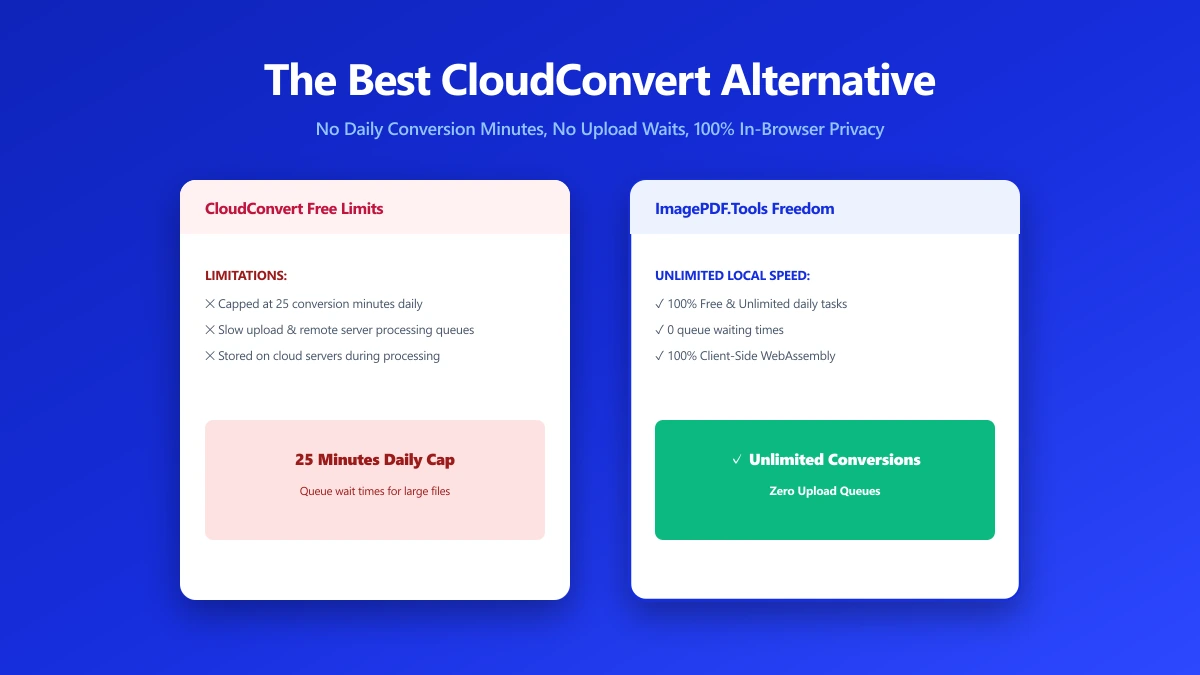
The Best CloudConvert Alternative for PDFs and Images (No Upload) (2026)
CloudConvert supports 200+ formats but every file still passes through its servers for up to 24 hours. ImagePDF.Tools converts PDFs and images locally.
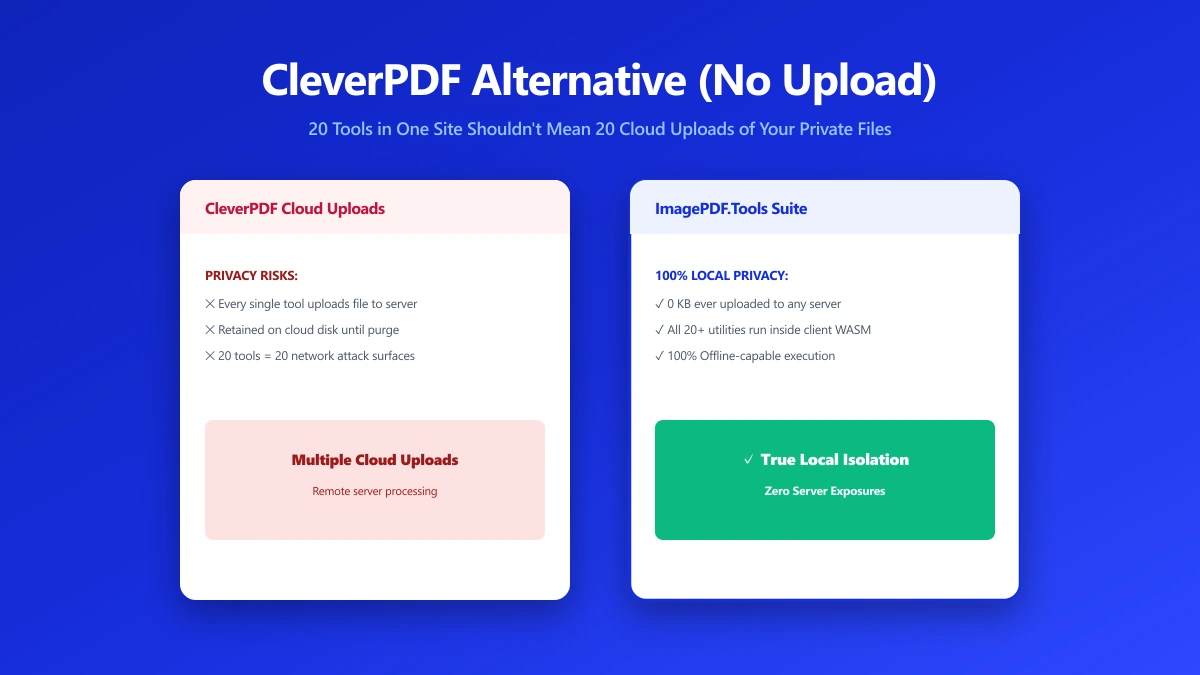
CleverPDF Alternative: 20 Tools in One Site Also Means 20 Uploads of Your Files
CleverPDF bundles about 20 tools into one site, but each one still uploads your file to a server. Here's a browser-based alternative for core PDF tasks.
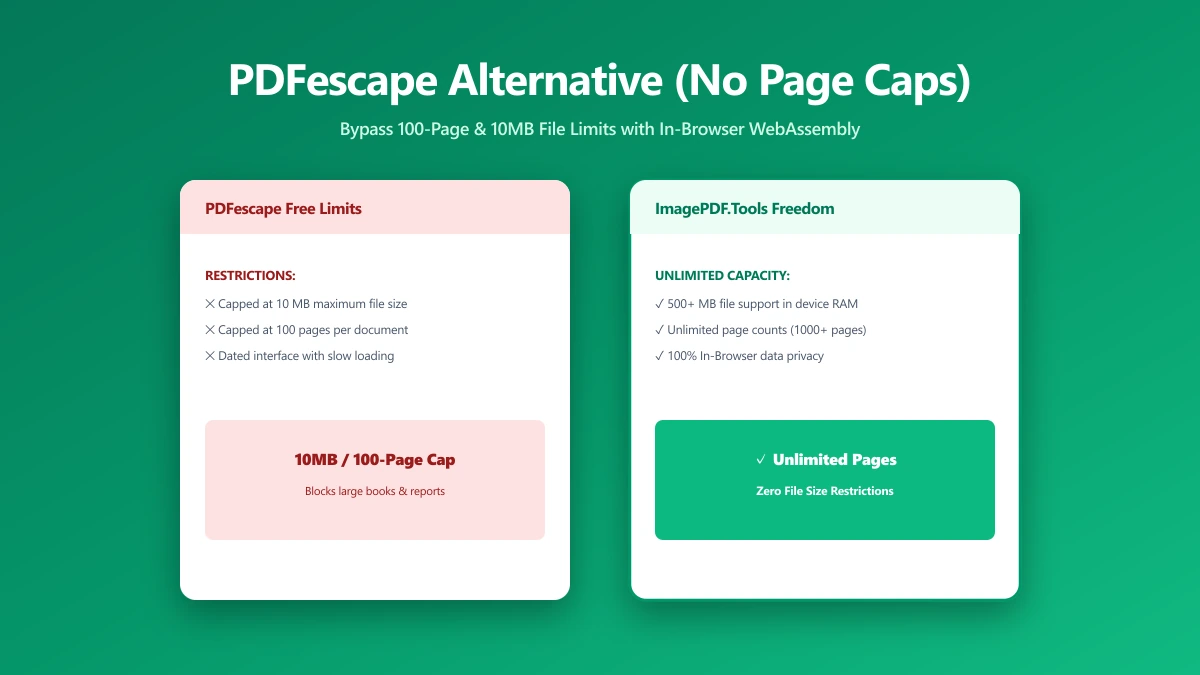
PDFescape Alternative: Compress PDFs Without the Page-Count or File-Size Caps
PDFescape's free tier caps page count, file size, and monthly documents, plus ads. Here's a browser-based alternative with no caps and nothing uploaded.
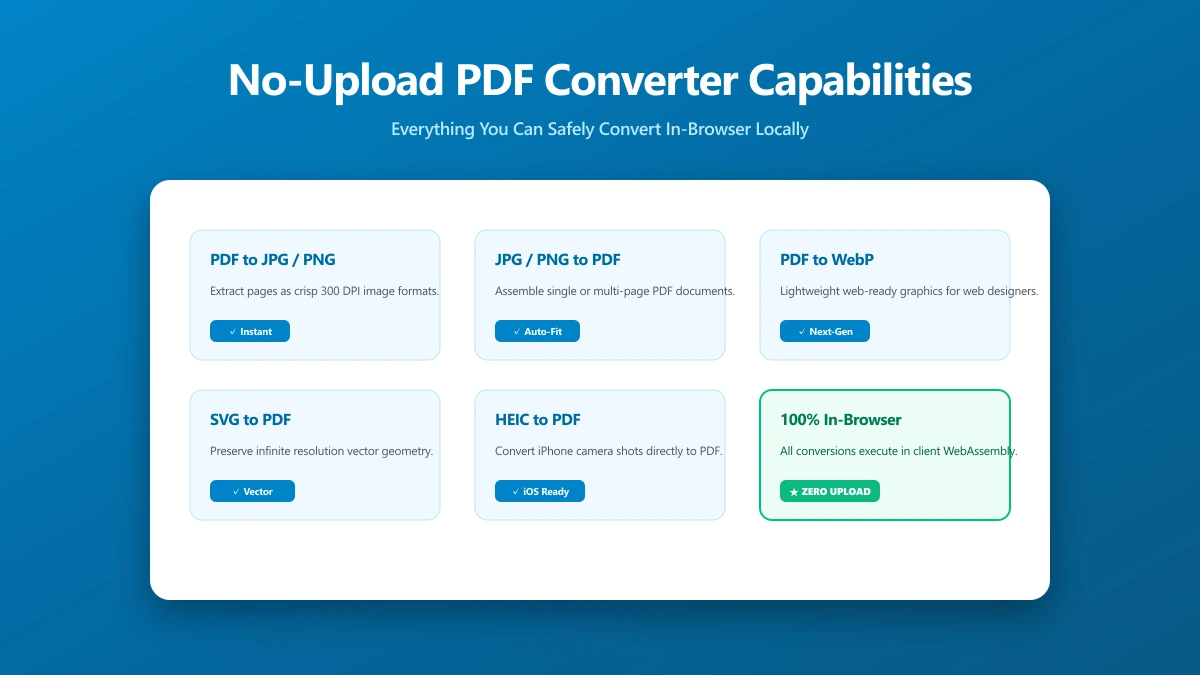
No-Upload PDF Converter: A Capability Checklist for What You Can Do Locally
A capability checklist for no-upload PDF conversion: exactly which tasks run entirely in your browser, and which still need something else.
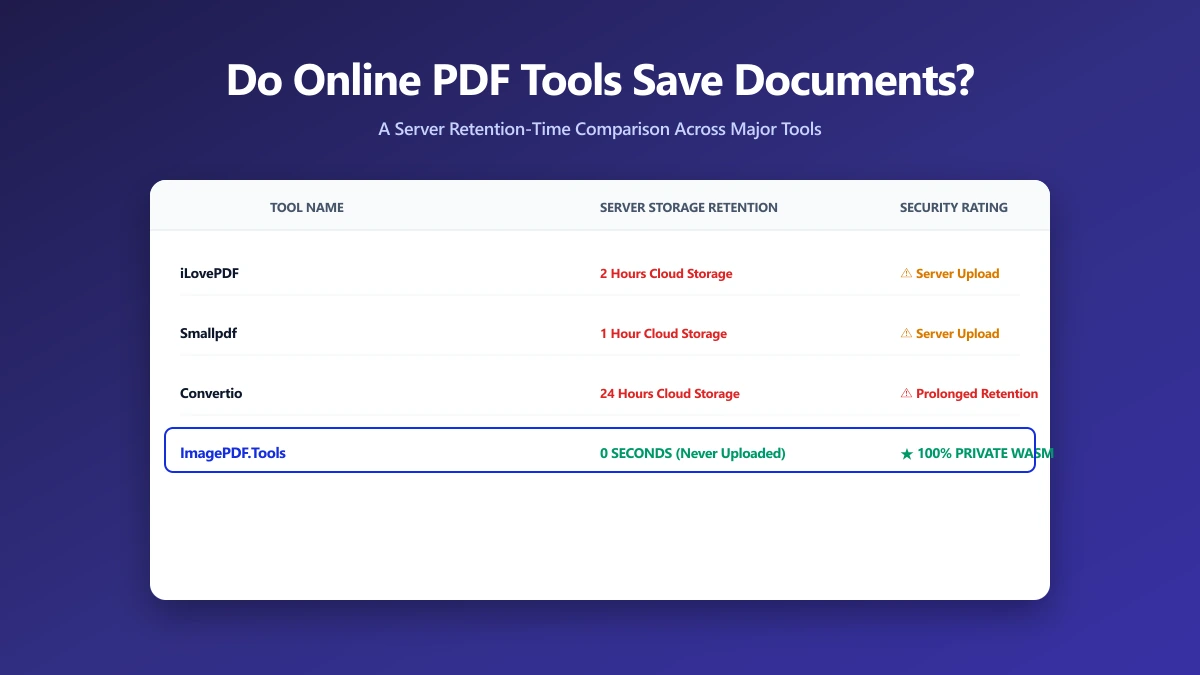
Do Online PDF Tools Save Your Documents? A Retention-Time Comparison
Do online PDF tools keep your documents? Almost all do, from 1 to 24 hours. A sourced comparison of the major tools, and the one keeping nothing.
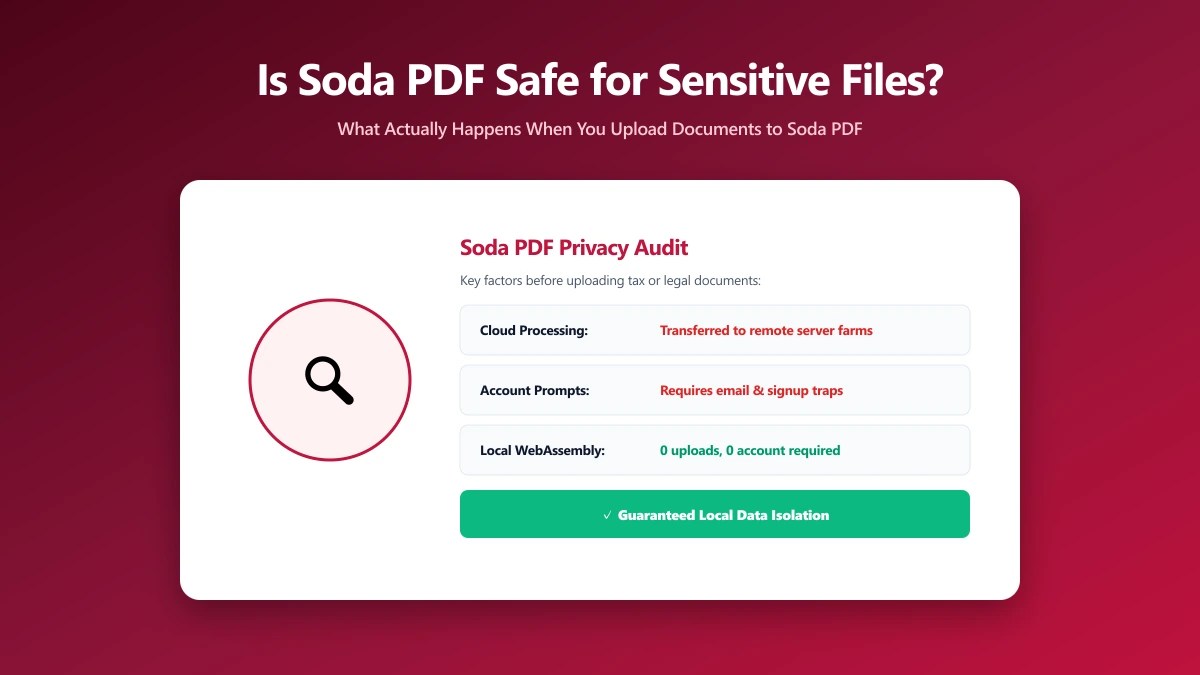
Is Soda PDF Safe? What Happens to Your File When You Upload It
Is Soda PDF safe to use? Here is exactly how it processes your file, what real user reviews say about the experience, and an alternative worth trying.
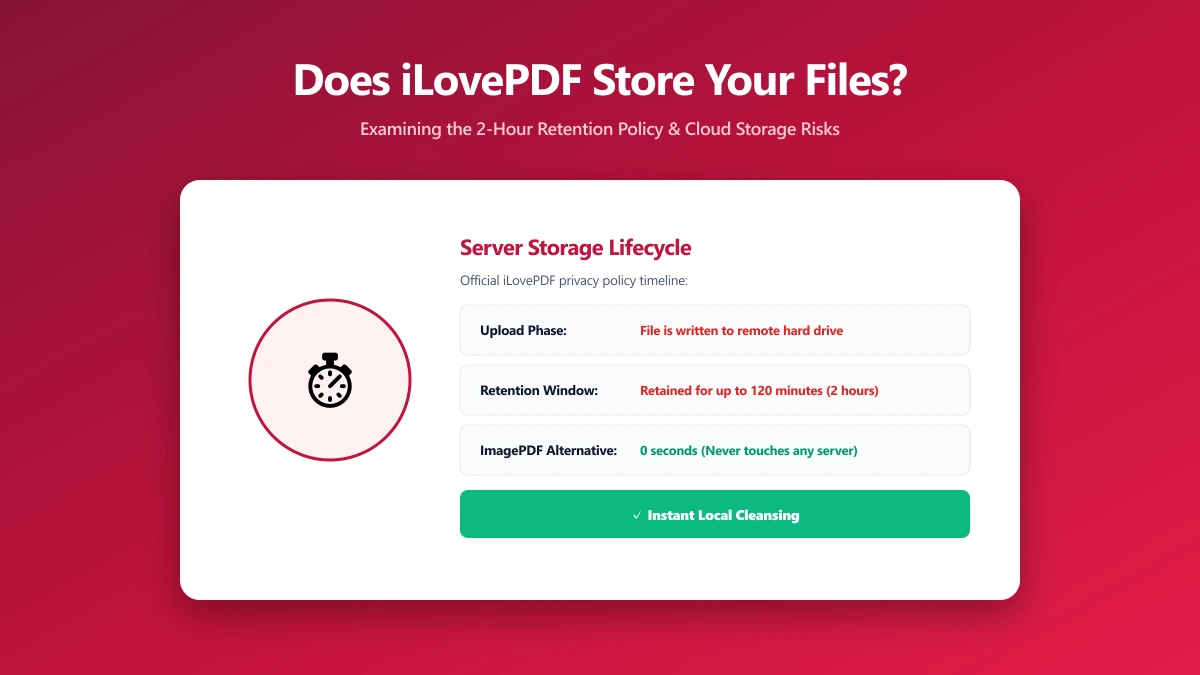
Does iLovePDF Store Your Files? Here Is Exactly How Long
Does iLovePDF store your files? Standard tools keep them up to 2 hours, e-signed documents for 5 years. What that means, and how to check.
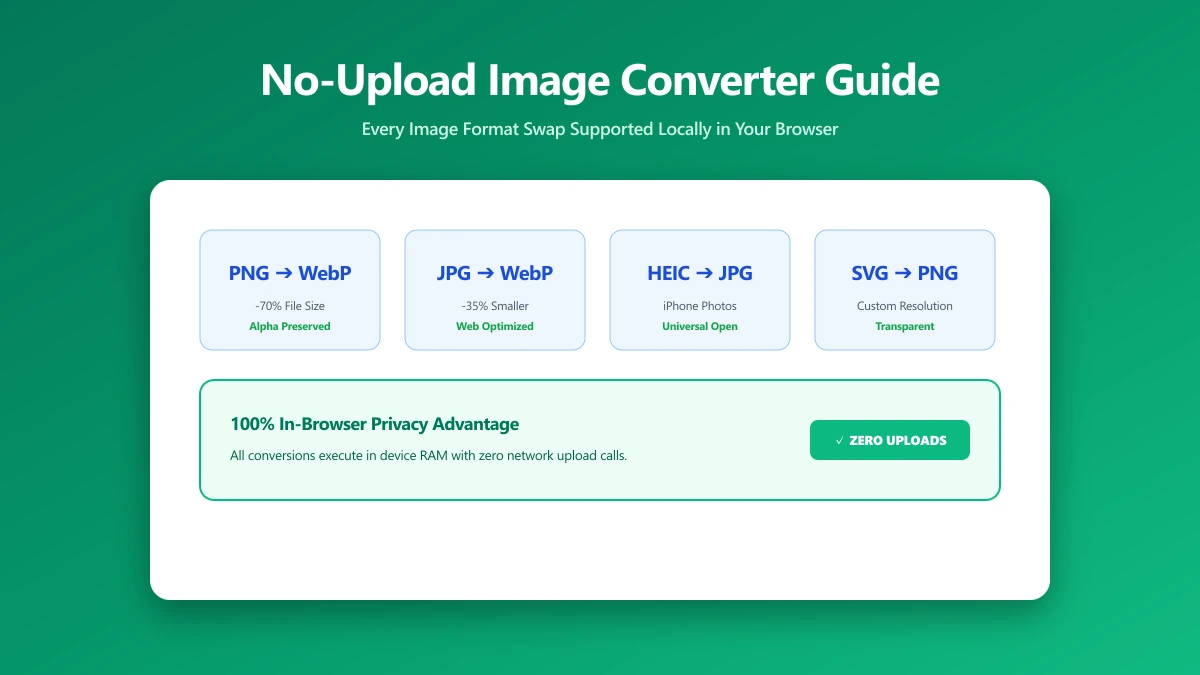
No-Upload Image Converter: Every Format Swap You Can Do Locally
Which image conversions run entirely in your browser, covering JPG, PNG, WebP and SVG, with nothing uploaded and no account needed.
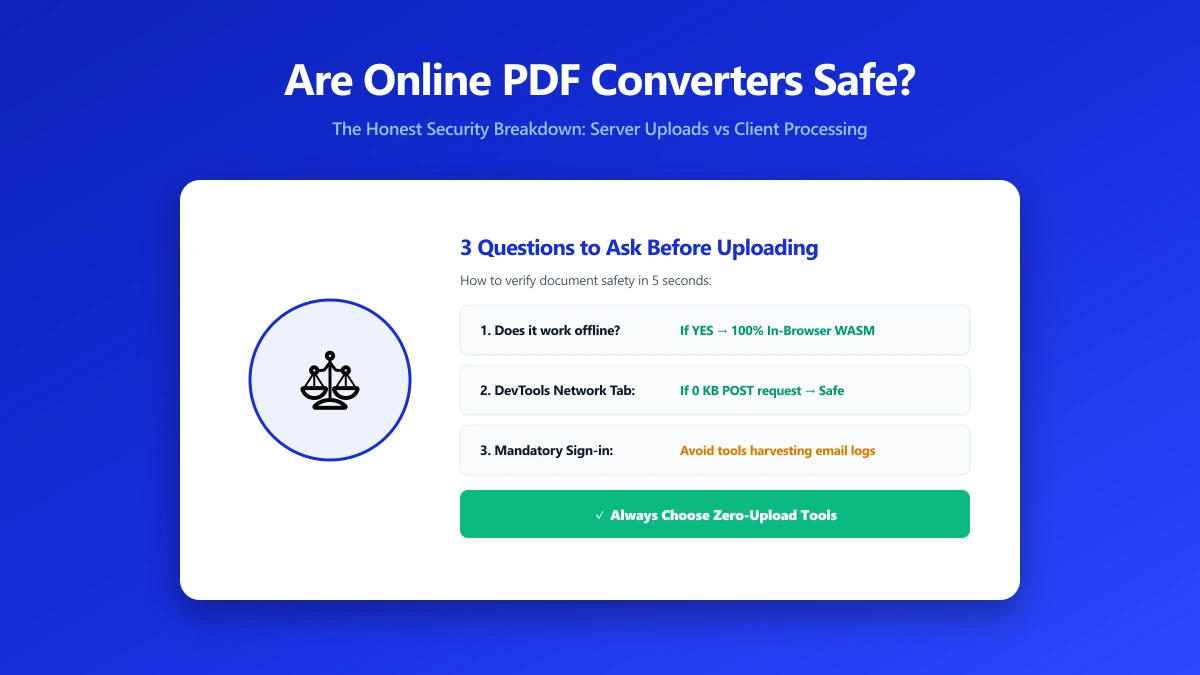
Are Online PDF Converters Safe? The Honest Answer
Are online PDF converters safe? Most are reasonably secure and will not steal your file, but nearly all of them upload it to a server first.
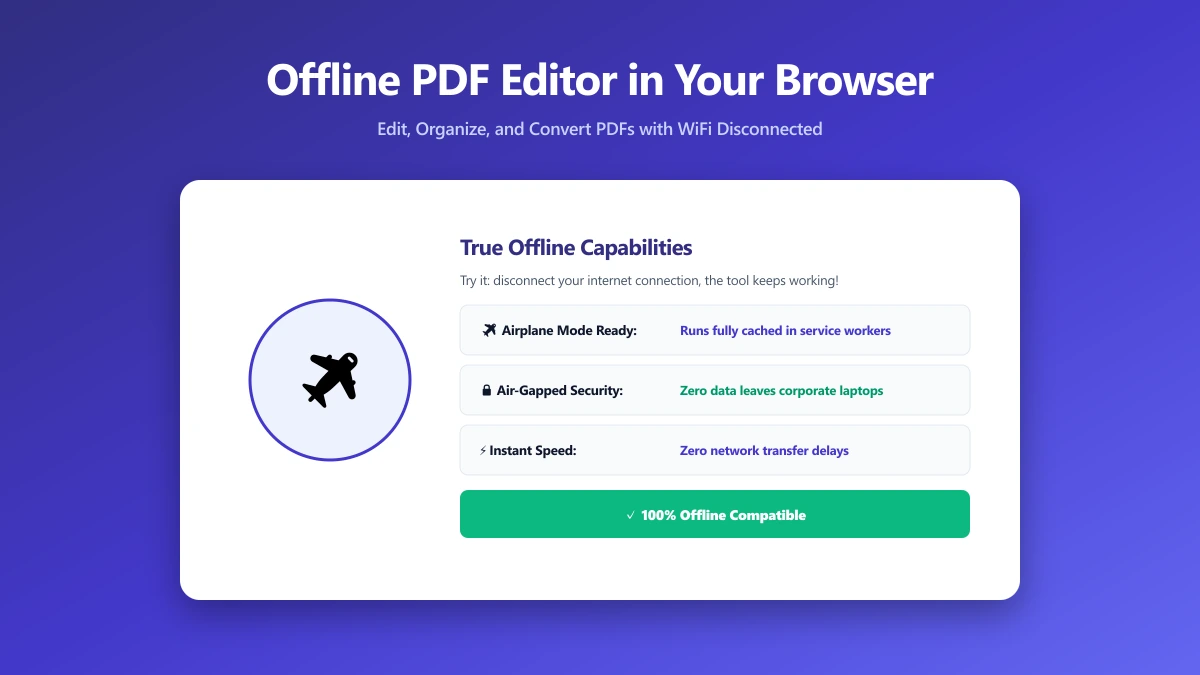
Looking for an Offline PDF Editor? Here Is One You Do Not Have to Install
You do not have to install anything to edit a PDF offline. How browser-based editing works, what it handles well, and where it stops short.
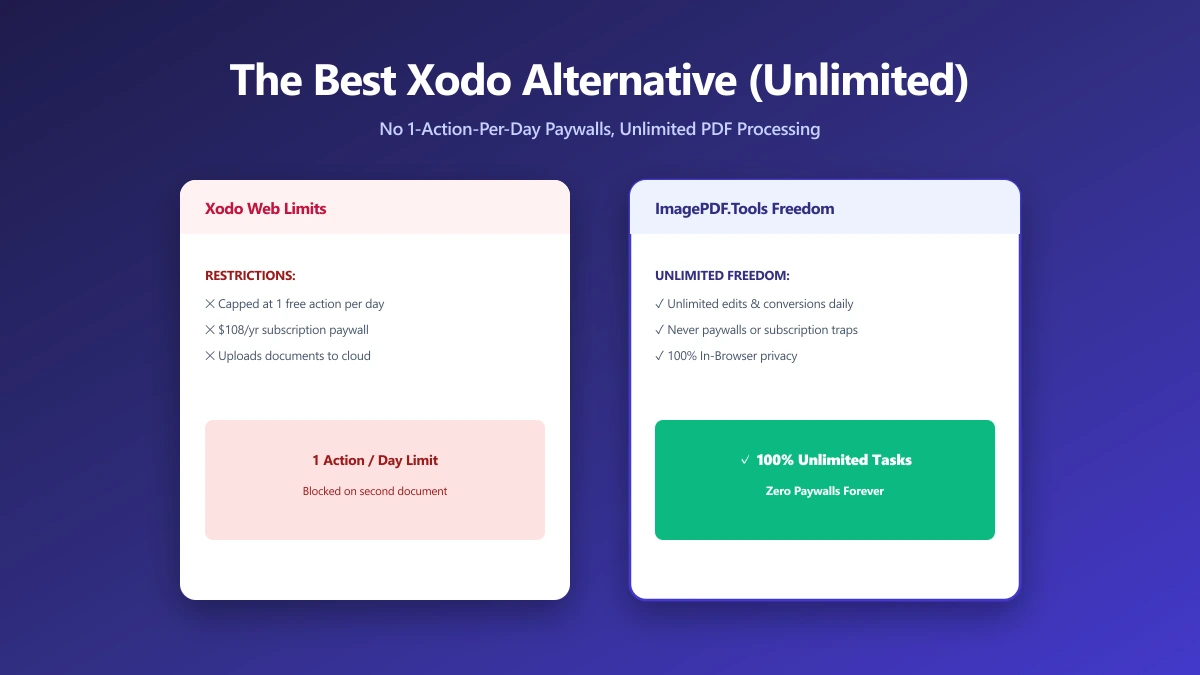
The Best Xodo Alternative If One Edit a Day Is Not Enough (2026)
Xodo is capable but cloud-backed. A browser-based alternative that merges, splits and compresses locally, with nothing uploaded and no sign-in.
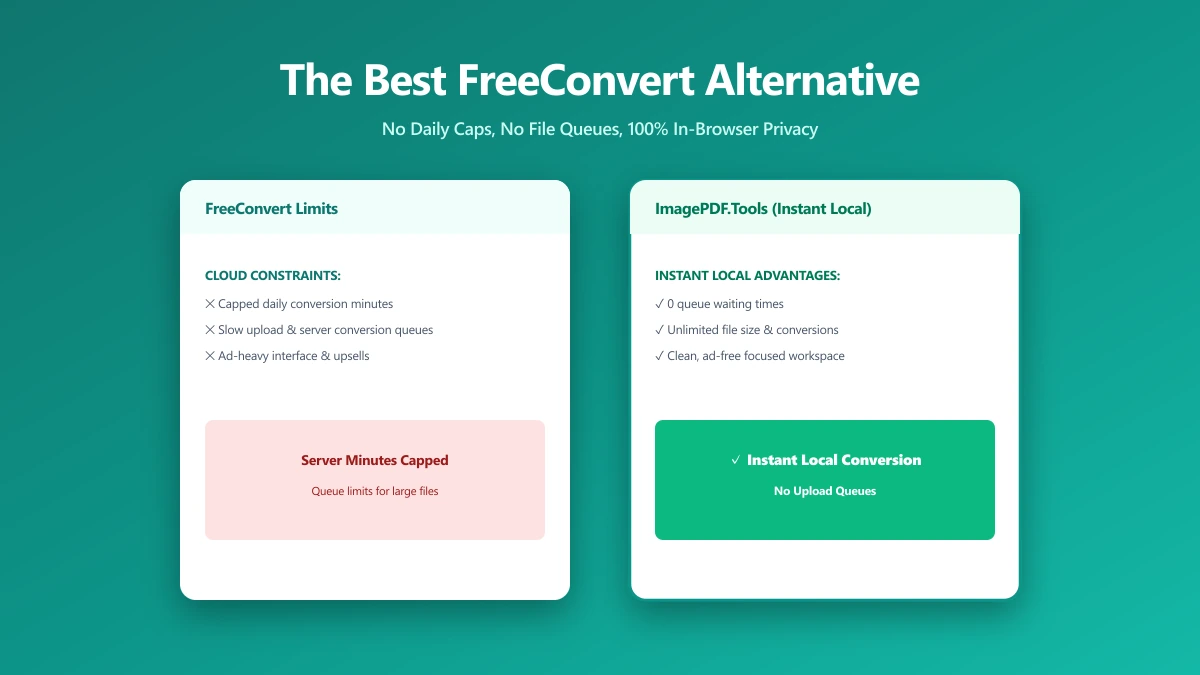
The Best FreeConvert Alternative for PDFs and Images (No Upload, No Daily Cap) (2026)
FreeConvert caps free use and uploads every file to its servers. A browser-based alternative that converts locally, with no cap and no account.
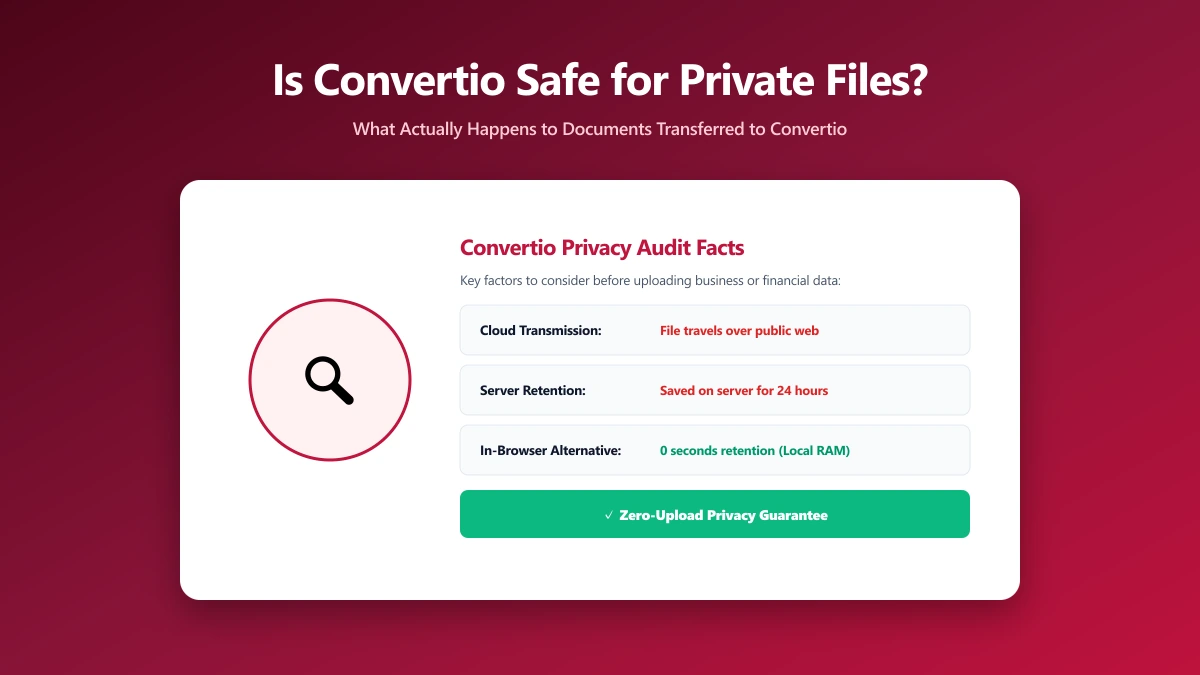
Is Convertio Safe? What Actually Happens to Your Files When You Convert Them
Is Convertio safe? What happens to a file once uploaded, where it goes, how long it is kept, and how to do the same jobs without uploading at all.
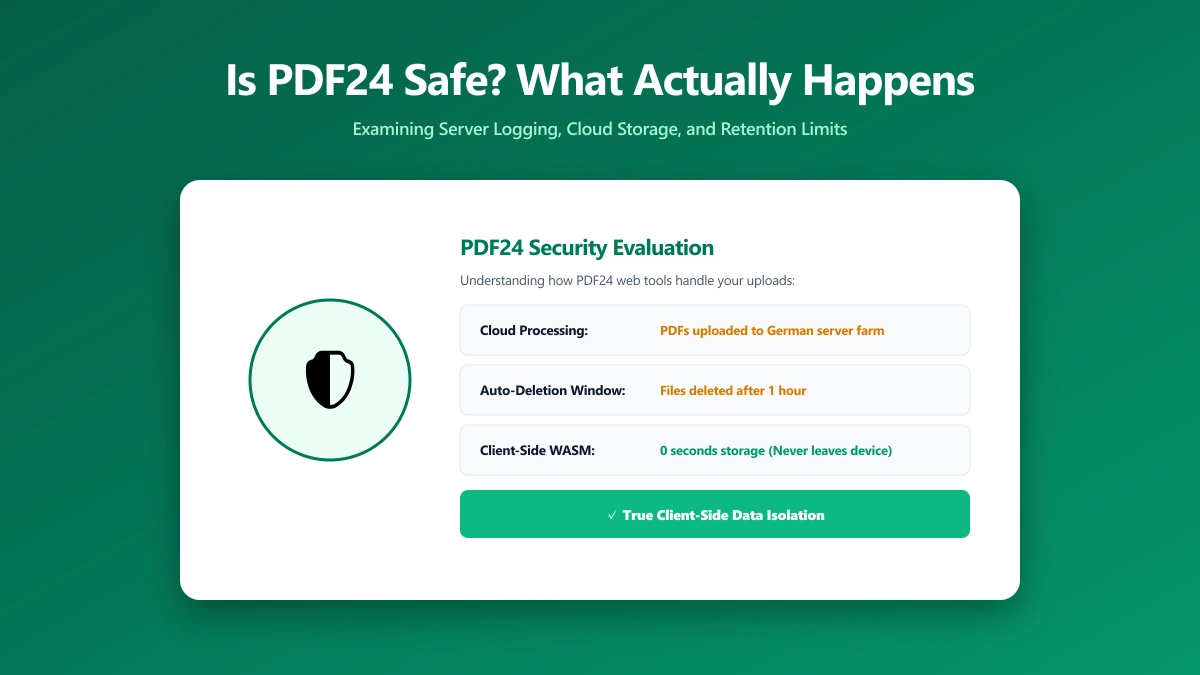
Is PDF24 Safe? What Actually Happens to Your PDFs When You Use It
Is PDF24 safe? What its own FAQ says happens to your file and how long it is kept, plus how to do the same jobs without uploading anything.
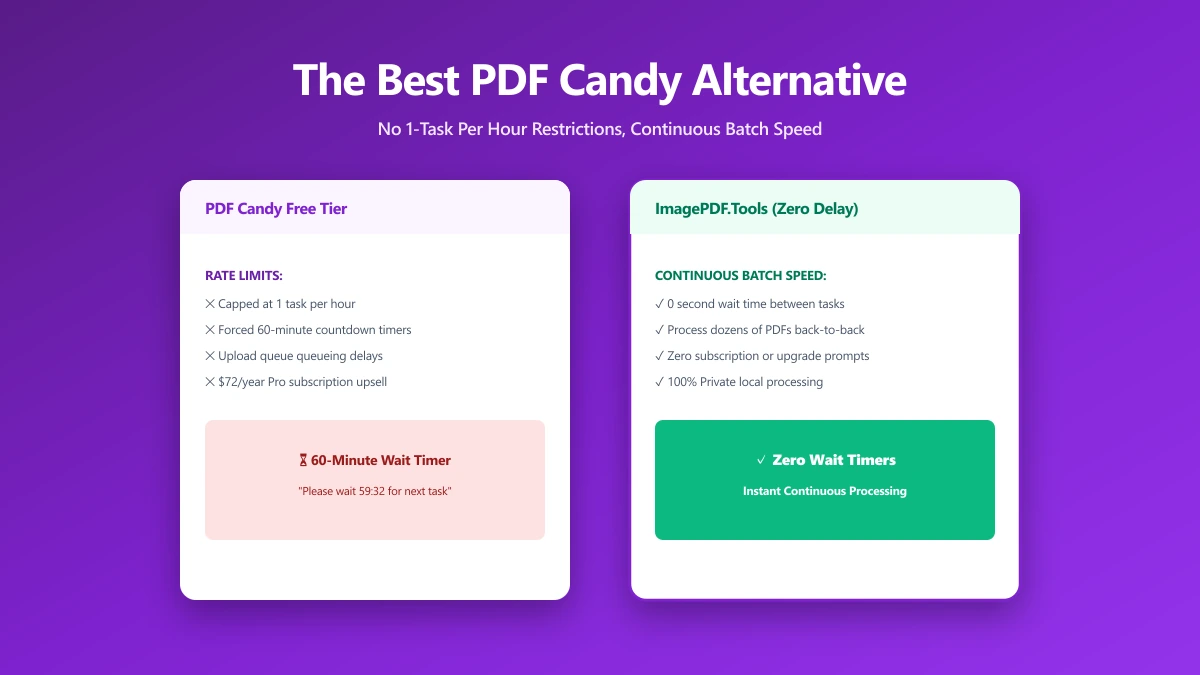
The Best PDF Candy Alternative If One Task an Hour Is Not Enough (2026)
PDF Candy caps free use by the hour and processes on its servers. An alternative with no cap that never uploads your document in the first place.
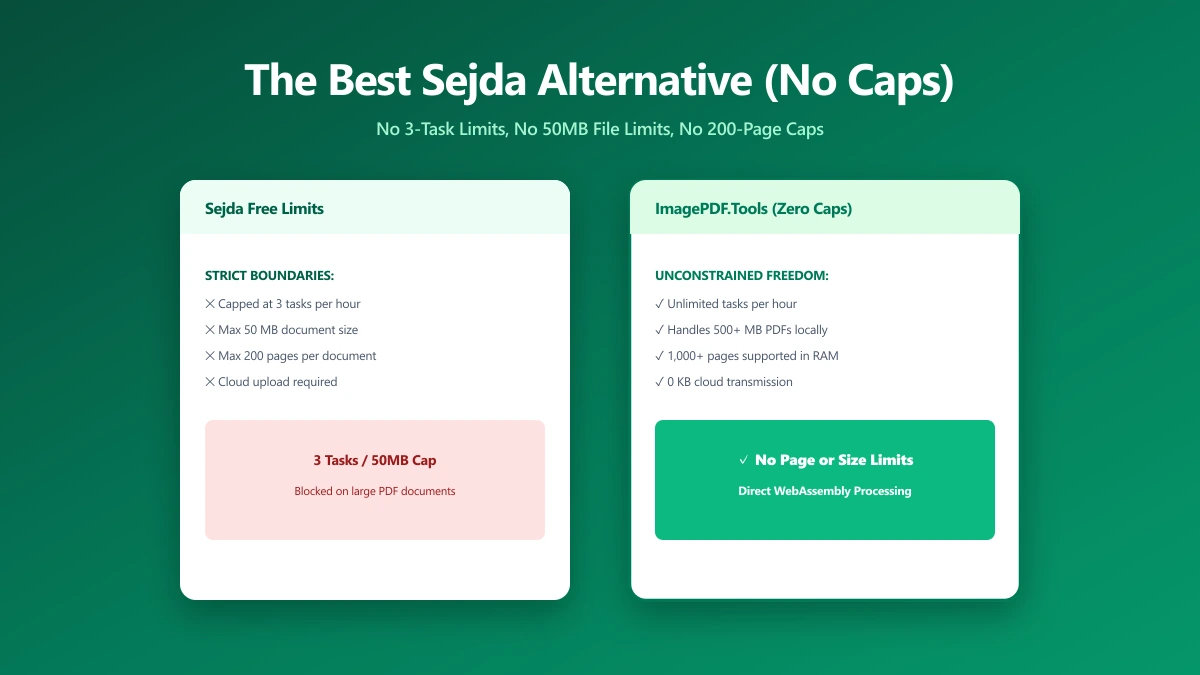
The Best Sejda Alternative If Three Tasks an Hour Is Not Enough (2026)
Sejda's free web plan caps you at 3 tasks an hour, 50 MB, and 200 pages, with files held on its servers for up to two hours.
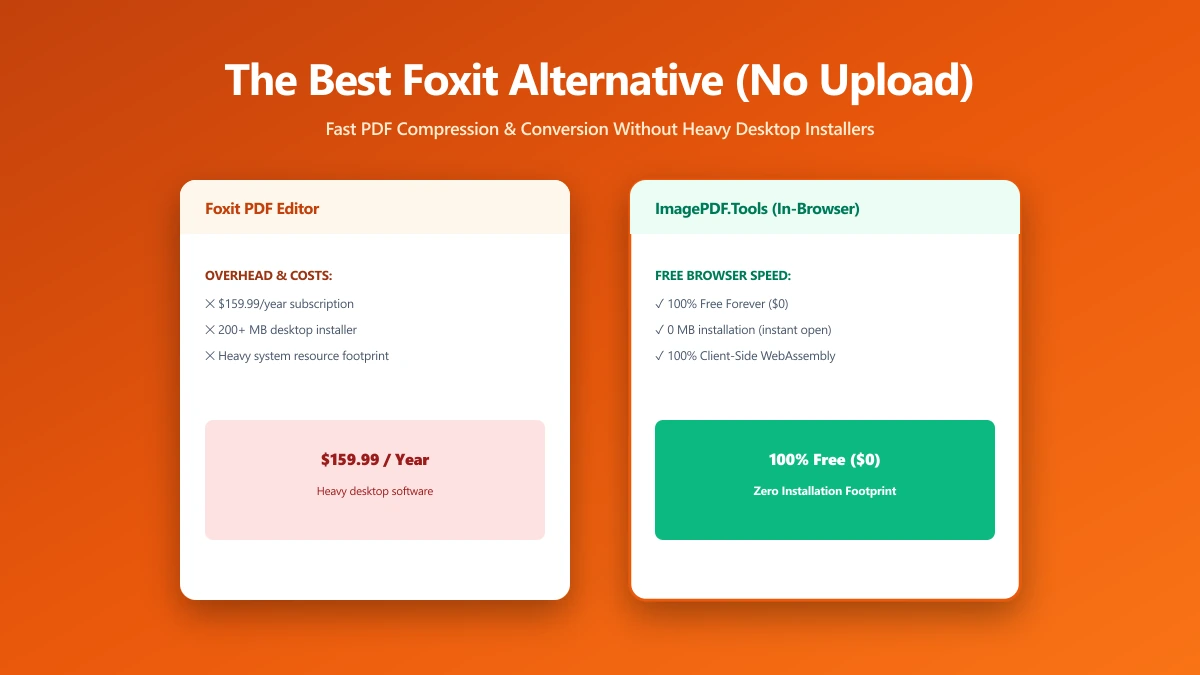
The Best Foxit Alternative for PDF Compression and Conversion Without the Upload (2026)
Foxit merges in your browser but uploads files to its cloud for compression and conversion. An alternative that keeps every job on your device.
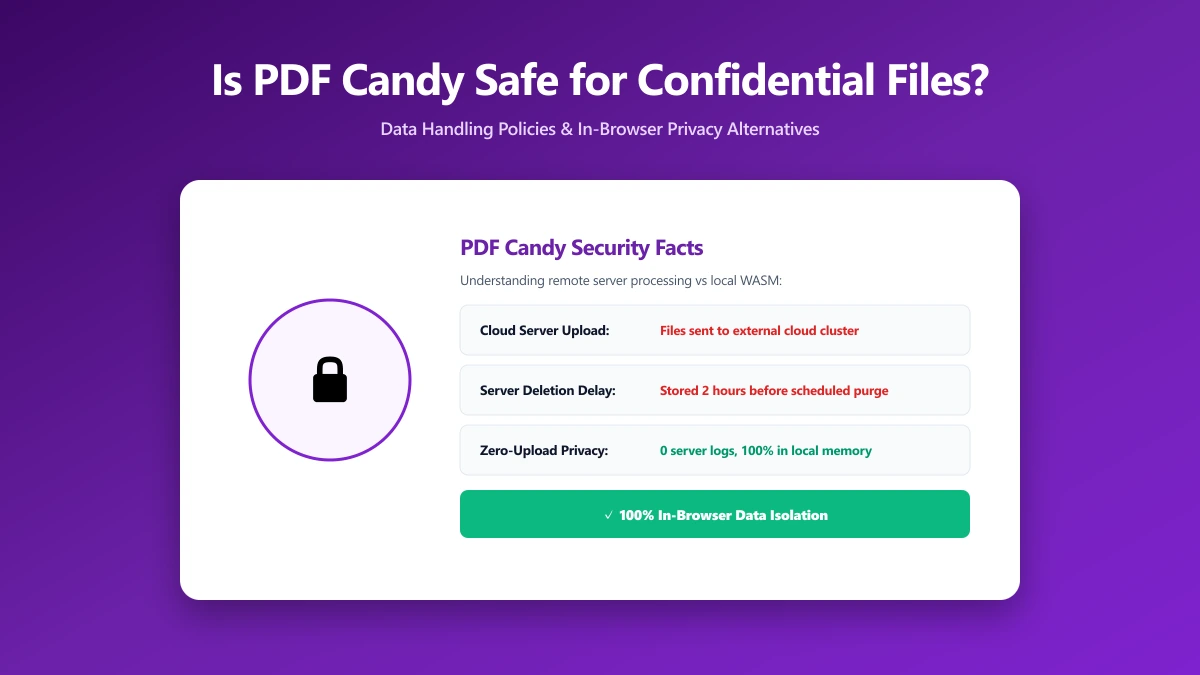
Is PDF Candy Safe? What Actually Happens to Your Files When You Convert Them
Is PDF Candy safe? What its security page says about encryption and file retention, and how to do the same PDF jobs without uploading at all.
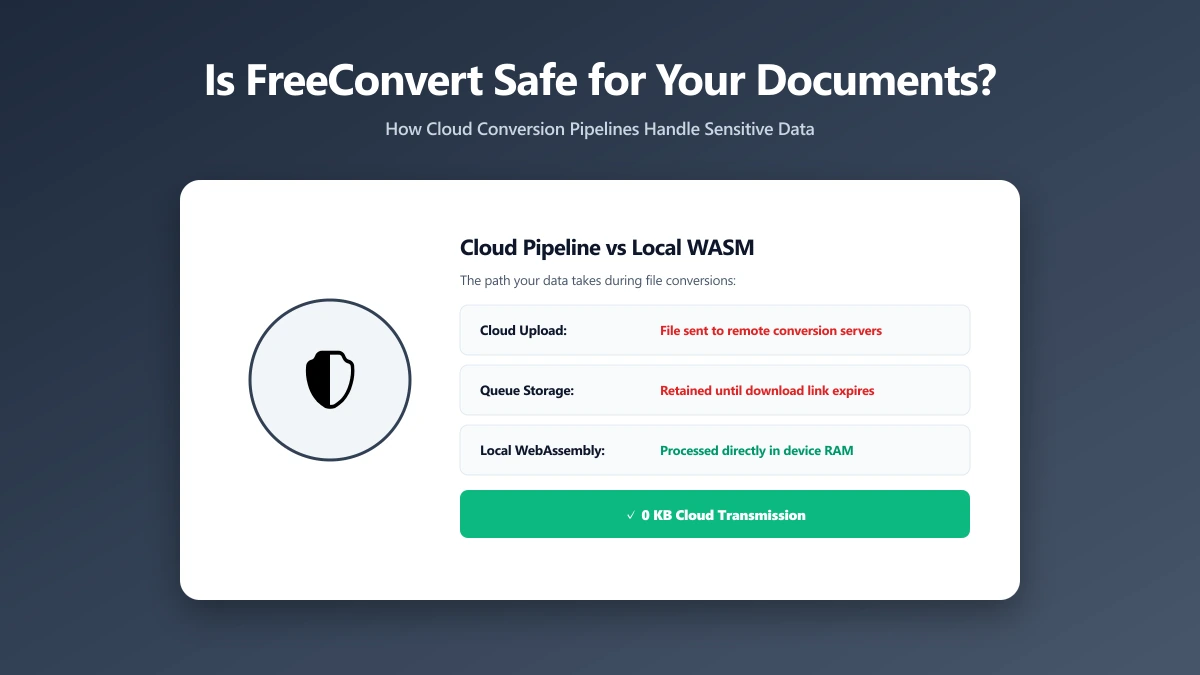
Is FreeConvert Safe? What Actually Happens to Your Files When You Upload Them
Is FreeConvert safe? Where your file actually goes, how long it is kept, and how to convert PDFs and images without uploading them anywhere.
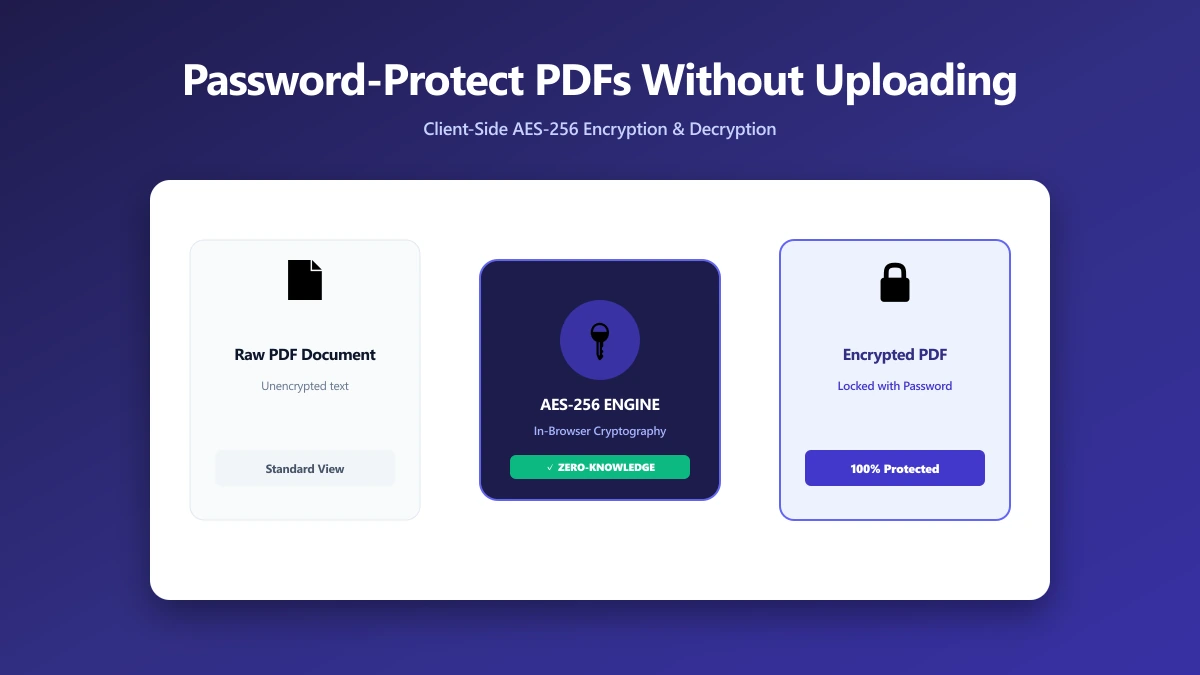
How to Password-Protect (and Unlock) a PDF Without Uploading It Anywhere
Most tools want a sensitive PDF and its password sent to a server. How to protect or unlock one in your browser, so neither ever leaves your device.
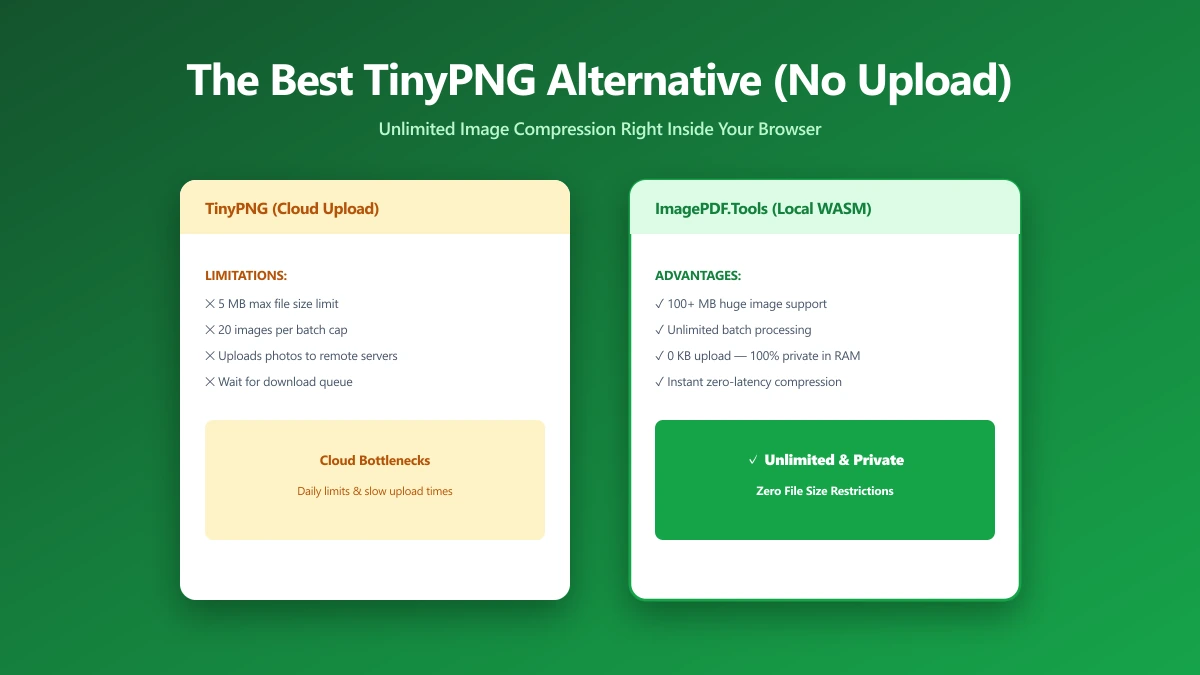
The Best TinyPNG Alternative That Never Uploads Your Images (2026)
Looking for a TinyPNG alternative? ImagePDF.Tools compresses PNG and JPEG in your browser, no upload, no batch cap, no account.
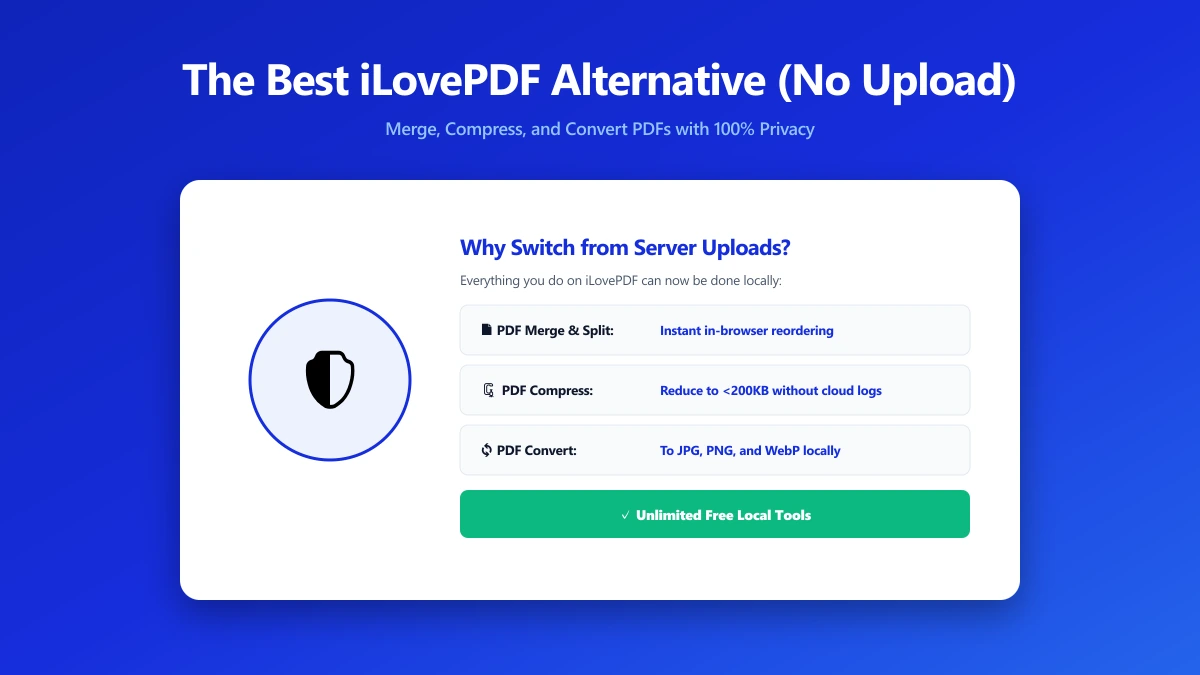
The Best iLovePDF Alternative for Anyone Who Would Rather Not Upload Their PDF (2026)
Looking for an iLovePDF alternative? ImagePDF.Tools merges, splits, compresses and edits PDFs in your browser, with no upload and no daily limit.
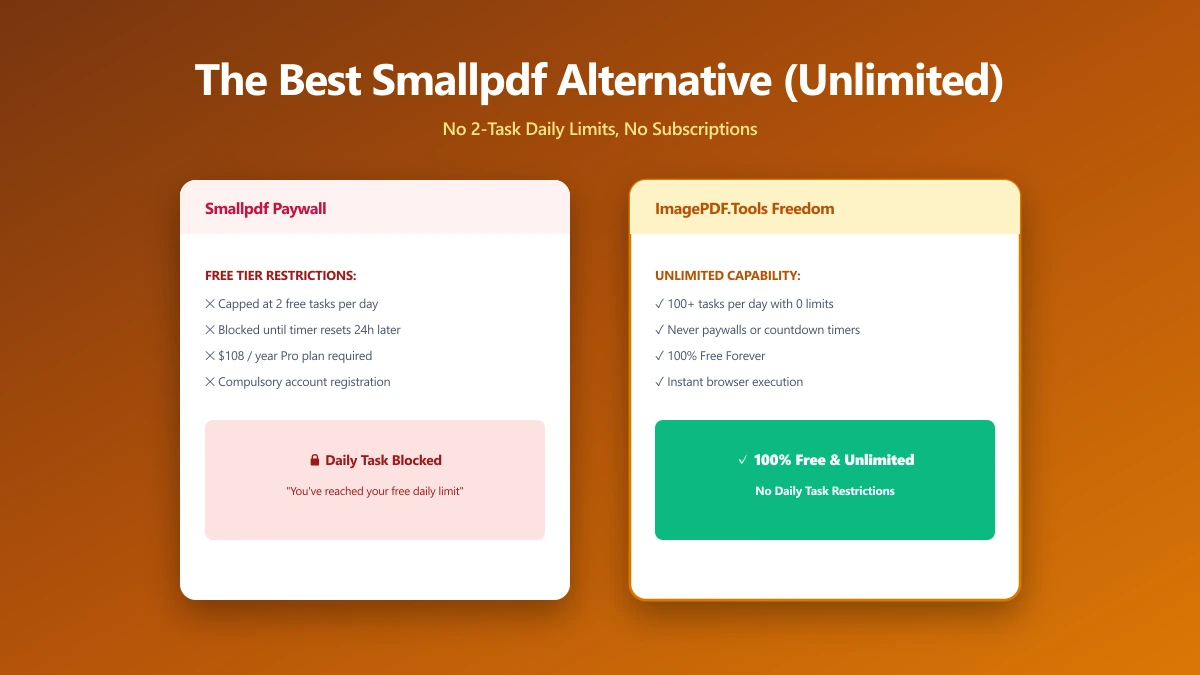
The Best Smallpdf Alternative If Two Free Tasks a Day Is Not Enough (2026)
Smallpdf caps free use at 2 tasks a day and watermarks some conversions. A browser-based alternative with no cap, no watermark and no upload.
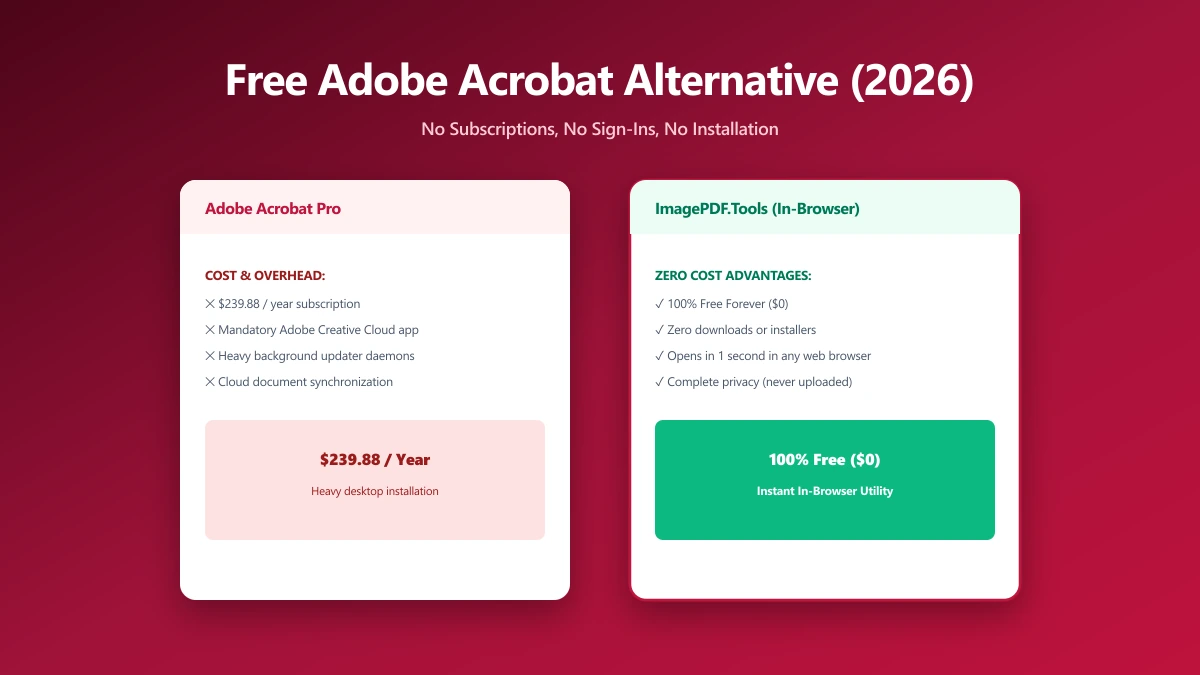
The Best Free Adobe Acrobat Alternative (No Sign-In, No Subscription) in 2026
Adobe allows one free web transaction before sign-in, then one every 30 days. A browser alternative that compresses, merges and edits unlimited.
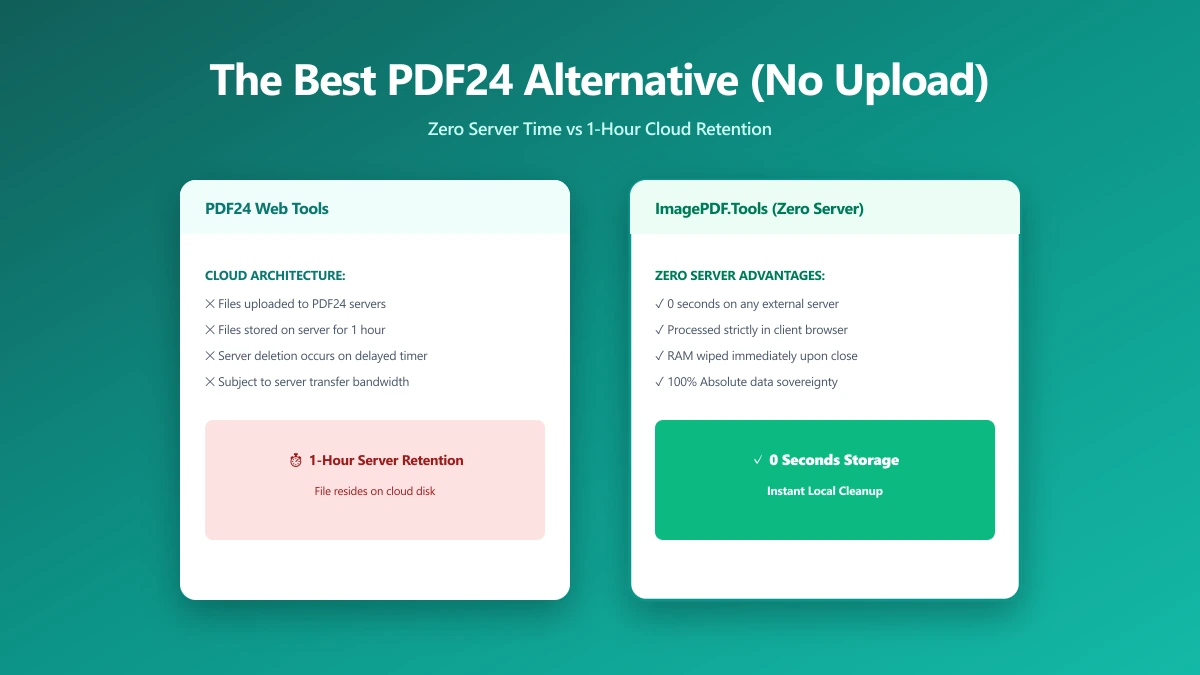
The Best PDF24 Alternative If You Want Zero Server Time, Not Just One Hour (2026)
PDF24 is unlimited and free, rare among PDF tools, but its own FAQ confirms files are uploaded and held on its servers for up to an hour.
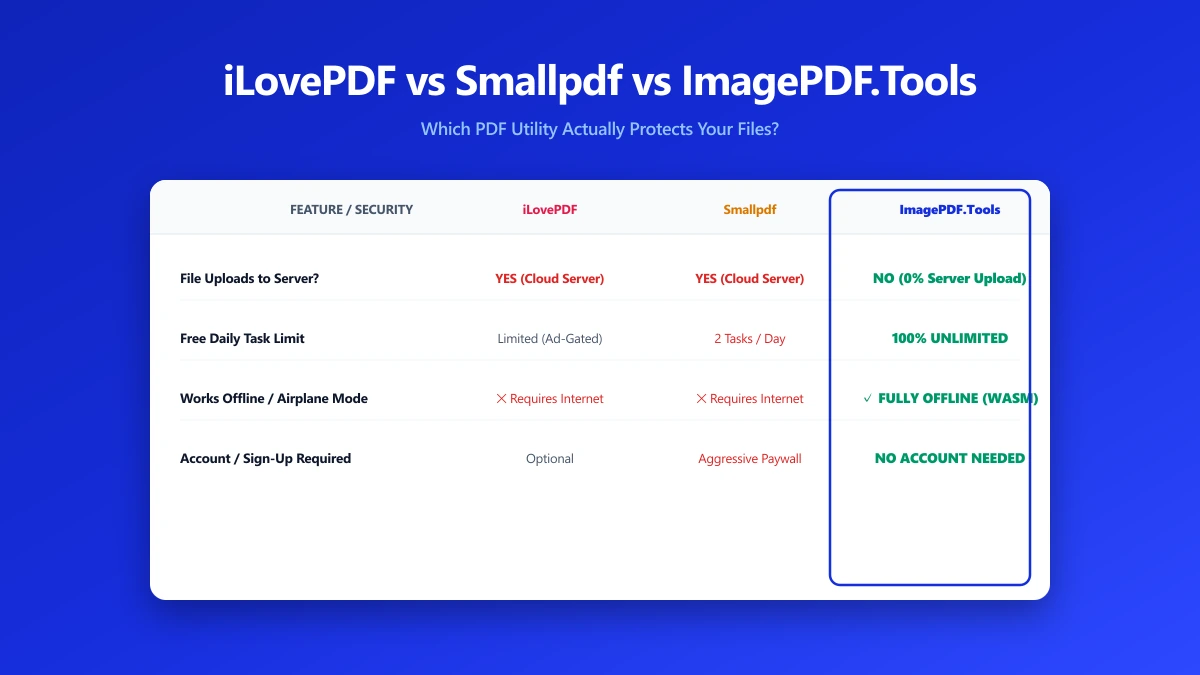
iLovePDF vs Smallpdf vs ImagePDF.Tools: Which One Actually Protects Your Files?
iLovePDF, Smallpdf and ImagePDF.Tools compared on price, daily caps, watermarks and what each one does with your file after you upload it.
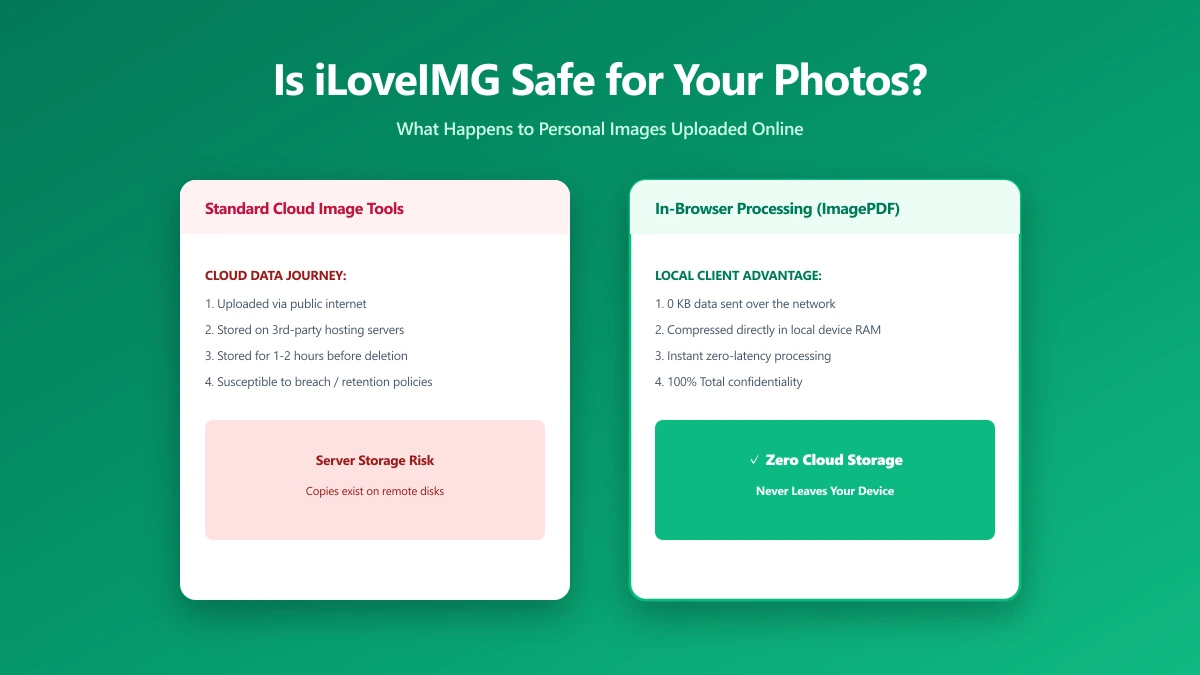
Is iLoveIMG Safe? What Actually Happens to Your Photos When You Upload Them
Is iLoveIMG safe to use? Here is exactly what happens when you upload a photo, what travels with it, and how to check any image tool yourself in 30 seconds.
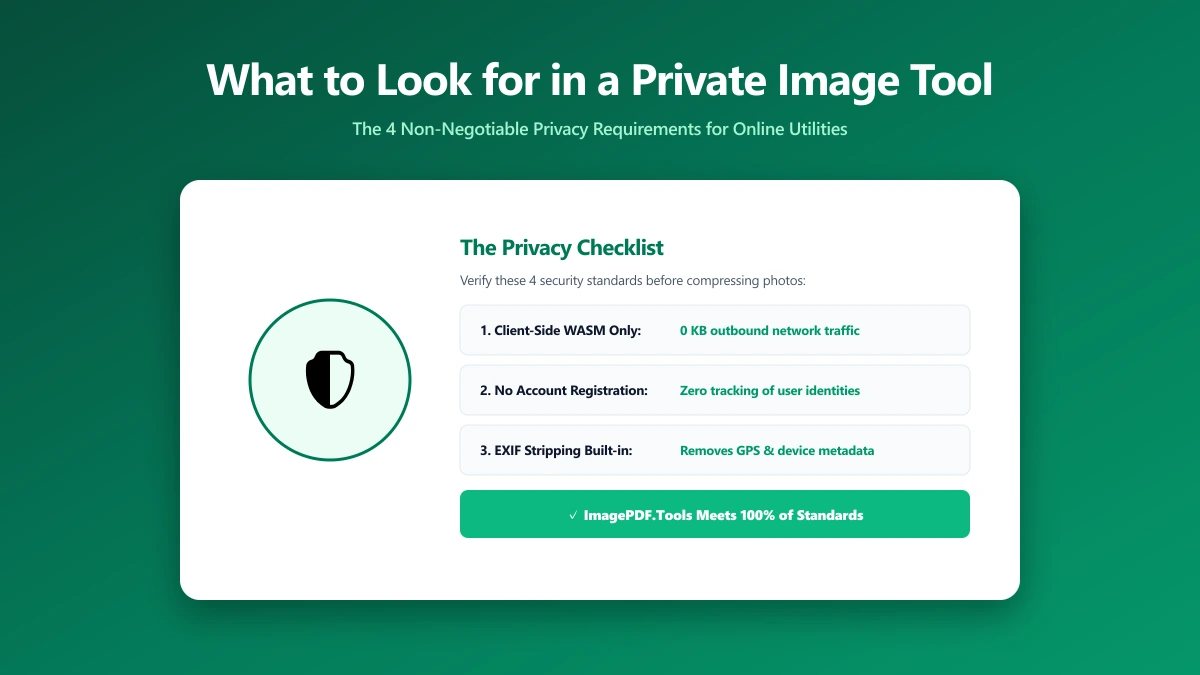
What to Look for in a Private Image Compression Tool
Most "free" online image tools upload your files to their servers. Here's how to verify in 30 seconds whether a tool is genuinely private and client-side.
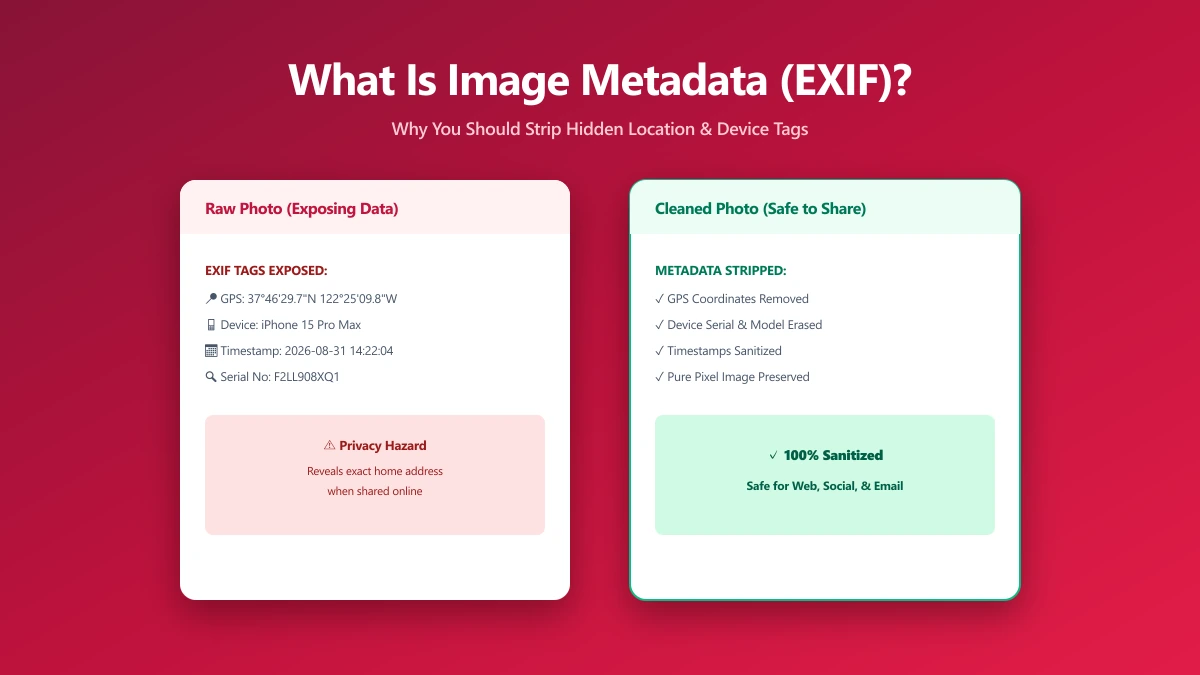
What Is Image Metadata? (And Why You Should Remove It Before Sharing)
Every JPEG you share embeds hidden EXIF data, GPS location, device model, timestamp. Learn what image metadata reveals and how to strip it in seconds.
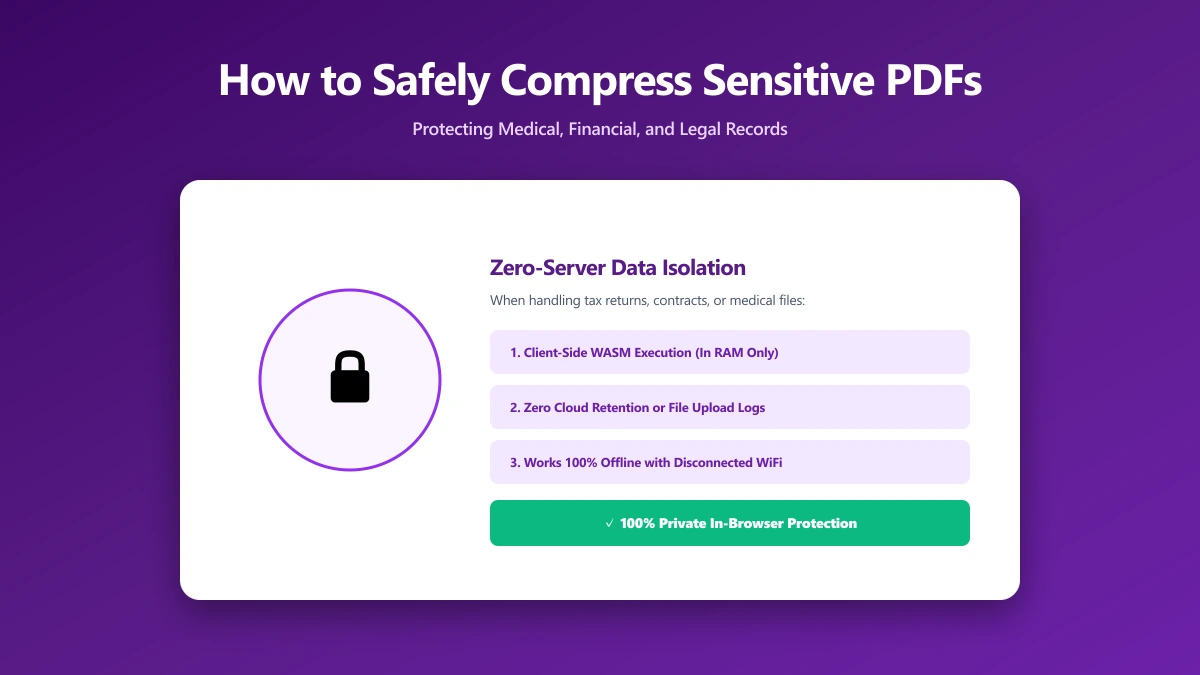
How to Safely Compress Sensitive PDF Documents
Compress sensitive PDFs, bank statements, contracts, medical records, without uploading them. Learn how to shrink them safely, right in your browser.
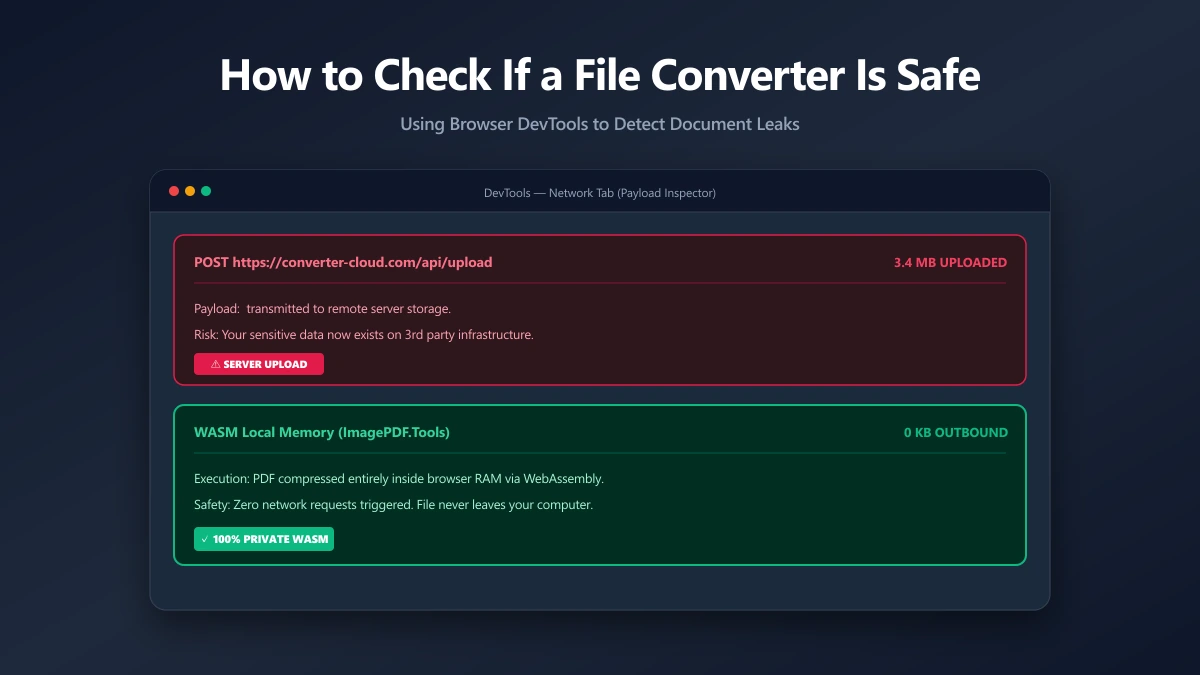
How to Check If an Online File Converter Is Safe
Are online file converters safe? Many upload your files to a server. Learn to spot the risk, verify in-browser processing, and pick a private tool.