
All Articles Center
Engineering guides on image compression, PDF tools, web performance, and zero-upload file privacy.
Technical: 39 articles

How to Repair and Recover Corrupted PDF Files That Won't Open (Recovery Guide)
Why PDFs get damaged, how to tell whether a broken file can be saved, and how to rebuild a missing cross-reference table or end marker to get the pages back.

How to Convert CMYK PDF to sRGB for Web and Social Media Sharing (True Color Guide)
Why a print-ready CMYK PDF looks off on screens and social media, and how to convert it to sRGB in InDesign, Illustrator, Acrobat Pro or Ghostscript, or export the pages as images.

Why Is My Printer Printing PDF Pages in Landscape Instead of Portrait? (Orientation Fix)
Why portrait PDF pages print sideways: automatic orientation, a landscape driver default, two pages per sheet, or a rotated page in the file. Fixes for Acrobat, Chrome, Preview and Windows.
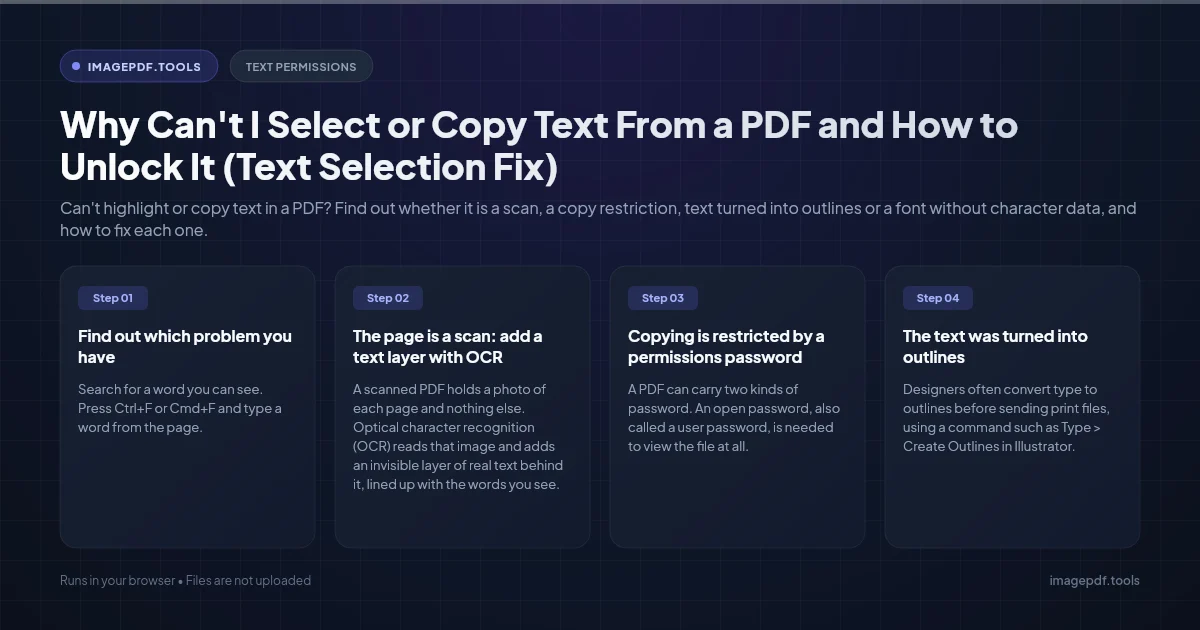
Why Can't I Select or Copy Text From a PDF and How to Unlock It (Text Selection Fix)
Can't highlight or copy text in a PDF? Find out whether it is a scan, a copy restriction, text turned into outlines or a font without character data, and how to fix each one.
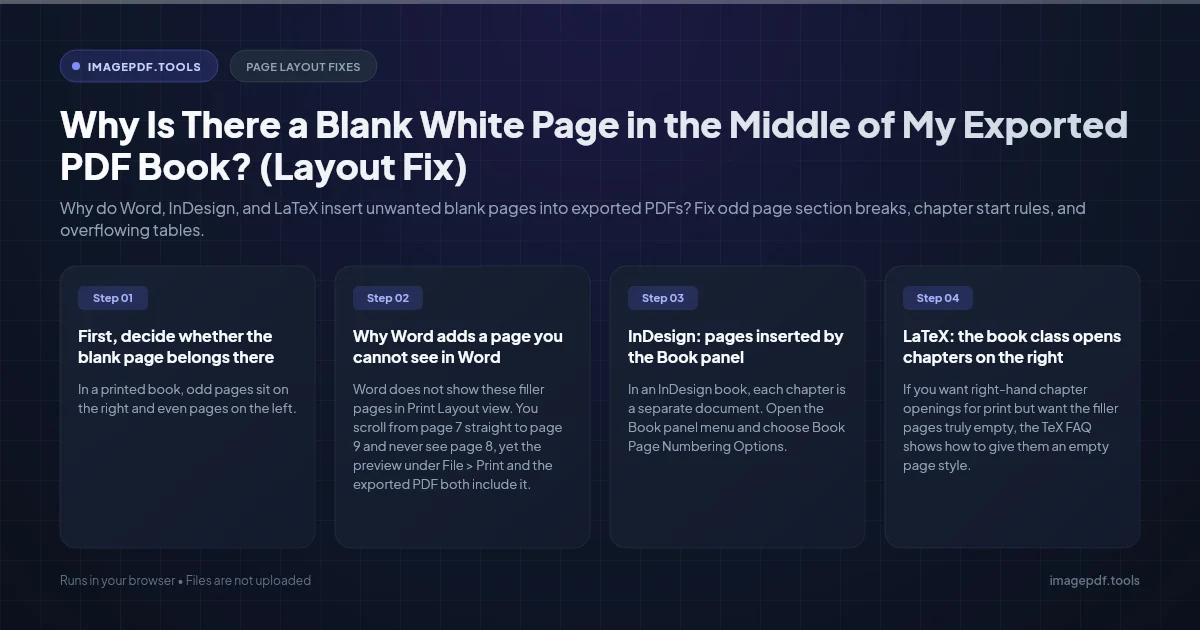
Why Is There a Blank White Page in the Middle of My Exported PDF Book? (Layout Fix)
Why do Word, InDesign, and LaTeX insert unwanted blank pages into exported PDFs? Fix odd page section breaks, chapter start rules, and overflowing tables.
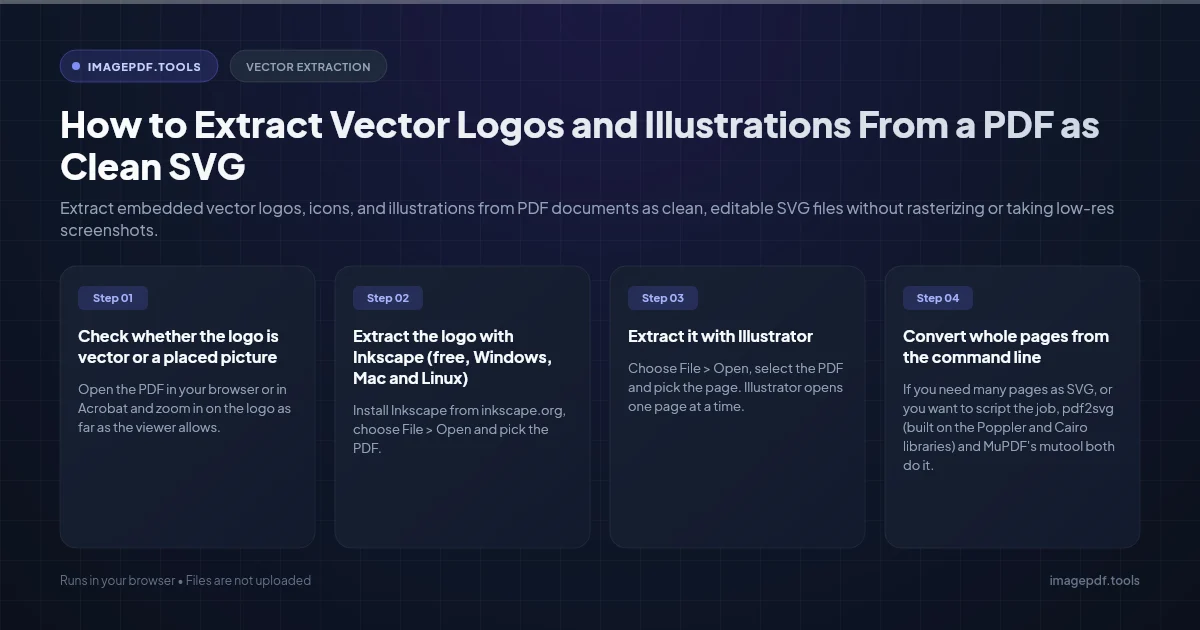
How to Extract Vector Logos and Illustrations From a PDF as Clean SVG
Extract embedded vector logos, icons, and illustrations from PDF documents as clean, editable SVG files without rasterizing or taking low-res screenshots.
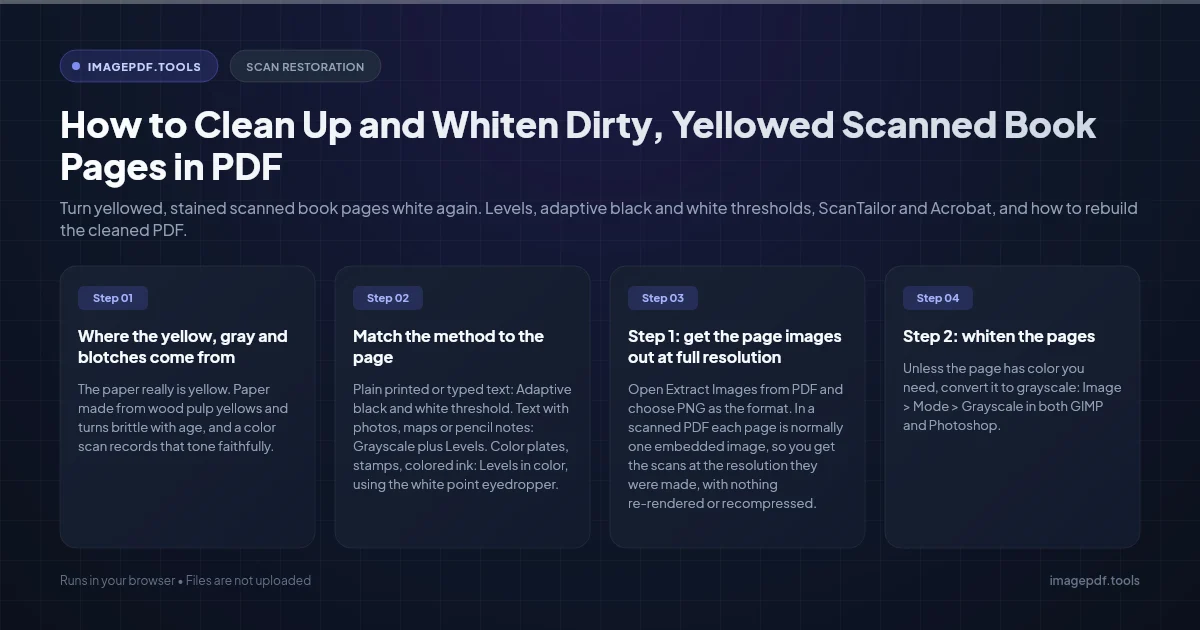
How to Clean Up and Whiten Dirty, Yellowed Scanned Book Pages in PDF
Turn yellowed, stained scanned book pages white again. Levels, adaptive black and white thresholds, ScanTailor and Acrobat, and how to rebuild the cleaned PDF.
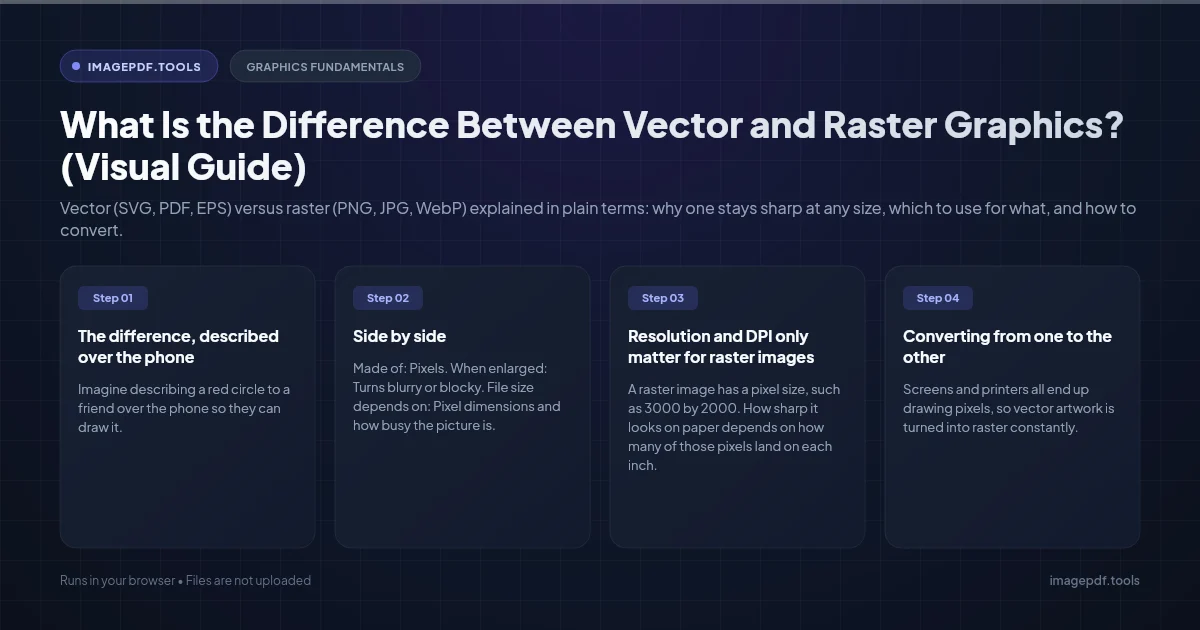
What Is the Difference Between Vector and Raster Graphics? (Visual Guide)
Vector (SVG, PDF, EPS) versus raster (PNG, JPG, WebP) explained in plain terms: why one stays sharp at any size, which to use for what, and how to convert.
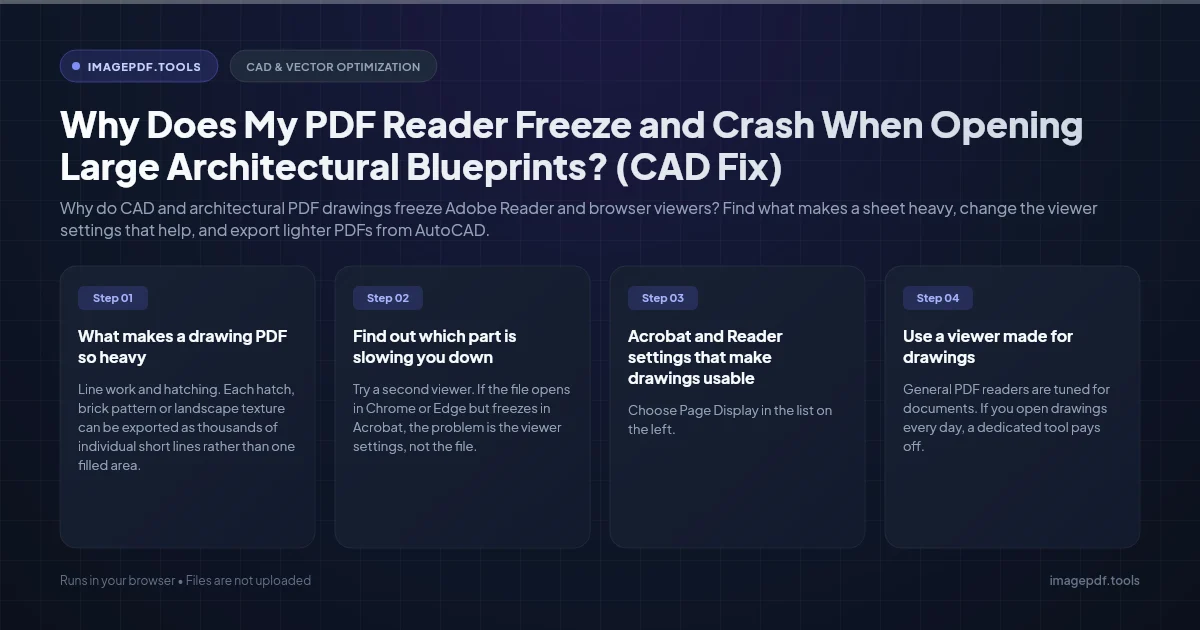
Why Does My PDF Reader Freeze and Crash When Opening Large Architectural Blueprints? (CAD Fix)
Why do CAD and architectural PDF drawings freeze Adobe Reader and browser viewers? Find what makes a sheet heavy, change the viewer settings that help, and export lighter PDFs from AutoCAD.
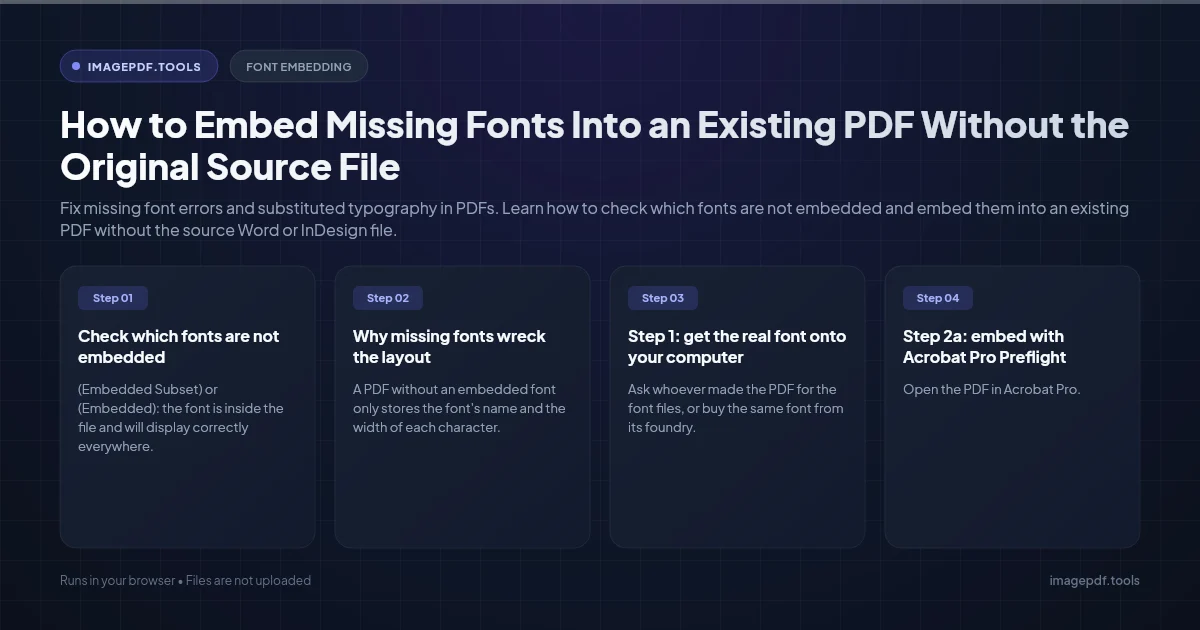
How to Embed Missing Fonts Into an Existing PDF Without the Original Source File
Fix missing font errors and substituted typography in PDFs. Learn how to check which fonts are not embedded and embed them into an existing PDF without the source Word or InDesign file.
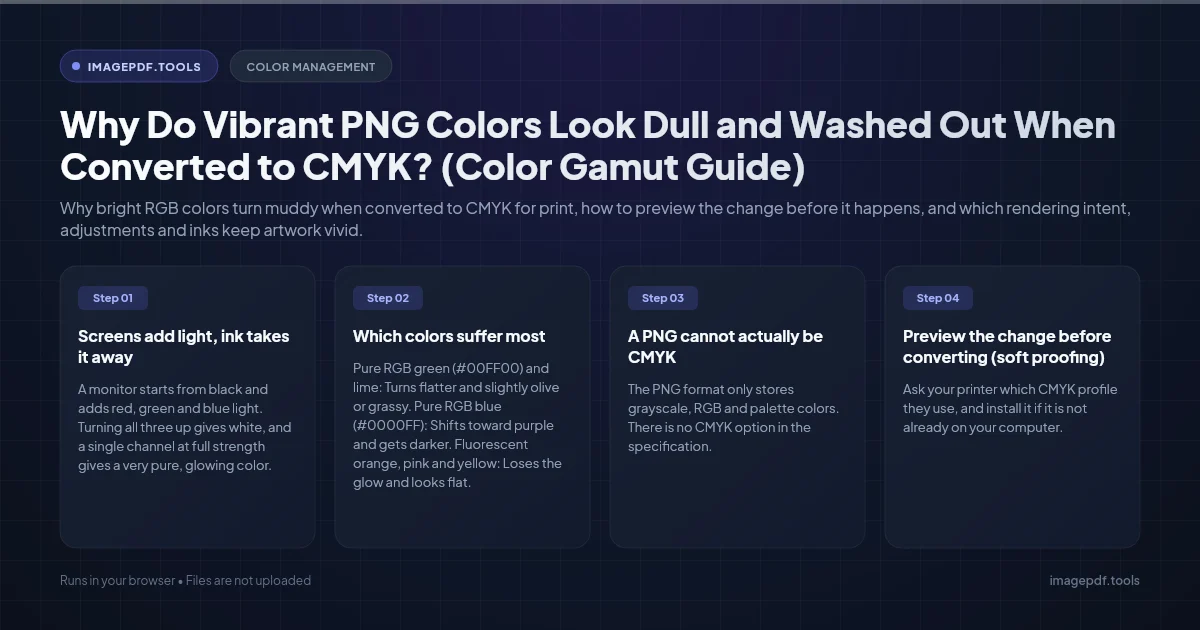
Why Do Vibrant PNG Colors Look Dull and Washed Out When Converted to CMYK? (Color Gamut Guide)
Why bright RGB colors turn muddy when converted to CMYK for print, how to preview the change before it happens, and which rendering intent, adjustments and inks keep artwork vivid.
How to Reduce PDF File Size While Keeping Vector Text 100% Sharp (Smart Compression)
Why some PDF compressors turn text into blurry pictures, where a PDF's size really comes from, and how to shrink only the images in Acrobat Pro, Mac Preview, Ghostscript or your browser.
How to Make a PDF Fully Accessible for Screen Readers (PDF/UA & Section 508 Guide)
What a screen reader needs from a PDF, how to export a tagged PDF from Word or LibreOffice, how to repair an existing file in Acrobat Pro, and how to test it with PAC and NVDA.
How to Upscale Low-Res Pixel Art to Crisp Vector SVG Without Blur
Why upscalers and auto-trace blur or round off pixel art, how to enlarge it with nearest neighbor, and how to turn a sprite into an SVG with exact square pixels.
Why Is My Scanned Document PDF Over 50MB for Only 3 Pages? (Fix Guide)
Why scanners turn a few pages into a 50 MB PDF, the resolution and color settings that fix it for future scans, and how to shrink the file you already have.
Why Do My PDF Form Fields Disappear After Saving in Mac Preview? (Fix Guide)
Fix empty or invisible form field data when saving fillable PDFs in Apple Preview. Understand XFA forms, AcroForm appearance streams, and safe PDF filling.
What Is the Difference Between Interlaced PNG and Progressive JPEG? (Speed & UX Guide)
Understand the difference between Interlaced PNG (Adam7) and Progressive JPEG. Learn loading speeds, file size trade-offs, and web performance best practices.
Why Do Phone Photos Open Sideways on Windows and How to Fix EXIF Orientation
Why do smartphone photos flip sideways or upside down on Windows PC? Understand EXIF orientation tags 6 vs 8, losslessly rotate pixels, and fix permanently.
What Is the Difference Between PDF/A-1, PDF/A-2, and PDF/A-3 Archiving? (Standards Guide)
Compare PDF/A-1, PDF/A-2 and PDF/A-3: what each part allows, what the a, b and u levels mean, which one to pick, and how to create and check a PDF/A file.
Why Does Copying Text From a Scanned PDF Paste Scrambled Words? (Fix Guide)
Copied text from a scanned PDF pastes with no spaces, wrong letters or mixed-up columns? Here is why the hidden OCR layer causes it and how to fix it.
Converting iPhone Live Photos to JPG, and Keeping the Right Metadata
A Live Photo is a still and a short video. How to get just the still as a JPG, which methods keep the date and camera details, and when to drop the location.
How to Fix Colour Banding in Gradients When Exporting Images
A smooth gradient turns into visible stripes on export. Why 8-bit colour runs out of steps, how dithering hides it, and why heavy compression undoes the fix.
How to Prepare SVG Illustrations for CMYK Offset Printing
SVG colours are screen colours, and a print shop needs CMYK. Which tools can convert properly, which profile to use, and how to avoid dull or shifted colours.
Why Does My PDF Print Weird Symbols or Garbage Characters?
Fine on screen, nonsense on paper. Which of three different faults you have, from font handling to the wrong printer language, and the fix for each one.
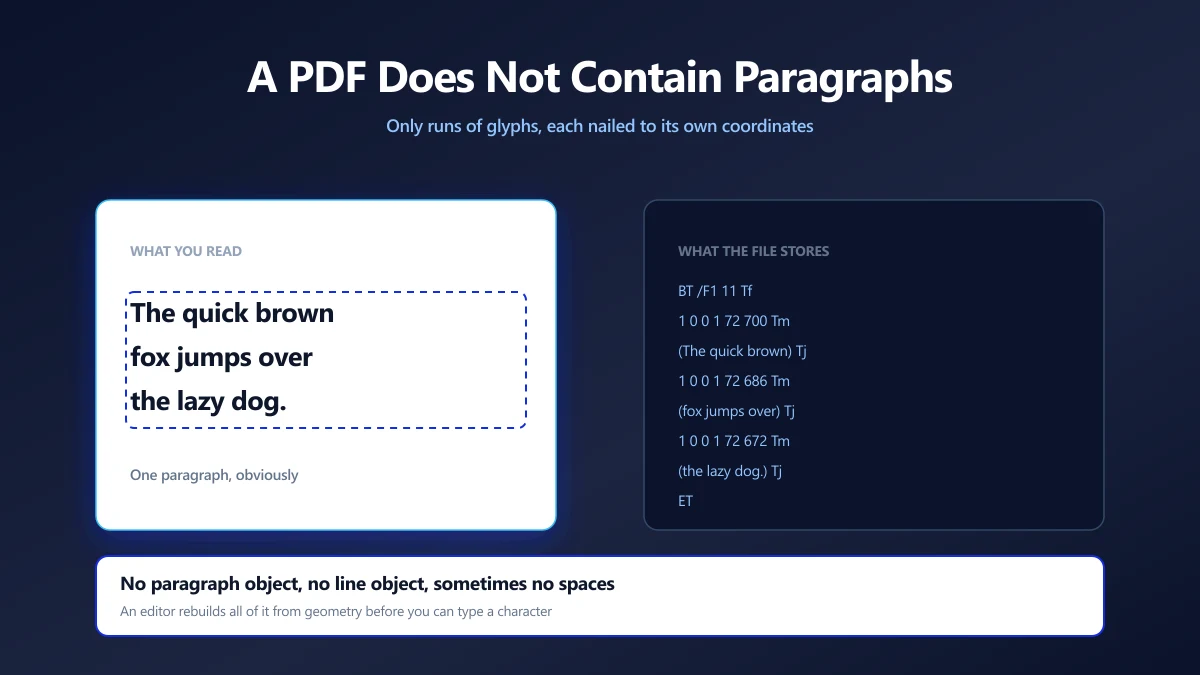
Why Editing Text in a PDF Is Hard, and How Editors Do It Anyway
A PDF has no paragraphs, only glyphs at coordinates. What an editor has to reconstruct, why fonts break edits, and which changes are safe to make.
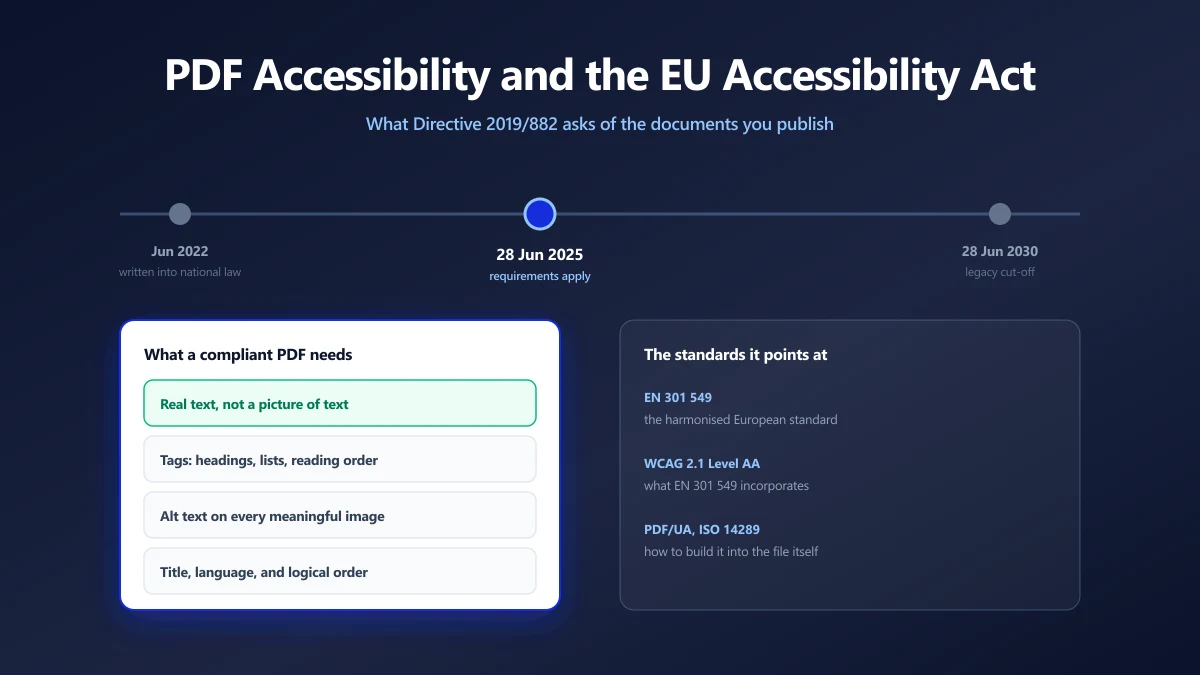
PDF Accessibility and the European Accessibility Act: What Actually Changed
The EU Accessibility Act has applied since 28 June 2025. Here is what it asks of the PDFs you publish, which standards it points at, and how to check a file.
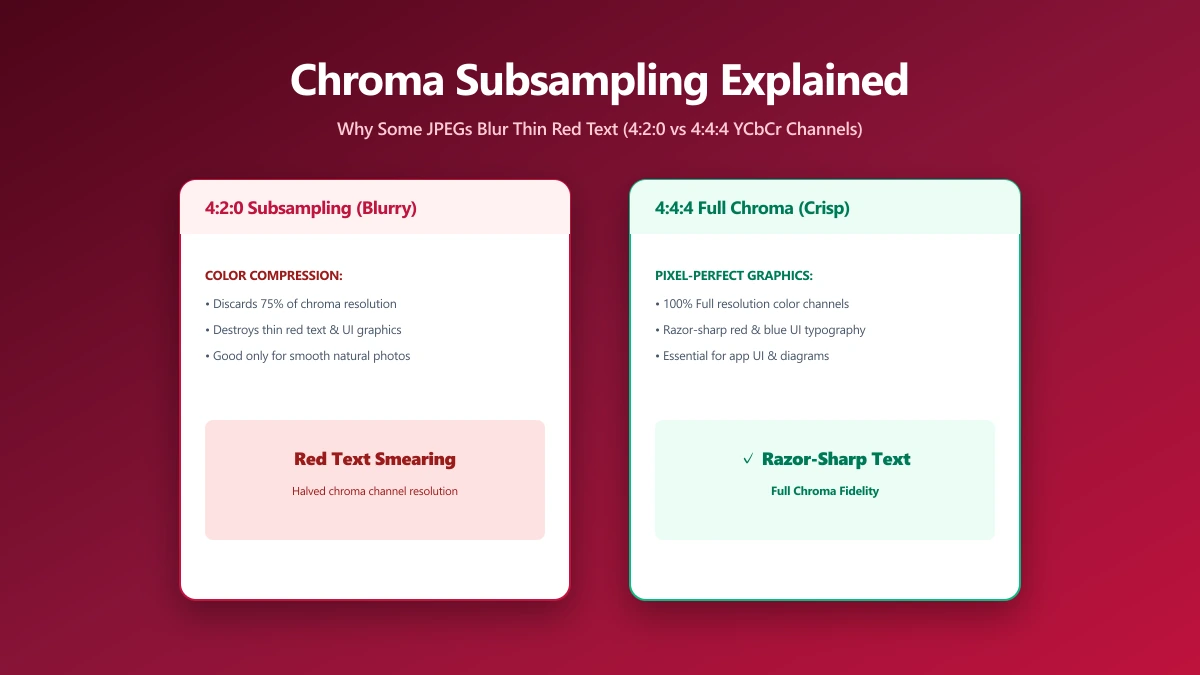
Chroma Subsampling Explained: Why Some JPEGs Blur Thin Red Text and Fine Lines
Notice blurred colored text in a sharp JPEG? That's chroma subsampling, a hidden compression trick most quality sliders never mention or expose to you.
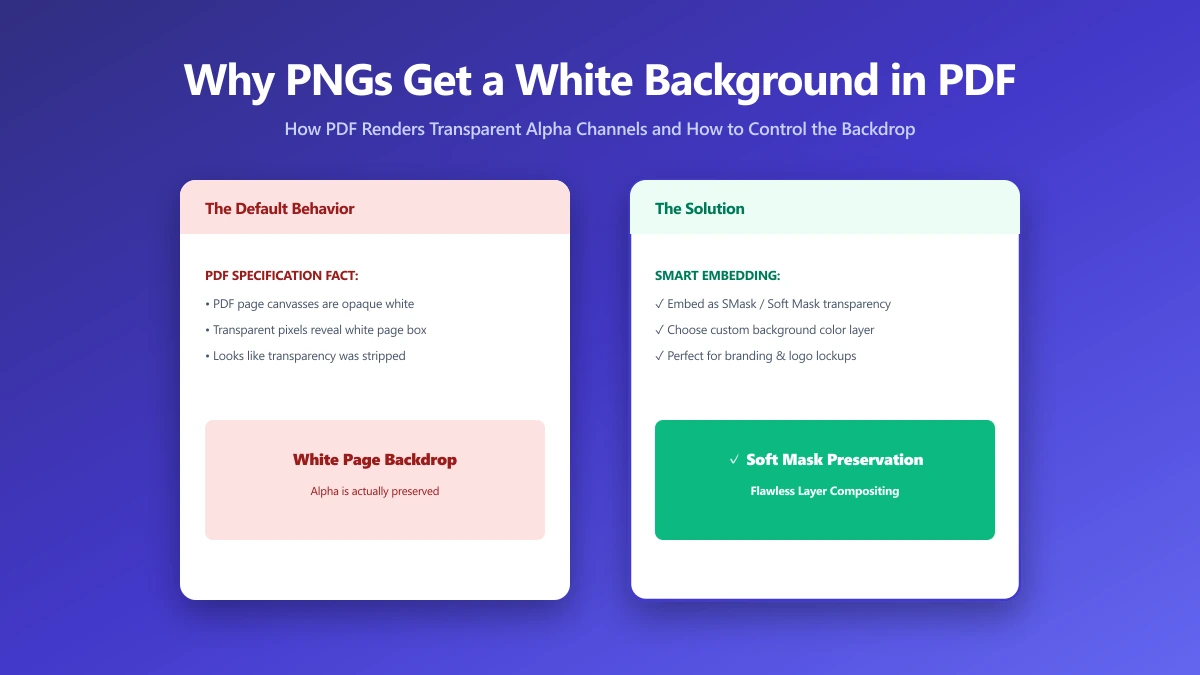
Why Your PNG Gets a White Background When You Convert It to PDF (and How to Fix It)
Convert a transparent PNG to PDF and get a solid white box instead? PDF has no native alpha channel like PNG. Here's why it happens and how to fix it.
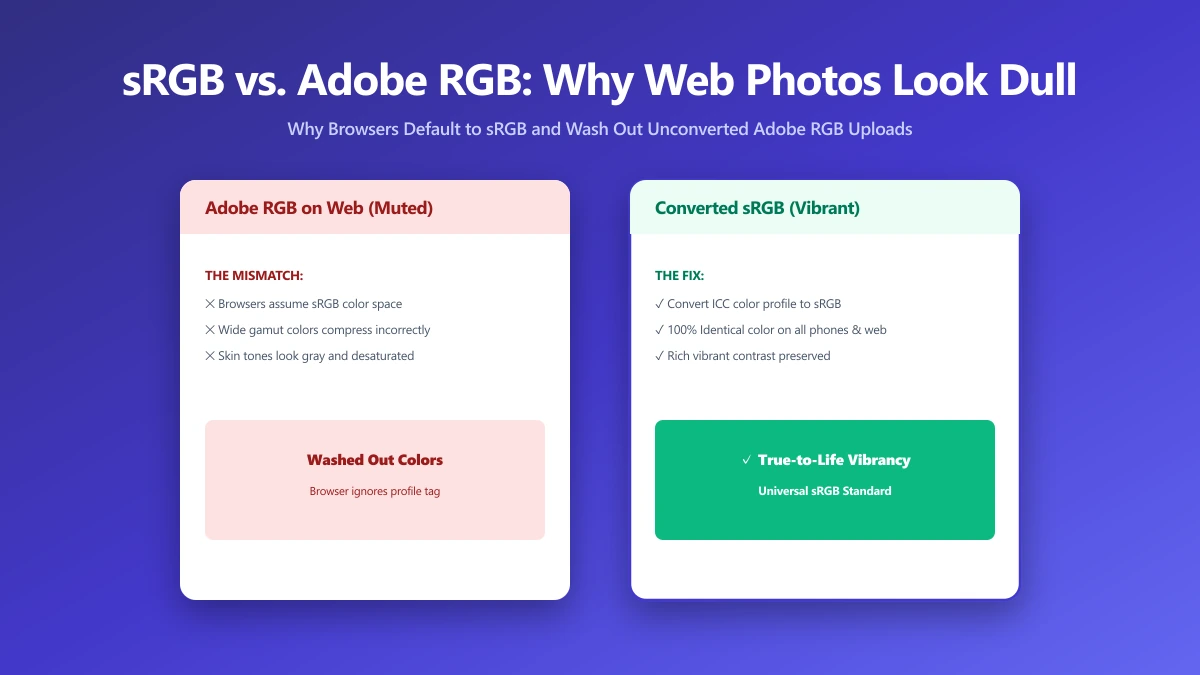
sRGB vs Adobe RGB: Why Your Photos Look Dull the Moment You Upload Them
Edit in Adobe RGB and your photos can look dull the moment they're uploaded, since the web assumes sRGB. Here is the one export setting that fixes it.
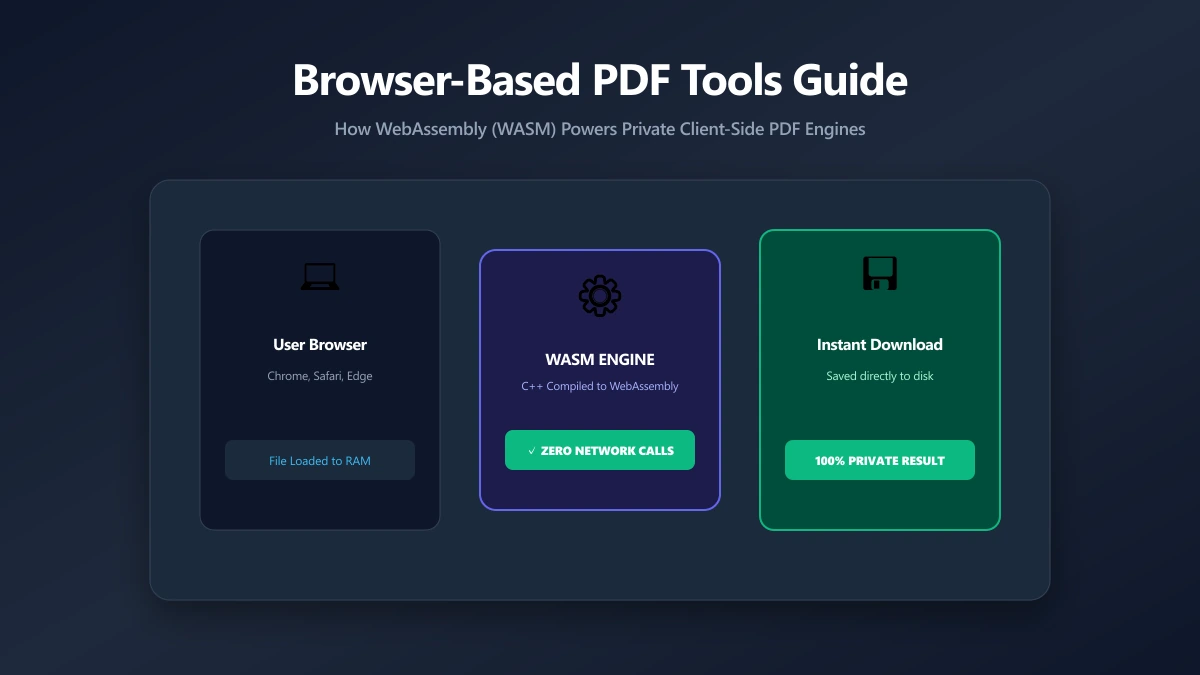
Browser-Based PDF Tools: What They Are and Why They Work Differently
How browser-based PDF tools differ from the upload-based converters most people use, how the architecture works, and where the limits are.
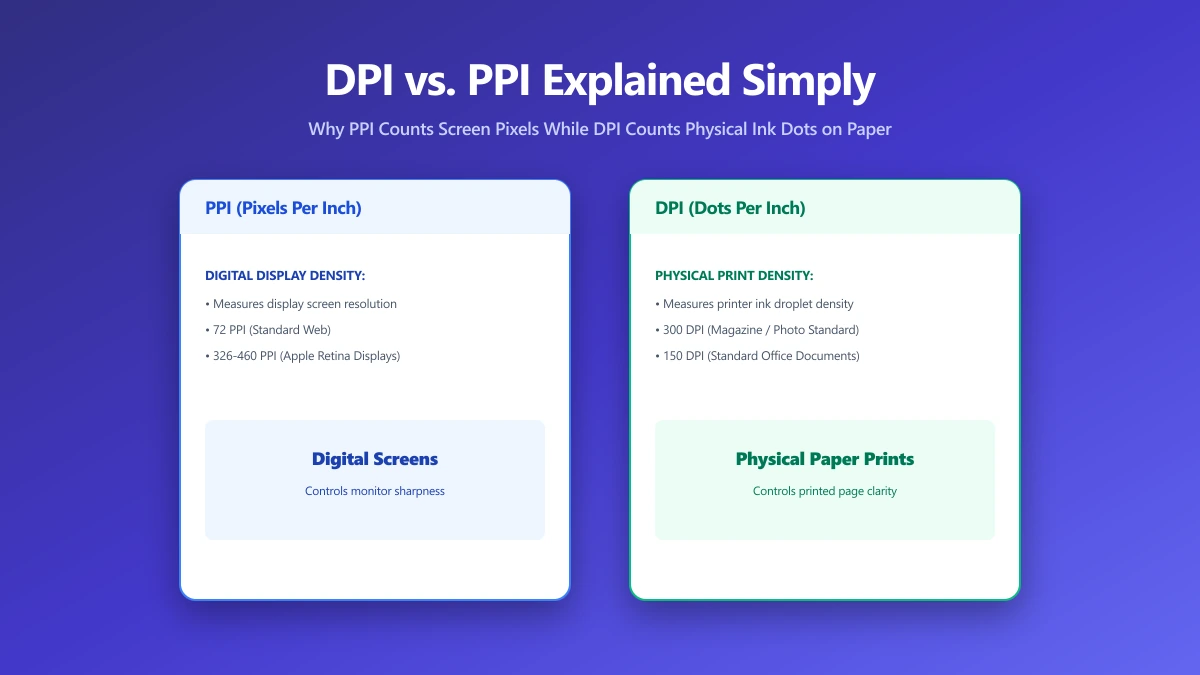
DPI vs PPI Explained: Why a "300 DPI" Image Looks Fine Online but Blurry When Printed
DPI and PPI measure different things, and mixing them up is why sharp on-screen images print blurry. Here is the actual difference, explained clearly.
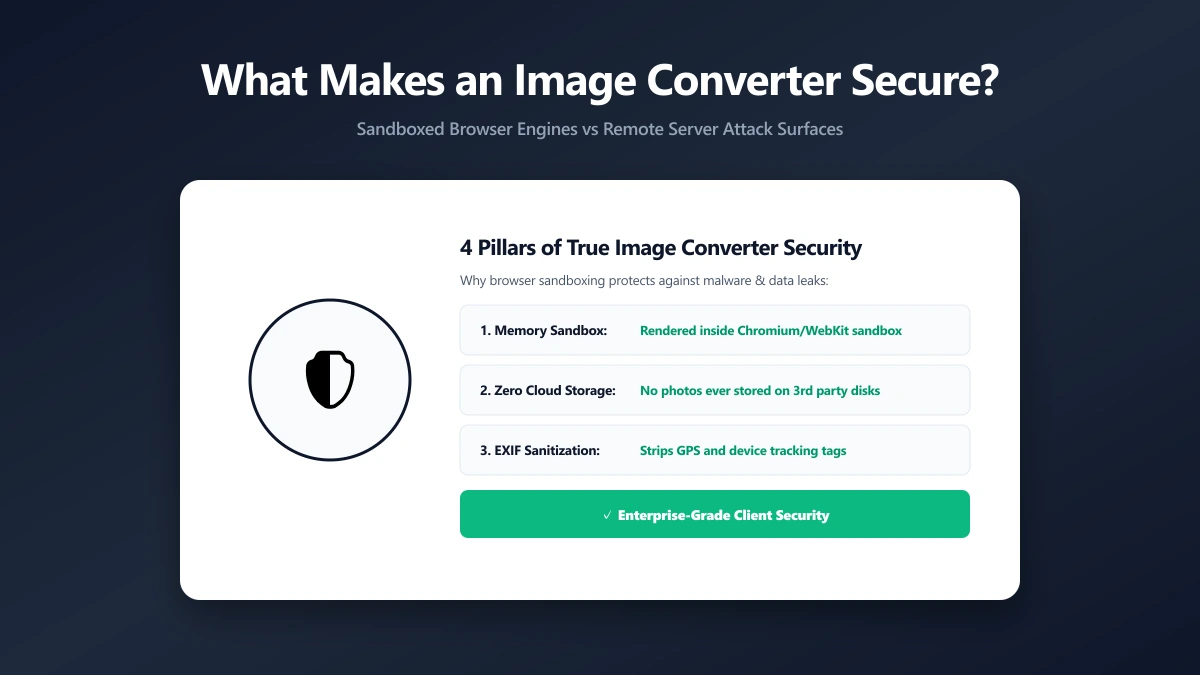
What Makes an Image Converter Actually Secure (It Is Not Just About Uploads)
A secure image converter is about more than whether it uploads your file. What else to check, and how to verify the claim rather than trust it.
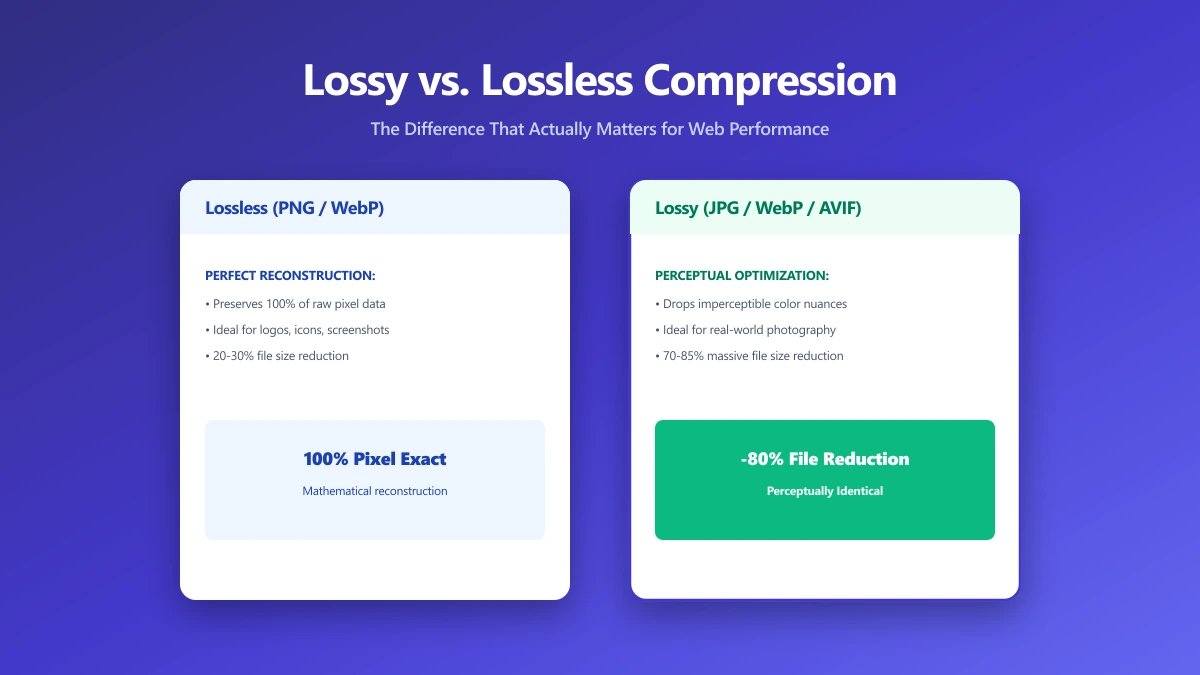
Lossy vs. Lossless Compression: The Difference That Actually Matters
Lossy trades quality for size; lossless trades size for perfect fidelity. Pick the wrong one and you're wasting bandwidth or permanently degrading your assets.
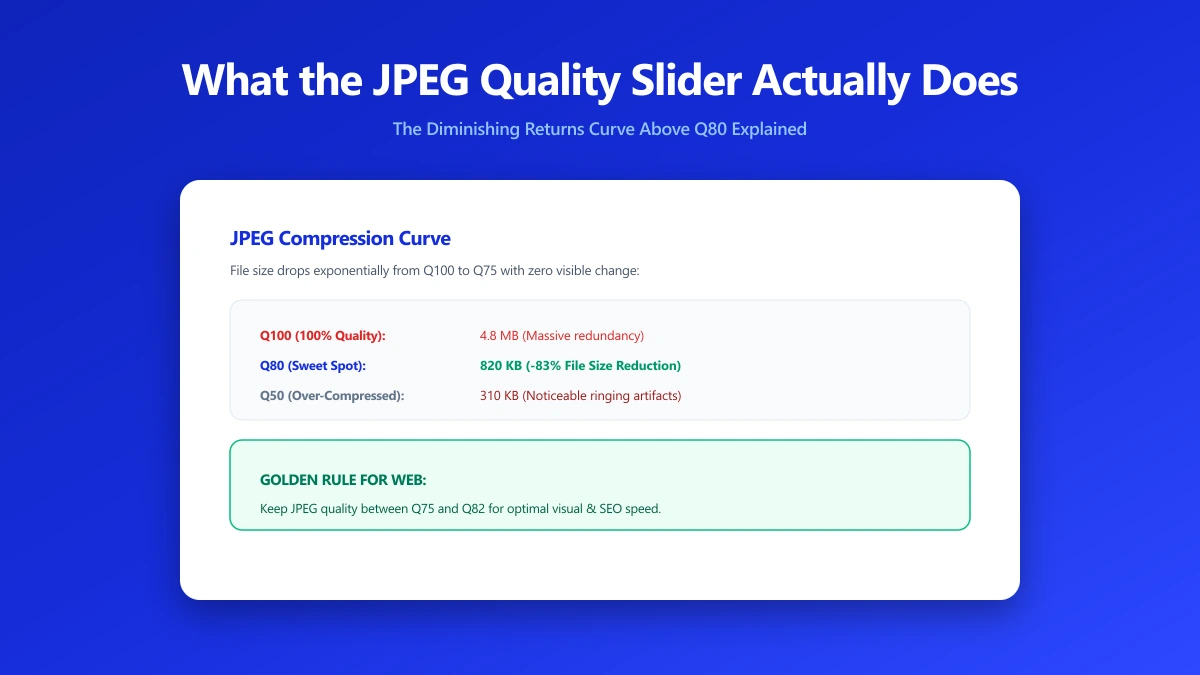
What the JPEG Quality Slider Actually Does (It's Not What You Think)
Quality 80 is not "80% of the original". It's a quantisation table scalar. Here's how the DCT-based encoding actually works and what settings to use.
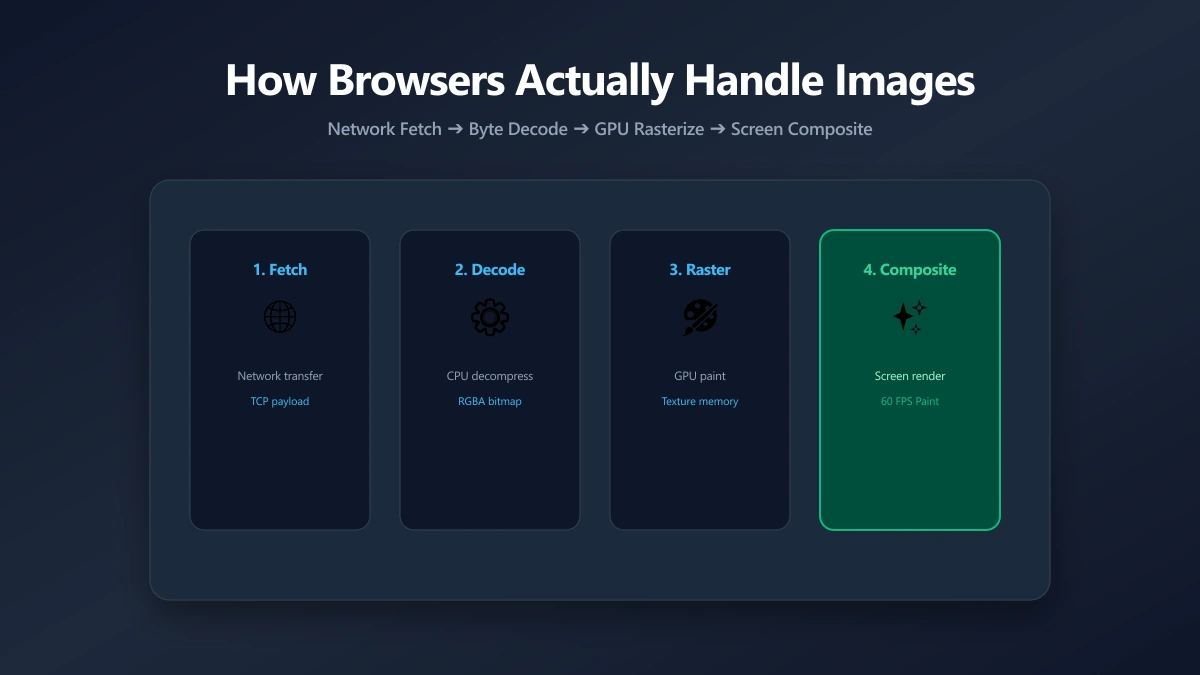
How Browsers Actually Handle Your Images
File size is half the story. After bytes arrive, browsers decode and composite images in ways that affect memory and rendering. Here's what actually happens.
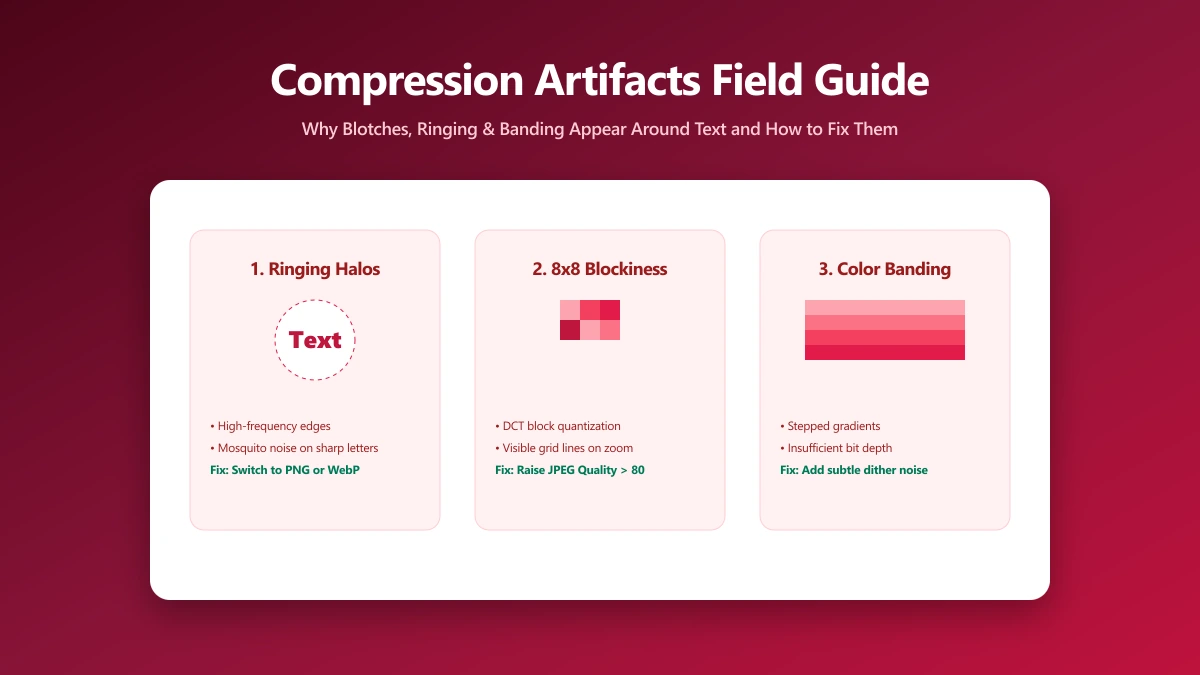
Those Weird Blotches Around Text: A Field Guide to Compression Artifacts
Blotchy gradients, halos around text and pixelated blocks each have a name and a cause. How to recognise them, and which setting produced them.
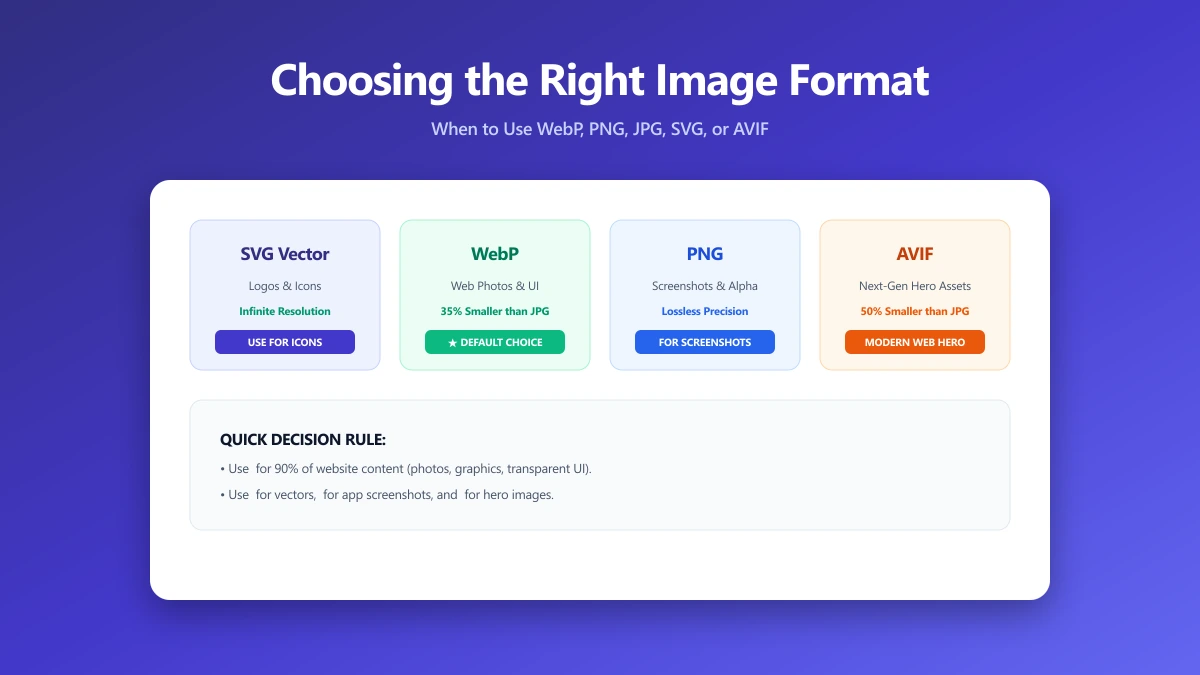
Choosing the Right Image Format: A Practical Guide From the Compression Side
JPEG, PNG, WebP, or AVIF? This practical guide explains every format's compression model so you pick the right one every time. Free converter included.
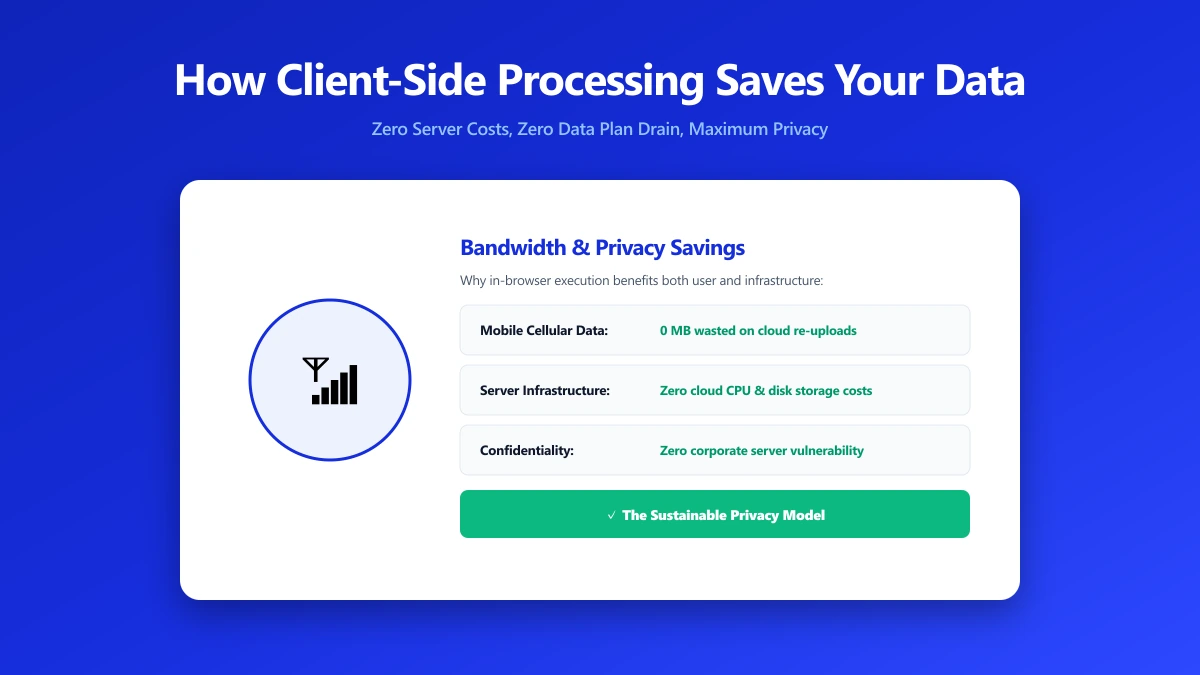
How Client-Side Processing Saves Your Data (And Our Server Costs)
When a browser tool processes files locally, your data never leaves your device. What that changes, and how to tell which tools actually do it.
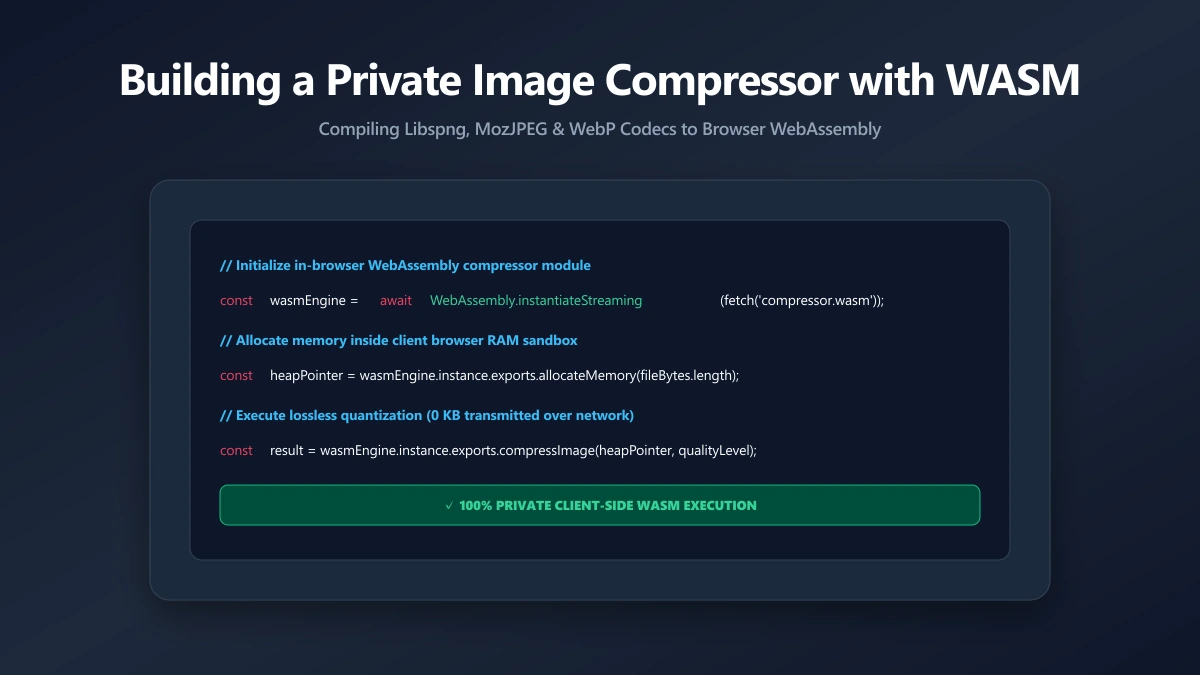
Building a Private Image Compressor with WebAssembly
How a browser compresses images with WebAssembly, why it is fast enough to replace a server, and what that changes about your privacy.