Building a Private Image Compressor with WebAssembly
Summary
How ImagePDF.Tools uses UPNG.js, MozJPEG and libwebp compiled to WebAssembly, and Web Workers to compress images entirely in the browser, zero server uploads, full privacy.
The engineering challenge behind a privacy-first image tool: how do you give users professional compression quality without sending a single byte to a server? Every competing approach either uploads your file or sacrifices compression quality to avoid it.
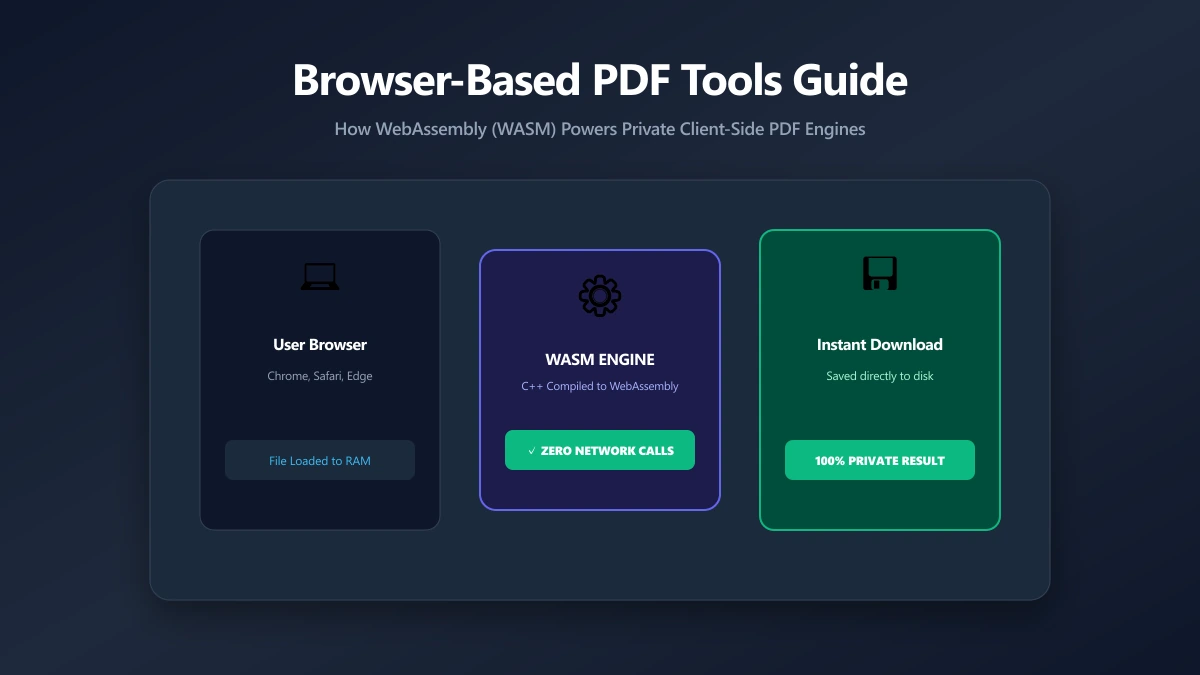
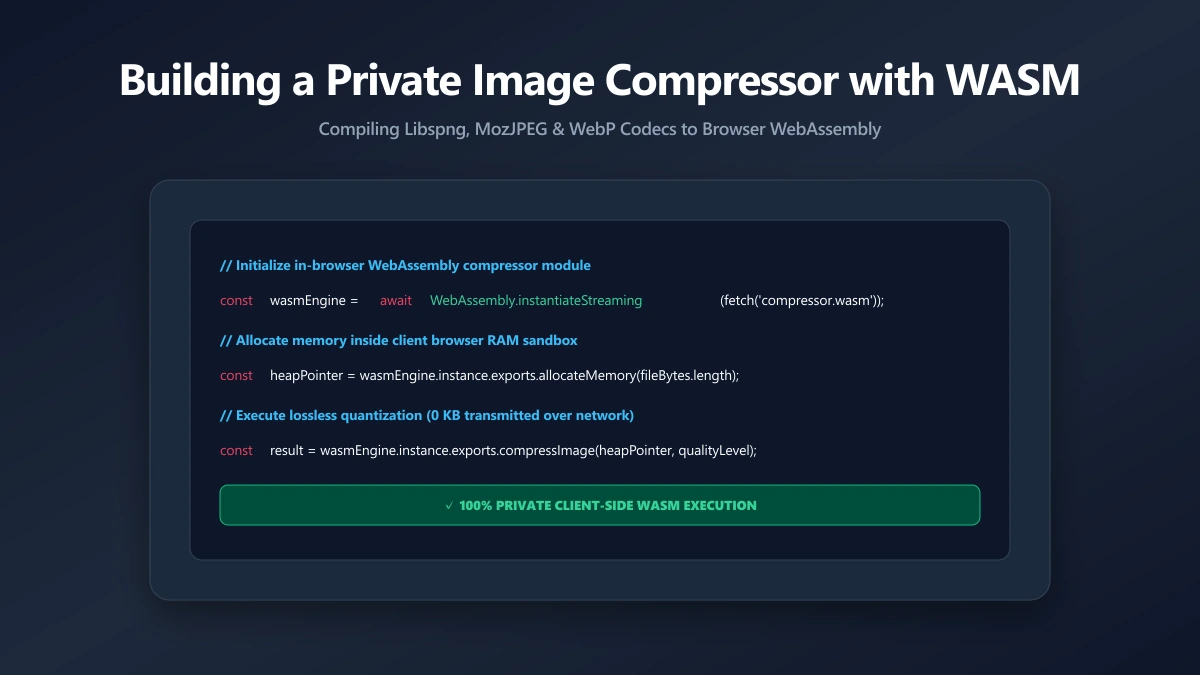
The answer is WebAssembly (WASM), native C binaries compiled to run inside the browser sandbox at near-native speed. Paired with the browser's own OffscreenCanvas API and Web Workers, WASM enables professional-grade compression that runs entirely on the user's device, with zero network requests carrying file data.
This is a technical walkthrough of how ImagePDF.Tools achieves this using three distinct paths: UPNG.js palette quantisation for PNG, MozJPEG and libwebp compiled to WebAssembly for JPEG and WebP, and a Web Worker architecture that keeps the UI at 60fps regardless of file size.
Three Compression Paths, Zero Uploads
Different image formats require different compression codecs. The architecture uses the right tool for each format:
| Output Format | Compression Engine | Browser API | WASM Required? |
|---|---|---|---|
| JPEG | MozJPEG | @jsquash WASM | Yes |
| WebP | libwebp | @jsquash WASM | Yes |
| PNG (lossy) | UPNG.js K-d tree palette quantisation | JS, no WASM download | No |
| PNG (lossless) | Browser PNG encoder | OffscreenCanvas.convertToBlob() | No |
The key insight: browsers already ship JPEG and WebP encoders as part of the Canvas API. No additional code is needed for those formats. PNG is the outlier, Canvas PNG output is always lossless, so meaningful lossy PNG compression requires a WASM-compiled codec.
PNG Compression with UPNG.js
UPNG.js is a compact pure-JavaScript PNG codec. It reduces PNG colours through palette quantisation (similar to GIF's approach but at much higher quality), then applies lossless DEFLATE compression to the quantised output. Typical savings: 60–80% file size reduction with no perceptible quality loss on photographic PNGs.
// lib/upngCompress.ts, the real PNG path
import UPNG from 'upng-js';

// UPNG is plain JavaScript, so there is no WASM binary to download for PNG.
// The image is decoded to RGBA on a canvas, then UPNG reduces it to a palette
// using a K-d tree and re-encodes. cnum is the colour count: 0 means lossless.
export async function compressPngUpng(file: File, quality: number) {
  const bitmap = await createImageBitmap(file);
  const canvas = new OffscreenCanvas(bitmap.width, bitmap.height);
  const ctx = canvas.getContext('2d')!;
  ctx.drawImage(bitmap, 0, 0);
  const data = ctx.getImageData(0, 0, bitmap.width, bitmap.height);

  const cnum = quality >= 100 ? 0 : Math.max(2, Math.round((quality / 100) * 256));
  const encoded = UPNG.encode([data.data.buffer], bitmap.width, bitmap.height, cnum);
  return new Blob([encoded], { type: 'image/png' });
}
JPEG and WebP via MozJPEG and libwebp
For JPEG and WebP, the browser's own encoder does the work. OffscreenCanvas is the key: it is a canvas that can be created and operated in a Web Worker, with no DOM access needed. This means the entire encode pipeline runs off the main thread.
// lib/compress.ts, runs inside a Web Worker (no DOM access)
export async function compressJpegOrWebp(
  file: File,
  quality: number,
  outputFormat: 'image/jpeg' | 'image/webp',
  maxDimension = 4096,
): Promise<File> {
  const bitmap = await createImageBitmap(file);

  // Scale down if image exceeds maxDimension on either axis
  const scale = Math.min(1, maxDimension / Math.max(bitmap.width, bitmap.height));
  const w = Math.round(bitmap.width * scale);
  const h = Math.round(bitmap.height * scale);

  // OffscreenCanvas: no DOM, no main-thread, works in Web Workers
  const canvas = new OffscreenCanvas(w, h);
  const ctx = canvas.getContext('2d')!;
  ctx.drawImage(bitmap, 0, 0, w, h);
  bitmap.close(); // release GPU memory immediately

  const blob = await canvas.convertToBlob({ type: outputFormat, quality: quality / 100 });
  const ext = outputFormat === 'image/jpeg' ? 'jpg' : 'webp';
  return new File([blob], file.name.replace(/\.[^.]+$/, '.' + ext), { type: outputFormat });
}
Web Worker Architecture: 60fps During Compression
Compressing a 12MP photo takes 200ms–2s depending on format and device. Running this on the main JavaScript thread would freeze the UI for the entire duration, scroll would stall, animations would drop frames, the interface would feel broken.
Web Workers solve this: they run in a separate OS thread with access to OffscreenCanvas, WASM modules, and ArrayBuffer transfers, but no DOM access. The UI thread dispatches a file and options; the Worker processes it and returns the compressed buffer. The UI remains fully interactive throughout.
// workers/compress.worker.ts
self.onmessage = async ({ data: { file, options, id } }) => {
  try {
    const result = options.outputFormat === 'image/png'
      ? await compressPng(file, options.quality)
      : await compressJpegOrWebp(file, options.quality, options.outputFormat);

    const buf = await result.arrayBuffer();
    // Transferable ArrayBuffer: zero-copy, ownership passes to main thread
    self.postMessage({ id, buf, name: result.name, type: result.type }, [buf]);
  } catch (err) {
    self.postMessage({ id, error: (err as Error).message });
  }
};
The Transferable pattern in the postMessage call is critical for performance. Without it, the ArrayBuffer is copied from the Worker's memory to the main thread's memory, doubling peak memory usage for large files. With the transfer, ownership moves instantly at zero cost.
WASM Loading Strategy
The MozJPEG and libwebp WASM binaries are the only ones downloaded, small enough to be worth prefetching, large enough that a cache miss on first compression would cause a noticeable delay. The loading strategy:
- 1.Prefetch on page load using
<link rel="prefetch">, the binary is downloaded silently in the background after the page is interactive. - 2.Lazy-import on first PNG drop, the WASM module is not imported until a PNG file is actually needed, keeping the initial JS bundle at minimum size.
- 3.Singleton caching, after first initialization, the compiled WASM module is held in module scope. Subsequent PNG compressions skip the compile step entirely.
Add <link rel="prefetch"> for the @jsquash codec chunks to your document head. The browser downloads it at idle priority, it's ready before the user drops a PNG, with no impact on LCP or initial load.
Performance Benchmarks
| Format | File Size | M3 MacBook | Mid-range Android | Notes |
|---|---|---|---|---|
| JPEG quality 80 | 12MP (8 MB raw) | 180–350 ms | 400–900 ms | Hardware-accelerated in Chrome |
| WebP quality 80 | 12MP (8 MB raw) | 120–280 ms | 350–800 ms | Fastest, native browser encoder |
| PNG via UPNG.js | 5MP (4 MB raw) | 800ms–2 s | 2–5 s | Palette quantisation is CPU-intensive by design |
| WASM compile (1st visit) | - | ~200 ms | ~400 ms | Cached after first run; <5 ms on return |
Verifying Zero Uploads
The privacy claim is verifiable. To confirm no file data leaves your browser:
- 1.Open any tool on ImagePDF.Tools
- 2.Open Chrome DevTools (F12) → Network tab → filter by "Fetch/XHR"
- 3.Drop any file into the tool
- 4.Watch the Network tab during processing, zero XHR/fetch requests will carry your file data
The only network requests you'll see are the initial page load, the Clerk session check (an authentication token, not file data), and for free-tier users, the AdSense script. Your file bytes never appear in any network request.
The Bottom Line
WASM-powered client-side compression is not a compromise, it delivers the same quality as server-side tools while providing absolute privacy guarantees. The architecture (OffscreenCanvas + WASM + Web Worker + Transferable ArrayBuffers) is the combination that makes it possible without any user-perceptible performance cost.
Frequently asked questions
Does browser-based compression give the same quality as server-side tools?
What is WebAssembly (WASM) and why is it used?
How does the tool process files if nothing is uploaded?
What is OffscreenCanvas?
Are there file size limitations for browser-based compression?
Sources & references
This article was researched and written by Nikola, drawing on the following primary sources and documentation:
Ready to try it?
All tools run entirely in your browser, no uploads, no account required.
Compress Image