
Extract Text from a PDF, Clean and Ready to Paste
or drop files here
Get the words out of a PDF without wrestling with a selection cursor. Lines are rebuilt from the page, broken words are joined back up, and the file is read on your device rather than uploaded.
From fixed page to plain text.
Drop in the PDF
Files exported from a word processor, a browser or a reporting system normally carry a text layer to read. A file that needs a password asks for it once.
Pick paragraphs or lines
Paragraphs flows sentences together for documents and prompts. Original lines keeps lists and addresses exactly as printed. Narrow it to a chapter with a page range.
Copy it or keep the .txt
Read the preview, copy everything in one click, or save a UTF-8 text file named after your PDF. The preview stops at 20,000 characters; the copy and the file hold it all.
When you need the words, not the page.
A PDF is built to look identical everywhere, which is exactly what makes its text awkward to reuse. These are the jobs where plain text wins.
Quoting from a long report
Lift a passage from an annual report, a court judgment or a policy paper without a hard line break every ten words. Paragraphs mode gives you sentences you can drop straight into an email or article.
Feeding a translator or AI assistant
Paste only the pages you need into a translation service or a chatbot instead of handing over the whole file. The extraction happens on your device, and you decide exactly which words go anywhere else.
Reading in a way that suits you
Plain text can be enlarged, reflowed on a small screen, read aloud by a screen reader or text-to-speech app, or loaded onto an e-reader. A fixed PDF page offers none of that comfortably.
Checking a word count
Grant applications, essays and journal submissions often have strict limits. Paste the extracted text into your word processor for a word count, or read the character total shown as soon as extraction finishes.
Building research notes
Extract the chapters you are studying with page markers switched on. Every quote in your notes then sits under the page it came from, which saves a hunt when you write the citation.
Escaping a clumsy viewer
Dragging a selection across several pages on a phone, or in a browser preview that keeps jumping, is painful. Extracting turns the whole file, or just a page range, into text in one step.
How a page turns back into sentences.
A PDF does not store paragraphs. It stores fragments of text, sometimes whole words and sometimes single letters, each with a position, in whatever order the program that made the file wrote them. Spaces are often missing altogether, because the next word is simply placed a little further along.
The tool collects those fragments with pdf.js, groups the ones that share a baseline into a line, and sorts each line left to right. Wherever the gap between two fragments is wider than roughly a fifth of the font size, a space goes in.
In Paragraphsmode it then measures the usual line spacing on that page. Lines closer than about one and a half times that spacing are joined into one paragraph, and a bigger gap starts a new one. A word split with a hyphen at the end of a line is rejoined when the next line starts in lower case. One side effect: a real compound like "well-known" that happens to break at the hyphen loses it. Original lines mode leaves every hyphen and line break alone.
Worked example
Three printed lines followed by a heading. Original lines gives one output line per printed line, with no blank lines inside a page; Paragraphs puts a blank line wherever a new block begins.
Original lines
The committee reviewed the quar-
terly figures and approved the
revised budget for next year.
Next steps
Paragraphs
The committee reviewed the quarterly figures and approved the revised budget for next year.

Next steps
What to expect from different PDFs
| In the PDF | In the extracted text |
|---|---|
| Documents exported from Word, Google Docs, LaTeX or a web page | Extracts cleanly; this is what the tool is built for. |
| PDFs that have already been through OCR | The invisible text layer is read; accuracy is whatever the OCR achieved. |
| Scanned pages with no OCR | Nothing to read. Run OCR PDF first, then come back. |
| Two-column layouts | Lines that sit level with each other in both columns share one output line. |
| Tables | Each row becomes a line with cells separated by spaces; the grid is lost. |
| Running headers, footers and page numbers | Included, because they are real text on every page. |
| Hidden text, such as white on white or text under an image | Included, because it is still part of the text layer. |
| Sideways or diagonal text | Skipped, including diagonal watermarks. |
| Fonts with no map back to real characters | Comes out as symbols or wrong letters; OCR is the workaround. |
Scanned pages can be fixed with OCR PDF, and when the layout matters more than the raw words, PDF to Word is the better starting point.
Questions answered.
Why does it say no selectable text was found?
Should I choose Paragraphs or Original lines?
Why are two columns mixed together in the result?
Why does some of the text come out as symbols or the wrong letters?
Does it keep bold text, headings, fonts or tables?
What does "Mark where each page starts" add?
Can I extract just a few pages?
Which languages and characters come through?
Is my PDF uploaded anywhere?
More tools you might need.
Related Guides & Tutorials

How to Repair and Recover Corrupted PDF Files That Won't Open (Recovery Guide)
Why PDFs get damaged, how to tell whether a broken file can be saved, and how to rebuild a missing cross-reference table or end marker to get the pages back.
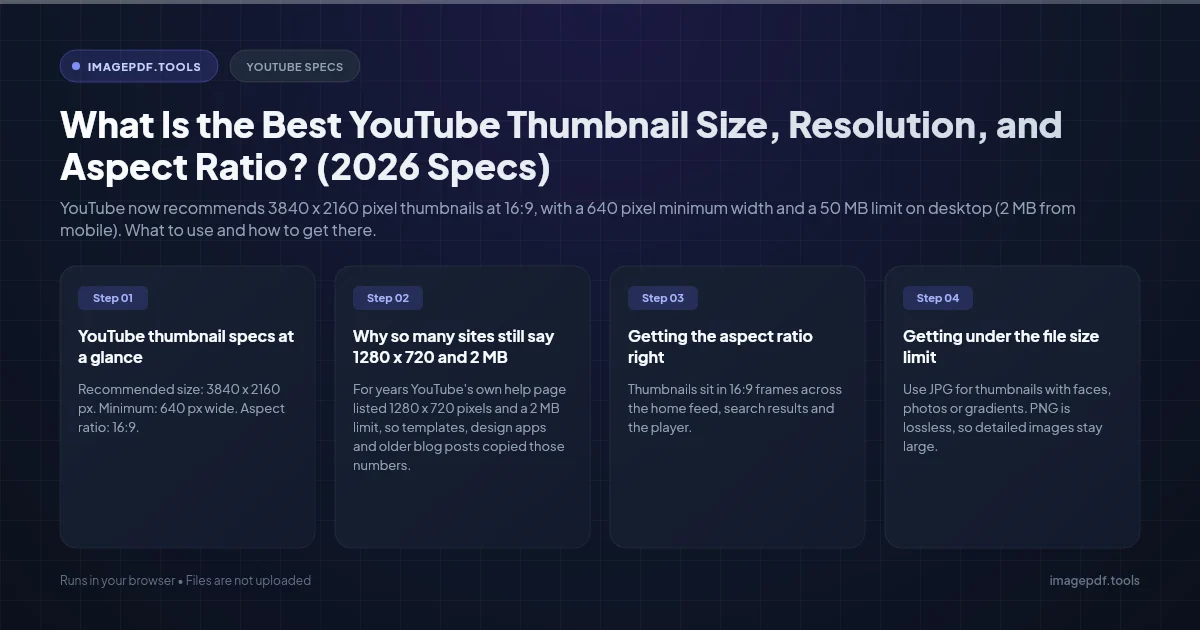
What Is the Best YouTube Thumbnail Size, Resolution, and Aspect Ratio? (2026 Specs)
YouTube now recommends 3840 x 2160 pixel thumbnails at 16:9, with a 640 pixel minimum width and a 50 MB limit on desktop (2 MB from mobile). What to use and how to get there.

How to Convert CMYK PDF to sRGB for Web and Social Media Sharing (True Color Guide)
Why a print-ready CMYK PDF looks off on screens and social media, and how to convert it to sRGB in InDesign, Illustrator, Acrobat Pro or Ghostscript, or export the pages as images.