
Flip Image Online for Free
or drop files here
Mirror your image horizontally or vertically in one click. Supports JPEG, PNG and WebP. Everything runs in your browser, no upload ever.
Three steps. Done in your browser.
Drop your image
Drag any JPEG, PNG, or WebP onto the flip zone, or click to browse from your device. All processing is local.
Choose the flip direction
Click Flip Horizontal for a left-right mirror, or Flip Vertical to flip upside down. Combine both if needed.
Save the flipped image
Your flipped image is ready instantly. Save in the same format at full quality, no upload ever.
When you need to flip an image.
Flipping is a fast, lossless operation that corrects orientation issues and unlocks creative symmetry techniques in one click.
Fixing mirrored selfies
Front-facing cameras often save photos in a mirrored orientation. Text and details appear reversed to others. Flipping horizontally corrects this in one click without any quality loss.
Creating symmetrical compositions
Designers and photographers flip one half of an image and layer it over the original to create perfectly symmetrical compositions, common in portrait retouching and architectural photography.
Product photography corrections
If a product was photographed facing the wrong direction for a layout (a shoe facing left when the template requires right), flipping saves you from a reshoot entirely.
Fixing scanner orientation
Flatbed scanners sometimes produce images upside down or mirrored depending on how the document was placed. A quick flip corrects the scan without touching a single pixel of content.
Water reflection effects
Flipping an image vertically and placing it below the original creates a convincing water reflection for landscape photos, product mockups, and social media graphics.
Social media template alignment
Some Instagram and Pinterest templates are designed for subjects facing a specific direction. Flipping ensures the subject faces the correct way within the layout without redesigning the template.
How flipping works under the hood.
Flipping is implemented using the browser's Canvas 2D context transform system. For a horizontal flip, the context applies scale(-1, 1) and translates by the image width before drawing. For vertical, it applies scale(1, -1) and translates by the image height.
Because flipping is a matrix transform applied at draw time, no pixel data is actually moved or resampled. The GPU handles the transformation in a single pass, making the operation instant even for large images. The result is exported as a lossless Blob and saved directly to your device.
Questions answered.
What is the difference between flip horizontal and flip vertical?
Why do selfies often look wrong to others?
Does flipping reduce image quality?
Can I flip and rotate in the same operation?
Does flipping change the file size?
Will flipping strip EXIF metadata?
Can I flip an animated WebP or GIF?
Is my image uploaded to a server?
More tools you might need.
Related Guides & Tutorials
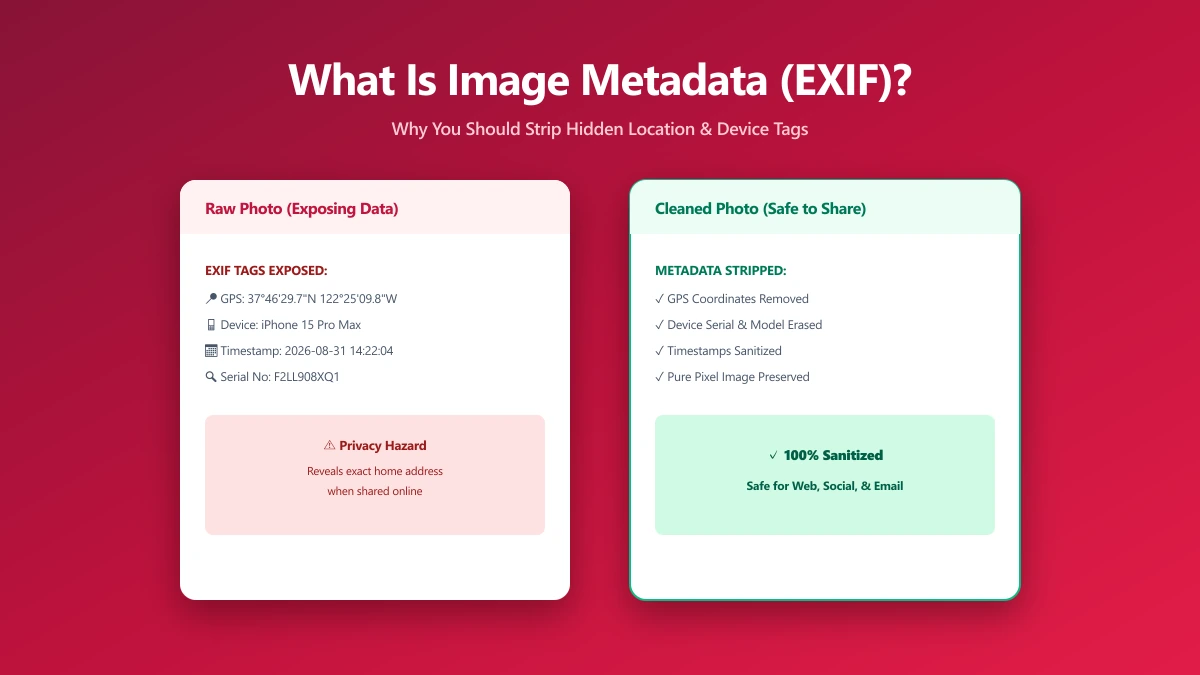
What Is Image Metadata? (And Why You Should Remove It Before Sharing)
Every JPEG you share embeds hidden EXIF data, GPS location, device model, timestamp. Learn what image metadata reveals and how to strip it in seconds.
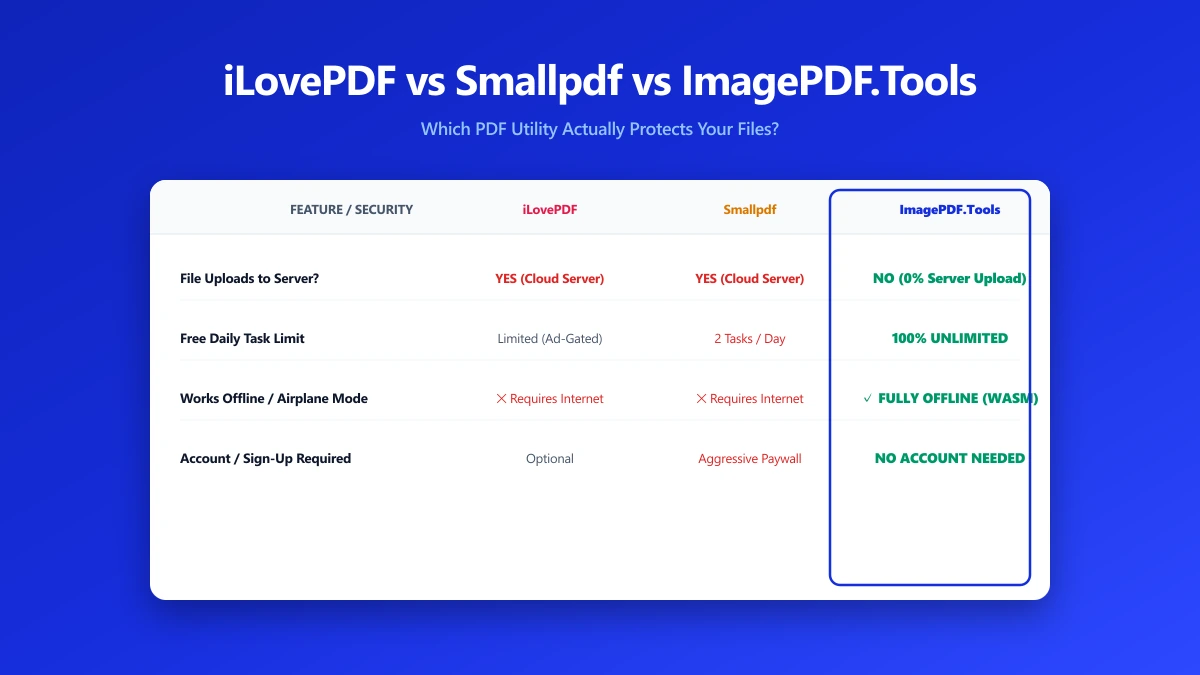
iLovePDF vs Smallpdf vs ImagePDF.Tools: Which One Actually Protects Your Files?
iLovePDF vs Smallpdf vs ImagePDF.Tools compared on price, watermarks, and what happens to your file. See why ImagePDF.Tools is the only one that never uploads it.
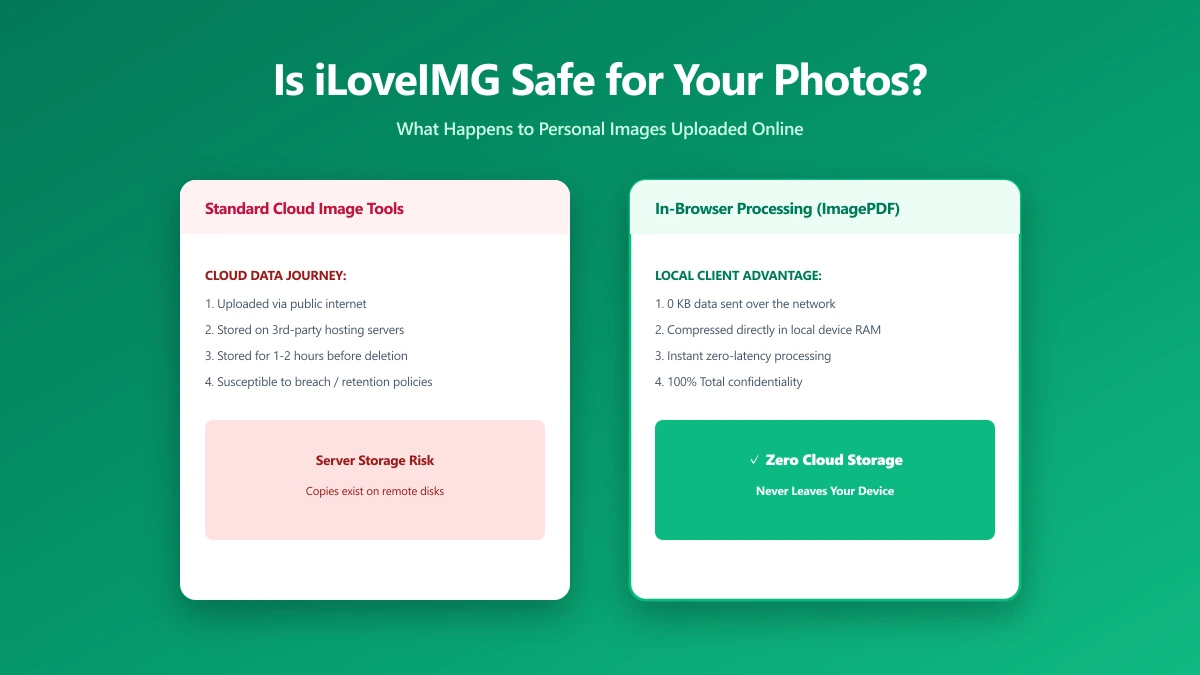
Is iLoveIMG Safe? What Actually Happens to Your Photos When You Upload Them
Is iLoveIMG safe to use? Here is exactly what happens when you upload a photo, what travels with it, and how to check any image tool yourself in 30 seconds.