
Convert PNG to WebP Online for Free
or drop files here
Shrink PNG files by converting to WebP, with full transparency support preserved. All processing stays in your browser.
Three steps. Smaller WebP, transparency intact.
Drop your PNG
Drag and drop PNG files onto the converter, or click to browse. Logos, screenshots, transparent graphics: all supported.
Format: WebP
The format is set to WebP automatically. Transparency is fully preserved. Adjust quality to balance size and visual fidelity.
Save your WebP
Your converted WebP file is ready instantly. Save it directly to your device or get the whole batch as a ZIP.
Who converts PNG to WebP?
PNG is lossless and great for editing, but it is far larger than necessary for web delivery. WebP gives you the same transparency support at a fraction of the file size.
Website logos and icons
PNG logos with transparent backgrounds are a perfect WebP conversion target. Transparency is preserved and file size drops dramatically, speeding up every page load.
UI screenshots and product images
Screenshots taken as PNG are often large because of the lossless format. WebP compresses them well without the blocky artefacts that JPEG introduces.
Game and app assets
Mobile and web apps with sprite sheets or UI assets stored as PNG can reduce asset bundle size significantly by converting to WebP.
E-commerce product images
Product images with removed backgrounds (PNG with transparency) are widely used in e-commerce. WebP reduces page weight and speeds up product pages.
WordPress media library
WordPress 5.8+ supports WebP uploads. Replacing large PNG assets with WebP equivalents can shave megabytes off page weight across your entire site.
Core Web Vitals improvement
LCP (Largest Contentful Paint) is heavily influenced by image file size. Converting PNG hero images to WebP is one of the fastest performance wins available.
How it works under the hood.
Your PNG is decoded by the browser and drawn to an HTML Canvaselement. The canvas is then exported using the browser's libwebp encoder compiled to WebAssembly. The alpha channel (transparency) is preserved throughout this process because WebP natively supports alpha channels just like PNG.
All processing happens locally in your browser tab. Your file never leaves your device. There is no upload, no server-side processing, and no risk of your images being stored or accessed by anyone else.
Questions answered.
Does WebP support transparency like PNG?
How much smaller is WebP compared to PNG?
Should I use lossy or lossless WebP for my PNG?
What quality setting should I use for logos and icons?
Is my image uploaded to a server?
Can I convert multiple PNGs to WebP at once?
Does WebP support animation like GIF?
Will WebP work in all browsers?
More tools you might need.
Related Guides & Tutorials
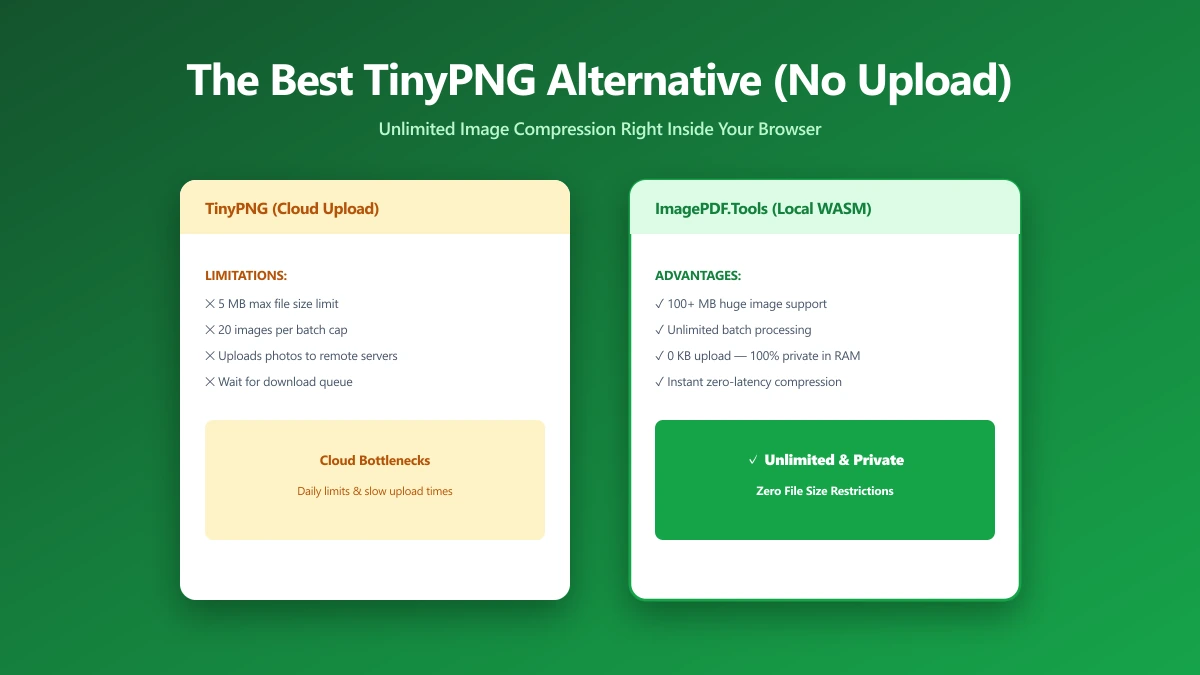
The Best TinyPNG Alternative That Never Uploads Your Images (2026)
Looking for a TinyPNG alternative? ImagePDF.Tools compresses PNG and JPEG in your browser, no upload, no batch cap, no account. Here is how it compares and how to verify it.
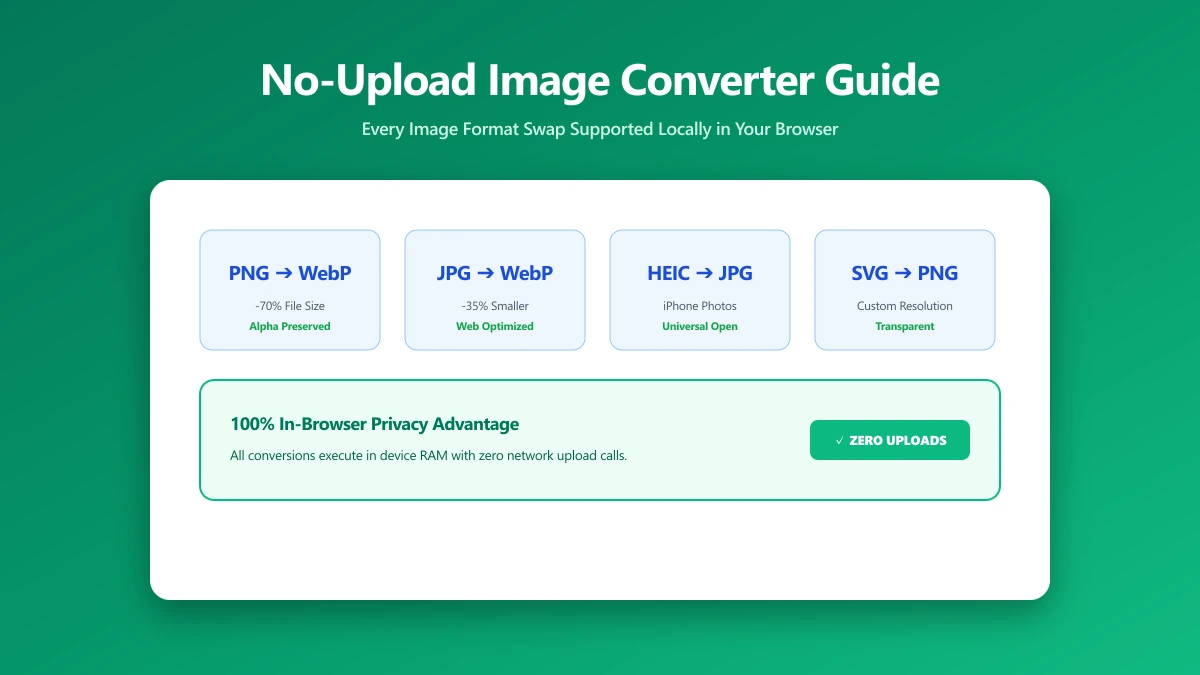
No-Upload Image Converter: Every Format Swap You Can Do Locally
Looking for a no-upload image converter? Here is exactly which image format conversions, JPG, PNG, WebP, SVG, and more, ImagePDF.Tools handles entirely in your browser.
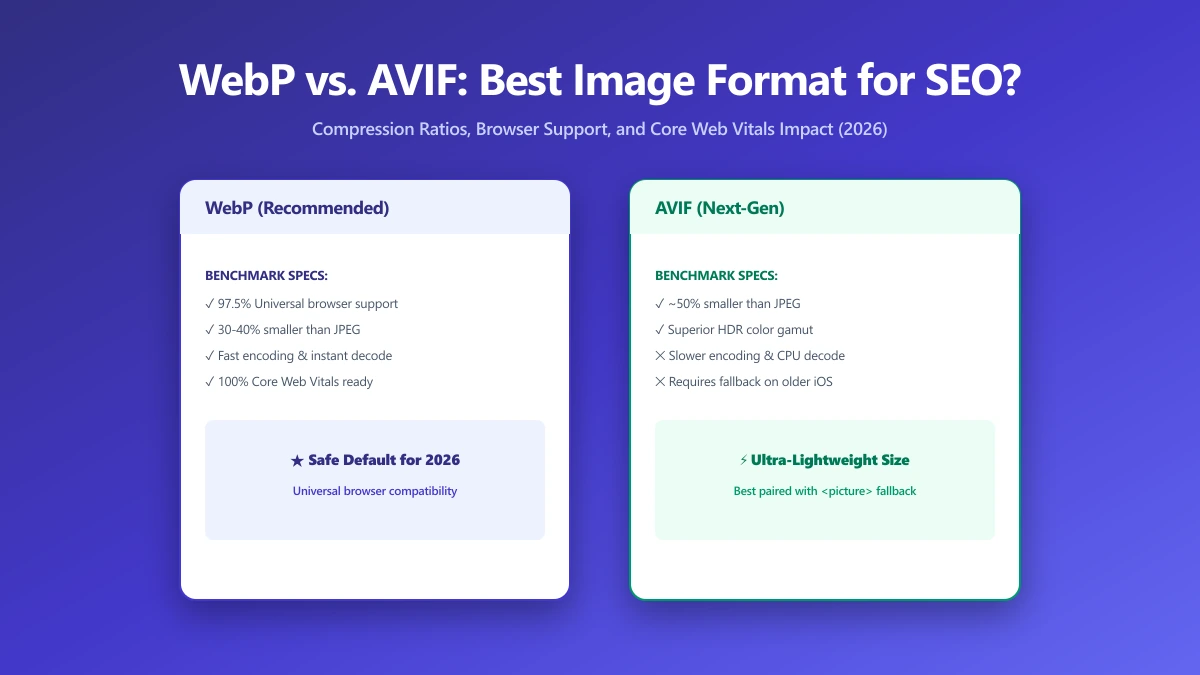
WebP vs. AVIF: Which Image Format Is Best for SEO in 2026?
AVIF compresses smaller than WebP but encodes 10× slower. Find out which format wins for LCP, CDN support, and real-world SEO in this 2026 comparison.