
Compress PDF Online for Free
or drop files here
Each page is rendered locally and re-encoded at your chosen quality level. Your file never leaves your browser.
Three steps. Done in your browser.
Drop your PDF
Drag a PDF onto the zone or click to browse. No file size limit, all processing is local.
Choose a quality level
Low, Medium, or Strong, or set the quality slider yourself. Each page is rendered to canvas and re-encoded as a compressed JPEG.
Save the result
Per-page progress is shown. The compressed PDF saves directly to your device when done.
Choosing the right compression preset.
The preset controls how aggressively each PDF page is re-compressed. Lighter compression means larger files; stronger compression means smaller files with softer detail.
| Compression | Best for | Typical reduction |
|---|---|---|
| Low | Print, archive, client-facing reports | 10–30% smaller |
| Medium | Email attachments, everyday sharing | 40–60% smaller |
| Strong | Internal notes, rough drafts | 60–80% smaller |
Why compress a PDF?
PDF files balloon when they contain photographs, scans, or graphics-heavy slides. One scanned contract can hit 20+ MB, well above the limits most email providers allow.
Email attachments
Gmail, Outlook, and most providers cap attachments at 10–25 MB. Compress first and it sends without issues.
WhatsApp and messaging
Large files take minutes over mobile data. A compressed PDF sends in seconds and uses far less data.
University and government portals
Many submission systems enforce strict limits, often 5 MB or less. A compressed PDF almost always fits.
PDFs embedded on websites
Smaller PDFs load faster when embedded in a page, improving the experience for mobile visitors.
Cloud storage savings
Archiving large volumes of PDFs? Compression can cut your storage footprint by half or more.
Reports and presentations
Marketing decks and annual reports with embedded photos can be huge. Compress before sharing with clients or uploading to drives.
How it works under the hood.
Unlike most online compressors that upload your file to a remote server, our tool runs entirely inside your browser tab. When you drop a PDF, it uses PDF.js (Mozilla's open-source library) to render each page as a canvas element, then re-encodes every page as a compressed JPEG image before bundling the result into a new document using pdf-lib.
Your PDF never leaves your device. There is no upload, no server, and no risk of your confidential documents being stored or accessed by anyone else.
Your files never leave your browser.
Most online PDF tools upload your document to a server. This tool is architecturally different: every page is rendered and re-encoded by your own CPU using PDF.js and the Canvas API. No server ever receives your document.
No network requests
Zero bytes of your file are transmitted over the network at any point during processing.
No account needed
No sign-in, no email, no tracking. Open the page, compress, and close.
Auto-cleared on close
Closing the tab wipes all file data from browser memory. Nothing persists.
Open source stack
Built on PDF.js and pdf-lib. Fully auditable, no proprietary black boxes.
Questions answered.
How much can I reduce my PDF size?
Will the text in my PDF still be selectable after compression?
Is there a file size limit?
Is my PDF file uploaded to a server?
Which quality setting should I choose?
Can I compress a password-protected PDF?
How long does compressing a large PDF take?
Does compressing reduce the resolution permanently?
More tools you might need.
Related Guides & Tutorials
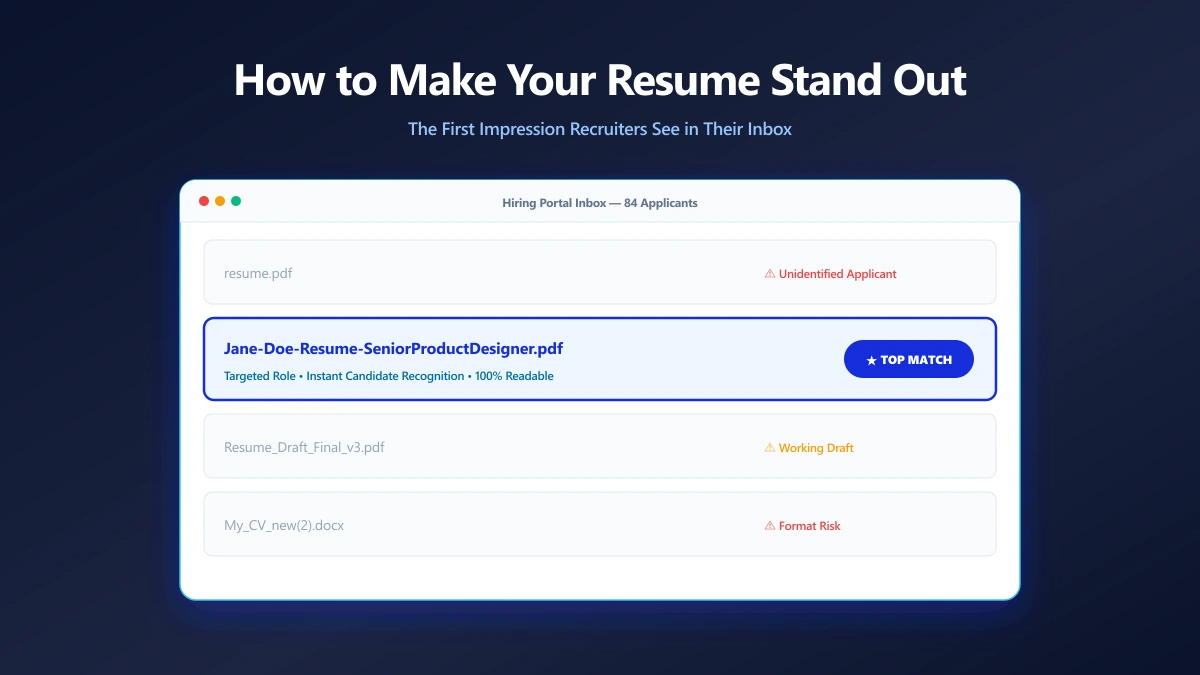
How to Make Your Resume Stand Out Before Anyone Opens It
Your filename is the first thing a recruiter reads. Small presentation choices that make your application look considered before the document opens.
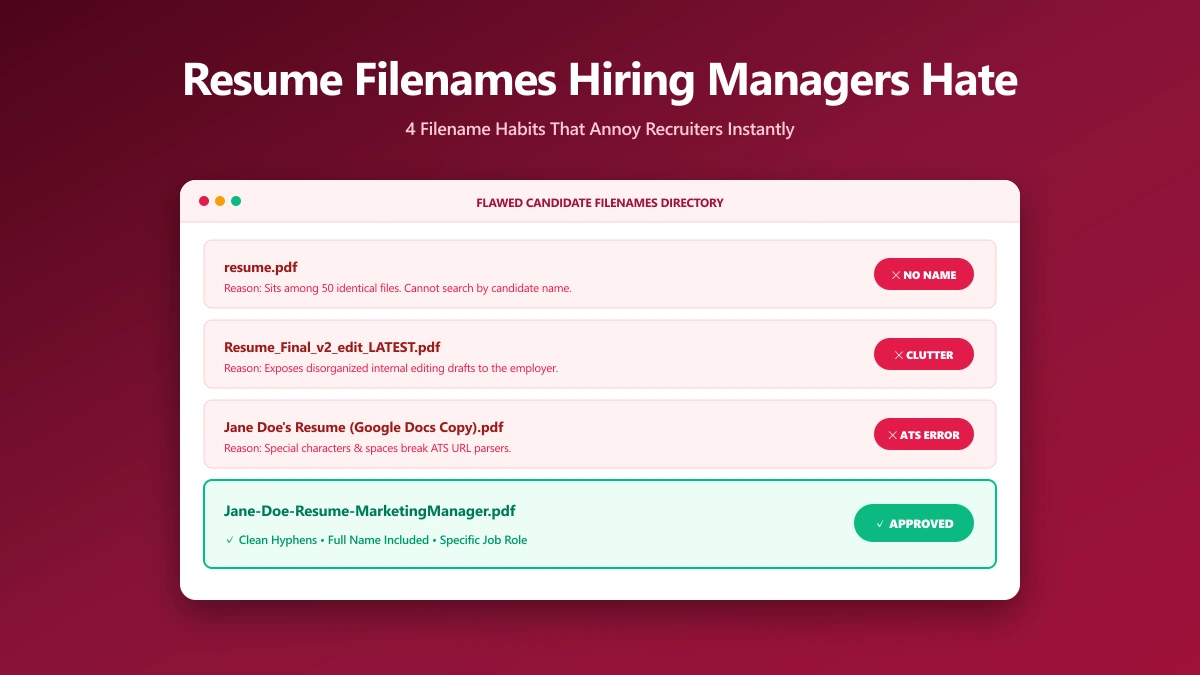
What Resume File Names Do Hiring Managers Hate?
The filename patterns that annoy recruiters, ranked by how often they show up, and what each one accidentally tells the person reading your application.
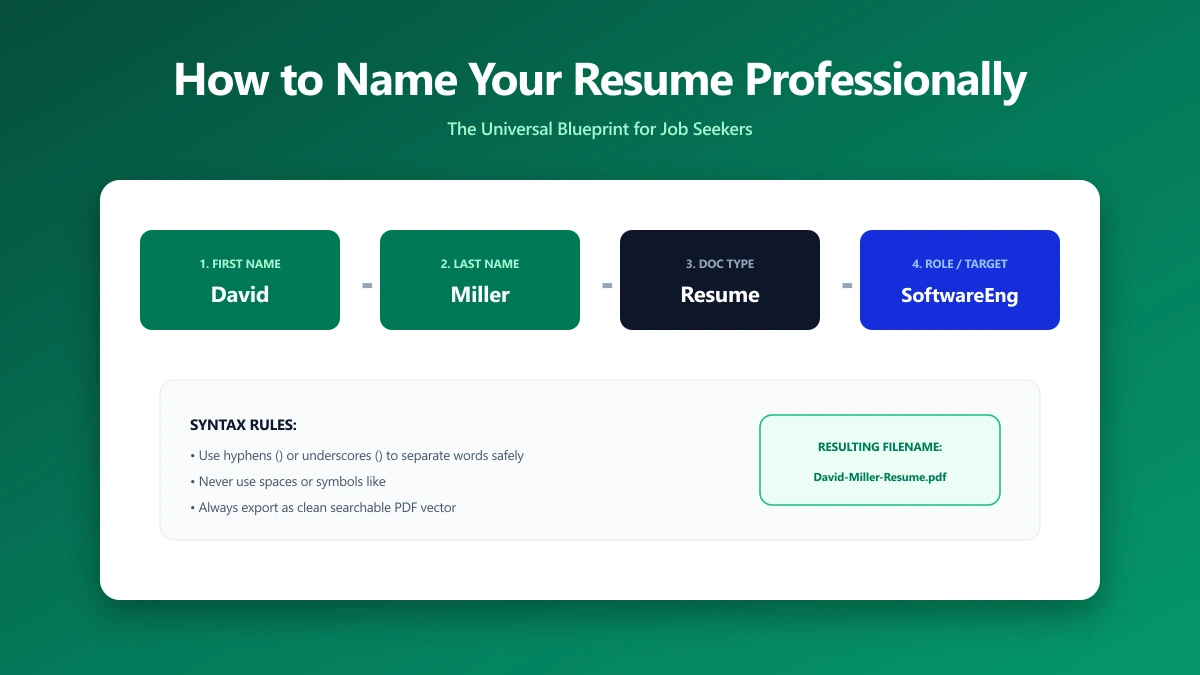
How to Name Your Resume File Professionally
A step-by-step naming convention that works for one application or fifty, including how to handle multiple versions, cover letters, and portal rules.