
Edit PDF Files Online for Free
Change the words already in the document
or drop files here
Change the words already in your PDF, or annotate and sign it. Everything runs in your browser, so nothing ever leaves your device.
Three steps. Done in your browser.
Drop your PDF
Drag a PDF onto the editor or click to browse. Rendered locally by a PDFium WebAssembly engine, nothing is transmitted over the network.
Add text and annotations
Select the text tool, click anywhere on the page, and type. Choose font, size, color, bold, and italic from the toolbar.
Save your edited PDF
Click Save PDF. The same engine that rendered the file writes your annotations into it. The file saves directly to your device.
When you need to edit a PDF.
From filling forms to annotating contracts, a WebAssembly PDF engine handles tasks that used to require a desktop application.
Filling in PDF forms
When a form is not interactive, the text tool lets you click each field and type your answer, then save a completed copy without printing.
Adding comments to documents
Review a report or draft by placing text notes directly on the PDF. Share the annotated file with colleagues for clear, contextual feedback.
Signing documents without printing
Type your name in a matching font over the signature line. Save and send, no printer, scanner, or Adobe subscription required.
Labelling scanned documents
Add a date, reference number, or category label to a scanned invoice or receipt before filing or sending to accounting.
Annotating contracts
Mark up a contract with clarifying notes on clauses to discuss. All annotations embed cleanly into the output PDF.
No Adobe Acrobat needed
Basic PDF editing tasks like adding text, notes, and signatures used to require Acrobat Pro. This tool does the same job, free, in any modern browser.
How it works under the hood.
When you open a PDF, a PDFium engine compiled to WebAssembly renders each page directly in your browser tab. The engine is served from this site, so the editor runs standalone with no backend of its own.
Everything you add is held as a real PDF annotation object rather than as a separate overlay. When you save, that same engine writes the annotations into the original document bytes and hands the new file to your browser. The result is a standard PDF that opens correctly in any viewer.
No server is involved at any stage. Your document never leaves your device.
Questions answered.
Is my PDF uploaded to a server?
What editing features are available?
Will the original PDF content be preserved?
Is there a file size or page limit?
Can I edit existing text in the PDF?
Does editing remove the original text from the file?
What is the difference between the two modes?
Can I edit the text in a scanned PDF?
What fonts are available?
Do my annotations survive after saving?
Does this work on mobile?
More tools you might need.
Related Guides & Tutorials
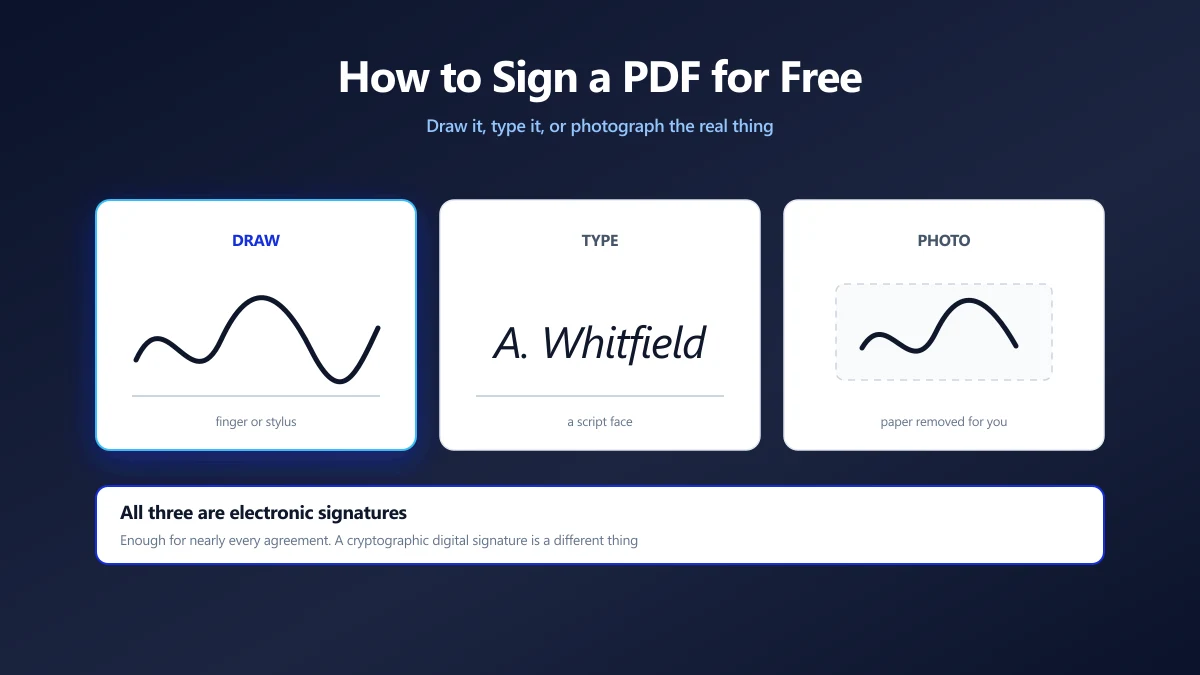
How to Sign a PDF for Free (Without Printing It)
Draw, type or photograph your signature and place it on the page. What counts as a legal e-signature, and what an image of your name is not.
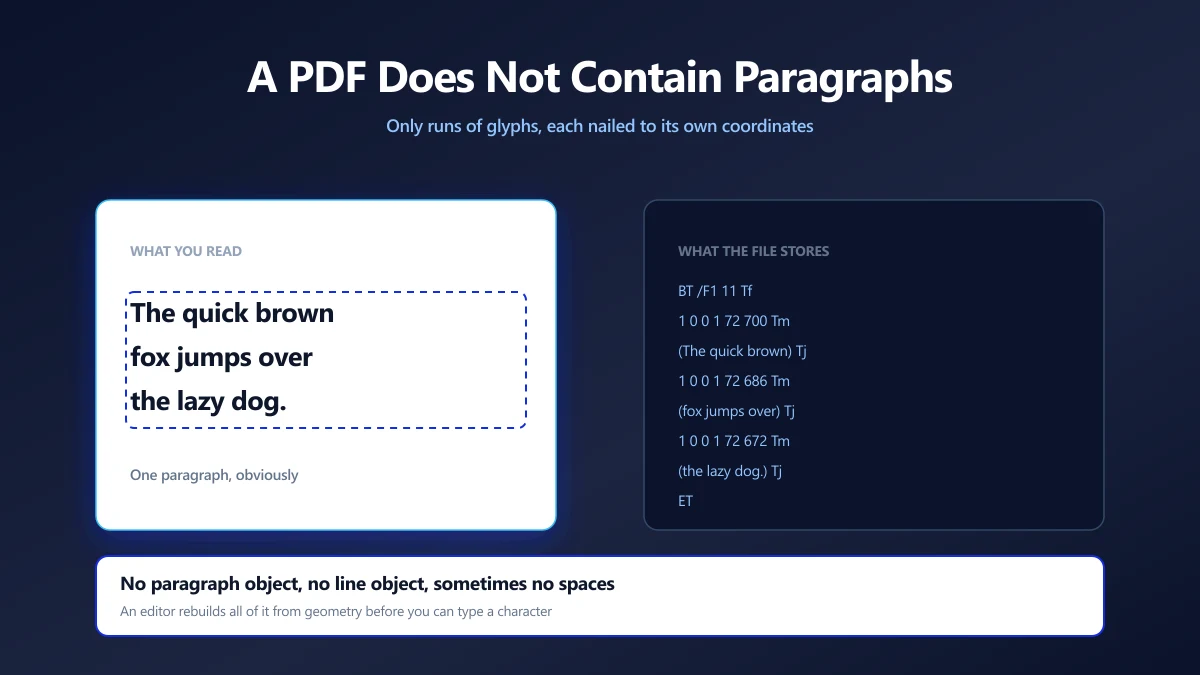
Why Editing Text in a PDF Is Hard, and How Editors Do It Anyway
A PDF has no paragraphs, only glyphs at coordinates. What an editor has to reconstruct, why fonts break edits, and which changes are safe to make.
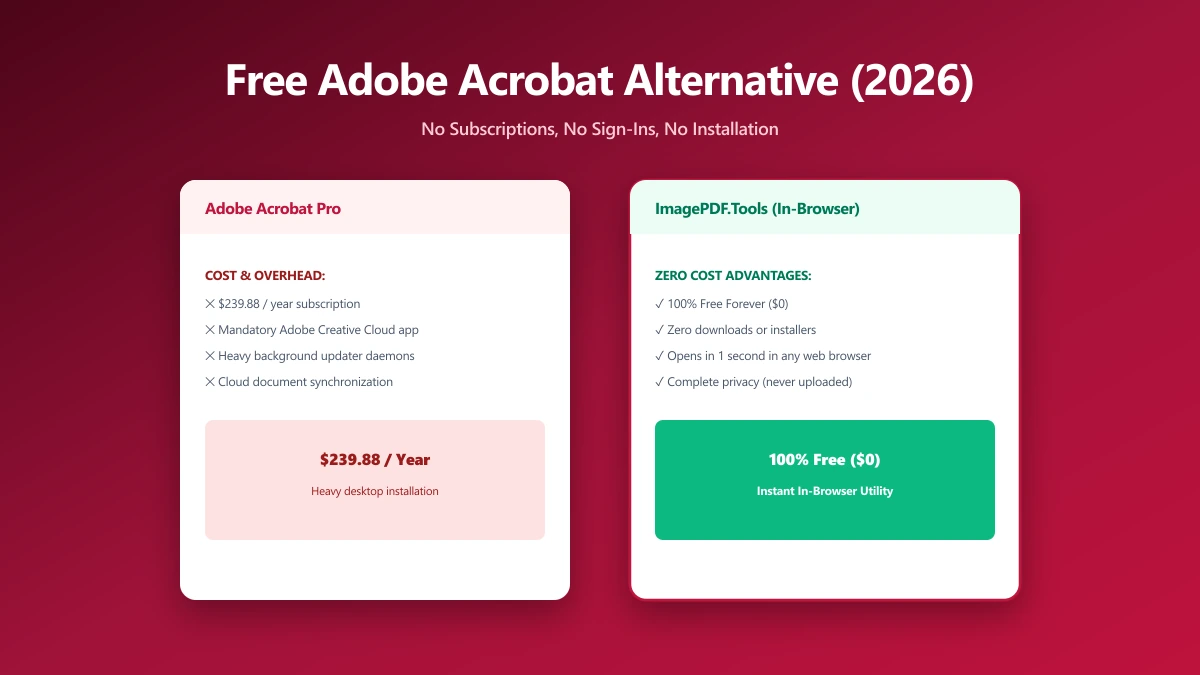
The Best Free Adobe Acrobat Alternative (No Sign-In, No Subscription) in 2026
Adobe allows one free web transaction before sign-in, then one every 30 days. A browser alternative that compresses, merges and edits unlimited.