
Unlock PDF - Remove Password Online
or drop files here
Enter the current password and save a clean, unlocked copy of your PDF. Everything runs in your browser, nothing is uploaded.
Three steps. Password gone.
Drop your protected PDF
Drag any password-protected PDF onto the upload zone or click to browse. Processing is entirely local.
Enter the password
Type the current password for the PDF. It is used only for local decryption and never transmitted anywhere.
Save the unlocked PDF
Click Unlock PDF. Decryption runs instantly in your browser and the clean, password-free file is ready to save.
When do you need to unlock a PDF?
Password-protected PDFs can block printing, editing, and archiving. Here are the most common reasons people need to remove a password from a file they own.
Recover access to your own PDFs
Retrieve a PDF you protected but now need to edit or share freely, without the restriction of a password.
Open client-sent documents
Clients and partners often send password-protected PDFs. Enter the provided password to produce an unlocked copy for your records.
Archive PDFs without passwords
Long-term document archives are easier to manage without encryption. Remove passwords before filing away old contracts or reports.
Prepare documents for printing
Some print services and kiosk printers cannot open password-protected files. Unlock first to avoid printing issues.
Edit PDFs in other tools
Many PDF editors cannot modify encrypted files. Unlock the PDF first, then open it in your preferred editor to make changes.
Re-protect with a new password
Change an existing password by unlocking the file first, then use the Protect PDF tool to apply a new, stronger password.
How PDF decryption works under the hood.
PDF password protection encrypts the file contents so they cannot be read without the correct key. When you enter the password, this tool derives the decryption key from your password, decrypts every byte of the file entirely in browser memory, and writes out a clean copy with no encryption headers.
Your PDF and your password never leave your device. No bytes are transmitted to any server at any point in the process.
Everything you need to know about unlocking PDFs.
Can I unlock a PDF without knowing the password?
Is my PDF uploaded to a server?
Will the unlocked PDF work in any viewer?
What encryption types does this support?
Does unlocking remove all restrictions from the PDF?
Can I re-protect the PDF after unlocking?
Is it legal to unlock a PDF?
What if the wrong password is entered?
More tools you might need.
Related Guides & Tutorials
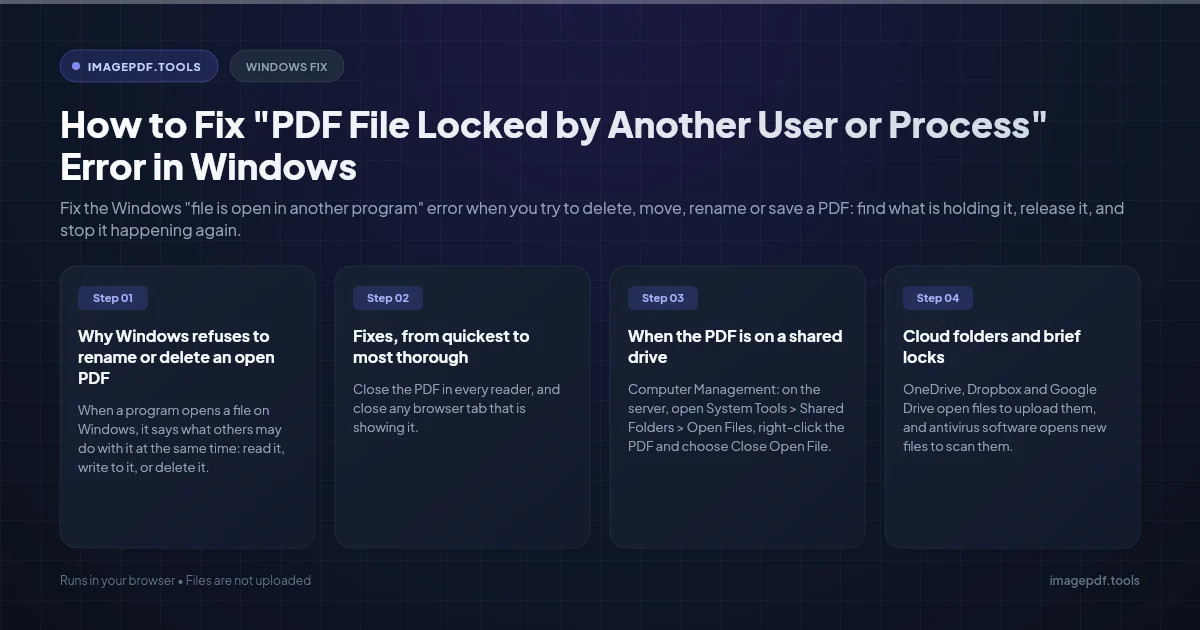
How to Fix "PDF File Locked by Another User or Process" Error in Windows
Fix the Windows "file is open in another program" error when you try to delete, move, rename or save a PDF: find what is holding it, release it, and stop it happening again.
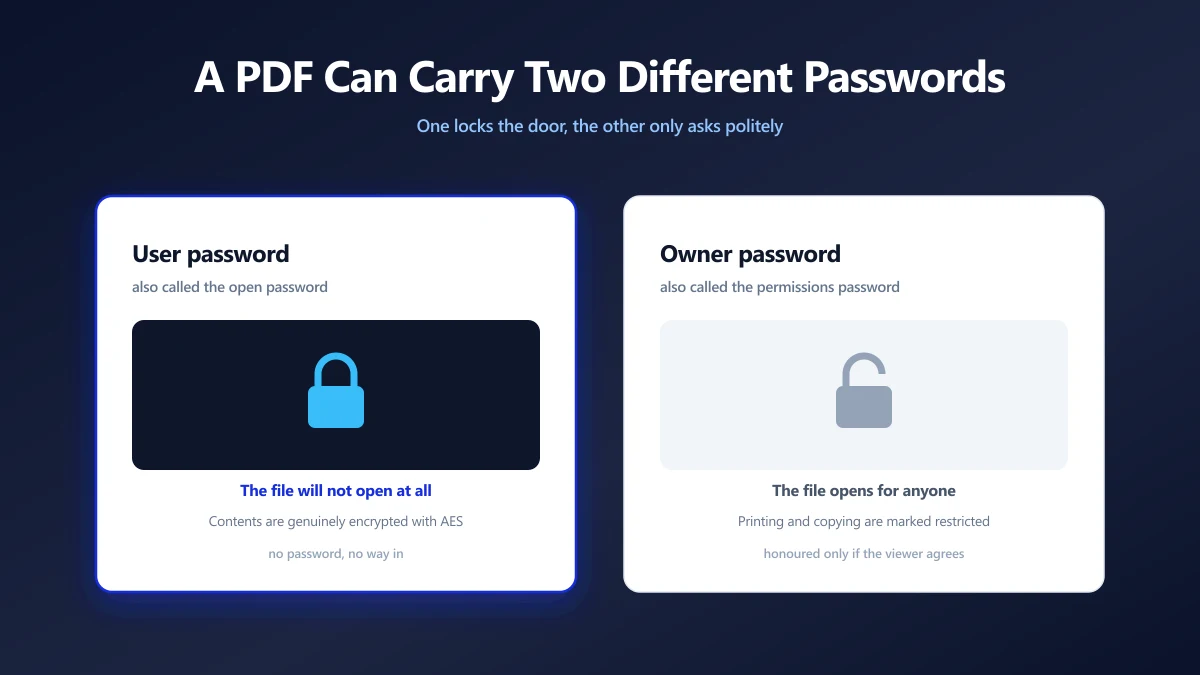
How to Remove a Password From a PDF You Own
A PDF can carry two different passwords, and only one of them is the reason you keep typing. Which is which, how to remove it, and what no tool can do.
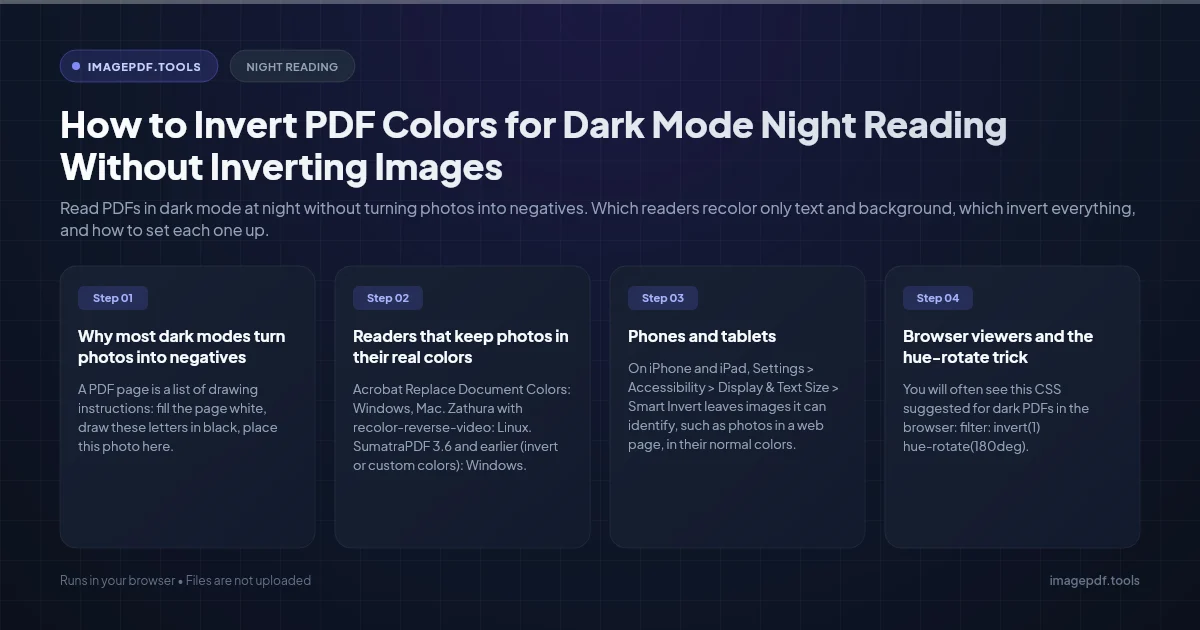
How to Invert PDF Colors for Dark Mode Night Reading Without Inverting Images
Read PDFs in dark mode at night without turning photos into negatives. Which readers recolor only text and background, which invert everything, and how to set each one up.