The Best Foxit Alternative for PDF Compression and Conversion Without the Upload (2026)
Summary
Foxit merges PDFs in your browser but uploads files to its cloud servers for compression and conversion. ImagePDF.Tools keeps every operation, including those two, entirely on your device.
Foxit is one of the more established names in PDF software, a real Adobe Acrobat competitor with an actual desktop product behind the brand, and its free online tools cover the essentials: compress, merge, split, rotate, convert. The architecture is a mixed bag worth understanding before you use it, though. Merging genuinely happens in your browser. Compressing and converting do not.
ImagePDF.Tools runs every one of these operations locally, no exceptions. Here is exactly where Foxit's free tools send your file, and where they do not.
What Foxit Does Well
Foxit's free online toolset is broad and requires no sign-in for basic use. For the operations that do upload, Foxit states files are encrypted in transit, automatically deleted after conversion, and never used for training, a reasonable policy as upload-based tools go, backed by a real, established company rather than an anonymous site.
A Mixed Architecture: Some Local, Some Uploaded
Give Foxit credit where due: its merge tool runs directly in your browser, the file never leaves your device for that specific operation. Compression and format conversion work differently, both upload your document to Foxit's cloud servers to be processed. Compression specifically is capped at 150 MB per file, exactly the kind of detail worth knowing before you compress a signed contract or a scanned ID.
This is a genuinely mixed setup, not a blanket claim in either direction. Merge, local. Compress and convert, uploaded. Know which tool you are reaching for.
Foxit vs ImagePDF.Tools
| Factor | Foxit (free online tools) | ImagePDF.Tools |
|---|---|---|
| Merge | Processed in your browser | Processed in your browser |
| Compress | Uploaded to Foxit servers | Never leaves your device |
| Convert | Uploaded to Foxit servers | Never leaves your device |
| Max file size (compress) | 150 MB | Limited only by your device's memory |
| Account required | No | Never |
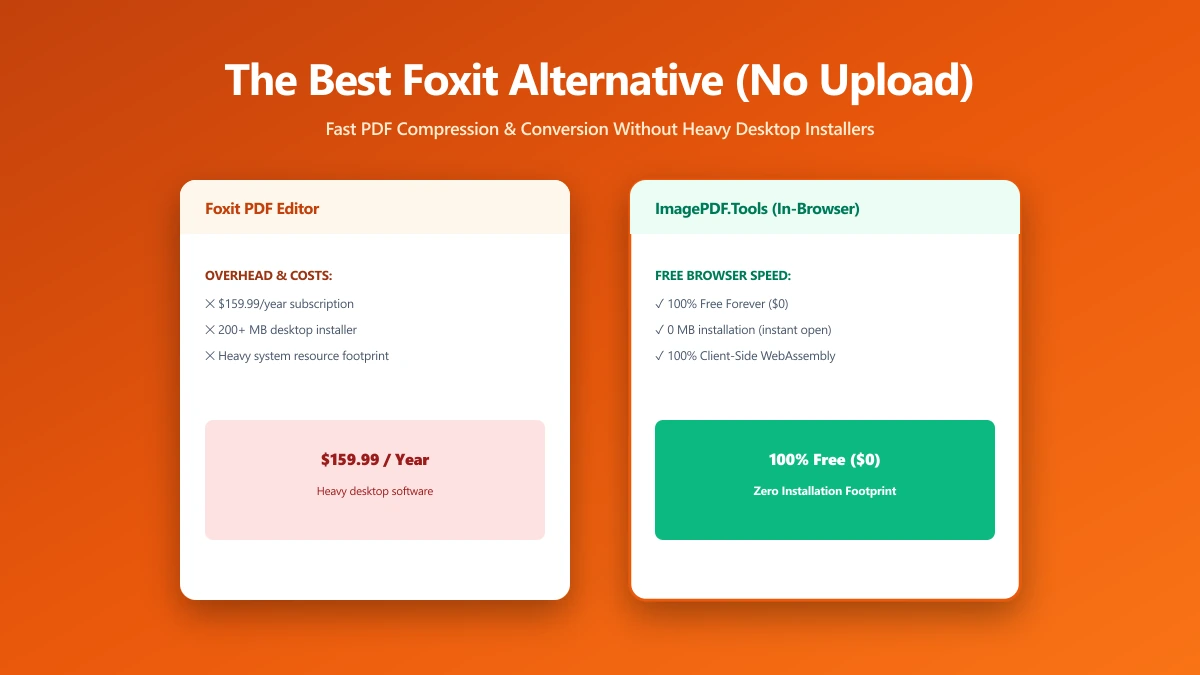
| Full editor (advanced editing, OCR) | Paid, from $10.99/month | Free, core tools included |
The honest read: Foxit already does the right thing for merging. For compression and conversion, the two operations most likely to involve a sensitive document, the file still has to leave your device.
When Foxit Still Makes Sense
If you need Foxit PDF Editor's deeper feature set, advanced editing, OCR, an admin console for a team, it is a legitimate, established piece of enterprise software with a real support organization behind it. That is a different use case than a quick, private compress or convert.
When to Switch
- ●Compressing or converting sensitive documents, exactly the two operations Foxit's free tools upload to its servers.
- ●Files over 150 MB, past Foxit's free compression cap.
- ●Wanting one consistent architecture, rather than local for some tools and uploaded for others.
- ●Avoiding a $10.99+/month subscription for editing features covered here for free.
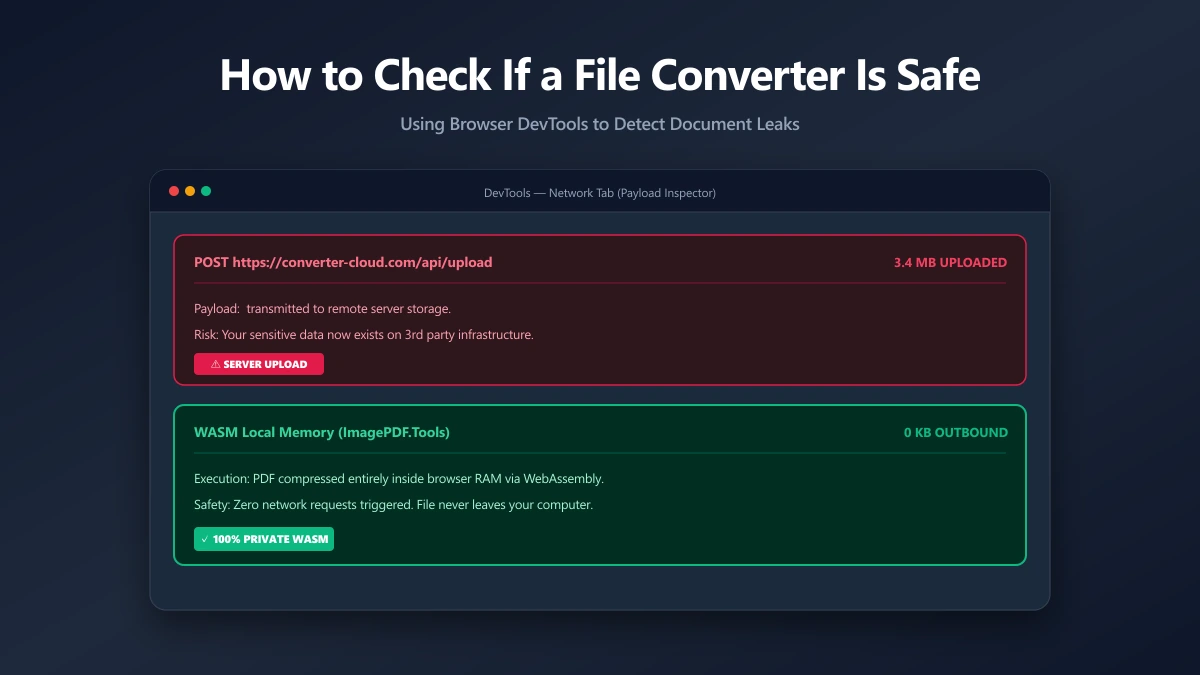
Verify It Yourself in 30 Seconds
Do not take either tool's word for it, check per tool:
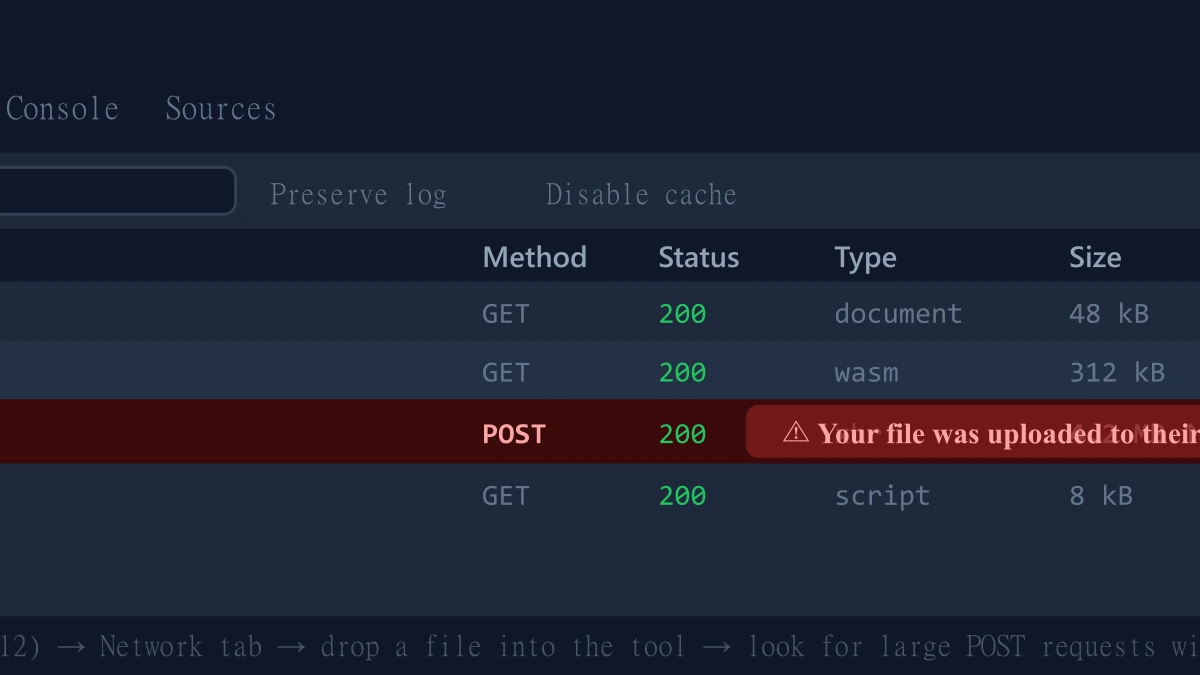
- 1.Open the tool, press F12, and click the Network tab in DevTools.
- 2.Tick "Preserve log" so nothing clears between steps.
- 3.Run a compression or conversion on a test PDF.
- 4.Watch for a large outbound
POSTrequest the size of your file, that is an upload. On ImagePDF.Tools there is no such request, for any tool.
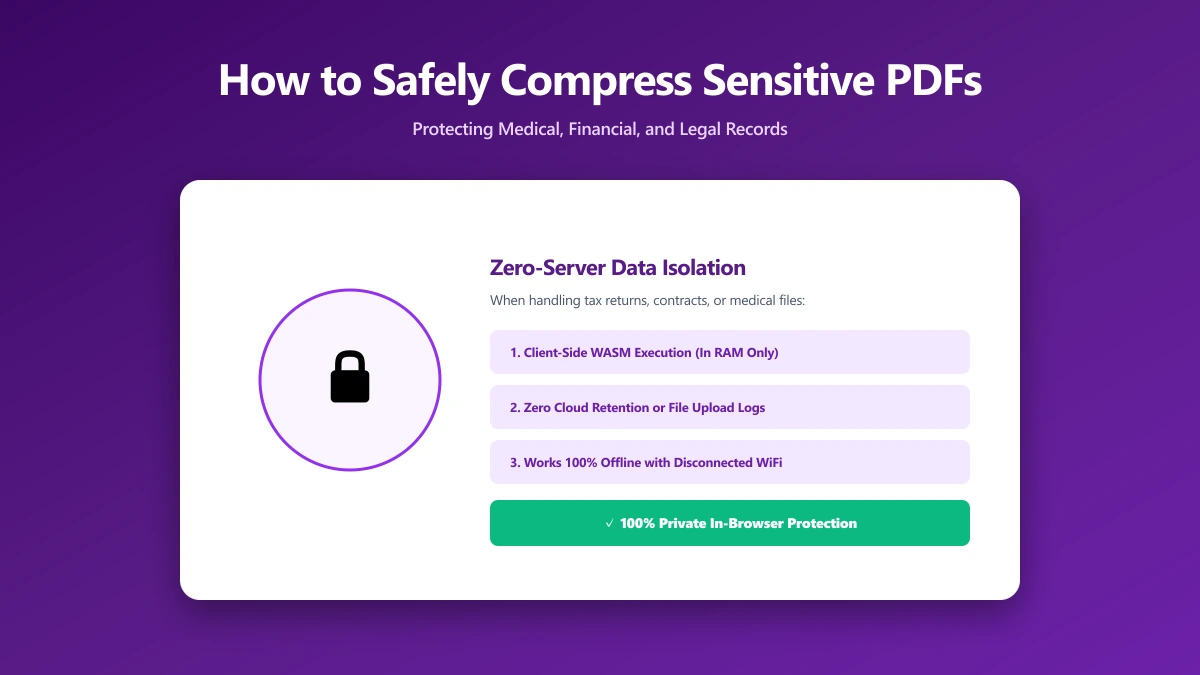
For more on why this distinction matters for private files, see our guide on safely compressing sensitive PDF documents.
The Bottom Line
Foxit gets merging right, entirely local, but compression and conversion still upload your file to its servers. ImagePDF.Tools handles all three, compress, merge, convert, the same way, entirely in your browser, for free, permanently.
Try it now: rotate a PDF or compress one, then check DevTools and confirm nothing was uploaded.
Frequently asked questions
Does Foxit upload my PDF to its servers?
What is the best Foxit alternative that never uploads files?
Is Foxit's free PDF compressor safe to use?
What is Foxit's file size limit for compression?
How much does Foxit PDF Editor cost?
Sources & references
This article was researched and written by Nikola, drawing on the following primary sources and documentation: