Looking for an Offline PDF Editor? Here Is One You Do Not Have to Install
Summary
Searching for an offline PDF editor for privacy or no-internet-dependency reasons? A browser-based editor gets you the same benefit, your file never leaves your device, with no download required.
"Offline PDF editor" is a common search, and it usually means one of two things: either you want to edit PDFs without an internet connection, or, more often, you want the privacy benefit offline software implies, your document staying on your machine instead of a server. ImagePDF.Tools gets you that second benefit without the download, install, or licence key an actual offline application requires.
What People Usually Mean by "Offline"
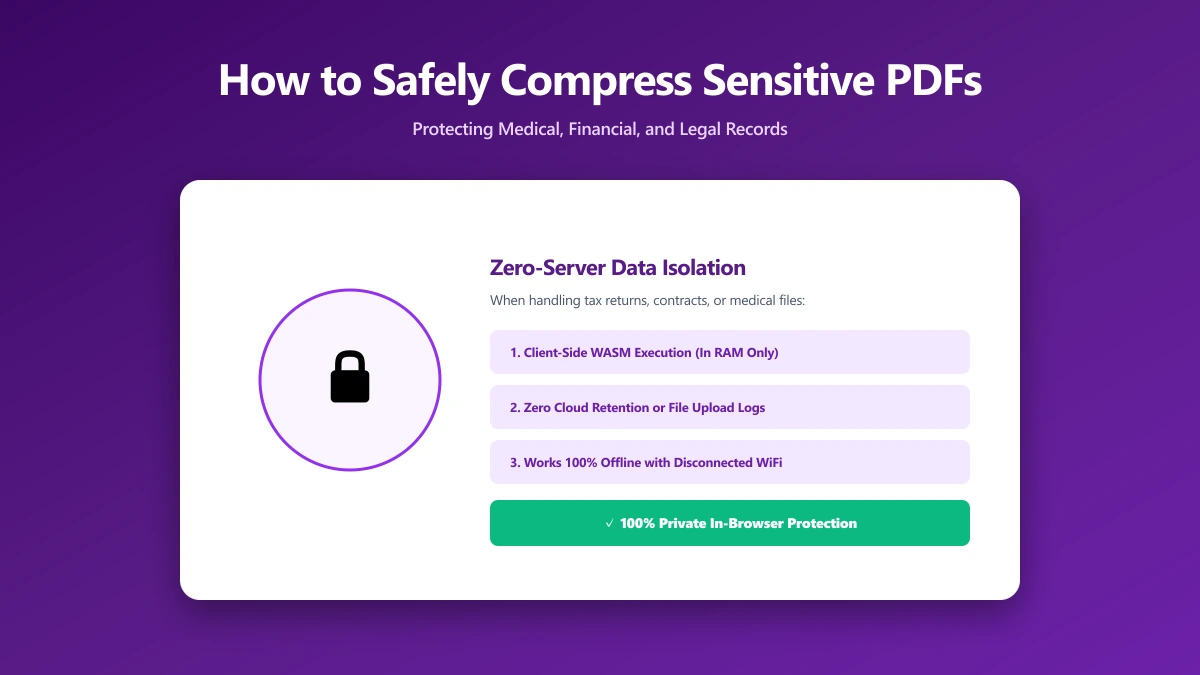
Very few people actually need to edit a PDF with zero internet connection ever available. What most people searching for an offline editor actually want is the privacy property offline software has by default: the file never leaves the device. A browser-based tool delivers that exact property, your PDF is processed with WebAssembly directly in the tab, without requiring you to download and install anything first.
Offline Desktop Software vs a Browser-Based Editor
| Factor | Offline desktop editor | Browser-based editor |
|---|---|---|
| File ever leaves your device? | No | No |
| Requires installation | Yes | No |
| Works on any OS with a browser | Depends on the app | Yes |
| Updates | Manual, or auto-updater required | Always current, no action needed |
| Typical cost | Often paid, e.g. Acrobat Pro, Foxit Editor | Free |
The privacy property people actually want, no upload, is identical between the two columns. The difference is entirely about convenience: one requires downloading, installing, and maintaining an application; the other is a page you open when you need it.
How to Edit a PDF in Your Browser, Offline-Style
- 1.Open the Edit PDF tool once, while you have a connection.
- 2.Drop your PDF onto the page. It is read directly by your browser.
- 3.Add text, images, annotations, or signatures. Every change happens locally.
- 4.Save the result. Nothing was ever uploaded during the process.
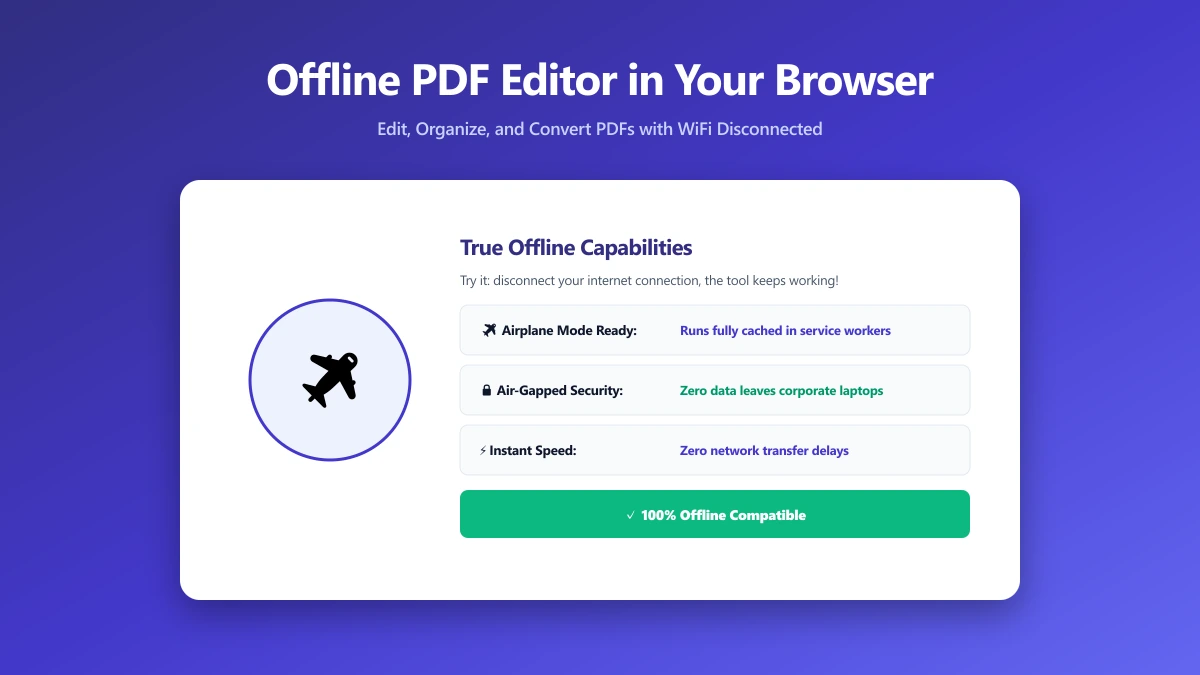
Because the tool's own code has already loaded into the tab, many browser-based operations continue working even if your connection drops mid-session, though the very first page load does require internet access, same as installing desktop software in the first place.
Verify It Yourself
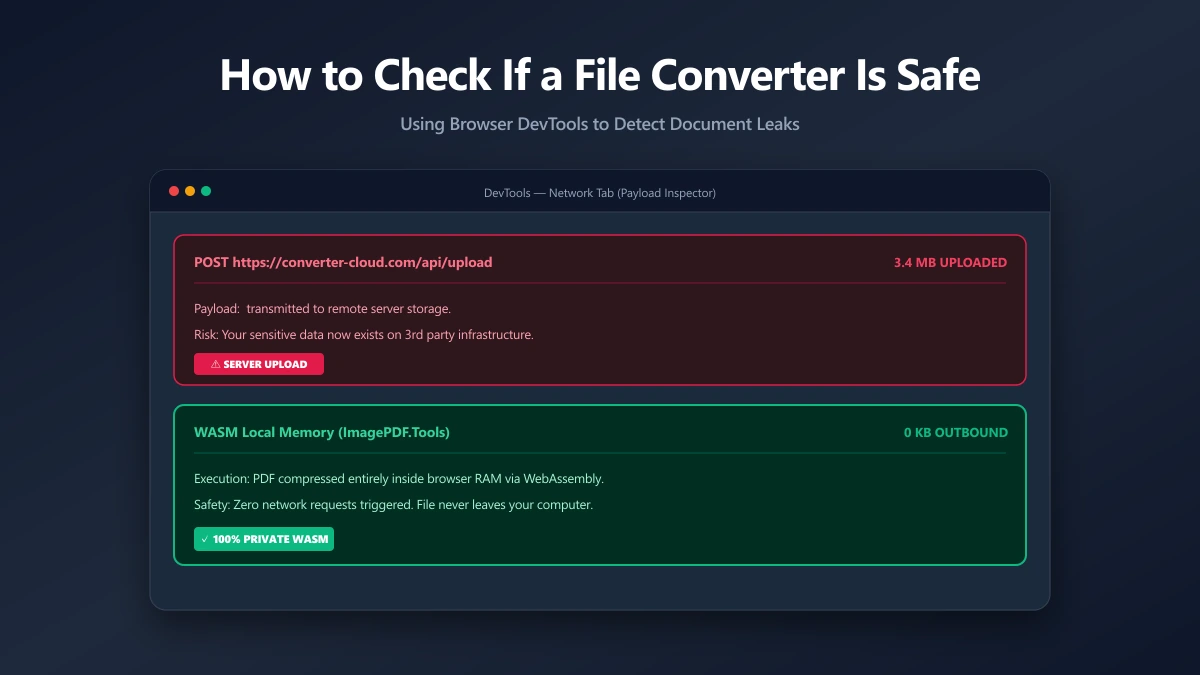
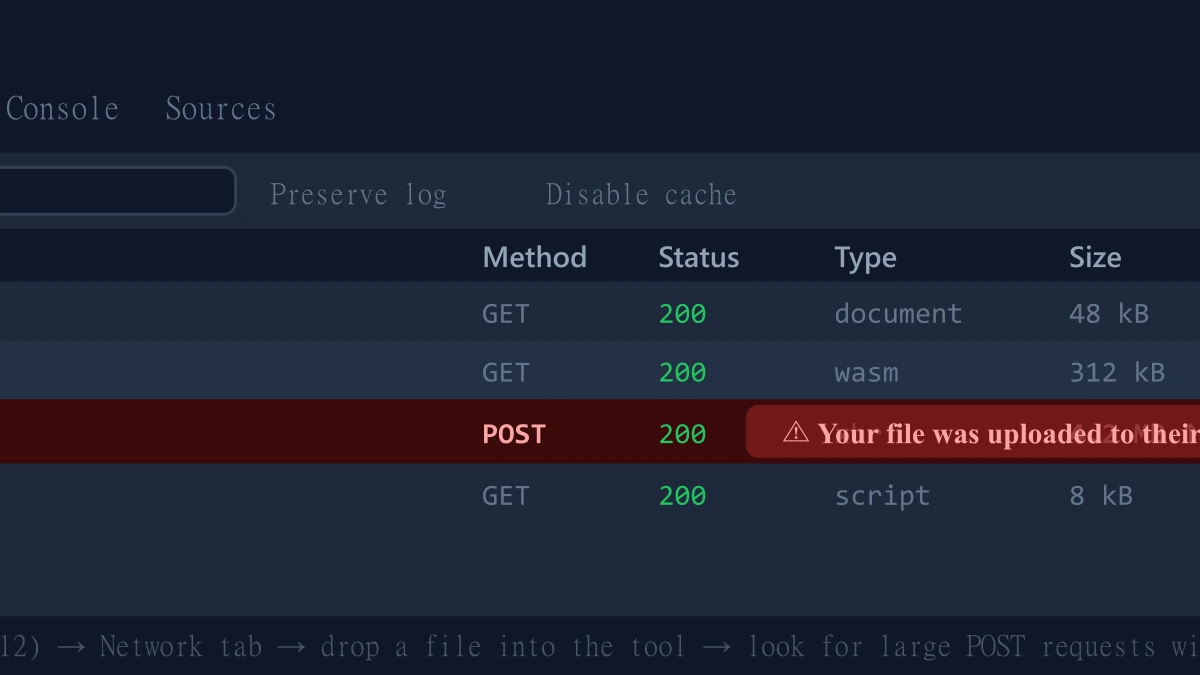
- 1.Open the tool, press F12, and click the Network tab in DevTools.
- 2.Tick "Preserve log" so nothing clears between steps.
- 3.Edit a test PDF.
- 4.Look for a large outbound
POSTrequest the size of your file, that would be an upload. There is not one.
When You Genuinely Need Desktop Software
For true offline use with no internet connection at all, ever, including the first launch, or for deep enterprise features like certificate-based signing workflows, dedicated desktop software still has a place. For the privacy reason most people actually search for an offline editor, a browser-based tool gets you there without the install.
The Bottom Line
What most people want from an "offline" PDF editor is privacy, not literal disconnection. ImagePDF.Tools delivers that: your file never leaves your device, with no download, no licence, and no cost.
Try it now: edit a PDF directly in your browser, then confirm in DevTools that nothing was ever uploaded.
Frequently asked questions
Is there a free offline PDF editor I do not have to install?
Does a browser-based PDF editor work without internet?
What is the actual difference between offline software and a browser-based editor?
Is a browser-based PDF editor as private as desktop software?
Is ImagePDF.Tools' PDF editor free?
Sources & references
This article was researched and written by Nikola, drawing on the following primary sources and documentation: