
The Best Sejda Alternative If Three Tasks an Hour Is Not Enough (2026)
Summary
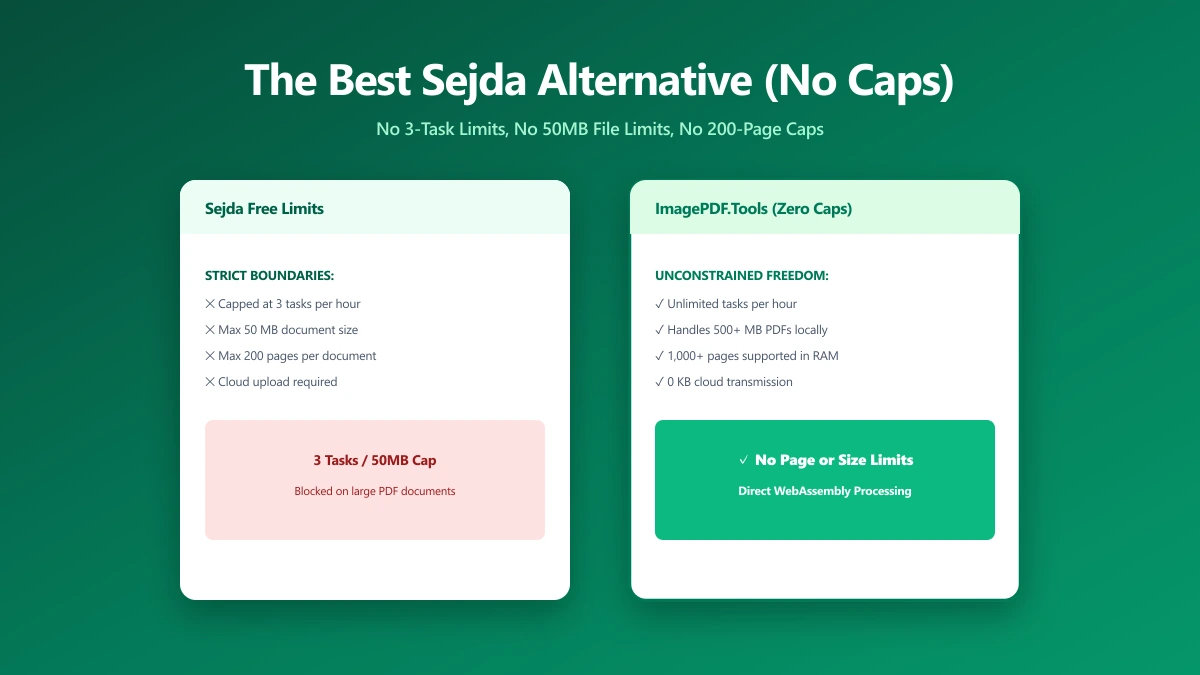
Sejda's free web plan caps you at 3 tasks an hour, 50 MB, and 200 pages, with files held on its servers for up to two hours.
Sejda has a well-earned reputation as one of the better free visual PDF editors, clean interface, real text editing, not just annotation. Its free web plan comes with a specific set of ceilings, though: 3 tasks an hour, a 50 MB file size cap, a 200-page limit, and OCR restricted to 10 pages. Hit any one of them and you are looking at a paid plan.
ImagePDF.Tools edits, merges, and compresses PDFs entirely inside your browser, with none of those caps and no upload at all. Here is the comparison.
What Sejda Does Well
Sejda's visual PDF editor is genuinely one of the more capable free options for actually editing text inside a PDF, not just drawing annotations on top of it. For a single, occasional edit within its limits, it works well and does not require an account.
The Limits, All Four of Them
Sejda Web's free plan stacks several caps at once: 3 tasks per hour, a 50 MB maximum file size, a 200-page ceiling per document, and OCR capped at just 10 pages. Files are uploaded over an encrypted connection and, per Sejda's own documentation, held on its servers for up to two hours before deletion. Paid plans start at roughly $7.50 for a 7-day pass, with monthly and annual options above that, to remove the caps.
The 10-page OCR limit is easy to miss until you hit it. Scan a 20-page contract and Sejda's free plan will only extract text from half of it, silently capping the rest.
Sejda vs ImagePDF.Tools
| Factor | Sejda (free web) | ImagePDF.Tools |
|---|---|---|
| Task limit | 3 per hour | Unlimited, always |
| Max file size | 50 MB | Limited only by your device's memory |
| Max pages per document | 200 pages | No fixed limit |
| OCR page limit | 10 pages | No fixed limit |
| Where your file goes | Uploaded, held up to 2 hours | Never leaves your device |
| Starting paid price | From $7.50 (7-day pass) | Free, permanently |
The honest read: Sejda's editor is well-built, but the free plan stacks four separate limits that a regular user can hit in a single session. ImagePDF.Tools removes all four by processing on your device instead of a shared server.
When to Switch
- ●Larger files or documents, past Sejda's 50 MB or 200-page ceilings.
- ●Multi-page OCR, beyond Sejda's 10-page free cap.
- ●Sensitive documents, where a two-hour server retention window is more exposure than you want.
- ●Regular use, where 3 tasks an hour runs out faster than a real editing session needs.
Verify It Yourself in 30 Seconds
Do not take either tool's privacy claims on faith:
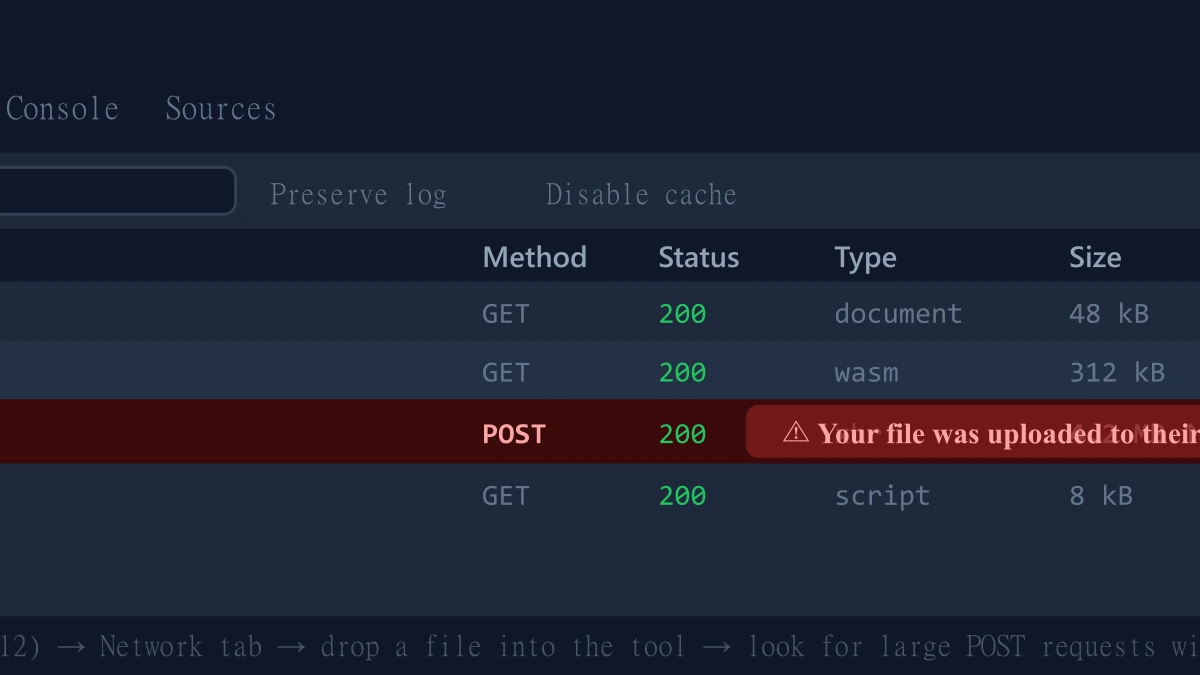
- 1.Open the tool, press F12, and click the Network tab in DevTools.
- 2.Tick "Preserve log" so nothing clears between steps.
- 3.Run an edit or merge on a test PDF.
- 4.Watch for a large outbound
POSTrequest the size of your file, that is an upload. On ImagePDF.Tools there is no such request.
For more on why an upload-free tool matters for sensitive files, see our guide on safely compressing sensitive PDF documents.
The Bottom Line
Sejda's free web plan stacks task, file size, page, and OCR limits, any one of which a normal editing session can hit. ImagePDF.Tools edits and processes PDFs entirely in your browser, with none of those ceilings, no upload, and no cost, ever.
Try it now: edit a PDF or run OCR on one, then check DevTools and confirm nothing was uploaded.
Frequently asked questions
What are Sejda's free plan limits?
What is the best Sejda alternative with no file size or page limits?
Does Sejda upload my PDF to its servers?
Why does my OCR only work on part of my document with Sejda?
Is ImagePDF.Tools as good an editor as Sejda?
Sources & references
This article was researched and written by Nikola, drawing on the following primary sources and documentation:
More in Privacy & Security
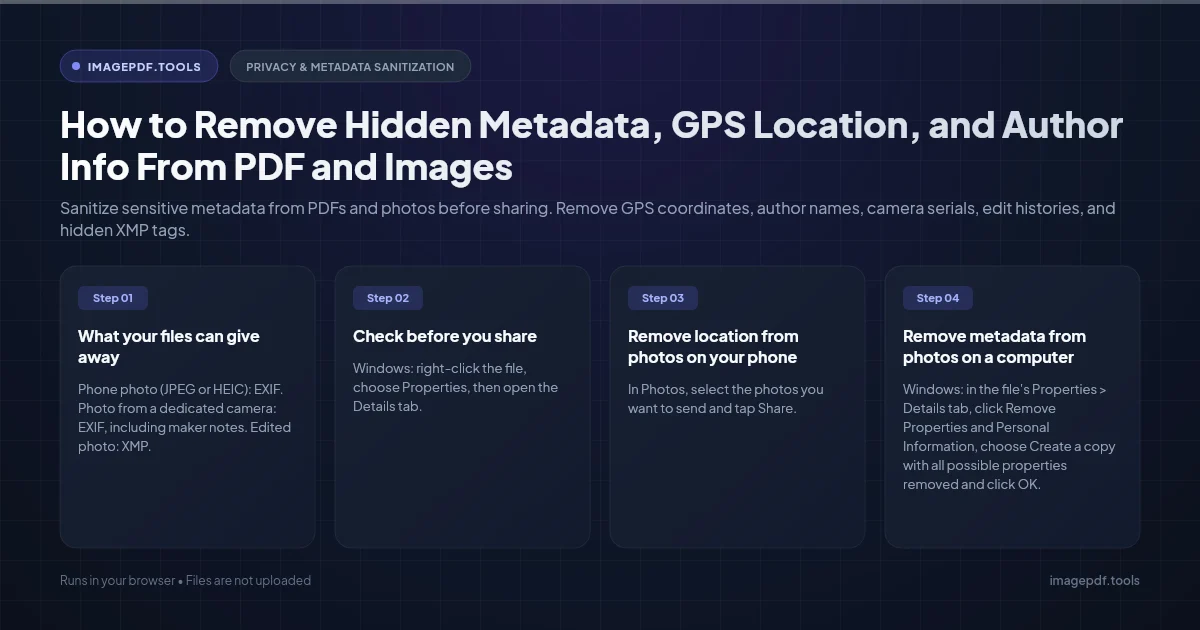
How to Remove Hidden Metadata, GPS Location, and Author Info From PDF and Images
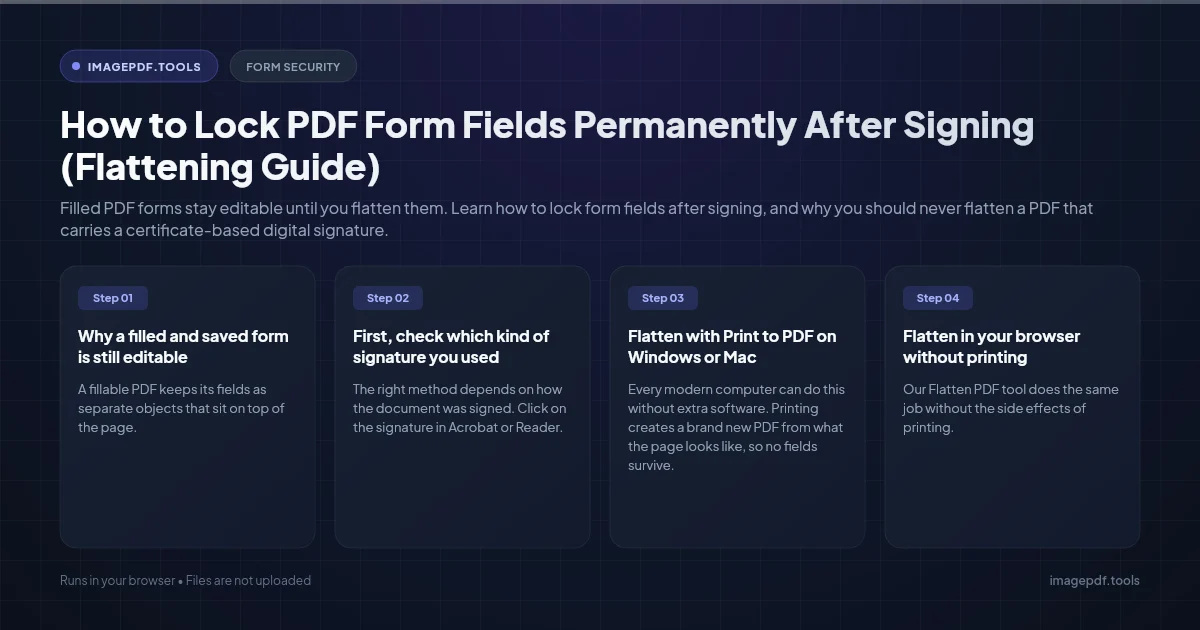
How to Lock PDF Form Fields Permanently After Signing (Flattening Guide)
How to Fix "At Least One Signature Has Problems" Error in Adobe Acrobat