
The Best Free Adobe Acrobat Alternative (No Sign-In, No Subscription) in 2026
Summary
Adobe allows one free web transaction before sign-in, then one every 30 days. A browser alternative that compresses, merges and edits unlimited.
Adobe Acrobat is the name most people think of first when they think "PDF," and its free web tools are more capable than most people expect, decent file size caps, no sign-in for a first try. The catch shows up the second time you need the tool: without an Adobe ID, you get one free transaction, and you can only download the result once. After that, it is sign in or pay.
ImagePDF.Tools does the same everyday jobs, compress, merge, edit, convert, with no transaction limit, no sign-in, and no upload at all. Here is exactly how Acrobat's free tier works and where the difference matters.
What Adobe Acrobat's Free Tools Actually Offer
To be fair, Adobe's free web tools are genuinely capable for a first use. Compressing, merging, and converting a PDF requires no sign-in and no credit card. File size limits are generous, up to 100 MB for most tools, 200 MB for PDF to Word and PDF to PPT, and up to 2 GB specifically for compression. The merge tool handles up to 100 files and 1,500 total pages. For a single, occasional task, it works exactly as advertised.
The Catch: One Free Transaction, Then a Paywall
The limit is not a metaphor, it is Adobe's own documented policy. Without signing in, you get one free transaction and one download of the result. Sign in with a free Adobe ID and you unlock a few more actions, filling, signing, commenting, but premium tools like reorganizing pages are then capped at one free transaction every 30 days, on a rolling basis. Unlimited compression, batch processing, and advanced settings all require a paid Acrobat subscription.
Read that again: after your first free file, Adobe's own FAQ caps you at one more premium-tool transaction per 30-day rolling window, not per day, per month. For anyone who edits PDFs more than once in a while, that is not really a free tier, it is a trial.
Adobe Acrobat vs ImagePDF.Tools
| Factor | Adobe Acrobat (free) | ImagePDF.Tools |
|---|---|---|
| Where your file goes | Uploaded to Adobe's cloud servers | Never leaves your device |
| Free transactions | 1 without sign-in; 1 per 30 days signed-in | Unlimited, always |
| Batch processing | Requires a paid plan | Included, free |
| Editing text and pages | Requires a paid plan (Standard or Pro) | Included, free |
| Account required | Yes, beyond the first transaction | Never |
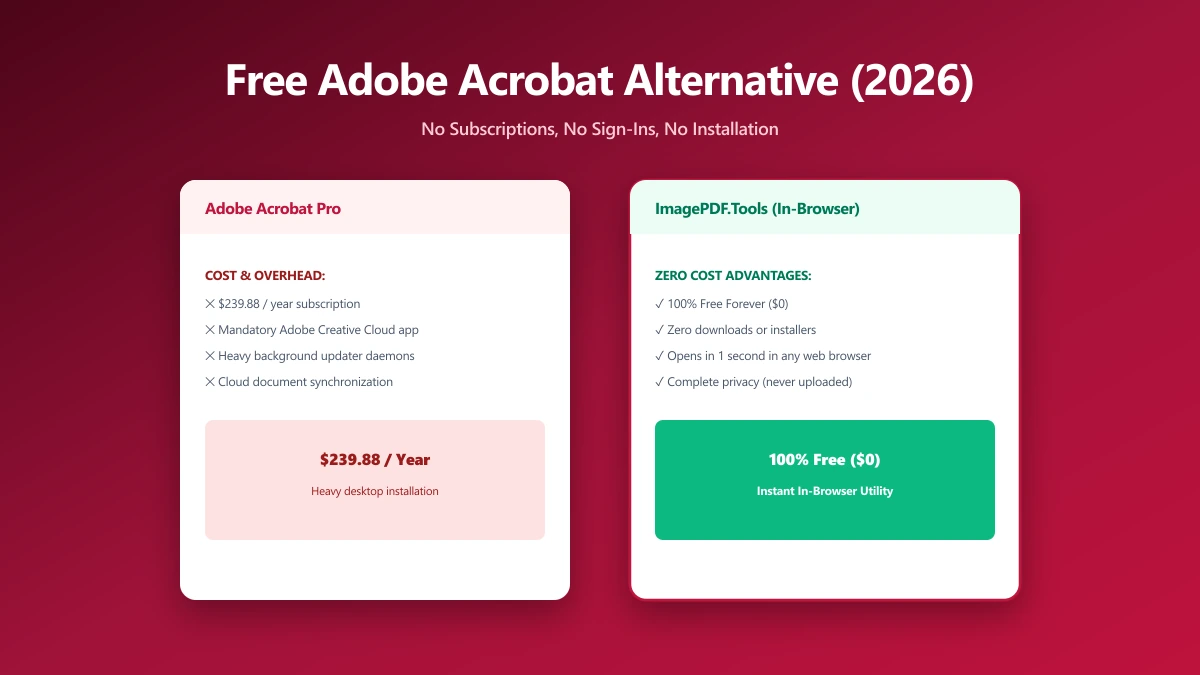
| Starting paid price | $14.99/month (annual plan) | Free, permanently |
The honest read: Adobe's free tools are polished and the file size caps are generous, but the transaction limit is the real story. One file without an account, then a 30-day cooldown, is not built for anyone doing regular PDF work.
When Adobe Acrobat Still Makes Sense
If your organization already pays for a Creative Cloud or Acrobat subscription, Acrobat Pro remains a deeply capable tool, advanced redaction, enterprise-grade e-signature compliance through Acrobat Sign, and tight integration with the rest of Adobe's ecosystem. For heavy, professional document workflows, it is a reasonable and often necessary choice.
When to Switch
- ●Occasional users who do not want to create an Adobe ID, or pay $14.99+/month, for tasks they do a few times a month.
- ●Anyone who would burn through the 30-day limit fast, a second or third PDF task in the same month hits the wall immediately.
- ●Sensitive documents, contracts, IDs, financial paperwork, where uploading to Adobe's cloud is the part you would rather skip entirely.
- ●Basic editing and merging, the everyday jobs Acrobat gates behind a paid plan are free and unlimited here.
Verify It Yourself in 30 Seconds
Do not take either tool's claims on faith, check them:
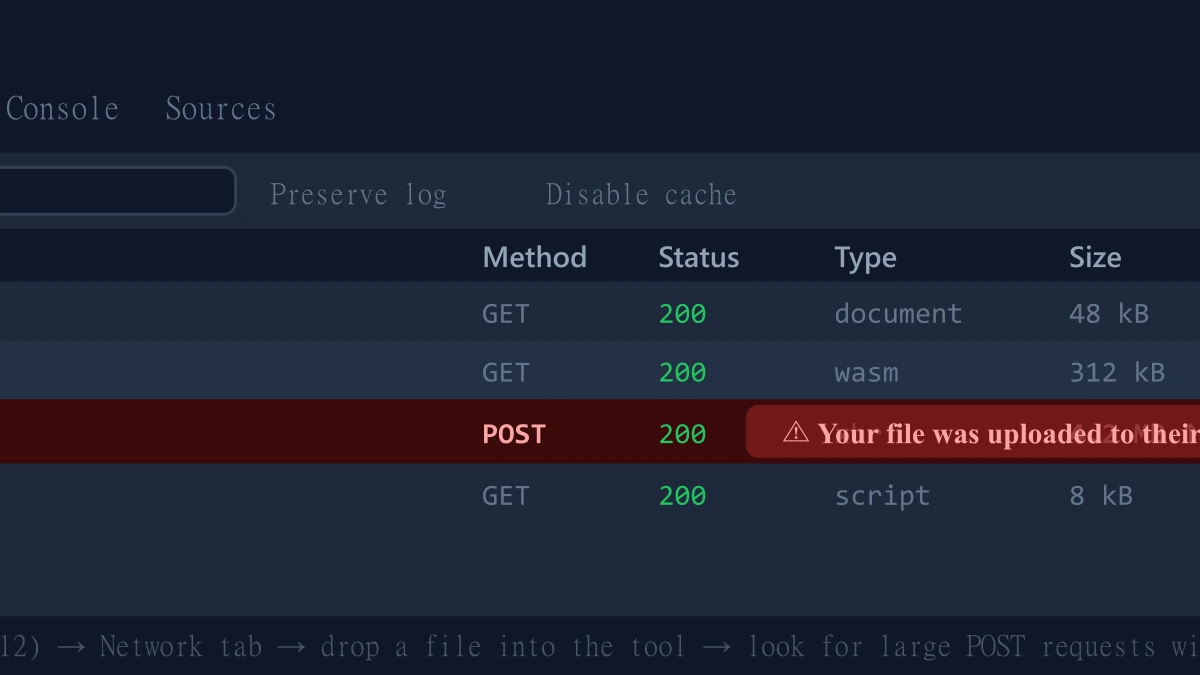
- 1.Open the tool, press F12, and click the Network tab in DevTools.
- 2.Tick "Preserve log" so nothing clears between steps.
- 3.Run a compression, merge, or edit on a test PDF.
- 4.Watch for a large outbound
POSTrequest the size of your file, that is an upload. On ImagePDF.Tools there is no such request.
For more on why an upload-free tool matters for sensitive files, see our guide on safely compressing sensitive PDF documents.
The Bottom Line
Adobe Acrobat's free web tools work exactly once without an account, then ask you to sign in and wait 30 days between premium actions, or subscribe starting at $14.99 a month. ImagePDF.Tools does the everyday jobs, compress, merge, edit, convert, with no transaction limit, no sign-in, no upload, and no cost, ever.
Try it now: edit a PDF or compress one, then check DevTools and confirm nothing was uploaded.
Frequently asked questions
Is Adobe Acrobat's online tool actually free?
What is the best free Adobe Acrobat alternative with no sign-in?
Does Adobe Acrobat online upload my PDF to its servers?
How much does Adobe Acrobat cost after the free transaction runs out?
Is ImagePDF.Tools a full replacement for Adobe Acrobat Pro?
Sources & references
This article was researched and written by Nikola, drawing on the following primary sources and documentation:
More in Privacy & Security
How to Remove Hidden Metadata, GPS Location, and Author Info From PDF and Images
How to Lock PDF Form Fields Permanently After Signing (Flattening Guide)
How to Fix "At Least One Signature Has Problems" Error in Adobe Acrobat