Is Smallpdf Safe? What Happens to Your File When You Upload It
Summary
Is Smallpdf safe to use? Here is exactly how it processes your file, what current user reviews say, and a no-upload alternative worth trying right now.
Smallpdf is one of the most widely used online PDF tools, millions of people reach for it every month to compress, merge, and convert documents. Like most tools in this category, using it means uploading your file to a cloud service first.
ImagePDF.Tools does the same everyday PDF jobs without that upload step at all. Here is exactly what happens when you use Smallpdf instead, based on its own published policies and current public reviews.
How Smallpdf Processes Your Files
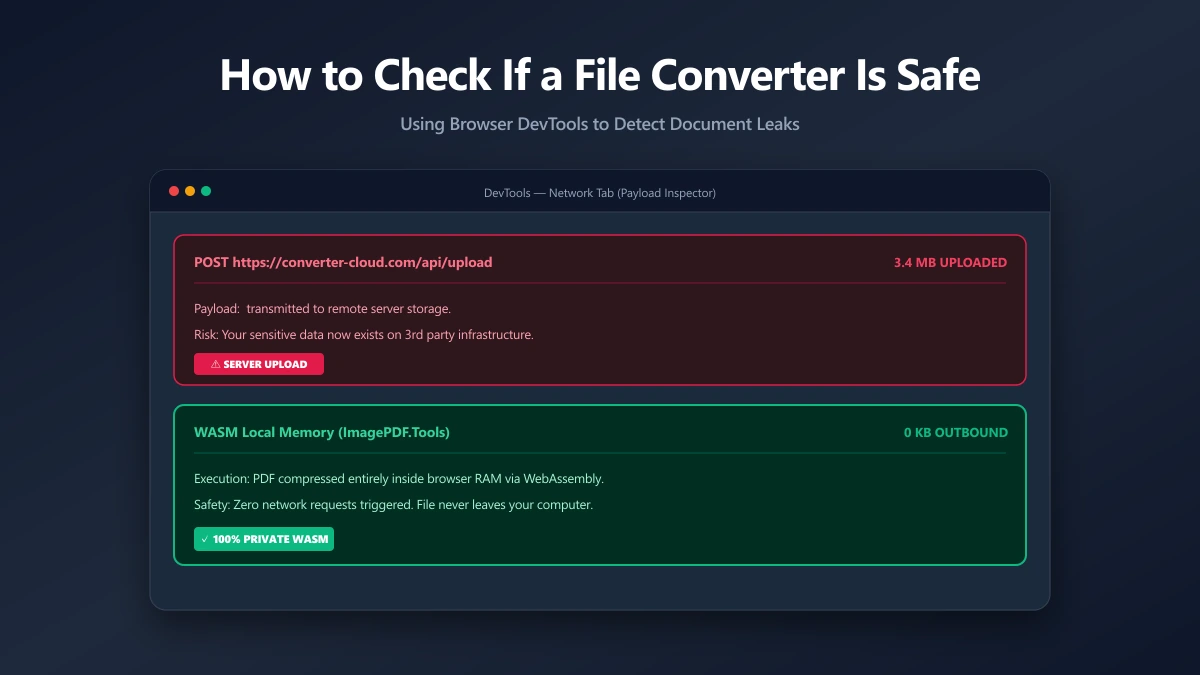
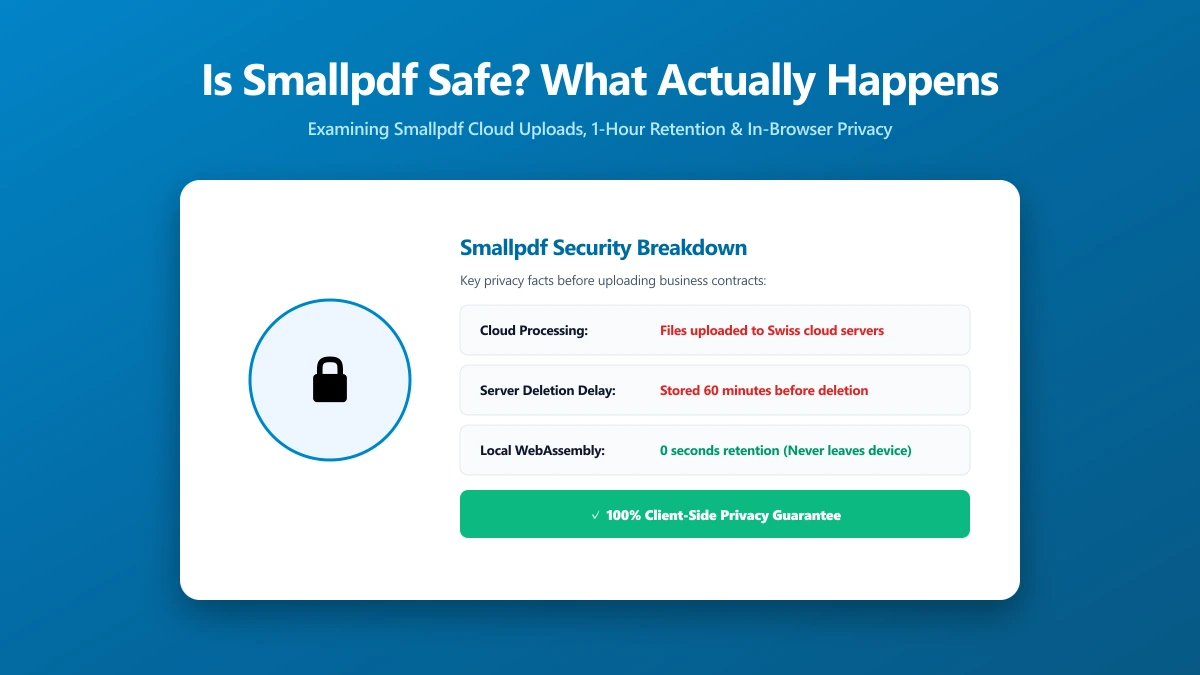
Smallpdf's core tools are server-side: you drop a file into the browser, it is uploaded to Smallpdf's servers, processed there, and the result is sent back to you. This is standard cloud PDF architecture, not a hidden flaw.
It does mean your document exists on a third party's infrastructure, even briefly, and its handling depends on a retention policy you did not write and cannot inspect directly.
What Smallpdf's Own Policy Says About Your File
According to Smallpdf's published trust center, files are protected with 256-bit TLS encryption in transit and are automatically deleted from its servers within one hour for most free-tier tools.
Two exceptions worth knowing: files used with the eSign tool are kept for 14 days, and if you enable Smallpdf's optional file storage on a paid account, documents remain until you delete them yourself.
Smallpdf states it does not use uploaded file content for AI training or advertising, and meets GDPR, CCPA, and ISO 27001-aligned security standards. These are meaningful commitments, but they still describe a system built around uploading your file first.
How Smallpdf Compares to Other Cloud PDF Tools
Smallpdf is not unusual in this respect. iLovePDF, PDF24, and most other browser-based PDF services also process files server-side, uploading is simply how that category of tool works by default.
What sets Smallpdf apart from some competitors is the specificity of its published retention policy and its consistently strong review score, both signals of a well-run operation, not evidence the underlying upload step disappears.
Do Paid Plans Change How Your File Is Handled?
Smallpdf's paid tiers add higher usage limits, e-signature workflows, and team management features, but the underlying architecture does not change: files are still uploaded to Smallpdf's servers for processing on every plan.
That distinction matters, because privacy-conscious users sometimes assume paying for a service changes how their file is handled. For Smallpdf, and most cloud PDF tools, it does not, only the account limits and features change.
What User Reviews Actually Say
Smallpdf holds an "Excellent" rating on Trustpilot, around 4.7 out of 5 from roughly 4,000 reviews as of 2026. Reviewers consistently praise its clean interface, ease of use, and compression quality.
The recurring complaint in lower-starred reviews is not about file handling. It is slow or unresponsive customer support, particularly around billing disputes and subscription cancellations, a service issue rather than a security one.
Is Smallpdf Actually Unsafe?
No public evidence suggests Smallpdf mishandles user files. Its policies are specific, its reviews are strong, and it operates under real regulatory obligations. "Unsafe" is not the accurate word for a policy violation that has not been documented.
The more useful question, as with any cloud PDF tool, is structural: does compressing, merging, or converting a PDF actually require uploading it to a server at all? For those everyday tasks, it does not.
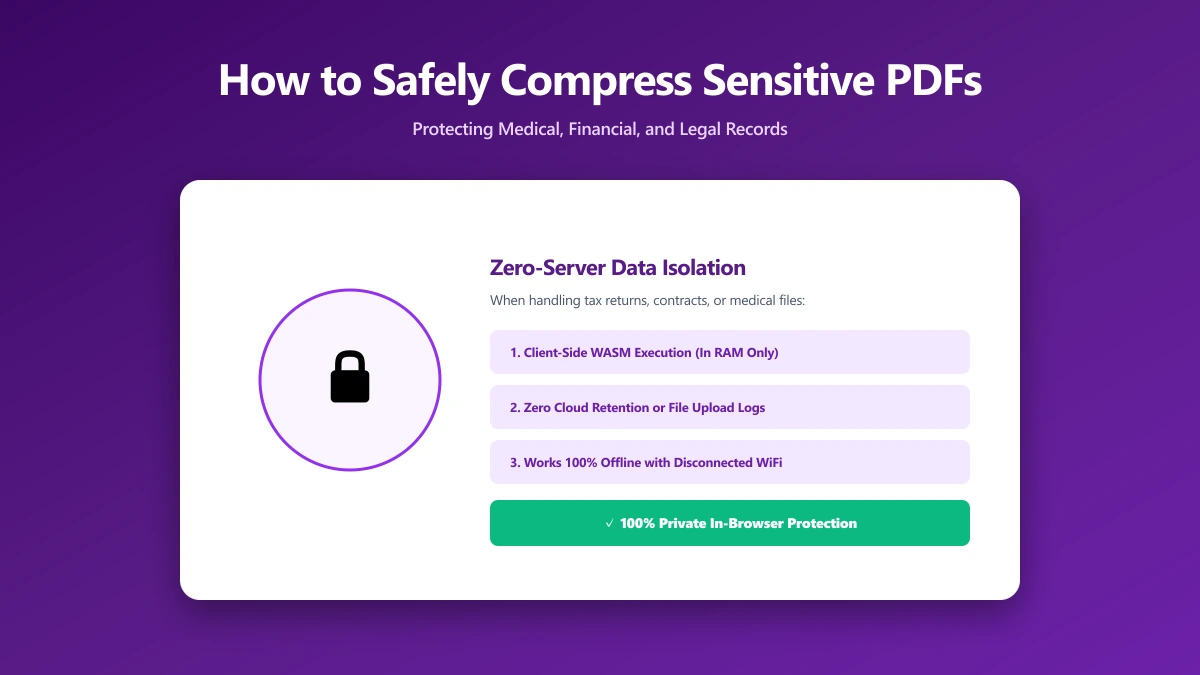
A modern browser can run the entire operation locally using WebAssembly, no server, no retention window, nothing to trust a policy about, which is exactly how ImagePDF.Tools works.
For the general framework behind this kind of check, see our guide on how to verify any online file converter is safe before you upload something sensitive.
The Files Worth Thinking Twice About
For a flyer or a public form, uploading to any established tool is a low-stakes decision. For certain document types, it is worth pausing on, regardless of how trustworthy the provider appears to be.
- ●Signed contracts and NDAs, where confidentiality terms may technically be affected by any third-party processing
- ●Tax forms and financial statements, which carry account numbers and income details
- ●Medical records, subject to stricter handling expectations in most jurisdictions
- ●Scanned ID documents, passports, licences, anything pairing a face with a name
- ●Unreleased business documents, product plans, drafts, or anything covered by an NDA with a third party
None of this means Smallpdf specifically mishandles these document types, there is no evidence it does. It means the upload step itself is the exposure worth weighing, regardless of which established provider is on the other end.
Smallpdf vs ImagePDF.Tools
| Factor | Smallpdf | ImagePDF.Tools |
|---|---|---|
| Where your file goes | Uploaded to Smallpdf's servers | Never leaves your device |
| File retention | Deleted within 1 hour (free tier) | Nothing to retain, nothing was sent |
| User review sentiment | Excellent, ~4.7/5 on Trustpilot | N/A, no upload to review |
| Daily free task limit | 2 tasks per day | Unlimited, always |
| Price | Free tier, then paid plans from ~$15/mo | Free, permanently |
Verify It Yourself in 30 Seconds
- 1.Open the tool, press F12, and click the Network tab in DevTools.
- 2.Tick "Preserve log" so nothing clears between steps.
- 3.Run a compression or conversion on a test PDF, never a sensitive one.
- 4.Watch for a large outbound
POSTrequest the size of your file, that is an upload.
On Smallpdf you will see exactly that request. On ImagePDF.Tools' compressor you will not, because nothing is ever sent anywhere.
If Your Concern Is Cost or Limits, Not Safety
Safety is only one reason people look for a Smallpdf alternative. If the two-task daily cap and occasional watermarks bother you more, our full Smallpdf alternative comparison covers that ground in detail.
For a three-way breakdown that also includes iLovePDF, see iLovePDF vs Smallpdf vs ImagePDF.Tools, which compares pricing and features across all three side by side.
The Bottom Line
Smallpdf is a well-reviewed, GDPR-compliant cloud tool with no evidence of misuse, but it is still built on an upload-then-process model, and your file sits on its servers, even briefly, to get the job done.
ImagePDF.Tools removes that question entirely for everyday PDF work. Try it now: compress a PDF, free, with no upload, then confirm it yourself in DevTools.
Frequently asked questions
Is Smallpdf safe to use?
Does Smallpdf upload my files to a server?
What is Smallpdf's Trustpilot rating?
How long does Smallpdf keep my files after I upload them?
What is the best Smallpdf alternative that never uploads files?
Sources & references
This article was researched and written by Nikola, drawing on the following primary sources and documentation:
Ready to try it?
All tools run entirely in your browser, no uploads, no account required.
Compress PDF