
Do Online PDF Tools Save Your Documents? A Retention-Time Comparison
Summary
Do online PDF tools keep your documents? Almost all do, from 1 to 24 hours. A sourced comparison of the major tools, and the one keeping nothing.
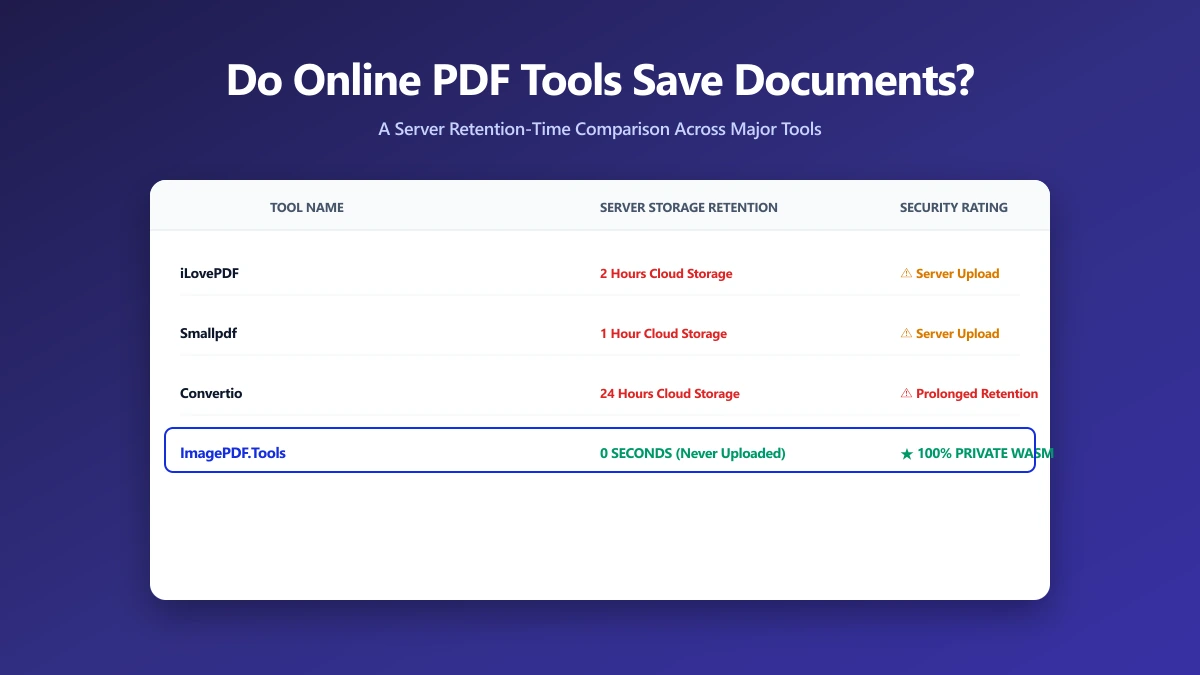
Most people assume the answer to "does this tool save my document" is a simple yes or no. In practice it is a spectrum, some tools keep your file for an hour, some for a full day, one keeps it for years under specific circumstances, and one keeps it for zero minutes because it never receives the file at all. ImagePDF.Tools is that last one. Here is the full, sourced comparison.
The Full Comparison
| Tool | Saves your file? | For how long | Where |
|---|---|---|---|
| iLovePDF | Yes | 2 hours (5 years for e-signed documents) | Server |
| Smallpdf | Yes | 1 hour (14 days for eSign/sharing) | Server |
| Adobe Acrobat (free web tools) | Yes | Governed by transaction limits rather than a published time window | Server |
| PDF24 | Yes, for web tools (desktop app is local) | 1 hour | Server / Local |
| PDF Candy | Yes | 2 hours | Server |
| Sejda | Yes | Up to 2 hours | Server |
| Foxit | Mixed, merge is local, compress and convert are uploaded | Shortly after conversion, exact window not published | Server (partial) |
| Xodo | Mostly local; tools requiring upload are held briefly | Up to 1 hour, for the tools that upload | Mostly local |
| PDFgear | No, for several tools that process locally | Not applicable | Mostly local |
| FreeConvert | Yes | ~8 hours | Server (AWS) |
| Convertio | Yes | Up to 24 hours (output file) | Server |
| ImagePDF.Tools | No | Never uploaded, nothing to save | Local, your device |
For the full detail behind any single row, see our dedicated pieces on iLovePDF, PDF24, PDF Candy, FreeConvert, and Convertio.
Look at the pattern, not just any single row. Every tool with a retention window has one because a file was uploaded to it. The only way to have nothing saved anywhere is to never upload in the first place.
Why Retention Windows Exist At All
Server-side tools need to briefly store your output file so you have time to download it, that is the entire reason a retention window exists in the first place. A shorter window is generally better practice, but any window at all means your file exists somewhere outside your control for that period.
The One Tool That Has Nothing to Retain
ImagePDF.Tools compresses, merges, splits, and converts PDFs and images entirely inside your browser using WebAssembly. There is no server, so there is no retention policy to publish, no window to trust, and no file that ever exists anywhere but your own device. It is free, permanently, with no account and no daily limit.
How to Verify Any Tool Yourself
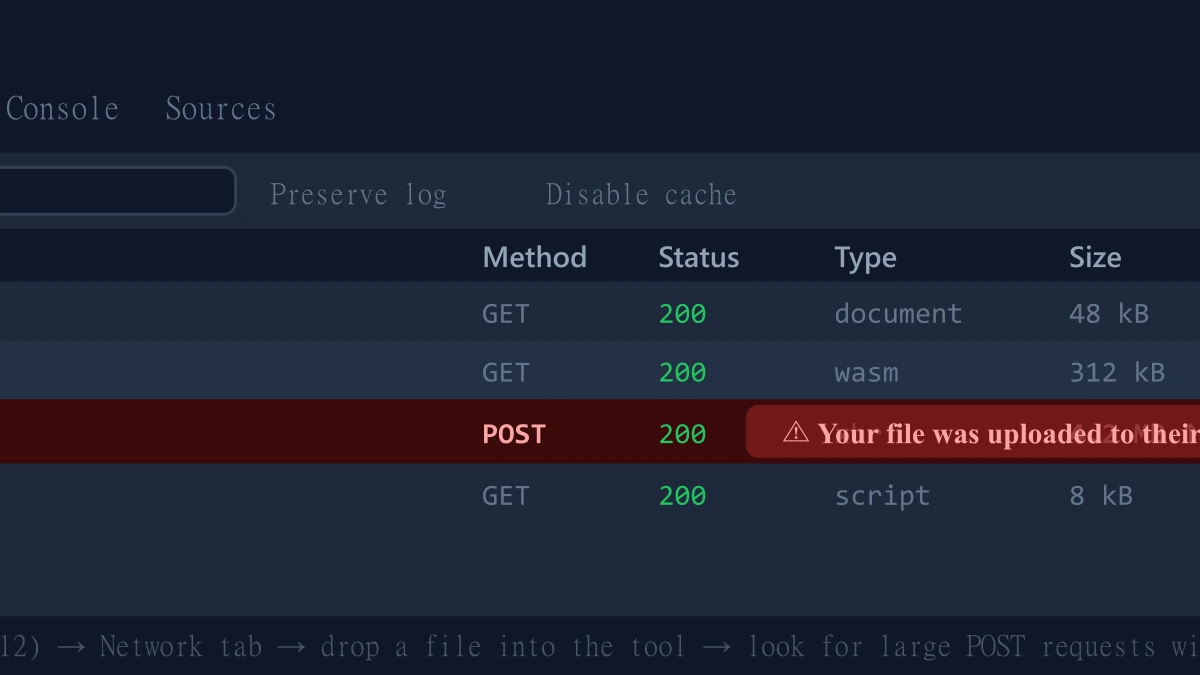
- 1.Open the tool, press F12, and click the Network tab in DevTools.
- 2.Tick "Preserve log" so requests do not clear between steps.
- 3.Run the operation on a test file, never a sensitive one.
- 4.Watch for a large outbound
POSTrequest sized close to your file, that is an upload, and the start of a retention window.
The Bottom Line
Do online PDF tools save your documents? In almost every case, yes, for somewhere between one hour and one day, sometimes longer for specific features like e-signatures. ImagePDF.Tools is the exception: it processes your PDFs and images entirely on your device, so there is nothing to save, anywhere, for any length of time.
Try it free: merge a PDF or compress one, then check DevTools and confirm nothing was ever uploaded.
Frequently asked questions
Do online PDF tools save my documents?
Which online PDF tool keeps files the longest?
Which online PDF tool never saves my file?
Why do online PDF tools need to save files at all?
Is a short retention window the same as not saving my file?
Sources & references
This article was researched and written by Nikola, drawing on the following primary sources and documentation:
More in Privacy & Security
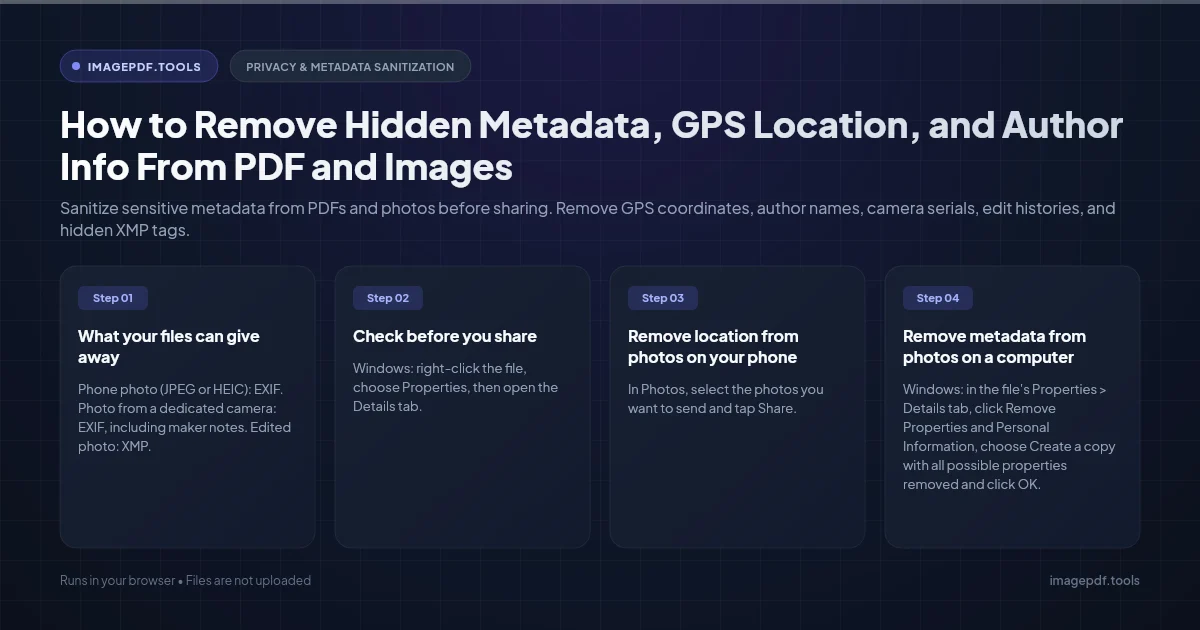
How to Remove Hidden Metadata, GPS Location, and Author Info From PDF and Images
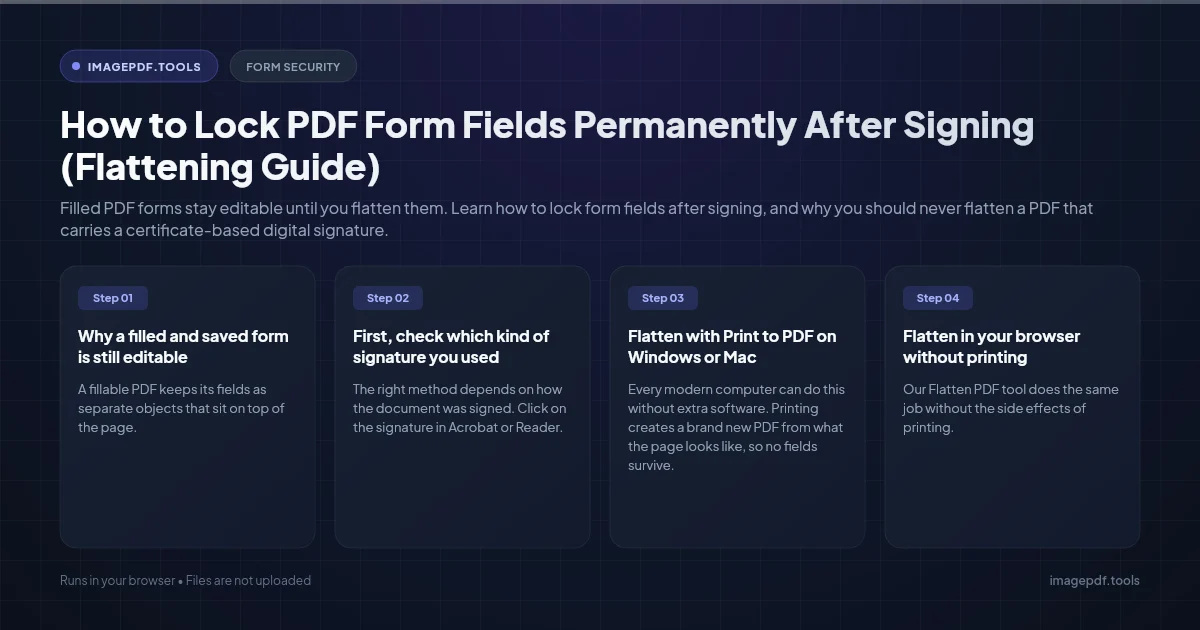
How to Lock PDF Form Fields Permanently After Signing (Flattening Guide)
How to Fix "At Least One Signature Has Problems" Error in Adobe Acrobat