Is Convertio Safe? What Actually Happens to Your Files When You Convert Them
Summary
Is Convertio safe to use? Here is exactly what happens when you upload a file, where it goes, how long it is kept, and how ImagePDF.Tools does the same PDF and image jobs without ever uploading anything.
Convertio is one of the most popular general-purpose file converters online, PDFs, images, audio, video, and hundreds of other formats, all in one place. That breadth is exactly why "is it safe" is a fair question: a huge range of file types, some genuinely sensitive, pass through the same upload box every day. ImagePDF.Tools does the PDF and image side of that same job without ever uploading anything, and this is the real, sourced comparison.
Here is exactly what happens when you use Convertio, and how the two tools actually differ once you get past the marketing.
How Convertio Processes Your Files
Convertio is a server-side tool: you upload a file, its infrastructure performs the conversion, and you download the result. To its credit, Convertio publishes real specifics about how that works, downloads are bound to the uploading user's IP address, its data centers are ISO 27001 certified, and it operates under GDPR-compliant infrastructure. As upload-based converters go, that is a reasonably solid security posture.
What Actually Happens After You Upload
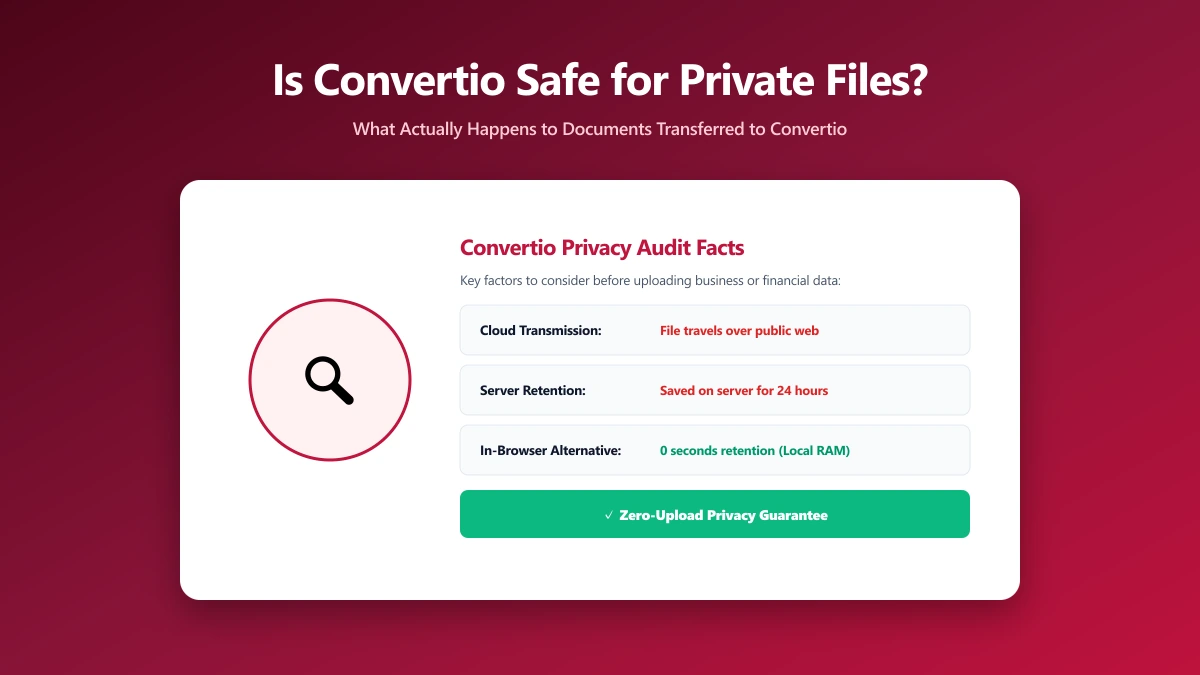
Convertio's own documentation states input files and temporary files are deleted immediately after conversion, while the output file you download is kept for up to 24 hours before deletion, longer than several of the upload-based tools compared elsewhere on this site. One detail worth knowing: as of 2026, Convertio does not publicly disclose where its servers are physically located, a transparency gap compared to competitors like PDF24 or PDF Candy, which do state this.
None of this points to Convertio mishandling files, there is no public evidence of that, and its stated policies are reasonable. The point is structural: your file still has to leave your device and sit on a server you cannot inspect, for up to a full day, to get converted.
Is Convertio Actually Unsafe?
To be fair and specific: no public evidence suggests Convertio mishandles user files, and its ISO 27001 certification and GDPR-compliant infrastructure are genuine, verifiable claims. "Unsafe" is not really the right word for a policy violation that has not happened. The more useful question is structural: does converting a PDF or an image actually require handing it to a server at all? For those two file types specifically, the honest answer is no, a modern browser can do the entire job itself, which is exactly how ImagePDF.Tools works.
Convertio vs ImagePDF.Tools, for PDFs and Images
| Factor | Convertio | ImagePDF.Tools |
|---|---|---|
| Where your file goes | Uploaded to Convertio servers (location undisclosed) | Never leaves your device |
| Output file retention | Up to 24 hours | Nothing to retain, nothing was ever sent |
| Input file retention | Deleted immediately after conversion | Never uploaded in the first place |
| Account required | No, for basic use | Never |
| Format range | Very broad, 300+ formats including video and audio | Focused PDF and image toolkit |
| Price | Free tier, then paid plans | Free, permanently |
The Files Where This Actually Matters
- ●ID documents, passports, licences, anything with a face and a name attached.
- ●Signed contracts and financial paperwork, where a 24-hour retention window on an undisclosed server is more exposure than most people realize.
- ●Medical records and forms, converted for insurance, referrals, or personal record-keeping.
- ●Business documents not yet public, internal reports, unreleased product images, anything under NDA.
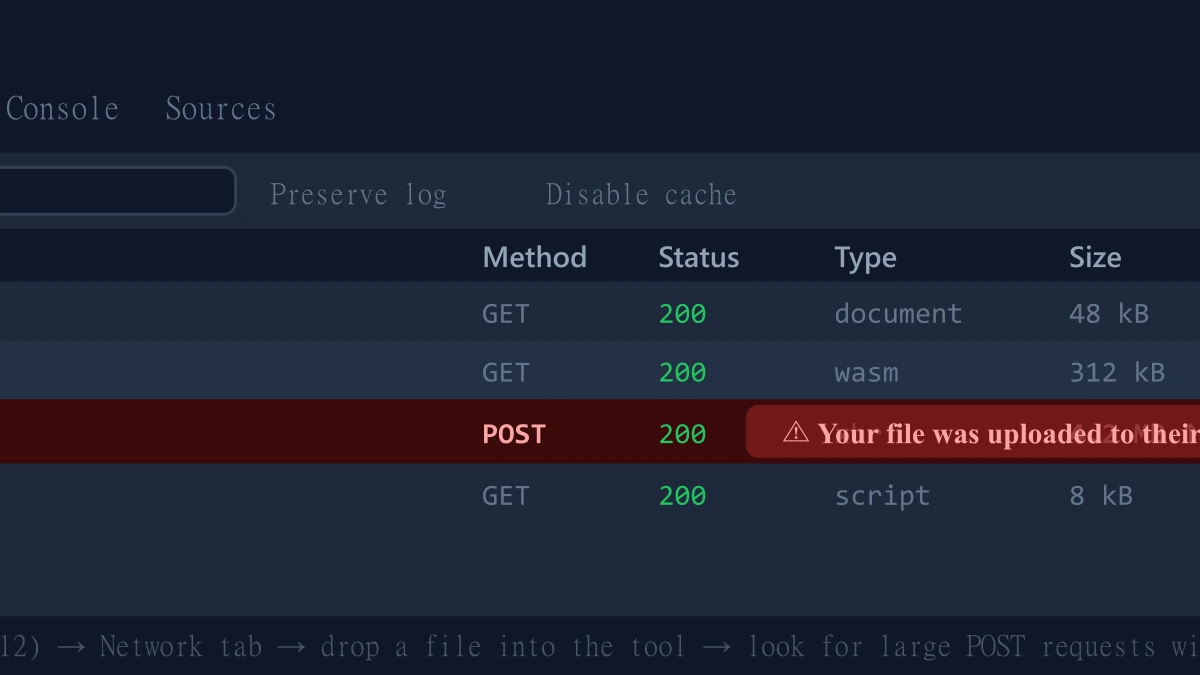
How to Check Any File Converter Yourself
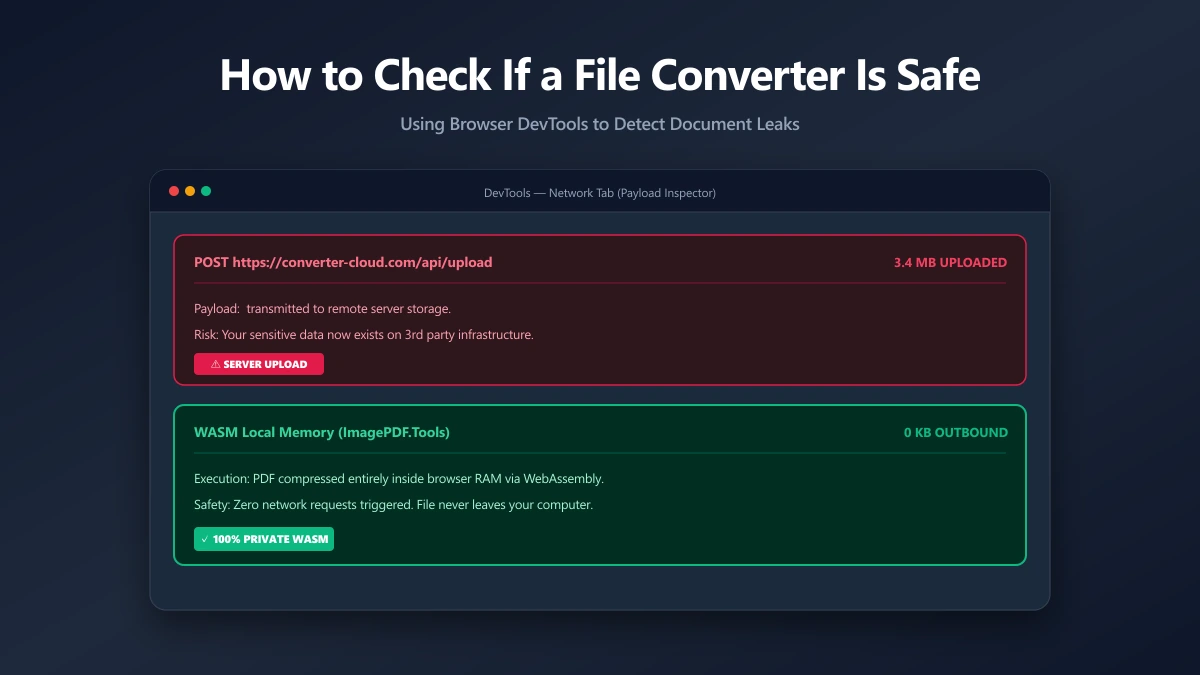
- 1.Open the tool, press F12, and click the Network tab in DevTools.
- 2.Tick "Preserve log" so requests do not clear between steps.
- 3.Drop in a low-stakes test file, never a sensitive one.
- 4.Watch for a large outbound
POSTrequest sized close to your file, that is an upload. - 5.See only small script requests and nothing matching your file's size? The tool processed it locally.
ImagePDF.Tools: The Same Job, Without the Upload
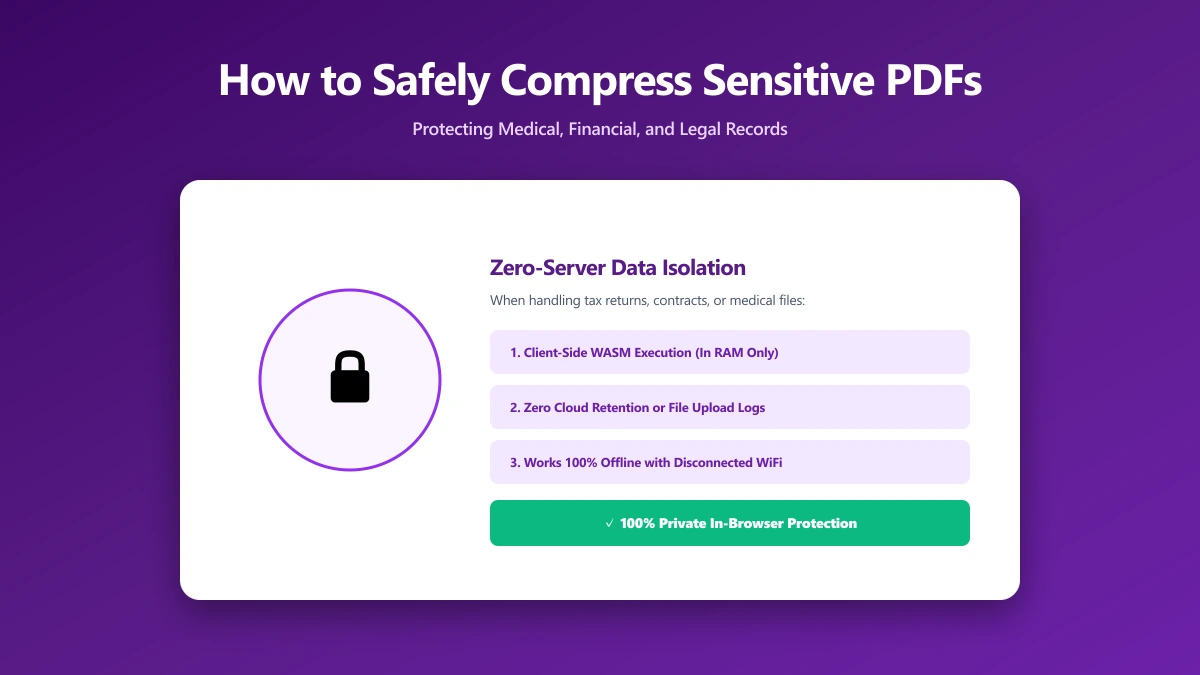
ImagePDF.Tools converts and compresses PDFs and images entirely inside your browser using the Canvas API and WebAssembly, no upload, no account, no 24-hour retention window, and nothing to retain because nothing was ever received. It is free, permanently, with no daily limits. For the everyday conversions people reach for Convertio to do, PDF to JPG, image format conversion, compression, it does the same job without ever taking custody of the file in the first place. Try the PDF to JPG converter or the image compressor and check DevTools yourself.
When Convertio Is Still the Right Call
To be fair to Convertio: its 300-plus format range genuinely covers ground ImagePDF.Tools does not, video and audio conversion in particular, formats that a browser cannot yet handle the way a dedicated server-side converter can. If you need one of those specific conversions, it remains a capable, well-documented choice.
The Bottom Line
Convertio is not a bad tool, it is transparent about its retention policy and backs its infrastructure with real certifications. For video and audio, it covers formats ImagePDF.Tools simply does not offer. For PDFs and images specifically, the everyday jobs most people actually need, ImagePDF.Tools removes the question entirely: your file never leaves your device, so there is nothing to trust a 24-hour retention policy about.
Try it free: convert a PDF to JPG or compress an image, then confirm in DevTools that nothing was ever uploaded.
Frequently asked questions
Is Convertio safe to use?
What is the difference between ImagePDF.Tools and Convertio?
How long does Convertio keep my files?
Does Convertio disclose where its servers are located?
Can I use Convertio for video and audio, and ImagePDF.Tools for PDFs and images?
Sources & references
This article was researched and written by Nikola, drawing on the following primary sources and documentation: