
Is PDF24 Safe? What Actually Happens to Your PDFs When You Use It
Summary
Is PDF24 safe? What its own FAQ says happens to your file and how long it is kept, plus how to do the same jobs without uploading anything.
PDF24 has built a genuinely unusual reputation among free PDF tools: unlimited use, no account, no watermark, and it has stayed that way for years. That generosity is exactly why it is worth asking what the trade-off actually is. ImagePDF.Tools does the same everyday PDF jobs without that trade-off at all, and here is precisely what PDF24's own documentation says happens to your file.
This is not a guess about PDF24's architecture, it is drawn directly from PDF24's own published FAQ.
How PDF24 Processes Your PDFs
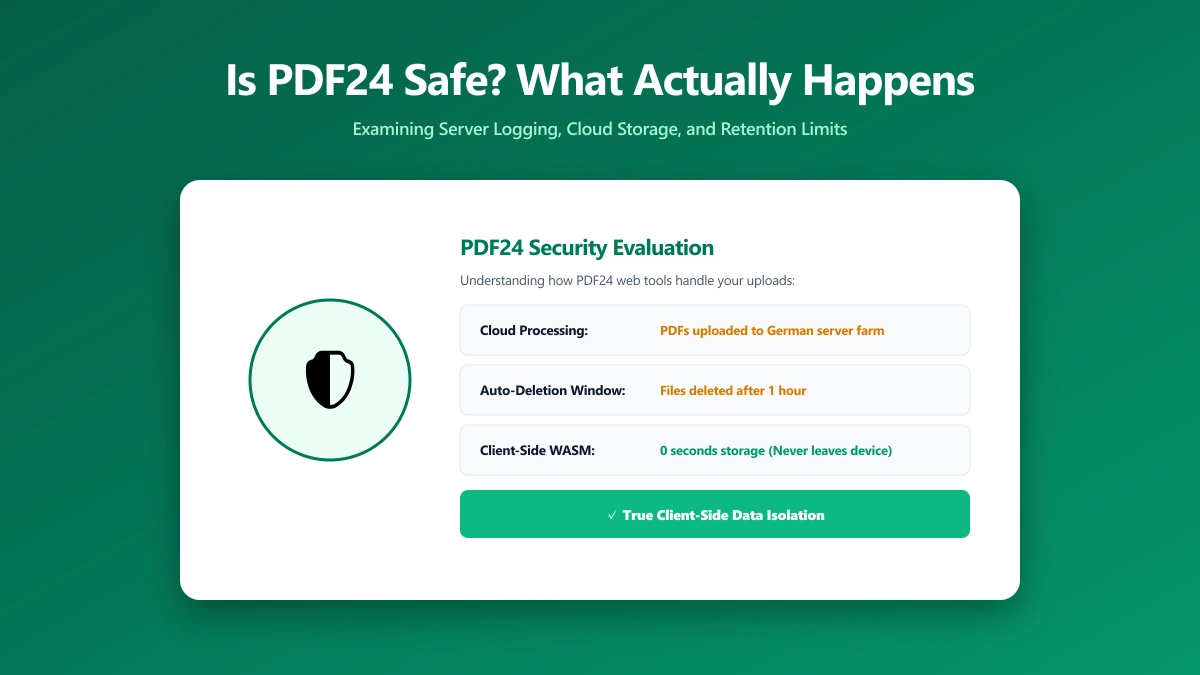
PDF24 offers two different products with two different architectures, and mixing them up is the most common source of confusion about how safe it is. Its web tools, at tools.pdf24.org, are server-side. PDF24's own FAQ states plainly: "The PDF24 Online Tools process files on special PDF24 servers." Its separate Windows desktop app, PDF24 Creator, processes files locally instead, no server involved at all.
What Actually Happens to Your File
For the web tools specifically, your PDF is uploaded, processed on PDF24's servers, and automatically deleted within one hour, sooner if you delete it manually. That is a short, clearly stated retention window as these things go, and PDF24 is upfront about it rather than burying it.
One hour is short. It is still not zero. For most files that difference will not matter. For a signed contract, a scanned ID, or anything you would think twice about attaching to an email, it is worth knowing the file leaves your device at all, even briefly.
Is PDF24 Actually Unsafe?
No. There is no public evidence PDF24 mishandles files, its retention window is short and clearly documented, and it does not require an account or push a paywall the way many competitors do. "Unsafe" is not the right word here. The more useful question is whether a PDF has to be uploaded at all to be merged, split, or compressed, and for a browser-based tool, the answer is no.
PDF24 vs ImagePDF.Tools
| Factor | PDF24 (web tools) | ImagePDF.Tools |
|---|---|---|
| Where your file goes | Uploaded to PDF24 servers | Never leaves your device |
| Retention | Deleted within 1 hour | Nothing to retain, nothing was ever sent |
| Local processing without installing software | No, requires the separate desktop app | Yes, works in any browser |
| Account required | No | Never |
| Price | Free | Free, permanently |
The Documents Where This Actually Matters
- ●Signed contracts and agreements, where even a short retention window is exposure you can avoid entirely.
- ●Scanned ID documents, passports, licences, anything with a face and a name attached.
- ●Financial and medical paperwork, statements, invoices, insurance forms.
- ●Anything under NDA, business documents that are not yet public.
How to Check Any PDF Tool Yourself
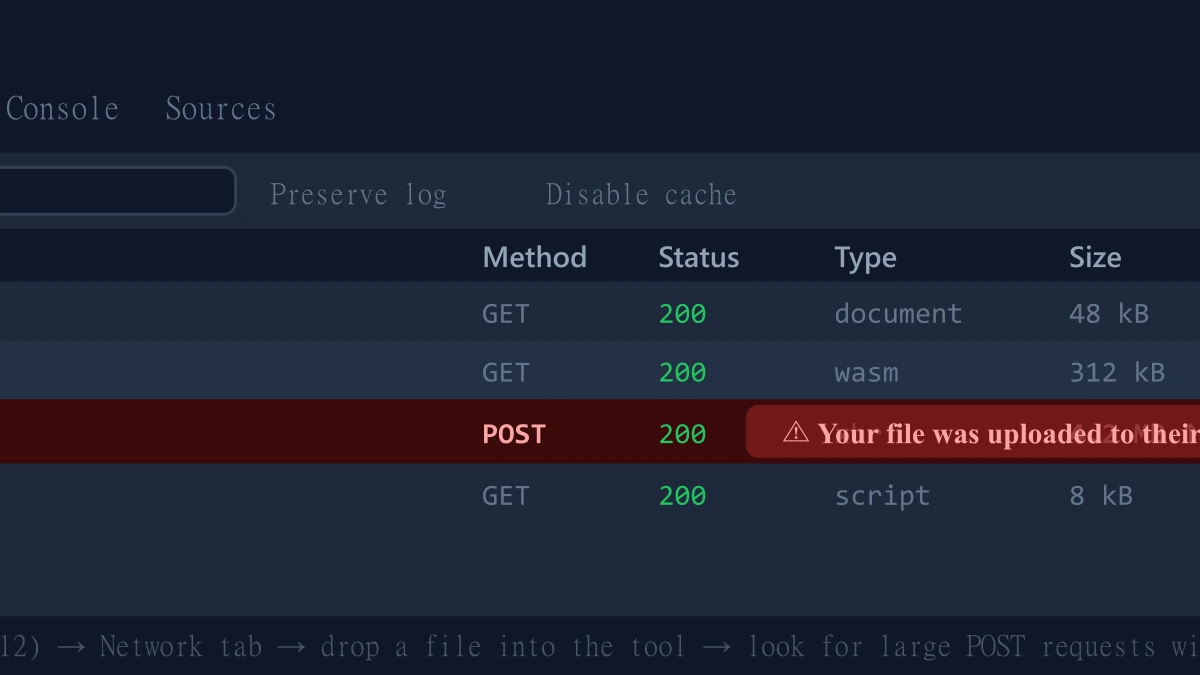
- 1.Open the tool, press F12, and click the Network tab in DevTools.
- 2.Tick "Preserve log" so requests do not clear between steps.
- 3.Run a compress, merge, or split on a test PDF, never a sensitive one.
- 4.Watch for a large outbound
POSTrequest sized close to your file, that is an upload.
ImagePDF.Tools: The Same Job, Without the Upload
ImagePDF.Tools merges, splits, compresses, and converts PDFs entirely inside your browser using WebAssembly, no upload, no account, no retention window because nothing is ever received. It is free, permanently, with no daily limits and no separate desktop app required to get local processing. Try the Word to PDF converter or the PDF compressor and check DevTools yourself.
When PDF24 Is Still a Fine Choice
For low-stakes files, or for Windows users willing to install PDF24 Creator specifically for local processing, PDF24 remains one of the more trustworthy upload-based options, unlimited, free, and transparent about how it works.
The Bottom Line
PDF24 is honest about its architecture and keeps its retention window short, which is more than many competitors offer. ImagePDF.Tools removes the question entirely: your PDF never leaves your device, so there is nothing to trust a one-hour deletion policy about.
Try it free: convert Word to PDF or compress a PDF, then confirm in DevTools that nothing was ever uploaded.
Frequently asked questions
Is PDF24 safe to use?
Does PDF24 upload my PDF to a server?
How long does PDF24 keep my files?
What is the difference between ImagePDF.Tools and PDF24?
Is PDF24's desktop app safer than its web tools?
Sources & references
This article was researched and written by Nikola, drawing on the following primary sources and documentation:
More in Privacy & Security
How to Remove Hidden Metadata, GPS Location, and Author Info From PDF and Images
How to Lock PDF Form Fields Permanently After Signing (Flattening Guide)
How to Fix "At Least One Signature Has Problems" Error in Adobe Acrobat