
Is FreeConvert Safe? What Actually Happens to Your Files When You Upload Them
Summary
Is FreeConvert safe? Where your file actually goes, how long it is kept, and how to convert PDFs and images without uploading them anywhere.
FreeConvert handles an unusually wide range of file types, images, video, audio, and documents, all through the same upload box, which makes "is it safe" worth asking before you use it for something sensitive. ImagePDF.Tools covers the PDF and image side of that same job without uploading anything, and here is exactly where FreeConvert says your file goes.
This is based on FreeConvert's own privacy policy, not assumptions.
How FreeConvert Processes Your Files
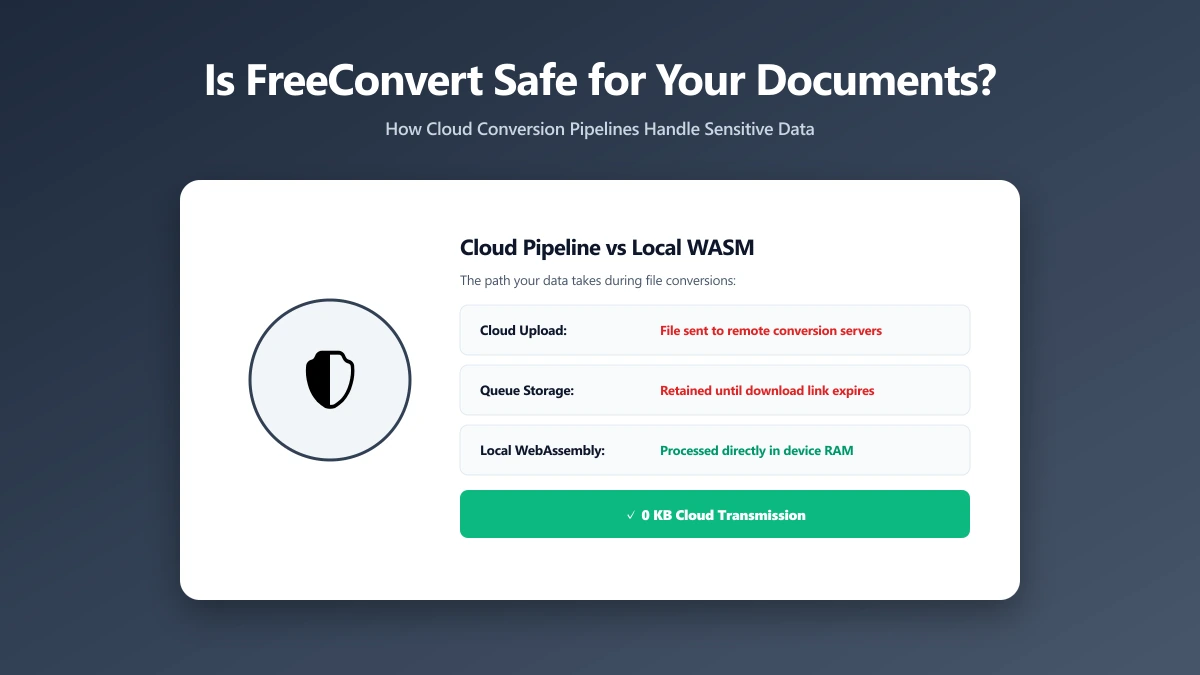
FreeConvert is a server-side tool. Files are uploaded from your device, cloud storage, or a URL, then processed on remote servers hosted with AWS in Ireland. FreeConvert states it encrypts files during upload and download, uses HTTPS throughout, and does not access or view the contents of your files.
What Actually Happens to Your File
Per FreeConvert's own description, files are typically deleted from its servers a few hours after processing, roughly eight hours by its stated policy, though you can delete a file manually right after downloading it if you would rather not wait.
Eight hours is a meaningfully longer window than several competitors offer, PDF24 states one hour, PDF Candy states two. It is still a stated policy, not a technical impossibility, and it applies to whatever file type you convert, PDFs and photos included.
Is FreeConvert Actually Unsafe?
No. FreeConvert states real security measures, encryption, AWS-hosted infrastructure, and a policy of not accessing file contents, with no public evidence of misuse. "Unsafe" is not accurate. The more relevant question, for the PDF and image conversions this comparison covers, is whether a server is required at all. It is not, a browser can do the same job directly.
FreeConvert vs ImagePDF.Tools, for PDFs and Images
| Factor | FreeConvert | ImagePDF.Tools |
|---|---|---|
| Where your file goes | Uploaded to AWS servers in Ireland | Never leaves your device |
| Retention | Deleted roughly 8 hours after processing | Nothing to retain, nothing was ever sent |
| Access to file contents | States it does not view your files | Not applicable, nothing is ever received |
| Account required | No, for basic use | Never |
| Price | Free tier, then from $12.99/month | Free, permanently |
The Files Where This Actually Matters
- ●ID documents and scanned passports, anything with a face and a name attached.
- ●Contracts and financial paperwork, where an eight-hour retention window is real, quantifiable exposure.
- ●Photos with embedded location data, converted or resized without stripping metadata first.
- ●Unreleased business files, product images or documents not yet public.
How to Check Any File Converter Yourself
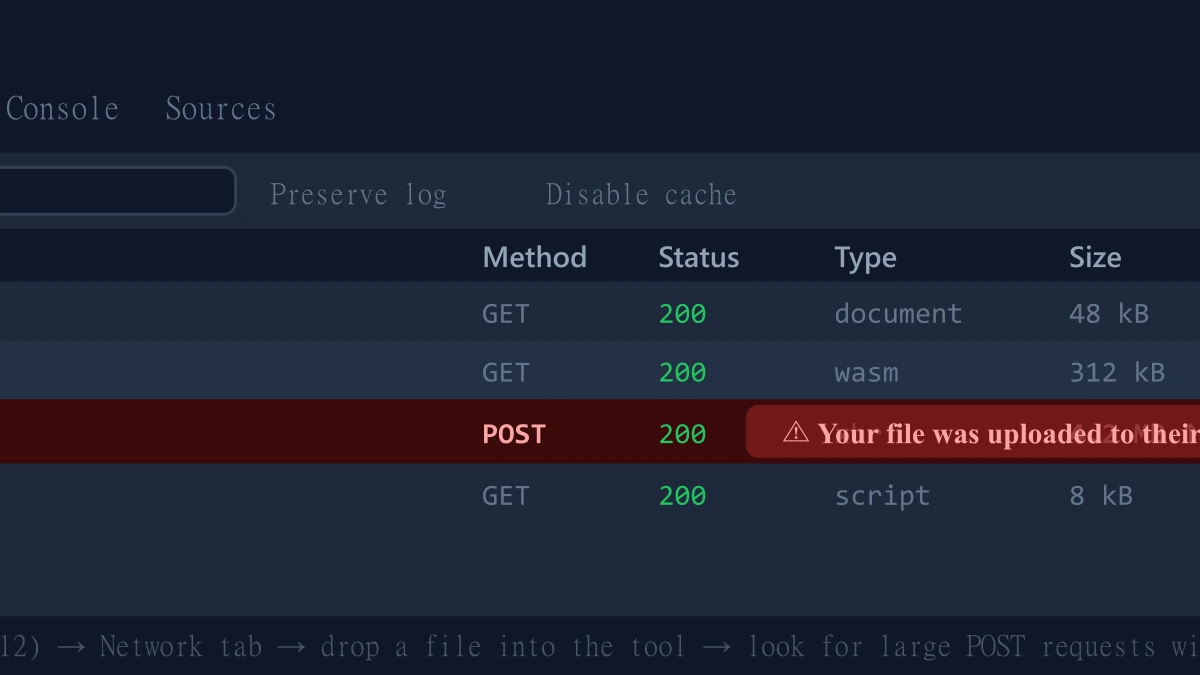
- 1.Open the tool, press F12, and click the Network tab in DevTools.
- 2.Tick "Preserve log" so requests do not clear between steps.
- 3.Drop in a low-stakes test file, never a sensitive one.
- 4.Watch for a large outbound
POSTrequest sized close to your file, that is an upload.
ImagePDF.Tools: The Same Job, Without the Upload
ImagePDF.Tools converts and compresses PDFs and images entirely inside your browser using the Canvas API and WebAssembly, no upload, no account, no eight-hour retention window because nothing is ever received. It is free, permanently, with no daily limits. Try the PDF to image converter or the image compressor and check DevTools yourself.
When FreeConvert Is Still the Right Call
For video and audio conversion, formats entirely outside what ImagePDF.Tools offers, FreeConvert's broad format support and generous 1 GB file size cap make it a reasonable, capable choice.
The Bottom Line
FreeConvert states reasonable security practices and does not hide its retention window, but every file still gets uploaded to reach that window in the first place. For PDFs and images, ImagePDF.Tools removes the question entirely, your file never leaves your device.
Try it free: convert a PDF to images or compress a photo, then confirm in DevTools that nothing was ever uploaded.
Frequently asked questions
Is FreeConvert safe to use?
Does FreeConvert upload my files to a server?
How long does FreeConvert keep my files?
What is the difference between ImagePDF.Tools and FreeConvert for PDFs and images?
Is FreeConvert better for video and audio than ImagePDF.Tools?
Sources & references
This article was researched and written by Nikola, drawing on the following primary sources and documentation:
Ready to try it?
All tools run entirely in your browser, no uploads, no account required.
PDF to ImageMore in Privacy & Security
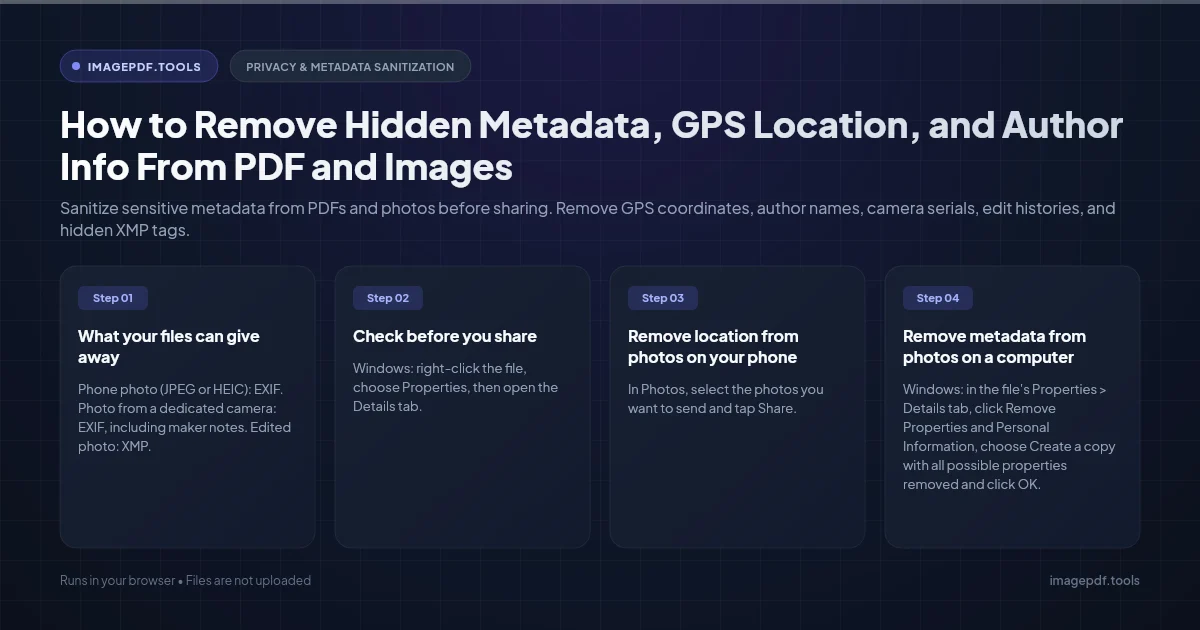
How to Remove Hidden Metadata, GPS Location, and Author Info From PDF and Images
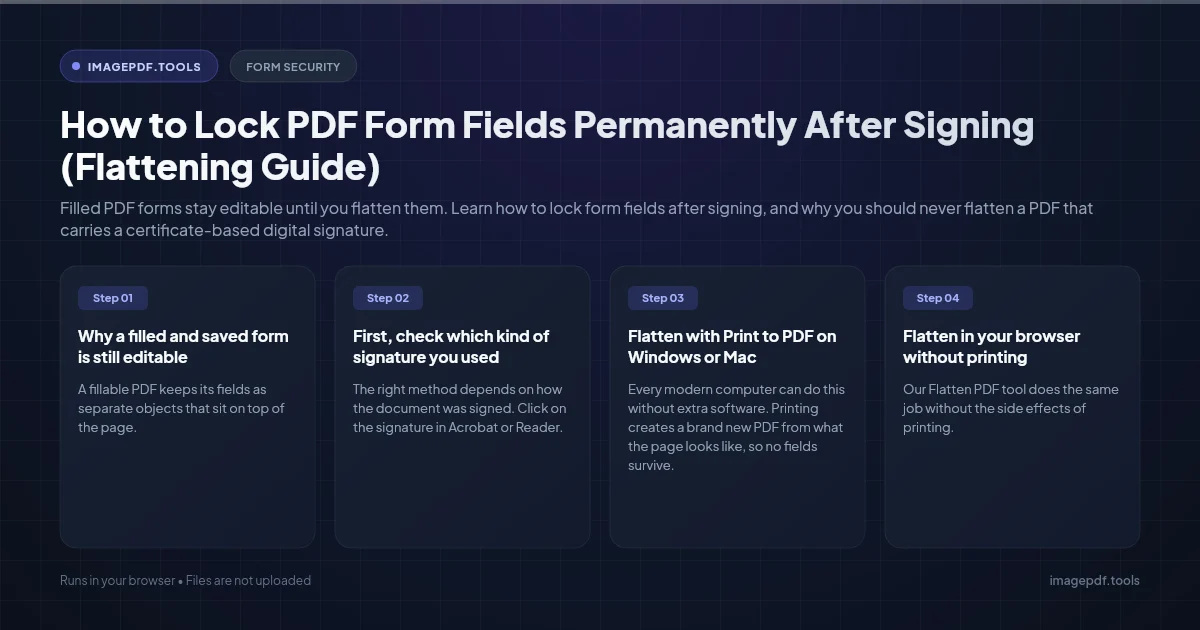
How to Lock PDF Form Fields Permanently After Signing (Flattening Guide)
How to Fix "At Least One Signature Has Problems" Error in Adobe Acrobat