
Is PDF Candy Safe? What Actually Happens to Your Files When You Convert Them
Summary
Is PDF Candy safe? What its security page says about encryption and file retention, and how to do the same PDF jobs without uploading at all.
PDF Candy's catalog of more than 90 tools makes it one of the most-used free PDF converters online, which makes "is it safe" a reasonable question for anyone about to hand it a file. ImagePDF.Tools does the core PDF jobs without ever taking custody of the file in the first place, and here is exactly what PDF Candy's own security page says happens to yours.
This is drawn directly from PDF Candy's published security documentation, not speculation.
How PDF Candy Processes Your Files
PDF Candy is a server-side tool: your file is uploaded, converted on its infrastructure, and sent back to you. Its own security page states files are encrypted with 256-bit AES both in transit and at rest, transferred over HTTPS with current TLS, and handled under GDPR compliance. As upload-based tools go, that is a solid, well-documented security posture.
What Actually Happens to Your File
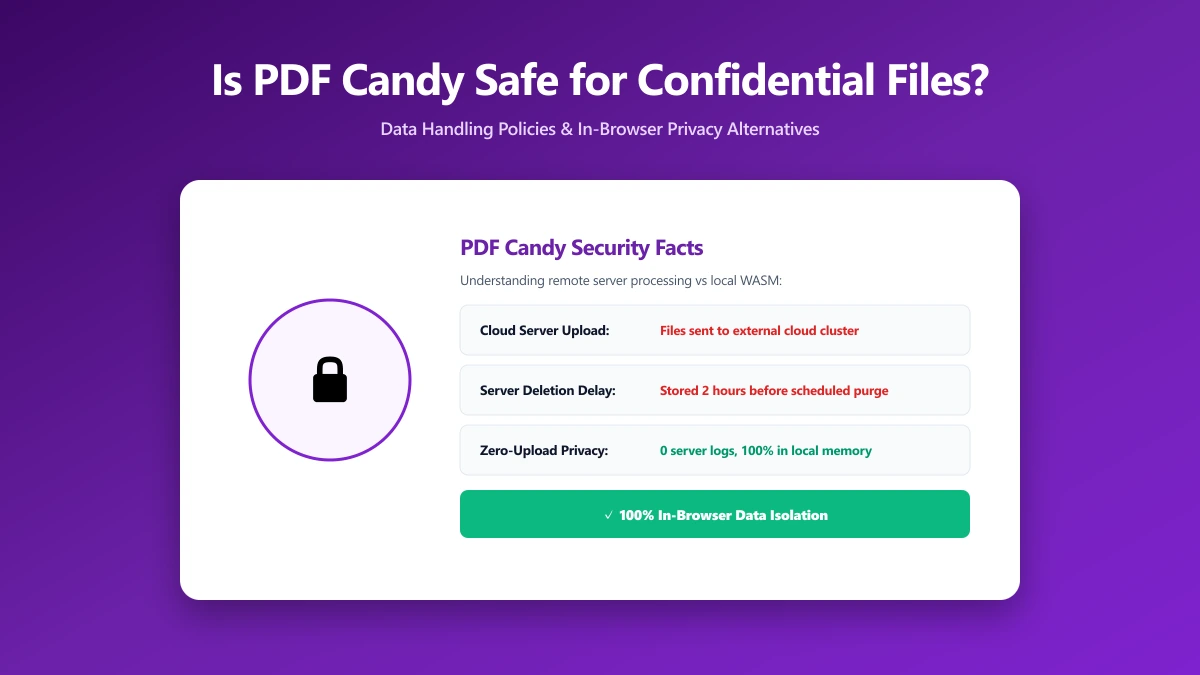
PDF Candy's security page confirms uploaded and generated files are automatically deleted from its servers within two hours. That window applies regardless of which of its 90-plus tools you use, compress, convert, merge, or anything else.
Two hours is a reasonable window with real encryption behind it. It is still a window during which your file exists somewhere you cannot inspect. For a public flyer, that is a non-issue. For a contract or an ID scan, it is worth knowing.
Is PDF Candy Actually Unsafe?
No. PDF Candy states real, verifiable security measures, AES-256 encryption, GDPR compliance, a short retention window, and there is no public evidence it mishandles files. "Unsafe" undersells a tool that is being reasonably transparent. The more useful question is structural: does a PDF conversion need a server at all? For the everyday jobs, no, a browser can do it directly, which is exactly how ImagePDF.Tools works.
PDF Candy vs ImagePDF.Tools
| Factor | PDF Candy | ImagePDF.Tools |
|---|---|---|
| Where your file goes | Uploaded to PDF Candy servers | Never leaves your device |
| Encryption | 256-bit AES, in transit and at rest | Not applicable, nothing is ever transmitted |
| Retention | Deleted within 2 hours | Nothing to retain, nothing was ever sent |
| Account required | No, for basic use | Never |
| Price | Free tier, then from $6/month | Free, permanently |
The Files Where This Actually Matters
- ●Contracts and signed agreements, where a two-hour retention window is more exposure than necessary.
- ●ID documents, passports, licences, anything identifying.
- ●Financial statements and invoices, converted for bookkeeping or applications.
- ●Unreleased business documents, anything under NDA or not yet public.
How to Check Any PDF Tool Yourself
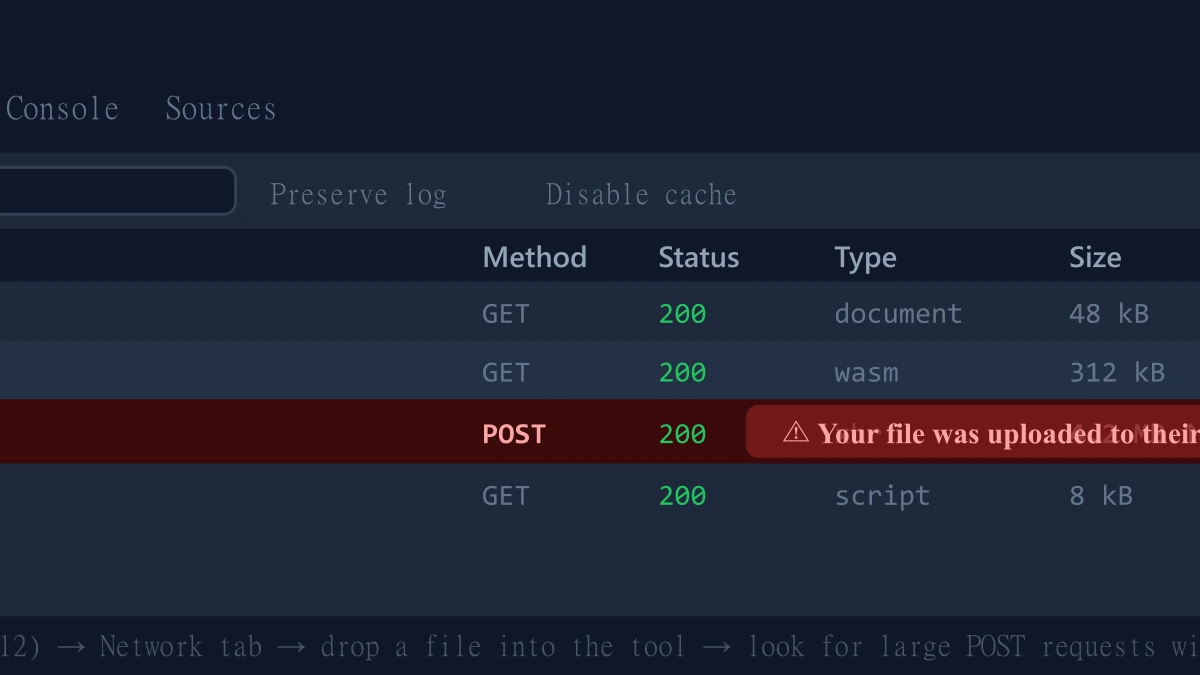
- 1.Open the tool, press F12, and click the Network tab in DevTools.
- 2.Tick "Preserve log" so requests do not clear between steps.
- 3.Run a conversion on a test PDF, never a sensitive one.
- 4.Watch for a large outbound
POSTrequest sized close to your file, that is an upload.
ImagePDF.Tools: The Same Job, Without the Upload
ImagePDF.Tools compresses, merges, and converts PDFs entirely inside your browser using WebAssembly, no upload, no account, and no two-hour retention window because nothing is ever received. It is free, permanently, with no hourly task cap. Try the JPG to PDF converter or the PDF compressor and check DevTools yourself.
When PDF Candy Is Still a Fine Choice
For obscure format conversions outside the core PDF and image toolkit, PDF Candy's 90-plus tools cover ground few competitors match, and its stated security practices are genuinely solid for an upload-based service.
The Bottom Line
PDF Candy backs its upload-based architecture with real encryption and a short retention window, a reasonable security posture. ImagePDF.Tools removes the upload entirely: your file never leaves your device, so there is nothing to trust a two-hour policy about.
Try it free: convert JPG to PDF or compress a PDF, then confirm in DevTools that nothing was ever uploaded.
Frequently asked questions
Is PDF Candy safe to use?
Does PDF Candy upload my files to its servers?
How long does PDF Candy keep my files?
What is the difference between ImagePDF.Tools and PDF Candy?
Is PDF Candy's encryption enough to keep my files safe?
Sources & references
This article was researched and written by Nikola, drawing on the following primary sources and documentation:
More in Privacy & Security
How to Remove Hidden Metadata, GPS Location, and Author Info From PDF and Images
How to Lock PDF Form Fields Permanently After Signing (Flattening Guide)
How to Fix "At Least One Signature Has Problems" Error in Adobe Acrobat