
Convert JPG to PDF Online for Free
or drop files here
Combine one or many JPEG photos into a single PDF. Drag to reorder, pick your page size, and save, entirely in your browser.
Three steps. Photos to document.
Add your JPGs
Drop JPEG photos onto the tool. Add as many as you need, each becomes one page in the PDF. PNG and WebP are also accepted.
Order and size
Drag thumbnails to set the page order. Choose A4, Letter, or Fit to Image for the page dimensions.
Download your PDF
Click Generate PDF. Your document builds instantly in the browser and downloads, no wait, no account, no watermark.
When your photos need to be a PDF.
Phone photos to one document
You've photographed a contract, receipt, or form page by page. Converting the photos to a single PDF creates a proper multi-page document.
Submitting photo ID documents
Visa applications, bank account openings, and HR onboarding often require photos of ID documents as PDF, not individual JPEGs.
Photography portfolio
Collect your best JPEG photos into a single PDF portfolio for client reviews, agency submissions, or printed press kits.
Insurance claims and damage photos
Insurance portals require photos of damage as PDF. Convert all your JPEGs into a single organised document in one step.
Product catalogues
Product photos from a photoshoot can be assembled into a PDF catalogue to share with buyers or distributors.
Sending multiple photos by email
Instead of attaching 15 separate JPEGs, attach one PDF. Easier for the recipient to view, save, and print in order.
No quality loss, ever
A common complaint about online JPG-to-PDF tools is double compression: they re-encode the JPEG when embedding it, which adds compression artefacts on top of the existing JPEG compression. This tool embeds your images at their original resolution without re-encoding.
The resulting PDF will be approximately the same size as the combined size of your original JPEG files. This means the PDF is as sharp as the original photos, no loss of detail, no additional blur, no new artefacts.
Privacy by architecture
Your photos never leave your browser.
Frequently asked questions
Does converting JPG to PDF reduce image quality?
Can I convert multiple JPG files to one PDF?
Does this upload my JPG to a server?
What page sizes are available?
Can I mix JPG and PNG in the same PDF?
Is there a limit on the number of photos?
More tools you might need.
Related Guides & Tutorials
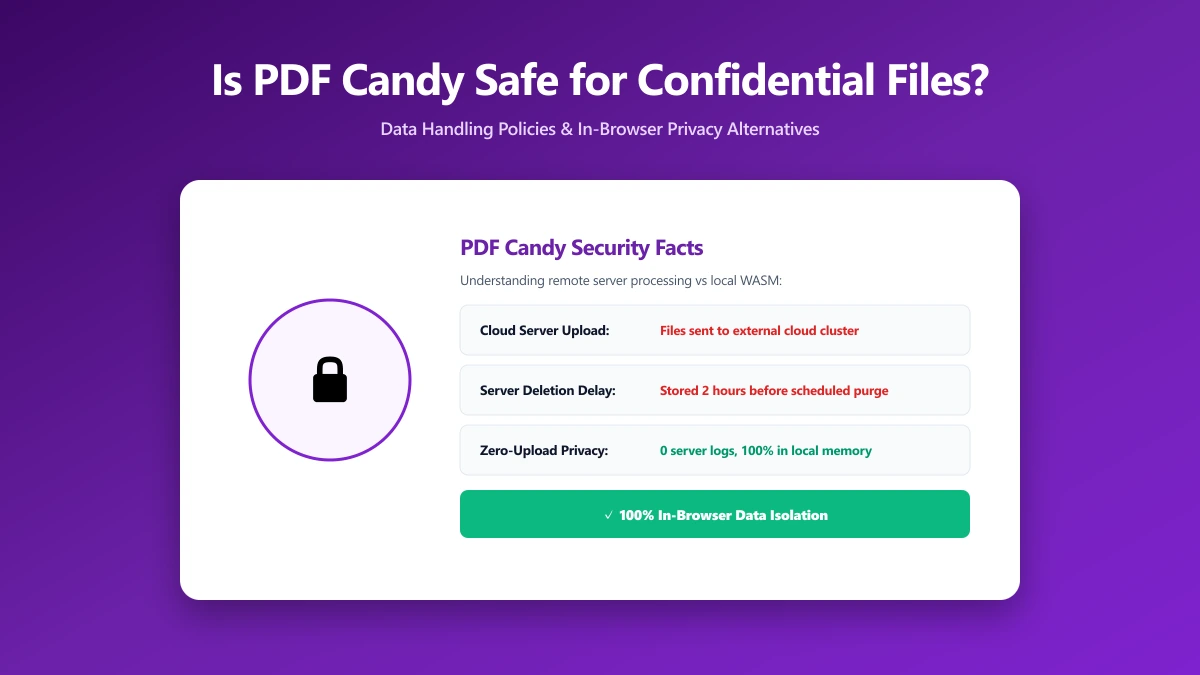
Is PDF Candy Safe? What Actually Happens to Your Files When You Convert Them
Is PDF Candy safe to use? Here is what its own security page says about encryption and file retention, and how ImagePDF.Tools does the same PDF jobs without uploading anything at all.
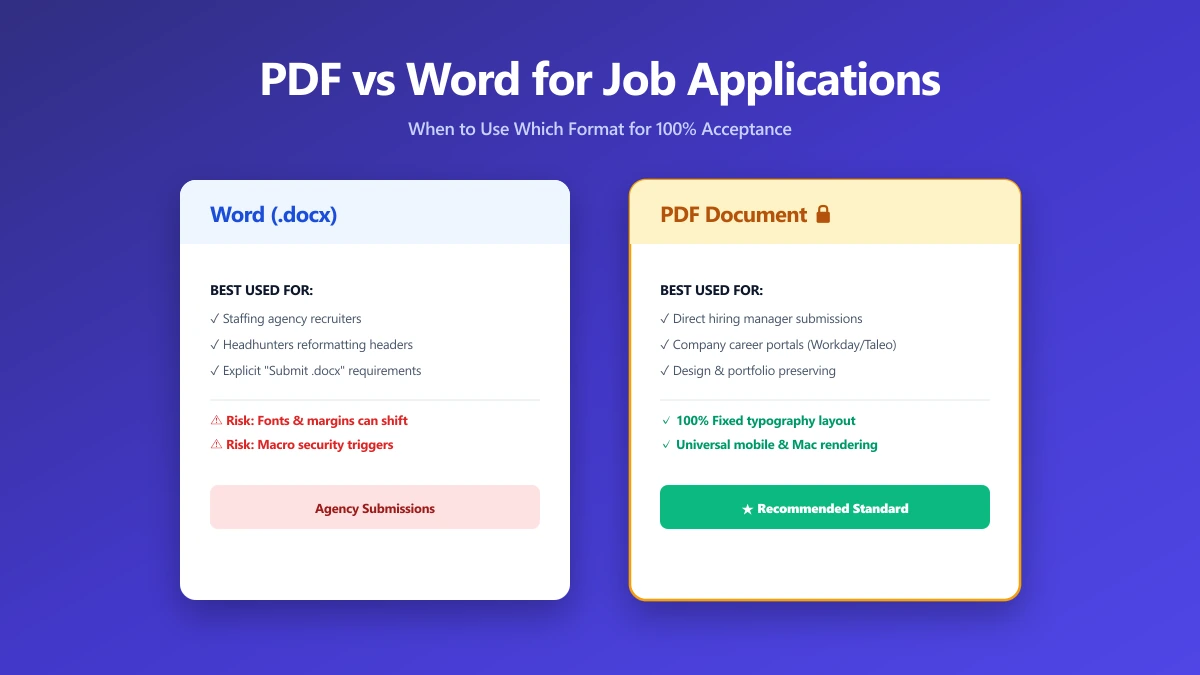
Should I Use PDF or Word for Job Applications?
PDF protects your layout, Word is sometimes required. A decision guide by employer type, plus what to do when the posting does not say either way.
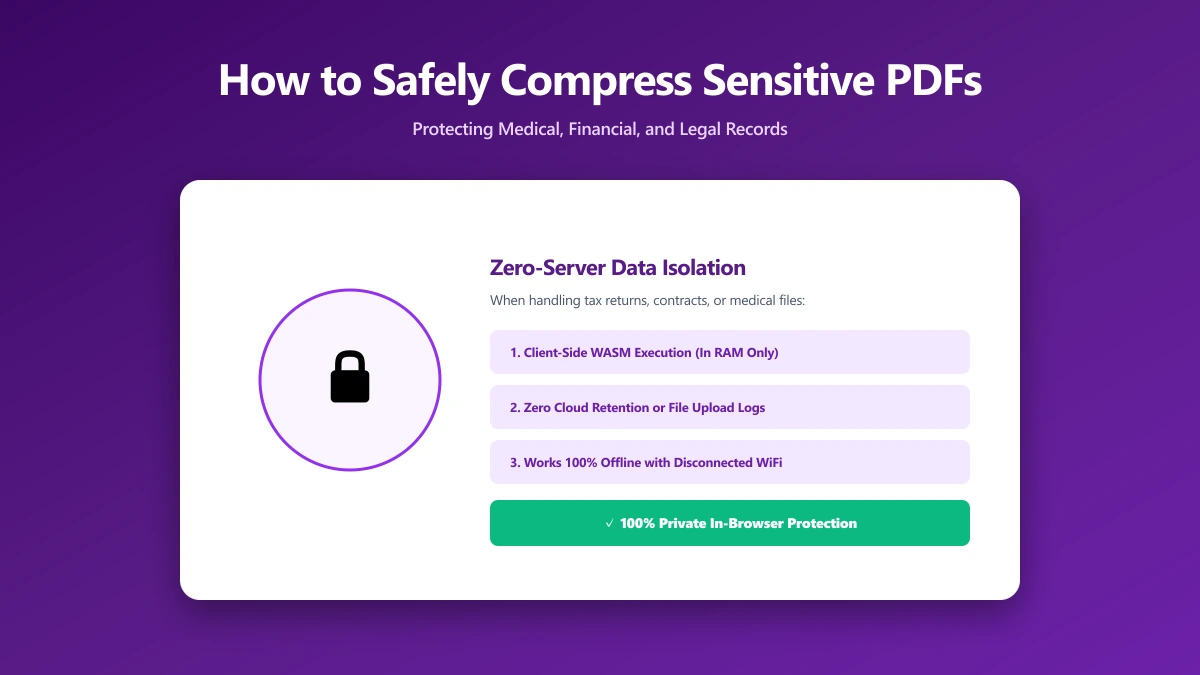
How to Safely Compress Sensitive PDF Documents
Compress sensitive PDFs, bank statements, contracts, medical records, without uploading them. Learn how to shrink them safely, right in your browser.