
Does iLovePDF Store Your Files? Here Is Exactly How Long
Summary
Does iLovePDF store your files? Standard tools keep them up to 2 hours, e-signed documents for 5 years. What that means, and how to check.
iLovePDF is one of the most-used free PDF tools online, and its own published security policy is refreshingly specific about how long it keeps your file, most of the time. ImagePDF.Tools does the same everyday jobs without storing anything at all, and here is exactly what iLovePDF's own documentation says about yours.
This is drawn directly from iLovePDF's published security and legal pages, not speculation.
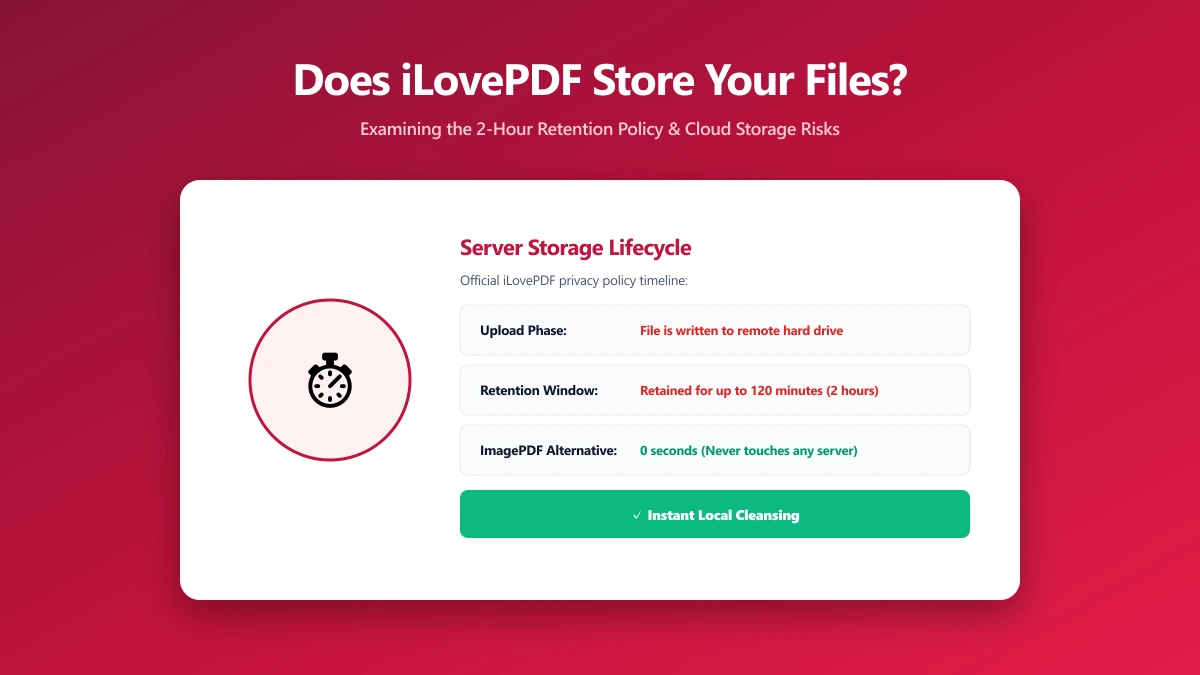
The Short Answer: Yes, for Up to 2 Hours
For standard tools, merge, split, compress, convert, repair, and OCR, iLovePDF automatically deletes the original file from its servers within two hours of processing. You can also delete a file manually from the download screen if you would rather not wait. That is a clearly stated, reasonably short window, backed by HTTPS encryption in transit, GDPR compliance, and ISO/IEC 27001 certification for information security.
The Exception Almost Nobody Knows About: E-Signatures Kept for 5 Years
The two-hour rule has one significant carve-out. Documents signed through iLovePDF's e-signature workflow, along with the associated audit trail data, are retained for up to five years. This is not an oversight, it is a legal requirement under eIDAS regulations, which govern electronic signatures in the EU and require evidentiary records to be kept for a defined period in case a signed document is ever disputed.
If you have ever signed something through iLovePDF and assumed it vanished after a couple of hours like everything else, it did not. E-signed documents specifically are kept far longer than the standard retention window, by law, not by choice.
iLovePDF vs ImagePDF.Tools
| Factor | iLovePDF | ImagePDF.Tools |
|---|---|---|
| Standard tool retention | 2 hours | Nothing to retain, nothing was ever sent |
| E-signed document retention | Up to 5 years (legal requirement) | Not applicable, no e-signature feature |
| Where your file goes | Uploaded to iLovePDF servers | Never leaves your device |
| Account required | No, for most tools | Never |
| Price | Free tier, then from $9/month | Free, permanently |
The Files Where This Actually Matters
- ●Anything you sign through an e-signature flow, where the retention window is years, not hours, by legal requirement.
- ●Contracts and financial paperwork, even within the standard two-hour window.
- ●ID documents, passports, licences, anything identifying.
- ●Unreleased business documents, anything under NDA.
How to Check Any PDF Tool Yourself
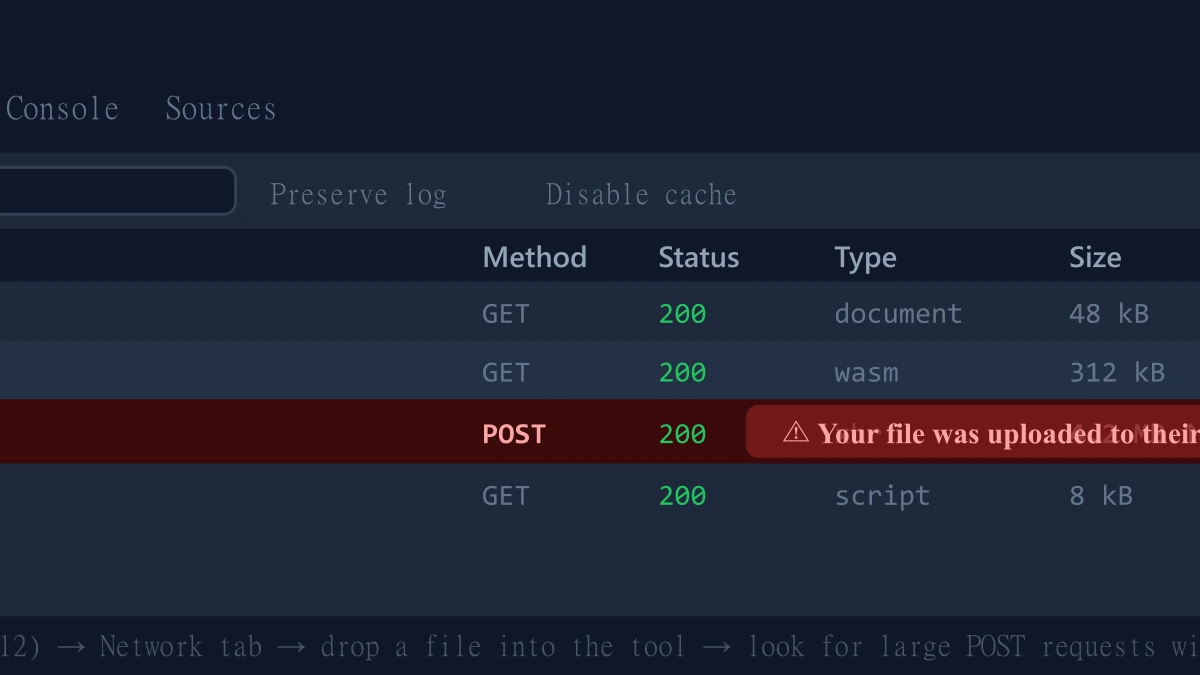
- 1.Open the tool, press F12, and click the Network tab in DevTools.
- 2.Tick "Preserve log" so requests do not clear between steps.
- 3.Run a merge or split on a test PDF, never a sensitive one.
- 4.Watch for a large outbound
POSTrequest sized close to your file, that is an upload.
ImagePDF.Tools: The Same Job, Without the Storage
ImagePDF.Tools merges, splits, compresses, and converts PDFs entirely inside your browser using WebAssembly, no upload, no account, and nothing stored for two hours, five years, or any length of time, because nothing is ever received. Try the split PDF tool or the merge tool and check DevTools yourself.
When iLovePDF Still Makes Sense
For e-signature collection specifically, the long retention window is a feature, not a flaw, it exists so a signed document has a verifiable audit trail if it is ever disputed. For that specific legal use case, iLovePDF's approach is appropriate and arguably necessary.
The Bottom Line
iLovePDF is unusually transparent about its retention policy, two hours for standard tools, five years for e-signed documents by legal requirement. ImagePDF.Tools removes the question for everyday PDF work entirely, your file is never uploaded, so there is nothing to store for any length of time.
Try it free: split a PDF or merge one, then confirm in DevTools that nothing was ever uploaded.
Frequently asked questions
Does iLovePDF store my files?
Why does iLovePDF keep e-signed documents for 5 years?
Can I delete my file from iLovePDF immediately?
What is the difference between ImagePDF.Tools and iLovePDF for file storage?
Is iLovePDF's 2-hour retention window safe for sensitive documents?
Sources & references
This article was researched and written by Nikola, drawing on the following primary sources and documentation:
More in Privacy & Security
How to Remove Hidden Metadata, GPS Location, and Author Info From PDF and Images
How to Lock PDF Form Fields Permanently After Signing (Flattening Guide)
How to Fix "At Least One Signature Has Problems" Error in Adobe Acrobat