
The Best iLovePDF Alternative for Anyone Who Would Rather Not Upload Their PDF (2026)
Summary
Looking for an iLovePDF alternative? ImagePDF.Tools merges, splits, compresses and edits PDFs in your browser, with no upload and no daily limit.
iLovePDF built its reputation on being the fastest place to merge, split, or compress a PDF without installing anything, and for a huge number of people, it still is. But "without installing anything" is not the same as "without uploading anything." Every merge, every split, every compression runs on iLovePDF's servers, which means your file travels there first, no matter how small or private the job.
ImagePDF.Tools does the same core jobs, merge, split, compress, convert, entirely inside your browser. This is a fair, specific comparison of what each tool does well and where the difference actually matters.
What iLovePDF Does Well
Credit where it is due: iLovePDF's free tier is genuinely generous. Unlimited daily tasks, no watermark on its standard tools, and a 100 MB per-file cap that covers the vast majority of real-world PDFs. Its toolset is also broader than ours in a few specific areas, OCR across large batches, e-signature collection, and conversion to and from Word, Excel, and PowerPoint with server-side formatting reconstruction that a browser alone cannot fully replicate yet.
The One Thing It Cannot Avoid: The Upload
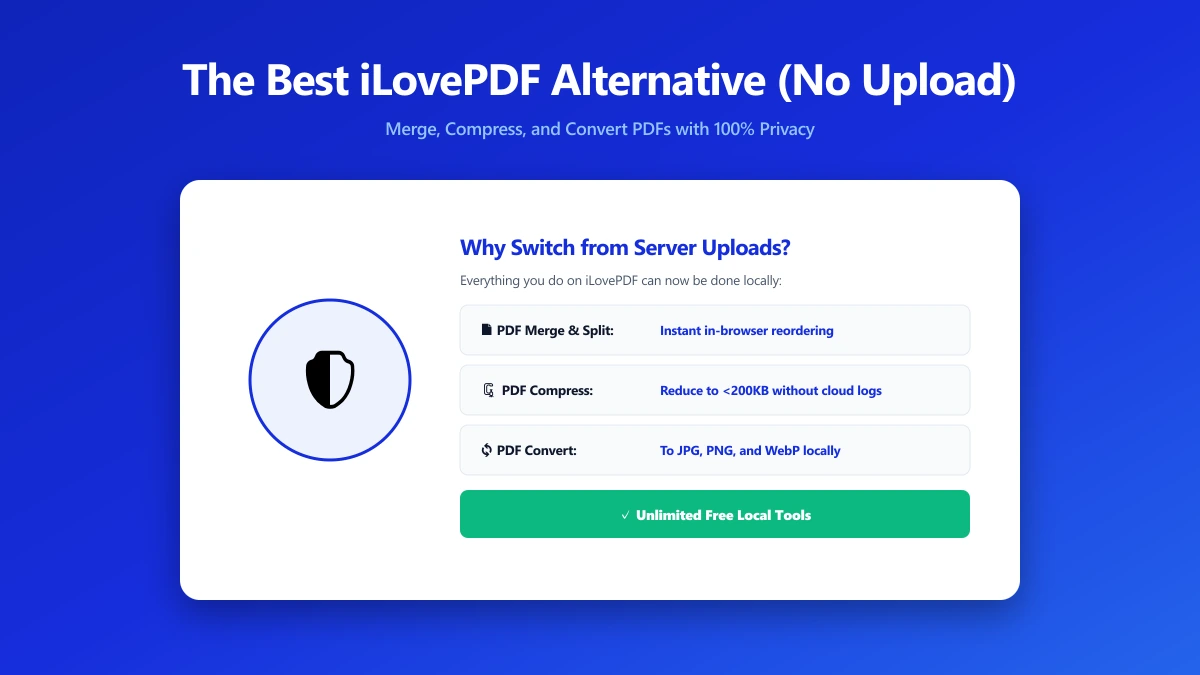
None of that changes the underlying architecture. iLovePDF is a server-side tool, so using it means your PDF is transmitted to a third party every single time, on the free tier and the paid one alike. For a public flyer, that is a non-issue. For a signed contract, a scanned ID, a medical record, or anything with a client's name on it, it is the exact category of document you would think twice about emailing as a plain attachment, uploaded anyway because the tool required it.
Server-side processing is not a hidden flaw, iLovePDF is upfront about it and operates under standard data-protection obligations. The point is structural: the file has to leave your device to be processed at all, which is a different risk profile than a tool where it never does.
iLovePDF vs ImagePDF.Tools
| Factor | iLovePDF | ImagePDF.Tools |
|---|---|---|
| Where your file goes | Uploaded to iLovePDF servers | Never leaves your device |
| Daily task limit | Unlimited | Unlimited, always |
| Max file size | 100 MB per file | Limited only by your device's memory |
| Watermarks | None on standard tools | Never |
| Account required | No, for most tools | Never |
| OCR / e-signature | Yes, server-side | Not yet offered |
| Starting paid price | From $9/month | Free, permanently |
The honest read: if you specifically need large-batch OCR or e-signature collection, iLovePDF covers ground we do not. For the everyday jobs, merge, split, compress, convert, watermark, page numbers, ImagePDF.Tools does the same work with nothing ever leaving your device.
When Switching Actually Matters
- ●Contracts, IDs, and financial documents, anything you would hesitate to send as a plain email attachment.
- ●Frequent, everyday use, where you would rather not have every routine PDF task pass through a third-party server as a matter of habit.
- ●No account, no friction, open the tool, drop the file, done, nothing to sign up for.
- ●Offline or unreliable connections, browser-based tools keep working once the page has loaded, with no file to upload in the first place.
Verify It Yourself in 30 Seconds
You do not have to take either tool's privacy claims on faith:
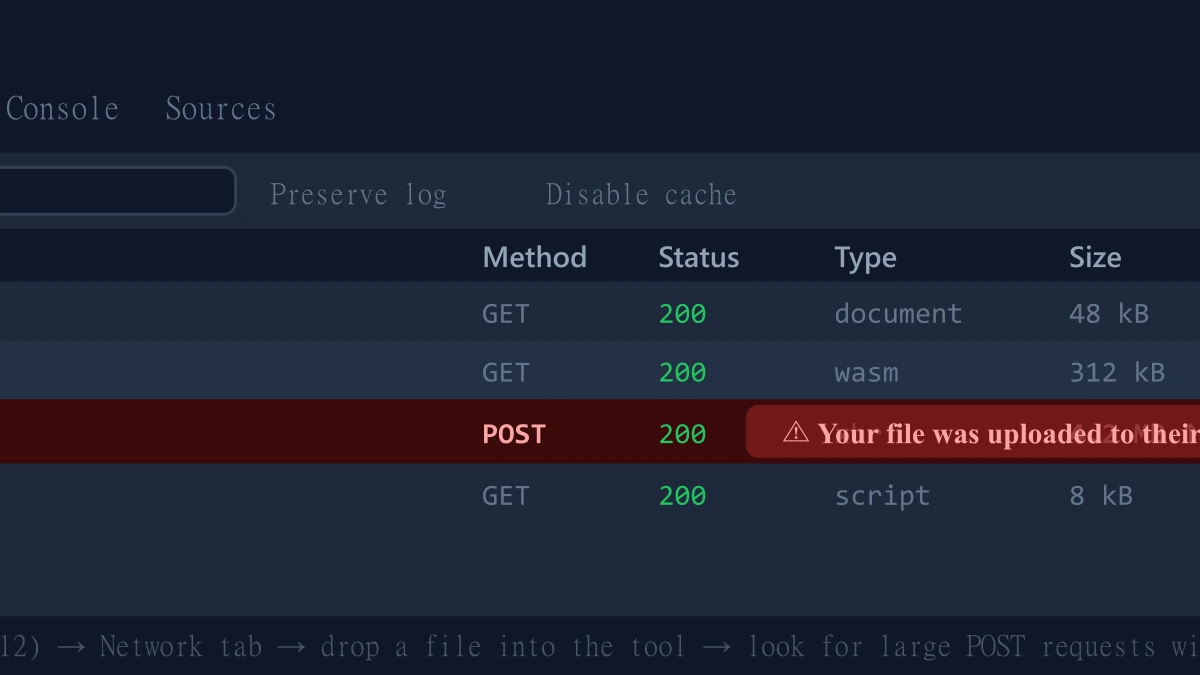
- 1.Open the tool, press F12, and click the Network tab in DevTools.
- 2.Tick "Preserve log" so nothing clears between steps.
- 3.Run a merge, split, or compression on a test PDF.
- 4.Watch for a large outbound
POSTrequest the size of your file, that is an upload. On ImagePDF.Tools there is no such request.
For a fuller three-way breakdown including Smallpdf, see our guide on iLovePDF vs Smallpdf vs ImagePDF.Tools.
The Bottom Line
iLovePDF is a capable, established tool with a genuinely generous free tier, and for OCR or e-signature work at scale it remains a reasonable choice. But every file you give it has to be uploaded first. For the everyday jobs, merging, splitting, compressing, converting, ImagePDF.Tools does the same work entirely in your browser, for free, permanently, with nothing ever uploaded.
Try it now: merge a PDF or compress one, then check DevTools and confirm nothing was uploaded.
Frequently asked questions
What is the best free iLovePDF alternative that does not upload files?
Is iLovePDF safe to use?
Does ImagePDF.Tools have all the same features as iLovePDF?
Is there a daily limit on ImagePDF.Tools?
How do I check if a PDF tool is uploading my file?
Sources & references
This article was researched and written by Nikola, drawing on the following primary sources and documentation:
More in Privacy & Security
How to Remove Hidden Metadata, GPS Location, and Author Info From PDF and Images
How to Lock PDF Form Fields Permanently After Signing (Flattening Guide)
How to Fix "At Least One Signature Has Problems" Error in Adobe Acrobat