The Best CloudConvert Alternative for PDFs and Images (No Upload) (2026)
Summary
CloudConvert supports 200+ formats but every file still passes through its servers for up to 24 hours. ImagePDF.Tools converts PDFs and images locally.
CloudConvert supports more than 200 file formats through a genuinely capable conversion engine, documents, images, video, audio, ebooks, even CAD files, all behind one API.
ImagePDF.Tools converts and compresses PDFs and images entirely inside your browser, with no server involved at any point. This comparison focuses on the PDF and image overlap, since CloudConvert's video, audio, and developer API reach further than what we offer.
What CloudConvert Does Well
CloudConvert's format coverage is hard to match, over 200 formats across documents, images, spreadsheets, and more, plus a real developer API for teams that need conversion built into their own product.
It also integrates with tools like Zapier and Make, which is genuinely useful for teams automating file conversion as part of a larger workflow, something outside the scope of a browser-based consumer tool.
Where the Upload Happens
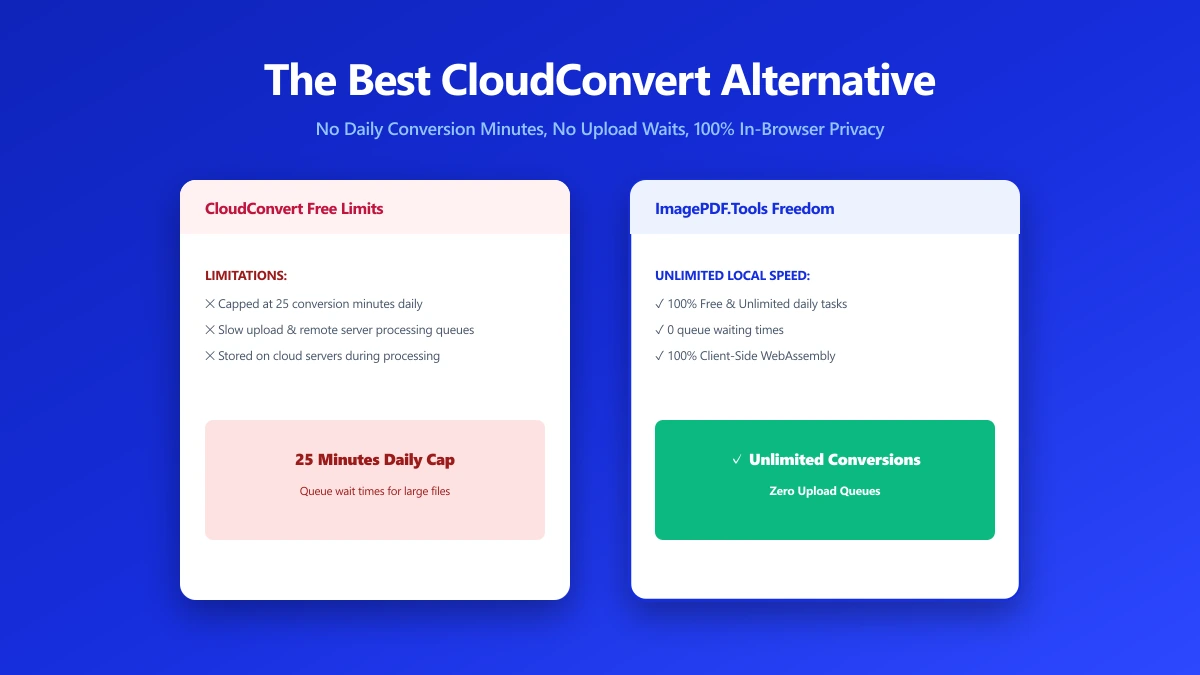
CloudConvert's free tier allows roughly 25 conversion minutes a day without an account. Every file is uploaded to CloudConvert's servers to be processed, and by its own privacy policy, is automatically deleted within 24 hours at the latest.
CloudConvert states plainly that it does not read or mine data from your files. The file still leaves your device and sits on a remote server for up to a day, an exposure window a browser-based tool removes entirely.
A 24-hour deletion window is a reasonable policy as these things go, but it still means your file exists on someone else's server, even briefly. For a tax form, contract, or ID scan, that window is often more exposure than necessary.
How the Free Tier Actually Works
Minutes burn faster for larger files, so a handful of big PDFs or a batch of high-resolution images can use up a day's free allowance quickly, well before you finish the job you sat down to do.
Beyond the daily free minutes, CloudConvert sells packages starting around $9 for 500 one-time minutes, or a subscription from $8 a month for 1,000 minutes. For occasional use those numbers are fine, for daily work they add up.
CloudConvert vs ImagePDF.Tools
| Factor | CloudConvert (free) | ImagePDF.Tools |
|---|---|---|
| Format range | 200+ formats, documents to CAD | Focused on PDF and image tools |
| Daily limit (no account) | ~25 conversion minutes | Unlimited, always |
| Where your file goes | Uploaded, deleted within 24 hours | Never leaves your device |
| Account needed for more usage | Yes, for tracked minutes and paid packages | Never |
| Developer API | Yes | No, browser tool only |
| Starting paid price | $8/month for 1,000 minutes | Free, permanently |
CloudConvert's Account Requirements
Without an account, usage is limited and harder to track across sessions. Creating one unlocks saved history and higher limits, but also means an email address and an account tied to every file you have ever processed.
API Access and Automation
For teams building conversion into an internal tool, CloudConvert's API is a real strength in a way a browser-based consumer tool cannot match, since API access to a hosted service requires a server relationship by definition.
What About Larger Files
CloudConvert's minute-based system means a single large PDF or a batch of high-resolution scans can consume a disproportionate share of the daily allowance, since processing time, not file count, is what actually gets metered.
Format Support Where It Matters Most
For the two formats most people convert day to day, PDF and images, CloudConvert's extra 190-plus formats add little. The real question is whether the daily cap and upload step are worth accepting for formats you may rarely touch.
When CloudConvert Still Makes Sense
For niche formats outside PDF and image work, CAD files, ebooks, obscure document types, or for developers who need a conversion API to call from their own app, CloudConvert's breadth is genuinely useful.
Teams already paying for a subscription tier, and using it mainly for formats outside PDF and image work, get real value from that breadth. The calculation changes for anyone whose daily conversion work is mostly PDFs and photos.
The Real Cost of Frequent Use
An $8 monthly subscription is a small price for a business relying on broad format support. But for PDF and image work specifically, the exact overlap ImagePDF.Tools covers, that is a recurring cost for something that runs free, unlimited, and locally.
A Note on File Size Limits
CloudConvert does not publish a hard per-file size cap the way some competitors do, but very large files consume minutes fast enough that the daily allowance becomes the practical ceiling long before any technical limit does.
Independent Safety Reviews
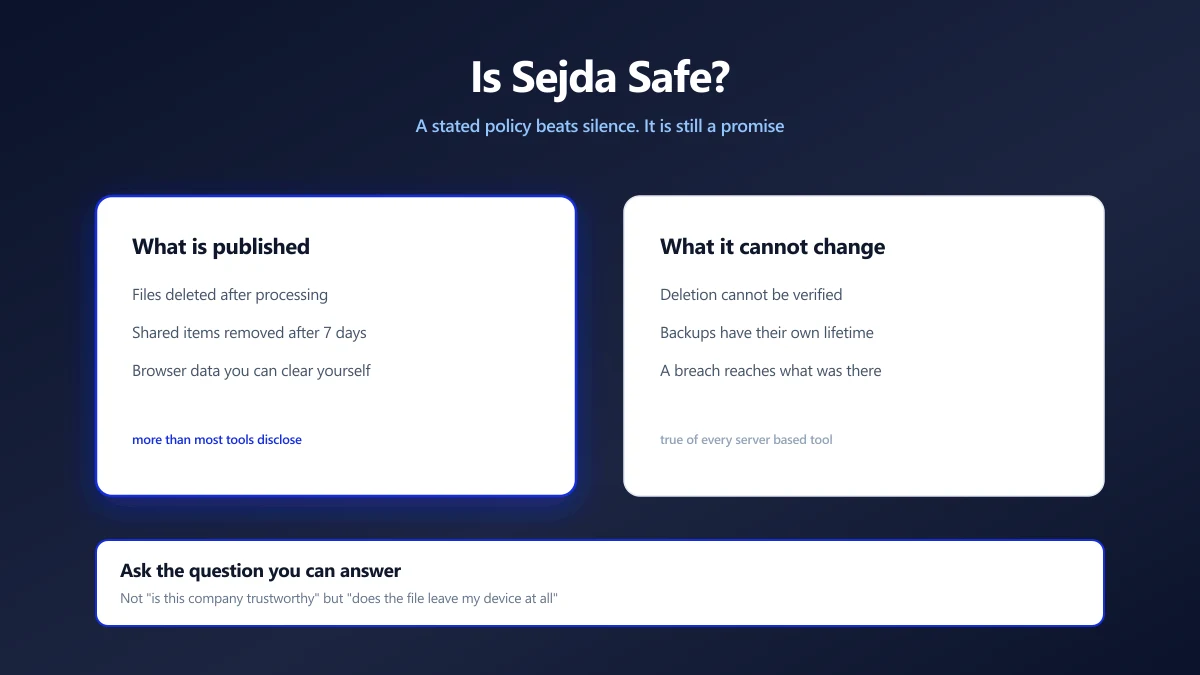
Several independent security write-ups on CloudConvert reach a similar conclusion: the company does not appear to mine or resell file data, but the core tradeoff, a file leaving your device at all, remains for anyone who would rather it never did.
When to Switch
- ●PDF and image conversion or compression specifically, the overlap where a browser-based tool removes the upload entirely.
- ●Sensitive documents, where even a 24-hour server retention window is more exposure than you want.
- ●Frequent use, where a daily minutes cap runs out faster than a normal editing session.
- ●Avoiding a monthly subscription for tasks that take seconds locally in a browser.
Verify It Yourself in 30 Seconds
Do not take either tool's claims on faith, open DevTools and check for yourself.
- 1.Open the Compress PDF tool or the image compressor, press F12, and click the Network tab.
- 2.Tick "Preserve log" so nothing clears between steps.
- 3.Run a conversion or compression on a test PDF or image.
- 4.Watch for a large outbound
POSTrequest the size of your file, that is an upload. On ImagePDF.Tools there is no such request.
For a deeper look at what happens once a file is uploaded to any converter, see our guide on how to check if an online file converter is safe. If you are also comparing FreeConvert, our FreeConvert alternative comparison covers the same ground for that tool.
The Bottom Line
CloudConvert's format range is broad and its deletion policy is reasonable, but every file still touches a server. ImagePDF.Tools converts and compresses PDFs and images with no upload, no daily cap, and no cost, ever.
Try it now: compress a PDF or compress an image, then check DevTools and confirm nothing was uploaded.
Frequently asked questions
Is CloudConvert safe to use?
What is the best CloudConvert alternative that does not upload files?
How many free conversions does CloudConvert allow per day?
Does CloudConvert have a free plan for heavier daily use?
Is ImagePDF.Tools good for formats other than PDF and images?
Sources & references
This article was researched and written by Nikola, drawing on the following primary sources and documentation:
Ready to try it?
All tools run entirely in your browser, no uploads, no account required.
Compress PDF