
The Best Xodo Alternative If One Edit a Day Is Not Enough (2026)
Summary
Xodo is capable but cloud-backed. A browser-based alternative that merges, splits and compresses locally, with nothing uploaded and no sign-in.
Xodo, part of Apryse Software rather than Foxit despite the naming similarity many people assume, built its reputation as a fast, well-reviewed PDF reader and annotator. Its Xodo Web tools genuinely lean toward local, browser-based processing for many operations, more than most of the tools compared on this site. The real limit is narrower than an architecture problem: the free plan caps you at editing one document a day.
ImagePDF.Tools edits, merges, and converts PDFs entirely in your browser with no daily cap at all. Here is the comparison.
What Xodo Does Well
Xodo's own materials describe most Xodo Web tools processing files directly in the browser, and any tool that does need to upload holds the file for only up to an hour before deletion, a genuinely privacy-conscious design, better than most of the upload-based competitors covered on this site. Its reading and annotation experience is also well regarded, and it requires no sign-in for basic use.
The One-Document-a-Day Limit
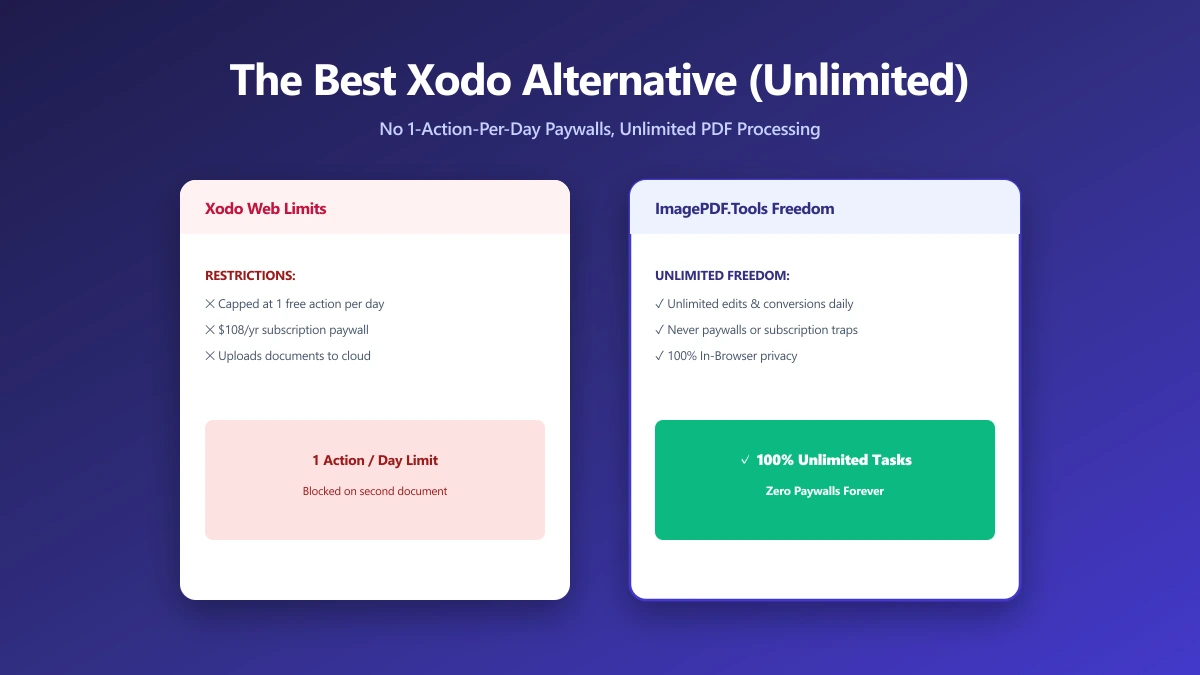
The friction is not the architecture, it is the quota. Xodo Web's free plan lets you make changes to just one document per day. A second edit the same day means waiting until tomorrow or upgrading to Xodo Web, priced from $7.99 a month on an annual plan.
One document a day sounds generous until you actually use PDF tools for work. Two contracts to sign in one afternoon, or a document you need to fix twice after review, both exceed the free plan the moment they happen.
Xodo vs ImagePDF.Tools
| Factor | Xodo (free) | ImagePDF.Tools |
|---|---|---|
| Document edits per day | 1 | Unlimited |
| Where file goes (tools requiring upload) | Uploaded, held up to 1 hour | Never leaves your device |
| Account required | No | Never |
| Starting paid price | $7.99/month (billed yearly) | Free, permanently |
The honest read: Xodo's architecture is closer to ours than most tools we have compared, short retention windows, real local processing for many operations. The daily edit cap is the actual wall, and it is a low one.
When Xodo Still Makes Sense
For reading and annotating PDFs, rather than editing them, Xodo's free tier has no comparable daily limit, and its mobile apps are genuinely well-regarded. If your primary use case is reading and marking up documents rather than editing and converting them, it remains a strong choice.
When to Switch
- ●Editing more than one document a day, which covers most real work sessions.
- ●Frequent conversion or compression tasks, where a daily quota adds friction that browser-based processing does not have.
- ●Avoiding a $7.99+/month subscription just to remove a one-document daily counter.
- ●Wanting zero upload, even for the small subset of Xodo tools that do briefly hold a file server-side.
Verify It Yourself in 30 Seconds
Do not take either tool's privacy claims on faith:
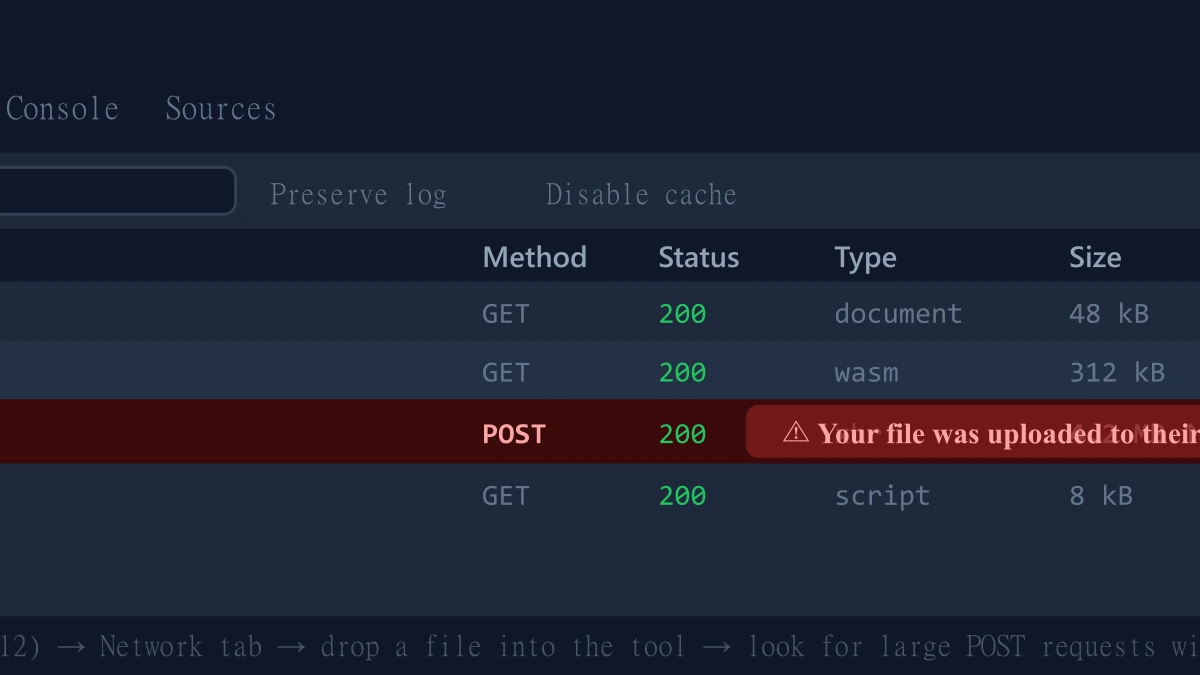
- 1.Open the tool, press F12, and click the Network tab in DevTools.
- 2.Tick "Preserve log" so nothing clears between steps.
- 3.Run an edit or conversion on a test PDF.
- 4.Watch for a large outbound
POSTrequest the size of your file, that is an upload. On ImagePDF.Tools there is no such request.
For a fuller comparison against tools with stricter limits, see our guide on the best Sejda alternative.
The Bottom Line
Xodo's architecture is more privacy-conscious than most of the field, but its free plan still caps you at one document edit a day. ImagePDF.Tools edits, converts, and merges PDFs with no daily limit, no upload, and no cost, ever.
Try it now: convert a PDF to Word or merge one, then check DevTools and confirm nothing was uploaded.
Frequently asked questions
Is Xodo owned by Foxit?
What is Xodo's free plan daily limit?
Does Xodo upload my files to a server?
What is the best Xodo alternative with no daily document limit?
Is ImagePDF.Tools better than Xodo for occasional PDF edits?
Sources & references
This article was researched and written by Nikola, drawing on the following primary sources and documentation:
More in Privacy & Security
How to Remove Hidden Metadata, GPS Location, and Author Info From PDF and Images
How to Lock PDF Form Fields Permanently After Signing (Flattening Guide)
How to Fix "At Least One Signature Has Problems" Error in Adobe Acrobat