
Are Online PDF Converters Safe? The Honest Answer
Summary
Are online PDF converters safe? Most are reasonably secure and will not steal your file, but nearly all of them upload it to a server first.
Most people ask this question right after they almost upload something they should not have, a signed lease, a scanned ID, a financial statement. The honest answer is not a simple yes or no. ImagePDF.Tools sidesteps the whole question by processing PDFs entirely in your browser, but it is worth understanding what the question actually means before you decide which tool to trust with a given file.
What "Safe" Actually Means for a PDF Converter
There are two very different risks hiding inside the word "safe." One is malicious risk, a tool that steals, sells, or leaks your data on purpose. The other is structural risk, a legitimate, well-run tool that still has to upload your file to a server to do its job, meaning the file exists somewhere outside your control for some period of time. Almost every established PDF converter online is safe in the first sense. Very few are safe in the second.
The Honest Answer: Most Are Reasonably Safe, But Nearly All Upload Your File
We looked directly at the published security and retention policies of the most-used online PDF tools this year. The pattern is consistent: encryption in transit, GDPR compliance, and a stated retention window, typically somewhere between one hour and one day, during which your file sits on a server. None of them showed public evidence of misuse. All of them require the upload in the first place. See our deep dives on PDF24, PDF Candy, FreeConvert, and Convertio for the specifics behind each one.
A Quick Reference: How Long Different Tools Keep Your File
| Tool | Retention Window | Architecture |
|---|---|---|
| iLovePDF | 2 hours (5 years for e-signed documents) | Server-side |
| Smallpdf | 1 hour (14 days for eSign/sharing) | Server-side |
| PDF24 | 1 hour (web tools) | Server-side, desktop app is local |
| PDF Candy | 2 hours | Server-side |
| Sejda | Up to 2 hours | Server-side |
| FreeConvert | ~8 hours | Server-side |
| Convertio | Up to 24 hours (output file) | Server-side |
| ImagePDF.Tools | None, nothing is ever uploaded | Client-side, in your browser |
Notice the pattern: every retention window in that table exists because the file was uploaded in the first place. A tool that never uploads your file has nothing to put a retention window on.
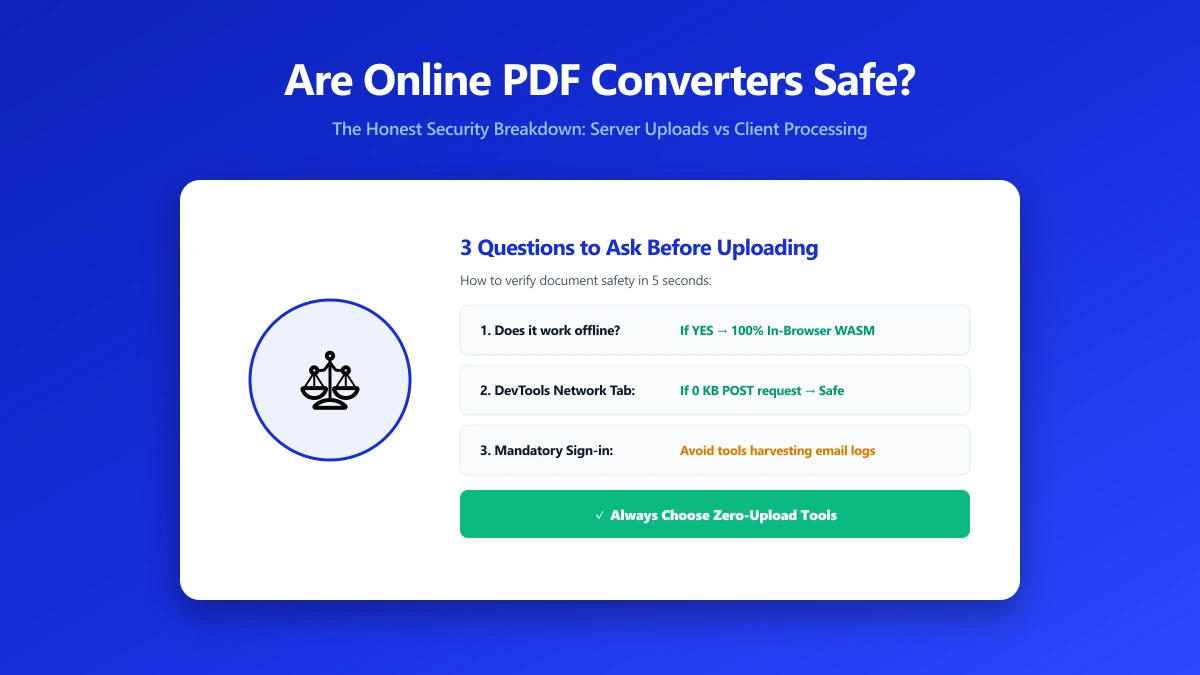
When Upload-Based Tools Are Genuinely Fine
For public documents, low-stakes files, or tasks that genuinely need server-side power, large-batch OCR, e-signature collection, format conversions a browser cannot yet replicate, an established, transparent upload-based tool is a reasonable choice. Being upload-based is not the same as being unsafe.
When to Care More
- ●Signed contracts and legal agreements, where any retention window is exposure you can choose to avoid.
- ●ID documents, passports, licences, anything identifying.
- ●Medical and financial records, statements, insurance forms, billing paperwork.
- ●Business documents not yet public, anything under NDA or ahead of an announcement.
How to Verify Any Converter Yourself
- 1.Open the tool, press F12, and click the Network tab in DevTools.
- 2.Tick "Preserve log" so requests do not clear between steps.
- 3.Run the conversion on a test file, never a sensitive one.
- 4.Watch for a large outbound
POSTrequest sized close to your file, that is an upload.
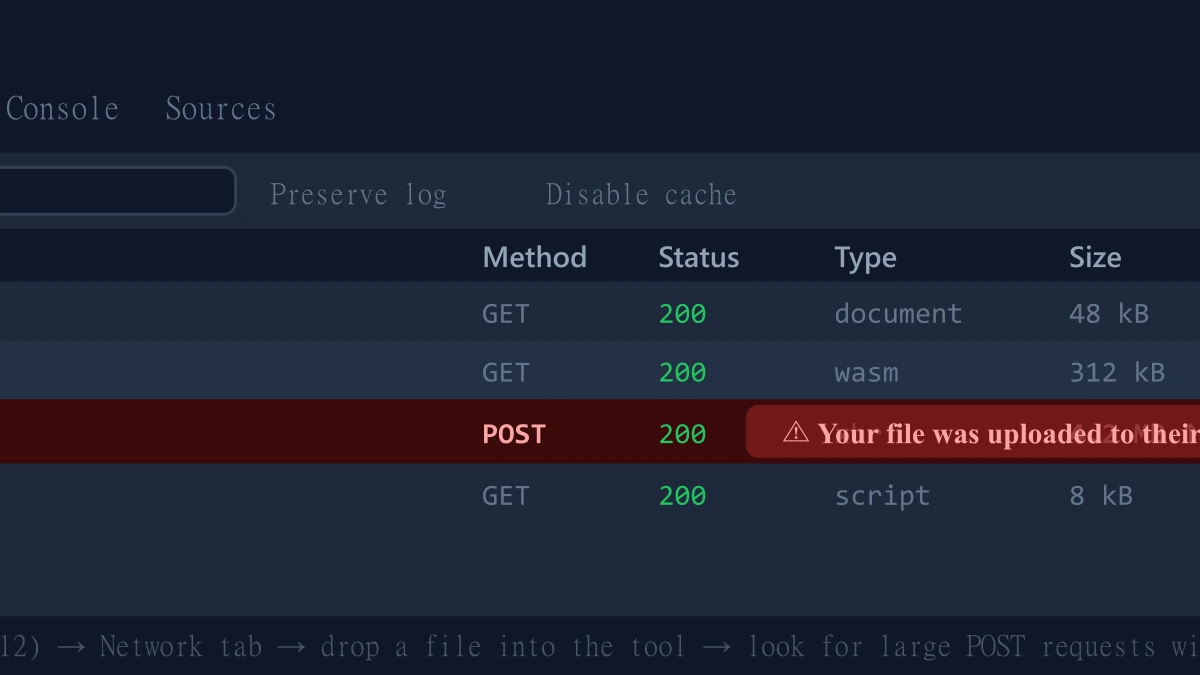
ImagePDF.Tools: Skipping the Question Entirely
ImagePDF.Tools compresses, merges, splits, and converts PDFs entirely inside your browser using WebAssembly. There is no retention window to publish because there is no upload to retain. It is free, permanently, with no account and no daily limit. Try the PDF compressor or the merge tool and confirm it yourself in DevTools.
The Bottom Line
Are online PDF converters safe? For the most part, yes, in the sense that matters most, established tools are not out to steal your data. But almost every one of them still uploads your file to answer the question of "safe" fully, that upload is the actual detail worth weighing, not the marketing.
Try it free: compress a PDF or merge one, then check DevTools and confirm nothing was uploaded.
Frequently asked questions
Are online PDF converters safe to use?
Which online PDF tool never uploads my file?
How long do online PDF converters keep my files?
Is it bad that online PDF converters upload my file?
How can I check if a specific PDF tool is uploading my file?
Sources & references
This article was researched and written by Nikola, drawing on the following primary sources and documentation:
Ready to try it?
All tools run entirely in your browser, no uploads, no account required.
Compress PDFMore in Privacy & Security
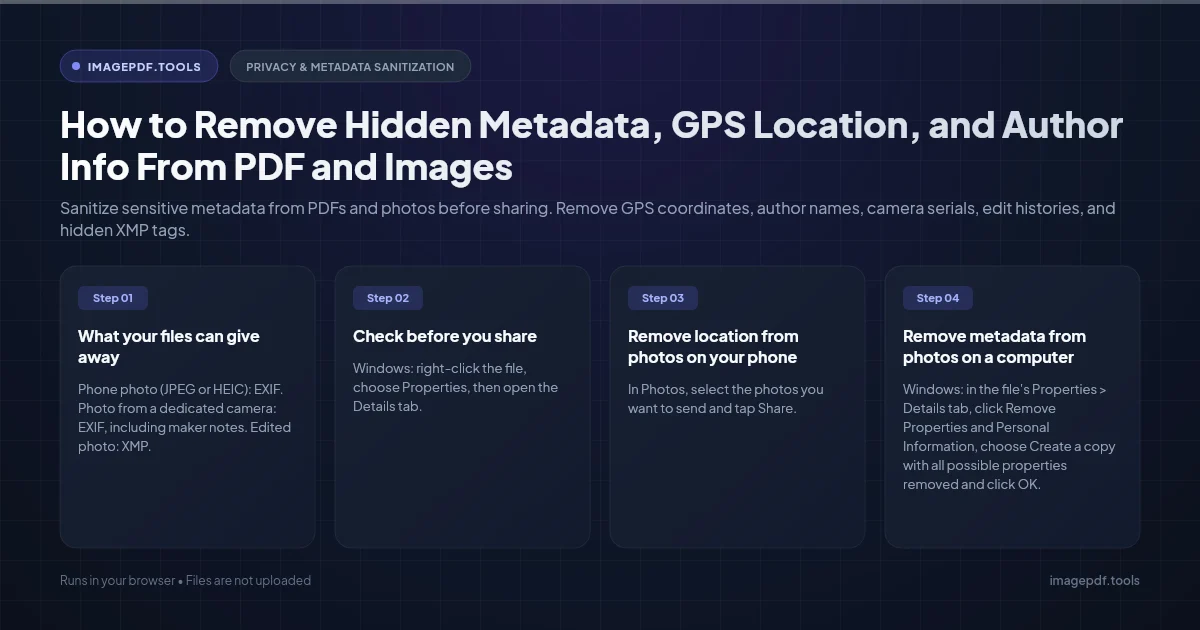
How to Remove Hidden Metadata, GPS Location, and Author Info From PDF and Images
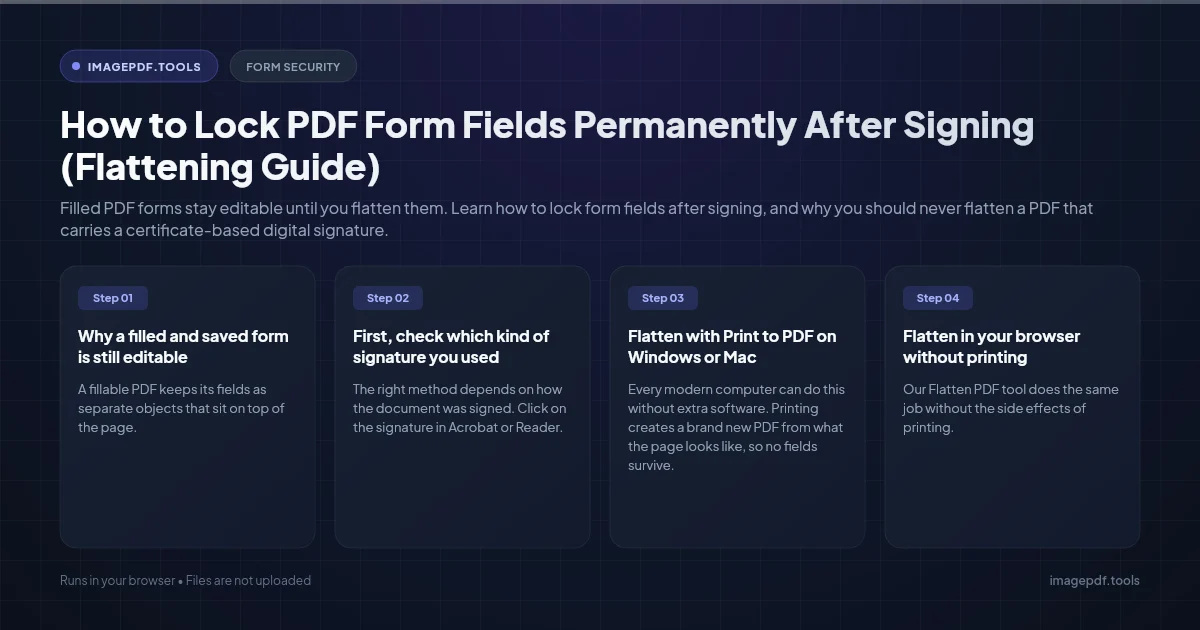
How to Lock PDF Form Fields Permanently After Signing (Flattening Guide)
How to Fix "At Least One Signature Has Problems" Error in Adobe Acrobat