
Amazon Product Image Size Requirements 2026: The Exact Dimensions Sellers Need
Summary
Amazon requires main images at least 1000px on the longest side on a pure white background. Here are the exact pixel specs sellers need to hit in 2026.
Two sellers can list the exact same product, and one listing shows a crisp, zoomable main image while the other looks flat, slightly soft, and gets fewer clicks. The camera usually isn't the problem.
Amazon's system automatically checks every uploaded image against a technical spec: pixel dimensions, background color, even the exact color of the four corner pixels. Miss it, and the image can be rejected or the listing suppressed entirely.
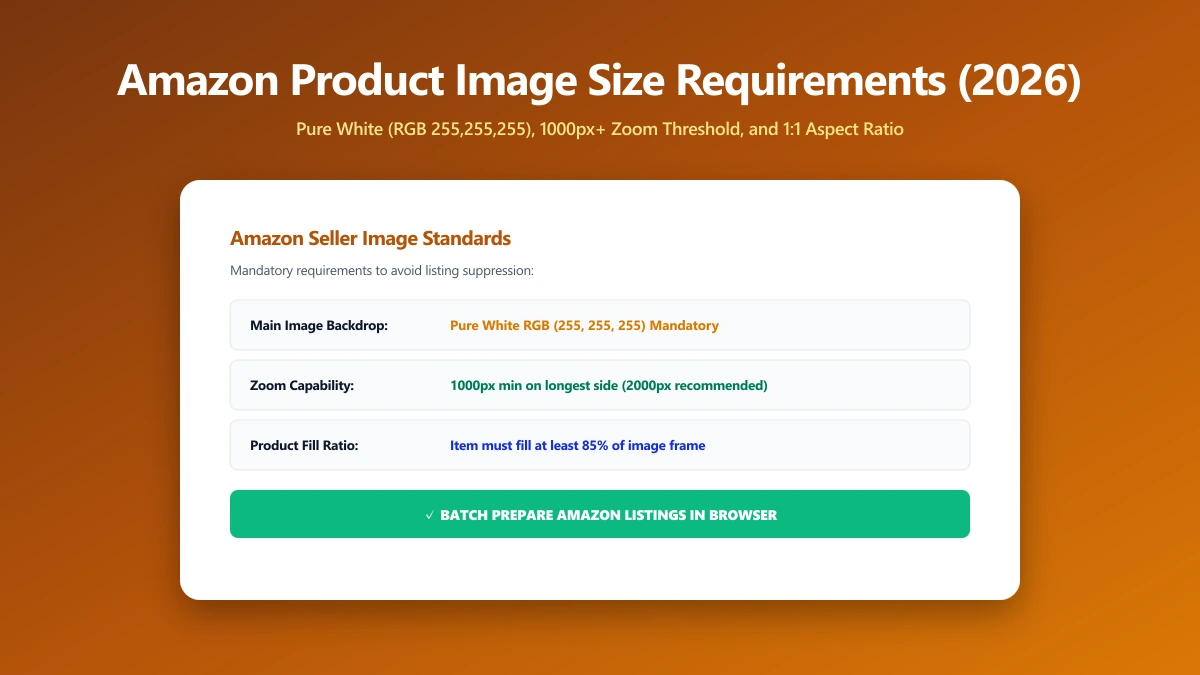
The Exact Dimensions Amazon Requires
Amazon requires the main image to be at least 1000 pixels on the longest side, since that's the threshold that unlocks the zoom feature shoppers rely on to inspect a product before buying.
Many experienced sellers upload at 2000×2000 pixels instead, well above the minimum, so the image stays sharp on high-resolution mobile screens. The main image background must be pure white, RGB 255, 255, 255.
The main image is whichever photo is set as the primary image on the listing, usually the first one uploaded. Amazon shows only this one in search results and category pages, so it carries the most weight of any single photo.
| Factor | Requirement |
|---|---|
| Minimum size | 1000px on the longest side (required for zoom) |
| Recommended size | 2000×2000px for a sharp result on mobile |
| Background (main image) | Pure white, RGB 255, 255, 255 |
| Product framing | Product should fill about 85% or more of the frame |
| File format | JPEG preferred; TIFF, PNG, and GIF also accepted |
| File size cap | 10MB per image |
| Main image content | No text, logos, watermarks, borders, or extra props |
Why Amazon's System Checks Corner Pixels
Amazon's automated image-compliance system checks the four corner pixels of the main image to confirm the background is truly pure white, not just close to it. A slightly gray-tinted background can fail this check even though it looks fine on screen.
This is why exporting straight from a photo editor sometimes fails: JPEG compression can shift a background from RGB 255, 255, 255 to something like 253, 253, 252, invisible to the eye, but enough to trip the check.
Main Image vs Secondary Images: Different Rules
The strict white-background, no-text rule applies only to the main image, the one shown in search results and at the top of the listing. Secondary images can use lifestyle backgrounds, props, and infographic-style text overlays.
Most listings benefit from six or more images total: the compliant main shot, then a mix of angle shots, scale references, and text-based infographics placed further down the page.
How Amazon Compares to Other Marketplaces
Amazon's white-background rule is stricter than most marketplaces. Etsy, for example, allows a lifestyle background on every photo, the constraint there is pixel dimension for zoom, not background color. See our Etsy listing photo size guide if you sell on both.
How to Resize a Product Photo to Meet the Spec
None of this requires special software. A resize, an optional crop, and a compression pass, in that order, cover nearly every product photo that currently fails Amazon's spec.
- 1.Open the Resize Image tool and drop in your product photo.
- 2.Set the target to at least 1000×1000, or 2000×2000 for extra sharpness on Retina and high-DPI phone screens.
- 3.If the product doesn't fill roughly 85% of the frame, use the crop tool to tighten the framing before you resize.
- 4.Save the resized image, then run it through the image compressor if it's still close to the 10MB cap.
Never upscale a small original to hit the 1000px minimum. Stretching a 600px photo up to 1000px doesn't add real detail, it just looks soft under Amazon's zoom, the opposite of what the requirement is for. Reshoot at a higher resolution instead.
Resizing Multiple Product Photos at Once
Most sellers photograph a product from several angles in one session, then need every shot resized to the same spec before upload. Resizing each photo to the same target dimensions keeps a listing's whole image set visually consistent.
Why This Actually Affects Sales
An image below the zoom threshold doesn't just look worse, it can be rejected outright or cause the listing to be suppressed from search results, which means the product effectively stops selling until it's fixed.
Suppressed or rejected listings can also lose eligibility for the Buy Box and certain ad placements, compounding the visibility loss well beyond just the product page itself.
Mobile shoppers zoom constantly to check texture, stitching, materials, and fine print before buying. A listing that can't zoom cleanly reads as lower quality by association, even when the product itself is identical to a competitor's.
Common Mistakes That Get Main Images Suppressed
- ●Off-white or cream backgrounds that fail Amazon's automated pure-white check, even when they look white to the eye.
- ●Text, logos, or watermarks placed directly on the main image, which are only allowed on secondary images.
- ●Uploading below 1000px, which disables zoom and can trigger a listing quality warning.
- ●Added borders, props, or multiple products in a single main image frame when the listing is for one item.
- ●Shadows or reflections in the background that read as gray to Amazon's automated check, common with glass or glossy products.
Most of these are easy to fix once you know to look for them: reshoot on a true white backdrop or clean it up digitally, then confirm the corners of the frame are genuinely white before uploading.
It's worth checking a listing's main image against the spec periodically, not just at upload, since Amazon's automated checks and enforcement have both grown stricter over recent catalog updates.
Verify Nothing Was Uploaded
Product photography is often unreleased inventory, worth keeping private until a listing goes live. Press F12, open the Network tab, resize a photo, and confirm there's no outbound POST request the size of your file.
The Bottom Line
Amazon's main image spec is a strict, automated check, not a style preference: at least 1000px, pure white background, no text or props. Hit those three and zoom, search visibility, and click-through all improve together.
For the wider picture on image weight and load speed, see our guide on e-commerce image optimization. Try it now: resize a product photo, free, entirely in your browser.
Frequently asked questions
What is the minimum image size for Amazon product listings?
Does Amazon require a white background for all product images?
What happens if my Amazon image doesn't meet the size requirements?
Can I add text or a logo to my Amazon main image?
Is it safe to resize product photos online before a listing goes live?
Sources & references
This article was researched and written by Nikola, drawing on the following primary sources and documentation:
Ready to try it?
All tools run entirely in your browser, no uploads, no account required.
Resize Image

